Convert Photo to Roblox Avatar Style
Last updated
Type what you want. Become a Roblox character in seconds.
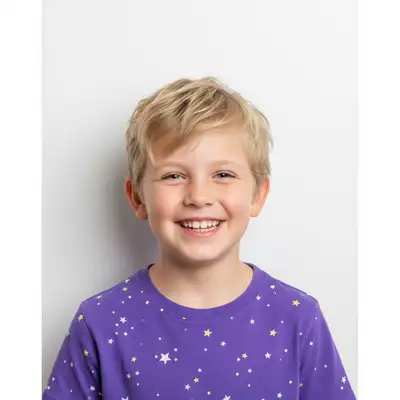
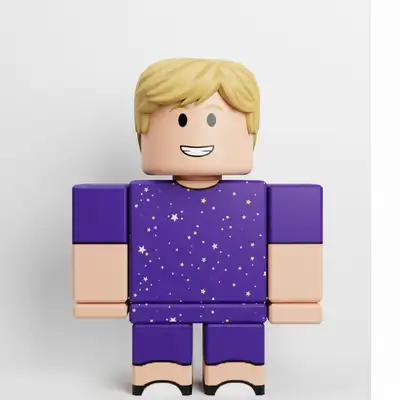
Upload photo to convert roblox avatar
"transform into classic R6 Roblox character style - six-part blocky body, cylinder limbs, simple dot eyes and smile, vintage Roblox aesthetic"
Free to try · no sign-up · photos are never shared
Release to upload
<30stypical edit
1 freeedit weekly
Photo on your phone?
Scan to open this editor there — free edit works on your phone too.
How it works
See it in action
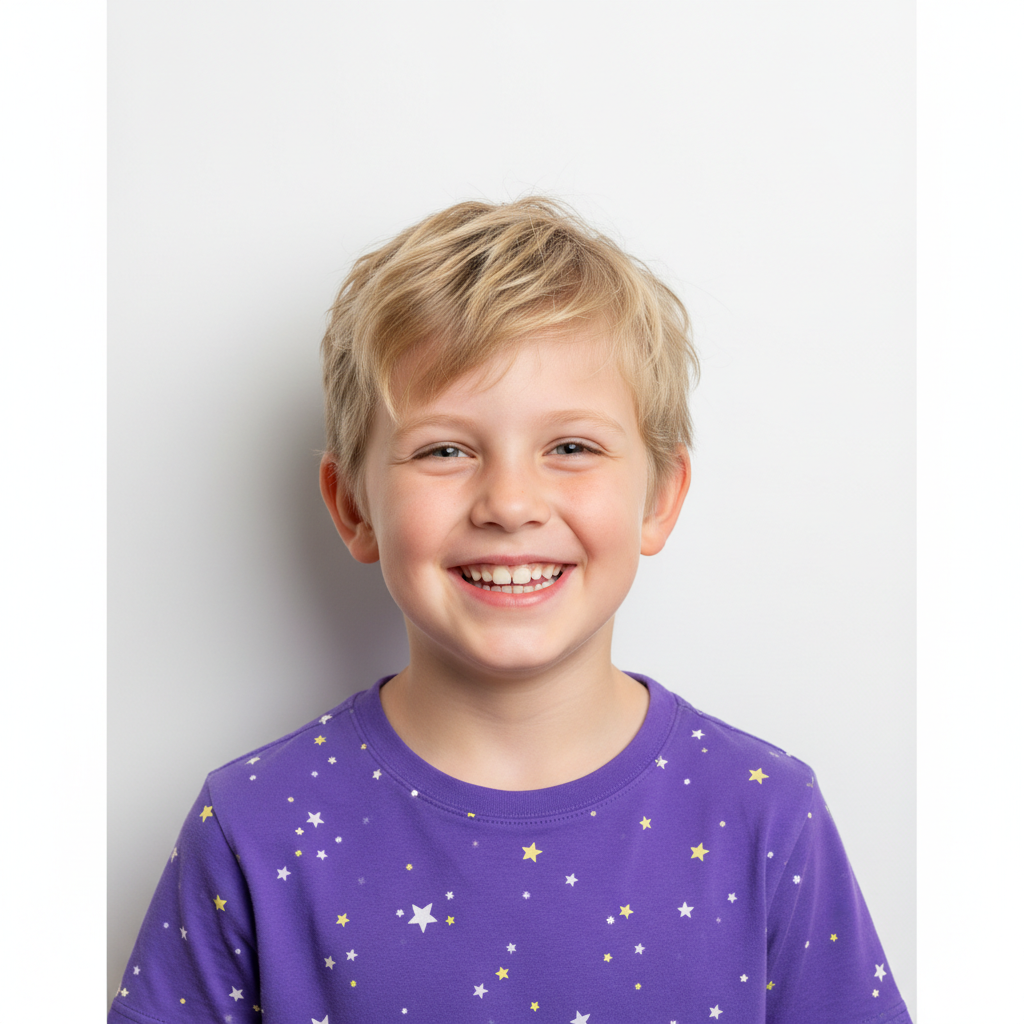
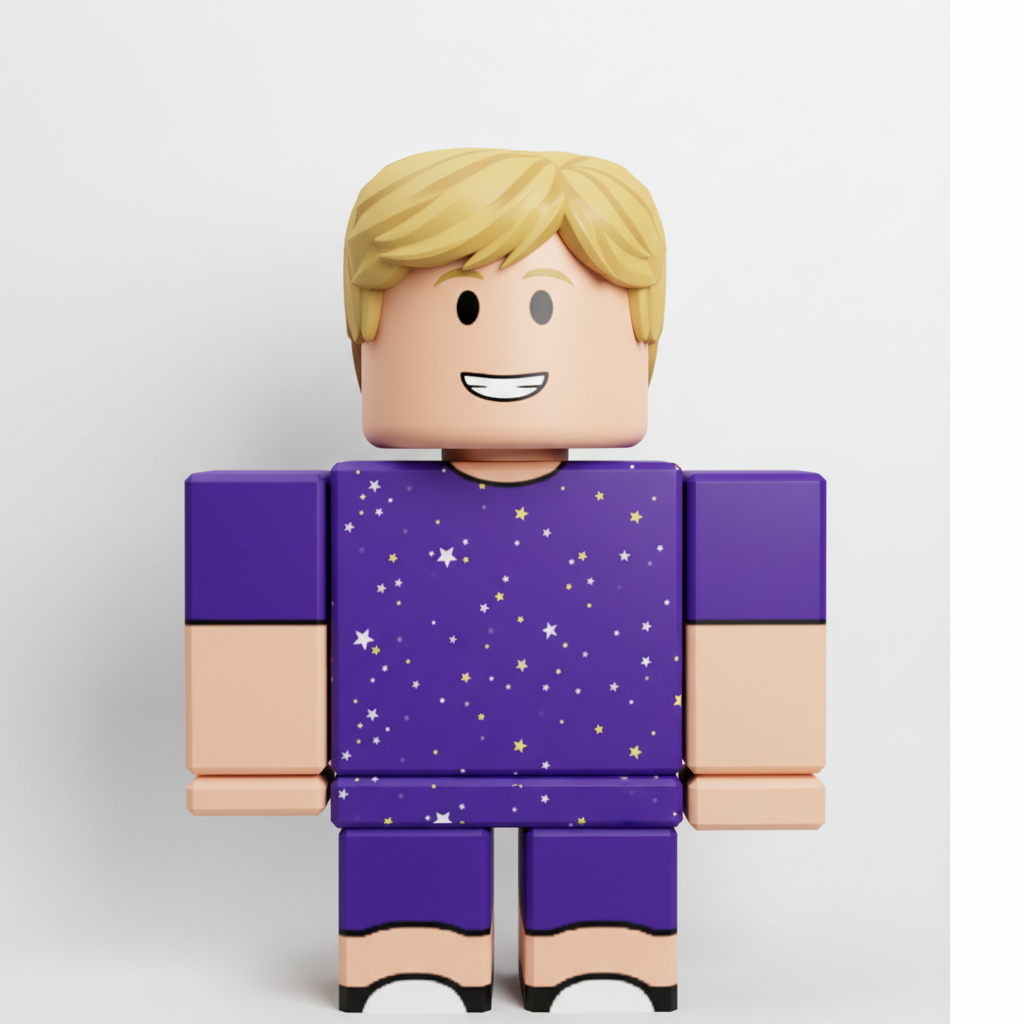
Kid to Roblox character
A child's portrait transformed into an adorable Roblox avatar with proper blocky proportions.
Prompt:
convert this photo to Roblox avatar style with blocky rectangular body, cylindrical arms and legs, simplified face, smooth plastic-like appearance
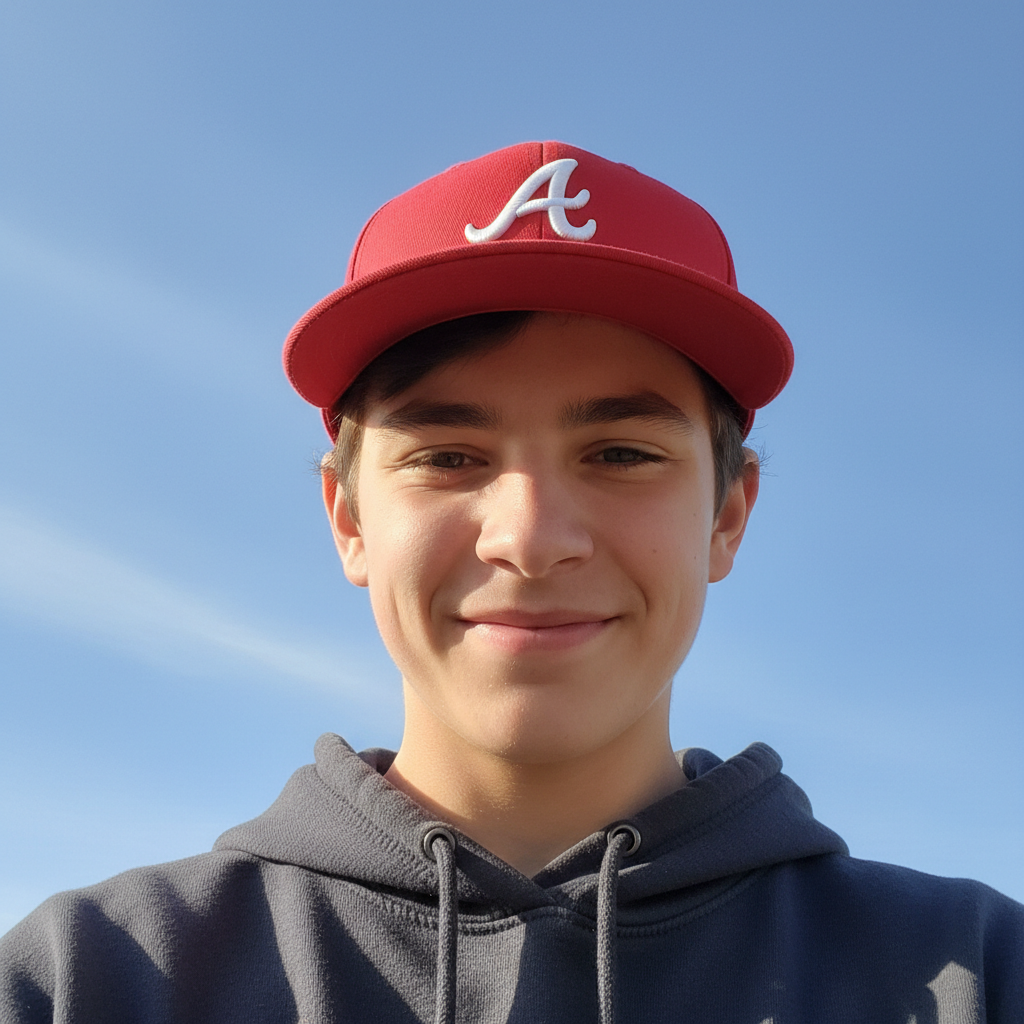
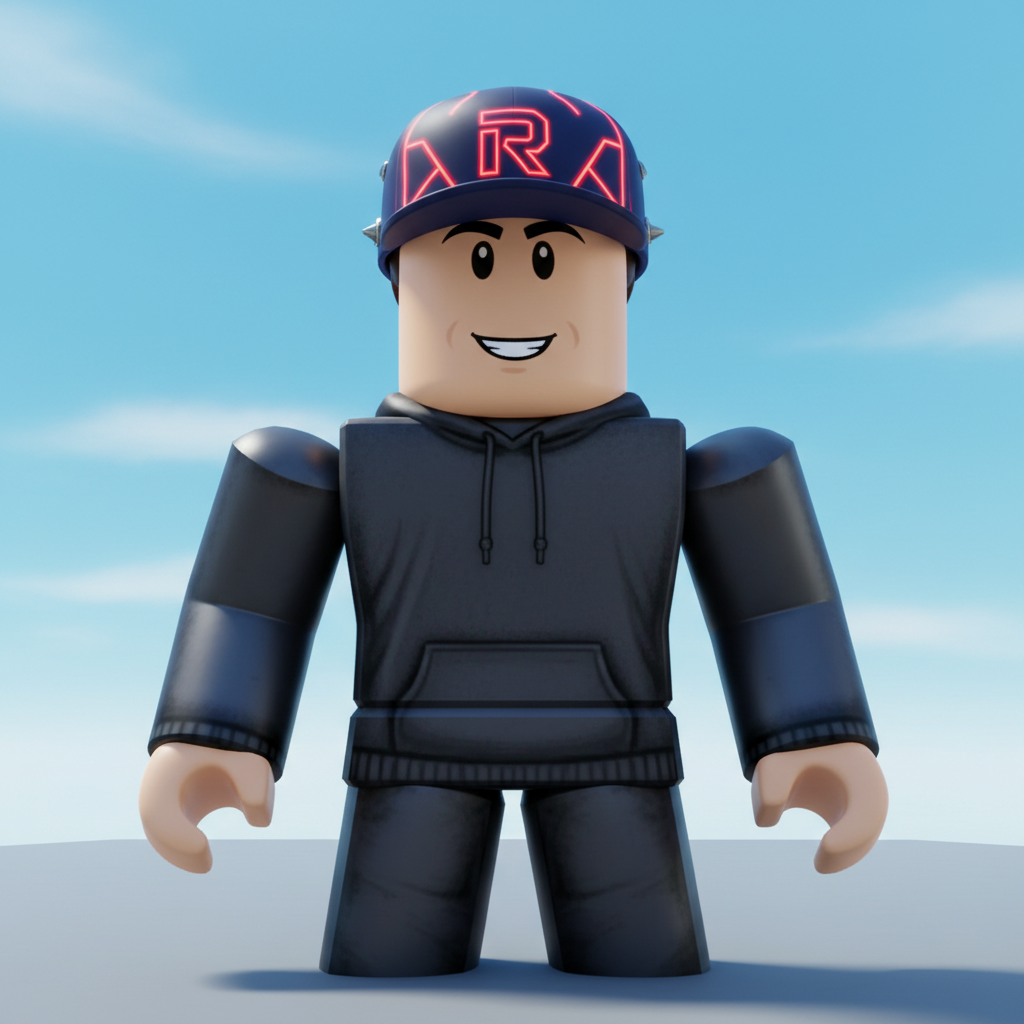
Teen to Roblox gamer
A teenager's selfie converted into a Roblox-style avatar ready for adventures.
Prompt:
convert to Roblox avatar style wearing cool hat accessory, blocky body, cylindrical limbs, Roblox game character look
Quick answers
Popular use cases
Ready to become a Roblox character?
Free to try. No signup required.