Do I need to mark the background before adding spooky scenes?
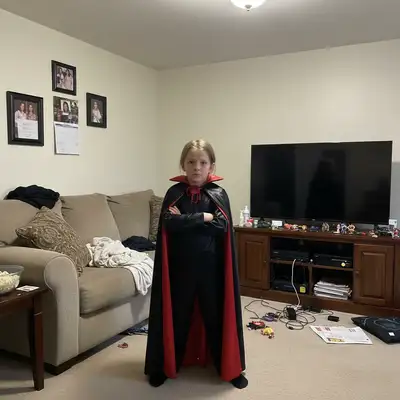
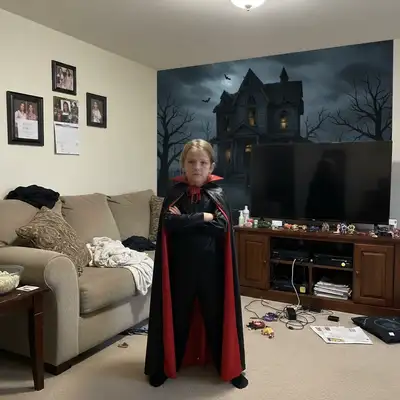
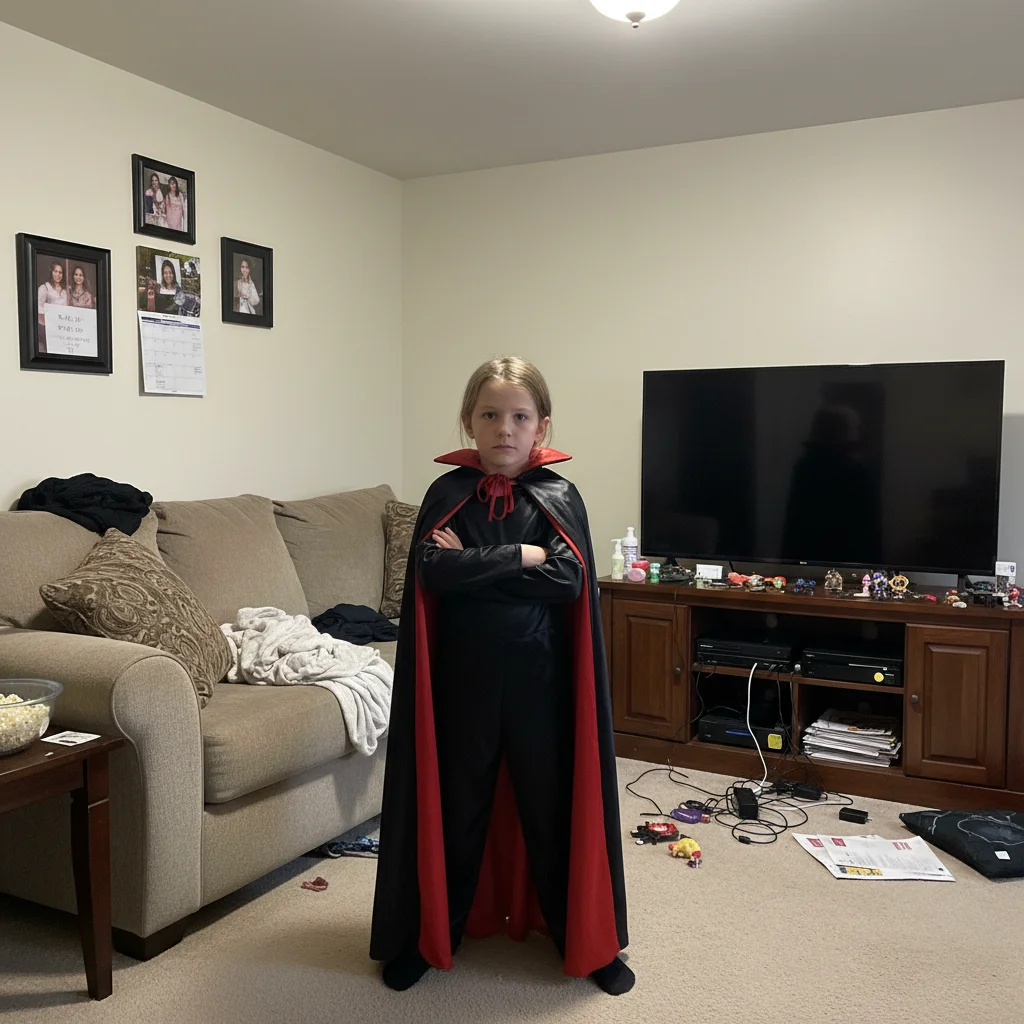
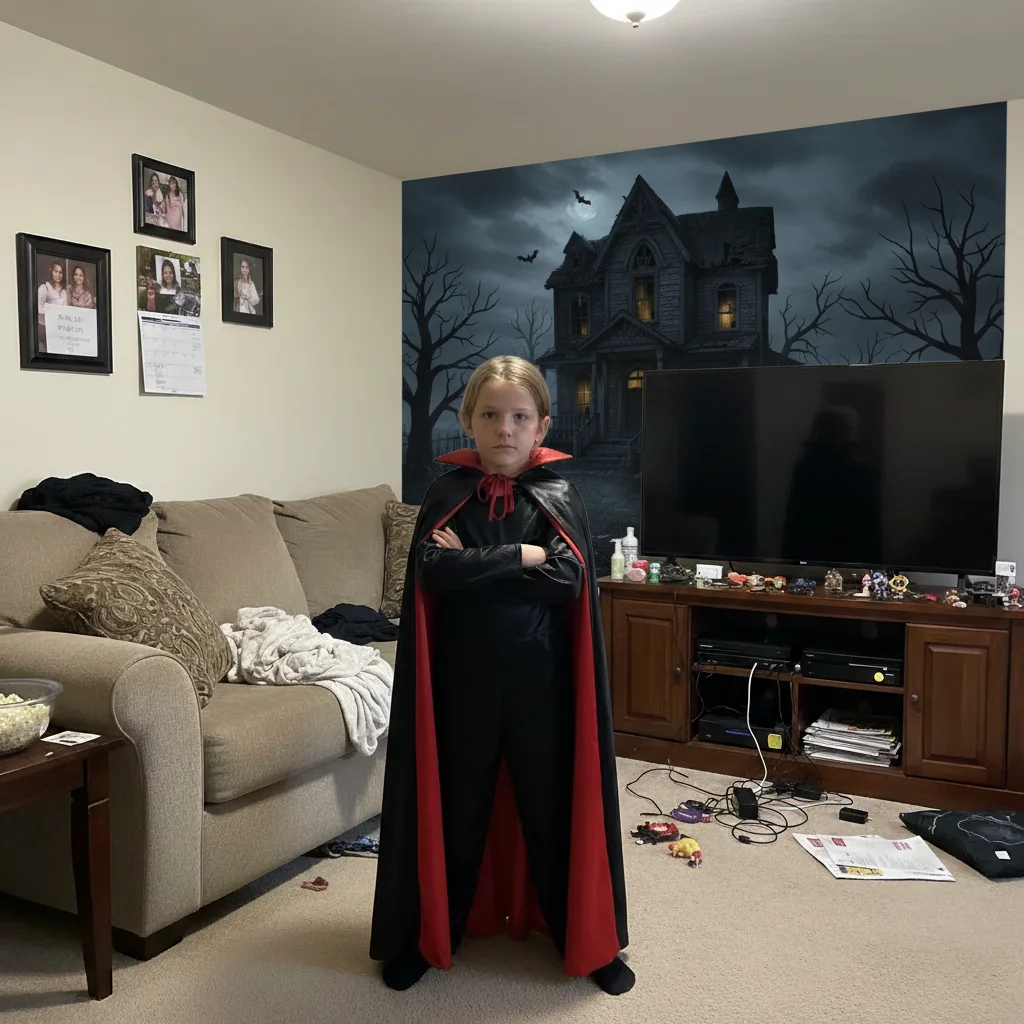
No! Just describe what you want: 'replace background with haunted house.' The AI automatically detects the costume subject and separates it from the background.
Is there a free Halloween photo editor that doesn't require signup?
Yes! EditThisPic is completely free to try with no account needed. You can add spooky backgrounds, enhance costume colors, and remove clutter without signing up or entering payment information.
What Halloween backgrounds work best for costume photos?
Popular choices: haunted houses, foggy graveyards, creepy forests with pumpkins, abandoned mansions, or misty night scenes. Be specific about mood - 'playful Halloween' vs 'truly creepy' creates very different atmospheres.
Can I enhance costume details that got lost in poor lighting?
Yes! Use prompts like 'enhance the costume colors to pop more' or 'brighten costume details and sharpen the image.' This brings out details and colors that party or home lighting washed out.
Will this work on group costume photos?
Absolutely. The AI can detect multiple people and preserve all costumes while changing backgrounds or adding effects. Try 'add foggy graveyard behind the group' or 'enhance all costumes and add spooky lighting.'
How do I remove messy backgrounds from home costume photos?
Two approaches: (1) 'remove the clutter and add dark spooky background' for simple cleanup, or (2) 'replace background with haunted forest' for complete transformation. Name specific items if the AI misses some: 'remove the toys, furniture, and coat rack.'
Is EditThisPic's AI Halloween costume photos enhancer really free?
Yes — you get 1 free edit per week, no account needed. Plans start at $4.99/month for 15 edits.
Can I enhance Halloween costume photos on my phone?
Yes. EditThisPic works in any mobile browser — iPhone, Android, tablet. No app download needed.
How much does EditThisPic cost?
You get 1 free edit per week — no account needed. After that, credit packs start at $1.99 for 3 edits. Monthly plans start at $4.99/mo for 20 edits with unused credits rolling over. All edits are full resolution with no watermark.