Free β€’ No signup Make Person look slimmer Β· Free

Make Someone Skinny in Photo

Upload any photo and describe how much slimmer you want β€” the AI reshapes the body naturally in seconds. No selection tools or drawing required.

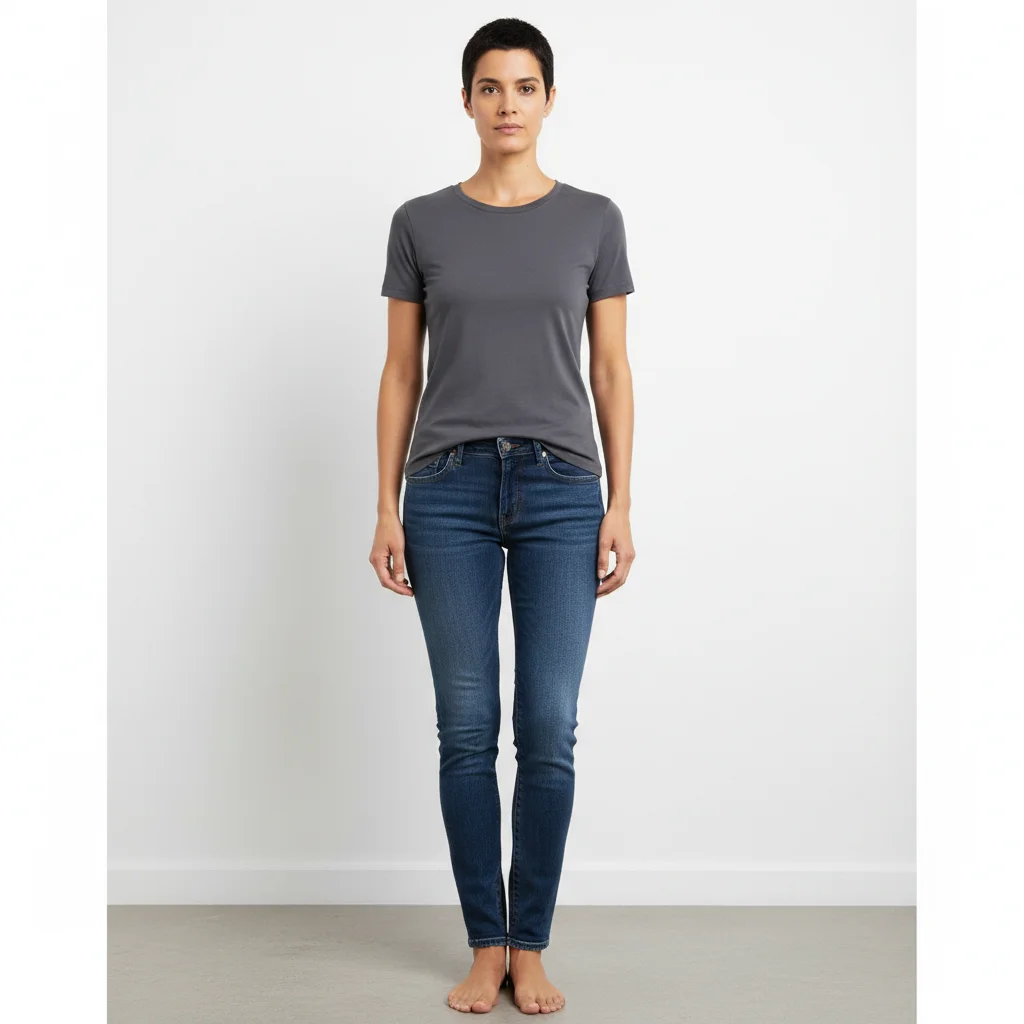
Woman with curvy build in jeans and fitted top before slim edit
Before
β†’
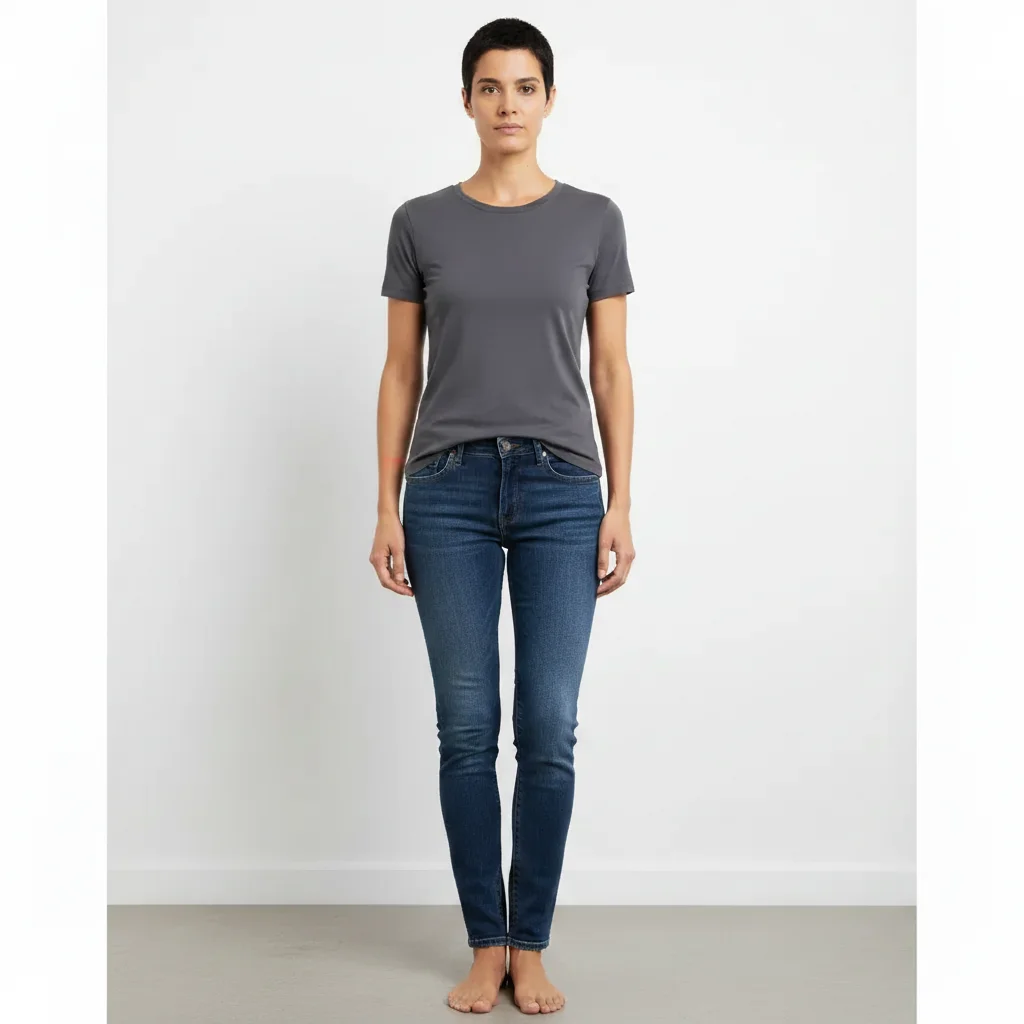
Same woman looking noticeably slimmer with natural proportions after AI edit
After

Make Someone Skinny in Photo

Upload photo to make person look slimmer

Free β€’ Results in 30 seconds β€’ No signup

Release to upload

FreeNo signupNo watermark

1 free edit·then from $1.99

Popular use cases:
  • AI slim filter
  • body transformation photo editor
  • slim photo editor free
  • weight loss photo preview
  • what would I look like skinny
  • slim prank photo
  • body reshaper AI
  • make person look thinner

Cost
Free No signup required
Time
Instant results in 15-30 seconds
Works on
Any device - browser, phone, tablet, desktop
Powered by
AI-powered photo editing
Scenario Prompt Time
Noticeably slimmer all over make this person look noticeably slimmer, keep proportions natural 30s
Face slim only slim down the face only β€” thinner cheeks, more defined jaw 15s
Weight loss preview make this person look like they lost 20 pounds, realistic proportions 30s
Dramatic prank make this person look extremely skinny and thin 30s

How it works

  1. Upload your photo

    Upload any photo with a person clearly visible. Full-body photos work best for dramatic results; portraits work well for face and upper-body slimming. JPG, PNG, or WebP up to 7MB.

    Expect: Most results arrive in 15-30 seconds. Full-body reshaping may take up to 40 seconds.
  2. Describe the slim look

    Type what you want: 'make this person look noticeably slimmer' or 'slim down the waist, hips, and face naturally.' Be specific about which areas β€” the AI can focus on the whole body or just the face, arms, or midsection.

    Tip: Phrases like 'naturally slimmer' and 'keep proportions realistic' give the AI clearer direction and prevent the warped-mirror look.

    Copy one of these to get started:

    Noticeably slimmer all over make this person look noticeably slimmer and leaner throughout β€” slimmer waist, thinner face, keep proportions natural
    See what 20 pounds lighter looks like make this person look like they lost about 20 pounds β€” slimmer everywhere but still realistic and proportional
    Slim face only slim down the face only β€” thinner cheeks, more defined jaw, keep the body exactly the same
    Dramatic transformation for a prank make this person look extremely skinny and thin β€” very slim body and face, like they lost a lot of weight
    4 more prompts
    Slim waist and hips specifically slim down the waist and hips significantly, keep the face, shoulders, and legs the same
    Wedding photo slim edit make the person in the dress look slightly slimmer β€” subtle, natural, not overdone
    Slim both people in a photo make both people in this photo look slimmer and leaner while keeping proportions realistic
    Athlete body type make this person look lean and athletic β€” slim but toned, like they work out regularly
  3. Send it

    Review the result and download. For a prank, send it directly to the person with a caption like 'AI scanned your vacation photos' and wait. For a curiosity check, save it for yourself and compare.

Try it free ↓

Make Someone Skinny in Photo

Upload photo to make person look slimmer

Free β€’ Results in 30 seconds β€’ No signup

Release to upload

Free β€’ No signup

See it in action

Woman with curvy build in jeans and fitted top before slim edit
Before
->
Same woman looking noticeably slimmer with natural proportions after AI edit
After

Full body slim transformation

A person reshaped to look visibly slimmer while keeping facial features and clothing unchanged.

Prompt: make this person look noticeably slimmer and leaner throughout β€” slimmer waist, thinner face, keep proportions natural
Man with round friendly face before slim face edit
Before
->
Same man with thinner cheeks and more defined jaw after AI slim edit
After

Face slim for a prank

A friend's photo sent back with a dramatically slimmer face β€” subtle enough to be convincing, weird enough to get a reaction.

Prompt: slim down the face only β€” thinner cheeks, more defined jaw, keep the body exactly the same
Person in casual clothes standing on patio before weight loss preview
Before
->
Same person looking 20 pounds lighter with natural proportions after AI edit
After

What would I look like 20 pounds lighter

Curiosity check β€” same person, same outfit, same background β€” just slimmer to preview a weight-loss goal.

Prompt: make this person look like they lost about 20 pounds β€” slimmer everywhere but still realistic and proportional

If something looks off

The background or clothes look warped or stretched

Why: The AI reshaped the body but didn't cleanly reconstruct the surroundings β€” common when someone is near a wall with a strong pattern or wearing fitted clothing with visible lines.

Try: slim down this person naturally, keep the background and clothing pattern exactly the same, only reshape the body

Tip: Photos with plain backgrounds and loose-fitting clothing give the AI more room to reshape without distortion.

Result looks like a funhouse mirror β€” too stretched or unnaturally narrow

Why: The slim instruction was interpreted too literally without a proportionality constraint.

Try: make this person look slimmer but keep proportions completely realistic and natural β€” no distortion

Tip: Always include 'realistic proportions' in your prompt when you want the result to be believable.

Only the face changed but the body stayed the same

Why: The AI focused on the most prominent area (the face) and missed the rest of the body.

Try: slim down the whole body β€” waist, hips, arms, and legs β€” not just the face

Tip: Listing body parts explicitly ('waist, hips, arms') tells the AI exactly where to apply the edit.

The person's face features changed along with the shape

Why: Slimming the face can inadvertently shift eyes, nose, or mouth positions if the AI over-adjusts.

Try: slim the face shape only β€” cheeks and jawline β€” keep the eyes, nose, and mouth position exactly the same

Tip: Specifying 'keep facial features in the same position' preserves the person's identity while changing the face shape.

Effect is too subtle β€” can barely see a difference

Why: The AI defaulted to a conservative change to avoid over-editing.

Try: make this person dramatically and noticeably slimmer β€” a significant visible difference, not subtle

Tip: Words like 'dramatically', 'significantly', and 'obvious difference' signal to the AI that you want a strong effect.

Quick answers

Do I need to mark the body areas before describing what I want?

No. Just type 'make this person look slimmer' and the AI identifies and reshapes the body automatically. Only use markers if the AI changes something you didn't want changed β€” like the background or another person in the photo.

Is this free?

Yes. EditThisPic gives you 1 free edit per week with no account needed. For more edits, plans start at $4.99/month.

Will this look realistic enough to fool someone?

For moderate changes β€” like a slimmer face or a 10-20 pound lighter look β€” the results are convincing enough to make someone do a double-take. Dramatic full-body transformations can look slightly edited but are still good enough for a prank reaction.

Can I use this to see what I'd look like after losing weight?

That's exactly what a lot of people use it for. Upload your photo and type 'make this person look like they lost 20 pounds' or whatever target you have in mind. The AI gives you a realistic preview to visualize the goal.

Can I slim just one part β€” like only the face or only the waist?

Yes. Be specific in your prompt: 'slim down the face only, keep the body the same' or 'slim the waist and hips, keep the rest unchanged.' The more targeted your description, the more precise the result.

Will this work on group photos?

Yes, but describe which person to slim. 'Make the person on the left look slimmer' or 'slim down the woman in the red dress' helps the AI target the right subject.

Is my photo stored or shared?

No. EditThisPic processes your photo for the edit and does not store or share it. Your images stay private.

What's the difference between this and apps like FaceApp or Facetune?

Apps like FaceApp and Facetune use fixed sliders and preset filters. EditThisPic lets you describe exactly what you want in plain language β€” 'slim the waist but keep the shoulders broad' β€” which gives you much more control over the result than a generic slim slider.

How much does EditThisPic cost?

You get 1 free edit per week β€” no account needed. After that, credit packs start at $1.99 for 3 edits. Monthly plans start at $4.99/mo for 15 edits with unused credits rolling over. All edits are full resolution with no watermark.

Ready to see what slimmer looks like?

Free to try. No signup required.

1 free edit included·Credit packs from $1.99