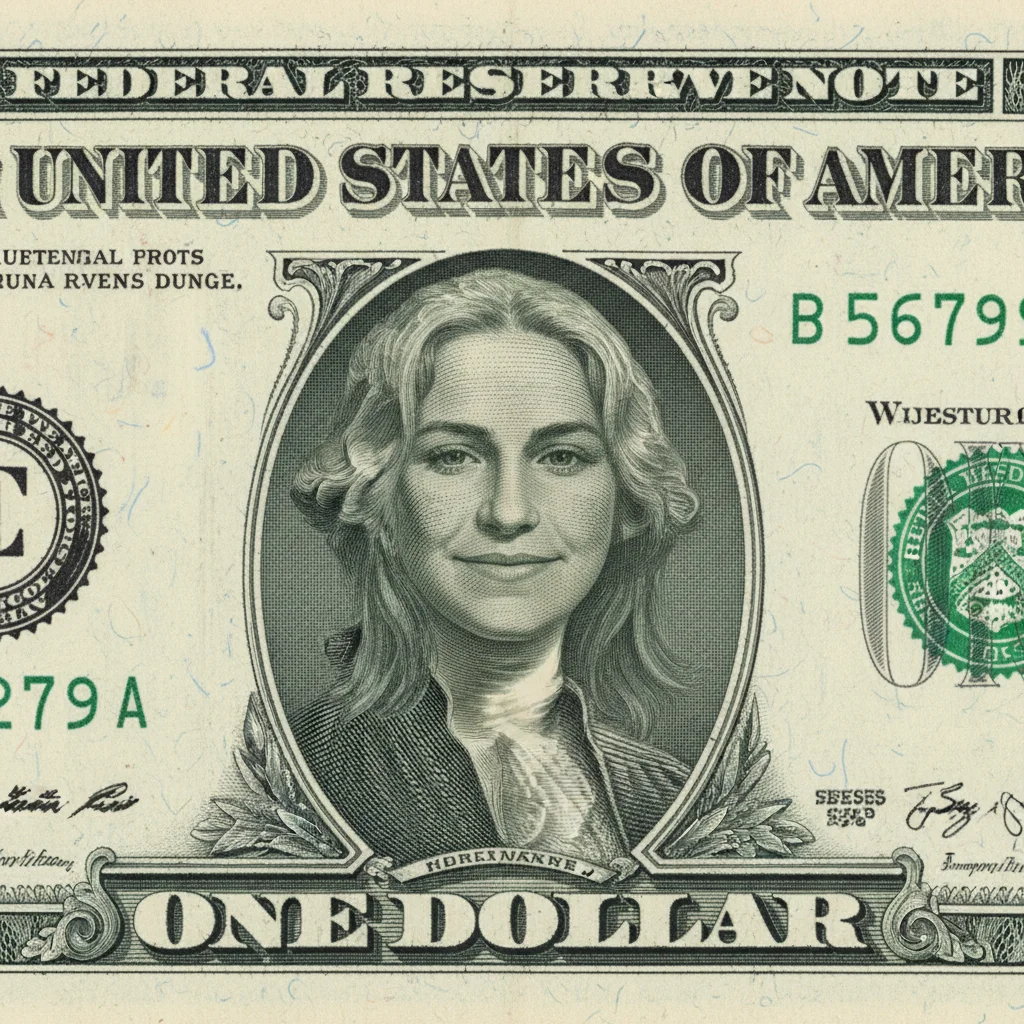
Free β€’ No signup Put A friend's face on a dollar bill Β· Free

Put Friend On Dollar Bill Prank

Upload a friend's portrait and AI puts them on a dollar bill. Engraved style, green tint, and official currency look.

Original photo before put a friend's face on a dollar bill
Before
β†’
Photo after put a friend's face on a dollar bill with AI
After

Put Friend on Dollar Bill Prank

Upload photo to put a friend's face on a dollar bill

Free β€’ Results in 30 seconds β€’ No signup

Release to upload

FreeNo signupNo watermark

1 free edit·then from $1.99

Popular use cases:
  • put a friend's face on a dollar bill
  • AI a friend's face on a dollar bill editor
  • photo a friend's face on a dollar bill tool
  • free a friend's face on a dollar bill editing

Cost
Free No signup required
Time
Instant results in 15-30 seconds
Works on
Any device - browser, phone, tablet, desktop
Powered by
AI-powered photo editing

How it works

  1. Upload your photo

    Drop your image into EditThisPic. JPG, PNG, WebP up to 7MB. Choose a clear photo where the area you want to edit is visible.

    Expect: Most edits complete in 20-45 seconds. Complex changes may need 1-2 refinements.
  2. Describe your edit

    Type what you want: 'put this person's face on a US dollar bill β€” replace the president portrait with their face in the classic engraved currency style, green tint, official-looking bill.' Be specific about details for best results. The AI understands natural language β€” no technical skills needed.

    Tip: Specify the denomination ($1, $5, $100) and add a funny title replacing the president's name for the most personalized result.

    Copy one of these to get started:

    Classic dollar bill Put my friend's face on a $100 bill β€” replace Benjamin Franklin with their face in engraved currency style. Keep the green color, ornate borders, serial numbers. Add 'IN THIS FRIEND WE TRUST' text
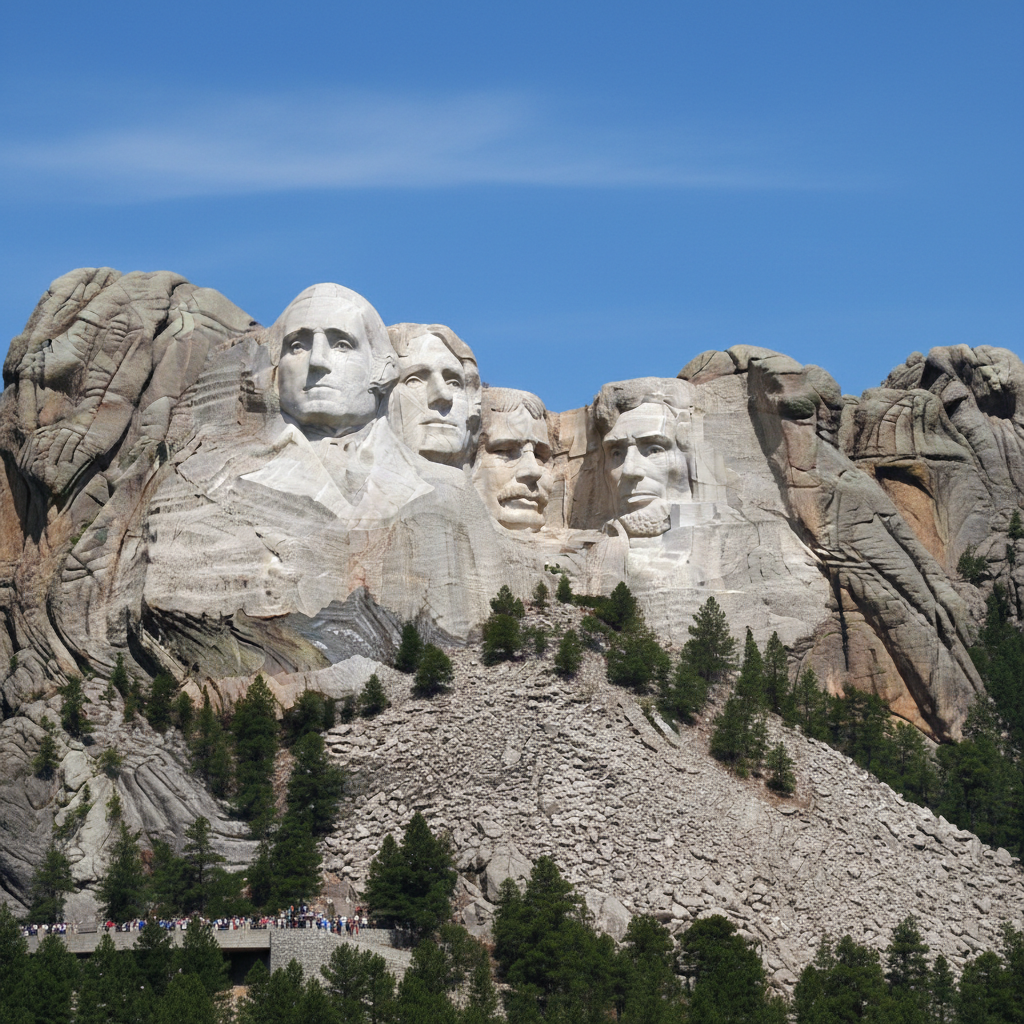
    Custom denomination Create a custom $1,000,000 bill with my friend's face β€” presidential portrait position, classic engraved style, text says 'ONE MILLION DOLLARS'. Real-looking currency design but clearly custom
    Vintage currency style Put my friend on an old-timey currency note β€” sepia-toned, 1800s bill design, ornate calligraphy, portrait in an oval frame. Vintage treasury note style
    World currency Put my friend's face on a British pound note β€” replace the monarch portrait, keep the UK currency styling, proper colors and design elements. International money prank
    2 more prompts
    Framed currency gift Create a framed display of a dollar bill with my friend's face β€” gold frame, museum-style mounting, spotlight lighting. Like it's in the Smithsonian. Their name engraved on a plaque below
    Pet on money Put my pet's face on a dollar bill β€” replace the president with my dog/cat in engraved currency style. 'IN DOG WE TRUST' text. Keep the official currency layout and green coloring
  3. Review the result

    Check the output carefully. Look for natural blending, consistent lighting, and realistic details. Compare before and after using the slider.

Try it free ↓

Put Friend on Dollar Bill Prank

Upload photo to put a friend's face on a dollar bill

Free β€’ Results in 30 seconds β€’ No signup

Release to upload

Free β€’ No signup

See it in action

Original photo before put a friend's face on a dollar bill
Before
->
Photo after put a friend's face on a dollar bill with AI
After

Put Friend On Dollar Bill Prank β€” Example 1

A photo edited using EditThisPic to put a friend's face on a dollar bill.

Prompt: Put my friend's face on a $100 bill β€” replace Benjamin Franklin with their face in engraved currency style. Keep the green color, ornate borders, serial numbers. Add 'IN THIS FRIEND WE TRUST' text
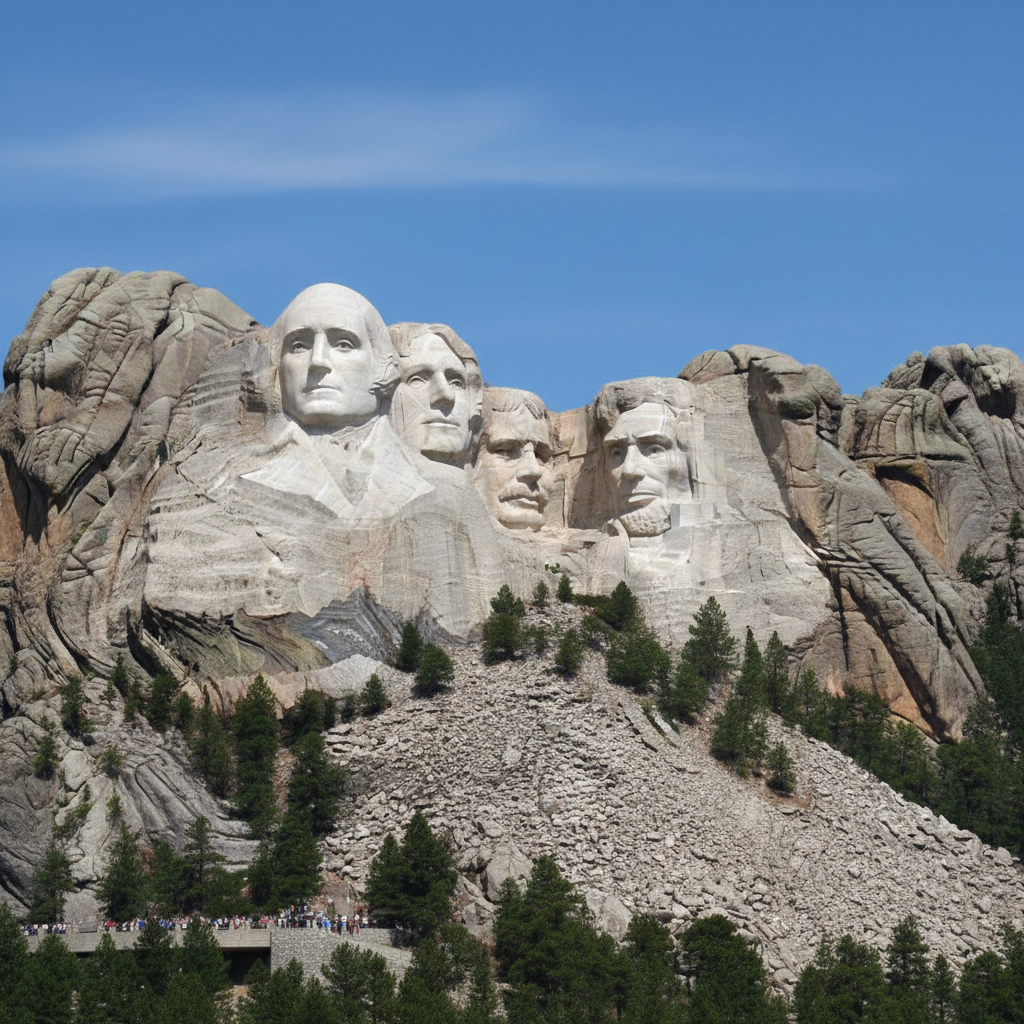
Original photo before put a friend's face on a dollar bill
Before
->
Photo after put a friend's face on a dollar bill with AI
After

Put Friend On Dollar Bill Prank β€” Example 2

Another example showing a different scenario for this editing task.

Prompt: Create a custom $1,000,000 bill with my friend's face β€” presidential portrait position, classic engraved style, text says 'ONE MILLION DOLLARS'. Real-looking currency design but clearly custom

If something looks off

AI changed the wrong area

Why: The AI couldn't determine exactly which area you meant from the description alone.

Try: Tap a marker on the specific area you want to edit, then regenerate with the same prompt

Tip: Markers tell the AI exactly where to focus. Use them when description alone is ambiguous.

Result looks unnatural or blurry

Why: The AI may need more specific guidance about the look you want.

Try: put a friend's face on a dollar bill, ensure natural lighting and sharp details that match the rest of the photo

Tip: Adding 'natural' and 'realistic' to your prompt helps the AI prioritize believability.

Lighting doesn't match the rest of the photo

Why: The edited area has different lighting than the original scene.

Try: put a friend's face on a dollar bill, match the lighting direction and color temperature of the original photo

Tip: If light comes from one side in the original, mention it: 'with light from the left side.'

Edges look rough or artificial

Why: Transitions between edited and unedited areas need refinement.

Try: Tap markers on the rough edges and regenerate: refine these edges for a seamless blend

Tip: Edge refinement is the most common adjustment β€” markers on problem areas make it quick.

Quick answers

Is the dollar bill prank tool free?

Yes, EditThisPic lets you put a face on a dollar bill for free with one Fast edit per week. No signup or credit card required. Credit packs start at $1.99 for more edits.

How realistic does the dollar bill look?

The AI creates a convincing currency-style image with engraved portrait, green tint, ornate borders, and official-looking text. It's clearly a novelty β€” perfect for pranks, not counterfeiting.

Can I customize the text on the bill?

Yes. Replace the denomination, the 'IN GOD WE TRUST' text, the president's name, or any other text. Include your custom text in the prompt. Keep it short for the clearest rendering.

Does it work with any portrait photo?

Yes. Any clear portrait or selfie works. The AI adapts the face to match the engraved currency style. Front-facing photos with good lighting produce the most realistic results.

Can I print this out?

Yes, you can print the image for personal use as a prank, gift, or decoration. The result is a novelty image β€” obviously not real currency. Great for birthday cards and joke gifts.

Does it work with different currencies?

Yes. Specify the currency in your prompt β€” US dollar, British pound, Euro, or any other currency. The AI adapts the design to match the specified currency's style and color scheme.

How much does EditThisPic cost?

You get 1 free edit per week β€” no account needed. After that, credit packs start at $1.99 for 3 edits. Monthly plans start at $4.99/mo for 15 edits with unused credits rolling over. All edits are full resolution with no watermark.

Ready to put your photos?

Free to try. No signup required.

1 free edit included·Credit packs from $1.99