Free β€’ No signup Put A face on Mount Rushmore alongside the presidents Β· Free

Put Face On Mount Rushmore Prank

Upload a portrait and AI carves your face into Mount Rushmore. Join Washington, Jefferson, Roosevelt, and Lincoln on the mountain.
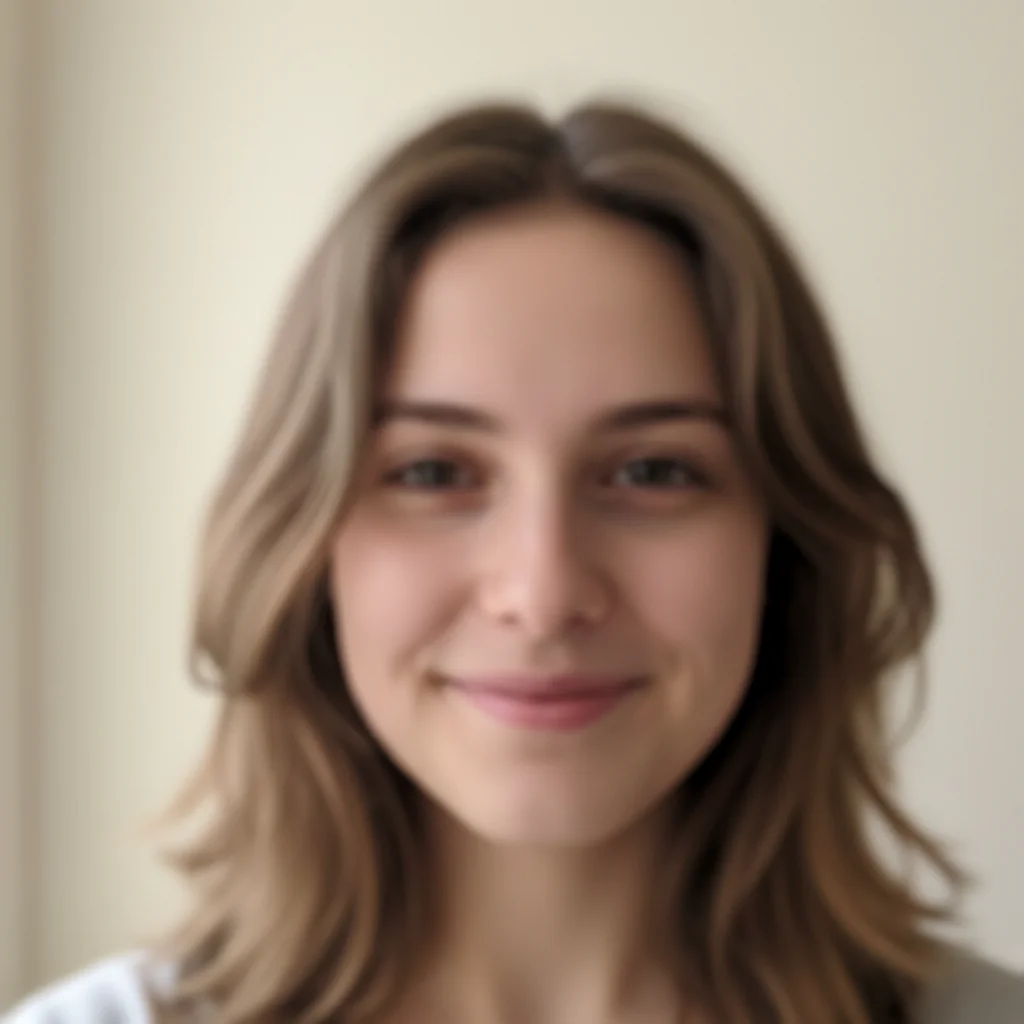
Original photo before put a face on Mount Rushmore alongside the presidents
Before
β†’
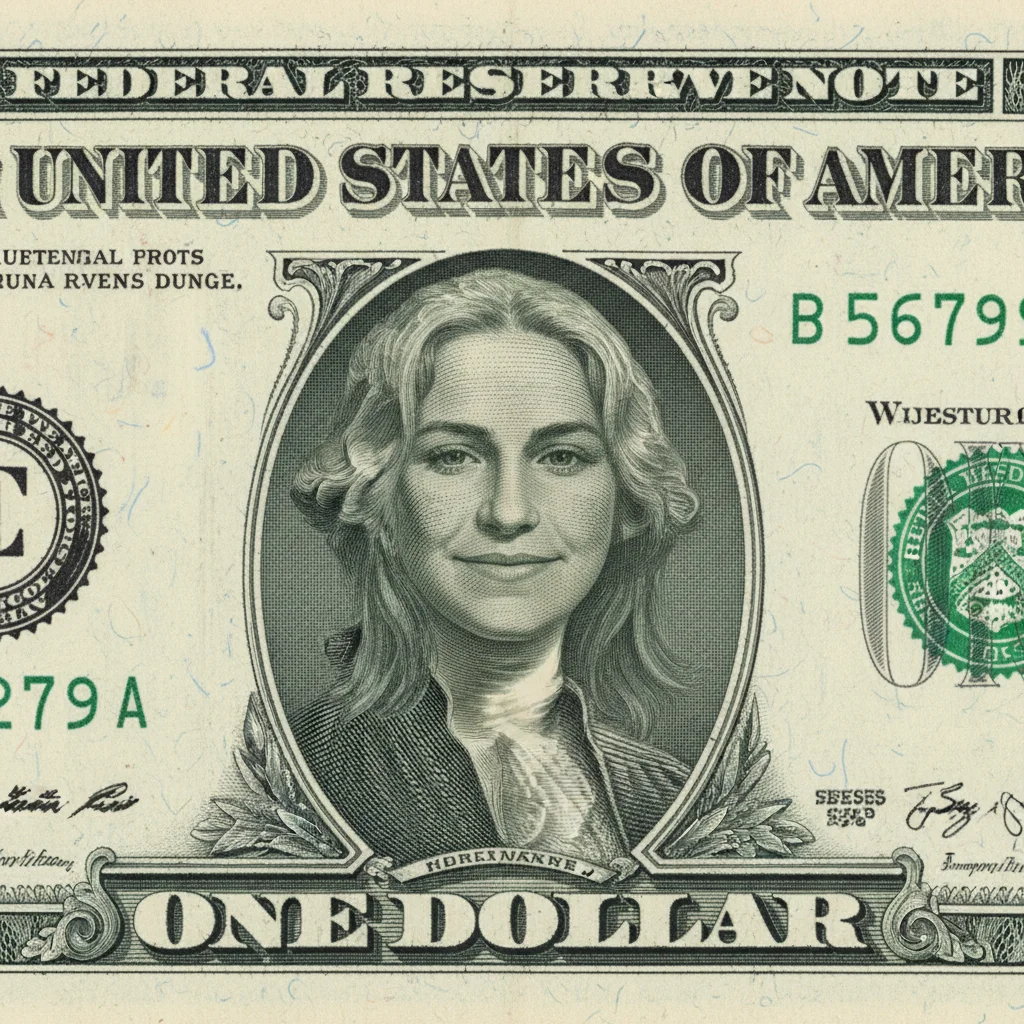
Photo after put a face on Mount Rushmore alongside the presidents with AI
After

Put Face on Mount Rushmore Prank

Upload photo to put a face on Mount Rushmore alongside the presidents

Free β€’ Results in 30 seconds β€’ No signup

Release to upload

FreeNo signupNo watermark

1 free edit·then from $1.99

Popular use cases:
  • put a face on Mount Rushmore alongside the presidents
  • AI a face on Mount Rushmore alongside the presidents editor
  • photo a face on Mount Rushmore alongside the presidents tool
  • free a face on Mount Rushmore alongside the presidents editing

Cost
Free No signup required
Time
Instant results in 15-30 seconds
Works on
Any device - browser, phone, tablet, desktop
Powered by
AI-powered photo editing

How it works

  1. Upload your photo

    Drop your image into EditThisPic. JPG, PNG, WebP up to 7MB. Choose a clear photo where the area you want to edit is visible.

    Expect: Most edits complete in 20-45 seconds. Complex changes may need 1-2 refinements.
  2. Describe your edit

    Type what you want: 'add this person's face to Mount Rushmore as a fifth carved face β€” match the granite stone texture, scale, and style of the existing presidential carvings, positioned next to Lincoln.' Be specific about details for best results. The AI understands natural language β€” no technical skills needed.

    Tip: Specify which president to appear next to and what expression your carving should have β€” 'serious and presidential' vs 'grinning' gives very different results.

    Copy one of these to get started:

    Fifth face on Rushmore Add my face as the fifth carving on Mount Rushmore β€” positioned next to Lincoln, matching the granite texture and monumental scale. Carved in stone, same style as the other presidents. Blue sky background
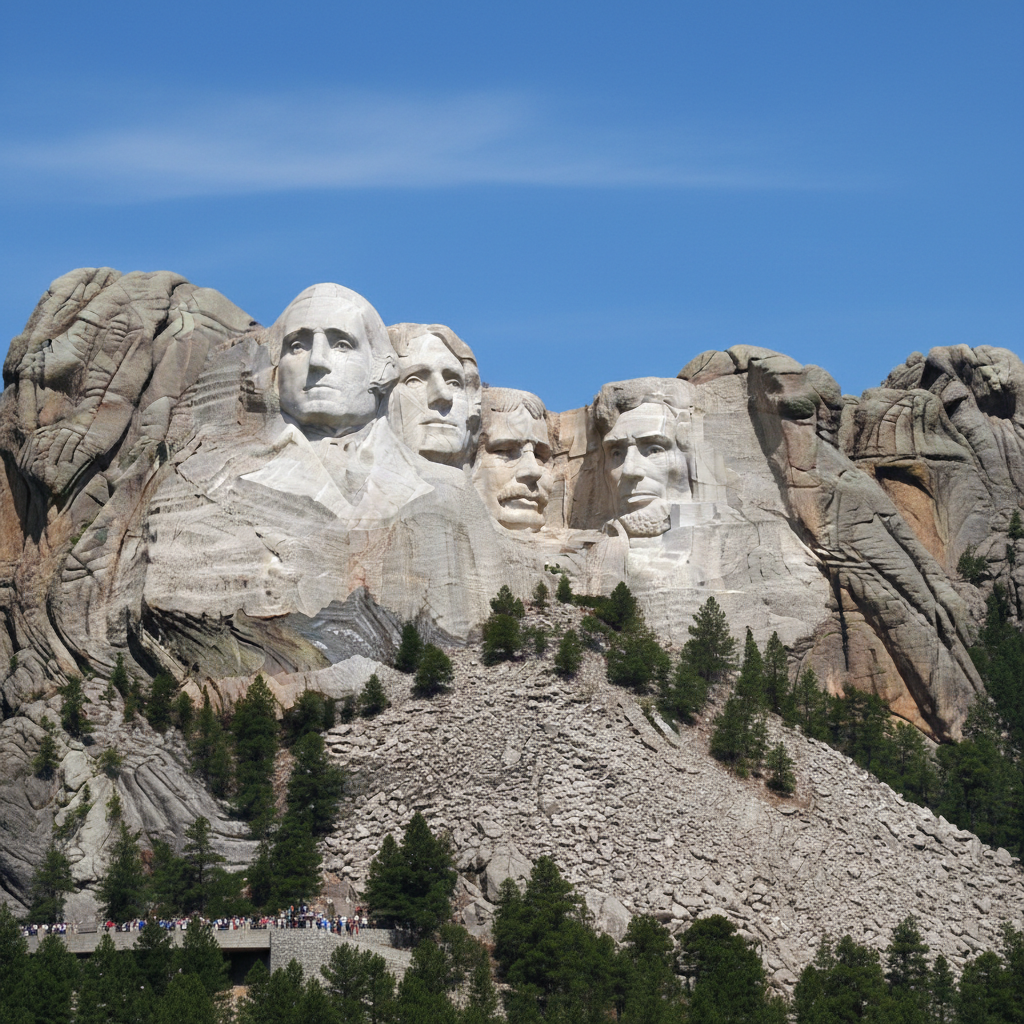
    Replacing a president Replace George Washington's face on Mount Rushmore with mine β€” same scale, same stone carving style, seamless blend with the mountain. Keep the other three presidents unchanged
    Mount Rushmore close-up Create a dramatic close-up of my face carved into Mount Rushmore β€” zoomed in to show the granite detail of MY specific carving. Stone texture, weathering, monumental scale. Museum-quality photo
    Whole family on Rushmore Carve all of our faces into a Mount Rushmore-style monument β€” replace all four presidents with family members. Same granite style, same monumental composition. Family legacy level
    2 more prompts
    Pet on Mount Rushmore Carve my pet's face into Mount Rushmore alongside the presidents β€” same granite texture, same monumental scale. My dog/cat as the fifth presidential carving. Serious, dignified stone expression
    Alternative monument style Create a Mount Rushmore-style monument but in a different location β€” carve my face into a dramatic cliff face, same presidential scale and granite carving style. Epic mountain landscape around it
  3. Review the result

    Check the output carefully. Look for natural blending, consistent lighting, and realistic details. Compare before and after using the slider.

Try it free ↓

Put Face on Mount Rushmore Prank

Upload photo to put a face on Mount Rushmore alongside the presidents

Free β€’ Results in 30 seconds β€’ No signup

Release to upload

Free β€’ No signup

See it in action

Original photo before put a face on Mount Rushmore alongside the presidents
Before
->
Photo after put a face on Mount Rushmore alongside the presidents with AI
After

Put Face On Mount Rushmore Prank β€” Example 1

A photo edited using EditThisPic to put a face on Mount Rushmore alongside the presidents.

Prompt: Add my face as the fifth carving on Mount Rushmore β€” positioned next to Lincoln, matching the granite texture and monumental scale. Carved in stone, same style as the other presidents. Blue sky background
Original photo before put a face on Mount Rushmore alongside the presidents
Before
->
Photo after put a face on Mount Rushmore alongside the presidents with AI
After

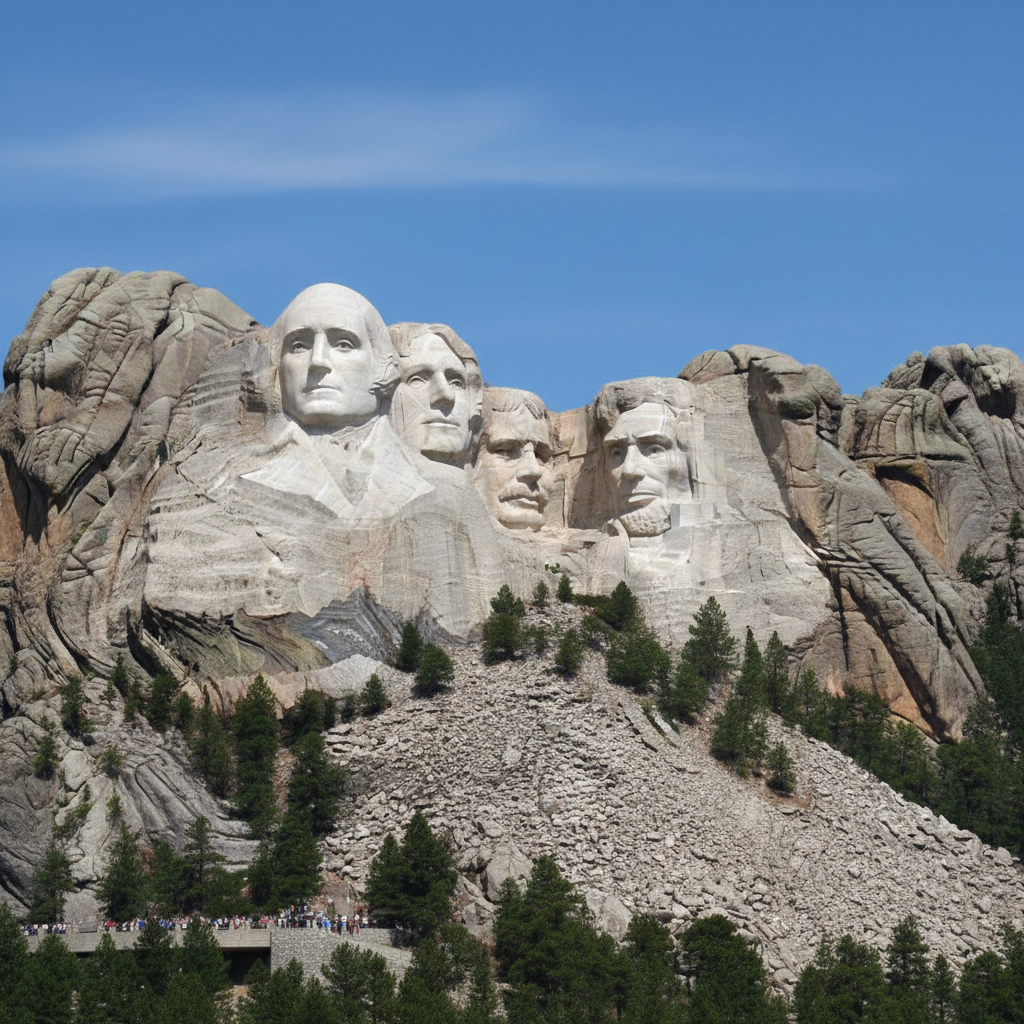
Put Face On Mount Rushmore Prank β€” Example 2

Another example showing a different scenario for this editing task.

Prompt: Replace George Washington's face on Mount Rushmore with mine β€” same scale, same stone carving style, seamless blend with the mountain. Keep the other three presidents unchanged

If something looks off

AI changed the wrong area

Why: The AI couldn't determine exactly which area you meant from the description alone.

Try: Tap a marker on the specific area you want to edit, then regenerate with the same prompt

Tip: Markers tell the AI exactly where to focus. Use them when description alone is ambiguous.

Result looks unnatural or blurry

Why: The AI may need more specific guidance about the look you want.

Try: put a face on Mount Rushmore alongside the presidents, ensure natural lighting and sharp details that match the rest of the photo

Tip: Adding 'natural' and 'realistic' to your prompt helps the AI prioritize believability.

Lighting doesn't match the rest of the photo

Why: The edited area has different lighting than the original scene.

Try: put a face on Mount Rushmore alongside the presidents, match the lighting direction and color temperature of the original photo

Tip: If light comes from one side in the original, mention it: 'with light from the left side.'

Edges look rough or artificial

Why: Transitions between edited and unedited areas need refinement.

Try: Tap markers on the rough edges and regenerate: refine these edges for a seamless blend

Tip: Edge refinement is the most common adjustment β€” markers on problem areas make it quick.

Quick answers

Is the Mount Rushmore tool free?

Yes, EditThisPic lets you put a face on Mount Rushmore for free with one Fast edit per week. No signup or credit card required. Credit packs start at $1.99 for more edits.

How realistic does the carving look?

Very realistic. The AI matches the granite stone texture, monumental scale, and carving style of the real Mount Rushmore. Your face appears as a natural fifth (or replacement) presidential carving.

Can I replace a specific president?

Yes. Specify which president to replace in your prompt β€” 'replace Washington' or 'replace Jefferson.' You can also add a fifth face alongside all four existing presidents.

Does it work with any portrait?

Yes. Any clear portrait or selfie works. The AI converts your facial features into the granite carving style. Front-facing photos produce the most recognizable carvings.

Can I put my pet on Mount Rushmore?

Absolutely. Pet Mount Rushmore carvings are hilarious and popular. Upload a clear photo of your pet's face and the AI carves it into the mountain alongside the presidents.

Can I use a group photo for multiple carvings?

Yes. Upload a photo with multiple people and ask for all faces to be carved into a Mount Rushmore-style monument. Each person gets their own carving matching the presidential style.

How much does EditThisPic cost?

You get 1 free edit per week β€” no account needed. After that, credit packs start at $1.99 for 3 edits. Monthly plans start at $4.99/mo for 15 edits with unused credits rolling over. All edits are full resolution with no watermark.

Ready to put your photos?

Free to try. No signup required.

1 free edit included·Credit packs from $1.99