Free • No signup Open Editor

Remove Airplane from Photo

Erase airplanes from your sky in seconds.

Type 'remove the airplane and show clean sky' and EditThisPic's AI erases it in 15-20 seconds. No selection tools, no marking required. Works on vacation photos, landscapes, and any outdoor shot with planes crossing the sky. Free to try, no account needed.

Beach sunset with airplane and contrail in sky
Before
Clean beach sunset without airplane
After

How it works

1

Upload your photo

Drop your image into EditThisPic. JPG, PNG, WebP up to 7MB. Photos with clear sky backgrounds work best for airplane removal.

⏱ Clear blue sky: 15 seconds. Cloudy or gradient sky: may need one refinement pass.
2

Describe what to remove

Type 'remove the airplane from the sky' or 'delete the plane and show clean sky.' The AI recognizes airplanes, jets, helicopters, and aircraft contrails automatically.

💡 Include 'and the contrail' if the plane left a vapor trail you also want removed.

Copy one of these to get started:

Single airplane in sky remove the airplane and show clean sky
Plane with contrail remove the airplane and its contrail, show clear blue sky
Sunset or dramatic sky remove the plane from the sunset sky, keep the colors natural
Cloudy sky photo remove the aircraft and blend the clouds naturally
2 more prompts
Multiple planes remove all the airplanes from the sky
Helicopter removal remove the helicopter from the photo and show clear sky
3

Review the result

Check the sky where the airplane was. Look for smooth sky texture and consistent cloud patterns. Zoom in to verify clean removal.

4

Refine with markers if needed

If any trace of the plane or contrail remains, tap a marker on that spot and regenerate. Small residual marks sometimes need a second pass.

💡 Contrails are thin and may need targeted markers if fragments remain.
Try it free
"Finally got that perfect beach sunset shot without the airplane ruining it!" @travel_mike

See it in action

Beach sunset with airplane and contrail in sky
Before
Clean beach sunset without airplane
After

Airplane removed from beach sunset

Perfect vacation sunset ruined by passing jet. One prompt fixed it.
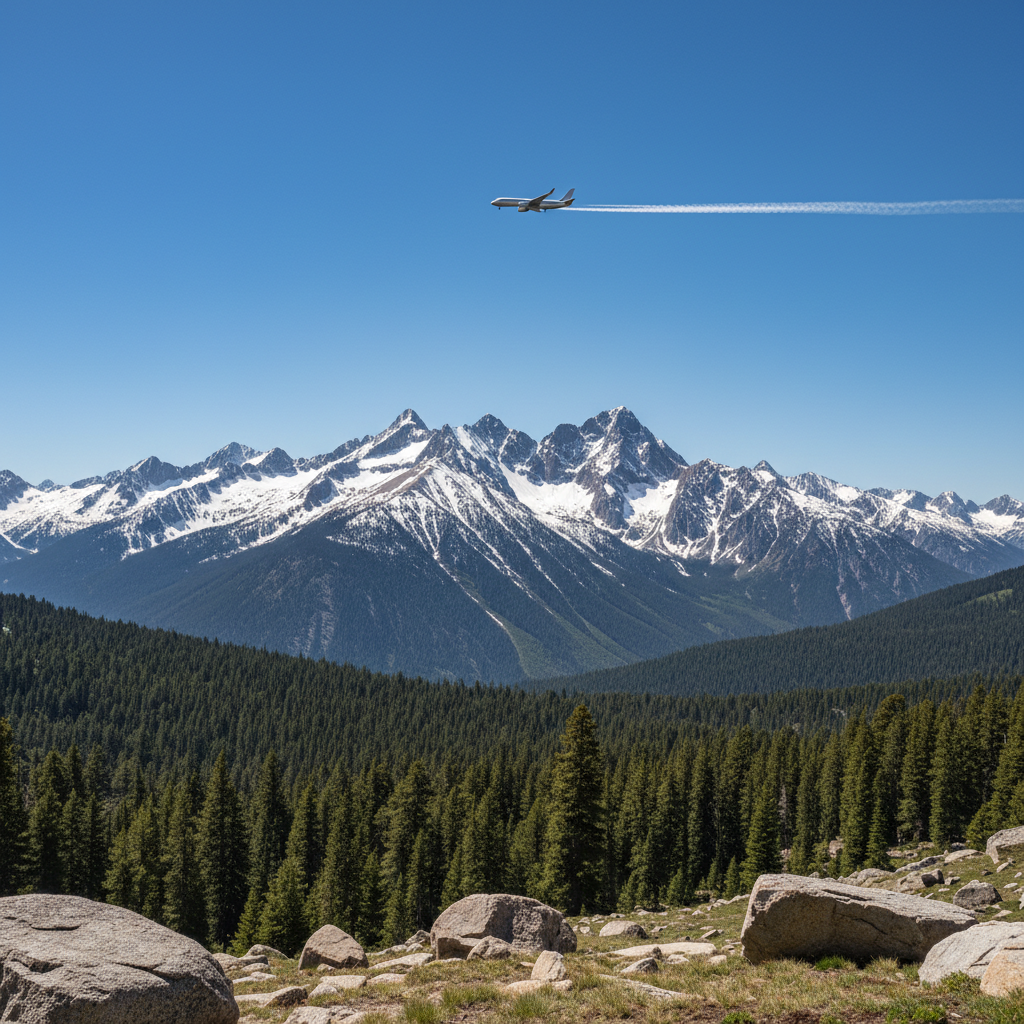
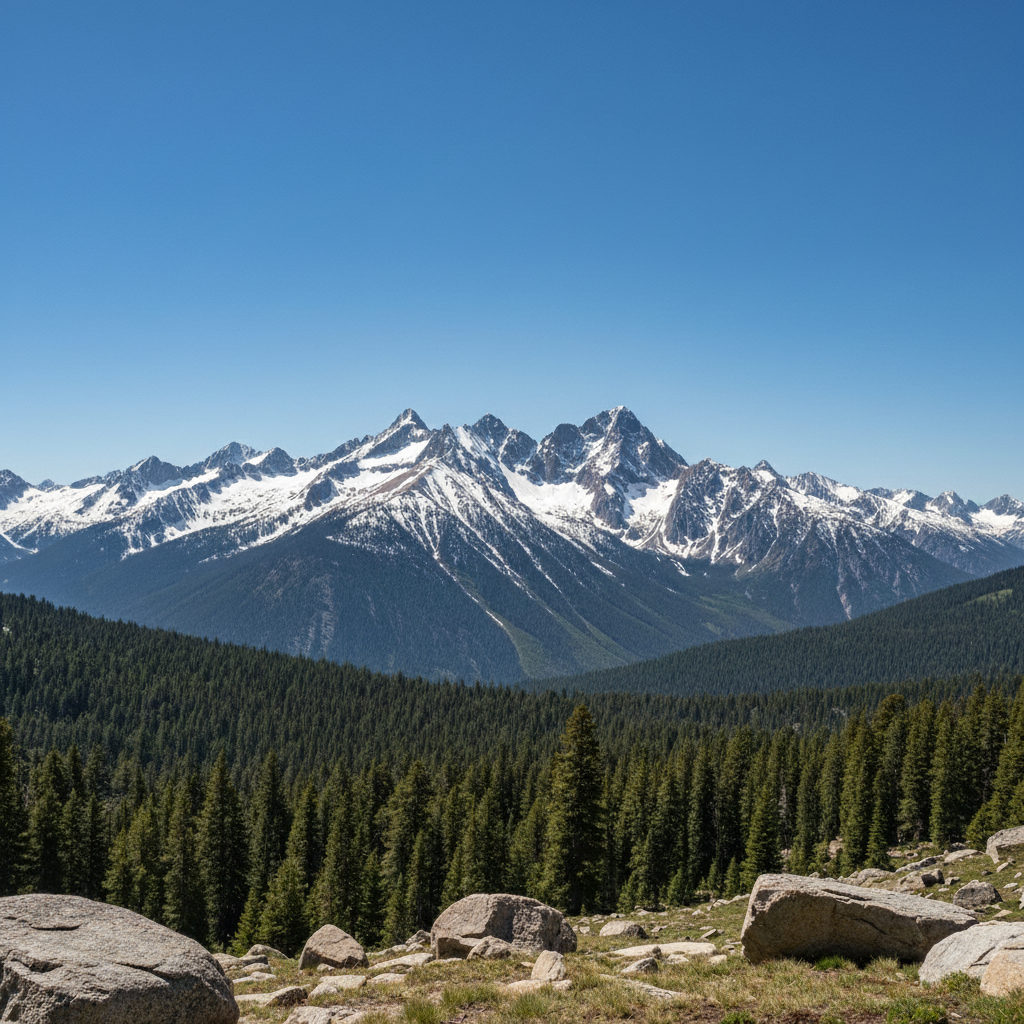
Prompt: remove the airplane and show clean sunset sky
Mountain landscape with airplane crossing blue sky
Before
Clean mountain landscape without airplane
After

Jet removed from mountain landscape

Scenic mountain photo with plane crossing through. AI erased it cleanly.
Prompt: remove the airplane from the blue sky
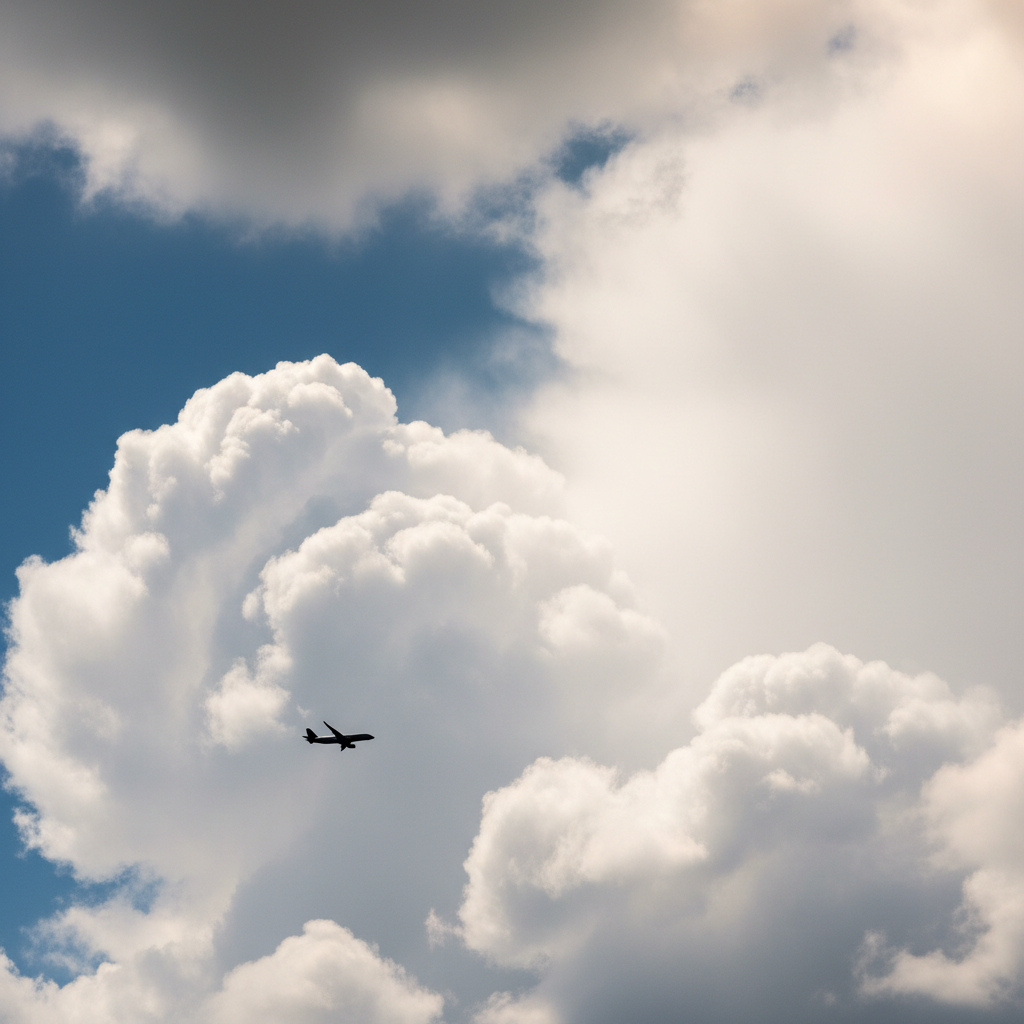
Cloudy sky with airplane silhouette
Before
Clean cloudy sky with natural cloud texture
After

Plane removed from cloudy sky

Dramatic cloud photo with aircraft passing through. Removed with natural cloud blending.

Prompt: remove the plane and blend the clouds naturally

If something looks off

Contrail still visible after removal

Why: Vapor trails are thin and can be partially missed, especially long ones.

Try: Tap markers along the remaining contrail and say 'remove the contrail completely'

💡 Zoom in to trace the full length of faint contrails.

Sky color looks patchy where plane was

Why: Gradient skies (sunsets, twilight) are harder to reconstruct seamlessly.

Try: blend the sky smoothly in that area

💡 Solid blue skies fill cleanly; gradient skies may need refinement.

AI changed the wrong area or something I didn't want changed

Why: The AI couldn't determine exactly which area you meant from description alone. This happens with ambiguous requests.

Try: Tap a marker on the specific airplane you want to remove, then regenerate with the same prompt

💡 Markers tell the AI 'I mean THIS one specifically.' Use them when description alone is ambiguous.

Cloud texture disrupted around removal area

Why: Complex cloud patterns are difficult to reconstruct around the edit zone.

Try: regenerate the cloud area more naturally

💡 Simple sky backgrounds always work better than detailed cloud formations.

Quick answers

Do I need to mark the airplane before removing it?

No! Just describe what you want: 'remove the airplane from the sky.' The AI finds it automatically. Only use markers if multiple planes exist and you want to remove a specific one, or if traces remain after the first attempt.

Will it remove the contrail too?

By default, the AI focuses on the plane itself. To remove the vapor trail, include it in your prompt: 'remove the airplane and its contrail.' Long contrails may need a second pass with markers.

Can I remove multiple airplanes at once?

Yes, just say 'remove all the airplanes from the sky.' The AI will target every visible aircraft in one pass.

Does it work on helicopters and drones?

Yes. The AI recognizes helicopters, drones, hot air balloons, and other flying objects. Just describe what you see: 'remove the helicopter' or 'remove the drone.'

Ready to remove that airplane?

Free to try. No signup required.

Try it free