Pricing Change License plate · Free

Replace License Plate in Photo

← Browse all replace tools

Last updated

Protect your privacy before sharing car photos — blur, blank, or swap the plate in 30 seconds.
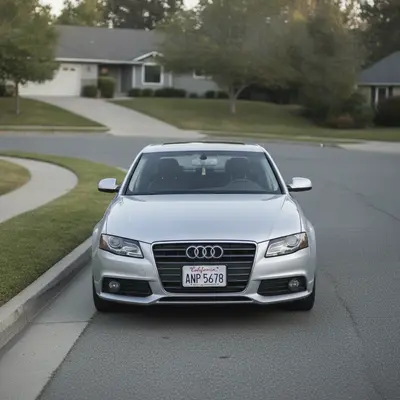
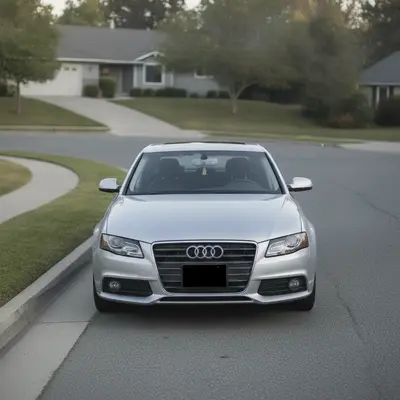
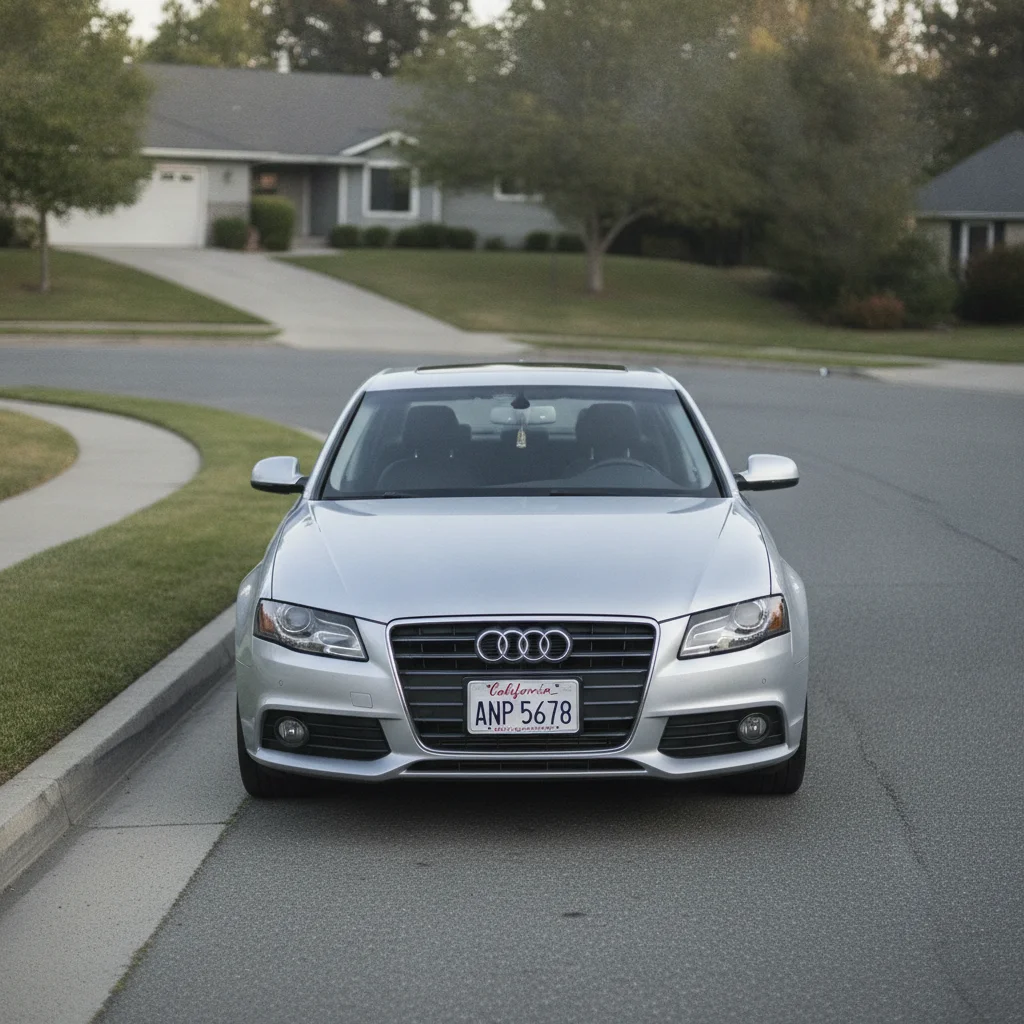
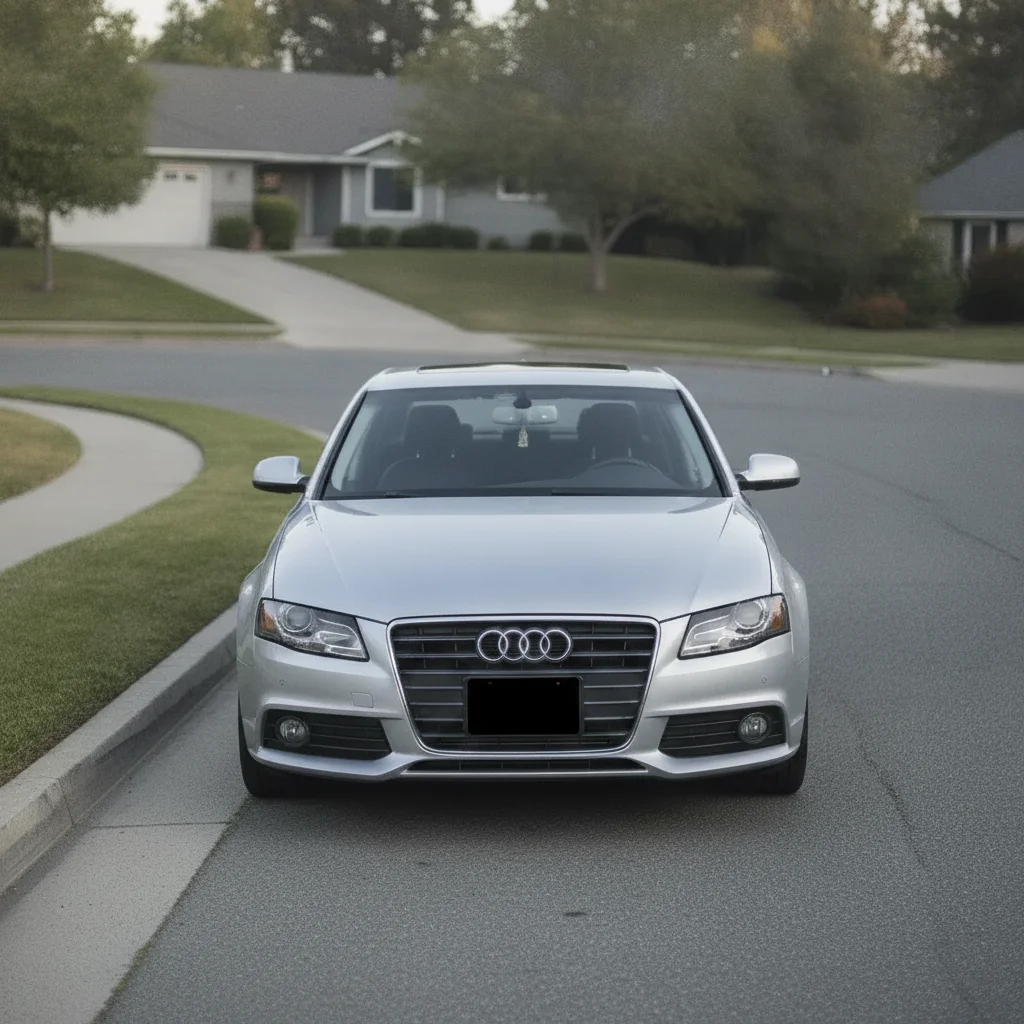
Silver sedan on residential street with clearly visible front license plate Same silver sedan with license plate replaced by a clean solid black rectangle

Upload photo to replace license plate

"blur the license plate with a strong Gaussian blur so no characters are readable, keep the plate's general shape and position visible, leave the rest of the car unchanged"

Free to try · no sign-up · photos are never shared

Release to upload

<30stypical edit
1 freeedit weekly
Photo on your phone? Scan to open this editor there — free edit works on your phone too.

1 free edit every week·packs from $4.99

How it works

  1. Upload your car photo

    Drop your JPG, PNG, or WebP photo into EditThisPic. Photos where the plate is clearly visible — front or rear — work best. Side angles where the plate is partly obscured may need a second pass.

    Expect: Clear, well-lit photos with a readable plate give the AI a clean target. Blurry or low-resolution photos where the plate is already hard to read will still work but the replacement edge may be less precise.
  2. Describe the replacement

    Type exactly what you want: 'replace the license plate with a solid black rectangle' for maximum privacy, or 'blur the license plate so it is completely unreadable.' You can also use 'replace the license plate with a blank white plate.' The AI locates the plate without markers.

    Tip: For Facebook Marketplace or Craigslist listings, 'replace the license plate with a solid dark grey rectangle' blends more naturally than pure black and looks less edited in thumbnail view.

    Copy one of these to get started:

    Solid black block — maximum privacy replace the license plate with a solid black rectangle that completely covers all plate characters and borders, keep everything else in the photo unchanged
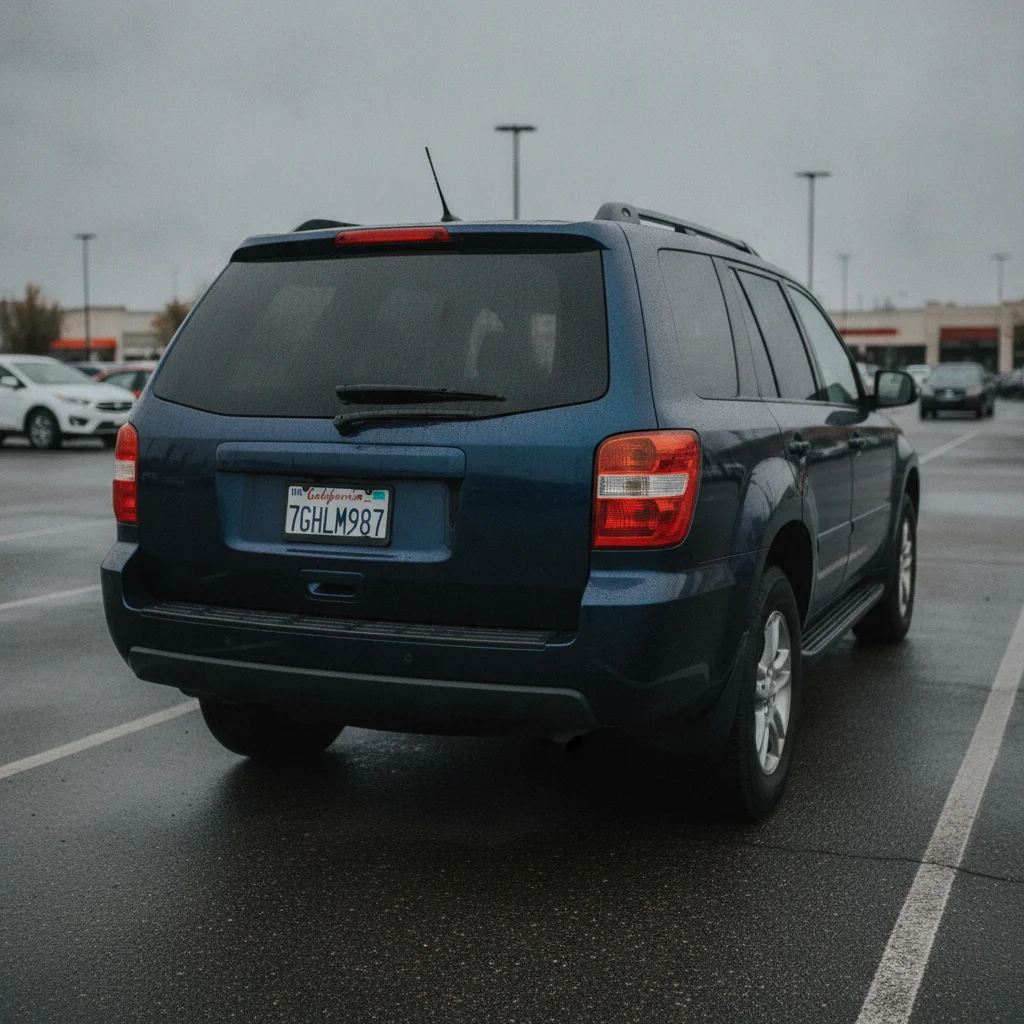
    Gaussian blur — looks natural in listings blur the license plate with a strong Gaussian blur so no characters are readable, keep the plate's general shape and position visible, leave the rest of the car unchanged
    Blank white plate — clean look replace the license plate with a blank white plate with no characters or numbers, preserve the plate frame and screws if visible
    Both front and rear plates in same photo replace both license plates in this photo with solid black rectangles — the front plate and the rear plate — keep all other car details unchanged
    3 more prompts
    Plate visible in reflection or window replace the license plate and its reflection visible in the car window with a solid black rectangle, make sure no characters are readable anywhere in the photo
    Pixelate instead of blur or block pixelate the license plate strongly so all characters are completely unreadable, use a pixel size large enough to obscure the text, keep the car body unchanged
    Replace plate in a group of parked cars replace only the license plate on the main car in the foreground with a solid black rectangle, leave all other vehicles and their plates in the background unchanged
  3. Review the result at full size

    Zoom to 100% on the plate area to verify the replacement is clean — no plate characters visible through the overlay, and the plate borders are fully covered. Check that the car bumper and surrounding paint are unchanged.

  4. Use markers if the plate wasn't fully covered

    If a corner of the plate is still visible or the wrong area was edited, tap a marker directly on the remaining plate characters and regenerate with 'cover the remaining plate area completely.' Markers are optional — most photos work on the first pass.

    Tip: Markers are for precision refinement only. Try without them first — the AI recognizes license plates reliably in most photos.

See it in action

Silver sedan on residential street with clearly visible front license plate
Before
->
Same silver sedan with license plate replaced by a clean solid black rectangle
After

Craigslist car listing — front plate blacked out

Standard front-facing car photo for an online listing. The plate was clearly visible and needed to be covered before posting publicly.

Prompt: replace the license plate with a solid black rectangle that completely covers all plate characters and borders, keep everything else in the photo unchanged
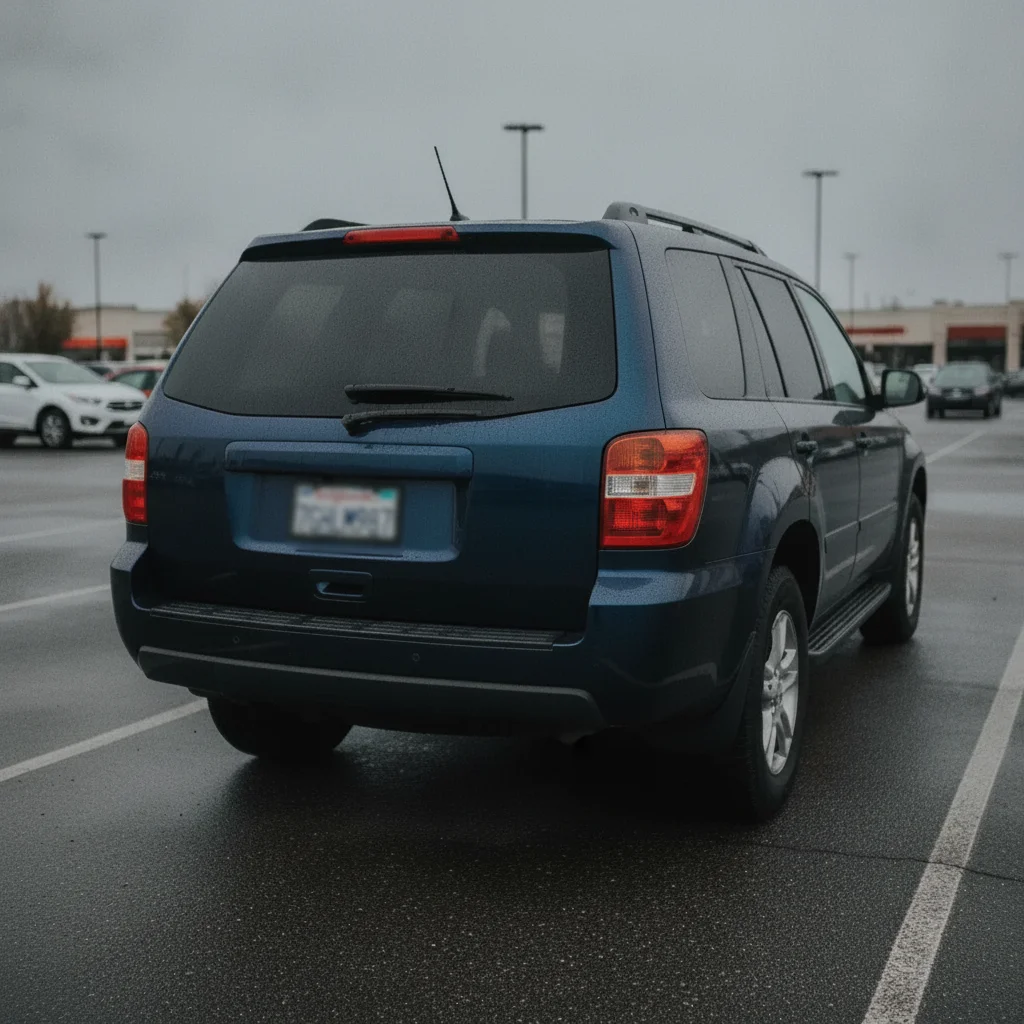
Dark blue SUV in parking lot with readable rear license plate
Before
->
Same SUV with license plate blurred into an unreadable smear, bumper and car unchanged
After

Facebook Marketplace — blurred rear plate

Rear three-quarter shot of a car for a Marketplace post. A blur keeps the photo looking natural without the bluntness of a black box.

Prompt: blur the license plate with a strong Gaussian blur so no characters are readable, keep the plate's general shape and position visible, leave the rest of the car unchanged
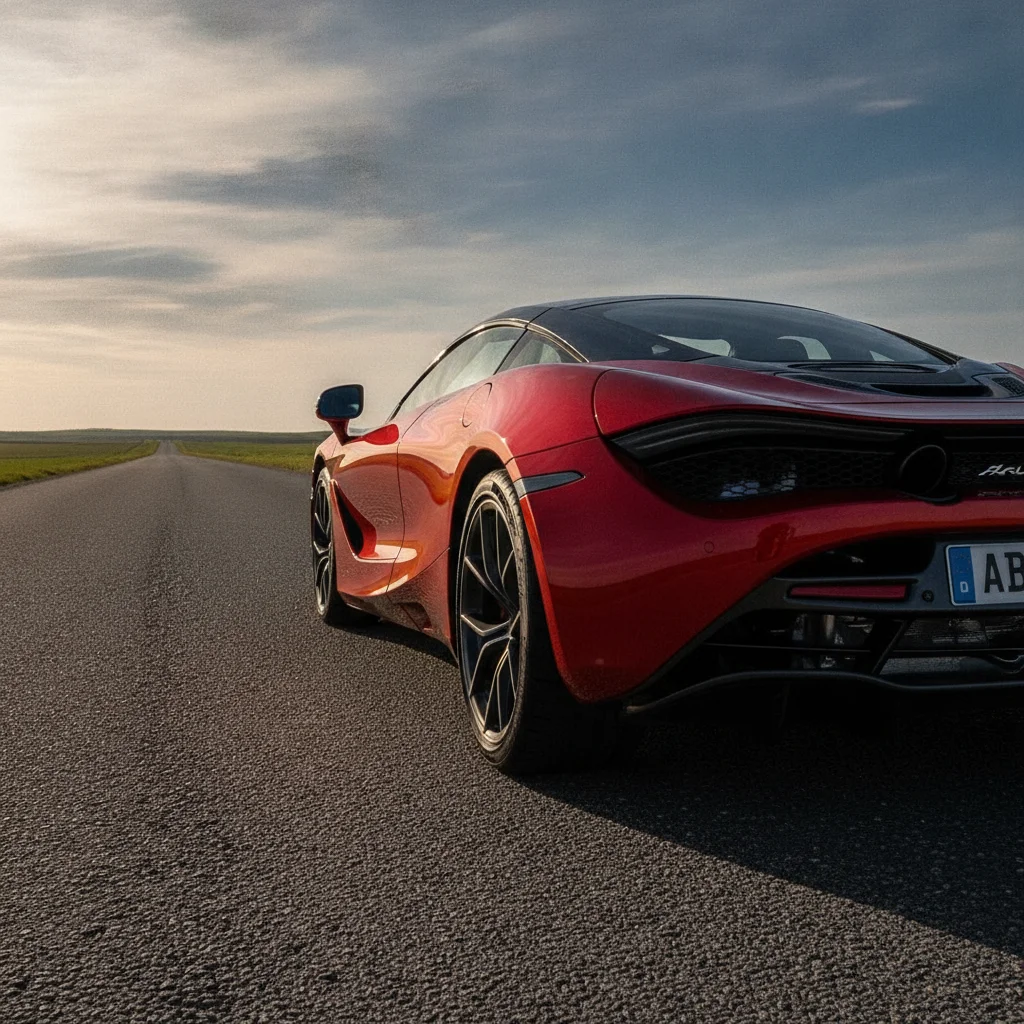
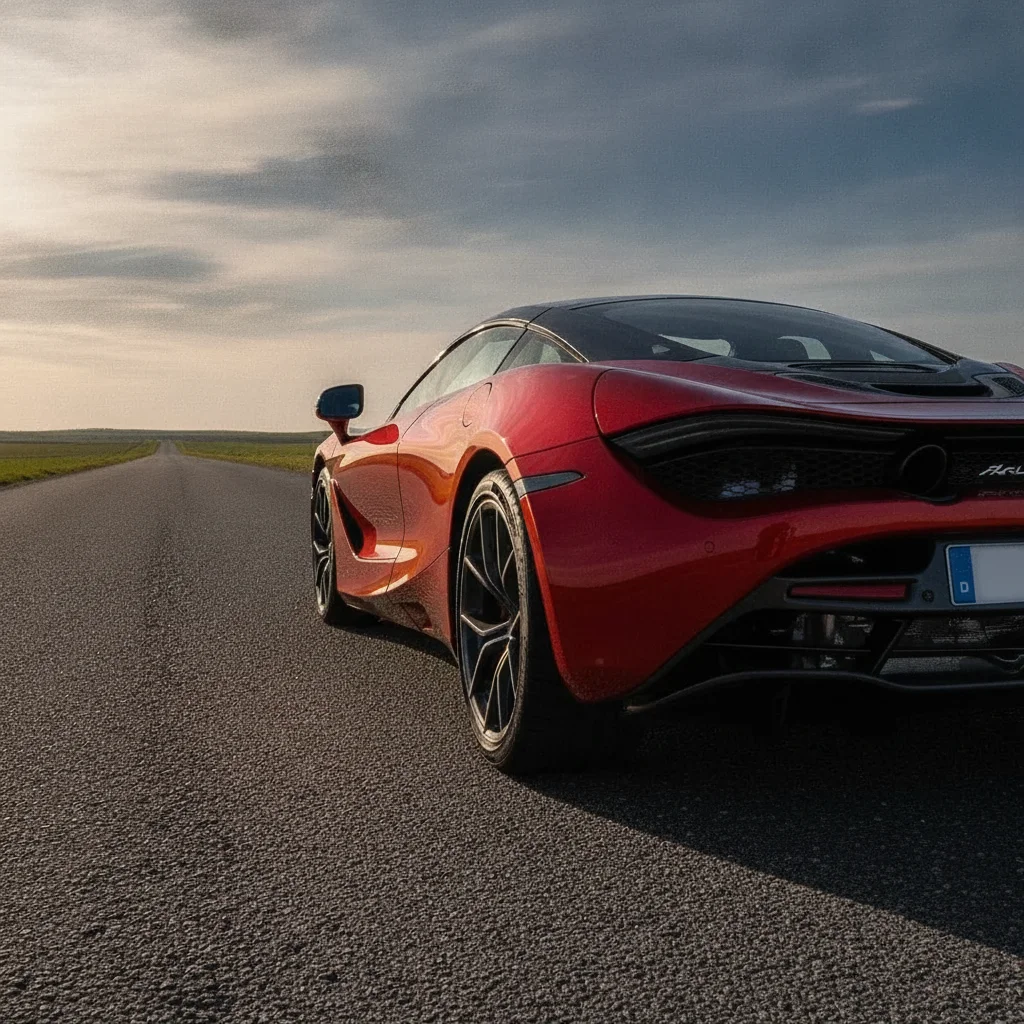
Red sports car on road with license plate visible on rear bumper
Before
->
Same red sports car with a clean blank white plate, frame preserved
After

Car forum post — blank white plate

Side profile shot shared on a car enthusiast forum. A blank white plate was chosen to keep the car looking stock rather than obviously edited.

Prompt: replace the license plate with a blank white plate with no characters or numbers, preserve the plate frame and screws if visible

Quick answers

Do I need to mark the license plate before describing what I want?

No. Just describe the replacement: 'replace the license plate with a solid black rectangle.' The AI recognizes license plates in photos automatically — no marking or selection needed. Markers are only useful if the AI targets the wrong area or leaves a corner uncovered after the first pass.

Is there a free tool to blur a license plate in a photo without signing up?

Yes. EditThisPic replaces or blurs license plates free to preview with no account, and purchased downloads are clean. Upload your car photo, type 'blur the license plate so it is unreadable' or 'replace the plate with a black rectangle,' and get the result in about 30 seconds.

Should I hide my license plate when selling my car online?

It's a common privacy precaution. A license plate number can be used to look up vehicle history, registration details, and in some regions the registered owner's address. Replacing or blurring the plate in listing photos on Craigslist, Facebook Marketplace, or AutoTrader reduces that exposure without affecting the buyer's ability to evaluate the car.

How do I replace a license plate in a photo for free?

Go to EditThisPic, upload your car photo (JPG, PNG, or WebP up to 7MB), type 'replace the license plate with a solid black rectangle that covers all characters and borders,' and click Generate. You preview the result in about 30 seconds with no login required, and the purchased download is clean.

Can the AI replace both front and rear plates if both are visible?

Yes. If both plates are visible in one photo — for example a side-angle shot — use 'replace both the front license plate and the rear license plate with solid black rectangles.' Naming both explicitly ensures both are covered in one pass.

What looks more natural — a black box, blur, or blank white plate?

Blur tends to look most natural in car listing photos because it preserves the plate shape and doesn't create the sharp geometric look of a black box. A blank white plate is the cleanest for car enthusiast forums. A solid black rectangle is fastest and most privacy-complete. All three are accepted methods.

Will replacing the plate affect the bumper or other car details?

No. The AI replaces only the plate surface. The bumper paint, plate frame, mounting screws, and surrounding body panels remain unchanged. If you want to preserve the frame or screws specifically, add 'preserve the plate frame and screws' to your prompt.

How much does EditThisPic cost?

You get 1 free edit per week — no account needed. After that, one-time credit packs start at $4.99 for 10 edits, valid 12 months, no subscription. Power users who edit daily can pick Studio Membership, a monthly workspace at $49.99/mo for 300 edits. Purchased downloads are clean with no watermark.

Ready to protect your privacy in car photos?

Free to try. No signup required.

1 free edit included·Credit packs from $4.99