Free β€’ No signup Show What you would look like with tattoos Β· Free

What Would I Look Like With Tattoos

Upload your photo and AI shows you what you'd look like with tattoos. Full sleeves, neck ink, or subtle pieces β€” preview before the real thing.

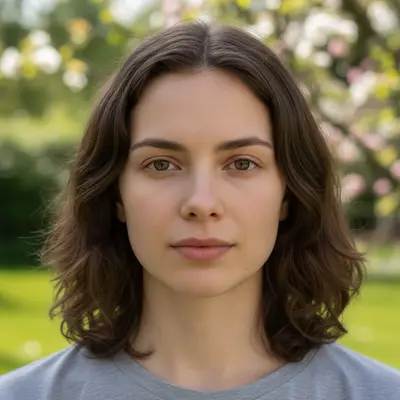
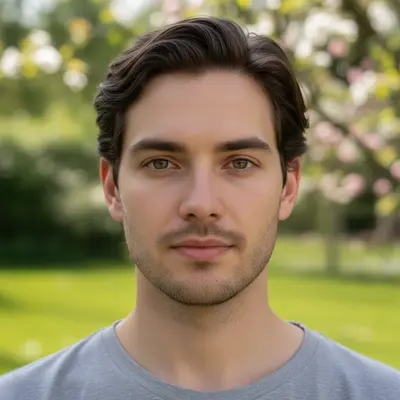
Original photo before show what you would look like with tattoos
Before
β†’
Photo after show what you would look like with tattoos with AI
After

What Would I Look Like With Tattoos

Upload photo to show what you would look like with tattoos

Free β€’ Results in 30 seconds β€’ No signup

Release to upload

FreeNo signupNo watermark

1 free edit·then from $1.99

Popular use cases:
  • show what you would look like with tattoos
  • AI what you would look like with tattoos editor
  • photo what you would look like with tattoos tool
  • free what you would look like with tattoos editing

Cost
Free No signup required
Time
Instant results in 15-30 seconds
Works on
Any device - browser, phone, tablet, desktop
Powered by
AI-powered photo editing

How it works

  1. Upload your photo

    Drop your image into EditThisPic. JPG, PNG, WebP up to 7MB. Choose a clear photo where the area you want to edit is visible.

    Expect: Most edits complete in 20-45 seconds. Complex changes may need 1-2 refinements.
  2. Describe your edit

    Type what you want: 'add realistic tattoos covering my arms with a mix of designs β€” include sleeve tattoos, detailed linework, and natural-looking ink on skin.' Be specific about details for best results. The AI understands natural language β€” no technical skills needed.

    Tip: Describe the tattoo style (traditional, Japanese, blackwork, watercolor) AND placement (full sleeve, chest, neck) for the most accurate preview.

    Copy one of these to get started:

    Full sleeve preview Add a full sleeve tattoo on both arms β€” mix of traditional and neo-traditional designs, roses, skulls, compass, eagle. Realistic ink that follows the contours of my arms naturally
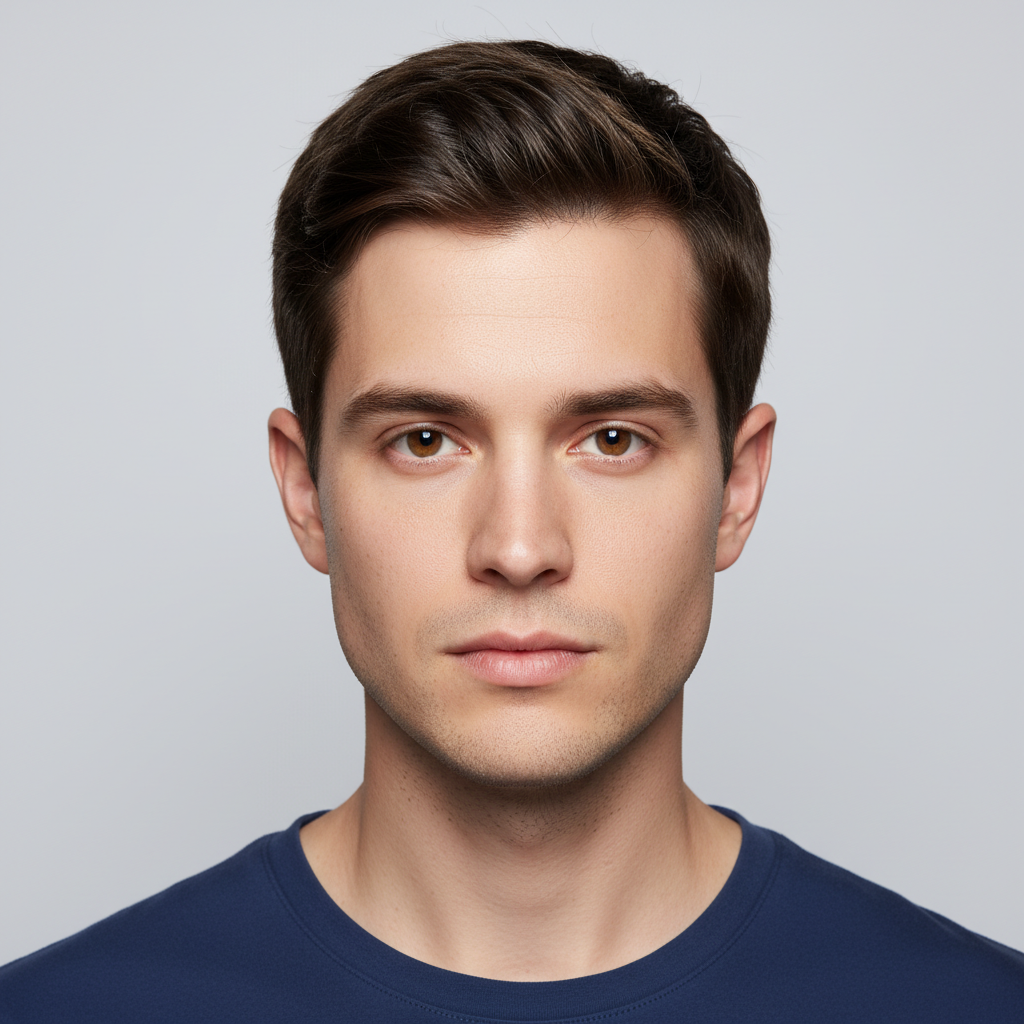
    Japanese sleeve Add a Japanese irezumi full sleeve β€” koi fish, cherry blossoms, waves, dragon wrapping around the arm. Traditional Japanese tattoo colors and shading on my skin
    Neck and hand tattoos Add tattoos on my neck and hands β€” geometric neck tattoo, finger tattoos with small symbols, subtle throat design. Realistic blackwork style, make the ink look natural on my skin tone
    Small subtle tattoo Add a small, delicate tattoo on my wrist β€” minimalist line art of a mountain range. Fine line work, like a real fine-needle tattoo. Nothing else changed
    3 more prompts
    Blackout and tribal Add bold blackout and tribal tattoos β€” one full blackout arm, tribal patterns on the chest visible above the neckline, geometric patterns on the other arm. Heavy, bold ink
    Face tattoos Add face tattoos β€” small tear drop, script along the jawline, star near the eye. Post Malone style face tattoo coverage but less dense. Realistic ink on facial skin
    Watercolor tattoo Add watercolor style tattoos on my shoulder and upper arm β€” splashes of color (purple, blue, pink) forming abstract floral shapes, no hard outlines, paint-drip effects at the edges
  3. Review the result

    Check the output carefully. Look for natural blending, consistent lighting, and realistic details. Compare before and after using the slider.

Try it free ↓

What Would I Look Like With Tattoos

Upload photo to show what you would look like with tattoos

Free β€’ Results in 30 seconds β€’ No signup

Release to upload

Free β€’ No signup

See it in action

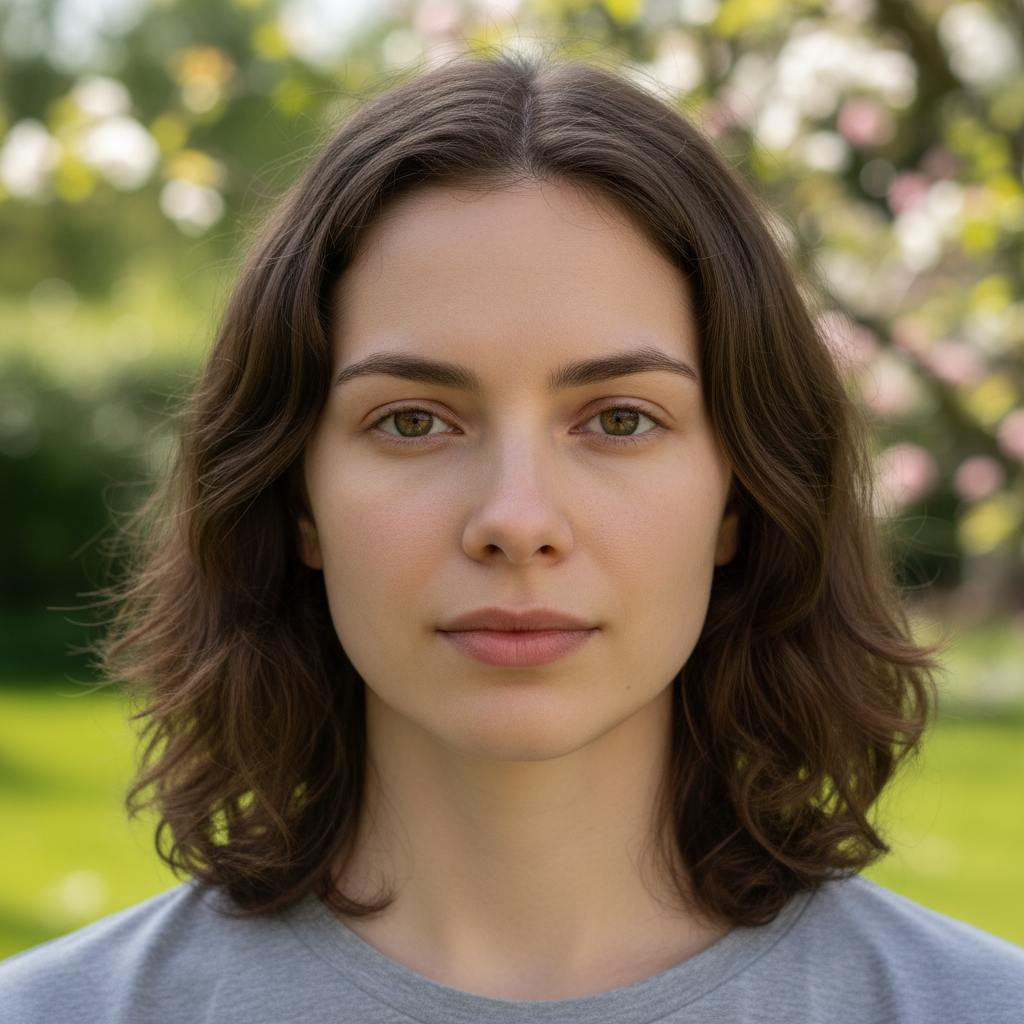
Original photo before show what you would look like with tattoos
Before
->
Photo after show what you would look like with tattoos with AI
After

What Would I Look Like With Tattoos β€” Example 1

A photo edited using EditThisPic to show what you would look like with tattoos.

Prompt: Add a full sleeve tattoo on both arms β€” mix of traditional and neo-traditional designs, roses, skulls, compass, eagle. Realistic ink that follows the contours of my arms naturally
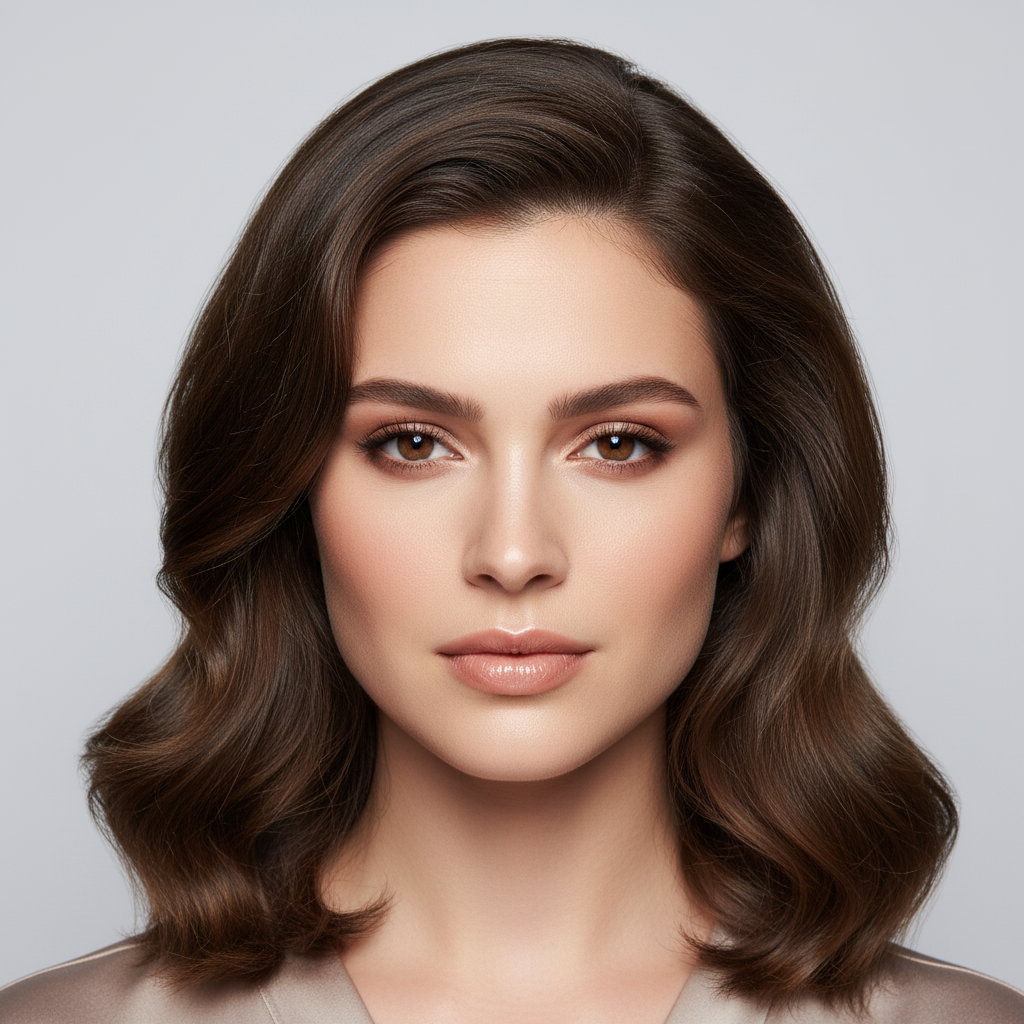
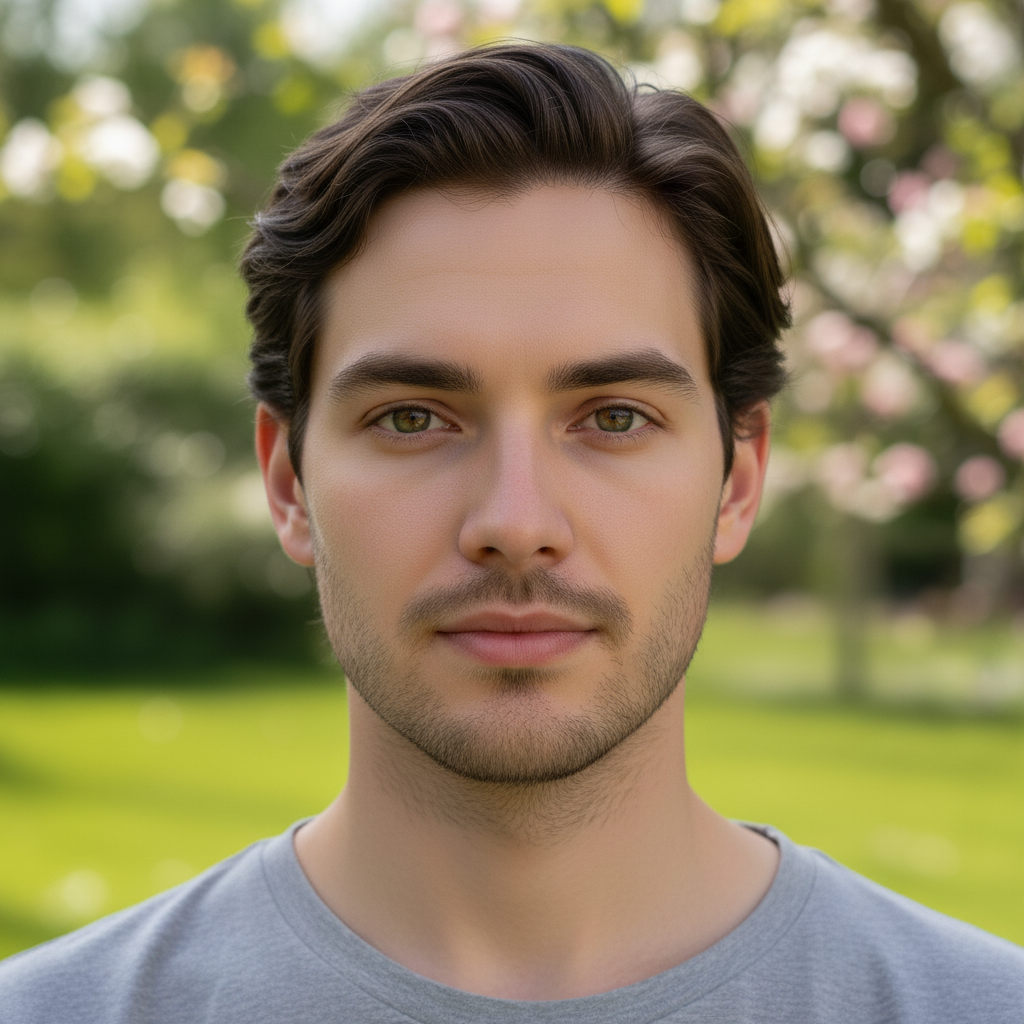
Original photo before show what you would look like with tattoos
Before
->
Photo after show what you would look like with tattoos with AI
After

What Would I Look Like With Tattoos β€” Example 2

Another example showing a different scenario for this editing task.

Prompt: Add a Japanese irezumi full sleeve β€” koi fish, cherry blossoms, waves, dragon wrapping around the arm. Traditional Japanese tattoo colors and shading on my skin

If something looks off

AI changed the wrong area

Why: The AI couldn't determine exactly which area you meant from the description alone.

Try: Tap a marker on the specific area you want to edit, then regenerate with the same prompt

Tip: Markers tell the AI exactly where to focus. Use them when description alone is ambiguous.

Result looks unnatural or blurry

Why: The AI may need more specific guidance about the look you want.

Try: show what you would look like with tattoos, ensure natural lighting and sharp details that match the rest of the photo

Tip: Adding 'natural' and 'realistic' to your prompt helps the AI prioritize believability.

Lighting doesn't match the rest of the photo

Why: The edited area has different lighting than the original scene.

Try: show what you would look like with tattoos, match the lighting direction and color temperature of the original photo

Tip: If light comes from one side in the original, mention it: 'with light from the left side.'

Edges look rough or artificial

Why: Transitions between edited and unedited areas need refinement.

Try: Tap markers on the rough edges and regenerate: refine these edges for a seamless blend

Tip: Edge refinement is the most common adjustment β€” markers on problem areas make it quick.

Quick answers

Is the tattoo preview tool free?

Yes, EditThisPic lets you preview tattoos on your body for free with one Fast edit per week. No signup or credit card required. Credit packs start at $1.99 for more edits.

How realistic do the tattoo previews look?

Very realistic. The AI wraps tattoo designs around your body contours, matches skin tone, and adds proper shading. It looks like a real tattoo in a photo, not a sticker pasted on top.

Can I preview a specific tattoo design?

Yes. Describe the exact design, style, and placement in your prompt. You can reference tattoo styles (traditional, Japanese, tribal, watercolor) and specific elements (dragons, roses, geometric patterns).

What photo works best for tattoo previews?

Show the body area where you want the tattoo β€” bare arms for sleeves, neck visible for neck tattoos. Good lighting and visible skin give the AI the best canvas to work with.

Can I try different tattoo placements?

Absolutely. Run multiple edits with different placements β€” full sleeve, half sleeve, back piece, chest, neck, hands. Compare to find your preferred look before committing to real ink.

Does it work on any skin tone?

Yes. The AI adapts tattoo shading and visibility for all skin tones. For the most accurate result, mention your skin tone in the prompt so the ink contrast looks realistic.

Can I use this to show my tattoo artist?

Yes! Many users generate tattoo previews with EditThisPic and show them to their artist as reference for placement and style. It's a great communication tool for tattoo consultations.

How much does EditThisPic cost?

You get 1 free edit per week β€” no account needed. After that, credit packs start at $1.99 for 3 edits. Monthly plans start at $4.99/mo for 15 edits with unused credits rolling over. All edits are full resolution with no watermark.

Ready to show your photos?

Free to try. No signup required.

1 free edit included·Credit packs from $1.99