Free β€’ No signup Reshape Body Β· Free

AI Body Reshaper

Describe the adjustment you want - 'slim the waist slightly' or 'broaden the shoulders' - and AI reshapes naturally without warping.

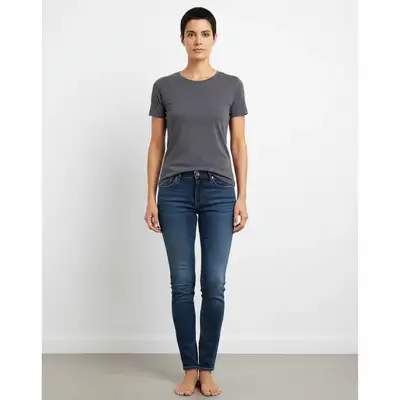
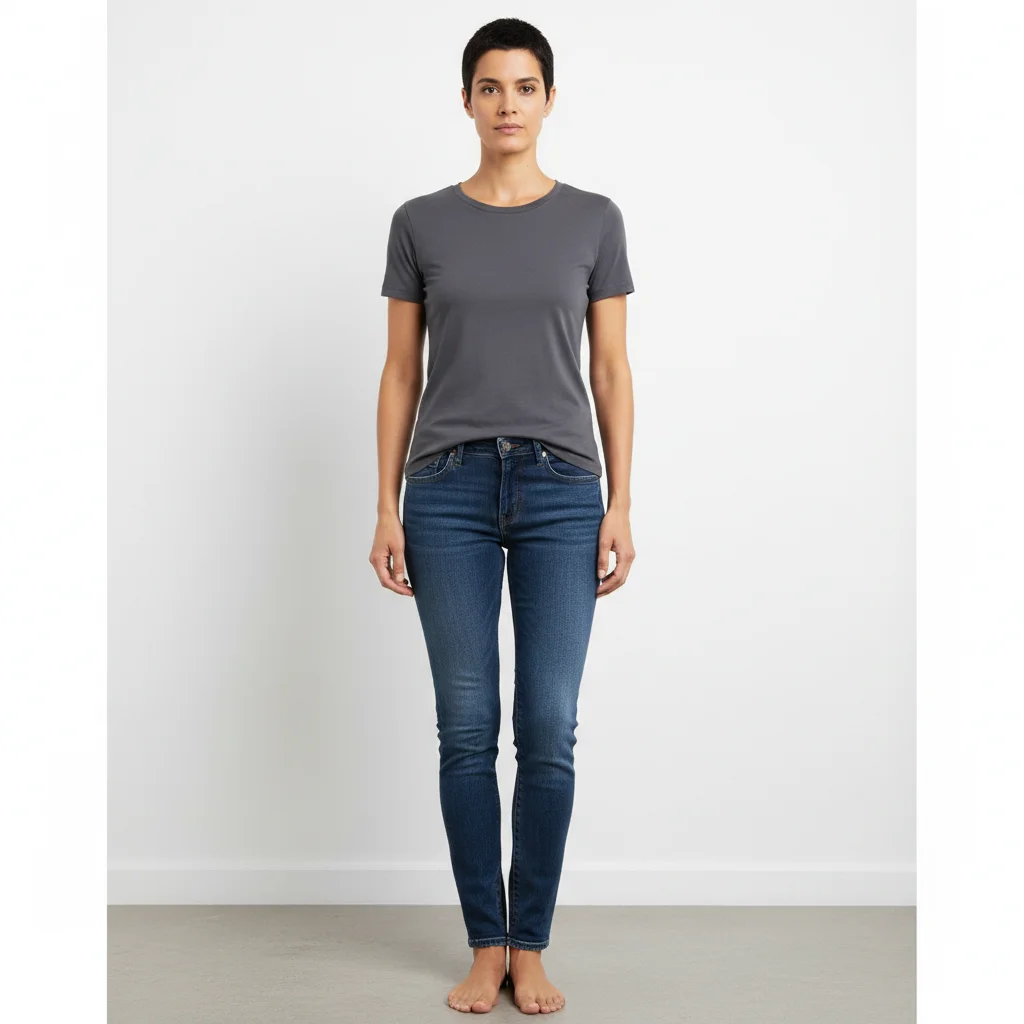
Person in fitted clothes showing natural proportions
Before
β†’
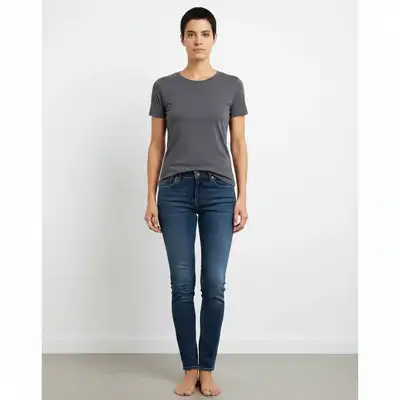
Same person with subtly slimmer waistline
After

Reshape Body in Photo Free

Upload photo to reshape body

Natural-looking results β€’ Privacy protected

Release to upload

FreeNo signupNo watermark
Popular use cases:
  • body proportion adjustment
  • waist slimming
  • fitness goal visualization
  • body shape editor
  • photo body editing
  • proportion correction
  • body confidence
  • figure adjustment

Cost
Free No signup required
Time
Instant results in 15-30 seconds
Works on
Any device - browser, phone, tablet, desktop
Powered by
AI-powered photo editing
Scenario Prompt Time
Subtle waist slimming slim the waist slightly, keep it natural 30s
Shoulder broadening make shoulders slightly broader and defined 35s
Overall proportion adjustment adjust body proportions to look more balanced 45s

How it works

  1. Upload your photo

    Upload a clear photo showing the area you want to edit. Good lighting and sharp focus help the AI deliver better body results. JPG, PNG, WebP up to 7MB.

    Expect: Subtle adjustments: 30-40 seconds. Multiple reshaping changes: 45-60 seconds and may need refinements.
  2. Describe the reshaping you want

    Type what you want: 'slim the waist slightly' or 'make the shoulders broader and more defined.' Be specific about which area and how much change. No marking neededβ€”the AI understands body parts and proportions.

    Tip: Use words like 'slightly', 'subtly', or 'a bit' for natural-looking changes. Extreme adjustments look less realistic.

    Copy one of these to get started:

    Slim waist slim the waist slightly for a more defined waistline, keep everything else natural
    Broader shoulders make the shoulders slightly broader and more defined, maintaining natural proportions
    Overall slimming make the person look slightly slimmer overall, subtle and natural-looking change
    Enhanced curves enhance the body curves slightly, more defined waist-to-hip ratio while keeping it natural
    6 more prompts
    Longer legs appearance make the legs appear slightly longer and more proportional to the torso
    Toned arms make the arms look slightly more toned and defined, natural athletic look
    Balanced proportions adjust the body proportions to look more balanced and symmetrical overall
    Fitness goal preview with muscle definition slim the waist slightly and add subtle muscle definition to the arms, natural athletic look
    Slimmer face and jawline make the face slightly slimmer with a more defined jawline, keep the expression natural
    Narrower hips and thighs make the hips and thighs slightly narrower, keep proportions natural and clothing unchanged
  3. Review the result

    Check that the reshaping looks natural and proportional. Look for consistent clothing wrinkles, natural body curves, and no warping in the background. Zoom in on edges where reshaping was applied.

  4. Refine with markers if needed

    If specific areas need more or less adjustment, tap markers on those spots and regenerate with refined instructions. Most subtle reshaping works well on the first try.

    Tip: Markers are for precision refinement only. Try without them firstβ€”you usually won't need them.
Try it free ↓

Reshape Body in Photo Free

Upload photo to reshape body

Natural-looking results β€’ Privacy protected

Release to upload

Free β€’ No signup

See it in action

Person in fitted clothes showing natural proportions
Before
->
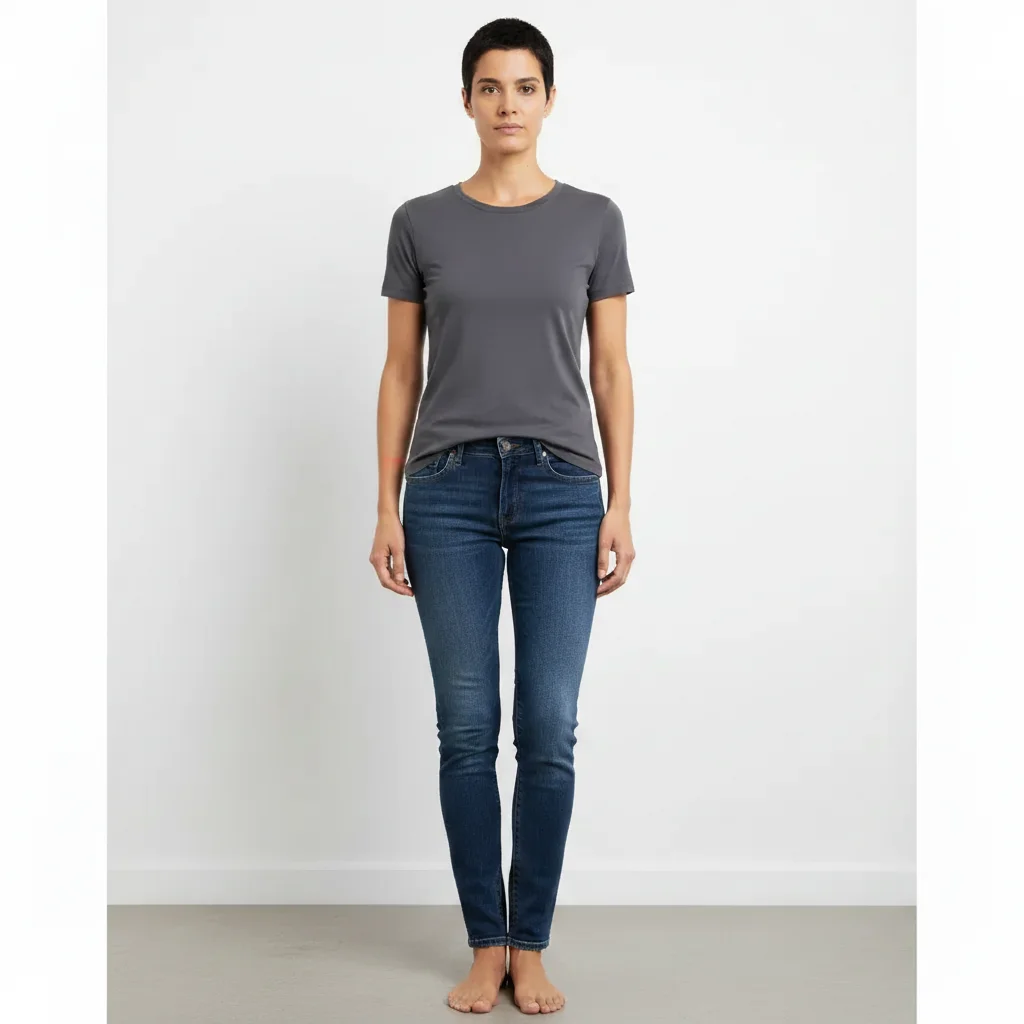
Same person with subtly slimmer waistline
After

Subtle waist slimming for fitness reference

A full body photo with the waist slightly slimmed to create a realistic fitness goal reference.

Prompt: slim the waist slightly for a more defined waistline, keep everything else natural
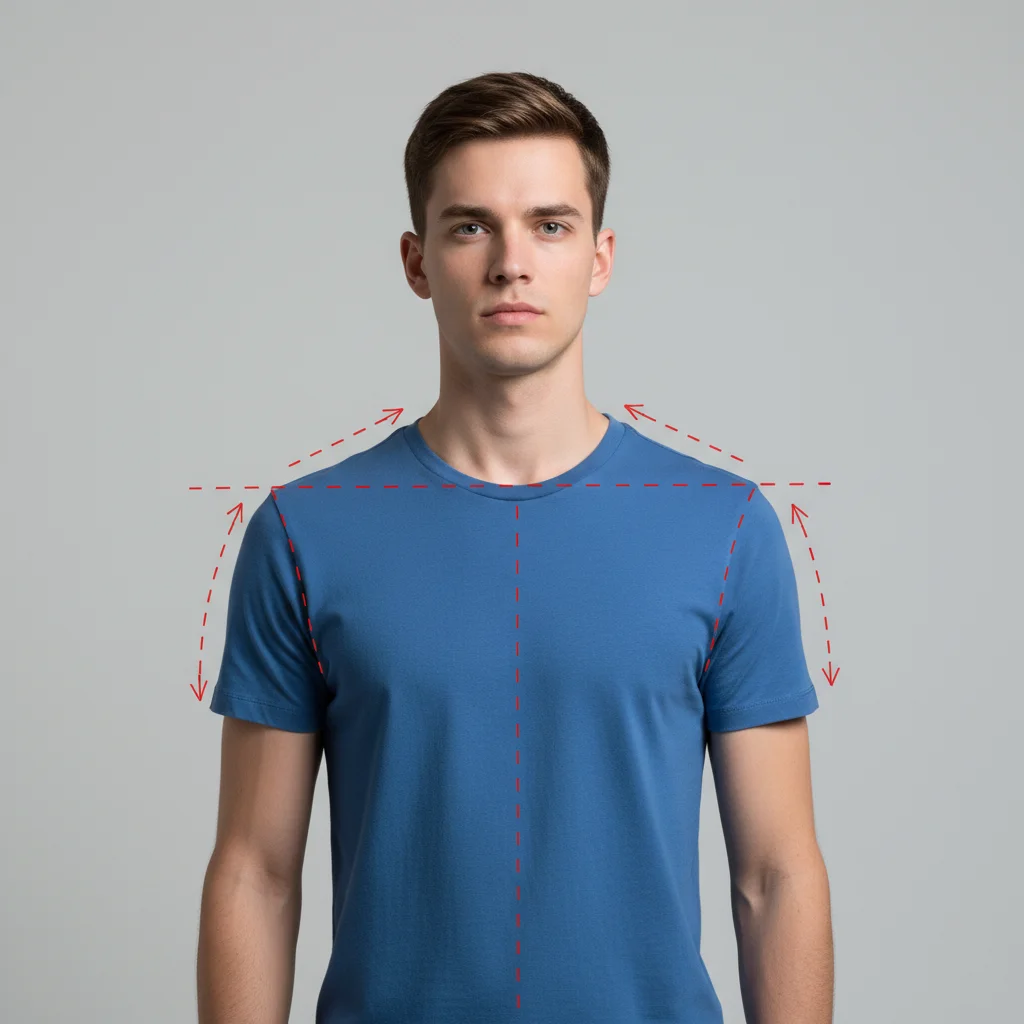
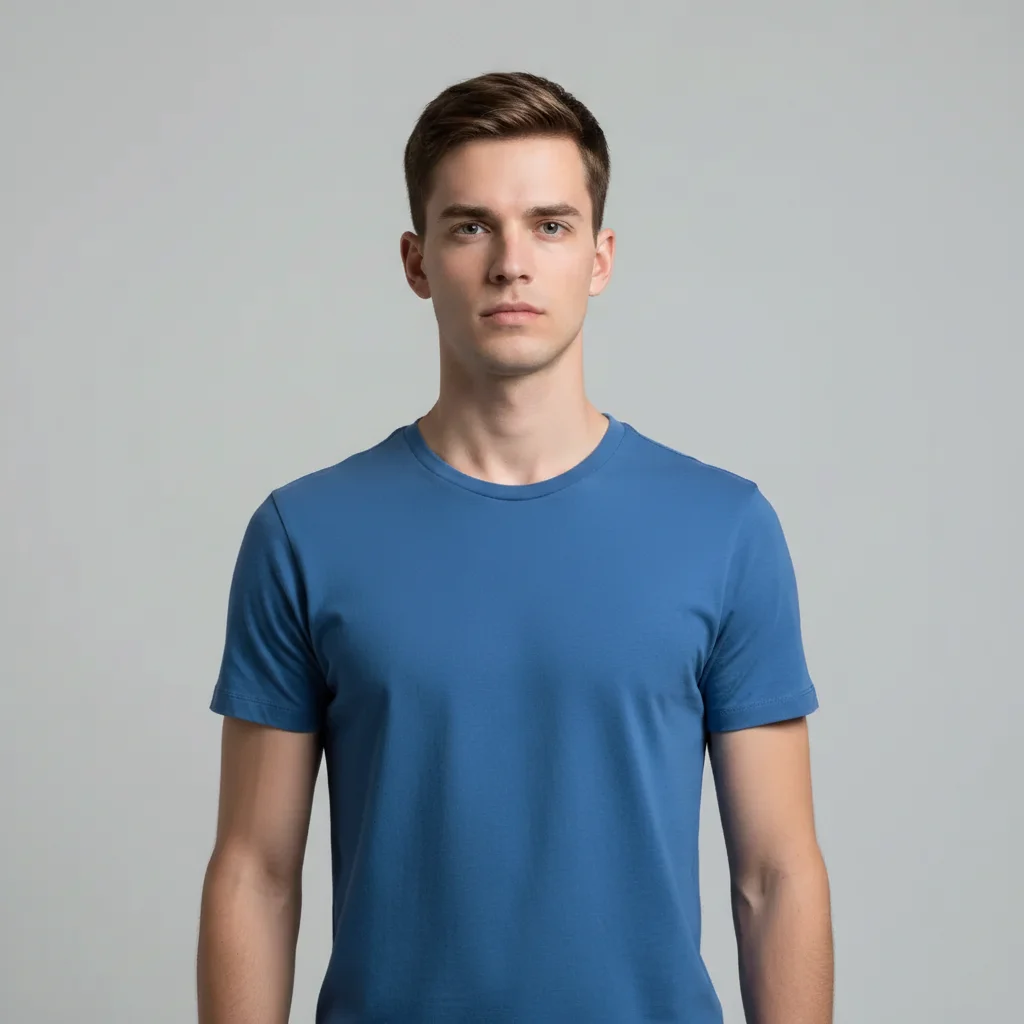
Man in blue t-shirt with natural shoulder width
Before
->
Same man with slightly broader more defined shoulders
After

Broader shoulders for confidence boost

Shoulders made slightly broader for a more balanced and confident look in a casual photo.

Prompt: make the shoulders slightly broader and more defined, maintaining natural proportions

Detailed Guides by Scenario

πŸ“·

Portrait Retouching

Natural-looking body retouching for portraits β€” enhance without making the subject look artificial.

Common Scenarios

  • Applying body adjustments to a headshot or portrait for professional use
  • Subtle body retouching on a family photo before printing
  • Touch-up body edits for event photos (wedding, graduation, reunion)

Best Practices

  • Less is more β€” subtle retouching always looks better than heavy-handed changes
  • Compare before and after at 100% zoom to check that skin texture still looks real
  • Mention 'natural-looking' in your body prompt to avoid the over-processed look
πŸ“·

Professional & Commercial

High-end body retouching for commercial use β€” beauty, fashion, and product photography standards.

Common Scenarios

  • Applying body retouching to model photos for a fashion brand
  • High-end body work on beauty shots for advertising campaigns
  • Commercial-grade body editing on executive portraits for annual reports

Best Practices

  • For commercial work, specify the industry standard: 'beauty retouching' vs. 'editorial retouching' for body
  • Keep lighting and shadows intact β€” only address skin, features, or the specific retouching target
  • For advertising, ensure retouching complies with local advertising standards and regulations
πŸ“·

Personal Enhancement

Quick body retouching for personal photos β€” look your best in photos you'll share, print, or frame.

Common Scenarios

  • Quick body fixes on a selfie before posting to social media
  • Applying body retouching to a photo for a dating profile or personal website
  • Touching up body in a favorite photo that has one annoying flaw

Best Practices

  • Fix the one thing that bothers you most β€” don't try to change everything at once
  • Ask for 'slight' or 'subtle' body changes to keep the photo looking authentically like you
  • The goal is to look like you on your best day, not like a different person

If something looks off

AI changed the wrong area or something I didn't want changed

Why: The AI couldn't determine exactly which body area you meant from description alone. It may have adjusted multiple areas when you wanted just one.

Try: Tap a marker on the specific body area, then regenerate: adjust only this area, keep everything else exactly the same

Tip: Markers tell the AI 'I mean THIS area specifically.' Use them when you want to isolate one body part.

Background is warped or stretched near the body

Why: Body reshaping can distort the background pixels adjacent to the reshaped area, creating visible warping or bending of straight lines.

Try: reshape the body subtly without distorting or warping the background, keep all background lines straight

Tip: Photos with simple or uniform backgrounds (solid walls, sky) produce the least warping during reshaping.

Clothing looks unnatural after reshaping

Why: The AI reshaped the body but didn't properly adjust how the clothing fits on the new proportions.

Try: reshape the body and adjust the clothing to fit naturally on the new proportions, realistic fabric draping

Tip: 'Realistic fabric draping' tells the AI to also update how clothes hang and fold on the adjusted body.

Result looks obviously edited or fake

Why: The reshaping was too aggressive, creating proportions that don't look natural for a real human body.

Try: make only a very subtle adjustment to [area], keep it looking completely natural and unedited

Tip: Less is more with body reshaping. Start with 'slightly' or 'subtly' and increase from there if needed.

Body parts look disproportionate after change

Why: Adjusting one body area without considering the proportional relationship to adjacent areas creates an unbalanced look.

Try: adjust [area] while maintaining natural proportions with the rest of the body, everything should look balanced

Tip: 'Natural proportions' and 'balanced' tell the AI to consider the whole body, not just the target area.

Quick answers

Do I need to mark the body area before describing changes?

No. Just describe the adjustment: 'slim the waist' or 'broaden the shoulders.' EditThisPic's AI understands body parts and applies changes automatically. Only use markers if you want to target a very specific area and the AI is adjusting the wrong part.

How do I reshape my body in a photo for free?

Upload your photo to EditThisPic and type an instruction like 'slim the waist slightly.' The AI adjusts body proportions in about 30 seconds while keeping the result natural-looking. Free to use, no account or signup required, no watermarks on the result. Works on full-body and upper-body shots.

Is there a free AI body reshaper that doesn't require signup?

Yes. EditThisPic reshapes body proportions for free with no account needed. Upload your photo, describe the adjustment you want, and download the result. No watermarks, no app download. Unlike apps that warp pixels and distort backgrounds, the AI intelligently adjusts proportions.

What is the best free AI tool to reshape body in a photo?

EditThisPic is one of the best free AI body reshapers available. Upload any photo, describe the change you want like 'slim the waist' or 'broaden the shoulders,' and get natural-looking results in 30 seconds. No account needed, no watermark, and no Photoshop skills required. Works in any browser.

Will the reshaping look obvious or fake?

Subtle changes look completely natural. The key is using modifiers like 'slightly' or 'subtly' in your prompt. The AI adjusts proportions while maintaining realistic body geometry and clothing fit. Avoid extreme changes for the most natural results.

Can I use it to visualize fitness goals?

Yes. Upload a current photo and describe your goal: 'slim the waist and add slight muscle definition to the arms.' The AI generates a realistic preview of your fitness target. Great for motivation boards and goal-setting. Free on EditThisPic, no account needed.

How do I reshape my body in a photo without Photoshop?

Upload your photo to EditThisPic and type a plain-language instruction like 'slim the waist slightly.' The AI handles all the complex editing automatically β€” no layers, liquify tools, or manual selection needed. Just describe the result you want. Free, no login required.

Does it distort the background when reshaping the body?

Subtle adjustments preserve the background cleanly. Photos with simple or solid backgrounds produce the best results. If you notice any warping, add 'without distorting the background' to your prompt.

Can I adjust multiple body areas in one prompt?

Yes. Combine instructions: 'slim the waist slightly and make the shoulders a bit broader.' The AI handles multiple adjustments in a single pass. For best results, keep each change subtle rather than combining multiple extreme edits.

Does the body reshaper work on my phone?

Yes. EditThisPic works in any mobile browser on iPhone or Android with no app download needed. Upload your photo, type your adjustment, and download the result. The full experience works on mobile.

Is it safe to use body reshaping for dating profile photos?

EditThisPic works well for subtle enhancements that look natural, like minor posture improvements or slight proportion adjustments. The key is using modifiers like 'slightly' or 'subtly' so the result still looks authentically like you on your best day.

How do I make body reshaping look natural and not obviously edited?

Use modifiers like 'slightly,' 'subtly,' or 'a bit' in your prompt. For example, 'slim the waist slightly' produces a much more natural result than 'make the waist very thin.' The AI adjusts proportions relative to the rest of the body, so subtle changes are virtually undetectable. Check the background for any warping at full zoom.

Can I use body reshaping to preview fitness goals?

Yes. Upload a current full-body photo and describe your target: 'slim the waist slightly and add subtle muscle definition to the arms, natural athletic look.' The AI generates a realistic preview you can use for motivation boards. Remember to keep changes subtle for believable results. Free on EditThisPic, no account needed.

Ready to edit your photos?

Free to try. No signup required.