AI Photo Editor for 50th Anniversary Photos
50 years of love deserves perfect photos. Fix any celebration shot in seconds.
Drop your photo here
or click to browse
Free • No signup
Release to upload
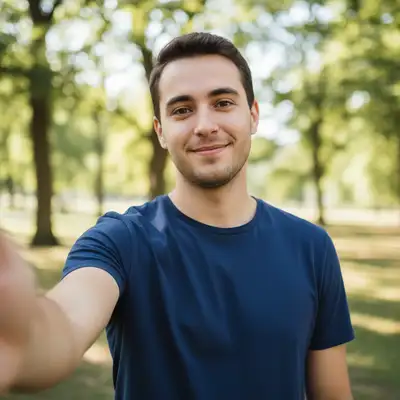
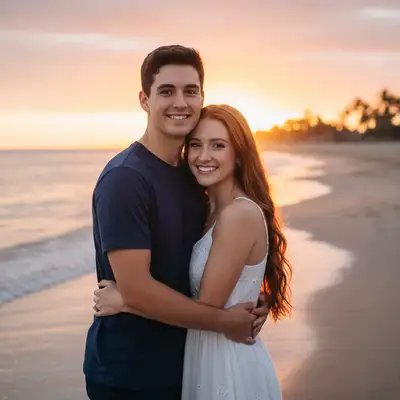
How to Edit Anniversary Photos
-
Upload your photo
Drop your anniversary photo into EditThisPic. Party group shots, couple portraits, or old wedding photos to restore. JPG, PNG, WebP up to 7MB.
Lighting fixes: 15-20 seconds. Photo restoration: 30-40 seconds. -
Describe your edit
Type what you want: 'brighten the celebration group photo' or 'restore this faded old wedding photo with vivid colors' or 'enhance the couple portrait with soft warm lighting.'
For old wedding photo restoration, try 'restore colors, fix fading, and sharpen faces while keeping the vintage charm.' -
Review and download
Check that the photo honors the celebration. Download for party displays, slideshows, or printing.
-
Refine if needed
Tap markers for targeted fixes on specific faces or damaged areas in old photos.
Best Prompts for Anniversary Photos
restore this faded photo with vivid colors, fix yellowing, and sharpen faces
Old photos often have yellowing and fading that AI can correct beautifully
brighten all faces in the group photo with warm, festive lighting
Banquet halls typically have dim lighting that makes group shots too dark
enhance the portrait with soft warm lighting and gentle skin smoothing, keep natural appearance
Gentle enhancement respects natural aging while making the photo flattering
remove the creases, scratches, and damage, restore the photo to look like new
AI handles scratches and creases better than tears or missing sections
Show more prompts
colorize this black and white wedding photo with natural, realistic colors
AI colorization brings old memories to vivid life
Anniversary Photo Transformations
Old wedding photo restored
Faded 50-year-old wedding photo restored with vivid colors and sharp faces for an anniversary celebration.
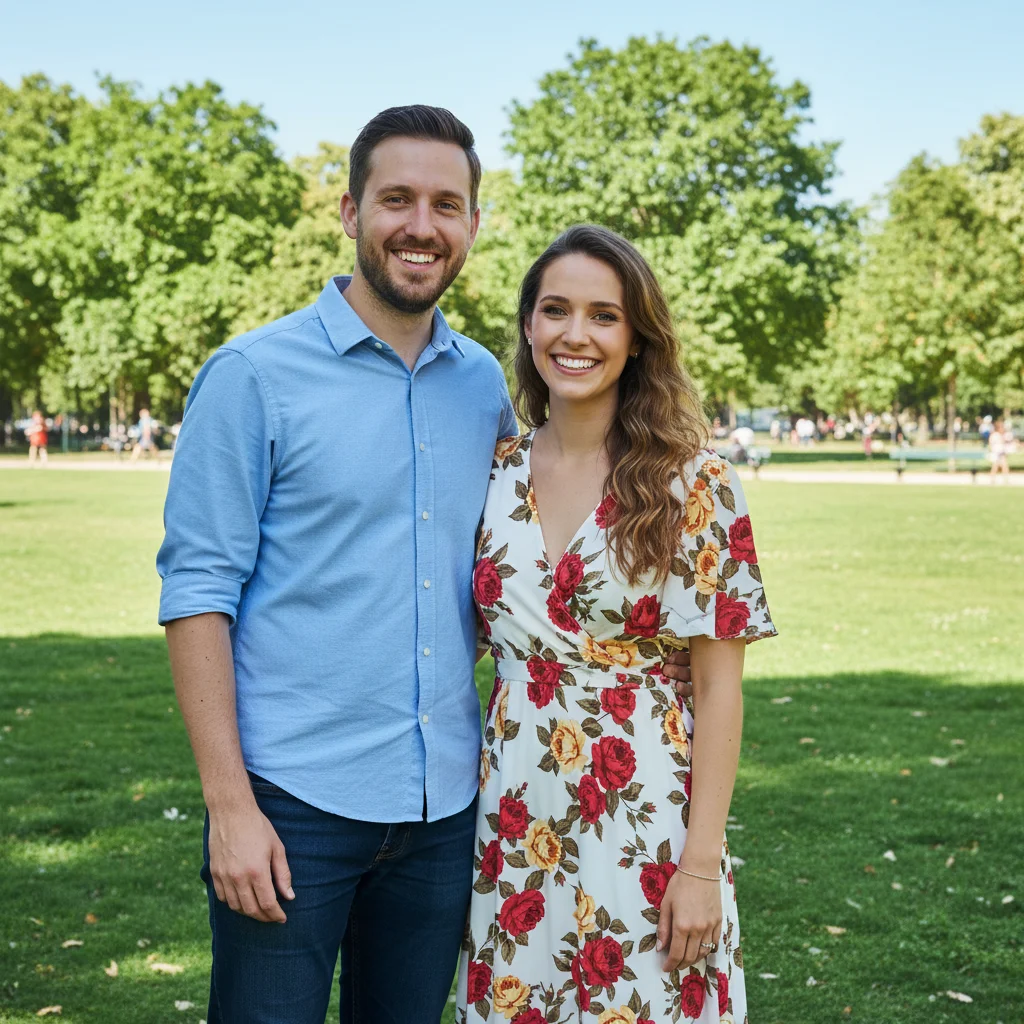
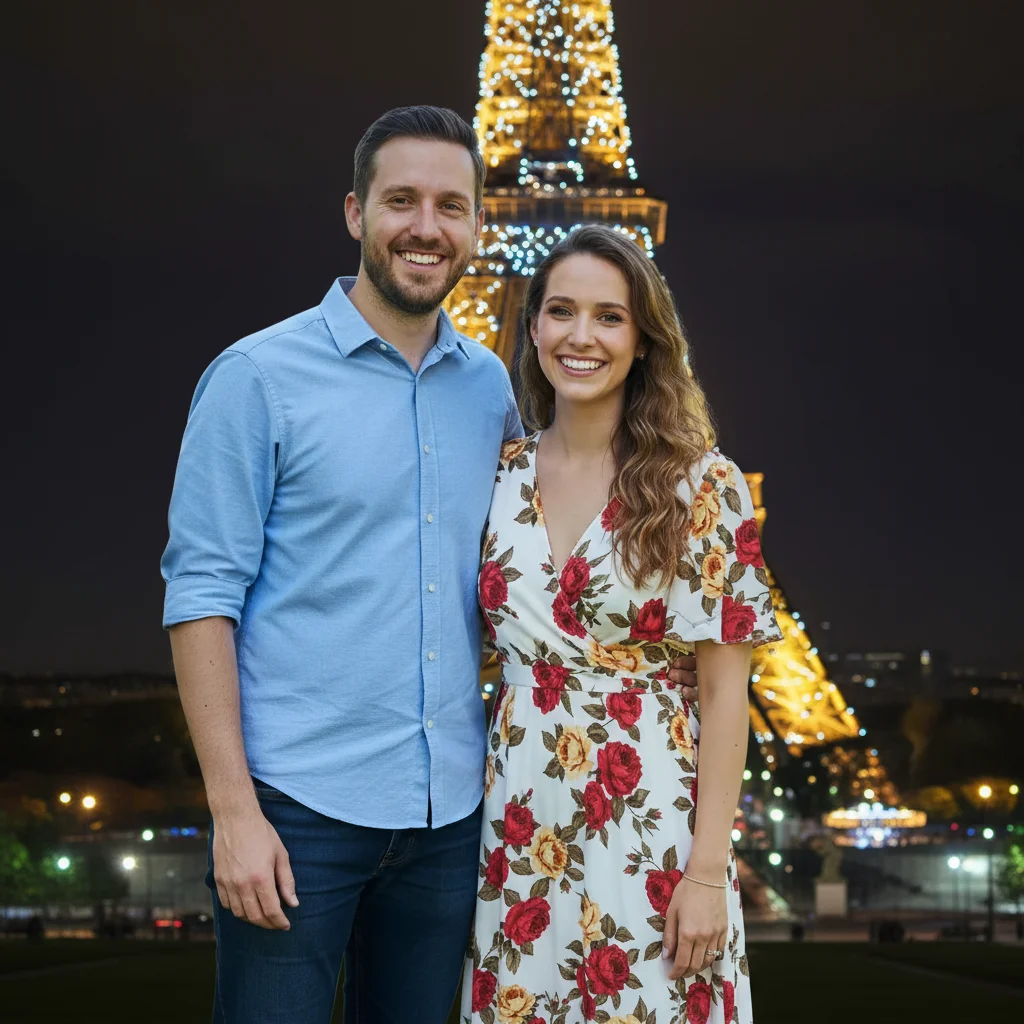
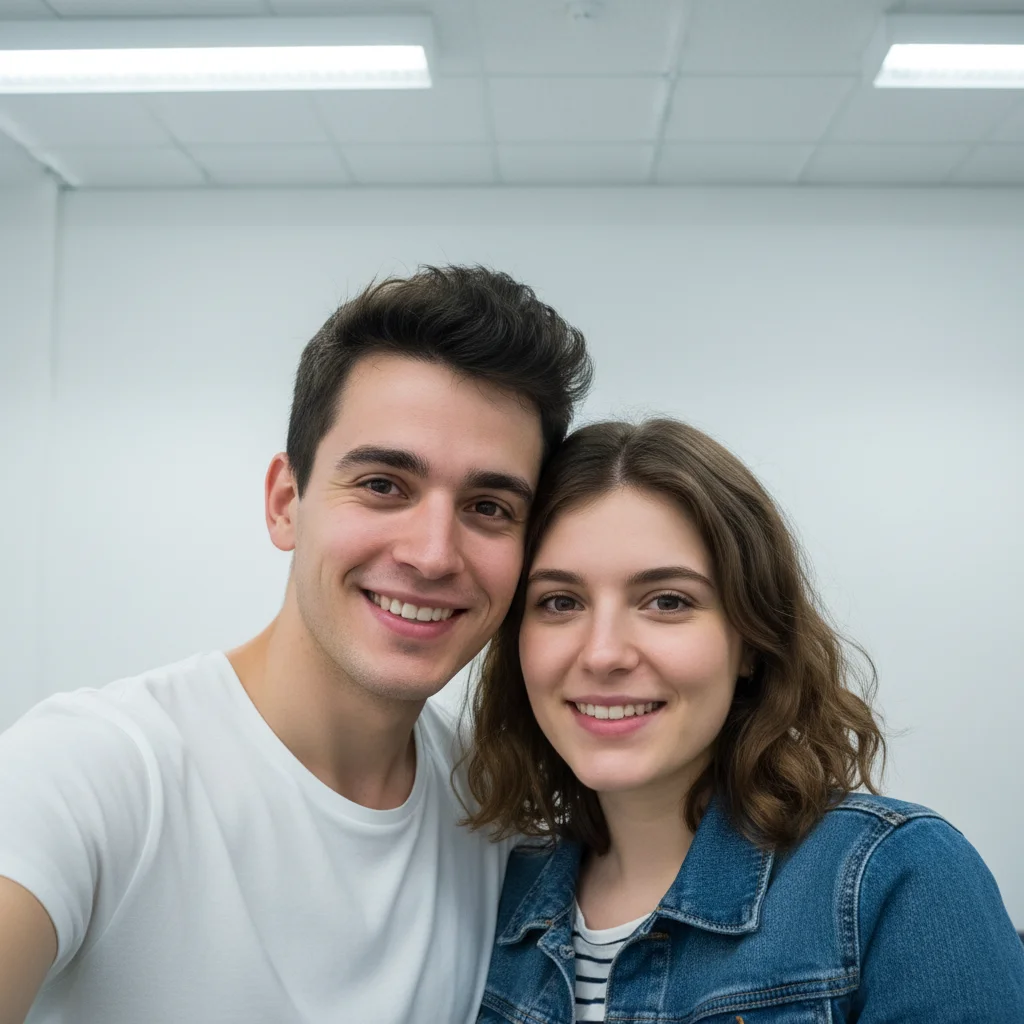
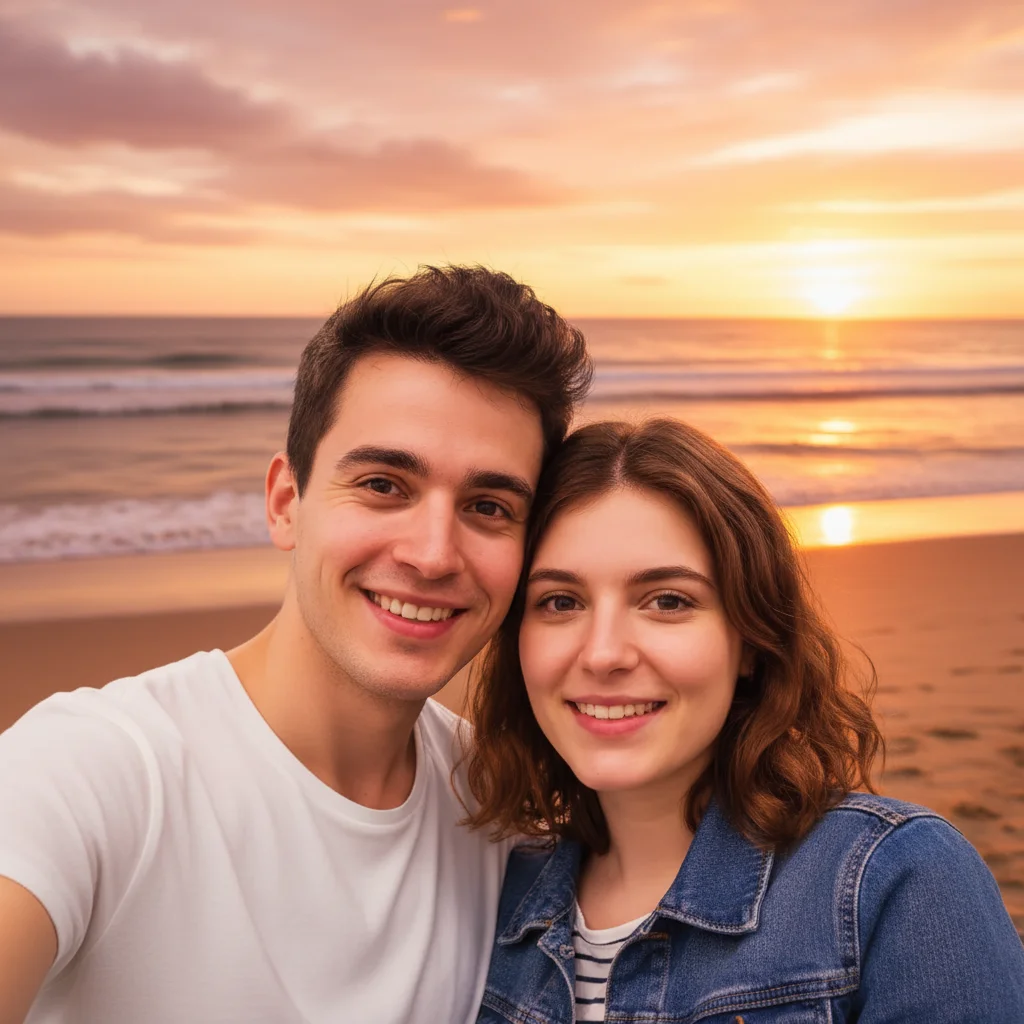
Anniversary party group brightened
Dark banquet hall group photo of anniversary celebration transformed with warm, festive lighting.
Common Issues
Restored photo lost its vintage character
Why: AI over-corrected and made it look too modern
Adding 'vintage tone' preserves the era feel while fixing damage
Colorization colors look wrong for the era
Why: AI used modern color palettes instead of period-appropriate ones
Specifying the decade helps AI choose era-appropriate color palettes
Group photo brightening made some faces overexposed
Why: People closer to the light source got too bright
Specify which areas need brightening when lighting varies across the group
Frequently Asked Questions
Can AI restore a 50-year-old wedding photo?
Yes! Upload a scan of the old photo and type 'restore colors, fix fading, sharpen faces.' The AI corrects yellowing, fading, and minor damage. For badly damaged photos, multiple passes may be needed.
How do I fix dark banquet hall celebration photos?
Type 'brighten all faces with warm festive lighting.' The AI brightens everyone in the group while preserving the warm, celebratory atmosphere.
Can I colorize old black and white wedding photos?
Yes! Type 'colorize with natural realistic colors.' The AI adds color based on common elements like white wedding dress, dark suits, and natural skin tones.
How do I make elderly couple portraits look flattering?
Try 'enhance with soft warm lighting and gentle skin smoothing.' The AI creates a flattering portrait that respects natural aging while looking polished.
Is this anniversary photo editor free?
Yes - you get 1 free edit per week, no account needed. Plans start at $4.99/month for 15 edits.
Can I edit anniversary photos on my phone?
Yes. EditThisPic works in any mobile browser - iPhone, Android, tablet. No app download needed.
Ready to perfect your anniversary photos?
Free to try. No signup required. Golden results in seconds.
Upload Your PhotoTrusted by 15,000+ users