AI Photo Editor for Coming of Age Ceremony Photos
A once-in-a-lifetime celebration deserves once-in-a-lifetime photos.
Drop your photo here
or click to browse
Free • No signup
Release to upload
How to Edit Coming of Age Photos
-
Upload your ceremony photo
Drop your celebration photo into EditThisPic. Formal portraits, dance floor shots, group photos, and venue decoration photos all work. JPG, PNG, WebP up to 7MB.
Lighting fixes: 15-20 seconds. Portrait enhancement: 25-30 seconds. -
Describe your edit
Type what you want: 'brighten the ballroom group photo' or 'enhance the formal portrait with soft lighting' or 'fix the colored DJ lights on skin tones.'
For ballroom photos, try 'brighten all faces with warm elegant lighting' to match the formal atmosphere. -
Review and download
Check that the elegance of the celebration shines through. Download for social media, photo albums, or printing.
-
Refine if needed
Tap markers for targeted fixes. Great for fixing individual faces in large group shots.
Best Prompts for Coming of Age Photos
brighten all faces with warm elegant lighting, keep the festive decoration lights visible
Ballroom celebrations need brightness on faces without losing the ambiance
enhance this portrait with soft flattering lighting and gentle skin smoothing
Formal portraits benefit from the same techniques professional photographers use
fix the colored light cast on faces, restore natural skin tones while keeping dance floor lights in background
Colored DJ lights create green, purple, or blue casts on skin
sharpen the dancer and reduce motion blur while keeping the energy of the moment
Moderate motion blur from dancing can be partially recovered
Show more prompts
enhance the dress fabric colors and decoration colors to be vivid and rich
Formal dresses and decorations deserve to look as stunning in photos as in person
Coming of Age Photo Transformations
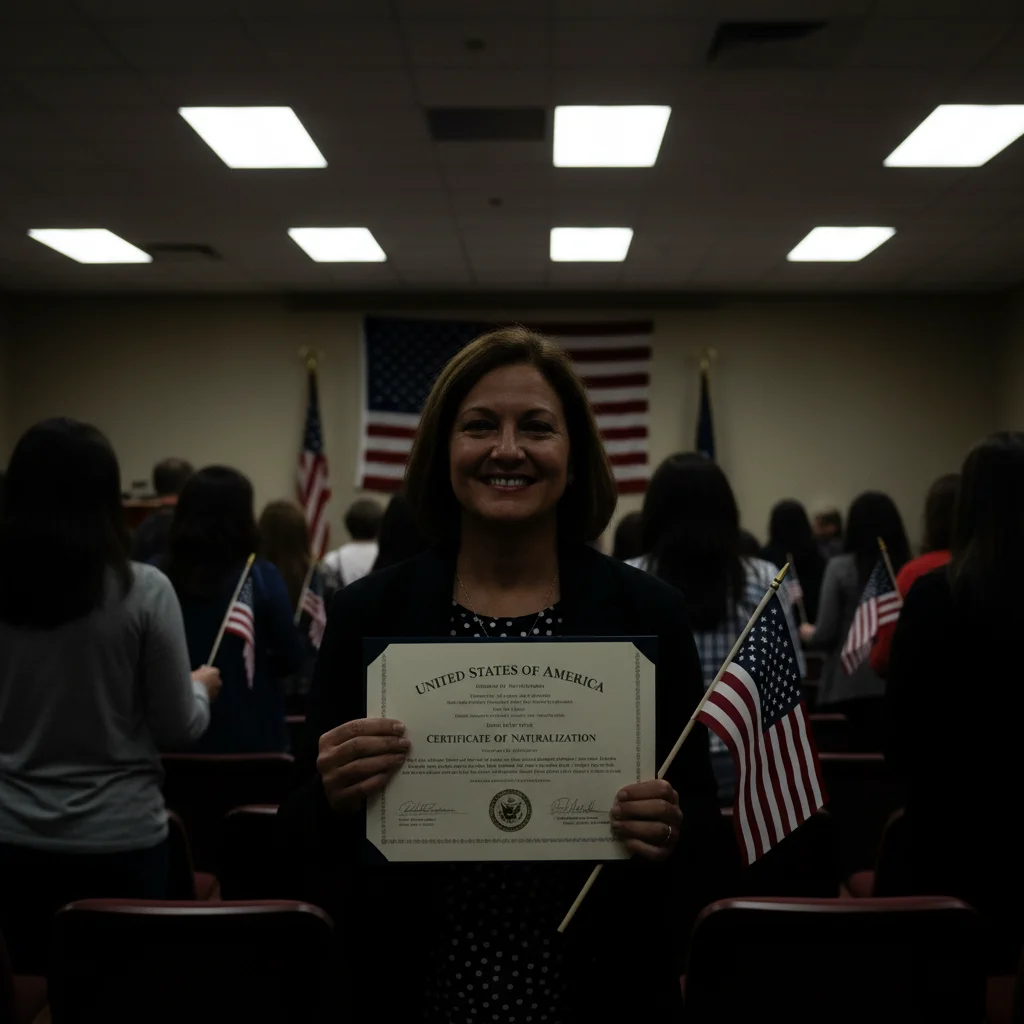
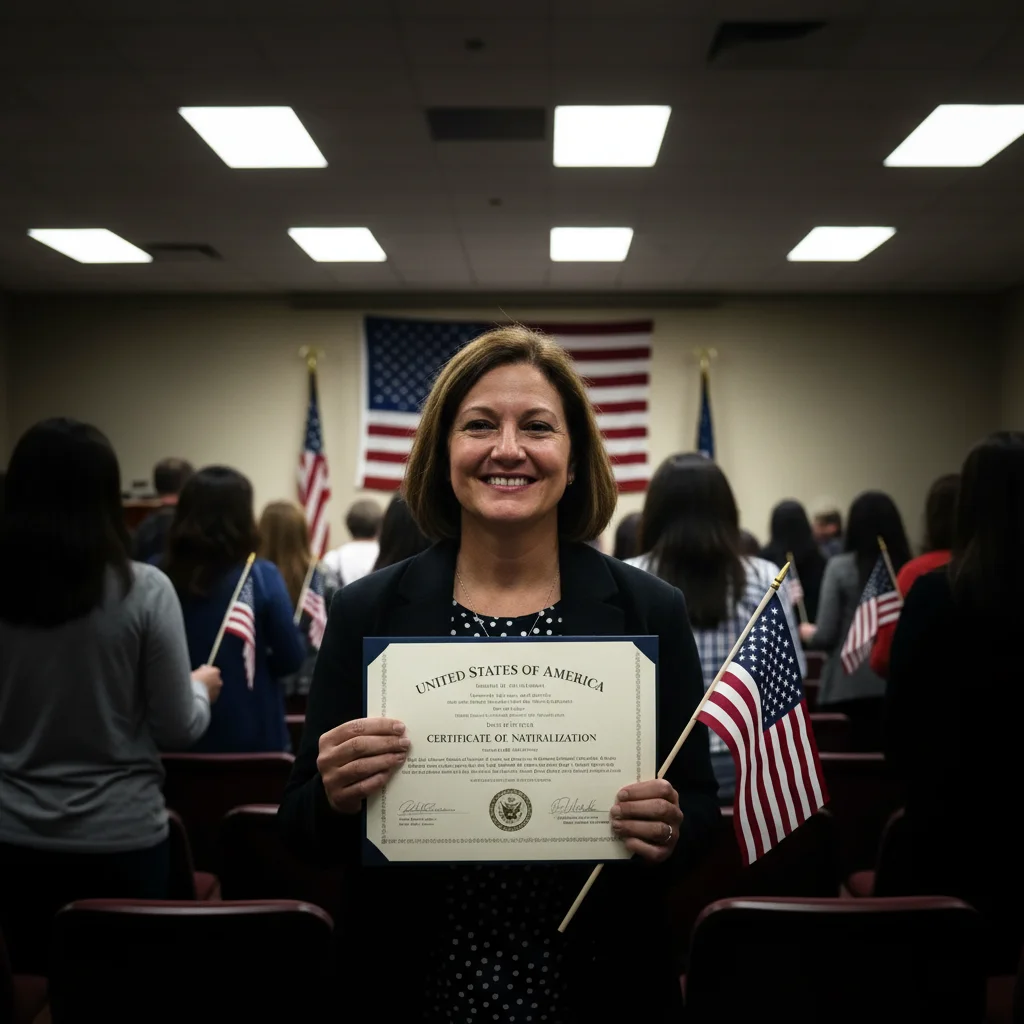
Ballroom celebration brightened
Dark quinceañera ballroom group photo transformed with bright, elegant lighting.
brighten all faces with warm elegant lighting, keep the festive decoration lights visible
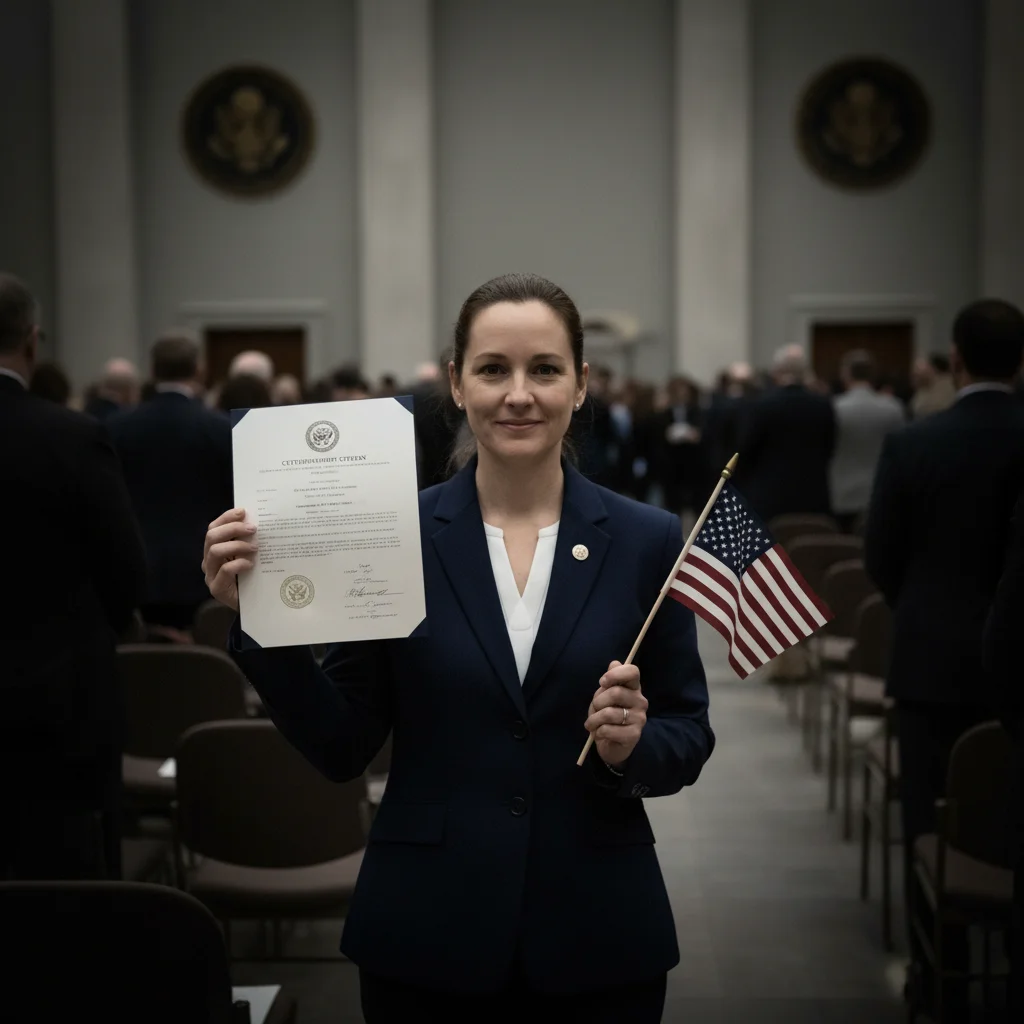
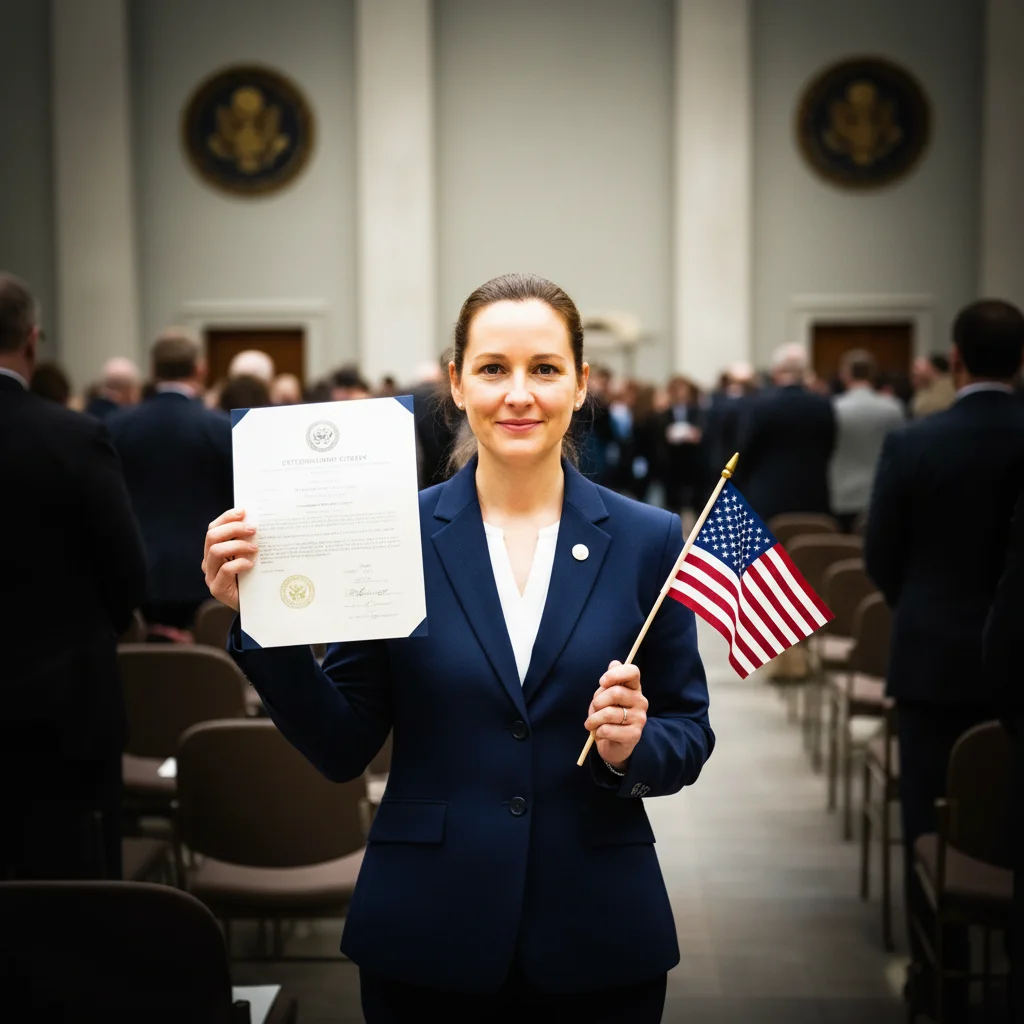
Formal portrait enhanced
Coming of age formal portrait with improved lighting and gentle skin smoothing.
Common Issues
Brightening lost the elegant ambiance of the ballroom
Why: AI made everything uniformly bright instead of selectively brightening faces
'Only faces' preserves the romantic venue lighting you paid for
Dress color looks different after editing
Why: Color correction changed the dress along with the lighting
Mentioning the dress specifically protects its color during editing
Frequently Asked Questions
How do I fix dark quinceañera ballroom photos?
Type 'brighten all faces with warm elegant lighting.' The AI brightens faces while preserving the festive ambiance of the decorated ballroom.
Can I enhance coming of age formal portraits?
Yes! Type 'enhance with soft flattering lighting and gentle skin smoothing.' This creates a professional portrait look from a phone photo.
How do I fix DJ light color casts on skin?
Type 'fix colored light cast on faces, restore natural skin tones.' The AI corrects green, purple, and blue tints from DJ lights while keeping the colorful background.
Can I make my celebration dress look more vivid?
Type 'enhance the dress fabric colors to be vivid and rich.' The AI brings out the true colors of formal gowns that often look dull in phone photos.
Is this ceremony photo editor free?
Yes - you get 1 free edit per week, no account needed. Plans start at $4.99/month for 15 edits.
Can I edit ceremony photos on my phone?
Yes. EditThisPic works in any mobile browser - iPhone, Android, tablet. No app download needed.
Ready to perfect your celebration photos?
Free to try. No signup required. Elegant results in seconds.
Upload Your PhotoTrusted by 15,000+ users