AI Photo Editor for Dog Trainer Portfolio Photos
Training photos that build client confidence.
Drop your photo here
or click to browse
Free • No signup
Release to upload


Built for Dog Trainer Portfolio Professionals
Dog trainers sell results and trust. Clients need to see attentive, well-behaved dogs working happily under your guidance. EditThisPic enhances training documentation and portfolio photos that demonstrate your effectiveness and build client confidence.
How to AI Photo Editor for Dog Trainer Portfolio Photos
-
Upload your photo
Drop your dog trainer portfolio photo into EditThisPic.
-
Describe your edit
Type what you want.
-
Review
Check accuracy.
-
Refine
Use markers if needed.
Prompts for Dog Trainer Portfolio
enhance the training photo with clear professional lighting, show the focused attentive dog
Focused attention photos prove training effectiveness
enhance the outdoor training photo with warm professional lighting
Outdoor training in good light looks professional and aspirational
enhance the group training class photo with even lighting, show all dogs and handlers
Group class photos show your capacity and management skills
enhance the agility or exercise action shot with clear dynamic lighting
Action shots show the exciting, active side of training
Show more prompts
standardize lighting for dog behavior before/after comparison, show transformation
Behavioral transformation photos are powerful testimonials
Dog Trainer Portfolio Transformations
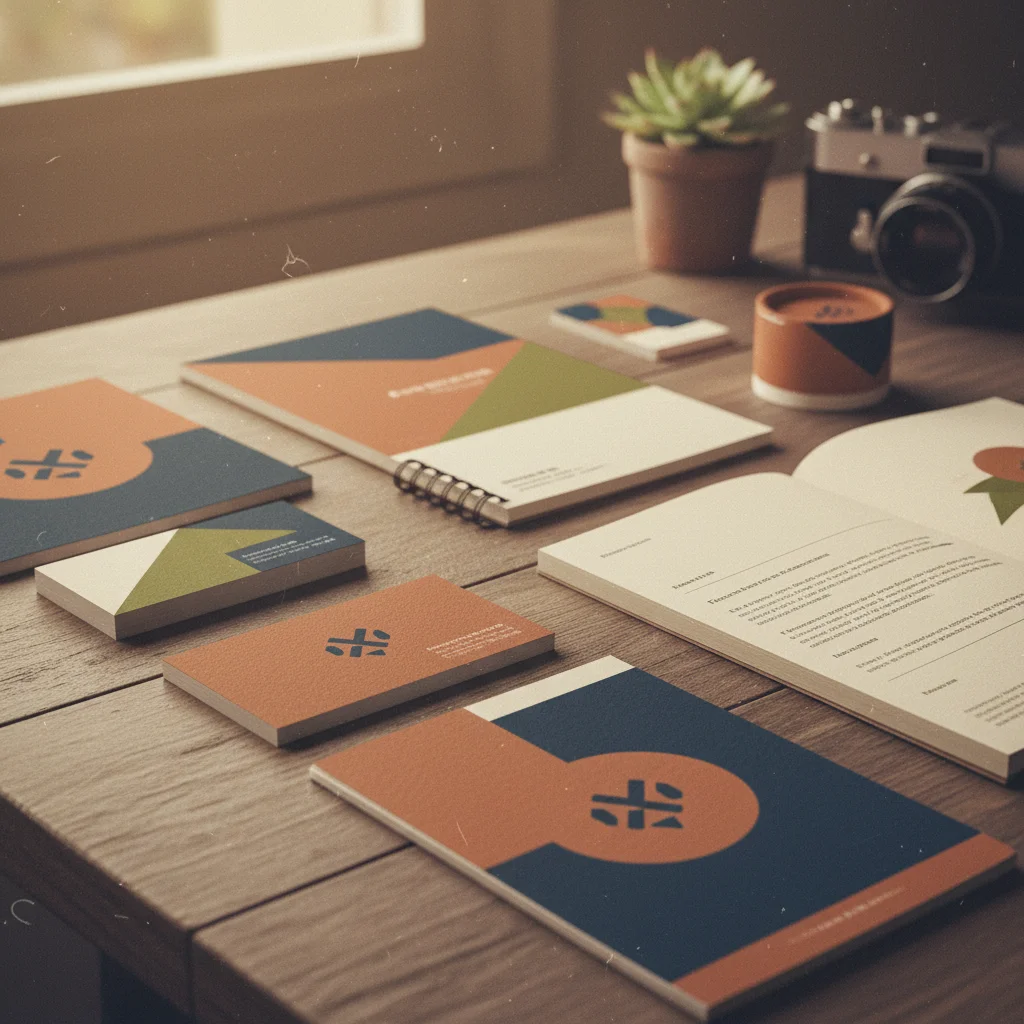
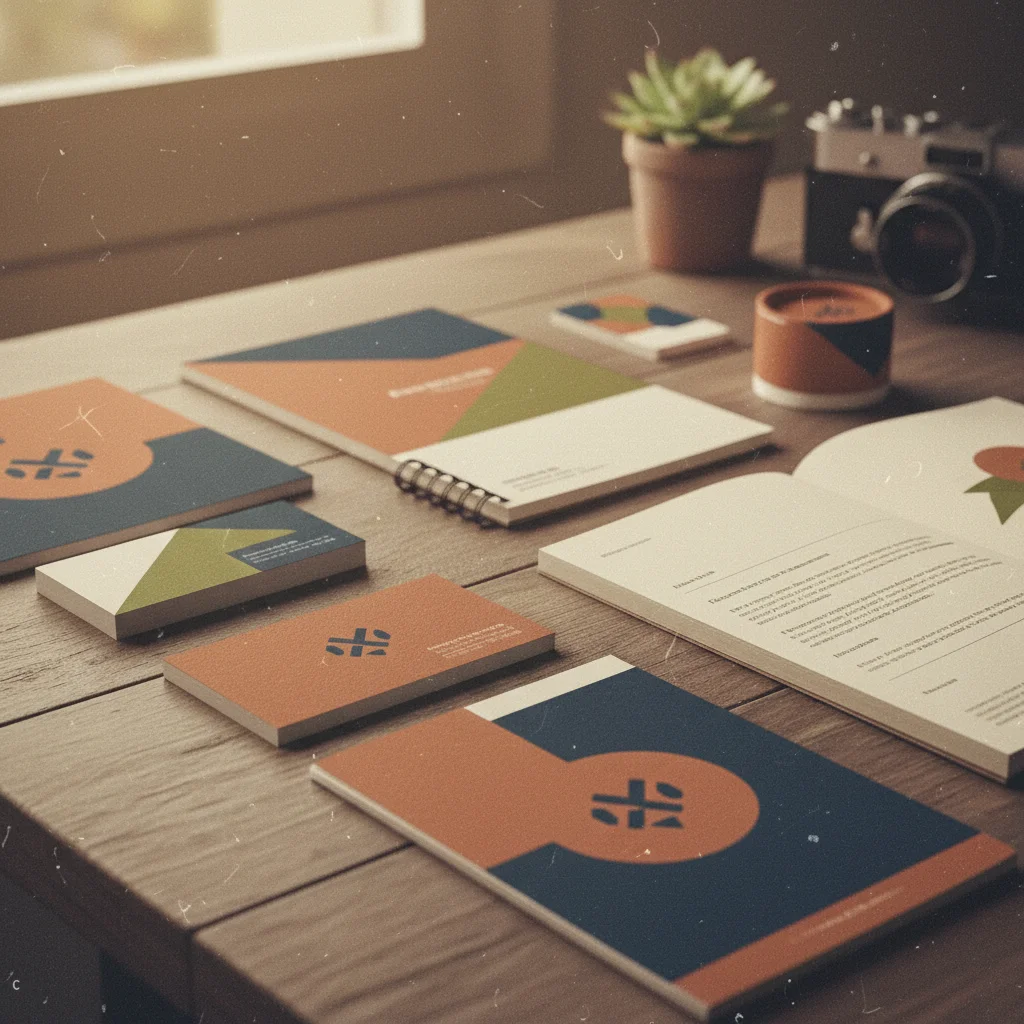
Training session enhanced
Dog training session photo enhanced showing focused, attentive dog working with trainer.
enhance the training photo with clear professional lighting, show the focused attentive dog
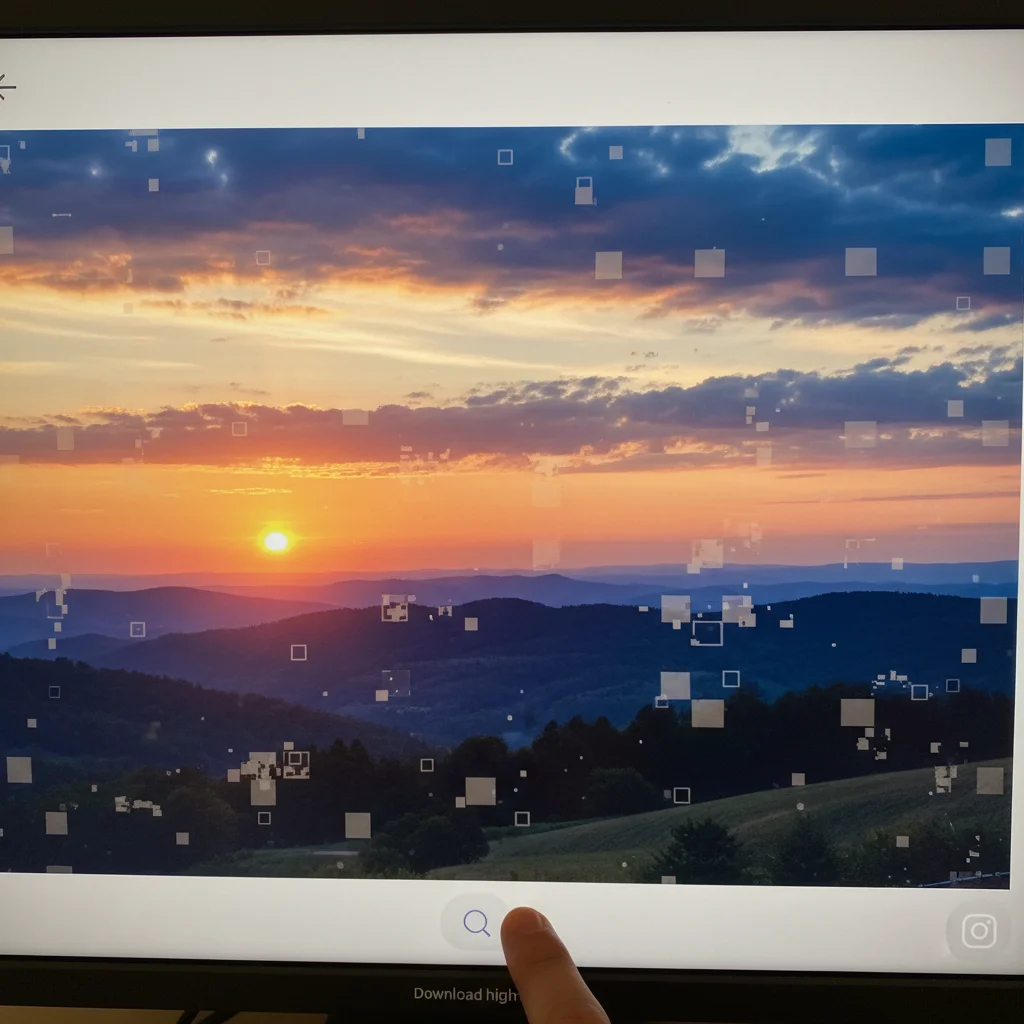
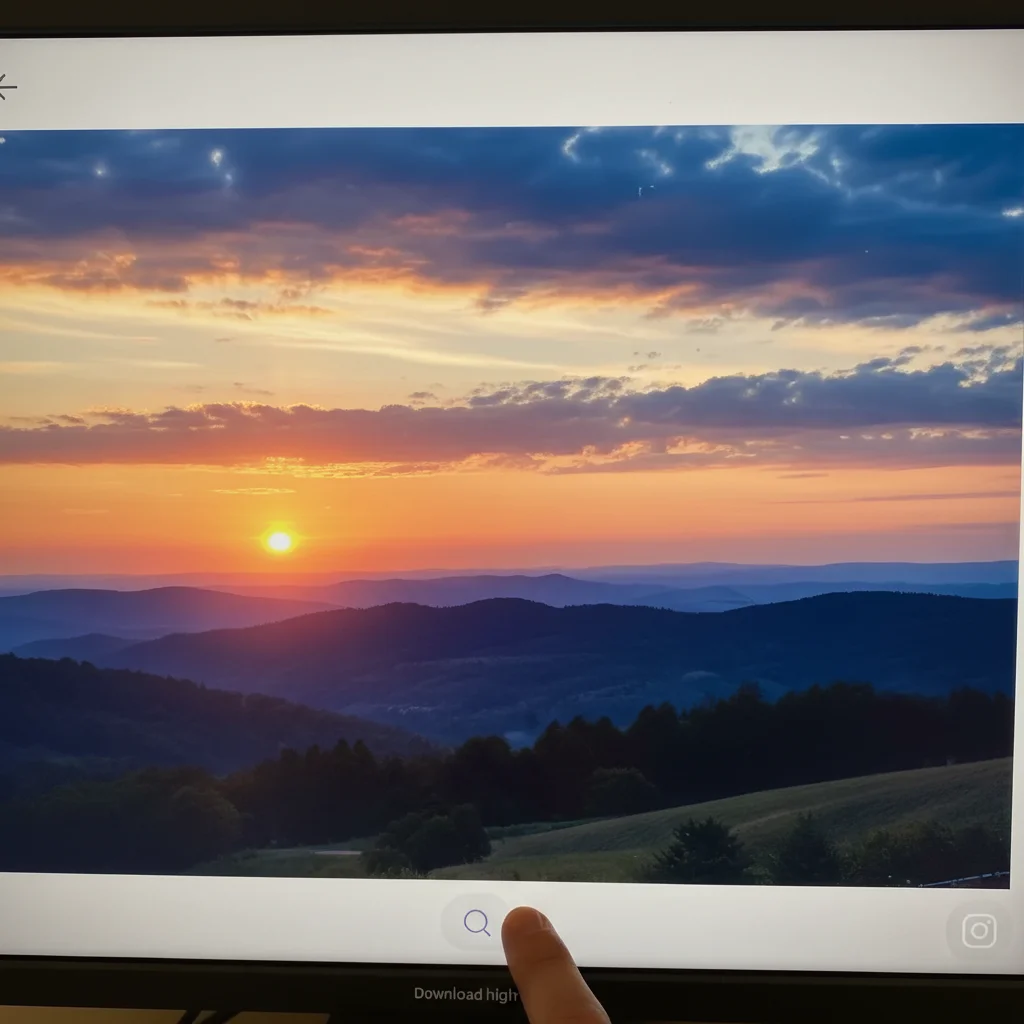
Group class documented
Group dog training class enhanced with even lighting showing all dogs and handlers clearly.
enhance the group training class photo with even lighting, show all dogs and handlers
Common Issues
Pet moved and photo is blurry
Why: Animals rarely stay still, causing motion blur in photos
AI handles mild pet blur well — for extreme blur, try multiple passes
Red or green eye glow from flash
Why: Camera flash reflects off animal retinas differently than human eyes
Specify the pet's actual eye color (e.g., 'brown eyes') for best results
Dark fur makes pet disappear into shadows
Why: Black or dark-colored animals lose detail in anything but perfect lighting
'Show coat texture' tells AI to reveal detail without making dark fur look grey
Background distracts from the pet
Why: Home clutter, other animals, or busy environments pull focus
A soft bokeh background makes any pet photo look professionally shot
FAQ
How do I show training results in photos?
Photos of dogs performing commands, maintaining focus, and working calmly demonstrate your effectiveness. Before/after behavior documentation is especially powerful.
What makes compelling training portfolio photos?
Connection between dog and trainer, focused attention, and happy relaxed dogs performing well. These moments convince potential clients of your skill.
Should I include different breeds?
Yes. Showing your experience with various breeds, sizes, and temperaments demonstrates your versatility and reassures clients with less common breeds.
How do I photograph action training moments?
Burst mode captures the best moments. Take many photos during each exercise and select the ones showing the most impressive focus and execution.
Can I create before/after training photos?
Yes. Document behavior issues at intake and improvement at completion. Standardized lighting in the AI makes these comparisons dramatic and convincing.
Is this free?
Yes — 1 free edit per week. plans start at $4.99/month.
Show your training results
Professional training portfolio photos. Free to try.
Upload Your PhotoTrusted by 15,000+ users