AI Photo Editor for First Car Photos
Your first set of wheels deserves a photo that pops. Make it social-media ready.
Drop your photo here
or click to browse
Free • No signup
Release to upload
How to Edit First Car Photos
-
Upload your car photo
Drop your first car photo into EditThisPic. Dealership shots, driveway poses, parking lot photos, and selfies-with-keys all work. JPG, PNG, WebP up to 7MB.
Color enhancement: 15-20 seconds. Background changes: 25-35 seconds. -
Describe your edit
Type what you want: 'make the car paint vibrant and shiny' or 'replace the parking lot with a scenic road' or 'remove the other cars in the background.'
For the best car photos, try 'enhance paint color, add subtle reflections, and replace sky with blue sky.' -
Review and share
Check that your car looks its best. Download for social media or to commemorate the milestone.
-
Refine if needed
Tap markers on specific areas like scratches or reflections you want fixed.
Best Prompts for First Car Photos
make the car paint color vibrant, shiny, and reflective like a showroom photo
Phone cameras flatten metallic paint - AI restores the shine
replace the background with a clean scenic road and blue sky
Background swap transforms a boring lot photo into an epic car shot
replace the grey sky with blue sky and make the car and surroundings vibrant
Blue skies make any car photo look 10x better
remove the other vehicles and distractions in the background
A clean background puts all focus on your new ride
Show more prompts
remove the small scratches and imperfections on the car body
AI can clean up minor cosmetic issues that phone cameras exaggerate
First Car Photo Transformations
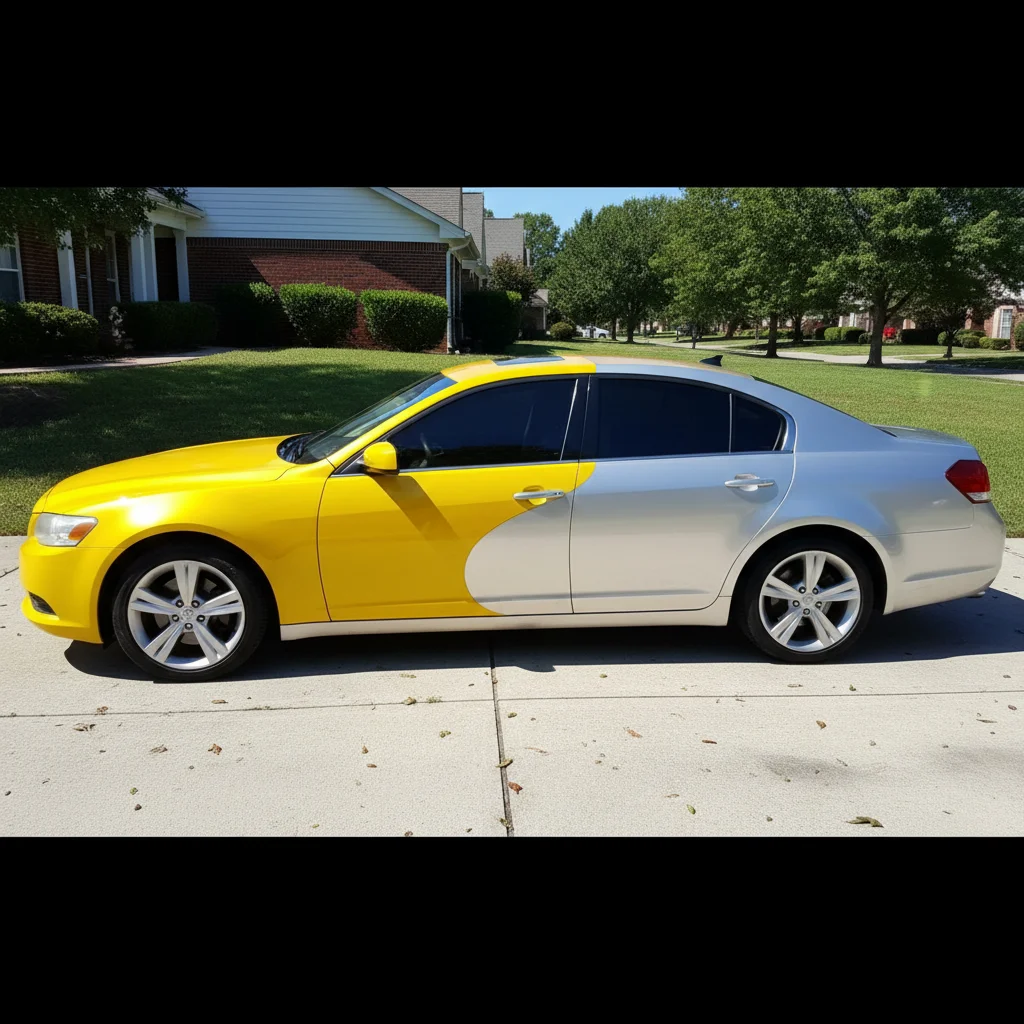
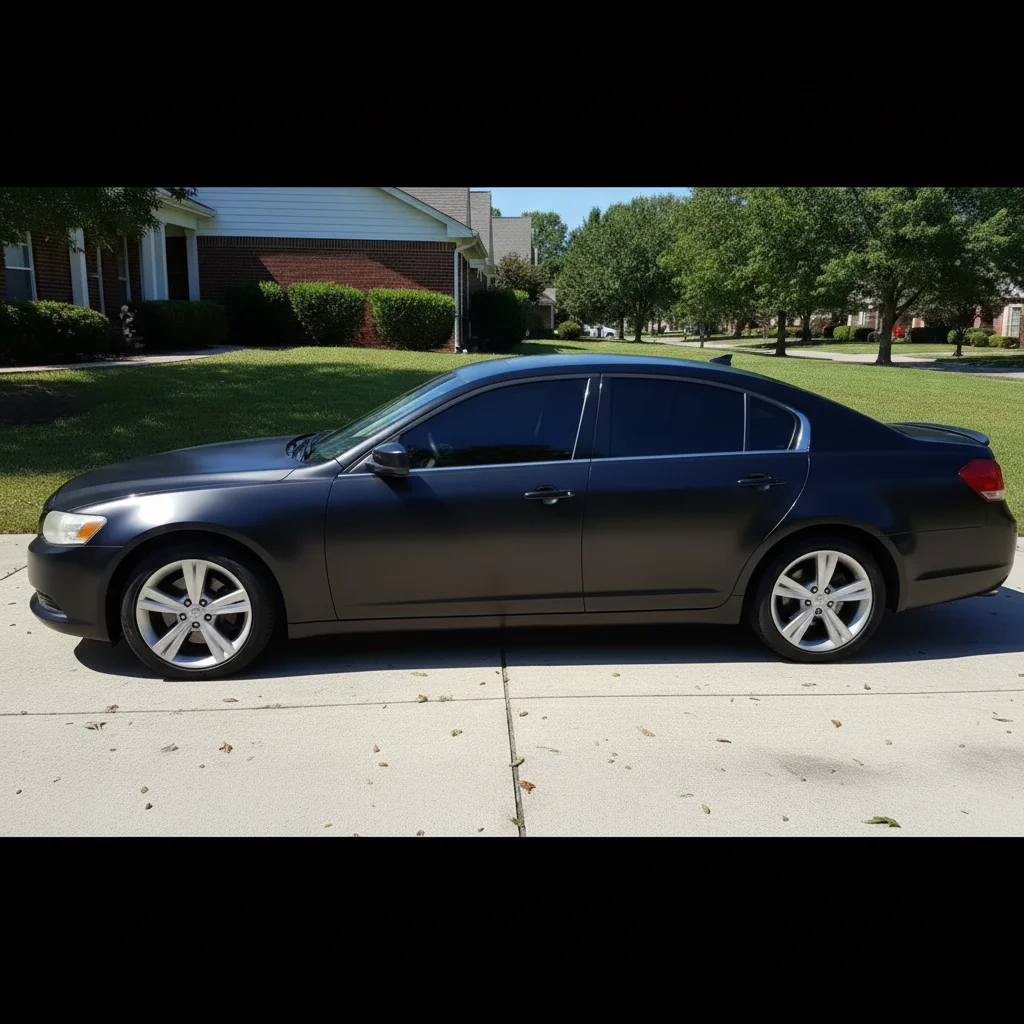
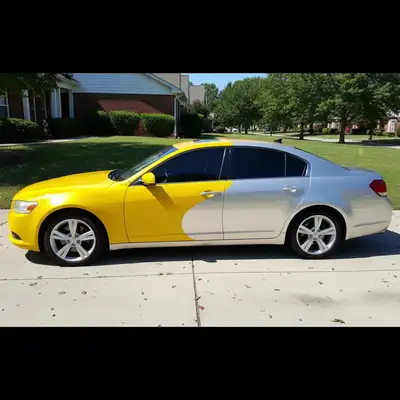
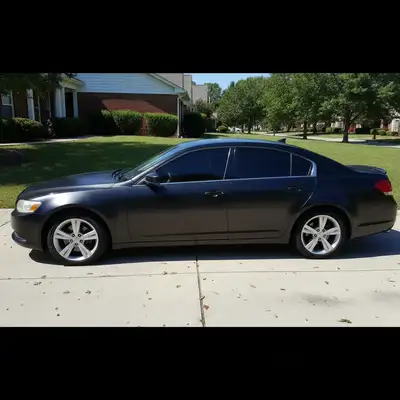
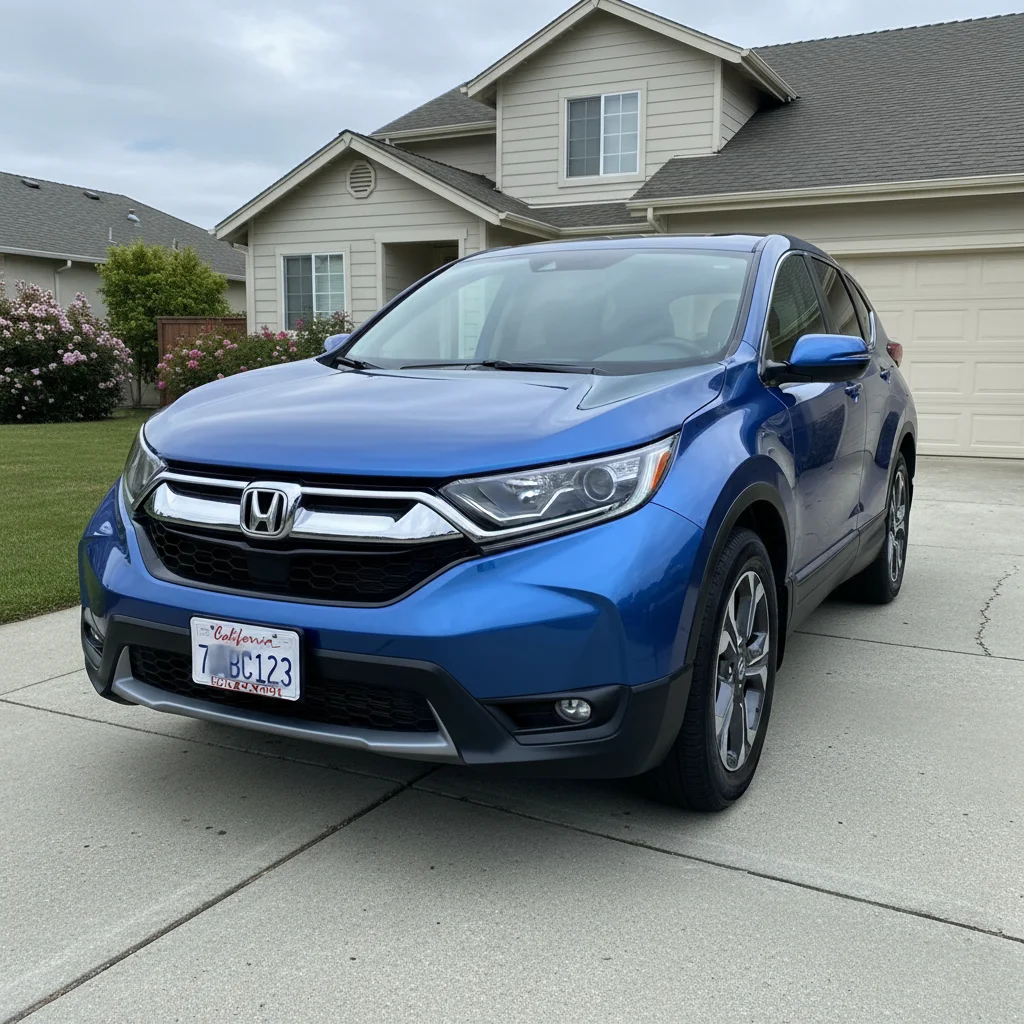
Car paint made vibrant
Dull parking lot car photo transformed with vibrant paint color and professional showroom look.
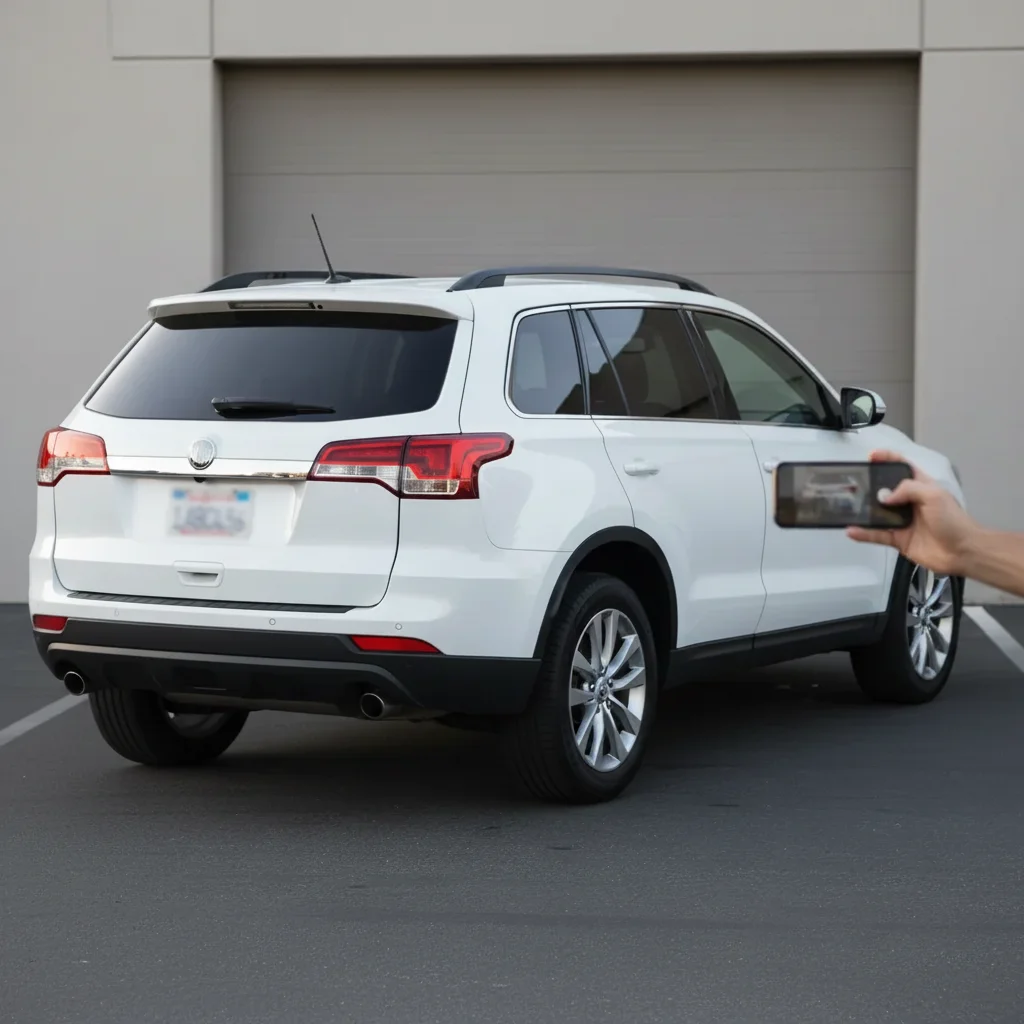
Background replaced
Dealership lot photo transformed with a scenic mountain road background.
Common Issues
Paint enhancement changed the actual car color
Why: AI interpreted 'vibrant' as a different shade
Mention the specific color like 'keep the silver paint color, just add shine'
Background replacement looks pasted on
Why: Lighting direction doesn't match between car and new background
Photos taken in soft overcast light work best with background replacements
Frequently Asked Questions
How do I make my car look better in photos?
Type 'make paint vibrant, shiny, and reflective.' Phone cameras flatten metallic paint. The AI restores the showroom shine that you see in person but cameras miss.
Can I change the background of my car photo?
Yes! Type 'replace background with scenic road and blue sky.' The AI removes the parking lot or dealership and puts your car in a much better setting.
Can I remove scratches from car photos?
Yes. Type 'remove scratches and imperfections from the car body.' AI can smooth out minor cosmetic issues that phone cameras tend to exaggerate.
Is this car photo editor free?
Yes - you get 1 free edit per week, no account needed. Plans start at $4.99/month for 15 edits.
Can I edit car photos on my phone?
Yes. EditThisPic works in any mobile browser - iPhone, Android, tablet. No app download needed.
Is EditThisPic really free?
Yes, EditThisPic offers one free Fast edit per week — no signup or credit card required. For more edits, affordable packs start at $1.99.
Ready to show off your new ride?
Free to try. No signup required. Showroom results in seconds.
Upload Your PhotoTrusted by 15,000+ users