AI Photo Editor for Little League Baseball Photos
They played like an all-star. The photo should look like one too.
Drop your photo here
or click to browse
Free • No signup
Release to upload

How to Edit Little League Baseball Photos
-
Upload your photo
Drop your little league baseball photo into EditThisPic. JPG, PNG, WebP up to 7MB.
Most edits: 20-35 seconds. -
Describe your edit
Type what you want in plain English. The AI understands context and will enhance your photo accordingly.
-
Review and download
Check the result and download in high resolution for social media, printing, or sharing.
-
Refine if needed
Tap markers on specific areas for targeted fixes.
Best Prompts for Little League Baseball Photos
sharpen the batter's swing, freeze the bat and ball contact moment
The swing happens too fast for phone cameras but AI can recover the moment
sharpen the distant fielder, enhance the jersey number and catch moment
Outfield photos from the bleachers are always blurry from phone zoom
brighten the team in the dugout, make every face visible under the shade
Dugouts are shaded while the field is bright, creating terrible contrast
brighten and sharpen the celebration huddle, capture the excited faces and energy
Post-game celebrations are chaotic and blurry but full of emotion
Little League Baseball Photo Transformations
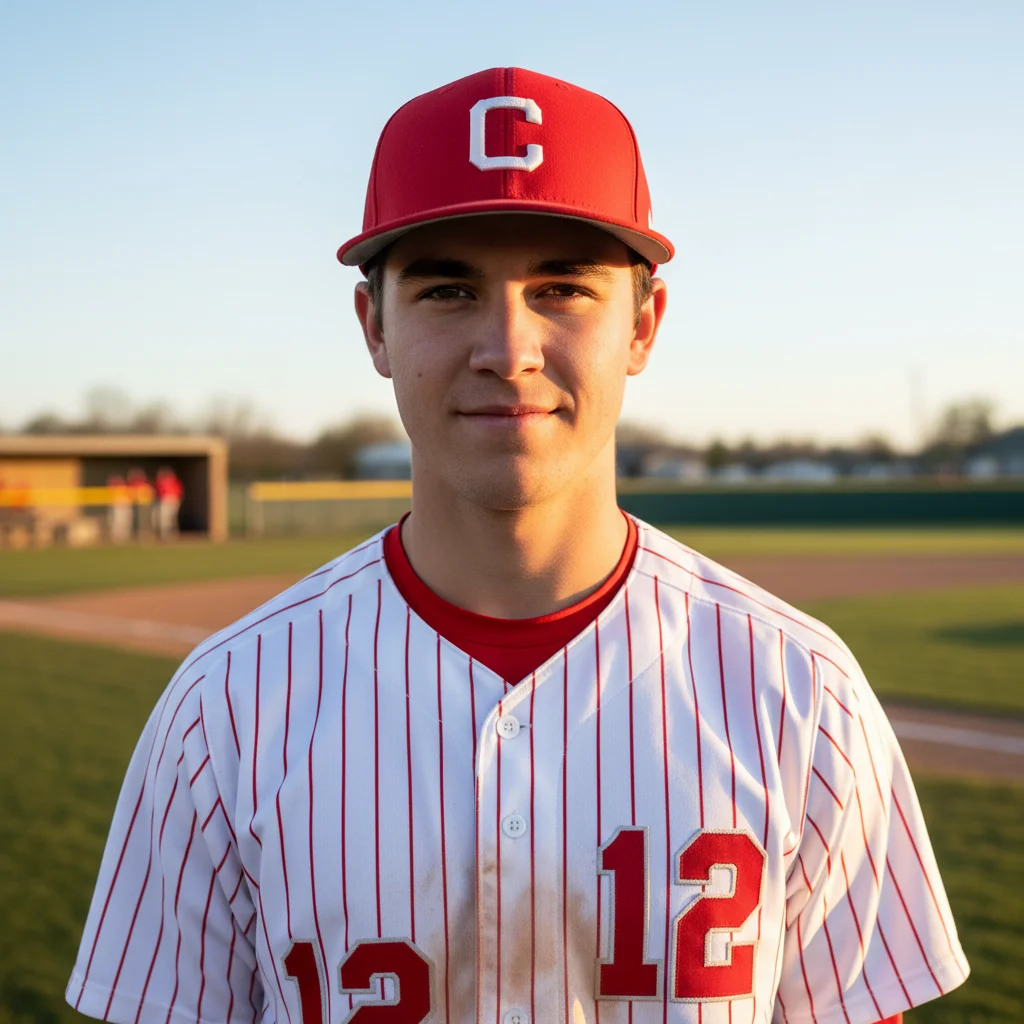

Batting swing sharpened
Little League batter with sharp swing, visible bat-ball contact, and clear expression.
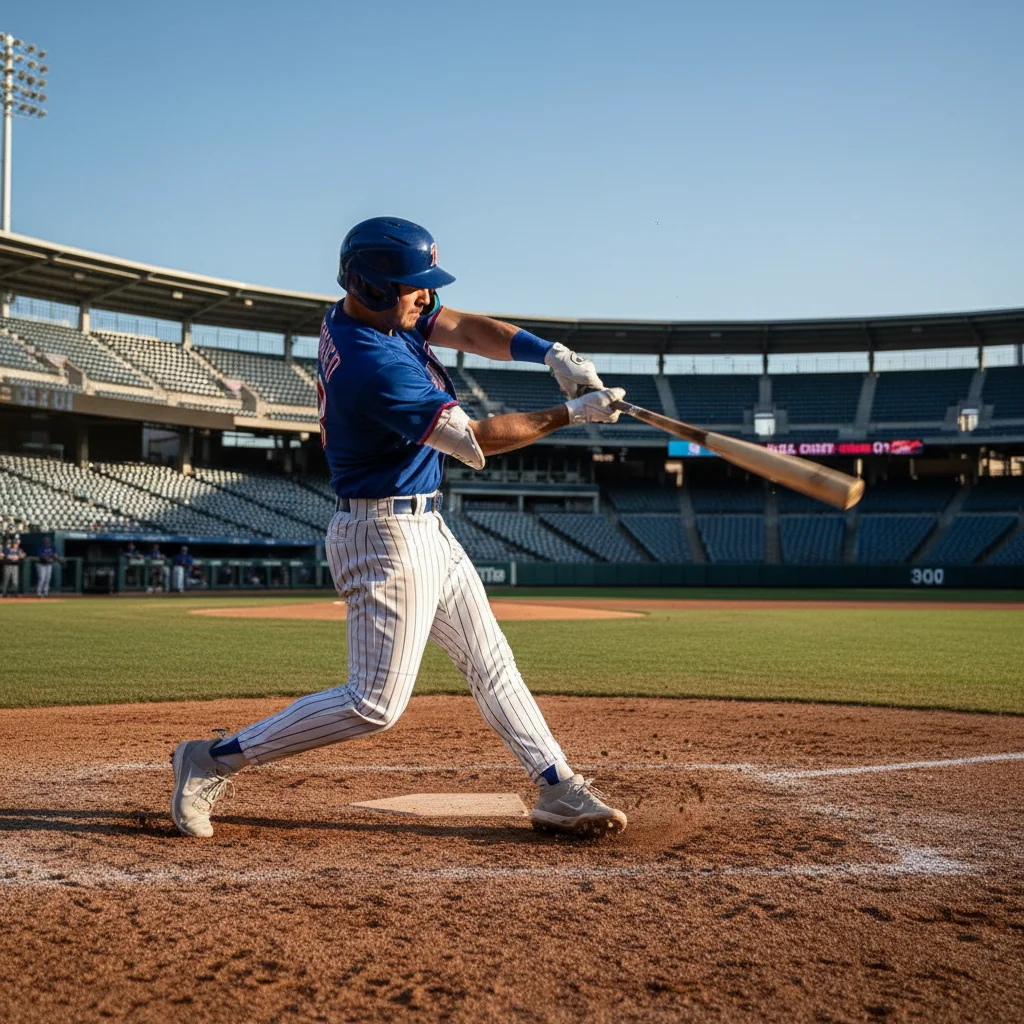
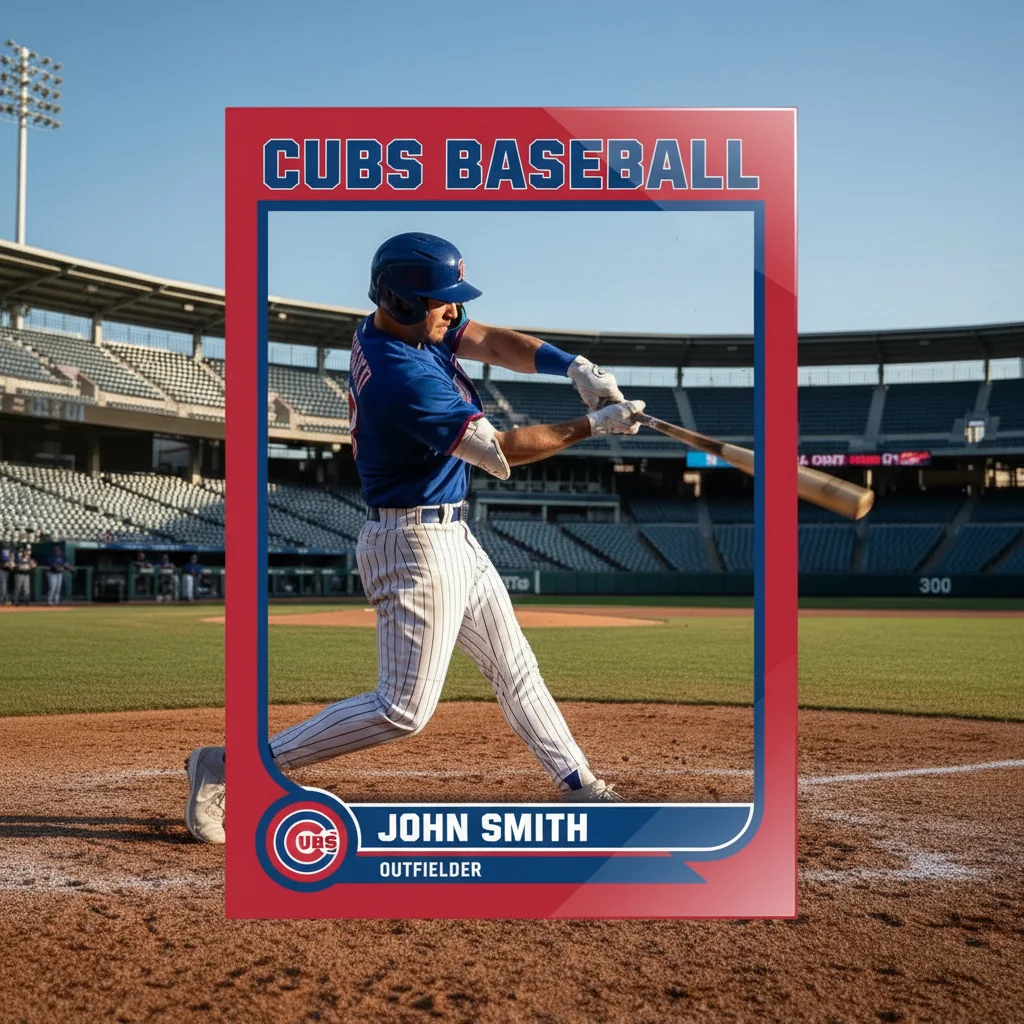
Outfield catch enhanced
Distant fielder brought into sharp focus with visible jersey number and catch.
Common Issues
Overexposed sky washes out the scene
Why: Bright sky causes camera to underexpose subjects or blow out the background
Mentioning both sky and subjects helps AI adjust each independently
Motion blur on fast-moving athletes
Why: Action happens too fast for phone cameras in auto mode
Use a tap marker directly on the athlete for targeted sharpening
Fence, net, or barrier blocking the shot
Why: Sports venues have safety barriers between spectators and the field
AI handles chain-link and mesh removal well — just mark the area
Harsh midday shadows on outdoor action
Why: Direct overhead sun creates deep shadows under hats, visors, and brows
Specify 'under the cap' so AI targets the shadow without overexposing
Frequently Asked Questions
How do I sharpen blurry batting photos?
Type 'sharpen the batter's swing, freeze the bat and ball.' AI recovers the contact moment that phone cameras capture as a blur.
Can I enhance photos taken from the bleachers?
Yes! Type 'sharpen the distant fielder, enhance jersey number.' AI sharpens the detail lost from phone zoom distance.
How do I brighten dugout team photos?
Type 'brighten the team in the dugout, make every face visible.' AI handles the shade-to-sun contrast that makes dugout photos dark.
Is this baseball photo editor free?
Yes - 1 free edit per week, no account needed. From $4.99/month for 15 edits.
Can I edit on my phone?
Yes. Works in any mobile browser - edit right from the stands.
Is EditThisPic really free?
Yes, EditThisPic offers one free Fast edit per week — no signup or credit card required. For more edits, affordable packs start at $1.99.
Ready to perfect your little league baseball photos?
Free to try. No signup required. Action-worthy results in seconds.
Upload Your PhotoTrusted by 15,000+ users