AI Photo Editor for Painting Contractor Before & After Photos
Color transformations that sell your work.
Drop your photo here
or click to browse
Free • No signup
Release to upload


Built for Painting Contractor Professionals
Painting contractors sell color and finish quality. But paint looks different under every lighting condition, making before/after comparisons unreliable. EditThisPic standardizes lighting to show true paint colors and finish quality — making your portfolio an accurate and compelling sales tool.
How to AI Photo Editor for Painting Contractor Before & After Photos
-
Upload your photo
Drop your painting contractor photo into EditThisPic.
-
Describe your edit
Type what you want in plain English.
-
Review the result
Check accuracy and natural appearance.
-
Refine if needed
Use markers for precision adjustments.
Prompts for Painting Contractor
enhance lighting for accurate paint color representation, true colors under neutral light
True color accuracy is everything in a painting portfolio
brighten the painted interior with warm natural lighting, show wall color and finish quality
Interior paint jobs need proper lighting to show the true color
enhance the exterior with bright natural lighting, show the paint color and coverage accurately
Exterior paint quality shows best in even, bright light
standardize lighting between before/after painting photos for clear comparison
Consistent lighting makes the color transformation pop
Show more prompts
enhance to show trim and detail painting work clearly, professional close-up quality
Detail work is what separates good painters from great ones
Real Painting Contractor Transformations


Interior color transformed
Interior paint job with dim lighting enhanced to show true wall color and finish quality.
brighten the painted interior with warm natural lighting, show wall color and finish quality
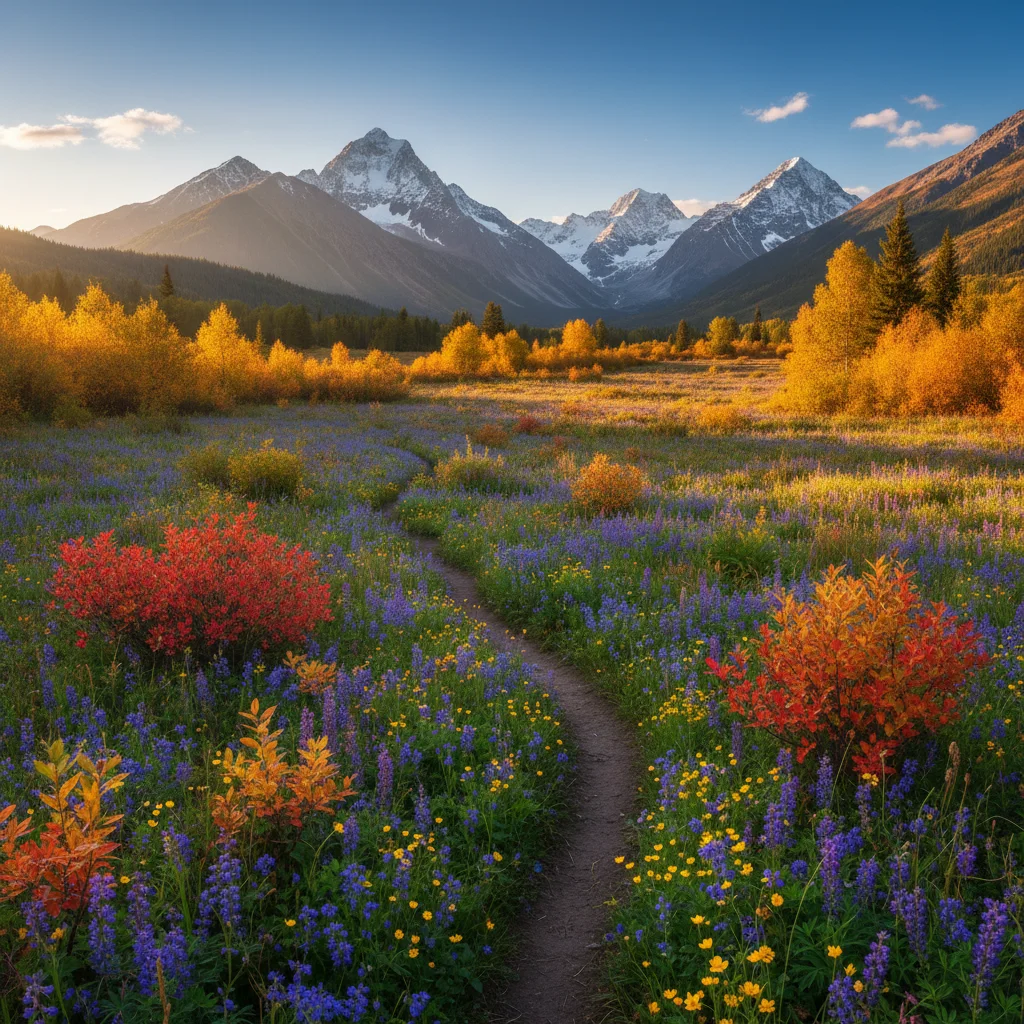
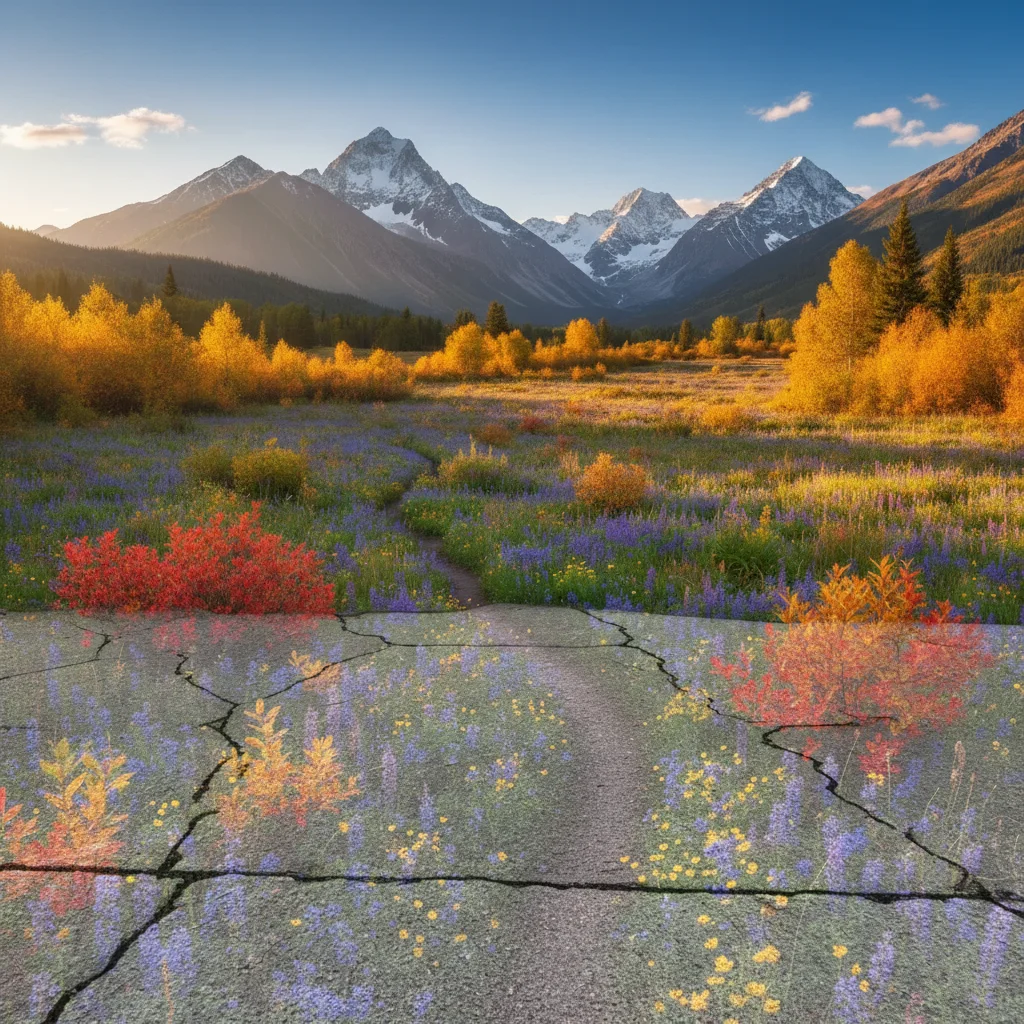
Exterior paint documentation
House exterior paint job enhanced from cloudy conditions to bright showcase quality.
enhance the exterior with bright natural lighting, show the paint color and coverage accurately
Common Issues
Room looks darker and smaller than reality
Why: Phone cameras struggle with indoor exposure, especially mixed lighting
'Spacious and well-lit' triggers AI to open up shadows and enhance natural light
Windows are blown out white while interior is dark
Why: Extreme contrast between bright windows and dim rooms exceeds camera range
This HDR-style fix is one of AI's strongest capabilities — it handles it naturally
Clutter and personal items make space look messy
Why: Lived-in spaces have furniture, toys, and personal items that distract
For listing photos, decluttered spaces get significantly more engagement
Colors look wrong — walls appear yellow or green
Why: Indoor lighting and mixed light sources create color casts
Mention the actual wall color if you know it for more accurate correction
Frequently Asked Questions
How do I show paint colors accurately?
Use prompts focused on 'accurate color representation' and 'neutral lighting.' The AI corrects the lighting conditions that distort how paint colors appear in photos.
Why do my paint colors look different in photos?
Phone cameras adjust color temperature automatically, and room lighting adds color casts. Enhancement corrects these distortions to show the true paint color.
Do before/after photos help sell paint jobs?
Dramatically. Color transformation is visual by nature. Clear before/after comparisons are the single most effective marketing tool for painting contractors.
Can I show different color options?
Yes. Photograph sample areas or completed projects in different colors. Enhanced to show accurate colors, these become a visual menu for prospective clients.
What about commercial painting documentation?
Commercial projects benefit from the same enhancement. Professional documentation of large-scale painting work wins future commercial contracts.
Is this free?
Yes — 1 free edit per week. plans start at $4.99/month.
Show the true color of your work
Accurate painting documentation. Free to try.
Upload Your PhotoTrusted by 15,000+ users