AI Photo Editor for Pet Daycare Facility Photos
Facility photos that pet parents trust.
Drop your photo here
or click to browse
Free • No signup
Release to upload


Built for Pet Daycare Facility Professionals
Pet parents choose daycare based on visual trust signals. Bright, clean, well-maintained facility photos demonstrate the safe, fun environment their pet will enjoy. EditThisPic ensures your facility photos communicate professionalism and care.
How to AI Photo Editor for Pet Daycare Facility Photos
-
Upload your photo
Drop your pet daycare facility photo into EditThisPic.
-
Describe your edit
Type what you want.
-
Review
Check accuracy.
-
Refine
Use markers if needed.
Prompts for Pet Daycare Facility
enhance with bright cheerful lighting, show clean fun facility
Bright clean facilities build immediate pet parent trust
enhance the play area action shot with clear bright lighting, show happy pets
Happy pets in action are your most compelling marketing photos
brighten the boarding/sleeping area, show comfort and cleanliness
Boarding area photos reassure parents about overnight stays
enhance the outdoor play yard with sunny bright lighting, safe and fun
Outdoor areas show the enrichment experience you provide
Show more prompts
enhance to clearly show safety features — fencing, surfaces, supervision areas
Visible safety features are the #1 trust builder for pet parents
Pet Daycare Facility Transformations
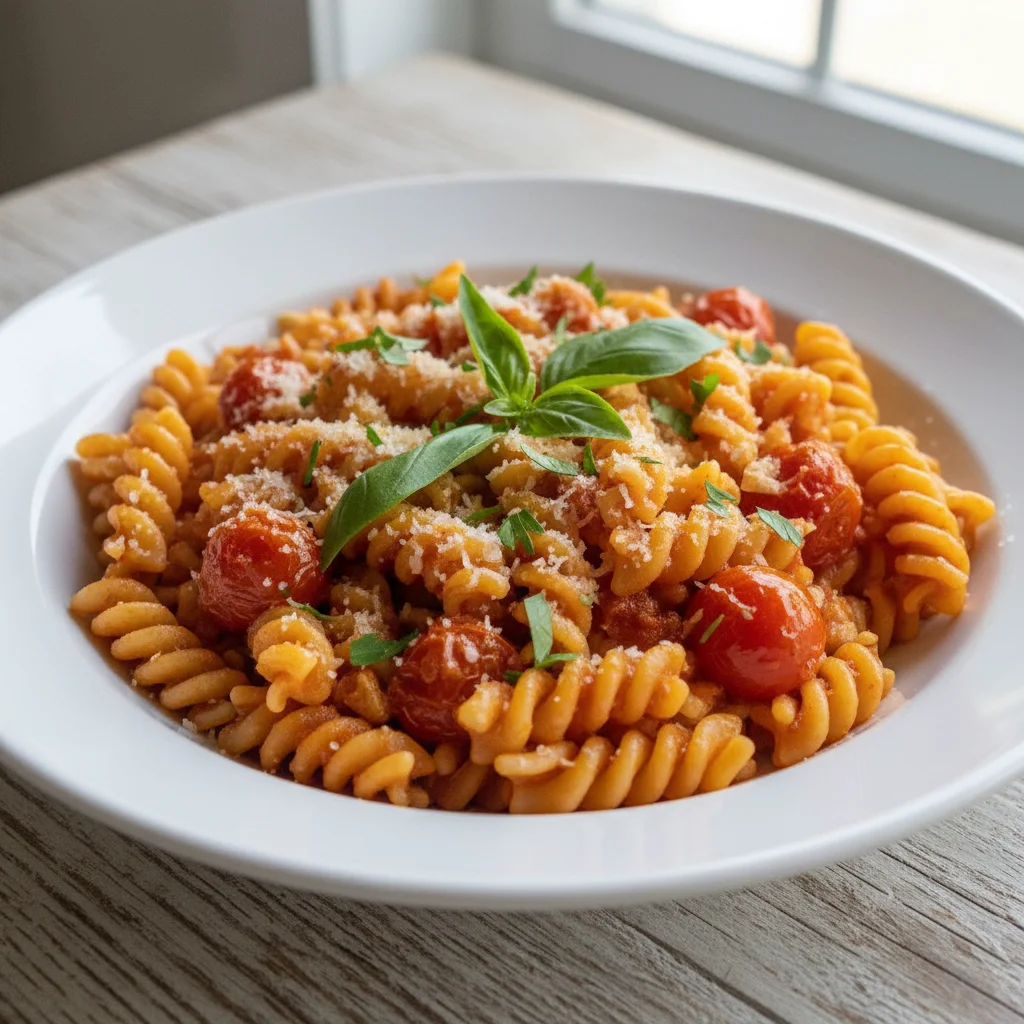
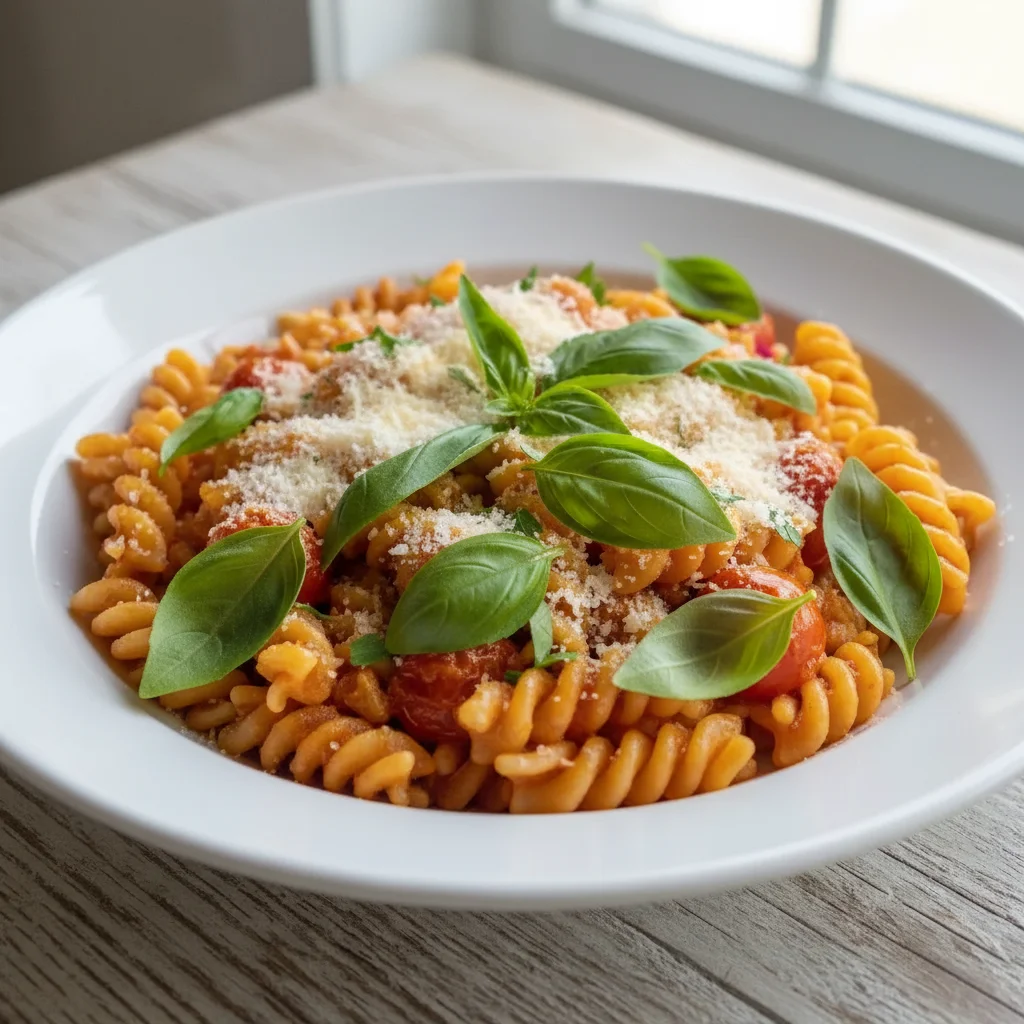
Play area brightened
Indoor play area enhanced with bright cheerful lighting showing clean, fun environment.
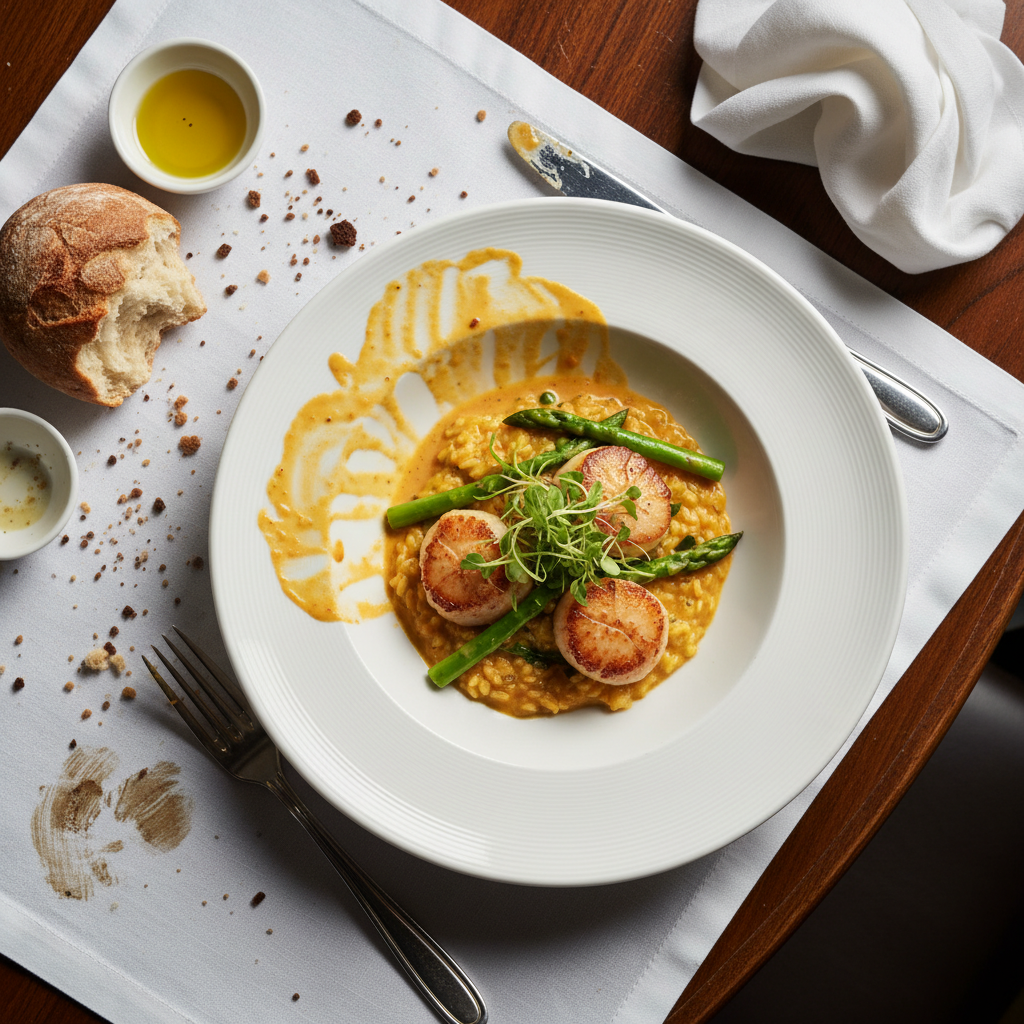
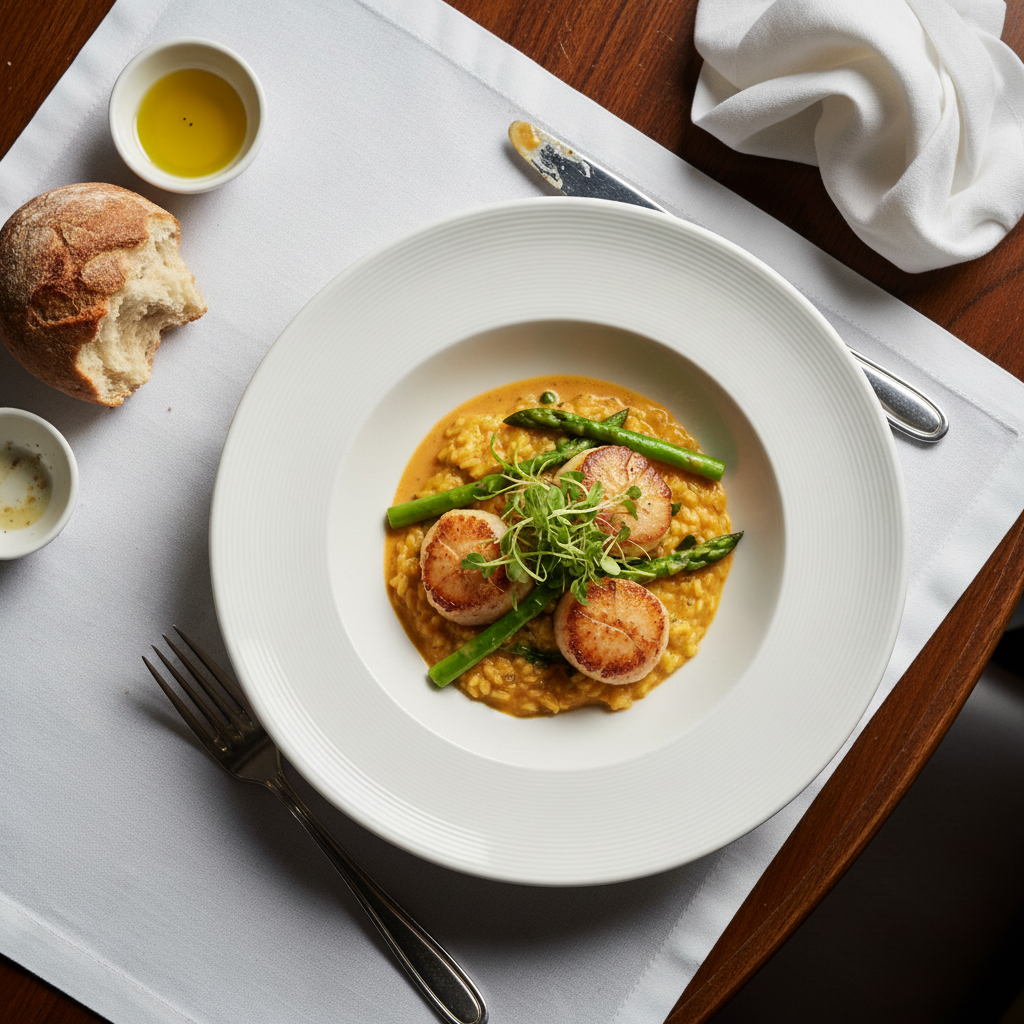
Boarding suite shown
Pet boarding sleeping area enhanced to show comfort, cleanliness, and care quality.
Common Issues
Pet moved and photo is blurry
Why: Animals rarely stay still, causing motion blur in photos
AI handles mild pet blur well — for extreme blur, try multiple passes
Red or green eye glow from flash
Why: Camera flash reflects off animal retinas differently than human eyes
Specify the pet's actual eye color (e.g., 'brown eyes') for best results
Dark fur makes pet disappear into shadows
Why: Black or dark-colored animals lose detail in anything but perfect lighting
'Show coat texture' tells AI to reveal detail without making dark fur look grey
Background distracts from the pet
Why: Home clutter, other animals, or busy environments pull focus
A soft bokeh background makes any pet photo look professionally shot
FAQ
How do I show my facility is clean in photos?
Bright, even lighting makes cleanliness visible. The AI brightens dim areas so pet parents can see that every corner of your facility is well-maintained.
Should I include pets in facility photos?
Both. Empty facility shots show your space and cleanliness. Pets playing show the fun experience. Mix both for a complete facility presentation.
What about webcam-style daily photos?
Quick daily photos showing pets enjoying your facility build ongoing trust. Enhanced daily photos look professional enough for social media and parent updates.
How do I photograph dark boarding areas?
Turn on all available lights and use a phone flashlight. The AI dramatically brightens the space while maintaining the cozy, comfortable atmosphere.
Can I show safety features clearly?
Yes. Enhanced lighting reveals fencing, non-slip surfaces, gate systems, and supervision areas that prove your facility's safety standards.
Is this free?
Yes — 1 free edit per week. plans start at $4.99/month.
Build trust with better facility photos
Professional pet daycare photos. Free to try.
Upload Your PhotoTrusted by 15,000+ users