AI Photo Editor for Plastic Surgery Before & After Photos
Consistent clinical documentation without a photo studio.
Drop your photo here
or click to browse
Free • No signup
Release to upload
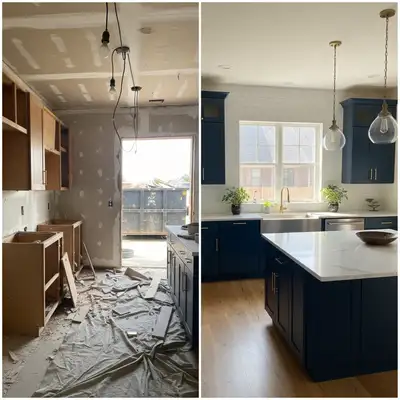
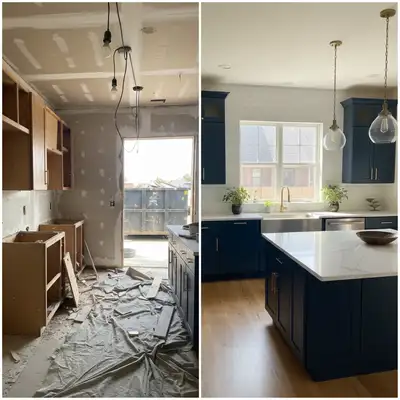
Built for Plastic Surgery Professionals
Your before/after gallery is your most powerful marketing tool. But inconsistent lighting between sessions makes excellent results look questionable. Professional clinical photography systems cost $5,000+. EditThisPic standardizes your existing photos — matching lighting, cleaning backgrounds, and presenting results at their documented best.
How to AI Photo Editor for Plastic Surgery Before & After Photos
-
Upload your photo
Drop your plastic surgery photo into EditThisPic. JPG, PNG, WebP up to 7MB.
-
Describe your edit
Type what you want — the AI understands plastic surgery photography needs.
-
Review the result
Check that the edit looks natural and accurately represents your space or subject.
-
Refine if needed
Tap markers on specific areas and describe adjustments for precision edits.
Copy-Paste Prompts for Plastic Surgery
standardize the lighting to even clinical quality, accurate skin tones, clean documentation
Consistent lighting is the foundation of credible before/after documentation
replace background with clean neutral clinical backdrop, do not alter the subject at all
Neutral backgrounds eliminate distractions from clinical results
reduce flash overexposure, recover skin detail while maintaining even clinical lighting
Flash recovery reveals the subtle improvements patients are paying for
correct the color balance to show true skin tones under neutral white lighting
True color representation is essential for documenting surgical outcomes
Show 2 more prompts
brighten this clinical photo evenly, maintain accurate skin tones and documentation quality
Dark photos hide results — brighten evenly without color shifting
remove medical equipment and clutter from background, show clean clinical setting, keep subject unchanged
A clean background focuses attention where it belongs — on results
Real Plastic Surgery Photo Transformations
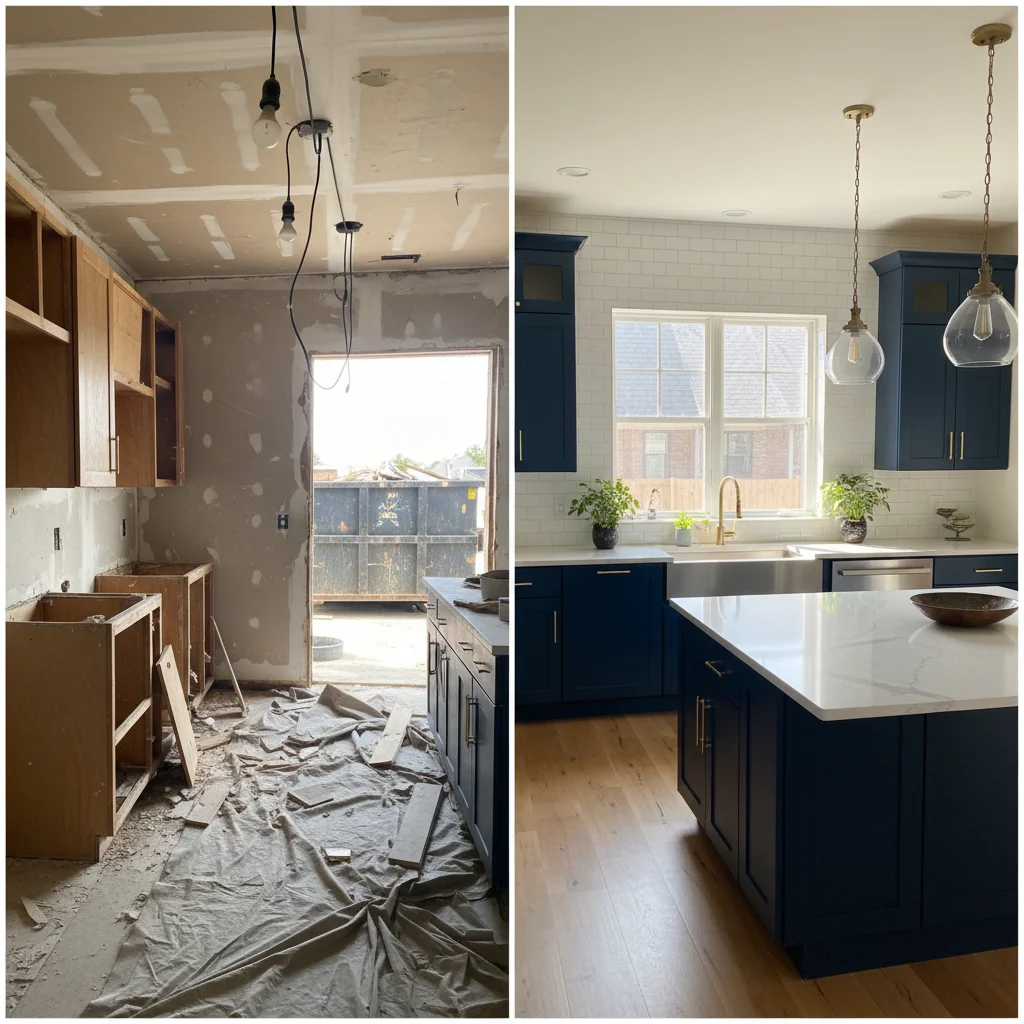
Clinical lighting standardized
Before/after documentation photo with inconsistent lighting corrected for professional gallery presentation.
standardize the lighting to even clinical quality, accurate skin tones, clean documentation
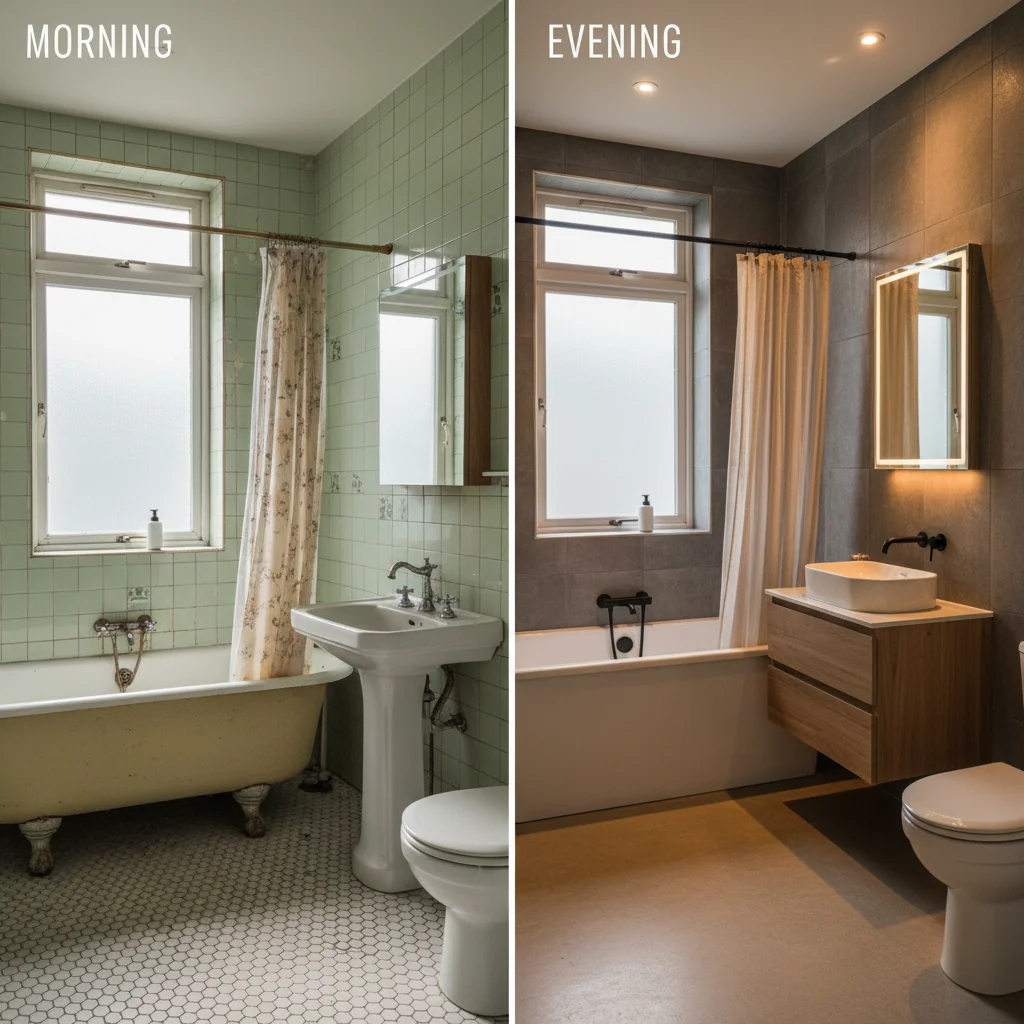
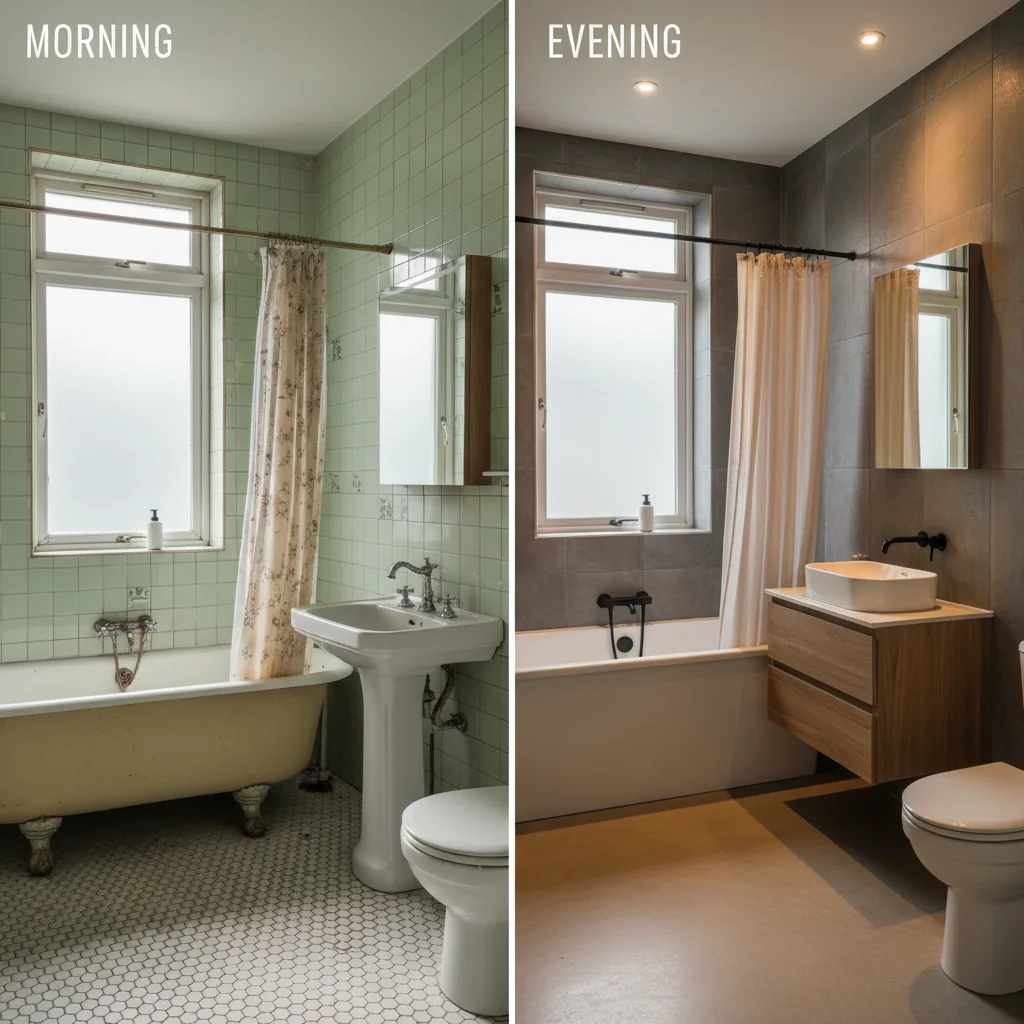
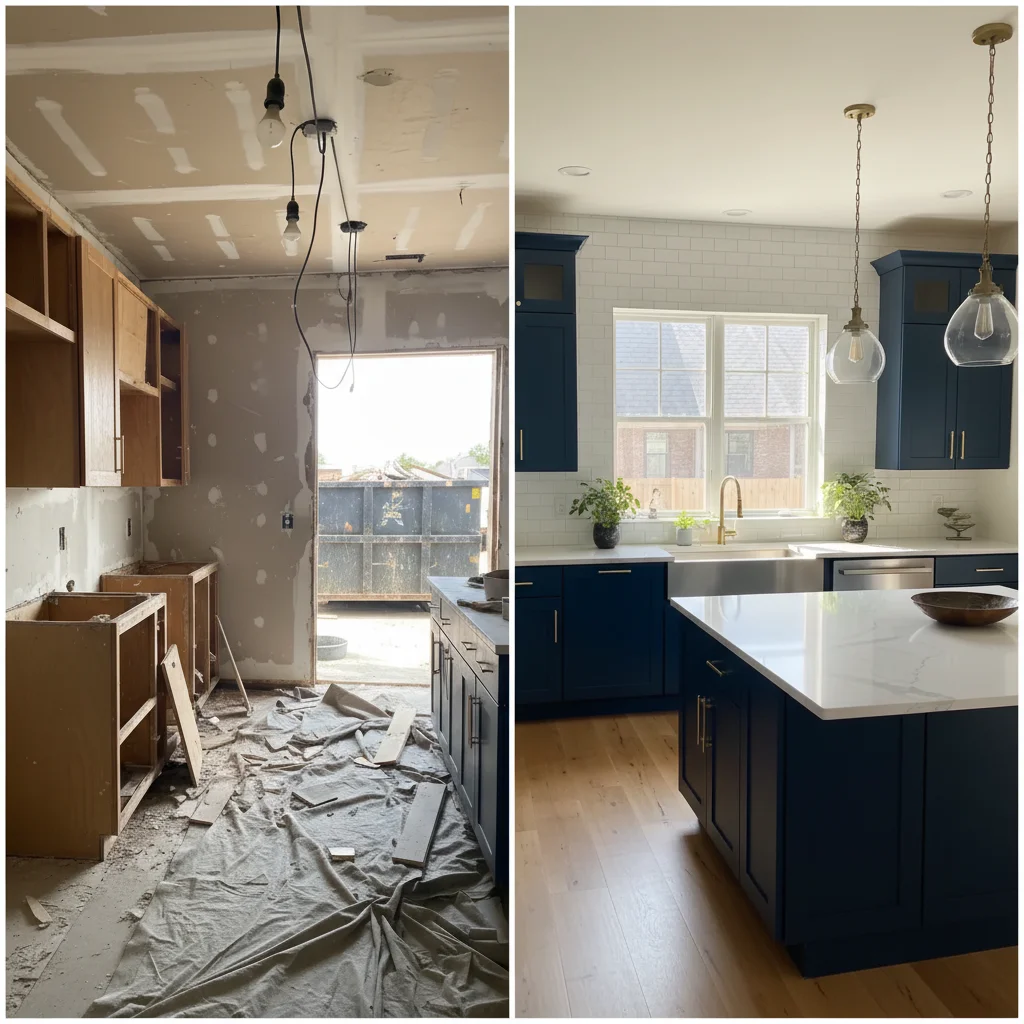
Background cleaned for gallery
Clinical photo with distracting exam room background replaced with clean neutral backdrop for consultation gallery.
replace background with clean neutral clinical backdrop, do not alter the subject at all
Common Issues
Clinical lighting makes everything look harsh
Why: Fluorescent office lights create unflattering cold tones and shadows
Warm, professional lighting builds patient trust and comfort
Before/after comparison isn't clear enough
Why: Different lighting or angles between shots make comparison difficult
Consistent lighting is more important than perfection for before/after pairs
Background clutter or equipment visible
Why: Clinical settings have monitors, wires, and equipment that distract
Focus attention on the subject by keeping only relevant context in frame
Colors look inaccurate under exam lights
Why: Medical exam lights and mixed light sources distort true colors
Color accuracy matters for medical documentation — be specific about what's off
Frequently Asked Questions
Is it ethical to enhance plastic surgery before/after photos?
Standardizing lighting and backgrounds is standard practice and improves accuracy. Never alter the actual treatment results. Enhanced environmental consistency actually makes documentation more honest by removing misleading lighting differences.
Can this replace a clinical photography system?
It supplements rather than replaces clinical documentation. EditThisPic excels at standardizing photos taken with varying conditions, making them gallery-ready without investing in dedicated photography equipment.
How do I ensure before/after consistency?
Apply the exact same prompt to both the before and after photo. This standardizes the environmental factors while preserving the actual clinical differences you want to showcase.
What about patient privacy?
EditThisPic processes images via API without permanent storage. Follow your practice's consent and privacy protocols. Consider processing de-identified images when possible.
Can I use enhanced photos for medical board presentations?
Yes, provided edits are limited to environmental standardization. Always disclose that lighting and backgrounds were normalized, and maintain original documentation files.
Is this free?
Yes — you get 1 free edit per week, no account needed. For processing consultation galleries, plans start at $4.99/month.
Professional clinical documentation instantly
Consistent before/after photos. Free to try.
Upload Your PhotoTrusted by 15,000+ users