Free • No signup Change Background · Free

AI Background Changer

Describe the new background you want and AI replaces it seamlessly. No cutting or tracing required.


Man in front of messy bedroom
Before
Same man with clean professional grey studio background
After

AI Background Changer

Drop your photo here

or click to browse

Release to upload

Free • No signup

Advertisement
Popular use cases:
  • LinkedIn headshot background
  • product photo background
  • social media content creation
  • real estate virtual staging
  • dating profile photo
  • Zoom background improvement
  • brand photography
  • travel photo enhancement

Cost
Free No signup required
Time
Instant results in 15-30 seconds
Works on
Any device - browser, phone, tablet, desktop
Powered by
AI-powered photo editing
Scenario Prompt Time
Professional headshot replace background with grey gradient studio 20s
Nature scene change background to park with soft bokeh 25s
Solid color change background to solid coral pink 15s

How it works

  1. Upload your photo

    Drop your image into EditThisPic. JPG, PNG, WebP up to 7MB. Any photo works—the AI separates your subject from any background, whether it's a messy room, outdoor scene, or studio.

    Expect: Simple background swap: 20-25 seconds. Complex scenes with hair detail or multiple subjects: 25-35 seconds.
  2. Describe the new background

    Type what you want: 'replace the background with a clean white studio backdrop' or 'change the background to a sunny park with green trees.' Be specific about colors, lighting, and setting. The AI understands 'background' automatically—no cutting or selection needed.

    Tip: Match lighting direction: if light comes from the left in your photo, mention 'with sunlight from the left' for realistic compositing.

    Copy one of these to get started:

    Professional headshot background replace the background with a smooth professional grey gradient studio backdrop with soft lighting
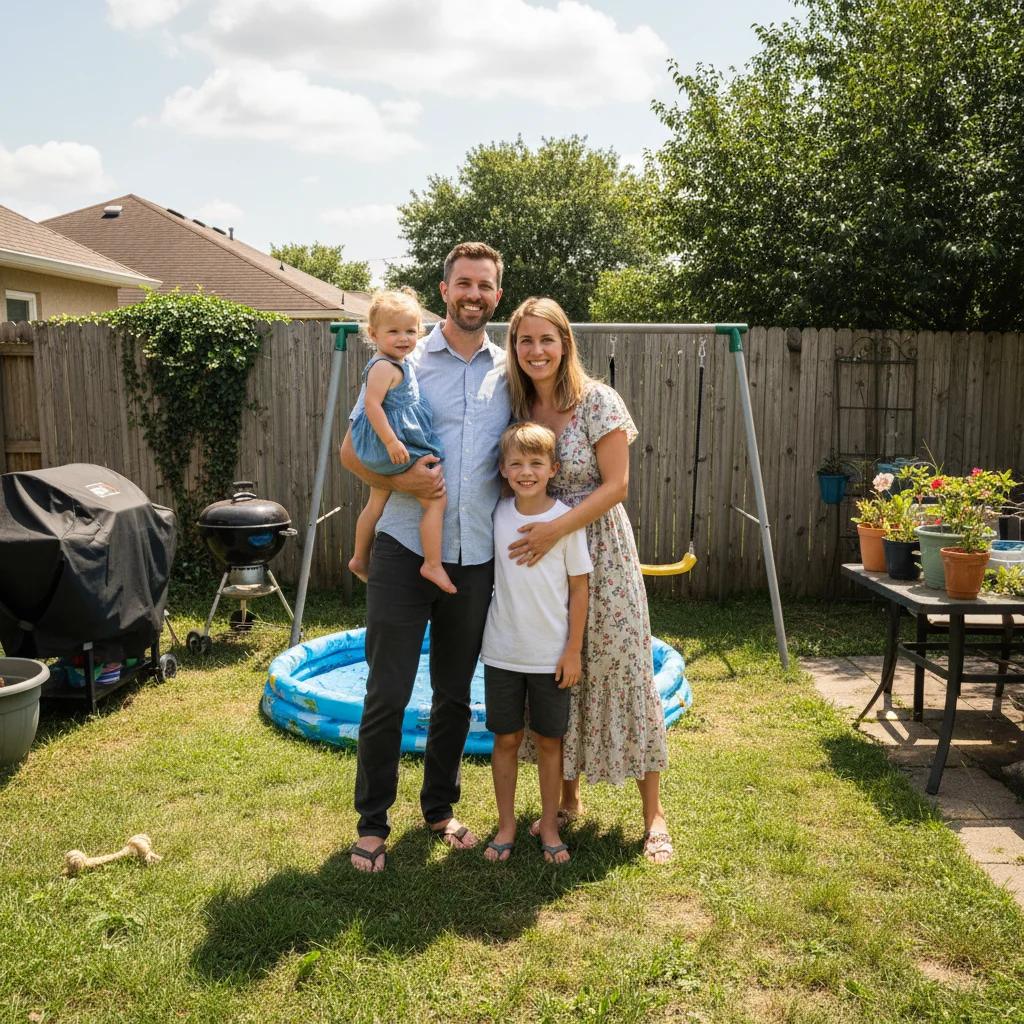
    E-commerce pure white change the background to pure white, seamless studio backdrop, keep natural shadow under the product
    Outdoor nature scene replace the background with a lush green park scene with soft bokeh, warm afternoon sunlight
    City skyline backdrop change the background to a modern city skyline at golden hour, slightly blurred to keep focus on the subject
    3 more prompts
    Beach or travel backdrop replace the background with a tropical beach at sunset, turquoise water and warm golden sky
    Solid brand color change the background to a solid bright coral pink, flat and even with no gradient or texture
    Home office or interior replace the background with a modern minimalist home office, clean desk, plant, and bookshelf, naturally lit
  3. Review the result

    Check that the subject blends naturally with the new background. Verify edges around hair and shoulders look clean. Make sure lighting and color temperature match between subject and background.

  4. Refine with markers if needed

    If edges need cleaning or the AI left some old background visible, tap markers on those spots and regenerate. Most background changes look seamless on the first try.

    Tip: Markers are for precision refinement only. Try without them first—you usually won't need them.
Try it free

AI Background Changer

Drop your photo here

or click to browse

Release to upload

Free • No signup

"I shoot headshots for LinkedIn profiles. Clients always want different backgrounds. Instead of green screen setups, I just shoot against any wall and type 'replace background with professional grey gradient.' Saves me hours in post." @HeadshotPro_Alex

See it in action

Man in front of messy bedroom
Before
->
Same man with clean professional grey studio background
After

Messy room to professional studio

A selfie taken in a cluttered bedroom transformed with a clean professional studio background.

Prompt: replace the background with a smooth professional grey gradient studio backdrop with soft lighting

Woman indoors against plain beige wall
Before
->
Same woman with lush green park background and warm bokeh
After

Indoor photo to outdoor nature scene

An indoor portrait given a lush outdoor park background with natural-looking lighting match.

Prompt: replace the background with a lush green park scene with soft bokeh, warm afternoon sunlight
Advertisement

If something looks off

AI changed the wrong area or something I didn't want changed

Why: The AI couldn't determine what counts as 'background' versus part of the subject. This happens with complex compositions.

Try: Tap a marker on the specific area you want kept as subject, then regenerate with the same prompt

Tip: Markers tell the AI 'I mean THIS area specifically.' Use them when subject/background boundaries are unclear.

Lighting on subject doesn't match the new background

Why: The original lighting direction conflicts with the new scene—like a subject lit from the left placed in a sunset scene with light from the right.

Try: replace the background with [your scene] and match the lighting direction to the subject's existing light source

Tip: Observe which side of the face is brighter and mention that: 'with light coming from the left side.'

Edges show fringe or halo from old background

Why: Old background color bleeds into subject edges, especially around hair against bright or colored backgrounds.

Try: replace the background with [your scene] and remove any color fringe or halo around the edges

Tip: Adding 'remove color fringe' explicitly targets edge contamination from the previous background.

New background looks obviously fake or composited

Why: Scale, perspective, or blur level mismatches between the subject and generated background make it look pasted.

Try: replace the background with [your scene], match the depth of field and perspective to look like a natural photo

Tip: 'Match depth of field' ensures the background blur matches the subject sharpness for a realistic composite.

Subject's hair or fine details are clipped

Why: Wispy hair or thin details at the edges were removed along with the background because they blended together.

Try: change the background to [your scene] and preserve all fine hair strands and wispy details at the edges

Tip: 'Preserve wispy details' tells the AI to prioritize keeping hair strands over a perfectly clean edge.

Quick answers

Do I need to cut out my subject before changing the background?

No! Just describe the new background: 'replace the background with a white studio' and the AI handles the separation and replacement automatically. No tracing, no selection tools. Only use markers if the AI includes something in the background that's actually part of your subject.

How do I change the background of a photo for free?

Upload your photo to EditThisPic and type 'replace the background with [your desired scene].' The AI removes the old background and generates the new one in 20-30 seconds. Works on any photo. Free to use, no account required, no watermarks.

Is there a free AI background changer that doesn't require login?

Yes, EditThisPic changes backgrounds for free with no account needed. Upload your image, describe the new background, and download the result. No watermarks on outputs. Supports studio, nature, city, solid colors, and custom scenes.

What's the best free tool for changing photo backgrounds?

EditThisPic offers free AI background replacement with natural language. Instead of manually cutting subjects, describe the scene: 'tropical beach sunset' or 'professional studio.' The AI handles edge detection, lighting match, and scene generation. No signup required.

Ready to change your background?

Free to try. No signup required.

Try it free