Free • No signup Change Furniture style · Free

AI Furniture Style Changer
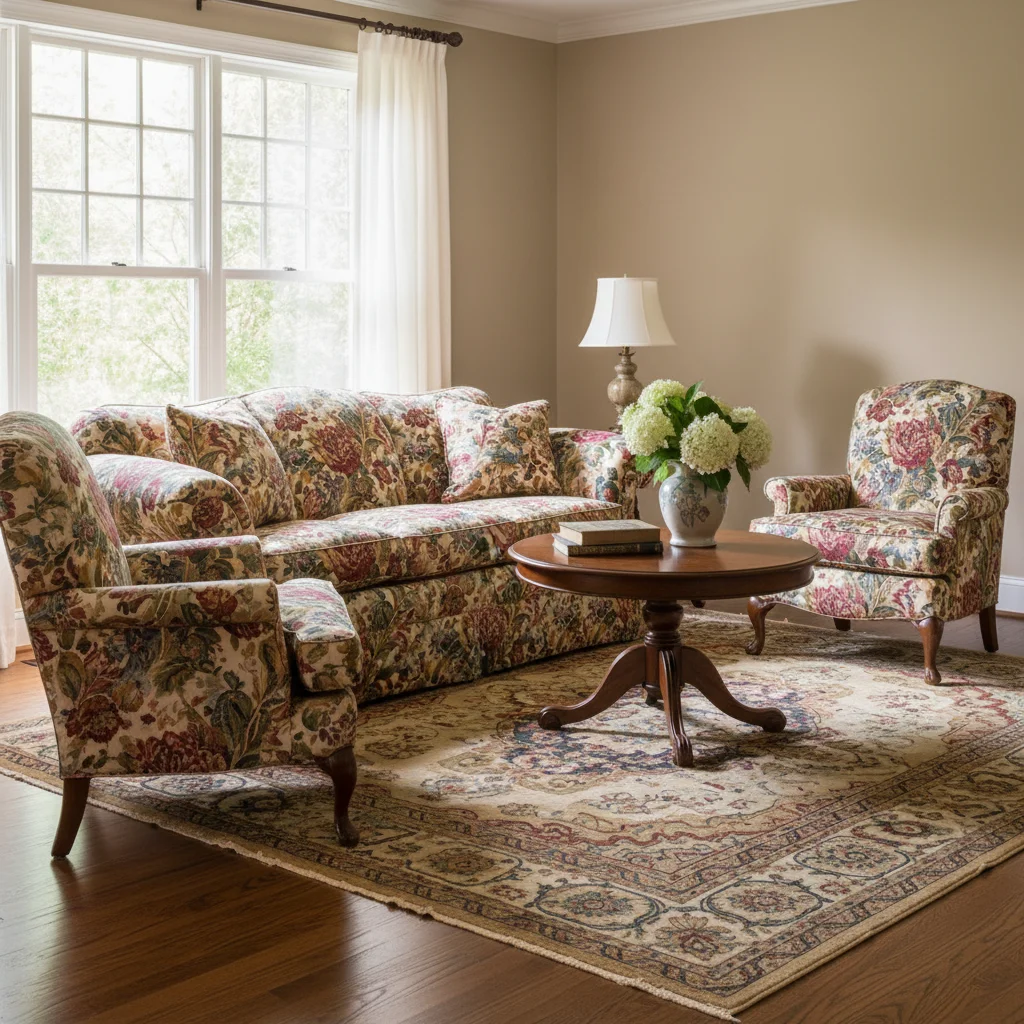
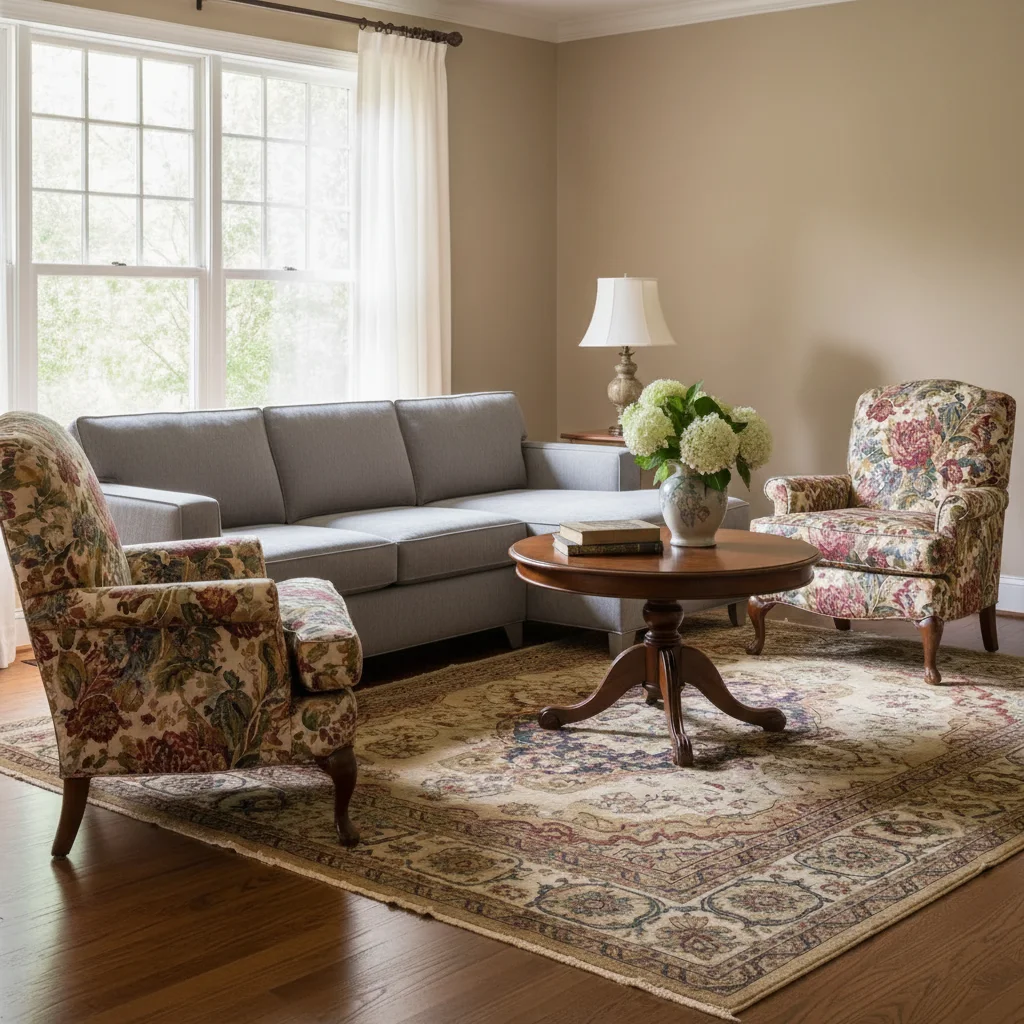
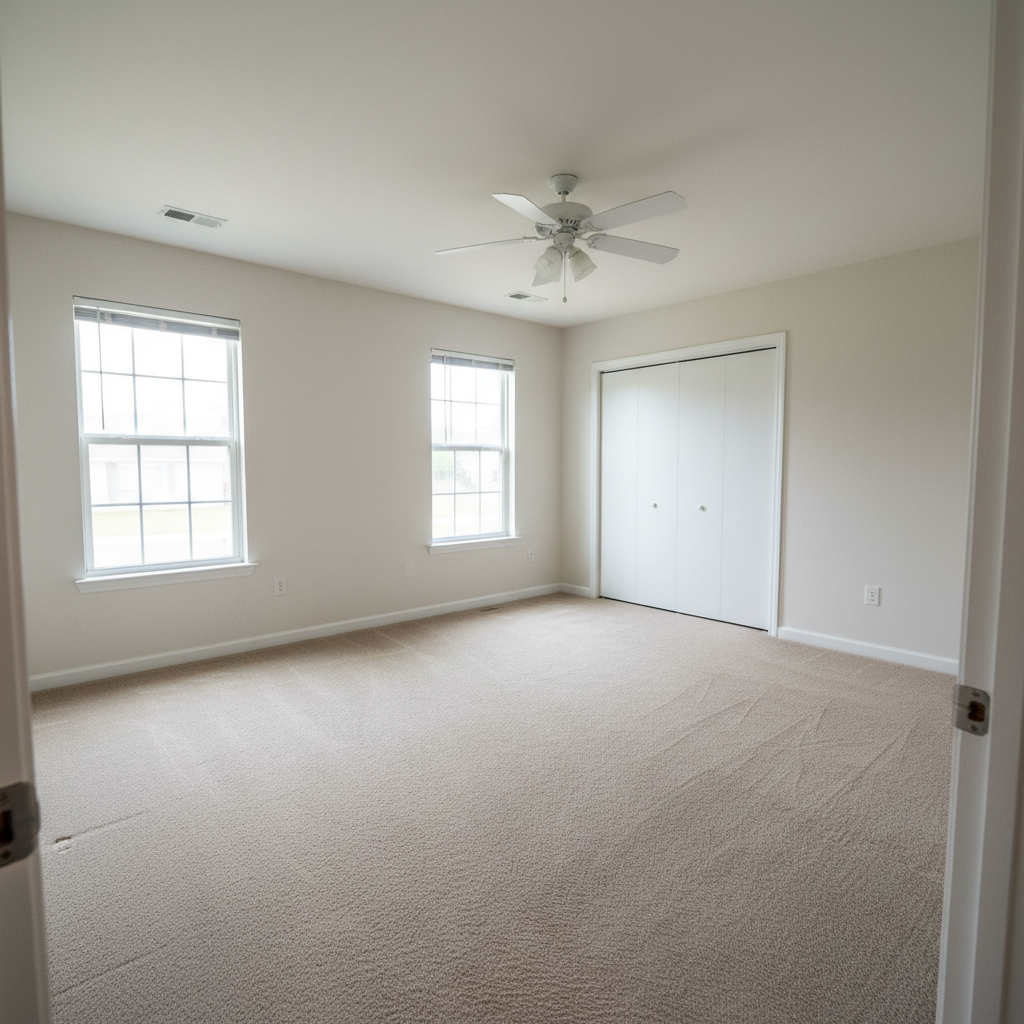
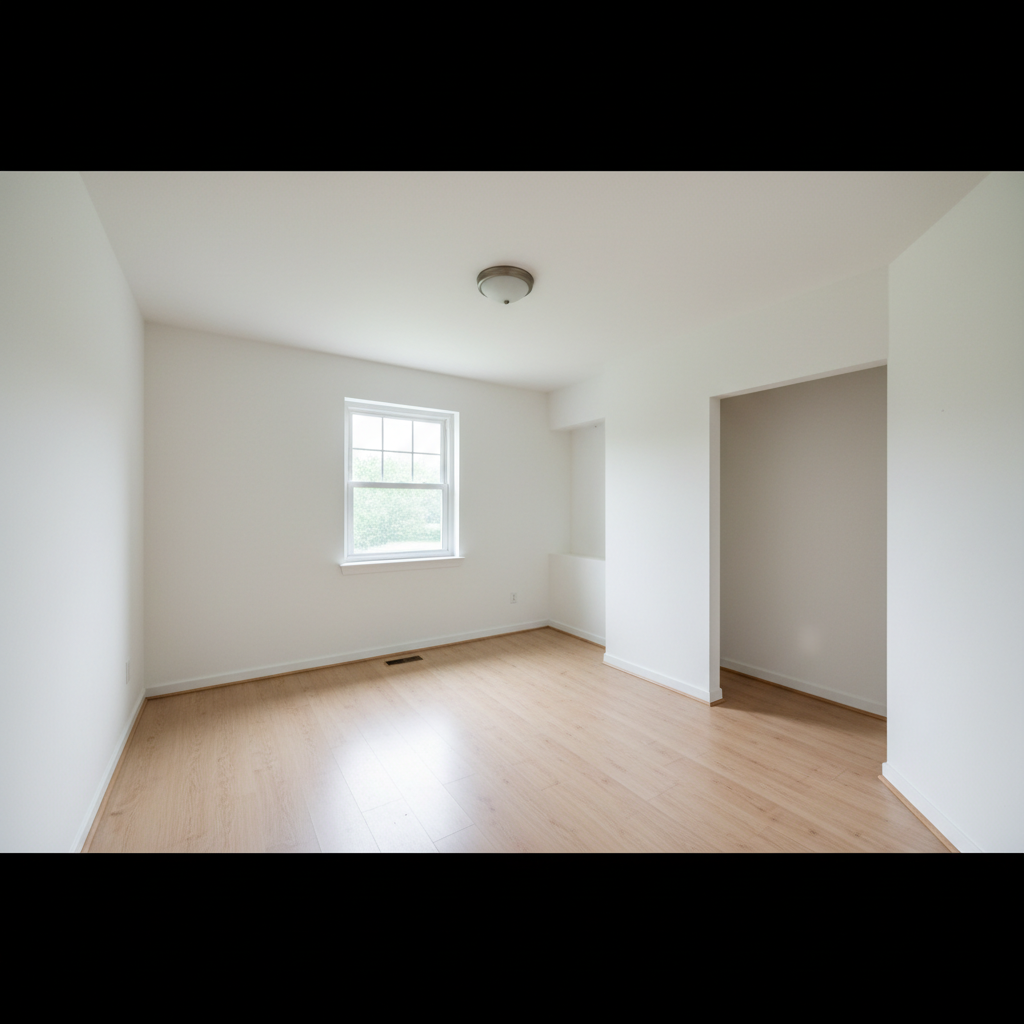
Before
Before
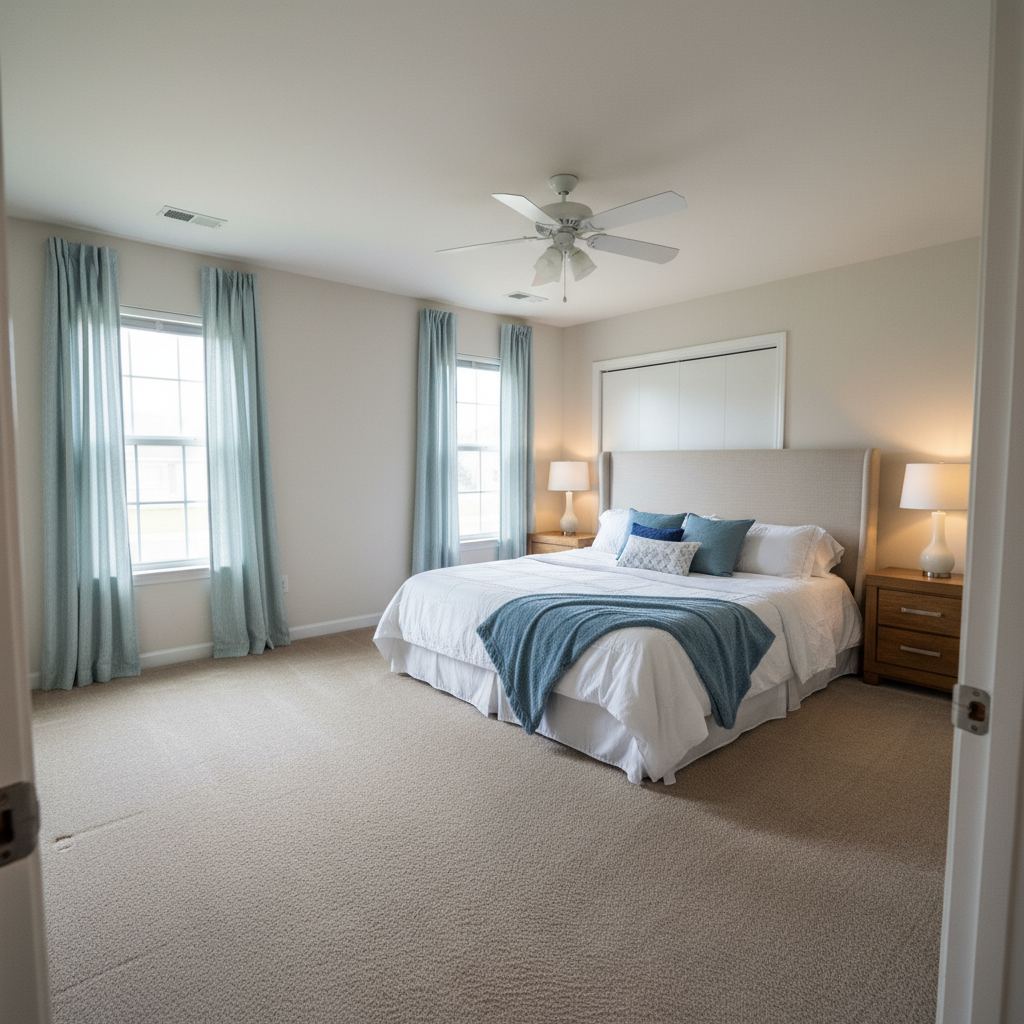
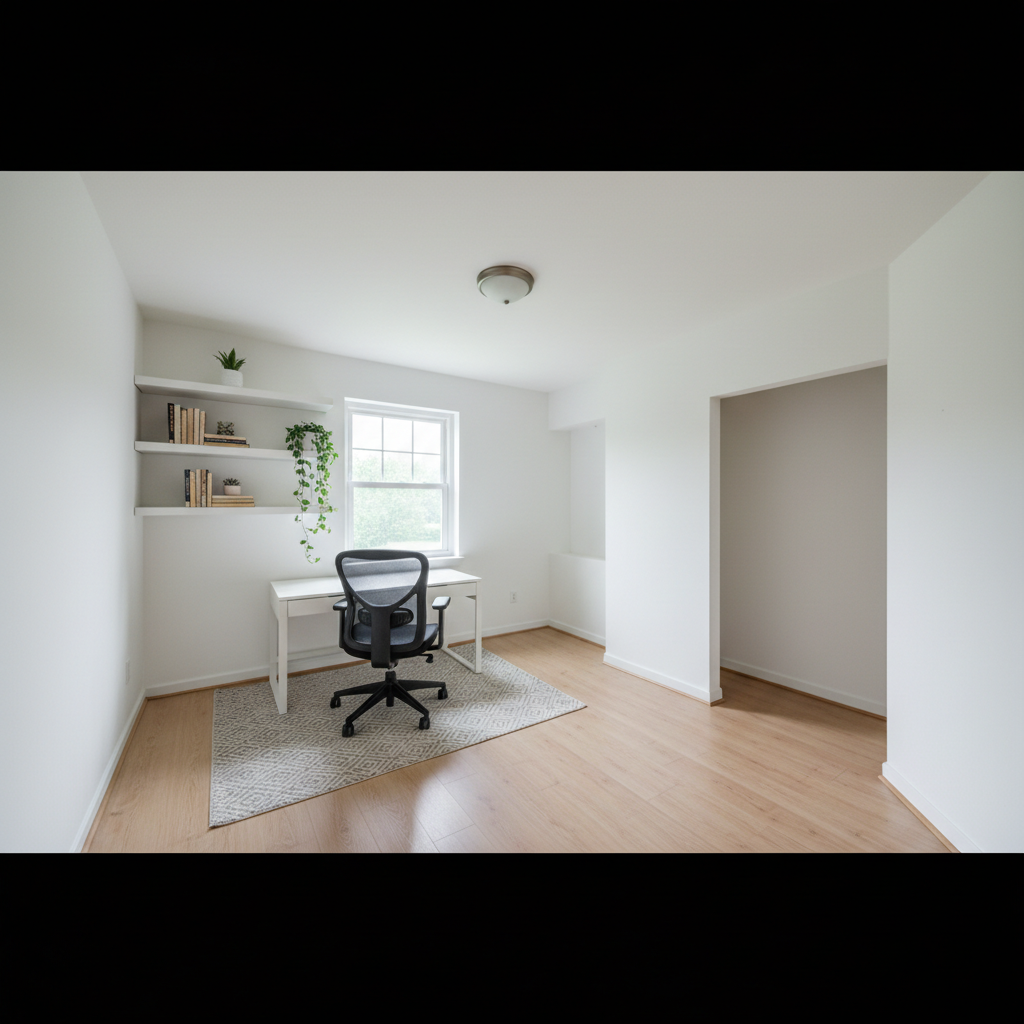
After
After

Free AI Furniture Style Changer

Drop your photo here

or click to browse

Release to upload

Free • No signup

Advertisement
Popular use cases:
  • furniture style visualization
  • interior design planning
  • room redesign ideas
  • furniture replacement preview
  • home staging visualization
  • redecorating ideas
  • furniture before and after
  • virtual furniture makeover

Cost
Free No signup required
Time
Instant results in 15-30 seconds
Works on
Any device - browser, phone, tablet, desktop
Powered by
AI-powered photo editing
Scenario Prompt Time
Update sofa style 15-30s
Replace table 15-30s
Color change only 15-30s
Complete style shift 15-30s

How it works

  1. Upload your room photo

    Choose a photo showing the furniture you want to change. The AI works with any room type—living room, bedroom, dining room, or office. Clear photos where the furniture is visible work best, though any angle or lighting is fine.

    Expect: 30-45 seconds for AI to identify furniture pieces and prepare for style transformation.
  2. Describe the style change you want

    Simply type what furniture to change and what new style you want—the AI handles everything automatically. No need to mark which furniture piece. Be specific about style (modern, traditional, farmhouse), material, and color for best results.

    Tip: Reference specific furniture styles: 'mid-century modern walnut credenza' or 'French provincial tufted sofa'. Include material details like 'gray velvet' or 'distressed wood' to get exactly the look you envision.

    Copy one of these to get started:

    Living room updates Change sofa to modern gray sectional
    Dining room redesign Replace dining table with farmhouse style wooden table
    Bedroom makeover Change bed to upholstered tufted headboard in navy
    Contemporary living room update Replace coffee table with glass top modern design
    5 more prompts
    Retro bedroom style Change dresser to mid-century modern walnut with brass handles
    Office or library redesign Replace bookshelf with industrial metal and wood shelving unit
    Traditional elegant look Change armchair to French provincial style with cream upholstery
    Minimalist bedroom update Replace nightstands with matching Scandinavian style oak tables
    Complete room style transformation Change entire living room furniture to coastal style with white and blue accents
  3. Review the transformed furniture

    Check that the new furniture style fits naturally in your space and matches your vision. The AI automatically maintains perspective, scale, and lighting to match your room. If you want adjustments to color or style details, just describe them.

  4. Download Your Redesigned Room Photo

    Save your room visualization with the new furniture style in full resolution with no watermark. Perfect for interior design planning, redecorating decisions, or sharing ideas with family.

Try it free

Free AI Furniture Style Changer

Drop your photo here

or click to browse

Release to upload

Free • No signup

See it in action

Before
Before
->
After
After

Sofa Style Update

Prompt: Change sofa to modern gray sectional with clean lines
Before
Before
->
After
After

Dining Table Transformation

Prompt: Replace dining table with farmhouse style reclaimed wood table
Before
Before
->
After
After

Bedroom Furniture Makeover

Prompt: Change bed to upholstered tufted headboard in navy velvet
Advertisement

If something looks off

AI changed the wrong area or something I didn't want changed

Why: The AI couldn't determine exactly which area you meant from description alone.

Try: Tap a marker on the specific area you want to change, then regenerate with the same prompt

Tip: Markers tell the AI 'I mean THIS one specifically.' Use them when description alone is ambiguous.

The new furniture size doesn't match the original

Why: Different furniture styles have different typical proportions.

Try: Add 'same size as original' or specify dimensions: 'standard 3-seat sofa' or 'queen size bed'

Tip: If size accuracy matters, mention dimensions or comparative size in your description to maintain proper scale.

The furniture style doesn't look like what I wanted

Why: Style terms can be interpreted in different ways.

Try: Be more specific: instead of 'modern', try 'mid-century modern' or 'contemporary minimalist'. Add material and color details.

Tip: Use precise style names (Scandinavian, industrial, farmhouse, mid-century) and reference specific furniture characteristics for accuracy.

The new furniture doesn't match the room's lighting

Why: AI-generated furniture might not perfectly match the original photo's lighting conditions.

Try: Add 'matching room lighting' or describe the lighting: 'with warm afternoon light' or 'in soft diffused lighting'

Tip: Mentioning the lighting conditions helps the AI create furniture that looks naturally lit within your space.

Multiple furniture pieces changed when I only wanted one

Why: Generic descriptions might apply to multiple items.

Try: Be specific about which piece: 'change the left armchair' or 'replace only the coffee table, not the side tables'

Tip: When rooms have multiple similar items, specify location (left, right, center) or unique characteristics of the piece you want changed.

The new furniture looks pasted in or unrealistic

Why: Complex room angles or unusual furniture positions can create blending challenges.

Try: Add 'naturally positioned in the room' or 'with realistic shadows and perspective' to your description

Tip: Photos taken from standard viewing angles (not too high or low) give the most natural-looking furniture replacements.

Quick answers

Do I need to mark which furniture to change?

No! Just describe which furniture piece and what style you want. The AI automatically identifies the furniture in your room. For example, 'change sofa to modern style' works without any marking. Markers are only needed if you have multiple similar items and want to specify which one.

Is this really free with no watermark?

Yes, completely free with no watermark on your downloaded images. No account required, no hidden fees. You get full-resolution room visualizations ready to use for planning or sharing.

Can I change multiple furniture pieces at once?

Yes! You can describe multiple changes in one request: 'change sofa to gray velvet and replace coffee table with glass top modern design'. You can also make changes one at a time and build up your ideal room design incrementally.

Will the new furniture fit the room's perspective and scale?

Yes, the AI automatically adjusts the furniture to match your room's perspective, scale, and viewing angle. The new pieces will appear naturally positioned as if they were actually photographed in your space.

Can I change just the color of furniture without changing the style?

Absolutely! Describe color-only changes: 'change sofa color to navy blue' or 'make dining chairs white instead of wood tone'. The AI will preserve the furniture style while updating the color or finish.

What furniture styles can the AI create?

The AI understands all major furniture styles including modern, traditional, farmhouse, mid-century modern, industrial, Scandinavian, French provincial, coastal, contemporary, rustic, and more. Just describe the style you want and include material and color details for best results.

Ready to transform your furniture?

Free to try. No signup required.

Try it free