AI Etsy Embroidery Photo Editor
Show every stitch, thread color, and texture detail that makes your embroidery worth buying.


Drop your photo here
or click to browse
Release to upload
Free • No signup
"My DMC thread colors never looked right in photos. Now the coral is actually coral and the sage is actually sage. Buyers know exactly what they're getting." @StitchedWithSoul
Built for Etsy Embroidery Artists
Embroidery is a miniature art form where every stitch matters. But phone cameras compress thread texture flat, shift delicate colors, and add ugly hoop shadows. EditThisPic enhances the thread dimension, corrects colors to match your actual DMC/Anchor threads, and creates clean backgrounds worthy of your needlework.
Tools Embroidery Sellers Use Most
Enhance Colors
Make thread colors match your actual DMC/Anchor floss colors
Remove Shadow
Eliminate the circular hoop shadow that distracts from your needlework
Enhance Lighting
Add directional light that reveals thread texture and stitch dimension
Change Background
Replace messy wall with clean, styled display context
How to Edit Your Embroidery Product Photos
-
Upload your embroidery photo
Drop your embroidery hoop, cross stitch, or patch photo into EditThisPic. JPG, PNG, and WebP up to 7MB. Get as close as you can to show stitch detail - the AI works best when it has texture data to enhance.
Color and shadow fix: 15-20 seconds. Full background swap: may need 2-3 refinements. -
Describe the enhancement you need
Type exactly what's wrong: 'fix the thread colors to be true to life and remove the hoop shadow' or 'enhance the stitch detail and replace the messy wall with clean white.' Be specific about thread colors - 'the coral should be warm salmon-pink, not brownish' guides the AI precisely.
Reference your thread brand and numbers if possible: 'DMC 3705 should be bright watermelon pink' gives the AI the most specific color target. -
Check thread colors and stitch sharpness
Zoom in to verify each thread color matches reality. Check that individual stitches are visible - you should see where each stitch enters and exits the fabric. The dimensional quality of the thread should be apparent, not flat.
Compare your edited photo with the real piece under natural daylight. Thread colors shift most under artificial indoor lighting. -
Refine fabric edges and hoop detail
If the fabric edges around the hoop got trimmed or the hoop hardware lost detail, tap markers on those areas. For pieces displayed without a hoop, mark the fabric edges where they transition to background.
The bamboo hoop itself is part of the product aesthetic - make sure it looks warm and natural, not orange or flat.
Copy-Paste Prompts for Embroidery Sellers
enhance the embroidery thread colors to be true to life and accurate, each color should be distinct - the pinks should be pink, the greens should be green, no muddy or shifted tones
Name each specific color in your piece for best accuracy - 'the coral should be warm salmon, the sage should be muted green'
remove the circular hoop shadow from the wall, replace background with clean soft white wall, warm natural light from left, embroidery hoop displayed beautifully
Hoop shadows are the #1 visual distraction in embroidery photos - removing them instantly professionalizes your listing
enhance the stitch texture so each individual stitch is visible, show the thread dimension and fiber texture, soft directional light creating micro-shadows along stitch lines
Side lighting reveals stitch dimension best - each stitch should cast a tiny shadow showing it sits above the fabric
replace background with styled gallery wall setting, embroidery hoop as wall art, soft neutral wall with other small art pieces nearby for context, warm home decor lighting
Gallery wall context helps buyers visualize your hoop as home decor, not just a craft project
Show 4 more prompts
enhance this close-up to show every individual stitch clearly, thread fiber texture visible, French knots should be round and dimensional, satin stitch should be smooth and even
Stitch-level detail shots prove quality and justify pricing - name your stitch types for accurate enhancement
replace background with pure white, cross stitch piece framed cleanly, enhance the thread colors and stitch uniformity, soft shadow for depth, professional needlework photo
Cross stitch sells on precision and pattern - clean backgrounds let buyers inspect the stitch consistency
enhance the embroidered patch detail, thread colors vivid and accurate, show the texture contrast between embroidery and base fabric, clean focused shot
For patches, the contrast between thread and base fabric is key - mention both materials in your prompt
replace background with elegant gift wrapping context, embroidery hoop wrapped with ribbon, warm soft lighting, personalized gift presentation, thoughtful handmade feel
Custom portrait embroidery is a premium gift category - gift context drives emotional purchases
| Edit Type | Prompt | Time | |
|---|---|---|---|
| Fix thread colors | enhance thread colors to true-to-life, each color distinct and accurate |
15s | Try This → |
| Remove hoop shadow | remove circular hoop shadow from wall, clean background |
20s | Try This → |
| Stitch detail | enhance stitch texture, every stitch visible, directional side light |
15s | Try This → |
| Gallery display | styled wall display, warm natural light, hoop as wall art |
20s | Try This → |
Real Embroidery Seller Transformations
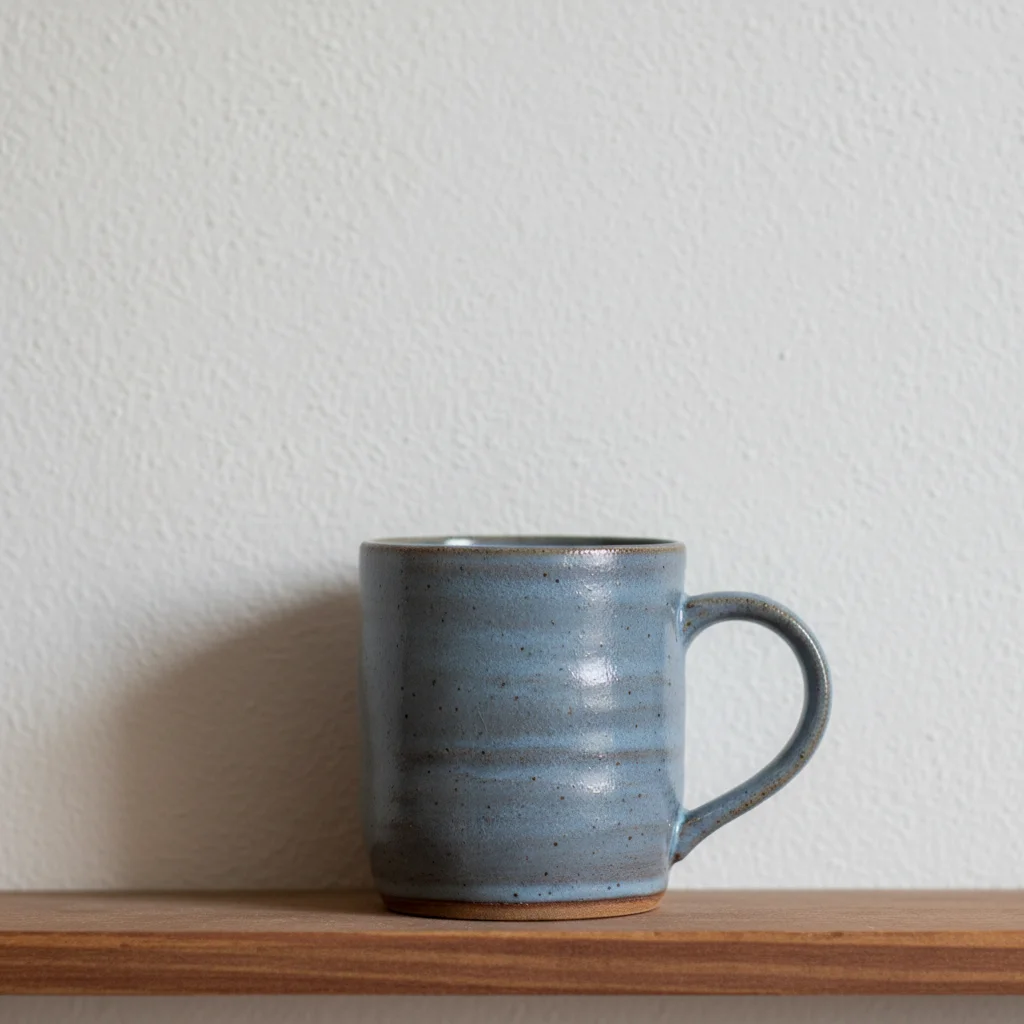
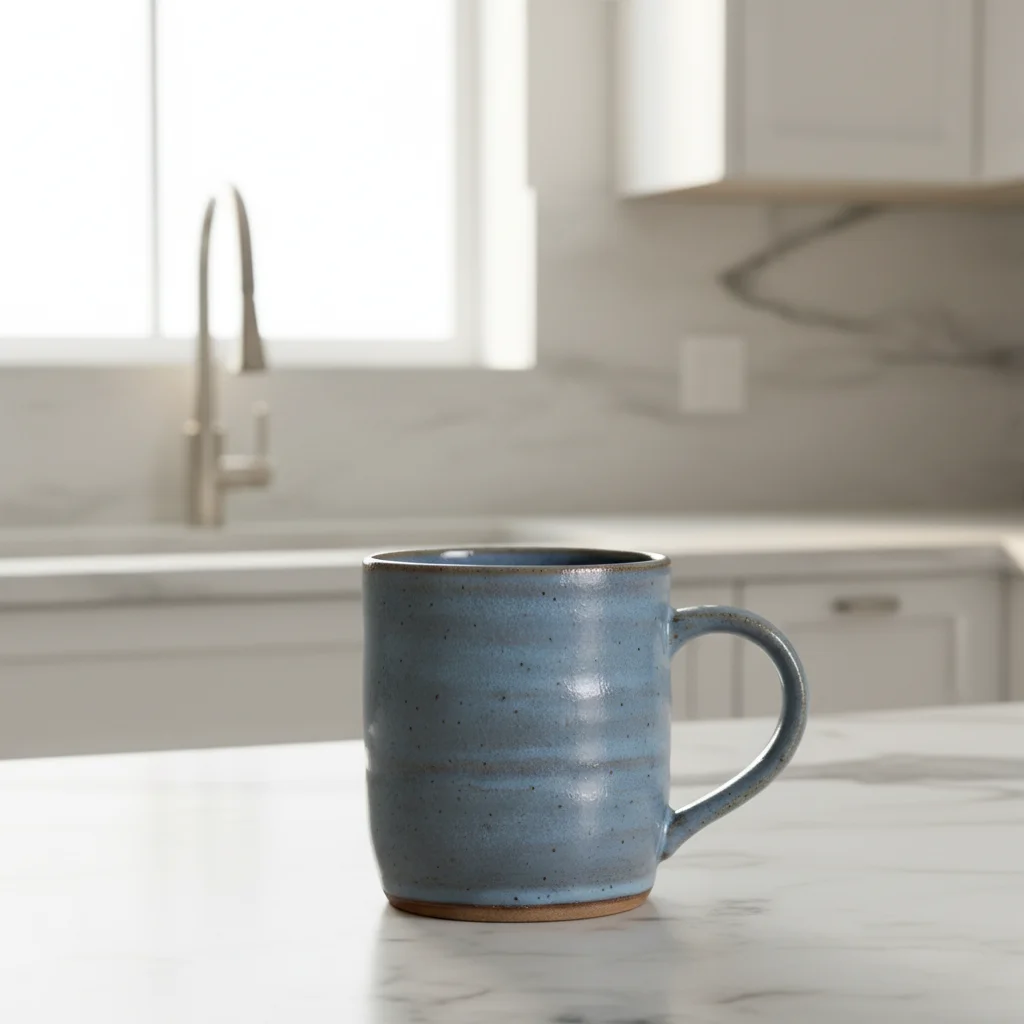
Embroidery hoop with corrected colors
Floral embroidery with colors that looked nothing like the real threads. One prompt restored accurate colors.
enhance the thread colors to true-to-life accuracy, the coral should be warm salmon-pink, sage green should be muted, remove hoop shadow, clean white wall background
Cross stitch with enhanced detail
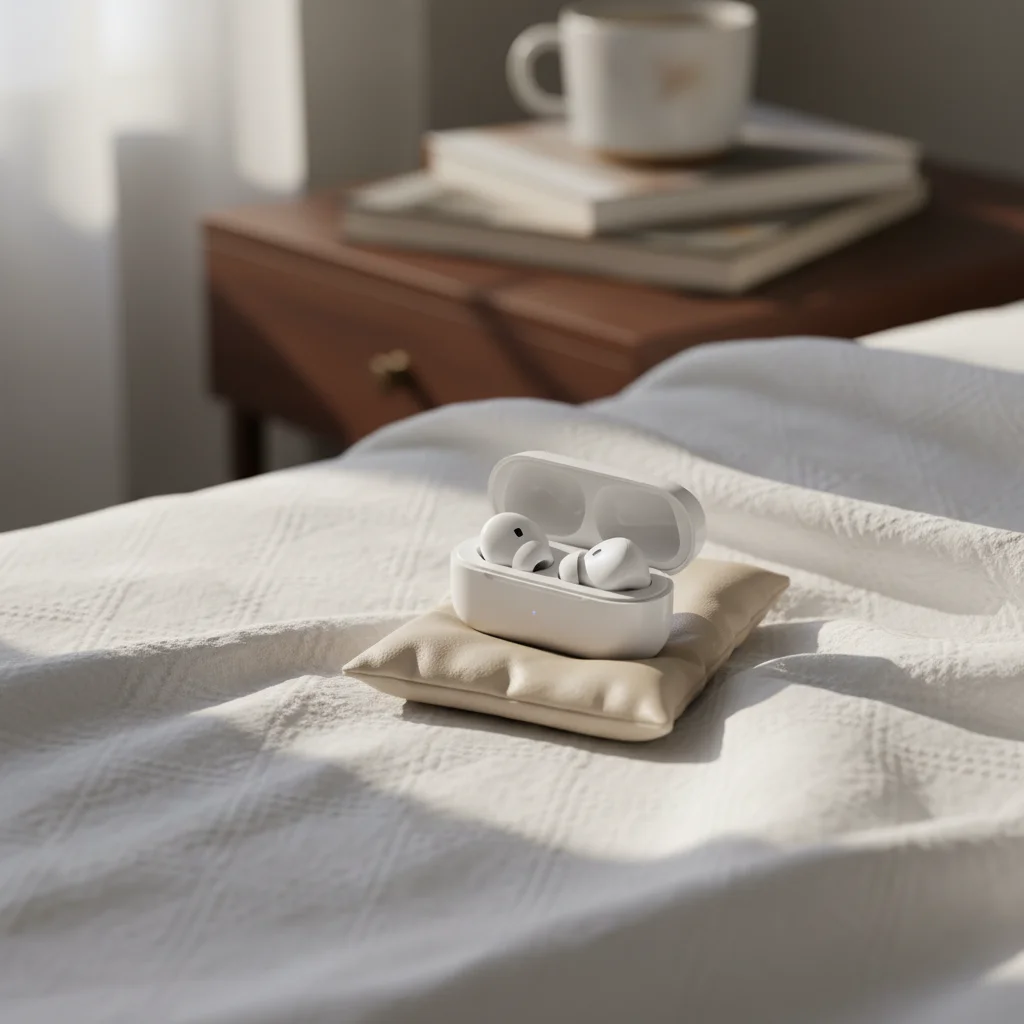
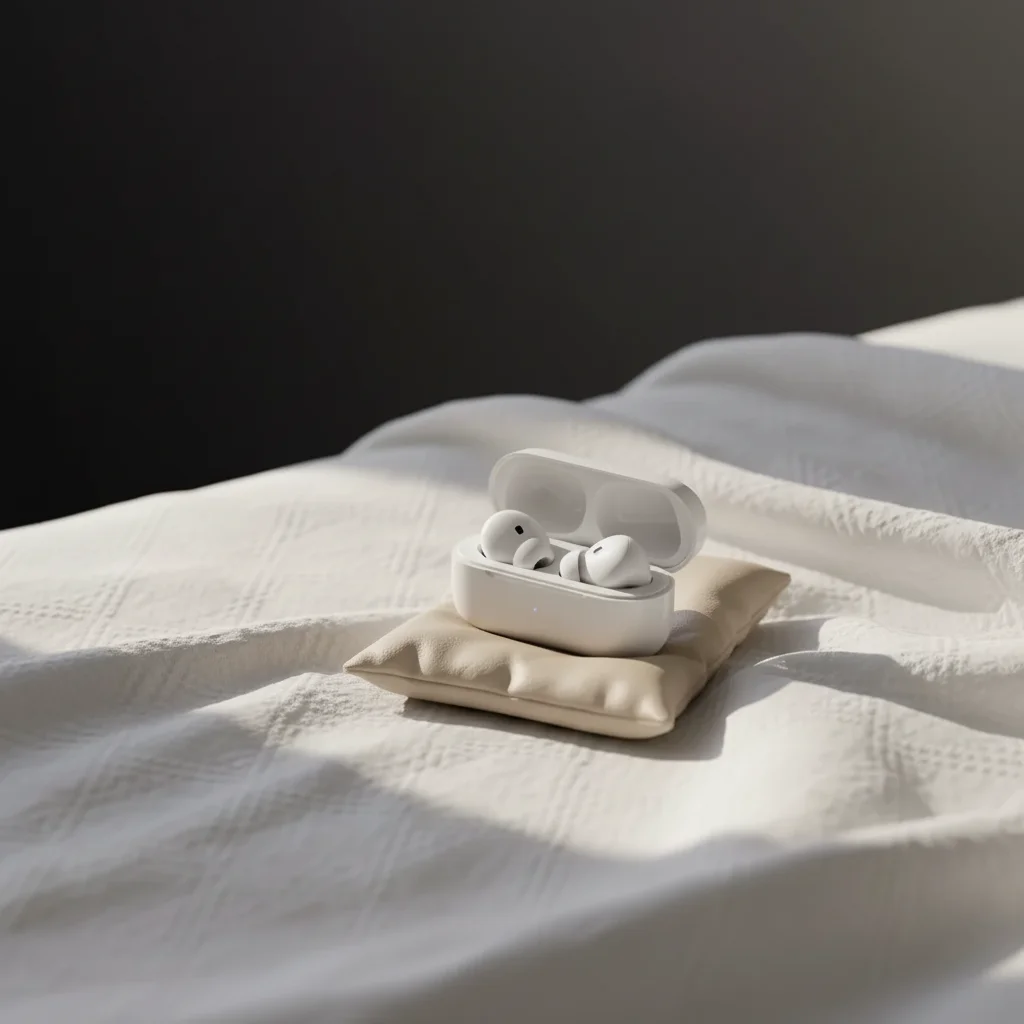
Completed cross stitch piece with invisible stitch detail. AI revealed every precise stitch cross.
enhance the cross stitch detail, every stitch cross should be visible and uniform, vivid accurate thread colors, pure white background, professional needlework photography
Custom portrait embroidery as gift
Custom portrait hoop photographed on craft table. Transformed into an elegant gift presentation.
replace background with elegant gift presentation, embroidery hoop with soft ribbon, warm lighting, personalized handmade gift feel, clean and premium
Common Embroidery Photo Issues
Thread colors still don't match after enhancement
Why: Indoor lighting creates strong color shifts that the AI may not fully correct, especially under incandescent or fluorescent light.
correct thread colors specifically: the [color name] should be [exact description], the [color name] should be [exact description], accurate to DMC/Anchor floss colors
Photograph near a window in daylight first - this gives the AI the best starting color data to work with.
Stitch texture was smoothed over
Why: The AI may interpret fine thread texture as noise, especially in photos that were already slightly blurry.
preserve and enhance every individual stitch, do not smooth the thread texture, each stitch entry and exit point should be visible, three-dimensional thread feel
Start with the sharpest photo possible - use your phone's macro mode or get very close. More texture data gives the AI more to enhance.
Hoop shadow only partially removed
Why: Circular hoop shadows can be subtle and uneven, especially where they overlap with wall textures.
completely remove the circular hoop shadow from the wall, the wall should be clean and even with no shadow trace at all
Tap markers on remaining shadow areas to direct the AI exactly where the shadow persists.
Fabric backing looks wrinkled or messy in the hoop
Why: Camera angles can emphasize fabric tension issues around the hoop edge.
clean up the fabric appearance in the hoop, smooth and even fabric tension, the embroidery fabric should look professionally stretched
Getting the fabric truly tight in the hoop before photographing helps - but the AI can smooth minor wrinkles.
Metallic or specialty threads lost their shine
Why: Metallic threads need specific lighting angles to shimmer. Wrong angles make them look like regular flat thread.
enhance the metallic thread to show its shimmer and light-catching quality, the metallic/gold/silver thread should sparkle and look reflective
Photograph metallic threads at an angle where you can see the shimmer - the AI amplifies what's already captured.
Frequently Asked Questions
How do I make thread colors match my actual DMC/Anchor floss?
Name each specific color in your prompt: 'the DMC 3705 watermelon should be bright pink, not brownish.' Indoor lighting is the biggest culprit for color shifts. For best starting photos, shoot near a window in natural daylight. The AI corrects color casts, but having good light to start with makes results more accurate. Compare the edited photo to your actual piece under daylight.
Can the AI remove the hoop shadow from behind my embroidery?
Yes, this is one of the most common embroidery photo requests. Use 'remove the circular hoop shadow from the wall behind.' The AI cleanly removes the shadow while preserving the hoop and embroidery. For stubborn shadows, tap markers on remaining shadow areas. You can also swap the entire background: 'replace wall with clean soft white for shadow-free display.'
Will individual stitches be visible after editing?
Yes, when you ask for it. Say 'enhance stitch detail, every individual stitch should be visible.' The AI adds subtle directional lighting that creates micro-shadows along stitch lines, revealing the three-dimensional quality of your threadwork. Start with a sharp, close-up photo for best results. French knots, satin stitches, and backstitch all benefit differently from enhancement.
What background works best for embroidery hoops?
Clean white or soft neutral walls are the standard. For gallery display feel, add context: 'styled gallery wall with small art pieces nearby.' For gift listings, elegant wrapping context works well. Avoid busy or colorful backgrounds that compete with your thread colors. The embroidery should always be the visual focus.
How do I show the detail of very small embroidery?
Get as close as your phone allows (use macro mode if available) before uploading. Then use 'enhance stitch detail at close range, every thread fiber visible, macro-quality detail shot.' The AI can sharpen and enhance what's there, but it needs pixel-level texture data to work with. Close-up detail shots are essential for proving the quality that justifies handmade embroidery pricing.
Can the AI enhance metallic and specialty threads?
Yes, mention 'enhance the metallic thread shimmer and light-catching quality.' Metallic threads need specific angles to shine. Photograph at the angle where you can see the shimmer, then the AI amplifies it. For variegated threads, say 'preserve the color transition pattern in the variegated thread.' The AI handles specialty fibers when you tell it what to expect.
Ready to show every stitch?
Professional embroidery product photos with accurate colors and visible detail. Free to try.
Start Editing Your Embroidery Photos