AI Etsy Personalized Gift Photo Editor
Show buyers exactly how beautiful their personalized item will look before they order.
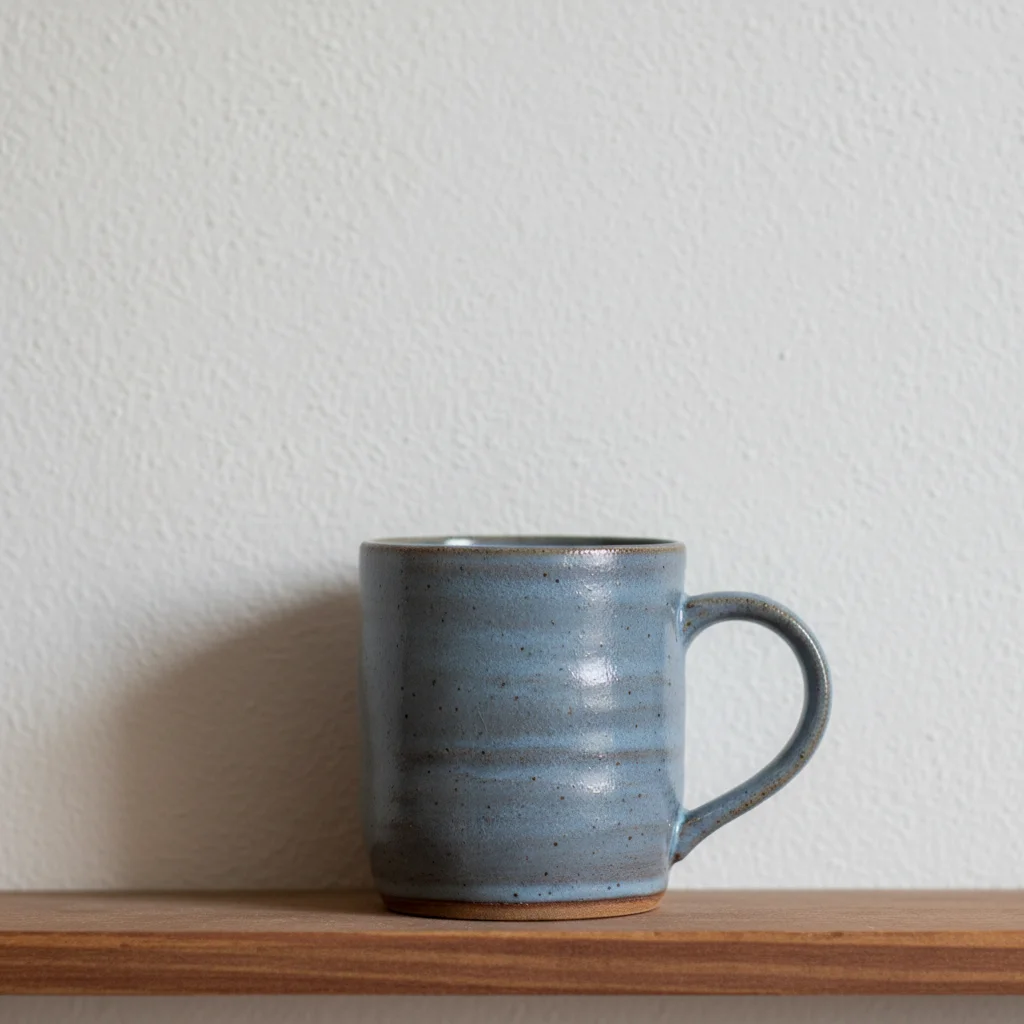
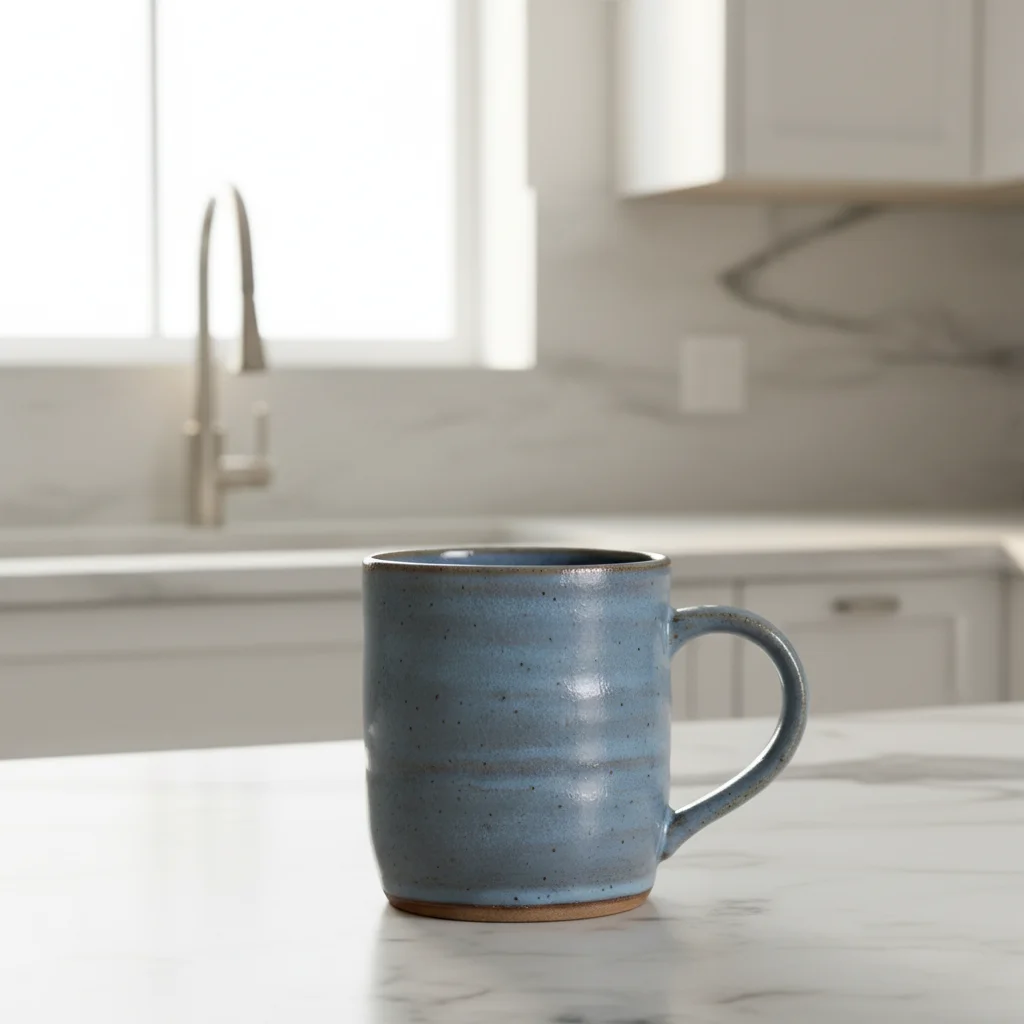
Drop your photo here
or click to browse
Release to upload
Free • No signup
"Buyers kept asking 'what will my name look like?' Now my listing photos answer that question before they even ask. Conversion rate jumped immediately." @PersonalTouchGifts
Built for Etsy Personalized Gift Sellers
Personalized gift buyers need to see the customization quality before ordering. They want to read the engraving, see the font style, and imagine unwrapping it as a gift. EditThisPic fixes the #1 problem with personalized product photos: making the custom text visible and appealing with proper lighting and elegant gift-worthy staging.
Tools Personalized Gift Sellers Use Most
Enhance Lighting
Add directional light that reveals engraved, embossed, or laser-cut text
Change Background
Place personalized items in gift-giving, celebration, or lifestyle settings
Enhance Photo
Overall quality boost that sharpens text and improves clarity
Remove Background
Isolate personalized gifts for clean catalog-style detail views
How to Edit Your Personalized Gift Photos
-
Upload your personalized gift photo
Drop your custom item photo into EditThisPic. JPG, PNG, and WebP up to 7MB. Make sure the personalized text or design is in the frame, even if it's hard to see in the original lighting. Phone photos from your workshop are fine.
Lighting fixes for text visibility: 15 seconds. Gift-scene staging: 20-30 seconds. -
Describe how to showcase the personalization
Type what you want: 'enhance lighting to make the engraved name clearly visible' or 'place in an elegant gift box with tissue paper, warm celebration lighting.' Focus on making the custom text readable. The AI understands that the personalization IS the product.
Always mention the type of personalization: 'laser engraved,' 'embossed,' 'vinyl lettering,' 'hand-stamped.' Each reflects light differently and the AI adjusts accordingly. -
Verify text readability at full zoom
Zoom in on the personalized text or design. Can you read every letter? Is the font style preserved? For engravings, check that the depth and shadow look natural. Buyers will zoom in on this exact area before ordering.
If text looks soft, add 'keep the personalized text razor sharp and clearly readable' to your next prompt. -
Use markers on text areas if needed
If the personalized text got slightly soft during a background change, tap markers directly on the text/engraving area and regenerate. This tells the AI to prioritize keeping those letters crisp.
Place markers on the first and last letters of the personalized text. The AI will preserve the entire text block between them.
Copy-Paste Prompts for Personalized Gift Sellers
enhance lighting with soft directional light from upper left to make the engraved text clearly visible and readable, subtle shadows in the engraving grooves
Side lighting creates tiny shadows in engraved grooves, making text pop. This is the #1 trick for engraving photography.
replace background with elegant gift-giving setting, white tissue paper and satin ribbon nearby, warm soft celebration lighting, ready to unwrap atmosphere
Buyers purchase personalized items as gifts. Show them in that gift-giving moment.
replace background with pure white seamless backdrop, soft directional light showing all personalization detail, crisp shadow beneath item
White backgrounds with side lighting are ideal for showing font choices and engraving quality in detail shots.
place on a clean modern desk, soft natural light from window, professional office setting blurred in background, executive gift aesthetic
Corporate and appreciation gifts look best in their intended setting. An office desk says 'professional.'
Show 4 more prompts
place in a soft, pastel nursery setting, gentle natural light, blurred crib or bookshelf in background, warm welcoming baby room atmosphere
Baby gifts are huge on Etsy. Show personalized baby items where they'll actually live.
replace background with festive holiday setting, wrapped gifts and pine branches nearby, warm golden string lights blurred in background, Christmas gift-giving atmosphere
Seasonal context photos can boost conversion rates significantly during gift-buying holidays.
replace background with clean light gray, even soft lighting, professional catalog presentation showing the personalization style clearly
Use the same background for all your font/style sample photos. Consistency helps buyers compare options.
replace background with natural wood surface, linen cloth accent, warm natural window light from right showing the wood grain and engraving depth
For engraved wooden items, matching wood backgrounds creates a cohesive natural aesthetic that resonates with buyers.
| Edit Type | Prompt | Time | |
|---|---|---|---|
| Show engraving | enhance with directional light from left to make engraved text visible |
15s | Try This → |
| Gift scene | replace background with gift setting, tissue paper and ribbon, warm light |
20s | Try This → |
| Clean detail | replace background with white, directional light showing personalization |
15s | Try This → |
| Nursery context | place in soft pastel nursery, gentle light, blurred crib in background |
25s | Try This → |
Real Personalized Gift Seller Transformations
Engraved gift text made visible
Personalized gift with text barely visible in flat workshop lighting. Directional lighting enhancement made every letter readable and elegant.
enhance lighting with soft directional light from upper left to make the personalized engraving clearly visible, subtle shadows showing depth of engraving
Custom gift in gift-giving scene
Personalized item photographed on kitchen table. Transformed into an aspirational gift-giving moment that makes buyers click 'Add to cart.'
replace background with elegant gift-giving setting, white tissue paper and satin ribbon, warm celebration lighting, personalized text clearly visible
Baby name gift in nursery setting
Personalized baby item photographed on a shipping box. Placed in a dreamy nursery context that speaks directly to new parents shopping on Etsy.
place in a soft pastel nursery setting, gentle natural light, blurred crib and bookshelf in background, warm welcoming baby room atmosphere
Common Personalized Gift Photo Issues
Engraved or embossed text is barely visible after editing
Why: Flat even lighting removes the tiny shadows that make engravings readable. The AI may have applied standard lighting instead of directional.
enhance with directional light from upper left specifically to create shadows in the engraved text grooves, making every letter clearly readable
The key word is 'directional' light, not 'even' light. Engravings need shadows to be visible. Always specify a light direction.
Text on the item looks blurry or soft
Why: Background changes can sometimes soften fine details, especially small text or thin fonts.
Tap markers on all personalized text areas, then regenerate: keep all text razor sharp and clearly readable
Mark the text area before any background change. Prevention is better than fixing after.
Metallic engraving on glass or acrylic shows glare
Why: Reflective surfaces like glass, acrylic, and polished metal create hotspots that obscure the personalization.
reduce glare on the engraved surface while keeping the text clearly readable, soft diffused lighting without hotspots
For acrylic and glass items, avoid backgrounds with bright areas. Neutral, matte backgrounds create less reflection.
The sample name/text looks generic or uninspiring
Why: This is a photography issue, not an AI issue. Choose sample names that feel aspirational.
enhance the presentation of the personalized text with better lighting and context to show font quality and style
Popular sample names: 'Emma & James' for wedding, 'Oliver' for baby, 'The Johnsons' for family. Names that feel real sell better.
Multiple personalized items look inconsistent in a group shot
Why: Different materials and engraving depths catch light differently, creating inconsistent brightness across items.
replace background with [your choice], with consistent even lighting across all items while still showing engraving detail on each piece
Photograph each item separately with the same prompt, then show the collection in your listing. Individual + group shots work best.
Frequently Asked Questions
How do I make engraved text show up clearly in photos?
The secret is directional lighting. Prompt: 'enhance lighting with soft directional light from upper left to make the engraved text visible.' Side lighting creates tiny shadows inside the engraving grooves, making every letter pop. Flat even lighting is the enemy of engravings, as it eliminates the shadows that give text depth.
What context should I show personalized gifts in?
Match the occasion. Wedding gifts: elegant marble with florals. Baby gifts: soft pastel nursery. Corporate gifts: clean modern desk. Birthday: festive with wrapped gifts nearby. Holiday: pine branches and warm lights. The gift-giving context is what triggers the emotional 'I need to buy this' response from shoppers.
What sample name should I use for listing photos?
Use names that feel real and aspirational, not 'John Smith.' Popular choices: 'Emma & James' for wedding items, 'Oliver' or 'Sophie' for baby gifts, 'The Johnsons' for family items. Keep it elegant and relatable. Some sellers use 'Your Name Here' but real names convert better.
Can I show different font options with consistent styling?
Yes. Photograph each font sample, then apply the same prompt to all: 'clean light gray background, soft directional light, professional catalog presentation.' Same background and lighting across all font samples lets buyers compare styles easily without visual distractions.
How do I photograph items I can't engrave yet (mockups)?
Take a photo of a sample piece with standard personalization. Use it as your main listing image. For mockups showing the customization area, photograph the blank item and mention in your listing that the photo shows a sample. EditThisPic can enhance whatever sample you have to look its absolute best.
Will the AI change or alter my personalized text?
No. The AI enhances the photo around the text: lighting, background, overall quality. It doesn't modify the actual text content. Your engraving, embossing, or printing will look exactly as photographed, just with better presentation. If text looks soft, use markers to ensure it stays sharp.
Ready to show off your personalized craftsmanship?
Make every engraving, monogram, and custom detail shine. Free to try.
Start Editing Your Gift Photos