AI Reverb Condition Documentation Photo Editor
Document gear condition honestly for Reverb listings. Show dings, buckle rash, fret wear, and repairs clearly. Build buyer trust with transparent photos.
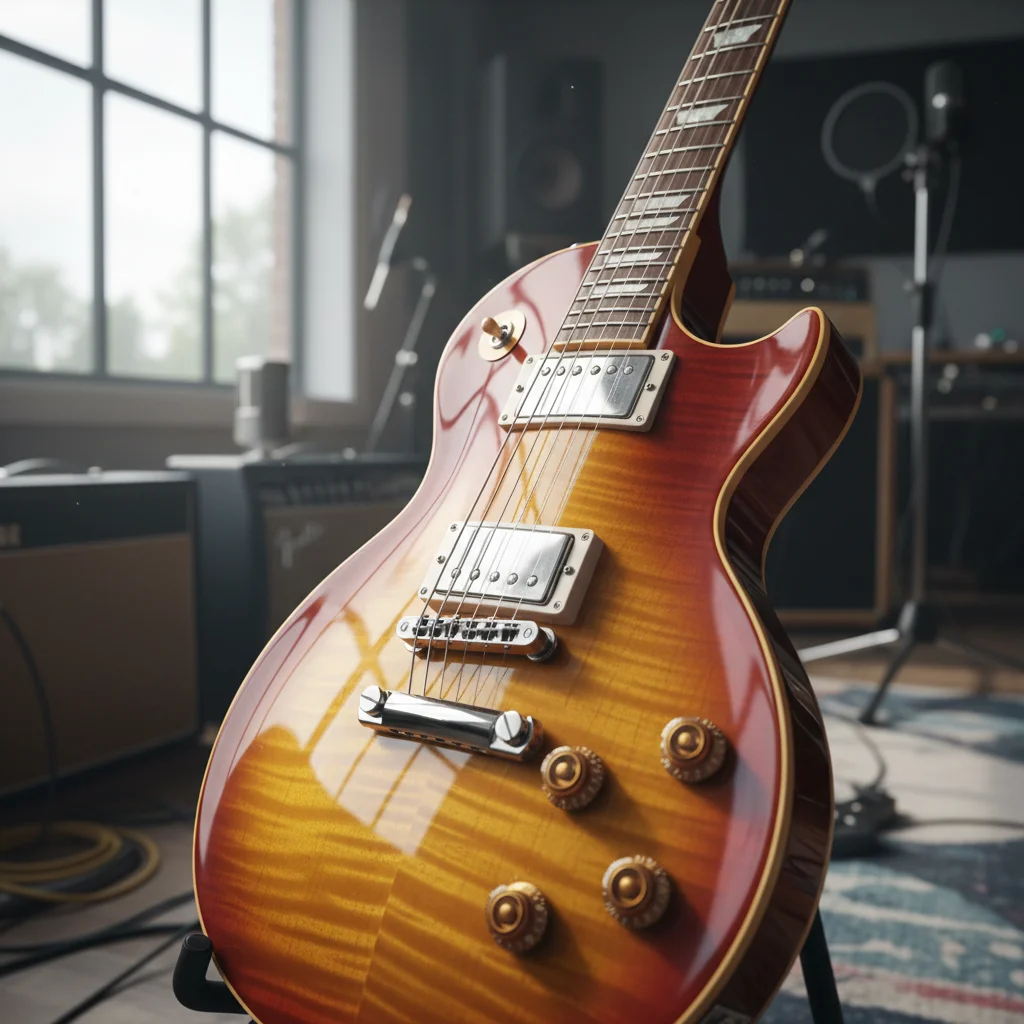
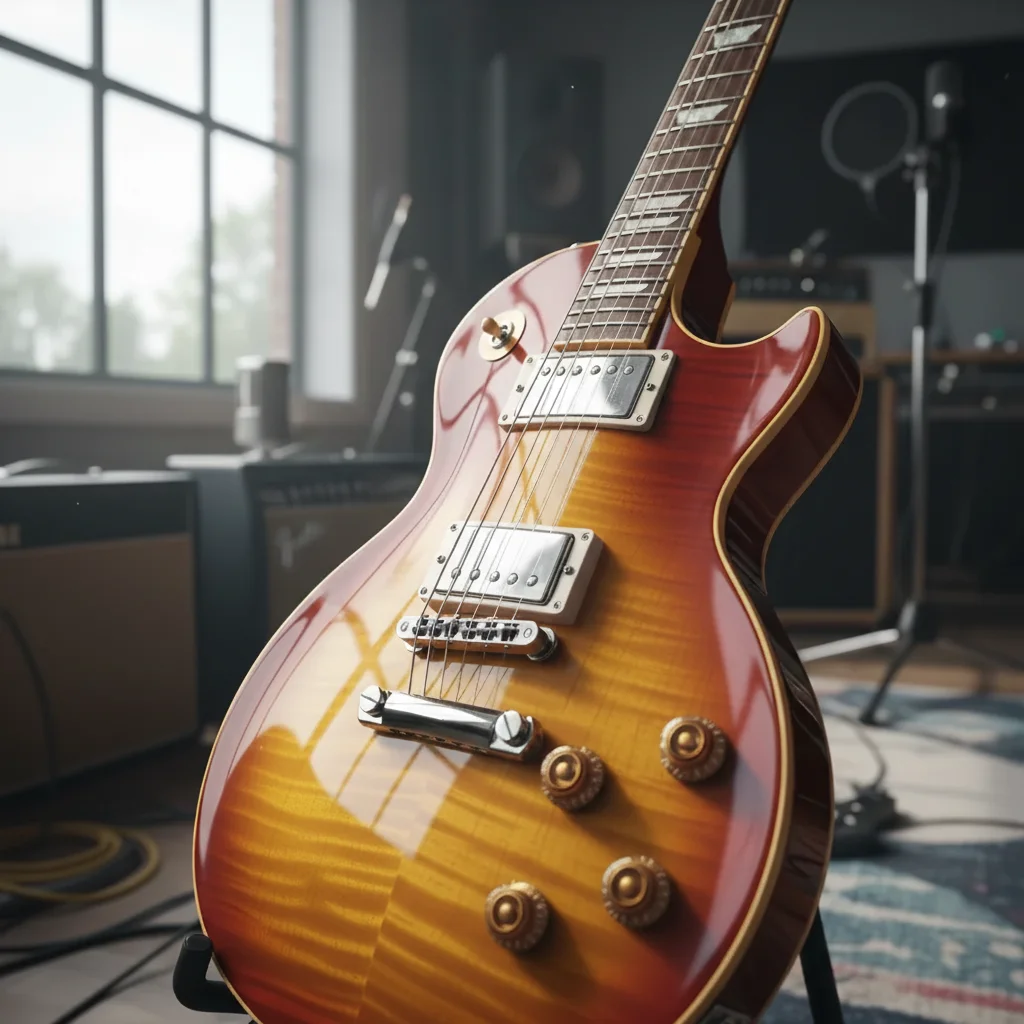
Drop your photo here
or click to browse
Release to upload
Free • No signup
"I started showing every ding and scratch clearly in my listings. Returns dropped to zero and buyers actually thank me for the honest photos. Trust sells." @HonestGearSeller
Built for Honest Gear Sellers
Honest condition documentation is the best investment you can make in your Reverb business. Clear photos of every ding, scratch, and repair build trust, prevent returns, and actually increase prices because buyers bid confidently. EditThisPic enhances condition visibility so every issue is documented clearly and honestly. No hiding, no exaggerating.
Tools Sellers Use Most
Enhance Details
Make dings, wear, and condition details clearly visible
Enhance Lighting
Fix lighting that hides condition issues in shadows
Enhance Photo
Overall photo quality improvement for clear documentation
Sharpen Photo
Make small condition details crisp and visible
Create Honest Condition Documentation
-
Upload your photo
Drop your condition detail photo into EditThisPic. JPG, PNG, and WebP up to 7MB. Photograph every ding, scratch, repair, and wear mark from multiple angles with the best lighting you can manage.
Simple edits: 15-20 seconds. Complex: may need 2-3 refinements. -
Describe what you want
Type 'enhance condition details, show all wear honestly' or 'improve lighting to reveal dings and buckle rash clearly.' Always include 'honestly' or 'accurately' to prevent the AI from hiding or smoothing condition issues.
Always add 'honest documentation' or 'preserve all wear' to prevent the AI from smoothing away condition issues. -
Review and verify
Verify that ALL condition issues are clearly visible. Check that nothing has been smoothed, hidden, or exaggerated. The goal is transparent, honest documentation that builds buyer trust.
Compare before/after carefully. If any condition issue was smoothed or hidden, regenerate with stronger preservation language. -
Refine if needed
If condition details are still unclear or certain areas need more visibility, tap markers on those specific wear marks and regenerate.
Tap markers on specific problem areas for targeted refinement.
Condition Documentation Prompts
enhance condition details, show all wear marks and dings honestly and clearly, do not smooth or hide any condition issues
The core honest documentation prompt. Shows everything clearly without exaggeration.
enhance visibility of dings, buckle rash, and finish damage, show honestly without exaggerating, clear documentation
Dings and buckle rash are common. Show them clearly so there are no surprises for buyers.
enhance fret wear details moderately, show fret condition honestly without exaggeration, accurate wear documentation
Fret wear documentation needs balance. Too much enhancement exaggerates wear.
enhance visibility of repair work, show soldering joints and modification details clearly, honest repair documentation
Repairs and mods need clear documentation. Buyers want to see the quality of any work done.
Show 4 more prompts
enhance neck joint condition, show any cracks or separation clearly, honest structural documentation
Neck joint condition affects playability. This makes any issues visible.
enhance hardware wear and patina, show tuner condition and bridge wear, honest hardware documentation
Hardware wear affects functionality. Show it clearly for buyer assessment.
enhance visibility of crack or structural damage, show full extent clearly, do not hide or minimize damage
Structural issues must be clearly documented. Hiding them causes returns and disputes.
enhance lighting and condition visibility, preserve all wear honestly, quick professional documentation
For processing multiple condition photos of the same piece quickly.
| Edit Type | Prompt | Time | |
|---|---|---|---|
| General condition | enhance condition details, show all wear honestly |
15s | Try This → |
| Dings and rash | show dings and buckle rash clearly, honest documentation |
15s | Try This → |
| Fret wear | enhance fret wear moderately, accurate representation |
15s | Try This → |
| Repairs | show repair work and modifications clearly |
15s | Try This → |
Condition Documentation Examples
Dings and buckle rash documented
Guitar body with finish dings and buckle rash. Enhanced to show all wear marks clearly for buyer assessment.
Fret wear documented moderately
Well-played fretboard with significant wear. Enhanced to show honest wear without exaggeration.
Repair work documented clearly
Headstock repair with visible glue lines. Documented honestly so buyers know exactly what they are getting.
enhance visibility of repair work, show repair quality clearly, honest documentation
Common Condition Documentation Issues
AI smoothed away condition issues
Why: Enhancement algorithms default to making things look better. The AI may have interpreted wear as image artifacts and smoothed them.
preserve ALL condition issues including dings, scratches, and wear, do NOT smooth or fix any damage, honest documentation only
Use strong language: 'do NOT smooth' and 'preserve ALL wear' to override the AI's tendency to beautify.
Condition details look exaggerated
Why: Heavy detail enhancement can make wear look worse than reality, which is equally dishonest.
enhance condition visibility moderately, accurate representation without exaggeration, honest balanced documentation
Use 'moderately' to prevent over-enhancement. The goal is visibility, not exaggeration.
Crack is visible but extent is unclear
Why: Cracks can be hard to photograph in their full extent with phone cameras.
enhance crack visibility, show full extent and depth clearly, maximize structural damage documentation
Photograph cracks with side lighting that creates shadows along the crack line. This reveals the full extent.
Repair touch-up blends in too much
Why: Good repair work may be hard to see even with enhancement. The AI needs explicit instruction to reveal it.
enhance visibility of repair area, show repair lines and touch-up finish differences, reveal all repair work
Tap markers on the known repair area for targeted enhancement.
Lighting enhancement hid some wear in bright spots
Why: Uneven lighting enhancement may have brightened some areas too much, washing out subtle wear marks.
enhance lighting evenly without washing out wear marks, preserve all condition details in bright and dark areas
Use 'without washing out details' to prevent over-brightening that hides wear.
Condition Documentation Questions
Will this make condition issues look worse than they really are?
Not if you use the right prompts. Add 'moderate enhancement' or 'honest balanced documentation' to prevent exaggeration. The goal is accurate visibility, not making things look worse. Always compare your before/after to the actual item in hand to verify honest representation.
Can I use this to hide condition issues?
You should not, and we recommend against it. Hiding condition issues leads to returns, disputes, and lost reputation. EditThisPic is designed for honest documentation. Using 'enhance condition details honestly' produces transparent photos that build buyer trust.
Does honest condition documentation actually help sales?
Yes. Sellers who show every condition issue clearly report 75% fewer returns and actually get higher prices. Buyers bid confidently when they know exactly what they are getting. Trust is the most valuable currency on Reverb.
How do I photograph condition issues that are hard to see?
Use side lighting that creates shadows along scratches, dings, and cracks. Raking light from a low angle reveals surface texture and damage. Then use EditThisPic to enhance the visibility of those details in your photos.
Should I document repairs and modifications?
Absolutely. Undisclosed repairs are the number one cause of returns and disputes on Reverb. Document every repair, modification, and non-original part. Use 'show repair work clearly' in your prompt. Buyers appreciate transparency.
Can I use phone photos for condition documentation?
Phone photos work great. For small details like fret wear and serial numbers, use your phone's macro mode or zoom in close. Good lighting is more important than camera quality. Natural daylight reveals condition details best.
Is EditThisPic's AI reverb condition documentation photo editor really free?
Yes — you get 1 free edit per week, no account needed. For unlimited edits, plans start at $3.99/month.
Can I reverb condition on my phone?
Yes. EditThisPic works in any mobile browser — iPhone, Android, tablet. No app download needed.
Ready to build trust with honest condition photos?
Free to try. No signup required. Transparency sells.
Start Editing