Free • No signup Generate Couple photos · Free

AI Couple Photo Generator

Describe the couple scene you want and AI generates it instantly. No marking needed.
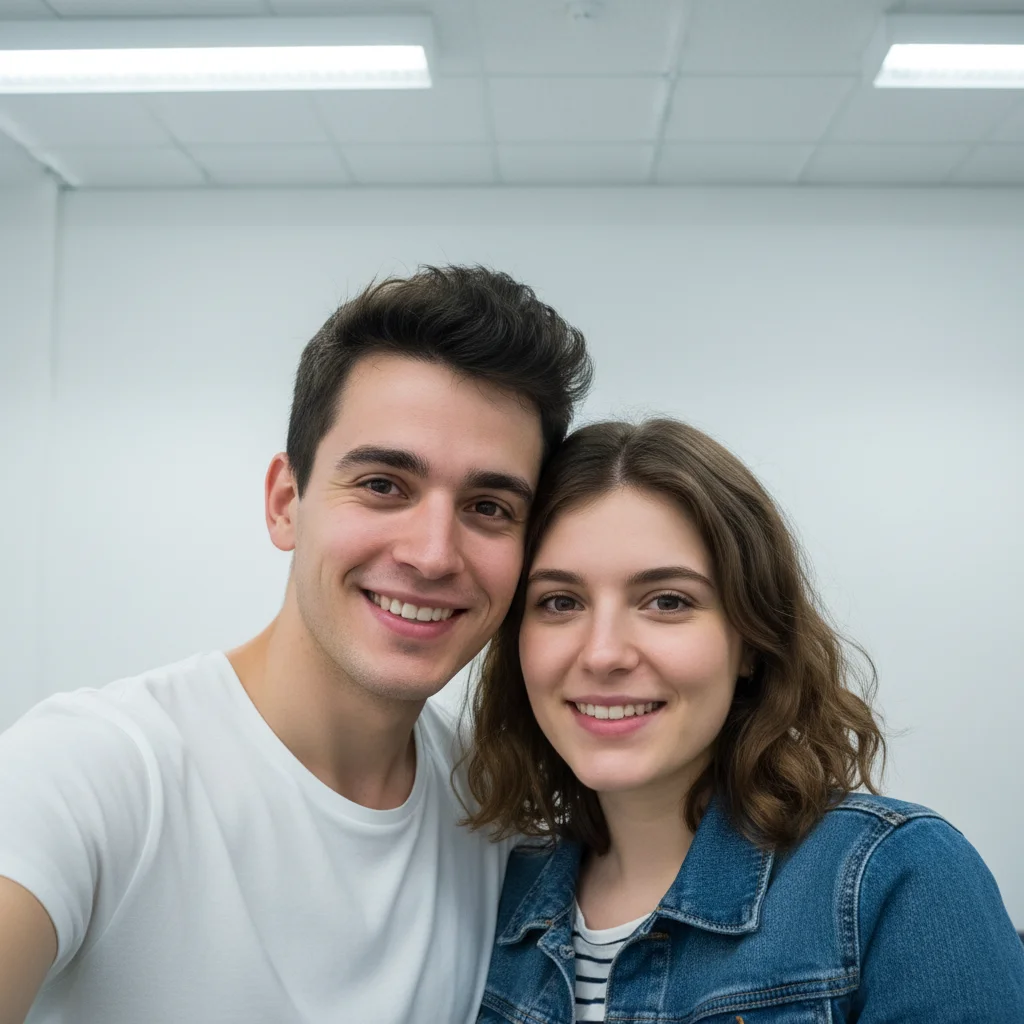
Couple taking a casual indoor selfie against a white wall
Before
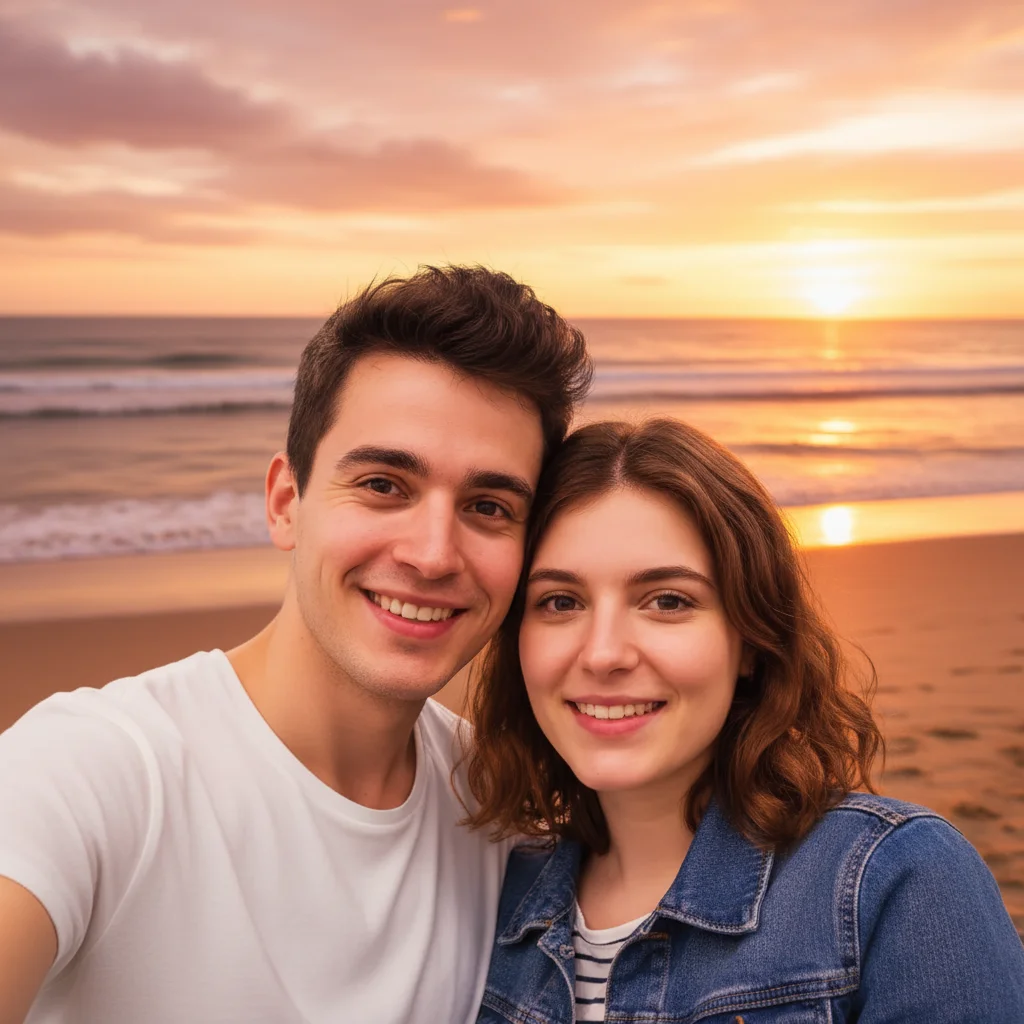
Same couple on a sunset beach with golden hour lighting
After

AI Couple Photo Generator

Drop your photo here

or click to browse

Release to upload

Free • No signup

Advertisement
Popular use cases:
  • couple photo generator
  • romantic photo maker
  • couple portrait creator
  • anniversary photo
  • Valentine's Day photo
  • wedding photo backdrop
  • romantic scene generator
  • couple picture editor

Cost
Free No signup required
Time
Instant results in 15-30 seconds
Works on
Any device - browser, phone, tablet, desktop
Powered by
AI-powered photo editing
Scenario Prompt Time
Scene change place this couple on a sunset beach 30s
Romantic theme transform into candlelit dinner scene 40s
Combine two photos combine both people into a couple portrait 45s

How it works

  1. Upload your photo

    Drop your image into EditThisPic. JPG, PNG, WebP up to 7MB. Photos with both people clearly visible work best. You can also combine two separate portraits using the reference image feature.

    Expect: Simple scene change: 30-40 seconds. Detailed themed transformations: 45-60 seconds and may need refinements.
  2. Describe the couple scene

    Type what you want: 'place this couple on a sunset beach holding hands' or 'transform this into a romantic dinner scene with candlelight and flowers.' Be specific about the setting, lighting, and mood. No marking needed—the AI understands people and scenes.

    Tip: Include atmosphere details like 'golden hour lighting', 'soft bokeh', or 'fairy lights' for more romantic and polished results.

    Copy one of these to get started:

    Sunset beach couple place this couple on a beautiful sunset beach with golden hour lighting, waves in the background, and warm romantic atmosphere
    Romantic dinner setting transform this into a candlelit dinner scene with an elegant restaurant setting, wine glasses, and soft warm lighting
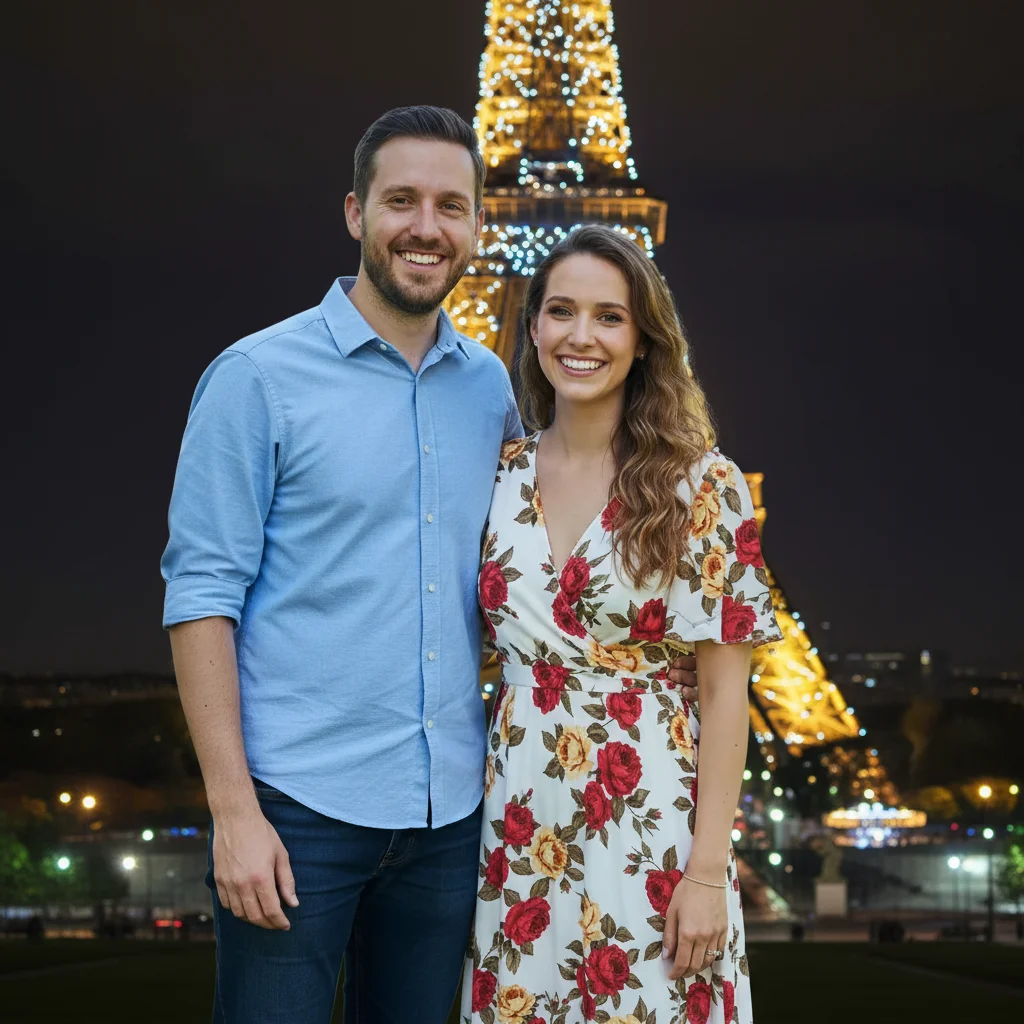
    Paris romantic backdrop place this couple in front of the Eiffel Tower at night with twinkling lights and a dreamy blurred background
    Fantasy couple portrait transform this couple into a fantasy scene in an enchanted garden with magical glowing flowers and fairy lights
    3 more prompts
    Seasonal fall couple photo place this couple in a beautiful autumn scene with golden leaves falling around them, warm sunlight filtering through trees
    Classic black and white transform this couple photo into a classic black and white romantic portrait with dramatic lighting and soft focus
    Snow winter couple place this couple in a snowy winter scene with softly falling snowflakes, cozy scarves, and warm glowing street lamps
  3. Review the couple photo

    Check that both faces are preserved accurately and the scene looks natural. Verify that lighting on the couple matches the new background, and the overall composition feels cohesive and romantic.

  4. Refine with markers if needed

    If specific areas like the background transition, clothing, or lighting need adjustment, tap markers on those spots and regenerate. Most couple photo transformations look great on the first try.

    Tip: Markers are for precision refinement only. Try without them first—you usually won't need them.
Try it free

AI Couple Photo Generator

Drop your photo here

or click to browse

Release to upload

Free • No signup

"Made a romantic Paris backdrop for our anniversary using just a random selfie we took at home. Printed it out and framed it. My partner cried happy tears. Better than any professional shoot." @AnniversaryGoals_Kai

See it in action

Couple taking a casual indoor selfie against a white wall
Before
->
Same couple on a sunset beach with golden hour lighting
After

Indoor selfie to sunset beach

A casual indoor couple selfie transformed into a romantic sunset beach scene with golden hour lighting.

Prompt: place this couple on a beautiful sunset beach with golden hour lighting, waves in the background, and warm romantic atmosphere
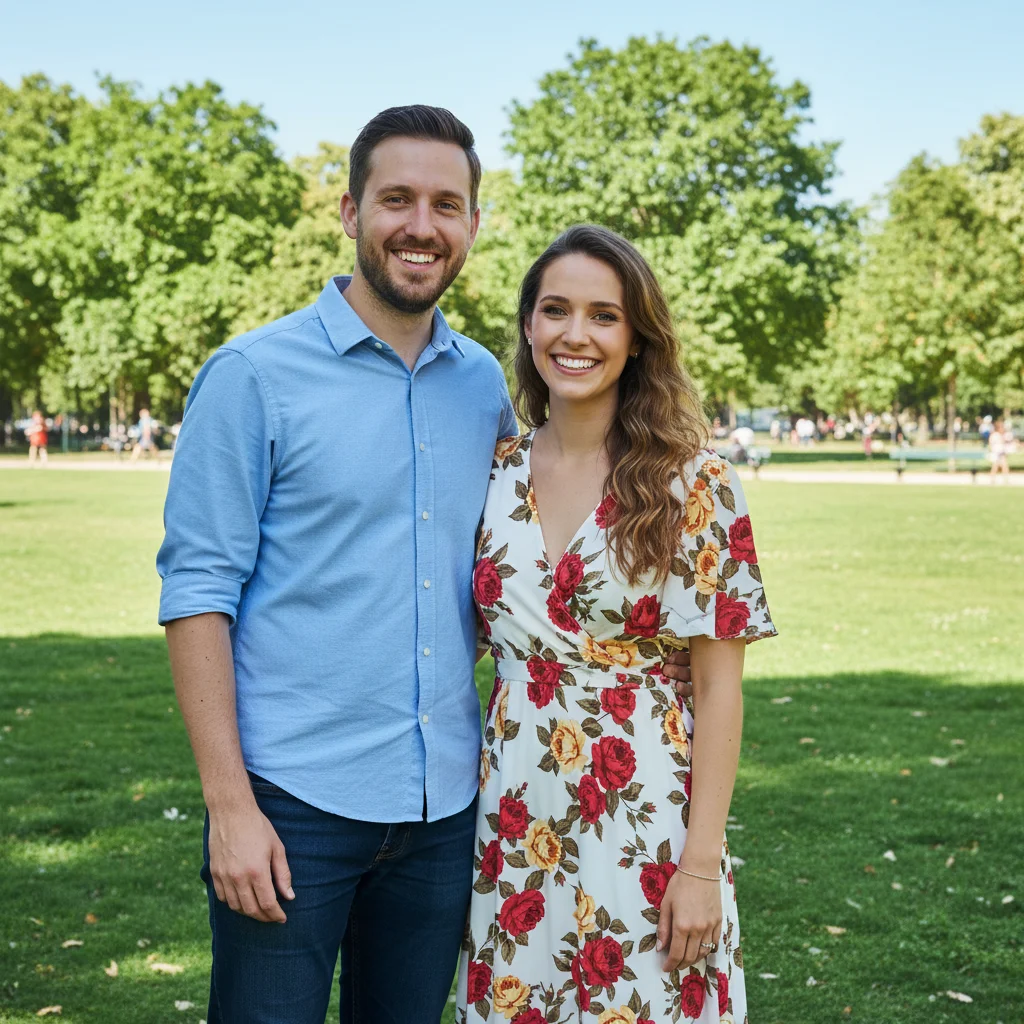
Couple standing together in a park during daytime
Before
->
Same couple in front of Eiffel Tower at night with twinkling lights
After

Regular photo to Paris night scene

A couple's daytime photo transformed into a magical nighttime scene in front of the Eiffel Tower.

Prompt: place this couple in front of the Eiffel Tower at night with twinkling lights and a dreamy blurred background
Advertisement

If something looks off

AI changed the wrong area or something I didn't want changed

Why: The AI couldn't determine exactly what to change from description alone. This happens when the instruction is ambiguous about what should change vs. stay the same.

Try: Tap markers on the specific areas you want changed (like the background), then regenerate with the same prompt

Tip: Markers tell the AI 'change THIS area specifically.' Use them to protect faces while changing the background.

One or both faces look distorted

Why: The AI modified facial features while generating the new scene, especially when the style change was dramatic.

Try: keep both faces exactly as they are, only change the background and scene to [your description]

Tip: 'Keep both faces exactly as they are' explicitly protects facial features from modification.

Lighting on people doesn't match the new background

Why: The people retain their original lighting while the background has different light direction and color temperature.

Try: place this couple in [scene] and match the lighting on their faces and bodies to the new scene's light direction

Tip: Mentioning 'match lighting' tells the AI to harmonize the light between subjects and background.

The scene looks fake or composited

Why: Scale, perspective, or shadow direction between the couple and background are mismatched.

Try: place this couple naturally in [scene] with correct perspective, matching shadows, and realistic depth of field

Tip: 'Correct perspective' and 'matching shadows' address the main reasons composite photos look fake.

Two separate photos won't combine properly

Why: The AI struggles to merge photos taken at very different angles, lighting conditions, or scales.

Try: Upload the better-lit photo as the main image, add the other as reference, then: combine both people into a single couple portrait with matching lighting

Tip: Use the better-lit, cleaner photo as the primary image for best combination results.

Quick answers

Do I need to mark anything before generating a couple photo?

No! Just describe the scene: 'place this couple on a sunset beach' or 'transform into a romantic dinner.' The AI detects both people and modifies the scene automatically. Only use markers if you want to protect specific areas or change just the background.

How do I generate a couple photo from two separate pictures?

Upload one person's photo as the main image, then click '+ Add reference image' to upload the second person's photo. Type 'combine both people into a romantic couple portrait in [your setting].' The AI merges both people into a single cohesive scene.

Is there a free couple photo generator that doesn't require login?

Yes, EditThisPic is free to try with no account needed. Upload your photo, describe the couple scene, and download the result. No watermarks. Works for romantic scenes, fantasy settings, and holiday themes.

What is the best free AI tool for creating romantic couple photos?

EditThisPic offers free AI couple photo generation with no signup. Describe any setting from sunset beaches to Paris nights and the AI places your couple there with matched lighting and natural composition. Unlike photo templates, each result is uniquely generated for your specific photo.

Ready to generate your couple photo?

Free to try. No signup required.

Try it free