Free โ€ข No signup Edit Couple and romantic photos ยท Free

AI Couple Photo Editor

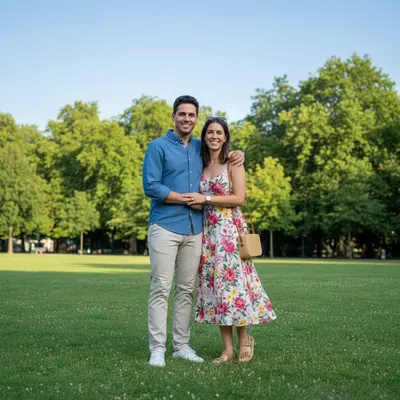
Before
Before
โ†’
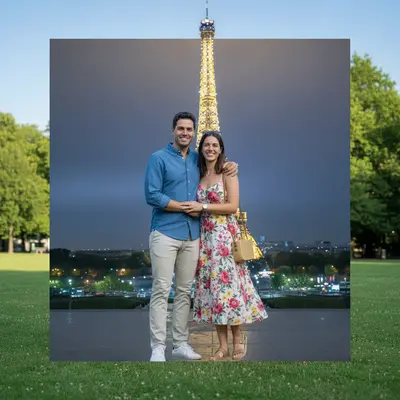
After
After

Free AI Couple Photo Editor

Drop your photo here

or click to browse

Release to upload

Free โ€ข No signup

Advertisement
Popular use cases:
  • couple photo editor
  • edit couple photos
  • romantic photo editor
  • couple photo enhancer
  • edit dating photos
  • improve couple selfies
  • wedding photo editor
  • engagement photo editor
  • romantic photo effects

Cost
Free No signup required
Time
Instant results in 15-30 seconds
Works on
Any device - browser, phone, tablet, desktop
Powered by
AI-powered photo editing
Scenario Prompt Time
15-30s
15-30s
15-30s
15-30s
15-30s
15-30s

How it works

  1. Upload Your Couple Photo

    Drag and drop your couple photo. Works with selfies, posed photos, candid shots, or professional couple photography. All formats supported: JPG, PNG, HEIC, WebP.

    Expect: Upload completes in 2-5 seconds.
  2. Choose Your Enhancements

    Select what to improve: add romantic lighting, change backgrounds, remove photobombers, enhance skin tones, or describe custom edits. Multiple enhancements can be applied together.

    Tip: For romantic effects, start with lighting changes (warm, golden, soft). Lighting sets the mood before other edits.

    Copy one of these to get started:

    Romantic mood Add warm romantic lighting like golden hour
    Clean couple shots Remove people in the background
    Portrait effect Blur the background to focus on the couple
    Face enhancement Brighten both faces and improve skin tones
    9 more prompts
    Location transformation Change background to romantic beach sunset
    Pro quality Make the photo look like professional wedding photography
    Artistic effect Add soft dreamy glow around the couple
    Composition fix Fix awkward crop and center both people better
    Outfit upgrade Change casual clothes to formal attire
    Make photo just two people Remove third person from couple photo
    Dreamy effect Add romantic bokeh lights in background
    Time of day change Make outdoor lighting more sunset colors
    Overall romance boost Enhance the romantic atmosphere with warm tones and soft focus
  3. Review the Edited Photo

    AI processes your couple photo with selected enhancements. Use before/after slider to compare. Adjust romantic effects intensity or try different backgrounds if needed.

    Expect: Most couple photo edits complete in 30-45 seconds.
  4. Download and Share

    Save your enhanced couple photo in full resolution. No watermark. Perfect for social media posts, anniversary gifts, or printing. Share your romantic moment.

Try it free โ†“

Free AI Couple Photo Editor

Drop your photo here

or click to browse

Release to upload

Free โ€ข No signup

See it in action

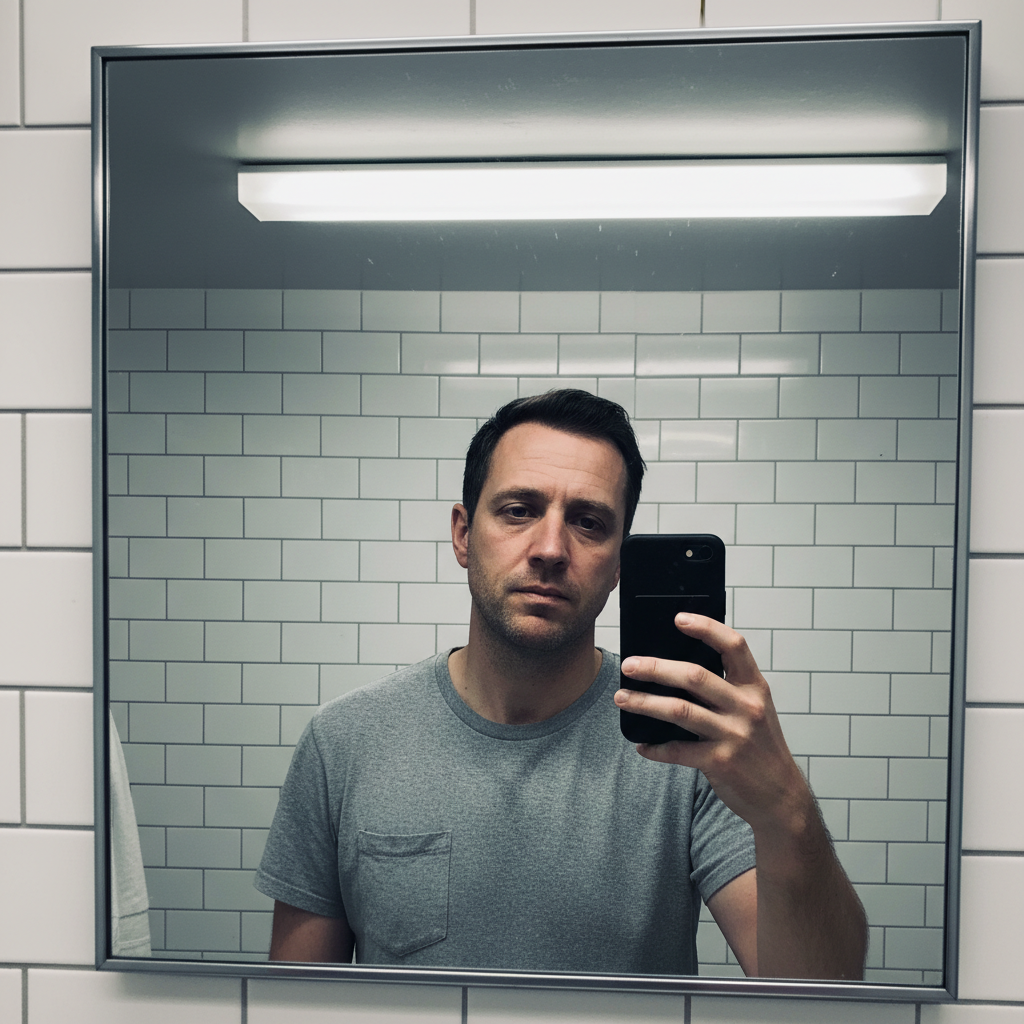
Before
Before
->
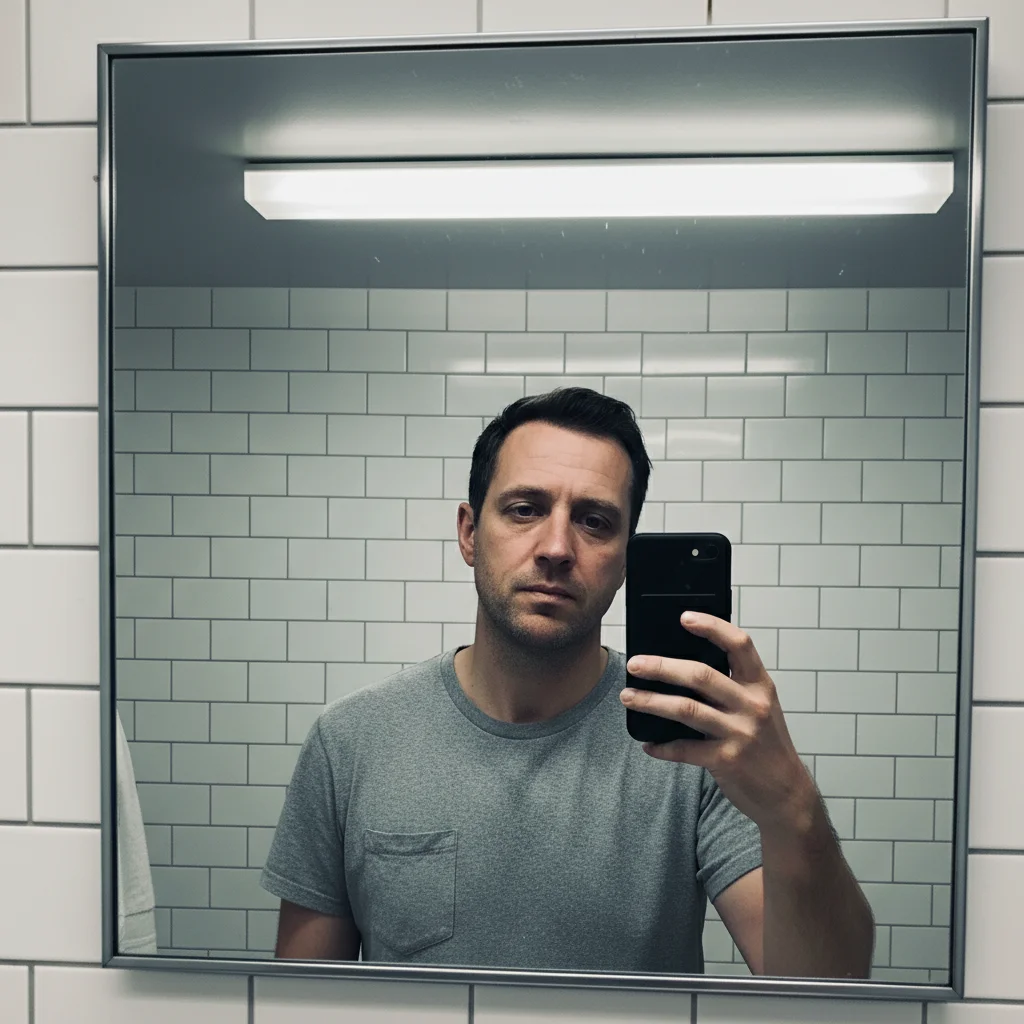
After
After

Prompt:
Before
Before
->
After
After

Prompt:
Before
Before
->
After
After

Prompt:
Advertisement

If something looks off

AI changed the wrong area or something I didn't want changed

Why: The AI couldn't determine exactly which area you meant from description alone.

Try: Tap a marker on the specific area you want to change, then regenerate with the same prompt

Tip: Markers tell the AI 'I mean THIS one specifically.' Use them when description alone is ambiguous.

Romantic lighting made one person look different from the other

Why: AI processed each face separately with slightly different lighting adjustments.

Try: Add 'keep both faces with matching lighting and skin tones' to ensure consistency between the couple.

Tip: For couple photos, always mention 'both people' or 'the couple' to help AI process them as a unit.

Background change left weird edges around hair or bodies

Why: Complex hair, flowing clothes, or awkward poses make edge detection challenging.

Try: Instead of complete background replacement, try 'blur the background heavily' which is more forgiving with edges.

Tip: Background blur is often more natural-looking than background replacement for couple photos with complex outlines.

Romantic effects made the photo look too soft or hazy

Why: Overdone romantic effects can sacrifice sharpness and detail.

Try: Use 'subtle romantic lighting' or 'slight warm glow' instead of 'dreamy' or 'romantic haze'.

Tip: Subtle is better for romantic effects. You can always add more, but pulling back from overdone effects is harder.

Removed the wrong person from a group photo

Why: AI couldn't determine which person you wanted to remove from description alone.

Try: Mark the specific person to remove, or describe their location: 'remove the person on the far left in the red shirt'.

Tip: When removing people from groups, location descriptions (left, right, center) help AI target correctly.

Skin tones don't match between the two people

Why: Different lighting on each person or different starting skin tones created inconsistency.

Try: Try 'balance skin tones between both people' or 'make lighting consistent across the couple'.

Tip: If one person looks better than the other, describe the target: 'match both skin tones to the person on the left'.

Quick answers

Can I remove a third person from a couple photo?

Yes! Mark the person you want removed or describe their position ('remove person on the right'). The AI will remove them and fill in the background naturally. This works great for making group photos into couple-only photos.

Will romantic effects work on selfies or just professional photos?

Both! Romantic effects work great on casual selfies, making them look more professional. In fact, enhancing casual couple selfies is one of the most popular uses. The AI can add professional lighting and effects to any couple photo.

Can I change the background to a romantic location?

Yes, you can change backgrounds to beaches, sunsets, gardens, or any romantic setting. Be specific: 'change background to beach at sunset' or 'replace with romantic Paris street'. More detailed descriptions produce better backgrounds.

Will this work on engagement or wedding photos?

Absolutely! Engagement and wedding photos are perfect use cases. You can enhance lighting, remove distractions, improve composition, or add romantic effects. Many couples use this to improve casual engagement photos before announcements.

Can I fix photos where one person looks better than the other?

Yes, but carefully. You can enhance the less-flattering side with targeted prompts: 'improve lighting on person on the left' or 'brighten face of person on the right'. Be specific about which person needs adjustment.

Is this better than using Instagram or Snapchat couple filters?

Different use case. Filters are fun and instant but look filtered. EditThisPic makes natural-looking enhancements that don't look edited. If you want professional-looking couple photos for announcements, prints, or portfolios, AI editing produces better results than filters.

Enhance Your Couple Photos Now

Free to try. No signup required.

Try it free โ†’