Free โ€ข No signup Convert Clay render ยท Free

Convert Photo to Clay Render Style

Type what you want. Become a smooth clay figurine in seconds.
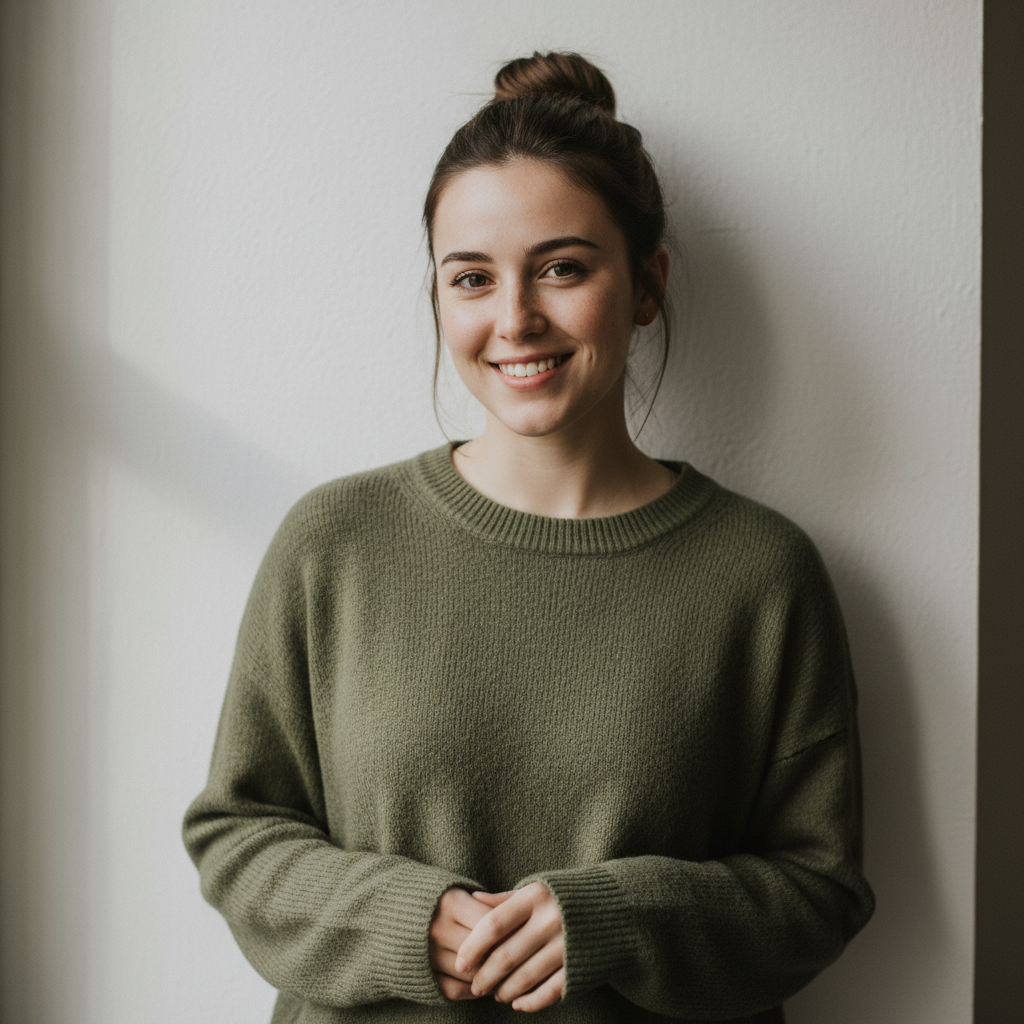
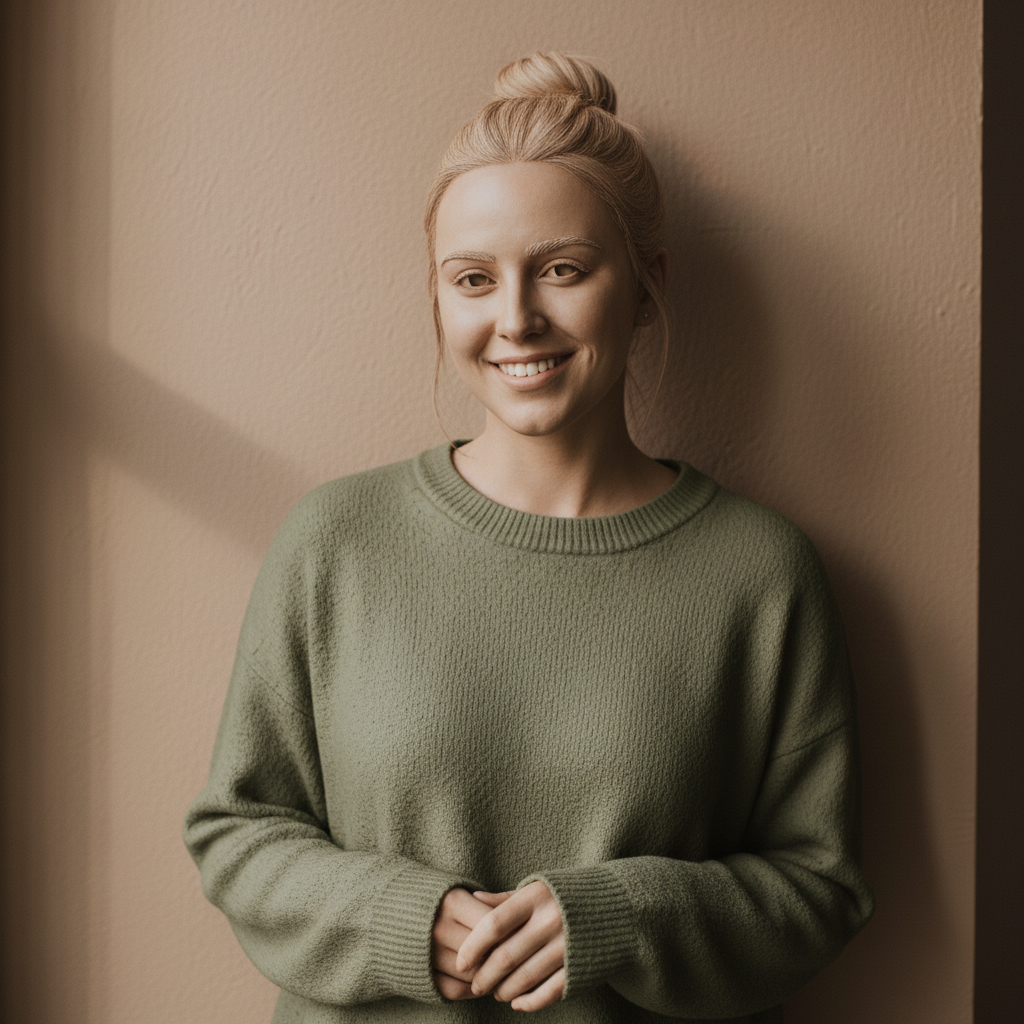
Casual portrait of woman in olive sweater
Before
โ†’
Same woman transformed into smooth clay render style
After

Convert Photo to Clay Render Style

Drop your photo here

or click to browse

Release to upload

Free โ€ข No signup

Advertisement
Popular use cases:
  • Design trends
  • 3D art enthusiasts
  • Product designers
  • Social media aesthetics
  • Portfolio mockups
  • Profile picture transformation
  • Satisfying visuals

Cost
Free No signup required
Time
Instant results in 15-30 seconds
Works on
Any device - browser, phone, tablet, desktop
Powered by
AI-powered photo editing
Scenario Prompt Time
Smooth clay transform to clay render with smooth matte surface and soft shadows 25s
White polymer convert to white polymer clay aesthetic with clean studio lighting 25s
Terracotta transform to terracotta clay render with warm earthy color 25s
Product mockup convert product to clay render prototype style 25s

How it works

  1. Upload your photo

    Drop your image into EditThisPic. JPG, PNG, and WebP up to 7MB work best. Portraits and objects with clear shapes work great for clay renders - the AI needs distinct forms to translate into the sculpted look.

    Expect: Simple subjects: 20-30 seconds. Complex scenes with many details: may need 1-2 refinements.
  2. Describe the clay render style you want

    Type your instruction: 'transform this photo into clay render style with smooth matte surface' or 'convert to 3D clay figurine aesthetic with soft shadows and uniform texture.' The AI understands clay render aesthetics - that satisfying smooth surface, soft ambient lighting, and sculpted dimensional form.

    Tip: Specify clay color: 'warm terracotta clay', 'white polymer clay', or 'gray modeling clay' for different moods.

    Copy one of these to get started:

    Classic smooth clay render transform this photo into clay render style with smooth matte surface, soft ambient shadows, 3D sculpted form, uniform clay texture throughout
    White polymer clay style convert to white polymer clay figurine aesthetic - pure white matte surface, soft studio lighting, clean minimal 3D sculpture look
    Warm terracotta clay transform into terracotta clay render style with warm earthy orange-brown color, smooth matte texture, traditional pottery aesthetic
    Pastel colored clay convert to pastel colored clay render - soft pink/blue/mint clay color, smooth matte surface, playful 3D figurine aesthetic, kawaii clay style
    3 more prompts
    Gray modeling clay transform to gray modeling clay style like sculptor's reference - neutral gray matte surface, professional sculpting aesthetic, art studio 3D model look
    Product clay render convert this product photo to clay render style - uniform matte clay texture, soft product lighting, 3D prototype aesthetic, design mockup look
    Claymation character transform to claymation stop-motion character style - fingerprint texture visible, handmade clay puppet aesthetic, Wallace and Gromit vibe
  3. Generate and review

    Tap generate and examine the result. Check that the surface has that uniform matte clay texture, shadows are soft and dimensional, and the overall form looks sculpted rather than painted.

  4. Refine with markers if needed

    If certain areas need more clay treatment or texture refinement, tap markers on those spots and regenerate. Most clay renders achieve the smooth aesthetic on the first try.

    Tip: Markers are optional. Clay render is a whole-image style transformation that usually works without manual guidance.
Try it free โ†“

Convert Photo to Clay Render Style

Drop your photo here

or click to browse

Release to upload

Free โ€ข No signup

"The clay render trend was all over my feed and now I can make my own. The smooth matte texture looks exactly like those satisfying 3D renders. Obsessed." @DesignTrendFan

See it in action

Casual portrait of woman in olive sweater
Before
->
Same woman transformed into smooth clay render style
After

Portrait to smooth clay figurine

A casual selfie transformed into that satisfying smooth clay render aesthetic with uniform matte texture.

Prompt: transform this photo into clay render style with smooth matte surface, soft ambient shadows, 3D sculpted form, uniform clay texture throughout
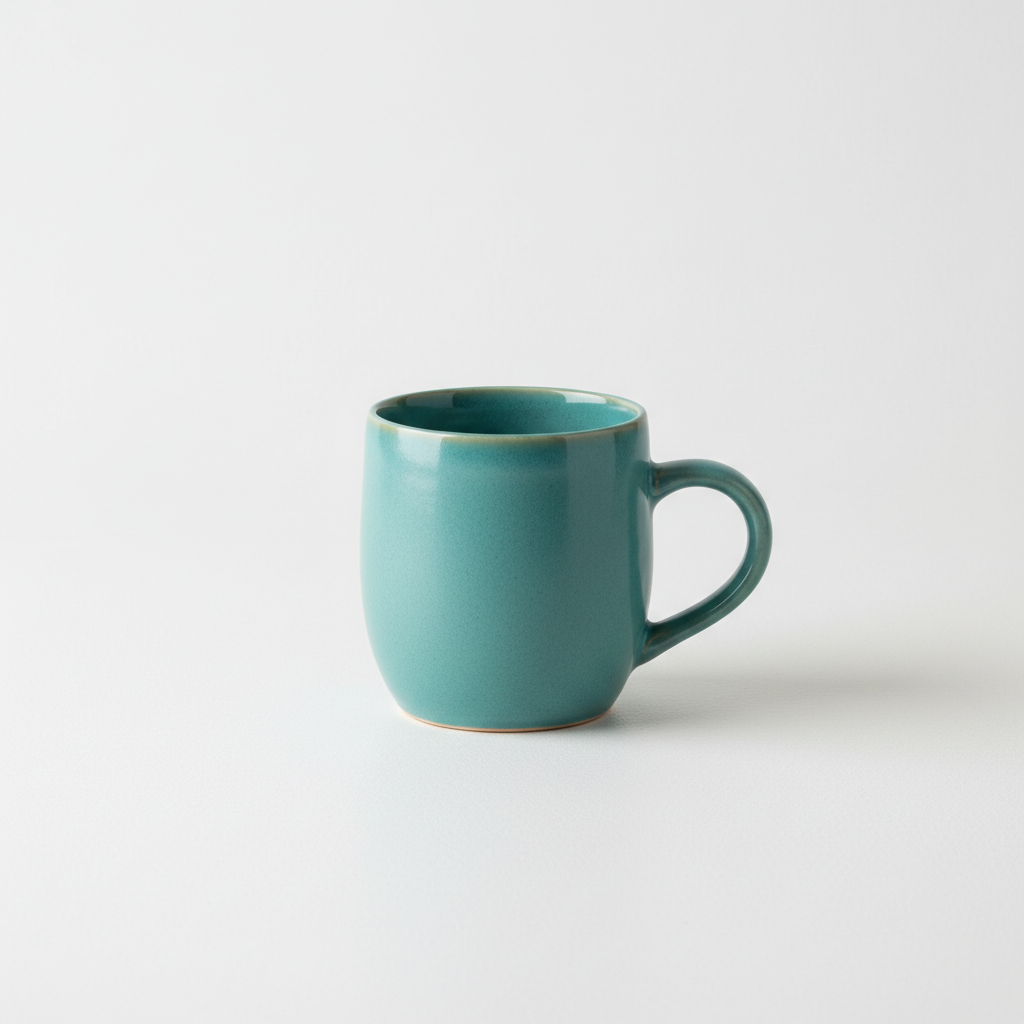
Teal coffee mug product photo
Before
->
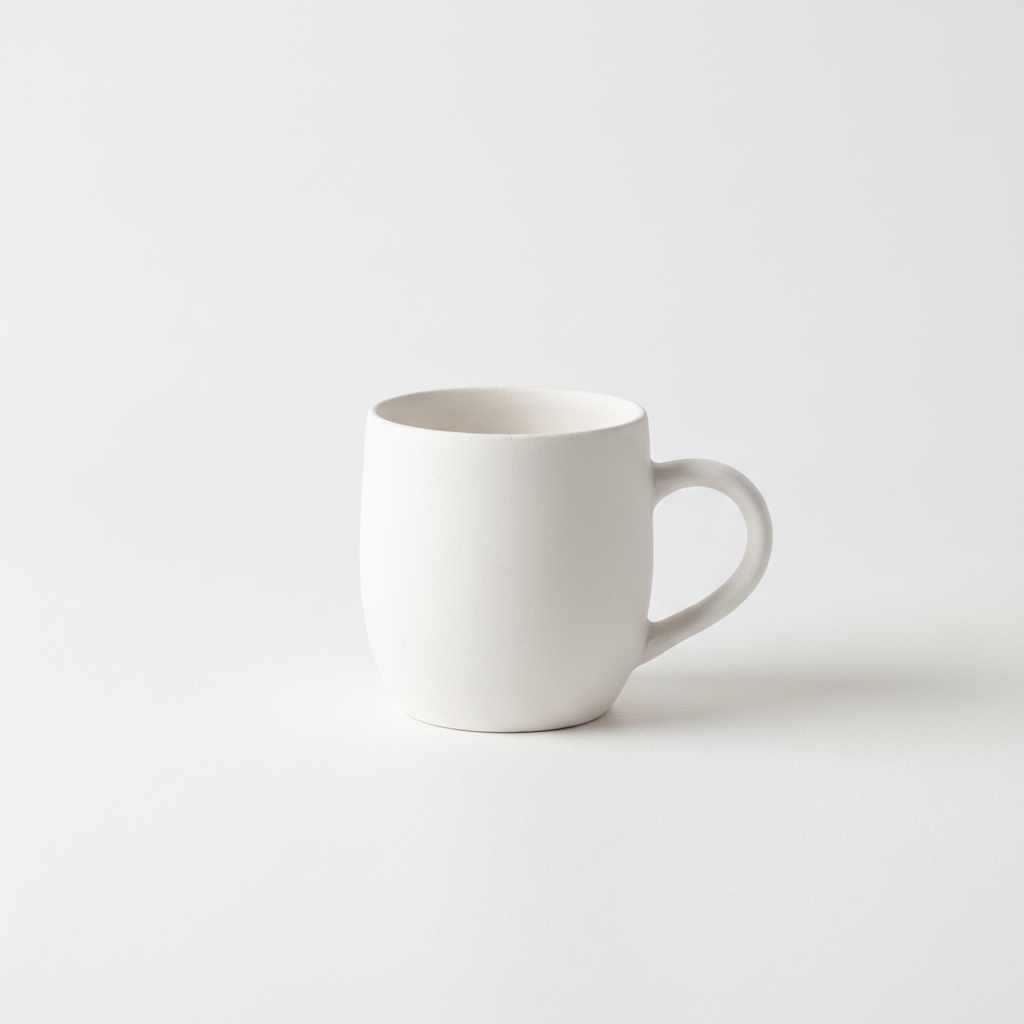
Same mug as white clay render prototype
After

Product to clay prototype

A coffee mug photo converted into a clean white clay render perfect for design presentations.

Prompt: convert to white polymer clay figurine aesthetic - pure white matte surface, soft studio lighting, clean minimal 3D sculpture look
Orange tabby cat sitting
Before
->
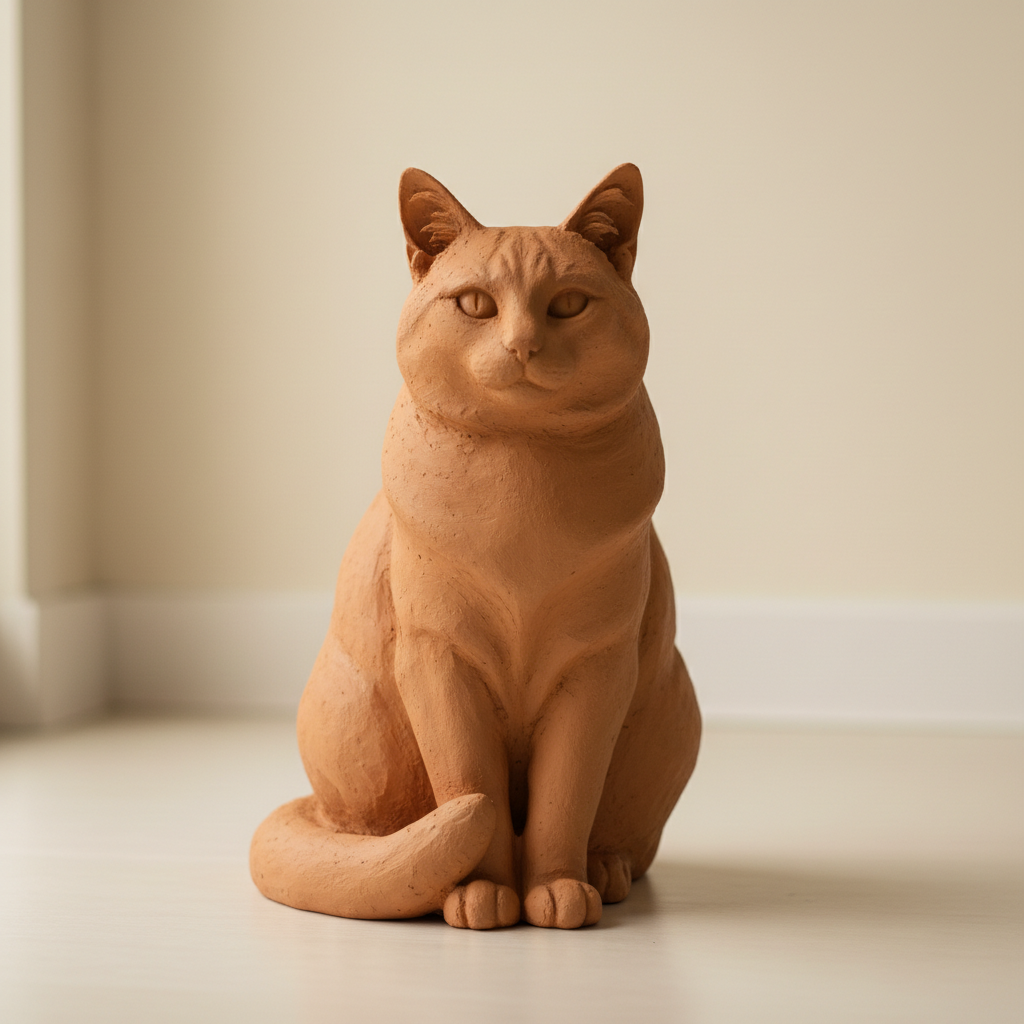
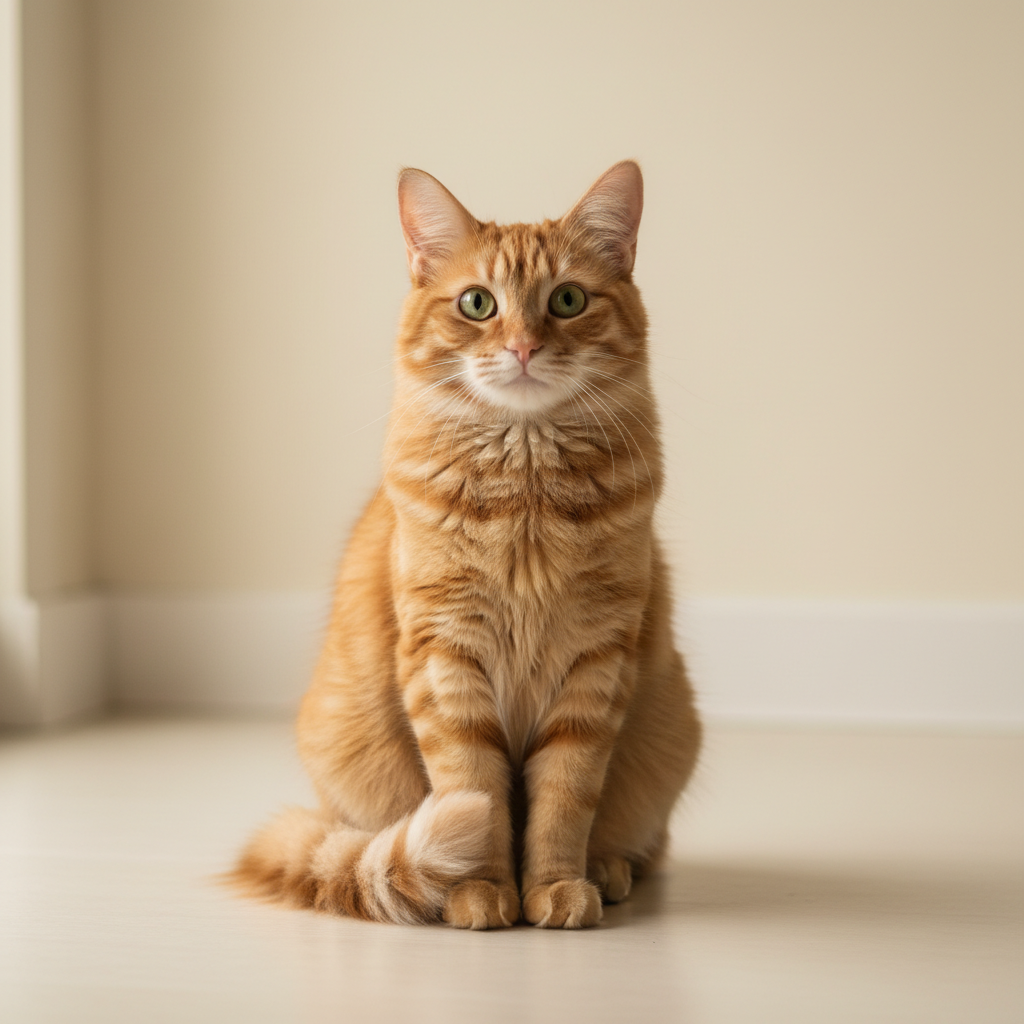
Same cat as terracotta clay sculpture render
After

Pet to clay sculpture

A cat photo transformed into an adorable clay figurine with that smooth sculpted aesthetic.

Prompt: transform into terracotta clay render style with warm earthy orange-brown color, smooth matte texture, traditional pottery aesthetic
Advertisement

If something looks off

Surface looks painted, not sculpted clay

Why: The AI created a color effect rather than a 3D clay texture. More specific guidance about dimensionality helps.

Try: transform to 3D clay render with SCULPTED dimensional form, soft shadows showing depth, matte non-reflective surface, actual clay material look not painted

Tip: Emphasize '3D sculpted' and 'dimensional' to get actual clay depth rather than flat color.

Texture is bumpy instead of smooth

Why: The AI may have added surface texture. Clay renders are typically smooth and uniform.

Try: convert to SMOOTH uniform clay render - perfectly matte surface without bumps or imperfections, clean polymer clay aesthetic

Tip: Specify 'smooth' and 'uniform' multiple times for that satisfying flawless clay look.

AI changed the wrong area or something I didn't want changed

Why: The AI couldn't determine exactly which area you meant from description alone.

Try: Tap a marker on the specific area you want to keep unchanged, then regenerate with the same prompt

Tip: Markers tell the AI 'I mean THIS one specifically.' Use them when description alone is ambiguous.

Color doesn't look like real clay

Why: Clay has specific natural color ranges. The AI needs more specific color guidance.

Try: transform to clay render with natural clay color - [choose: warm terracotta/pure white/neutral gray/warm beige] matte finish like real polymer or modeling clay

Tip: Real clay colors are muted and earthy - avoid vibrant saturated colors unless going for stylized look.

Lighting looks flat, missing 3D depth

Why: Clay renders need soft ambient lighting to show dimensional form. More lighting guidance helps.

Try: convert to clay render with soft ambient occlusion shadows, gentle highlights showing 3D form, studio lighting that emphasizes sculptural depth

Tip: Mention 'ambient occlusion' or 'soft shadows' to get that 3D depth effect.

Quick answers

Do I need to mark anything before applying the clay render effect?

No. Just describe what you want: 'transform this photo into clay render style.' The AI applies the smooth clay texture and 3D aesthetic automatically. Markers are only needed if specific areas need different treatment.

How do I get the clay render filter for free?

Upload your photo to EditThisPic and type 'transform into clay render style with smooth matte surface.' The AI creates that satisfying 3D clay look in 20-35 seconds. No account, no login, no watermarks.

Is there a free clay render maker without signup?

Yes. EditThisPic transforms your photos into clay render style for free with no account required. Just upload, describe the clay aesthetic you want, and download. No watermarks added to your images.

What is the best AI tool for clay render photos?

EditThisPic is a free option that creates smooth, dimensional clay renders. Unlike basic filters, you can specify clay color and style - white polymer, terracotta, gray modeling clay, or pastel colors. The AI understands the full 3D aesthetic.

Can I use clay render for product mockups?

Yes. Clay renders are popular in design for showing product form without color distraction. Upload your product photo and specify 'clay render prototype style.' Great for presentations and design portfolios.

Ready to become a clay sculpture?

Free to try. No signup required.

Try it free โ†’