AI Tourist Remover
Remove strangers from your travel photos with just a description.
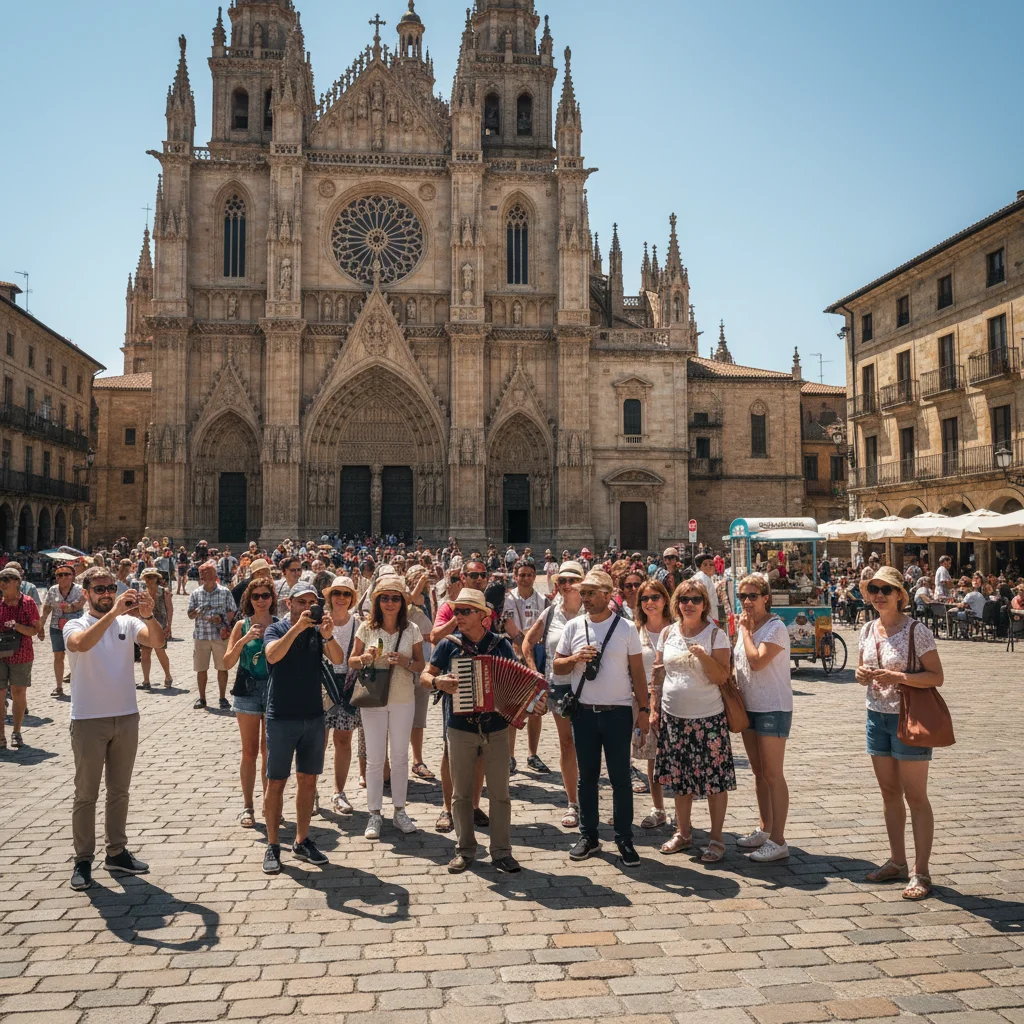
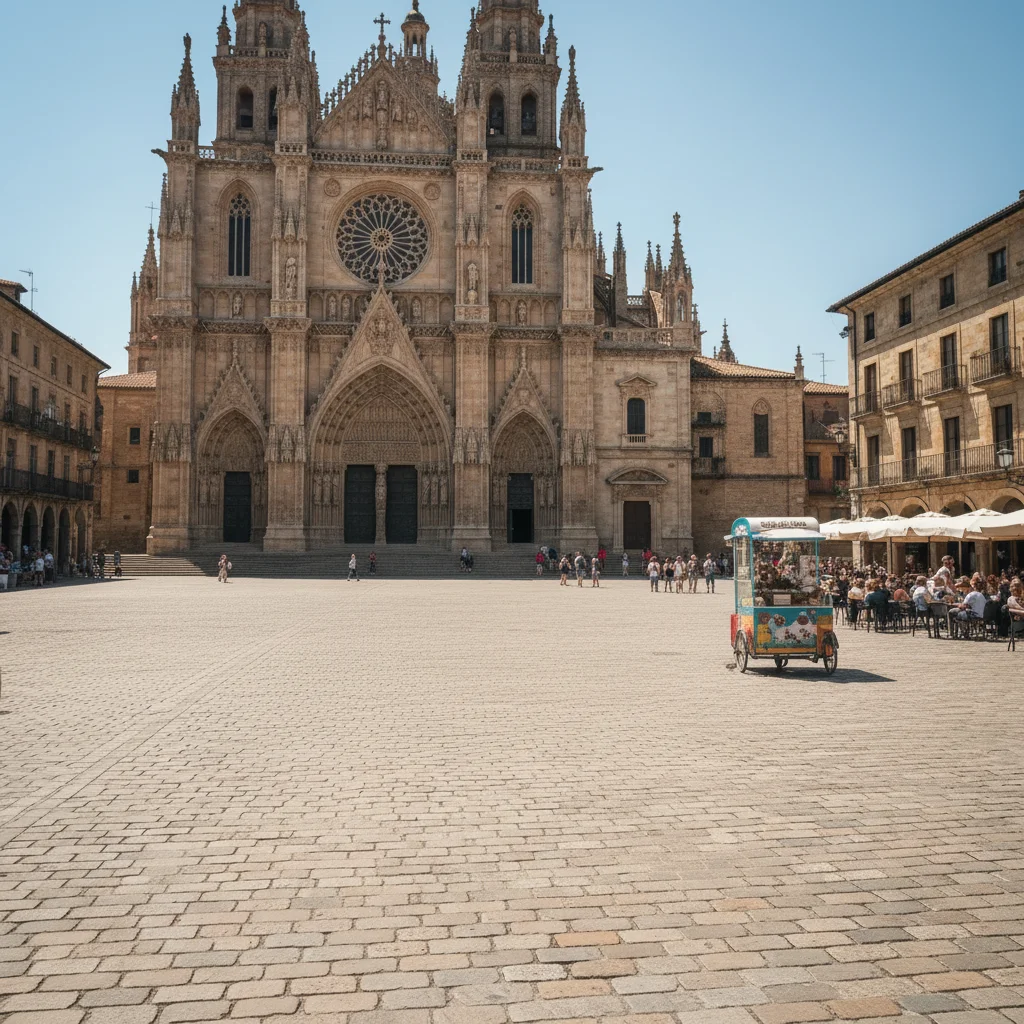
AI Tourist Remover
Drop your photo here
or click to browse
Release to upload
Free • No signup
Popular use cases:
- travel photography
- vacation photos
- landmark photos
- tourist attractions
- beach photos
- museum photos
- Instagram travel content
- photo cleanup
- Cost
- Free No signup required
- Time
- Instant results in 15-30 seconds
- Works on
- Any device - browser, phone, tablet, desktop
- Powered by
- AI-powered photo editing
| Scenario | Prompt | Time |
|---|---|---|
| Single tourist at edge | remove the person on the right and fill with the landmark background |
15s |
| Background tourists | remove all people in the background behind the main subject |
20s |
| By clothing color | remove the person wearing the yellow jacket on the left |
15s |
| Photobomber at edge | remove the person at the far left edge of the frame |
15s |
How it works
Try it free ↓
AI Tourist Remover
Drop your photo here
or click to browse
Release to upload
Free • No signup
"Finally got that perfect Eiffel Tower shot without the random tourists. Just typed what I wanted gone and it worked!" @travelphotog
See it in action
Tourist removed from Eiffel Tower photo
Random tourist walked into the shot right before the photo. One prompt removed them cleanly, restoring the clear view of the landmark.
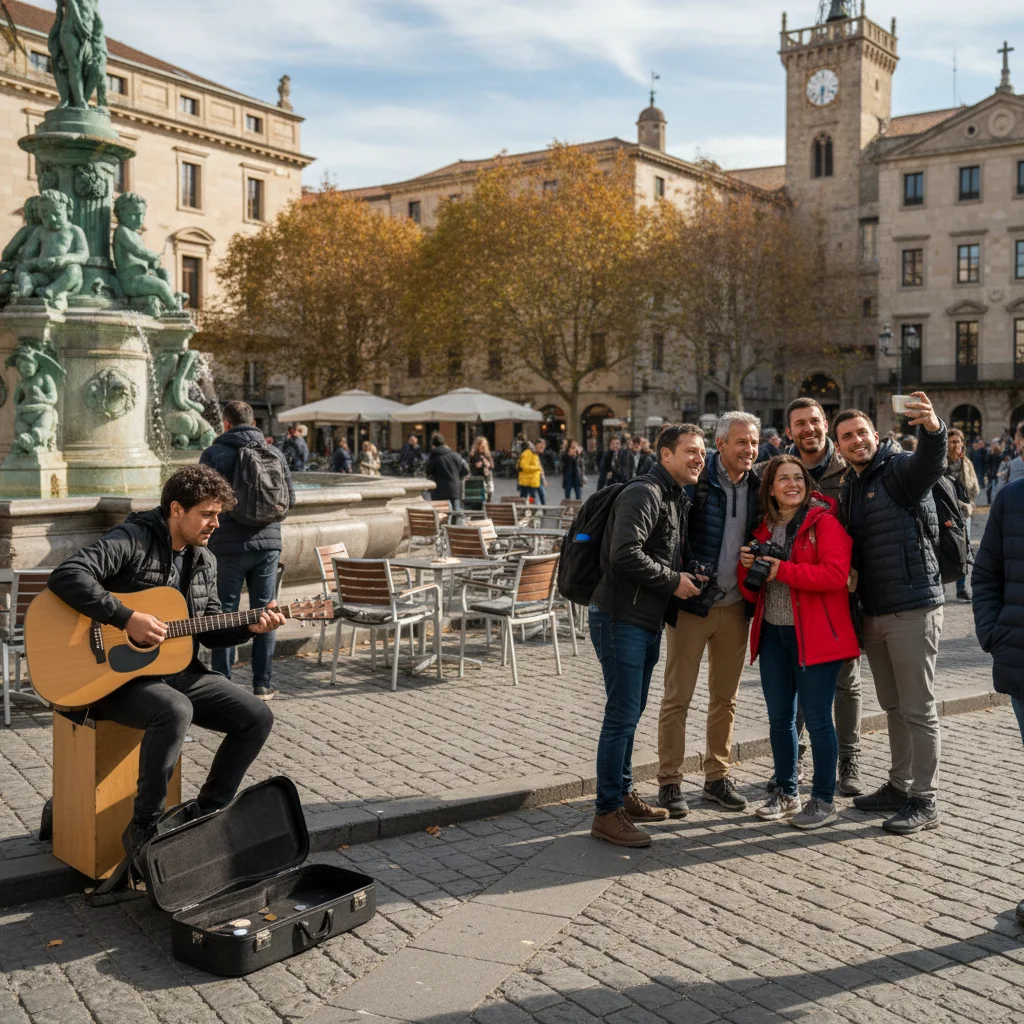
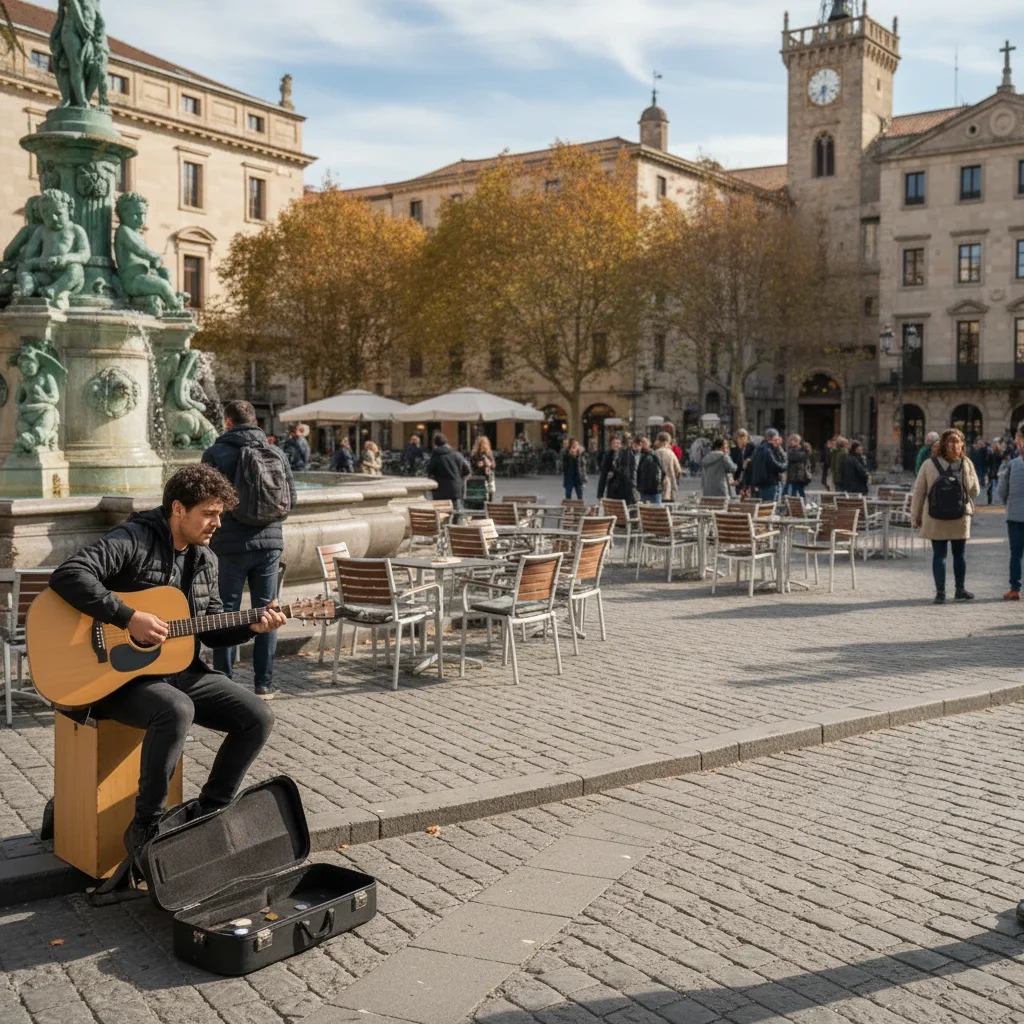
Beach photo cleared of background tourists
Family beach photo had random tourists visible in the background. AI removed all background people while keeping the family sharp.
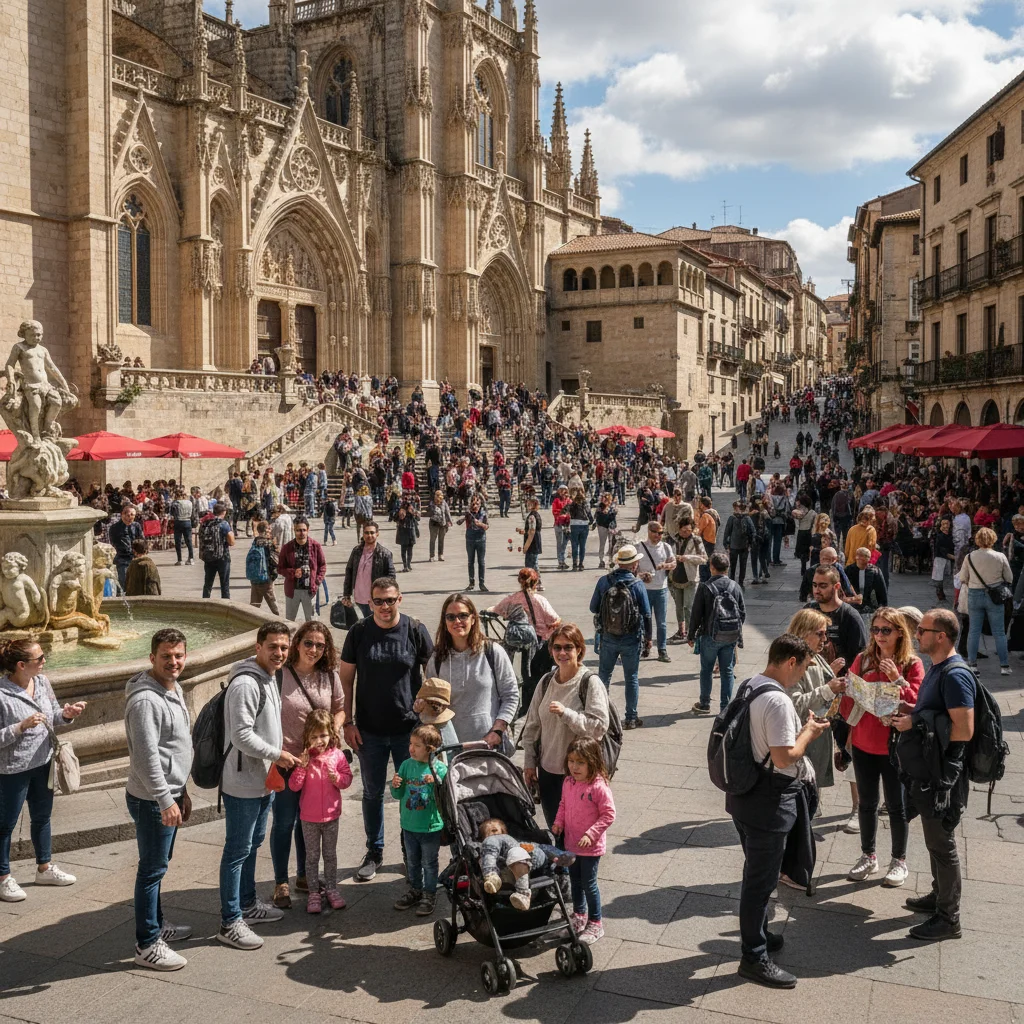
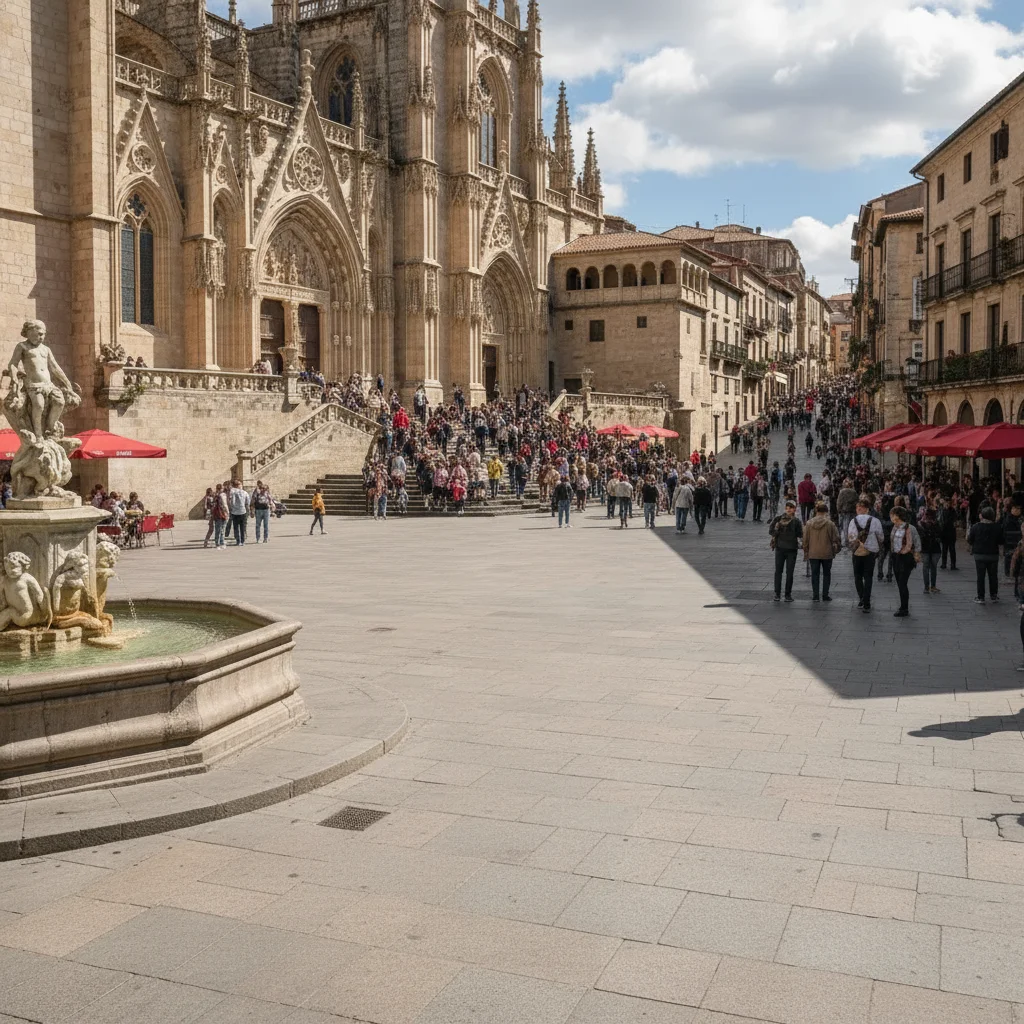
Photobomber removed from museum shot
Someone walked into frame at the last second. Quick removal gave us the clean museum interior photo we wanted.
If something looks off
Quick answers
Ready to remove tourists from your photos?
Free to try. No signup required.