Free • No signup Remove Tourist · Free

AI Tourist Remover

← Browse all remove tools

Last updated

Remove strangers from your travel photos with just a description.

Eiffel Tower photo with stranger in red jacket on the right Clean Eiffel Tower photo with tourist removed

Upload photo to remove tourist

"remove all people in the background behind the main subject"

Release to upload

50,000+photos edited
<30stypical edit
1 freeedit weekly

1 free edit·then from $4.99

How it works

  1. Upload your travel photo

    Upload a photo where the unwanted element is clearly visible. The AI needs to see surrounding context to fill in naturally after tourist. JPG, PNG, WebP up to 7MB.

    Expect: Simple edits (one tourist at edge): 15-30 seconds. Complex scenes (multiple tourists, crowded backgrounds): may need 2-3 refinements.
  2. Describe what you want

    Type your instruction: 'remove the person on the right' or 'remove all tourists in the background.' Be specific about which people to remove by referring to position, clothing color, or location. No marking needed—the AI understands descriptions like 'the woman in yellow' or 'people at far left.'

    Tip: Mention distinctive features: 'remove the person in the red jacket on the left edge' works better than just 'remove person.'

    Copy one of these to get started:

    Single tourist at landmark remove the person on the right and fill with the landmark background
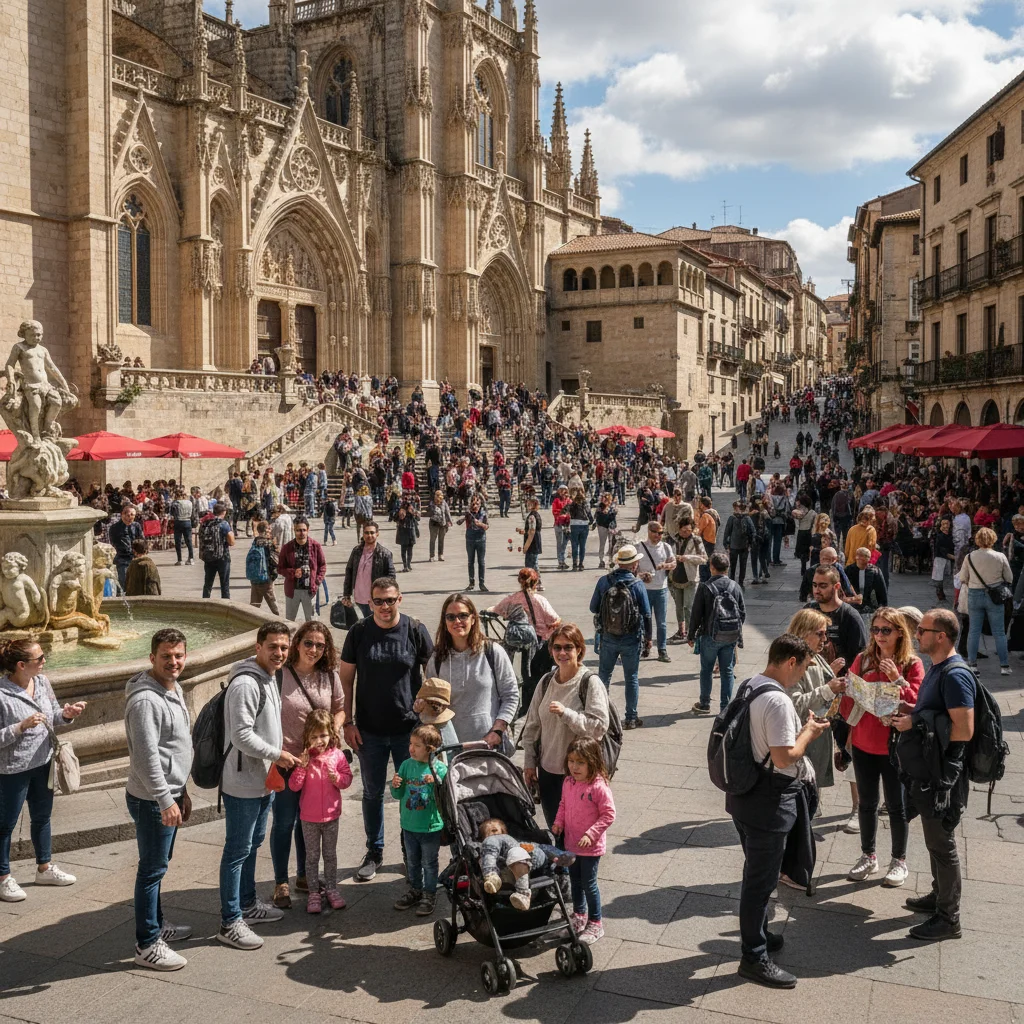
    Multiple tourists in background remove all people in the background behind the main subject
    Tourist by clothing color remove the person wearing the yellow jacket on the left
    Photobomber at edge remove the person at the far left edge of the frame
    3 more prompts
    Tourist blocking monument remove the person standing in front of the statue and restore the statue base
    Stranger in group photo remove the person on the far right who isn't part of our group
    Walking tourist captured mid-motion remove the blurred person walking through the shot on the left side
  3. Review and download

    The AI removes tourists and fills the background naturally. Check the edges and background at full zoom. If the result looks good, download your clean travel photo—no watermark.

See it in action

Eiffel Tower photo with stranger in red jacket on the right
Before
->
Clean Eiffel Tower photo with tourist removed
After

Tourist removed from Eiffel Tower photo

Random tourist walked into the shot right before the photo. One prompt removed them cleanly, restoring the clear view of the landmark.

Prompt: remove the person on the right and fill with the landmark background
Beach family photo with tourists in background
Before
->
Clean beach photo with background tourists removed
After

Beach photo cleared of background tourists

Family beach photo had random tourists visible in the background. AI removed all background people while keeping the family sharp.

Prompt: remove all people in the background behind the main subject
Museum photo with photobomber at left edge
Before
->
Clean museum interior with photobomber removed
After

Photobomber removed from museum shot

Someone walked into frame at the last second. Quick removal gave us the clean museum interior photo we wanted.

Prompt: remove the person at the far left edge of the frame

Quick answers

Do I need to mark the tourists before describing?

No! For most edits, just describe which tourist to remove: 'remove the person on the right' or 'remove the woman in the yellow dress.' The AI understands these descriptions.

How do I remove tourists from photos for free?

Upload your photo to EditThisPic, type which tourist to remove (like 'remove the person on the left'), and the AI handles it in 15-30 seconds. Free to try with no signup or watermark. You get one free edit per day, or more edits with a subscription.

Can I remove multiple tourists from one photo?

Yes. You can either describe 'remove all people in the background' for a batch removal, or remove them one at a time with separate edits for more control. Batch removal works best when all tourists are against simple backgrounds like sky or water.

What's the best free AI tool for removing tourists from travel photos?

EditThisPic offers free AI tourist removal with no signup or watermark. Unlike other tools that require manual selection or expensive subscriptions, EditThisPic works with simple text descriptions and gives you one free edit per day. Perfect for travelers who need quick photo cleanup.

Will the background look natural after removing tourists?

Yes, when tourists are against simple backgrounds (sky, water, grass, plain walls). The AI analyzes surrounding areas and reconstructs naturally. Complex backgrounds (detailed architecture, text, faces) may look slightly blurred or reconstructed. Best results when the tourist is clearly separated from your main subject.

Is EditThisPic's AI tourist remover really free?

Yes — you get 1 free edit per week, no account needed. Plans start at $4.99/month for 15 edits.

Can I remove tourist on my phone?

Yes. EditThisPic works in any mobile browser — iPhone, Android, tablet. No app download needed.

What photo formats does the AI tourist remover support?

JPG, PNG, WebP, and HEIC. Upload any common photo format and EditThisPic handles the rest.

How much does EditThisPic cost?

You get 1 free edit per week — no account needed. After that, credit packs start at $1.99 for 3 edits. Monthly plans start at $4.99/mo for 20 edits with unused credits rolling over. All edits are full resolution with no watermark.

Ready to remove tourists from your photos?

Free to try. No signup required.

1 free edit included·Credit packs from $4.99