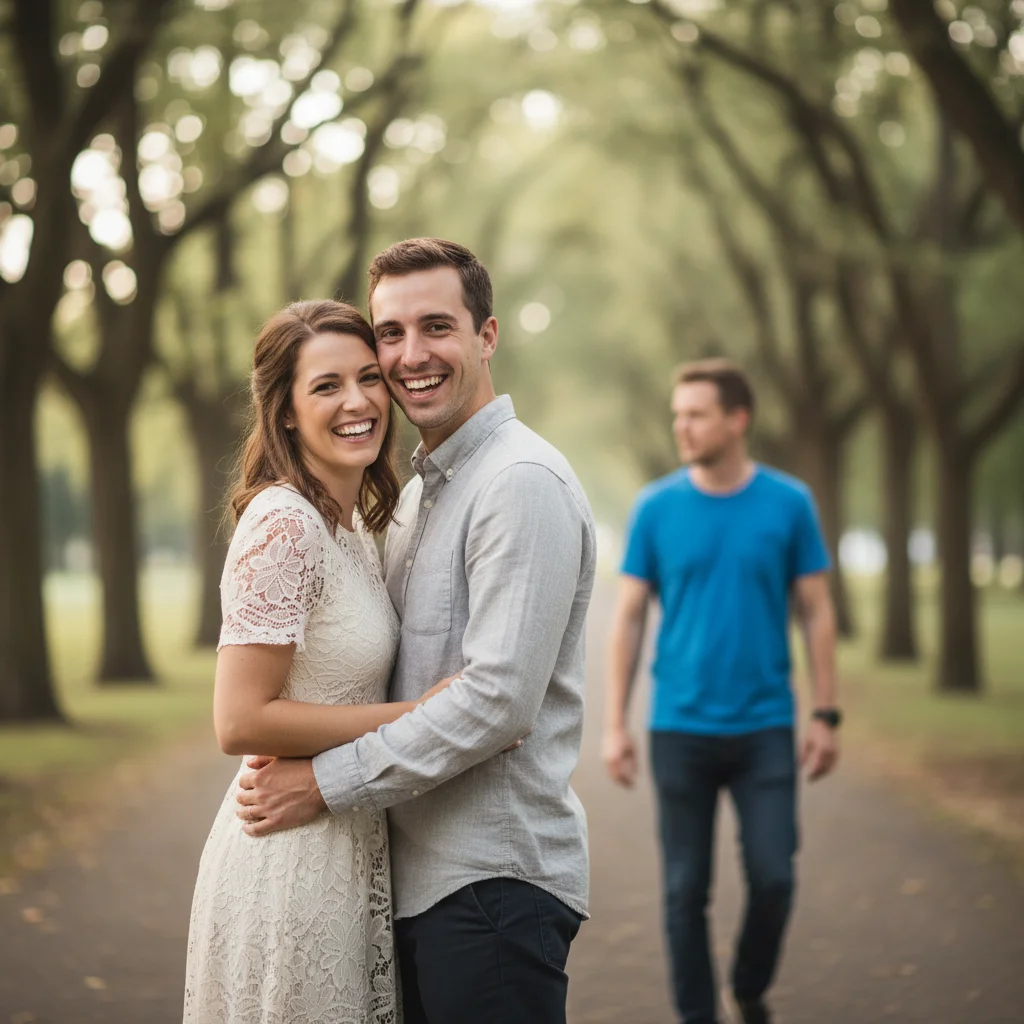
Do I need to mark the person before removing them?
No. Just type 'remove the person walking through' or 'delete the person on the left' and the AI finds and removes them automatically.
Will the background look natural where the person was standing?
Yes, in most cases. The AI reconstructs background scenery, patterns, and textures where they were. Results are best when the background is relatively simple or repeating (sky, grass, pavement, architecture). Complex unique backgrounds may need refinement.
Can I remove multiple people walking through at once?
You can try 'remove all people walking through' to fix multiple at once. However, handling one person at a time usually gives more consistent and controllable results, especially in complex scenes.
What if the person is only partially in frame (arm or leg visible)?
Works perfectly. Say 'remove the partial person on the left/right edge' and the AI will remove the visible portion and complete the background. This is actually easier than removing someone fully in frame.
Will this work if the person is blocking an important part of the scene?
Yes. The AI reconstructs what's behind them based on surrounding context. For landmarks, architecture, or patterned backgrounds, the AI can usually infer and fill convincingly. Say 'show the full landmark behind them' to emphasize reconstruction.
Is EditThisPic's AI person walking through photo fixer really free?
Yes — you get 1 free edit per week, no account needed. Credit packs start at $4.99 for 10 edits.
Can I fix person walking through photo on my phone?
Yes. EditThisPic works in any mobile browser — iPhone, Android, tablet. No app download needed.
What photo formats does the AI person walking through photo fixer support?
JPG, PNG, WebP, and HEIC. Upload any common photo format and EditThisPic handles the rest.
How much does EditThisPic cost?
You get 1 free edit per week — no account needed. After that, one-time credit packs start at $4.99 for 10 edits, valid 12 months, no subscription. Power users who edit daily can pick Studio Membership, a monthly workspace at $49.99/mo for 300 edits. Purchased downloads are clean with no watermark.