Free • No signup Add Landscaping · Free

AI Landscaping Design Visualizer

← Browse all exterior renovation tools

Last updated

Upload your property photo and a landscaping reference to visualize a full landscape design before a single plant goes in the ground.
01Photo 1
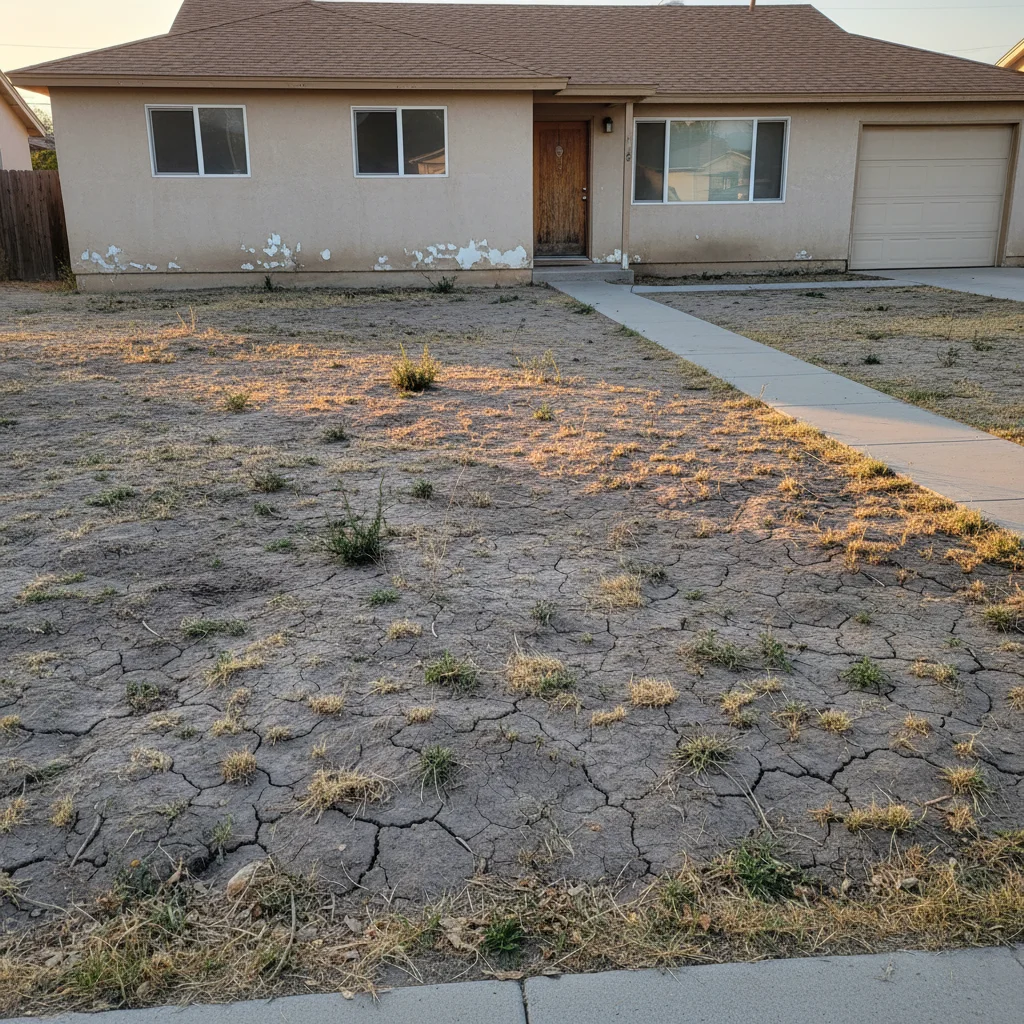
Suburban house front yard with bare dirt, patchy lawn, and no landscaping
02Photo 2
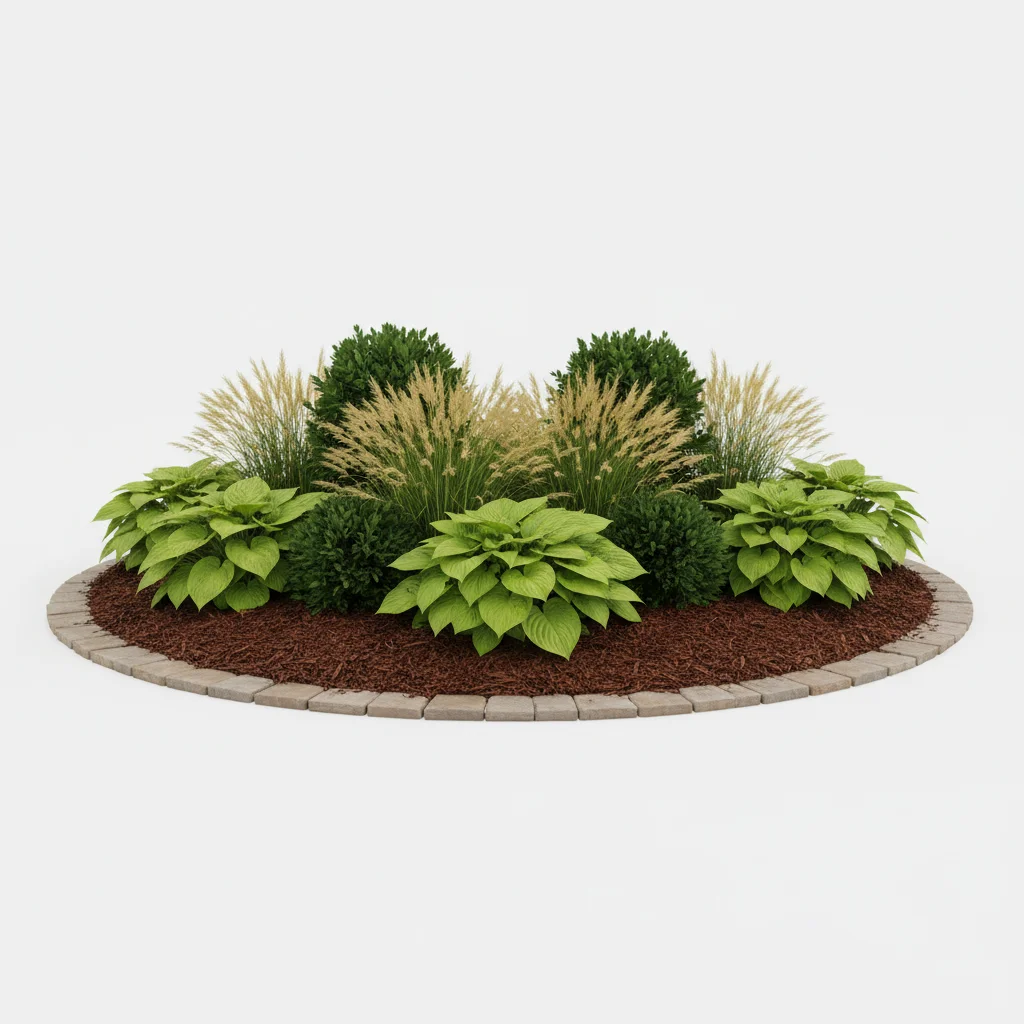
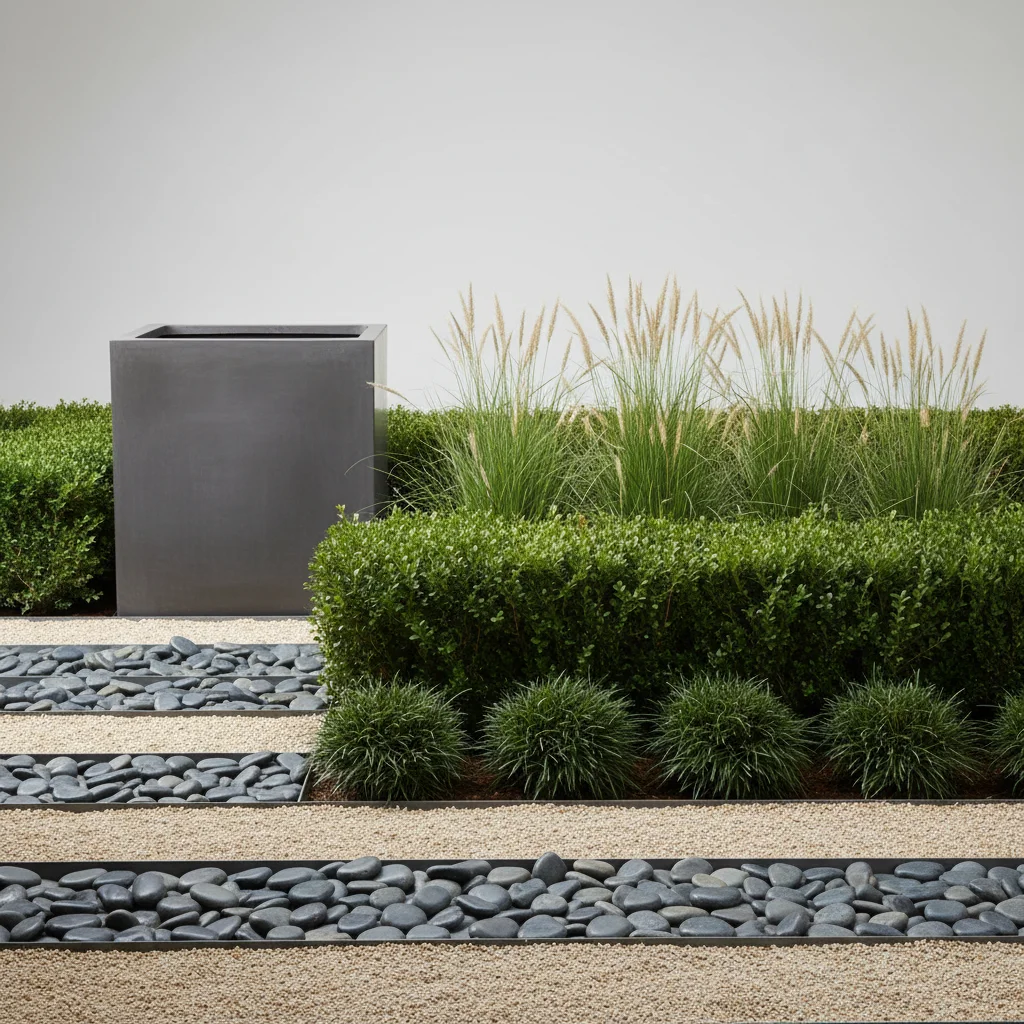
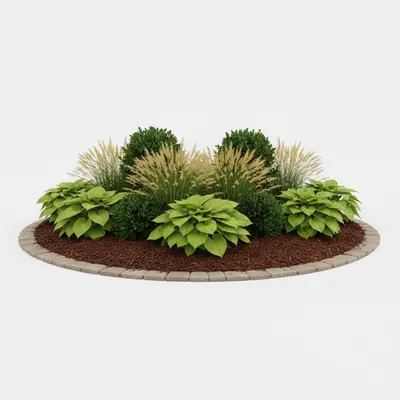
Reference photo of attractive front yard landscaping with ornamental grasses and foundation plantings
03Result
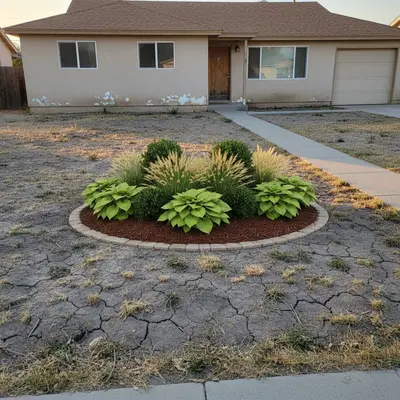
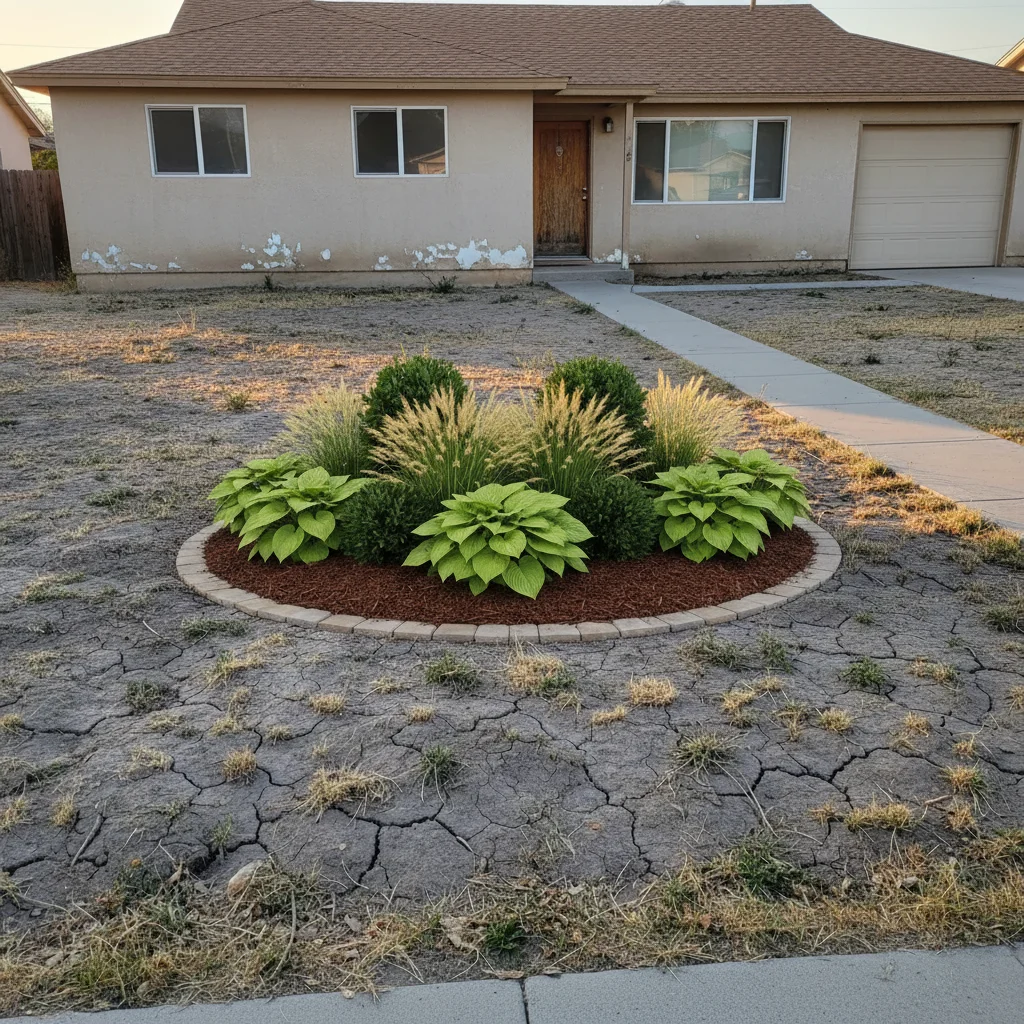
Same house with full landscape design applied from reference showing beds, plantings, and defined walkway

Upload photo to add landscaping

"apply the landscaping design from the reference photo to this client property — photorealistic quality showing the completed landscape installation for a contractor proposal. Include all elements in the reference: beds, plantings, hardscape"

Release to upload

1 free edit·then from $4.99

Popular use cases:
  • landscaping visualizer
  • landscape design preview
  • curb appeal improvement tool
  • landscape contractor proposal
  • front yard design visualization
  • real estate landscaping staging
  • new construction landscaping
  • backyard design tool

1Your photo
+
2Reference
=
Result
Property front yard with minimal existing landscaping Your property photo
Landscaping design reference showing garden beds and planted areas Landscaping design reference
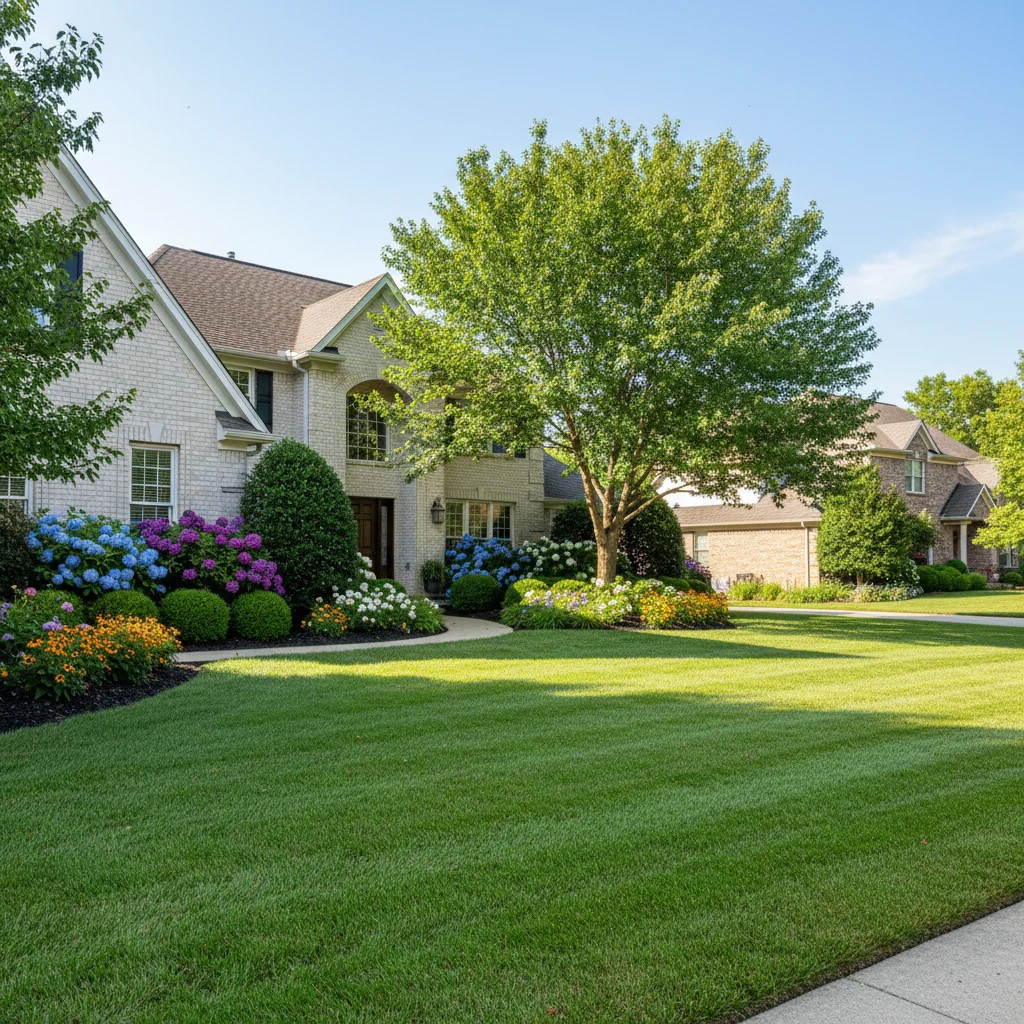
Property with landscaping design elements applied from reference Result

"Add the landscaping design from the reference to the front yard"

Cost
Free No signup required
Time
Instant results in 15-30 seconds
Works on
Any device - browser, phone, tablet, desktop
Powered by
AI-powered photo editing
Scenario Prompt Time
Front yard design add landscaping from reference to front yard, mature plant scale, foundation beds and walkway definition 25s
Low-maintenance drought design add drought-tolerant native plantings from reference, ornamental grasses, decomposed granite mulch 25s
Commercial property landscaping apply formal low-maintenance landscape from reference to commercial property exterior, photorealistic proposal 30s

How it works

  1. Upload your two photos

    Upload your property photo into EditThisPic first — a front yard, backyard, or commercial property exterior. Then click '+ Add reference photo' and upload a photo of the landscaping design you want to apply: a photo of a landscaped yard you like, a designer's concept photo, plant bed arrangements, or a hardscape design (patio, pathway, retaining wall). JPG, PNG, WebP up to 7MB each.

    Expect: The AI identifies your property's layout, architectural scale, and existing ground conditions, then maps the landscaping style from your reference onto your specific yard.
  2. Describe the landscaping elements and placement

    Tell the AI which elements to apply and where: 'add the garden beds and ornamental grasses from the reference photo along the front walkway and foundation' or 'apply the low-maintenance drought-tolerant landscaping from the reference to the front yard, scaling it to this property.' Be specific about hardscape vs. softscape and seasonal planting preferences.

    Tip: Separate hardscape (pathways, retaining walls, patios) from softscape (plants, grass, mulch) in your prompt for cleaner results — the AI handles each better when you describe them as distinct elements.

    Copy one of these to get started:

    Front yard curb appeal design add the landscaping design from the reference photo to the front yard — foundation plantings along the house, ornamental grasses flanking the walkway, and low groundcover in the open areas. Scale plants to mature growth proportional to the house height
    Landscape contractor proposal apply the landscaping design from the reference photo to this client property — photorealistic quality showing the completed landscape installation for a contractor proposal. Include all elements in the reference: beds, plantings, hardscape
    Low-maintenance drought-tolerant design add a low-maintenance drought-tolerant landscape to the front yard based on the reference design — ornamental grasses, native shrubs, decomposed granite mulch paths, no traditional lawn
    Real estate curb appeal improvement add landscaping to this listing property photo based on the reference design — make the curb appeal attractive to buyers, with well-maintained beds and seasonal color. Photorealistic for MLS listing
    2 more prompts
    Backyard hardscape and planting add the backyard landscaping from the reference photo — the patio hardscape, perimeter planting beds, and central lawn area. Scale proportionally to the house size and yard dimensions visible in the photo
    New construction bare yard add landscaping to this newly built home with a bare dirt yard — front yard design based on the reference, showing what the yard looks like after a professional landscape installation with established plants
  3. Evaluate scale and seasonal appearance

    Check that plants and trees appear at realistic mature scale relative to the house — established shrubs typically reach 3-5 feet, trees 15-30+ feet. Verify that the landscaping density feels appropriate for the property and that hardscape elements like pathways align with the home's entry and dimensions.

See it in action

Suburban house front yard with bare dirt, patchy lawn, and no landscaping
Main Photo
Reference photo of attractive front yard landscaping with ornamental grasses and foundation plantings
Reference
Same house with full landscape design applied from reference showing beds, plantings, and defined walkway
Result

Front yard curb appeal transformation

A homeowner planning their first landscaping project used a photo of a neighbor's attractive yard as the reference to see the design translated to their own property.

Prompt: Add the landscaping design from the reference photo to my front yard. I want the same foundation plantings, ornamental grasses, and the defined mulched bed, scaled to fit my property.
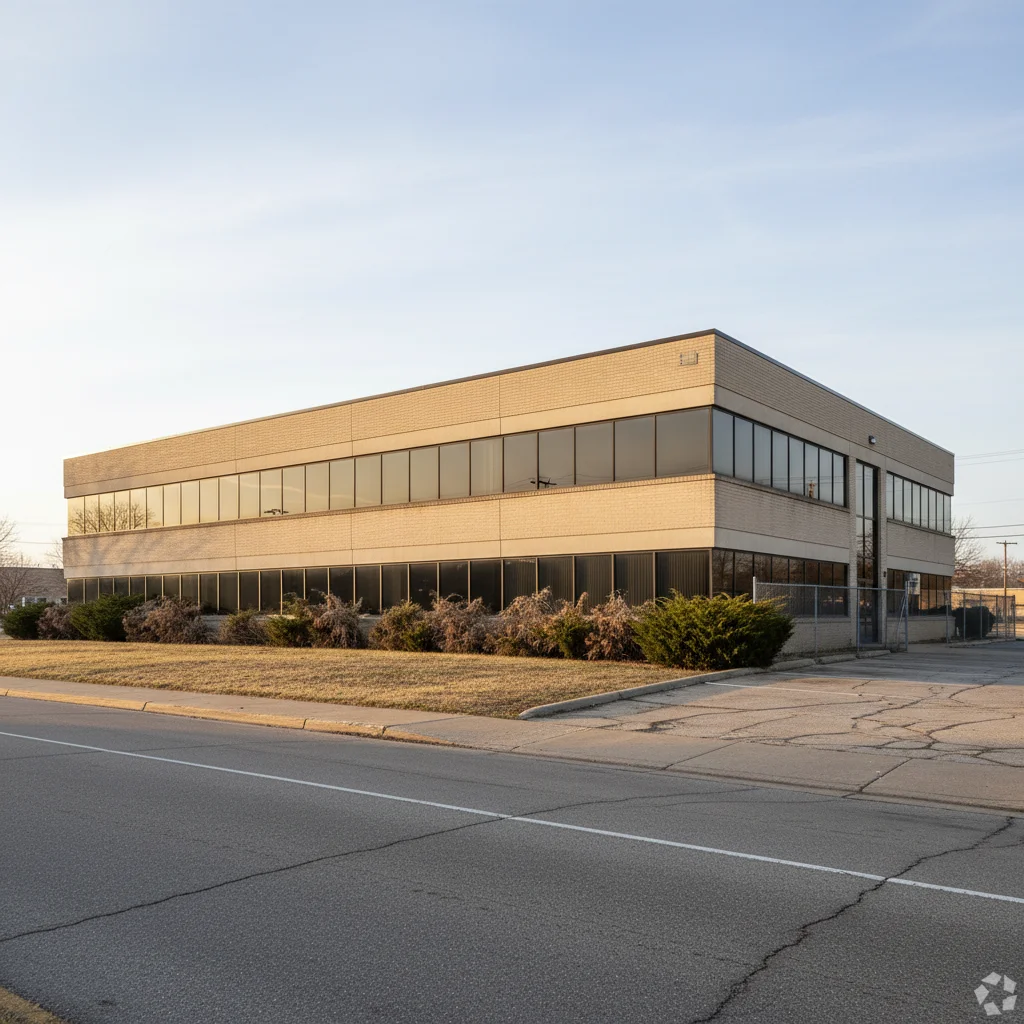
Commercial office building with minimal outdated landscaping and bare front areas
Main Photo
Reference image for AI Landscaping Design Visualizer
Reference
Same commercial building with formal low-maintenance landscape design applied from contractor's reference portfolio
Result

Landscape contractor proposal visualization

A landscape company generated three different design proposals for a commercial property renovation, using reference photos from their portfolio for each style.

Prompt: Apply the formal, low-maintenance landscape design from the reference photo to this commercial property. I need a photorealistic rendering showing the completed installation for a client proposal.
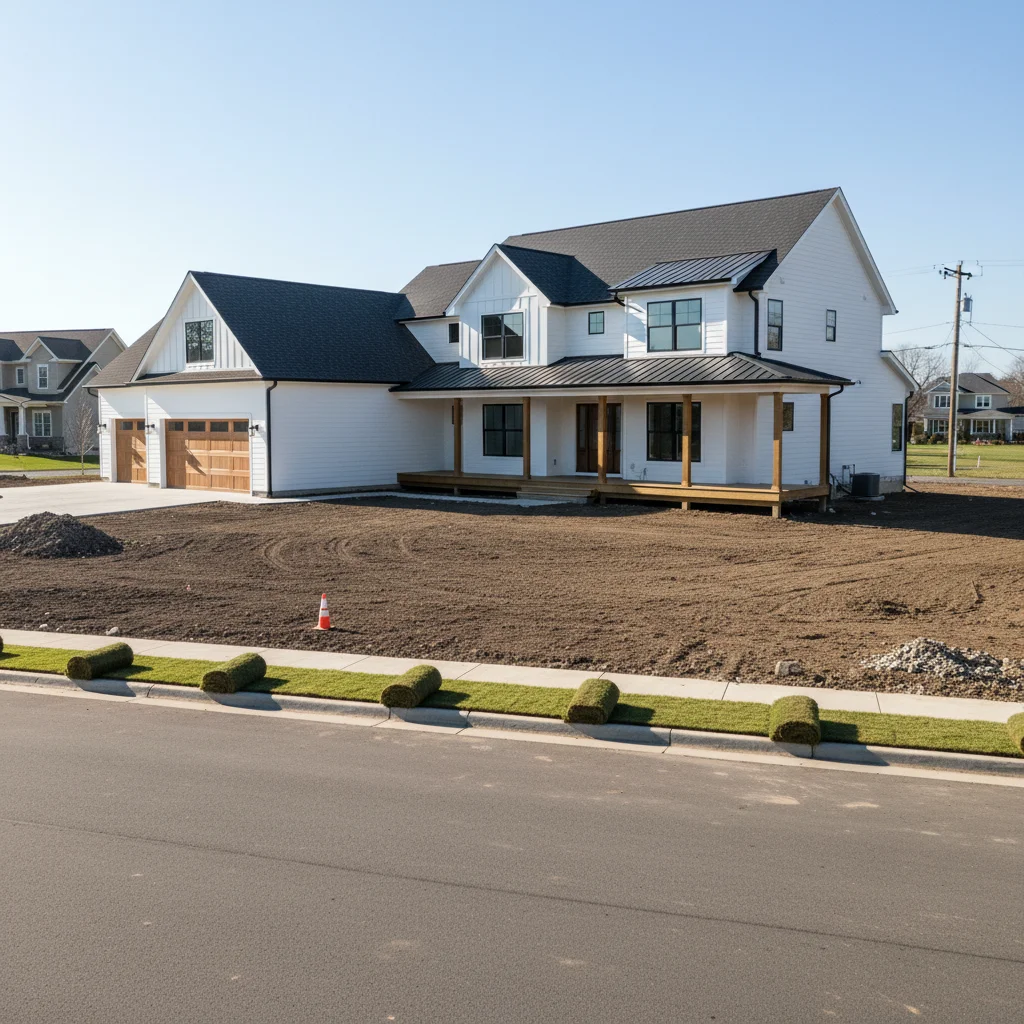
Newly completed custom home with completely bare dirt yard and no landscaping installed
Main Photo
Reference image for AI Landscaping Design Visualizer
Reference
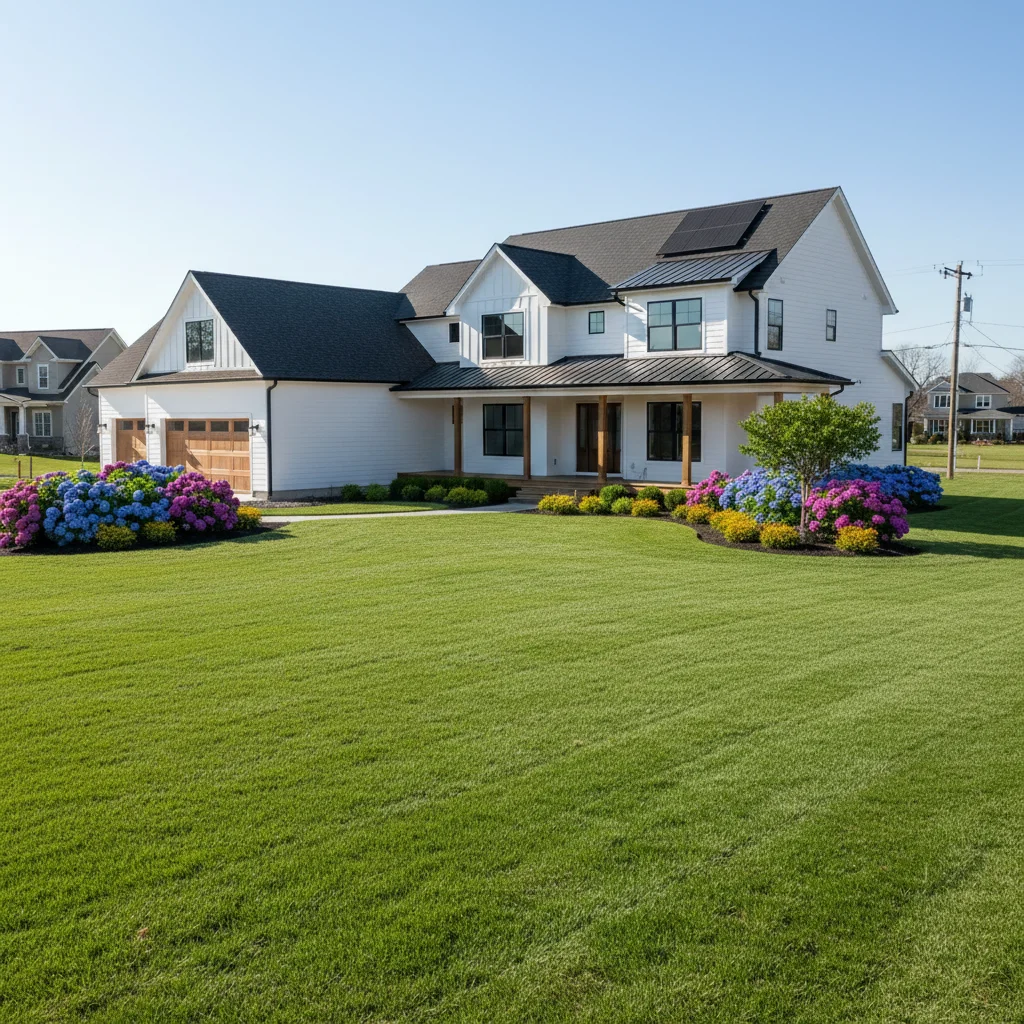
Same new construction home with full yard landscaping applied from builder's reference photo
Result

New construction landscaping plan

A builder helped a buyer visualize three landscaping packages for their newly constructed home with a completely bare yard, using reference photos of completed projects.

Prompt: Take the full-yard landscaping from the reference photo and add it to my new construction home with the bare dirt yard. Show the completed landscape including the front lawn, foundation plantings, and street tree from that picture.

Detailed Guides by Scenario

Landscape Contractors

Contractors upload a client's existing yard photo alongside a reference design to generate a photorealistic proposal visual in under a minute. Showing clients a finished-looking result before any work begins helps close jobs faster and reduces scope misunderstandings.

Real Estate Agents

Agents use the tool to show sellers what curb appeal improvements would look like before listing photos are taken, helping justify landscaping investments that can lift asking price and buyer interest.

Homeowners Planning a Yard Renovation

Homeowners upload their current yard and a landscaping photo they found online to preview how that style would actually look on their specific property before spending money on plants or hiring anyone.

If something looks off

Plants look too small or like just-planted seedlings

Why: The AI added plants at nursery scale rather than mature growth scale, which doesn't show the design's impact.

Try: add the landscaping with plants at mature growth scale — established shrubs 3-4 feet tall, trees at 15-20 feet, proportional to the house height in the photo

Tip: Specifying 'mature growth scale, established plants' is the single most important prompt element for realistic landscaping visualization.

Landscaping covers windows or doors

Why: The AI extended plants into the architectural features, which would never happen in a real landscape install.

Try: add landscaping that stays below the window sill height — foundation plantings only in front of the wall, not blocking windows or the front entry

Tip: Saying 'stay below window sill height' gives the AI a clear architectural boundary that real landscapers respect.

Hardscape and softscape got mixed up

Why: The AI applied plant textures to pathway areas or pavement texture to planting zones.

Try: add the landscaping with clear distinction between softscape planting areas and hardscape pathways — defined bed edges separating mulched beds from hardscape

Tip: Describing 'defined bed edges' as a separator between hardscape and softscape helps the AI maintain clear zone boundaries.

Plant species look unrealistic for the climate

Why: The AI added tropical plants to a northern property or desert plants to a humid region, based on the reference.

Try: add landscaping appropriate for [your climate zone] — use plants that would realistically grow in this region and climate

Tip: Mentioning your climate zone or region (Pacific Northwest, arid Southwest, humid Southeast) helps the AI select contextually appropriate plant species.

Quick answers

Do I need TWO photos — my property AND a landscaping reference?

Yes. This tool uses two photos: (1) your property photo showing the yard or outdoor area you want to landscape, and (2) a reference photo of a landscaping design, planted yard, or hardscape style you want to apply. Upload your property photo first, then click '+ Add reference photo' for the landscape design reference. The AI adapts the design style and scale to your specific property.

How do I add a landscaping design to a property photo for free?

Upload your property photo and a reference photo of the landscaping design you want to visualize to EditThisPic. Describe the application: 'add the landscaping from the reference photo to the front yard — foundation plantings, defined beds, mature plant scale.' The AI applies it realistically in 20-30 seconds. Free, no account, no watermark.

Can landscape contractors use this for client proposals?

Yes. Landscape contractors upload the client's property photo and reference photos from their portfolio or design plans to generate photorealistic proposal visuals. Running 3 design styles (formal, naturalistic, low-maintenance) on the same property photo gives clients a meaningful visual comparison. Include 'photorealistic, for landscape contractor proposal' in your prompt.

Can I use a photo from Pinterest or Instagram as my landscaping reference?

Yes. Any photo that shows the landscaping style you want serves as a valid reference. Photos from Pinterest, Instagram, Houzz, or landscape company portfolios all work. The AI doesn't copy the reference exactly — it adapts the design style, plant density, and hardscape elements to fit your specific property's scale and architecture.

Can realtors use this to improve curb appeal in listing photos?

Yes. Realtors upload listing property photos with minimal or dated landscaping alongside a reference of an attractive yard. Include 'photorealistic for MLS listing photo, buyer-appeal landscaping' in your prompt. Choose designs that look well-maintained and seasonally appropriate for the broadest buyer appeal. Always disclose virtual staging per MLS requirements.

How accurate is the landscaping visualization for planning purposes?

The visualization gives a realistic visual impression of the design style, plant scale, and overall look — enough to make informed decisions about design direction. It's not a precise plant-by-plant blueprint (for that, work with a licensed landscape architect). Use it to narrow your design direction, compare styles, and communicate with contractors before getting detailed plans.

How much does EditThisPic cost?

You get 1 free edit per week — no account needed. After that, credit packs start at $1.99 for 3 edits. Monthly plans start at $4.99/mo for 15 edits with unused credits rolling over. All edits are full resolution with no watermark.

Ready to visualize your landscape design?

Free to try. No signup required.

1 free edit included·Credit packs from $4.99