Free • No signup Apply Roof swatch · Free

AI Roof Swatch Visualizer

← Browse all exterior renovation tools

Last updated

Upload your house photo and a roof shingle swatch to see exactly how a new roof will look before installation.
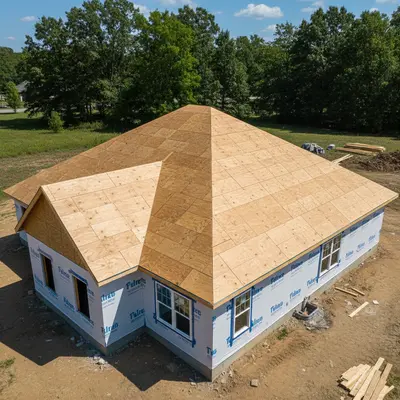
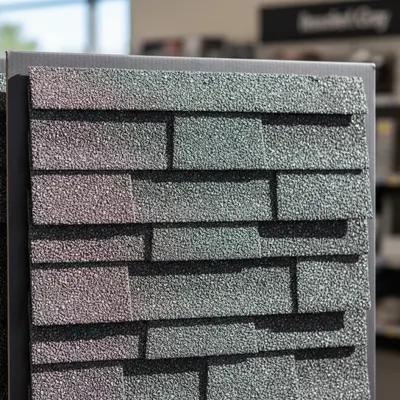
01Photo 1
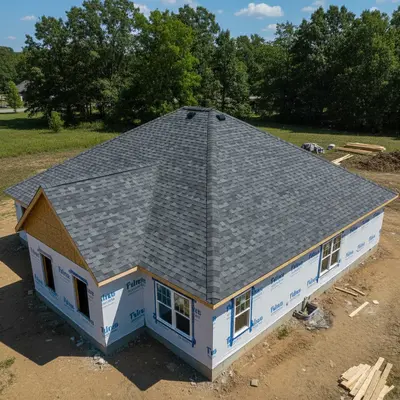
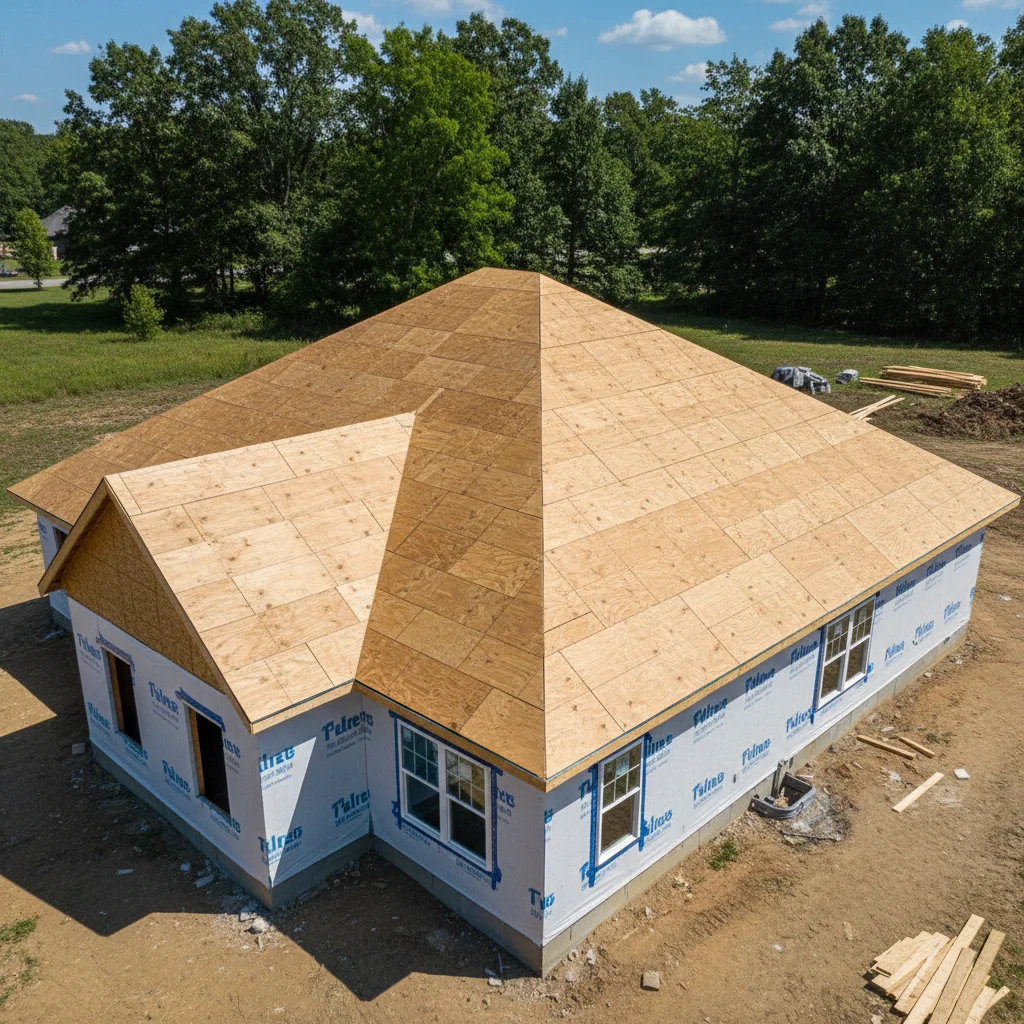
Two-story house with aging dark brown asphalt shingle roof
02Photo 2
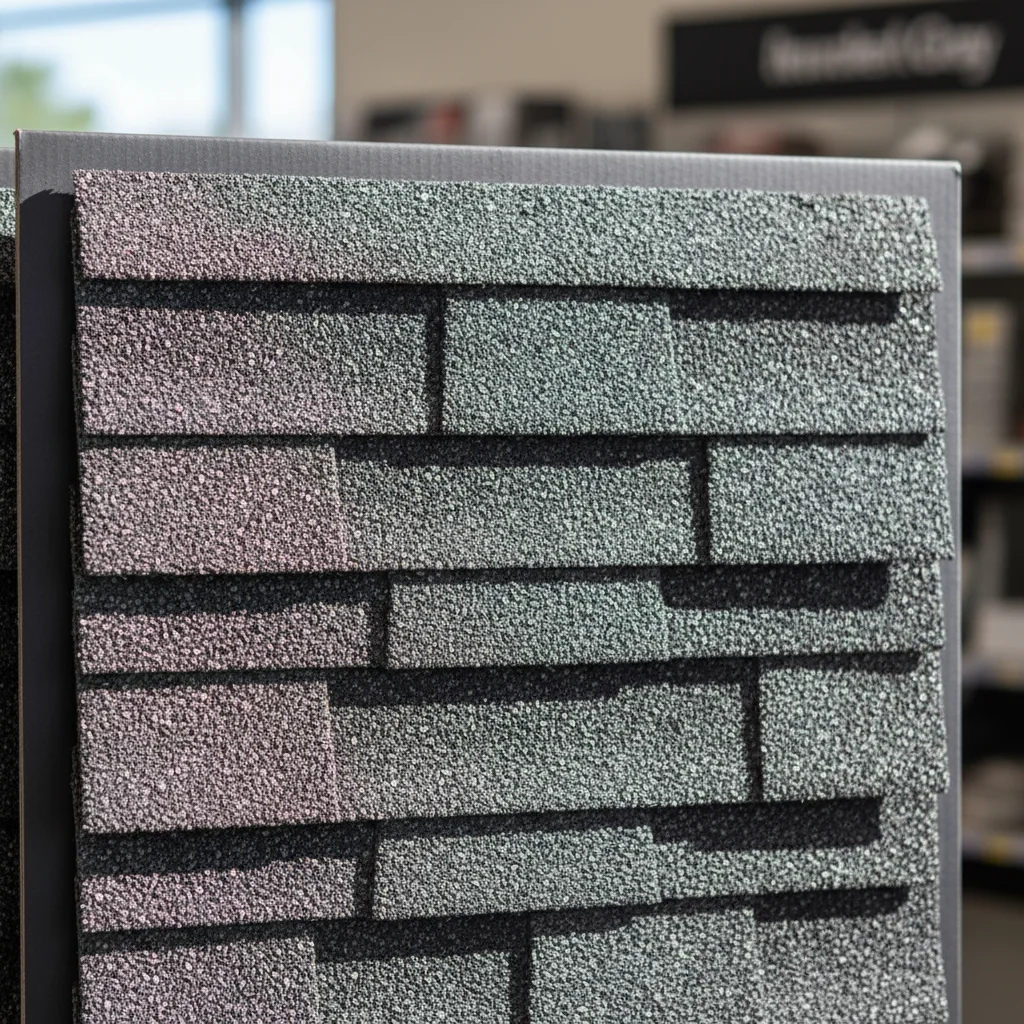
Slate gray architectural shingle swatch from roofing manufacturer
03Result
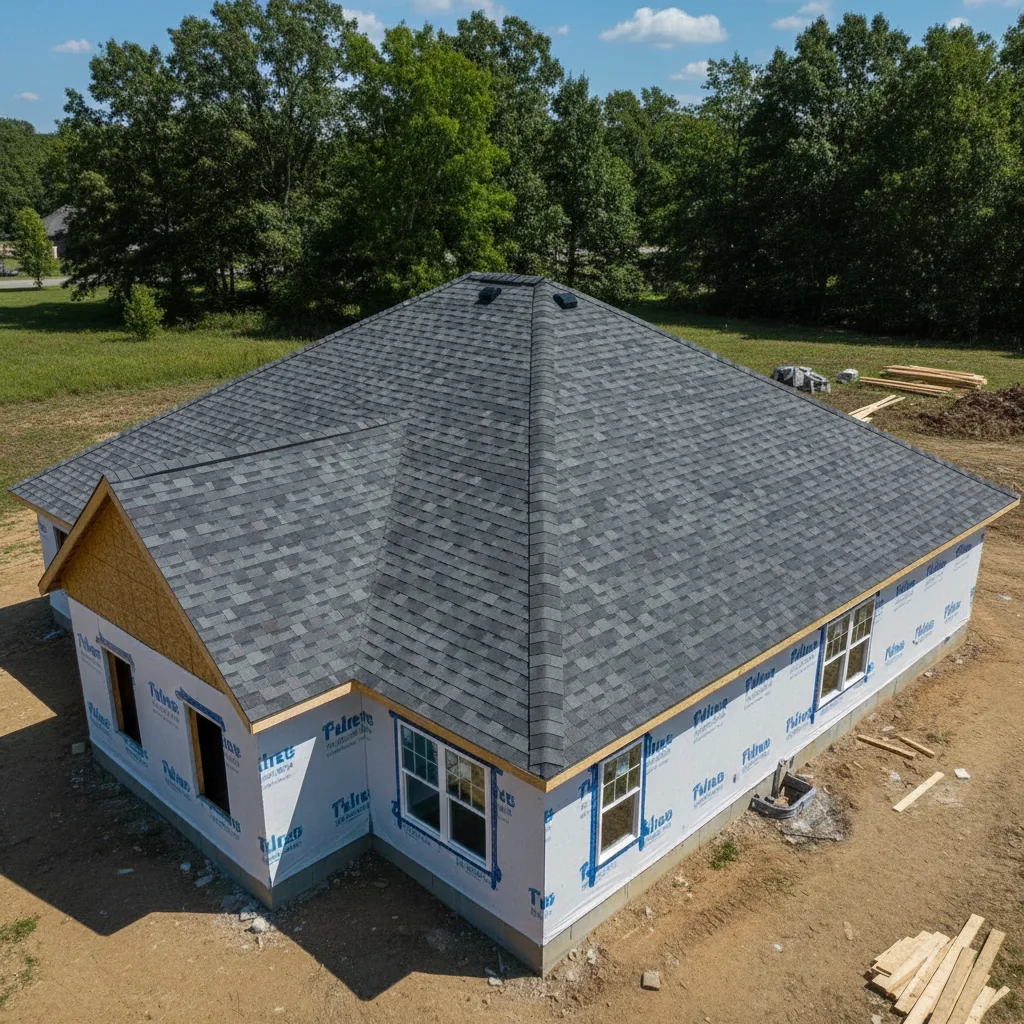
Same house with new slate-gray architectural shingles applied from contractor's swatch

Upload photo to apply roof swatch

"apply this shingle swatch realistically to the roof for a roofing contractor proposal — photorealistic quality, matching exact swatch color, show how the finished roof will look for a homeowner decision"

Release to upload

1 free edit·then from $4.99

Popular use cases:
  • roof shingle visualizer
  • roof color preview
  • roofing contractor proposal tool
  • HOA color approval
  • shingle swatch preview
  • roof replacement visualization
  • exterior renovation planning

1Your photo
+
2Reference
=
Result
House exterior with existing asphalt shingle roof Your house photo
Architectural shingle swatch in slate gray Shingle swatch reference
House with new slate gray architectural shingles applied Result

"Apply this shingle swatch to the roof, matching the pitch and lighting"

Cost
Free No signup required
Time
Instant results in 15-30 seconds
Works on
Any device - browser, phone, tablet, desktop
Powered by
AI-powered photo editing
Scenario Prompt Time
Architectural shingles apply shingle swatch to full roof, all visible sections, following pitch angle 25s
Metal standing seam apply metal roof swatch showing vertical panel lines and metal sheen 30s
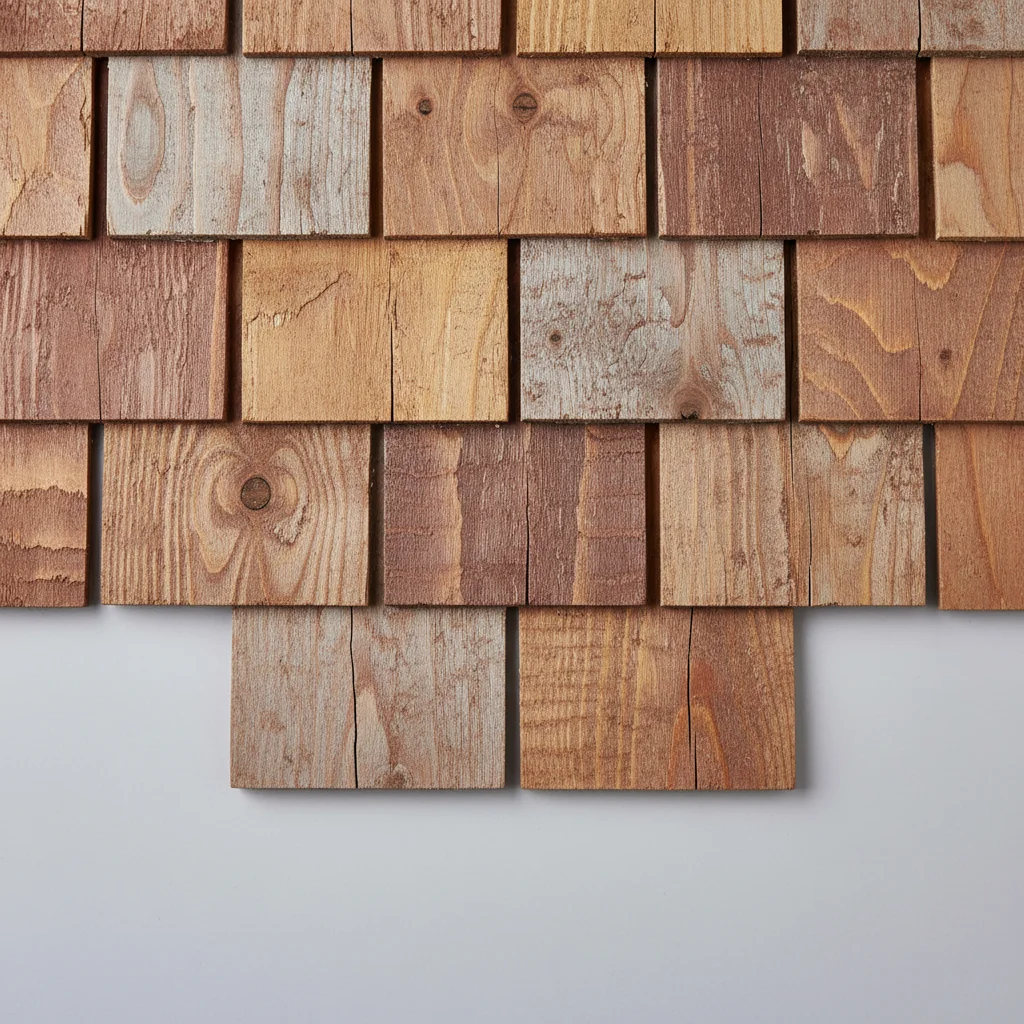
Cedar shake apply cedar shake swatch with natural wood grain variation and dimensional texture 30s

How it works

  1. Upload your two photos

    Upload your house exterior photo into EditThisPic first — a straight-on or slight angle shot works best. Then click '+ Add reference photo' and upload the roof shingle swatch or color sample you want to preview. Manufacturer product images, physical swatch photos, or color chip images all work well. JPG, PNG, WebP up to 7MB each.

    Expect: The AI identifies the roof plane geometry in your house photo and maps the swatch color, texture, and material pattern onto it, respecting the pitch and shadow angles.
  2. Describe the shingle type and application

    Tell the AI how to apply the swatch: 'apply this architectural shingle swatch to the full roof, front and visible side sections' or 'replace the existing dark shingles with this cedar shake swatch sample.' Mentioning the shingle style (architectural, three-tab, cedar shake, metal standing seam) helps the AI apply the right texture.

    Tip: Specify both the roof planes you want covered: 'front gable and the two visible roof sections' ensures complete coverage.

    Copy one of these to get started:

    Full roof replacement preview apply the architectural shingle swatch from the reference photo to the entire roof — front gable and all visible roof sections — matching the pitch angle and preserving existing shadow lines under the eaves
    Contractor sales proposal apply this shingle swatch realistically to the roof for a roofing contractor proposal — photorealistic quality, matching exact swatch color, show how the finished roof will look for a homeowner decision
    Metal roof swatch test apply this standing seam metal roof swatch to the house, replacing the existing shingles — show the vertical panel lines and metal sheen consistent with the swatch color
    Compare to neighbor's house colors apply this shingle swatch to the roof, keeping the house exterior color exactly as it is — I want to see if this shingle color complements the siding and trim
    2 more prompts
    Insurance replacement estimate visual show what this shingle swatch looks like on the roof as a replacement — same pitch and roofline as current roof, photorealistic for insurance claim documentation
    Cedar shake shingle visualization apply the cedar shake swatch from the reference photo to the roof, showing the natural wood grain texture and varied shading that cedar shakes develop over time
  3. Check shadow and pitch accuracy

    The new roofing material should respect the existing roof pitch and shadow angles. Check that the shingle texture follows the pitch direction and that shadows under eaves look consistent with the house's sun exposure.

  4. Compare swatch options back to back

    Download the result, then run the same house photo with a different swatch reference to compare roofing options. Roofing contractors often run 3-4 color options for homeowners as part of the estimation process.

    Tip: For contractor proposals, label each result image with the manufacturer name and swatch code before including in the proposal PDF.

See it in action

Two-story house with aging dark brown asphalt shingle roof
Main Photo
Slate gray architectural shingle swatch from roofing manufacturer
Reference
Same house with new slate-gray architectural shingles applied from contractor's swatch
Result

Roofing contractor proposal visualization

A roofer used this to generate three swatch options for a homeowner in the estimate meeting, helping the homeowner decide on color before signing.

Prompt: Apply the slate-gray architectural shingles from the reference photo to the entire roof of the house, making it look like a photorealistic, completed installation.
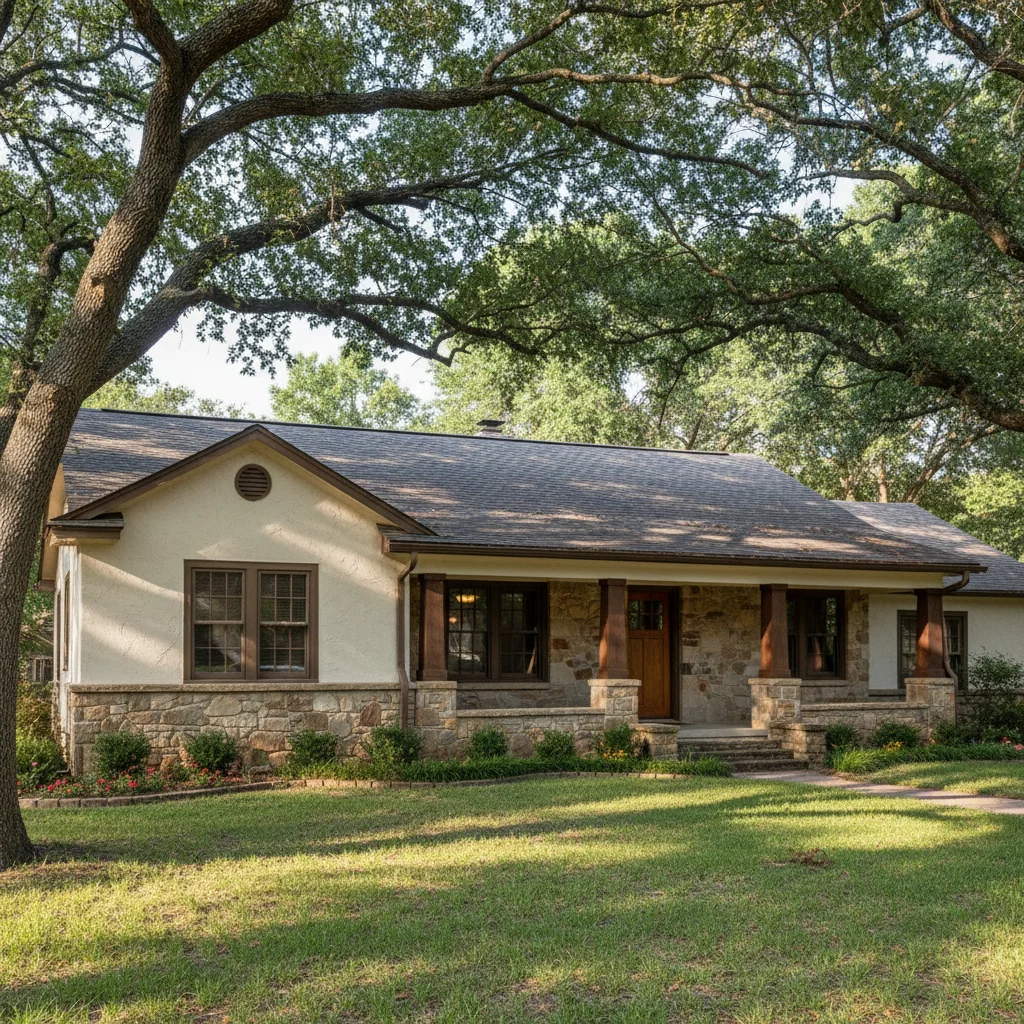
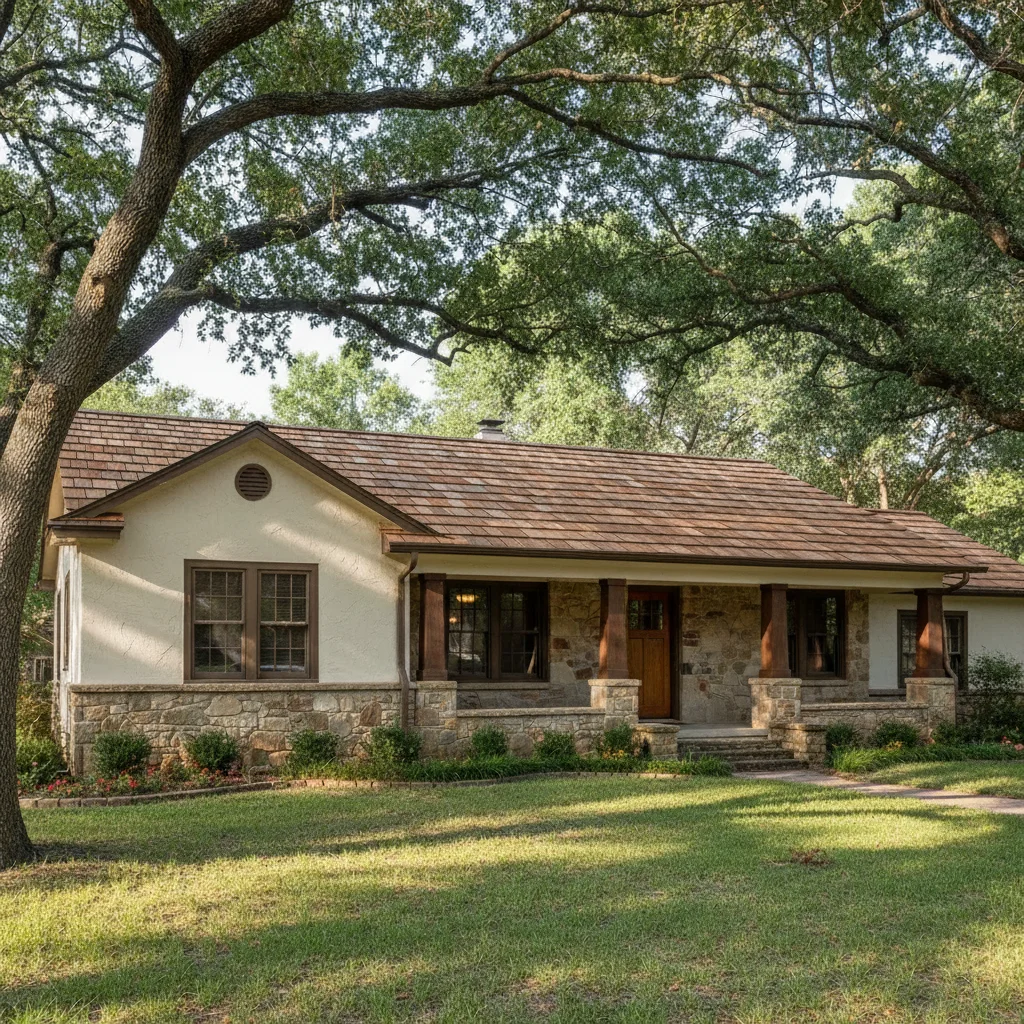
Craftsman ranch house with dark charcoal three-tab asphalt shingles
Main Photo
Reference image for AI Roof Swatch Visualizer
Reference
Same house with cedar shake texture applied from reference swatch showing natural wood variation
Result

Cedar shake style preview

A homeowner considering a premium cedar shake upgrade tested the look before committing to the significantly higher cost.

Prompt: Apply the cedar shake texture from the reference photo to the entire roof of the house, matching the natural wood grain and color variation shown in the swatch.
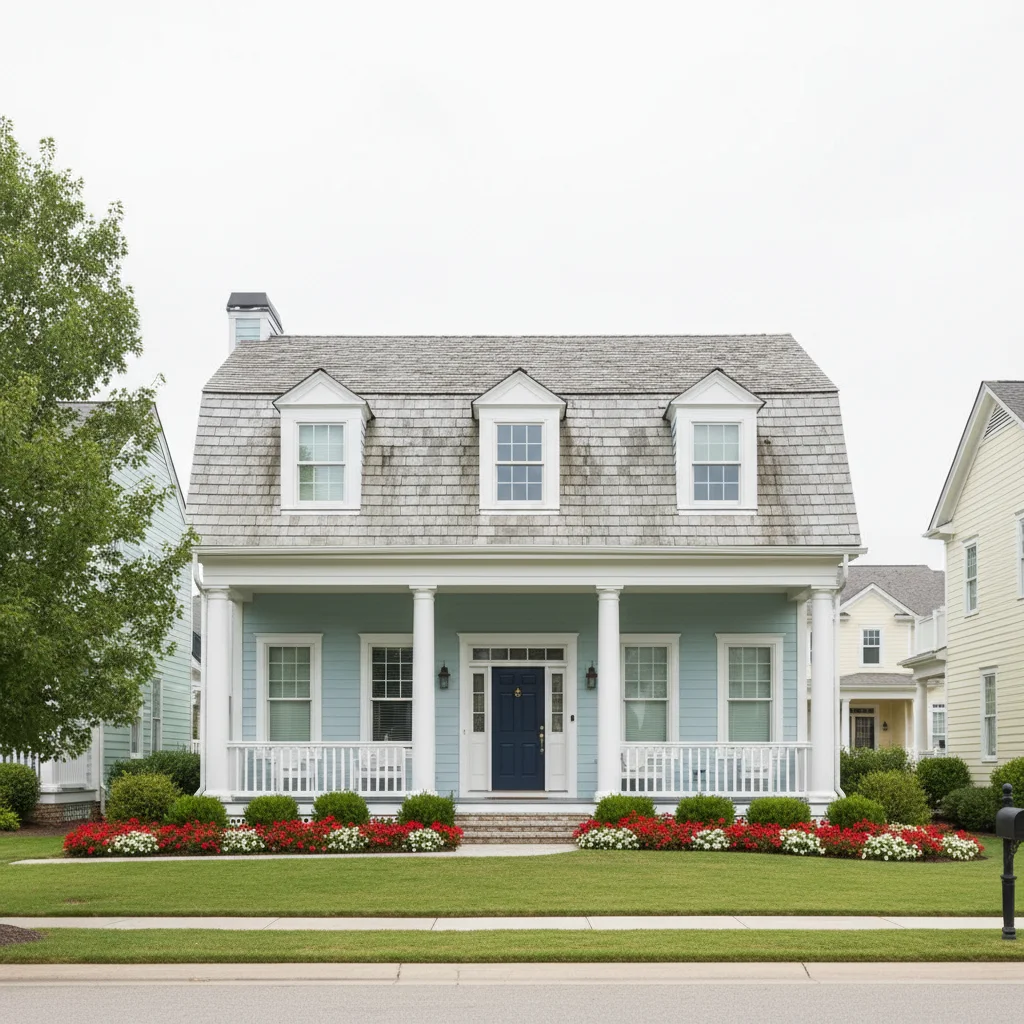
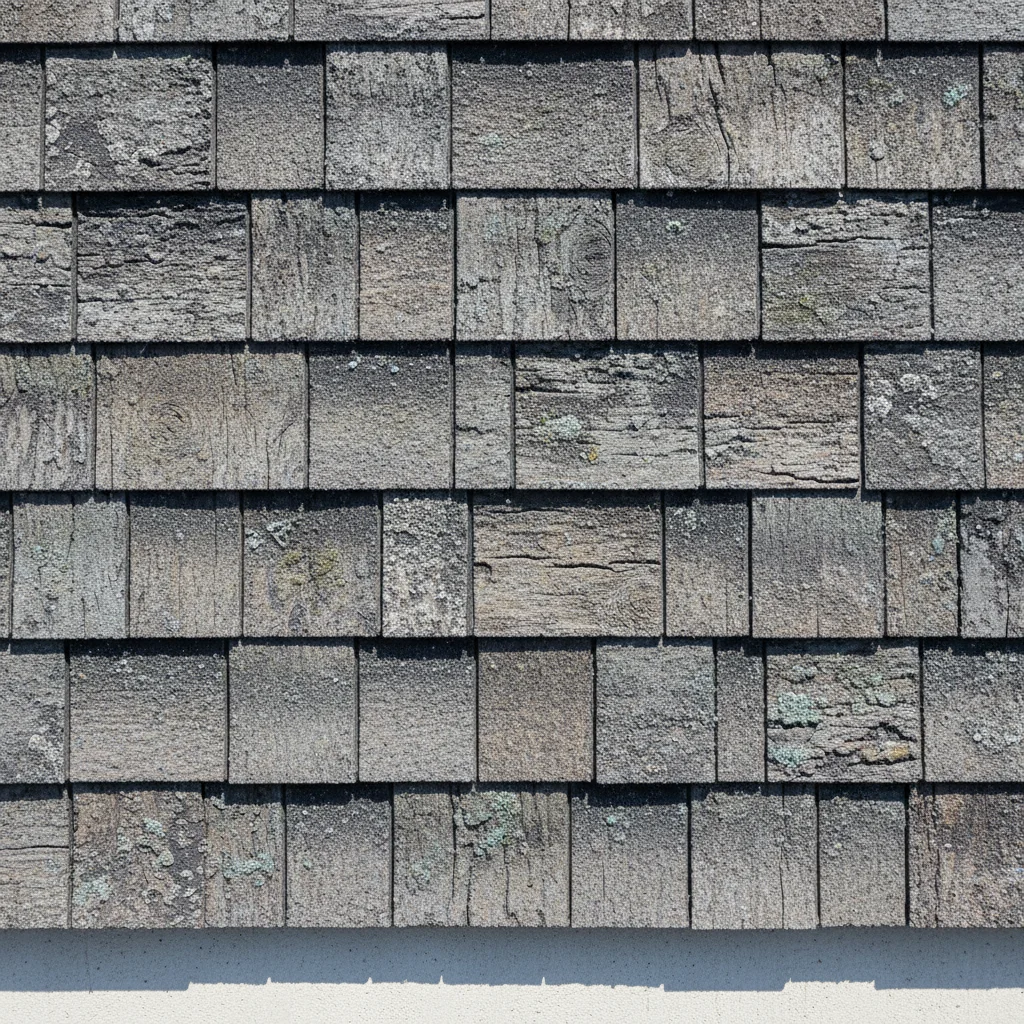
Colonial house in planned community with faded gray shingle roof
Main Photo
Reference image for AI Roof Swatch Visualizer
Reference
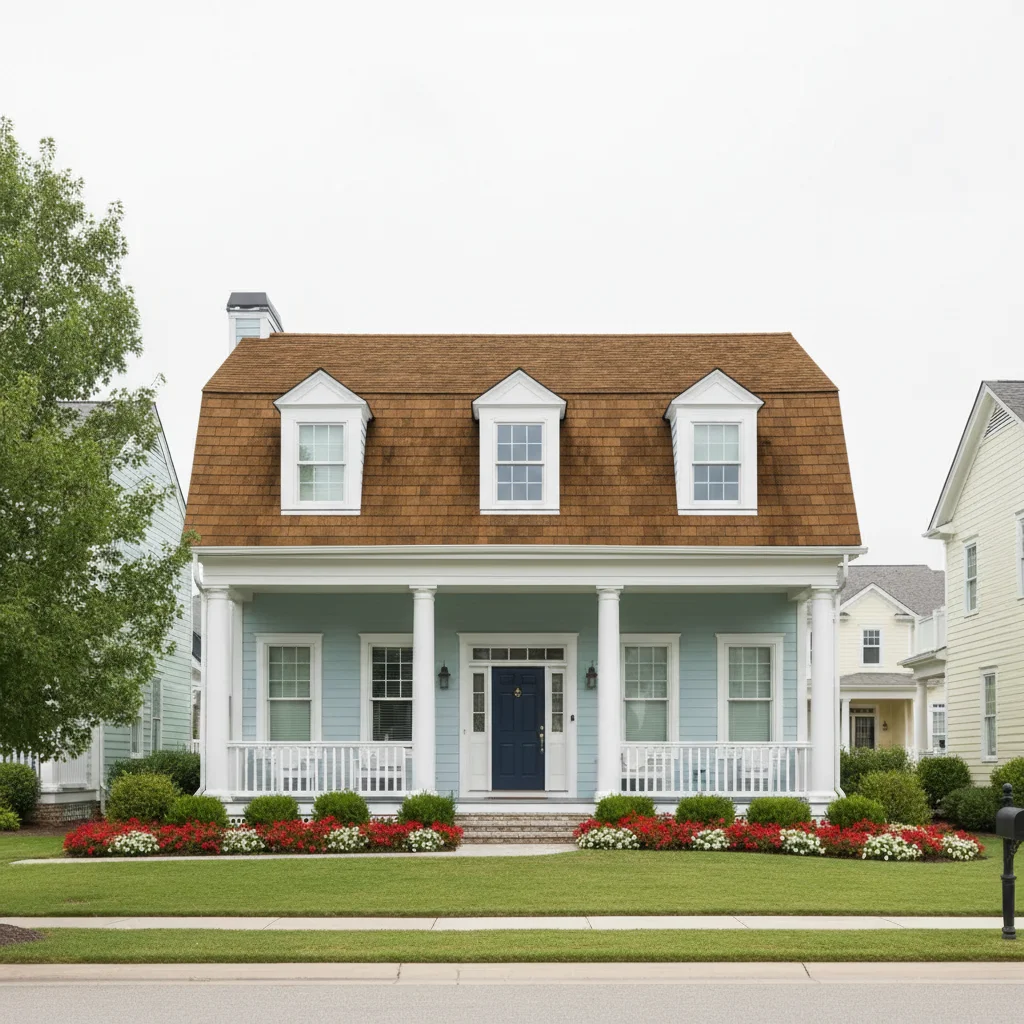
Same colonial house with warm brown architectural shingles applied for HOA color approval
Result

HOA color approval submission

A homeowner in a restrictive HOA community needed to show two approved shingle color options in a visualization before the HOA board meeting.

Prompt: Change the roof on the house to match the warm brown architectural shingles from the reference photo. Make it look photorealistic for my HOA color approval.

Detailed Guides by Scenario

📷

For Roofing Contractors

Close more sales by showing homeowners a realistic visualization of their new roof during the estimate meeting.

Common Scenarios

  • Presenting 3-4 shingle color options on the homeowner's actual house during an estimate visit
  • Creating professional proposal documents showing before and after visualizations
  • Helping homeowners who are stuck between two colors make a confident final decision

Best Practices

  • Photograph the homeowner's house from the street before the meeting — or use Google Street View
  • Upload your 3-4 most popular swatch options and run all of them on the same house photo
  • Include manufacturer swatch name and code in the proposal document for easy ordering
Apply this shingle swatch to the full roof on this house, photorealistic for a contractor proposal
Show this shingle color on the roof — photorealistic, all visible roof sections, for homeowner decision
📷

For Homeowners Replacing a Roof

See your actual house with different shingle colors before signing a roofing contract.

Common Scenarios

  • Comparing the 2-3 shingle options your contractor proposed in actual context on your house
  • Testing whether a lighter or darker shingle color complements your siding and trim colors
  • Deciding between architectural and premium shingle styles before approving the order

Best Practices

  • Use a recent photo of your house taken from the street for the most accurate result
  • Download swatch images directly from manufacturer websites for accurate color representation
  • Run each option and compare them side by side on your phone or computer before deciding
Apply this shingle swatch to my roof — keep the siding and trim colors exactly as they are
Show this shingle color on the house photo — I need to compare it against another option
📷

For HOA Approval & Permitting

Generate clear visualizations for HOA submissions showing proposed roofing color changes.

Common Scenarios

  • Creating a visual for HOA board review showing the proposed shingle color on your specific house
  • Preparing before-and-after documentation for permit applications
  • Demonstrating that a proposed color change fits the neighborhood character for HOA approval

Best Practices

  • Use a clear, straight-on exterior photo with no obstructions for the most convincing submission visual
  • Reference the exact manufacturer color name and code in your submission alongside the visualization
  • Run both your proposed color and the current color for a clear before/after
Apply this shingle swatch to the roof — photorealistic quality for HOA color change submission
Show this proposed shingle color on the house, preserving all other exterior elements exactly as-is

If something looks off

Shingle texture looks flat or lacks depth

Why: The AI applied the swatch color without adding the dimensional shadow effect that real architectural shingles have.

Try: apply the shingle swatch with dimensional depth — show the slight shadow under each shingle layer that gives architectural shingles their textured appearance

Tip: Real architectural shingles have a visible shadow line between layers. Ask for 'dimensional shadow lines' to get a realistic three-tab or architectural shingle effect.

New shingles don't follow the roof pitch correctly

Why: The AI applied a flat texture instead of following the pitch angle of the roof plane.

Try: apply the shingle swatch following the roof pitch angle — shingle courses should run horizontally parallel to the ridge line

Tip: For steeply pitched roofs, include 'following the pitch angle with horizontal shingle courses' to keep the visual accurate.

Swatch color appears different on the roof than it does in the sample

Why: Sunlight direction and roof shadowing affect how shingle color appears. This is accurate — shingles look different in direct sun vs. in shadow.

Try: apply the shingle swatch color matching the sample as closely as possible under the current lighting conditions in this photo

Tip: This color shift is realistic and useful — the visualization shows you how the color will actually look on your specific house in its orientation.

Only part of the visible roof was covered

Why: The AI covered the main gable but missed dormer roofs, side sections, or lower roof areas.

Try: apply the shingle swatch to ALL visible roof sections — main gable, dormers, and any side or rear sections visible in this photo

Tip: Be explicit about 'all visible roof sections' including dormers, which the AI often treats as separate elements.

Quick answers

Do I need TWO photos — a house photo AND a shingle swatch?

Yes. This tool requires two photos: (1) your house exterior photo showing the roof, and (2) a reference photo of the roofing swatch or color sample you want to preview. Upload your house photo first, then click '+ Add reference photo' to add the shingle swatch. The AI reads the swatch color, texture, and material to apply it accurately to your specific roof.

How do I apply a roof swatch to my house photo for free?

Upload your house exterior photo and a reference photo of the roof shingle swatch to EditThisPic. Describe the application: 'apply this shingle swatch to the full roof, all visible sections.' The AI applies it with realistic texture, pitch, and lighting in 20-30 seconds. Free to use, no account required, no watermark.

Can roofing contractors use this for sales proposals?

Yes. Many roofing contractors use EditThisPic to show homeowners exactly what different shingle options look like on their specific house during the estimate meeting. Upload the homeowner's house photo and the swatch samples you're proposing. Include 'photorealistic, for contractor proposal' in your prompt. Run 3-4 color options to give the homeowner a real visual choice.

Can I use this for an HOA color approval submission?

Yes. Upload your house photo and the manufacturer's approved swatch image, run the visualization with 'photorealistic quality for HOA submission,' and download the result. This gives HOA boards a clear visual of the proposed change. Always verify your HOA's specific submission requirements — some require additional documentation beyond a visualization.

What types of roofing materials can I preview?

The tool works with any roofing swatch you can photograph or download: architectural asphalt shingles, three-tab shingles, cedar shake, synthetic shake, metal standing seam, metal tile, concrete tile, and clay tile. Just upload the manufacturer's swatch image or product photo as your reference.

How many shingle options can I compare on the same house?

As many as you want. Run the tool with one swatch, download the result, then run it again with a different swatch on the same house photo. Most homeowners and contractors compare 3-5 options. One free edit per week, or buy credits for back-to-back comparisons.

How much does EditThisPic cost?

You get 1 free edit per week — no account needed. After that, credit packs start at $1.99 for 3 edits. Monthly plans start at $4.99/mo for 15 edits with unused credits rolling over. All edits are full resolution with no watermark.

Ready to preview your new roof?

Free to try. No signup required.

1 free edit included·Credit packs from $4.99