AI Roof Shingle Visualizer
← Browse all exterior renovation toolsLast updated
Upload your house photo and a shingle reference to visualize a new roof before the installation crew arrives.
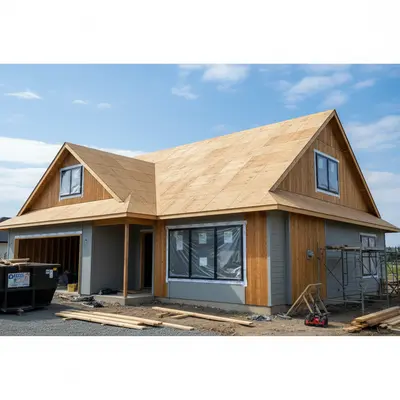
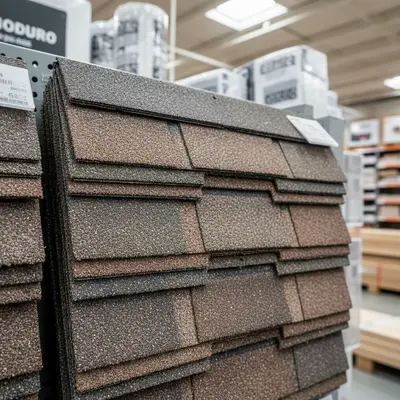
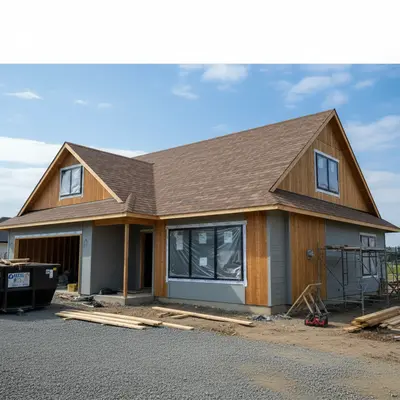
Upload photo to add roof shingles
"add the reference shingles to this house roof — photorealistic quality for a roofing bid presentation. Show the homeowner what the finished roof will look like before we start the job"
Free to try · no sign-up · never used for AI training
Release to upload
How it works
See it in action
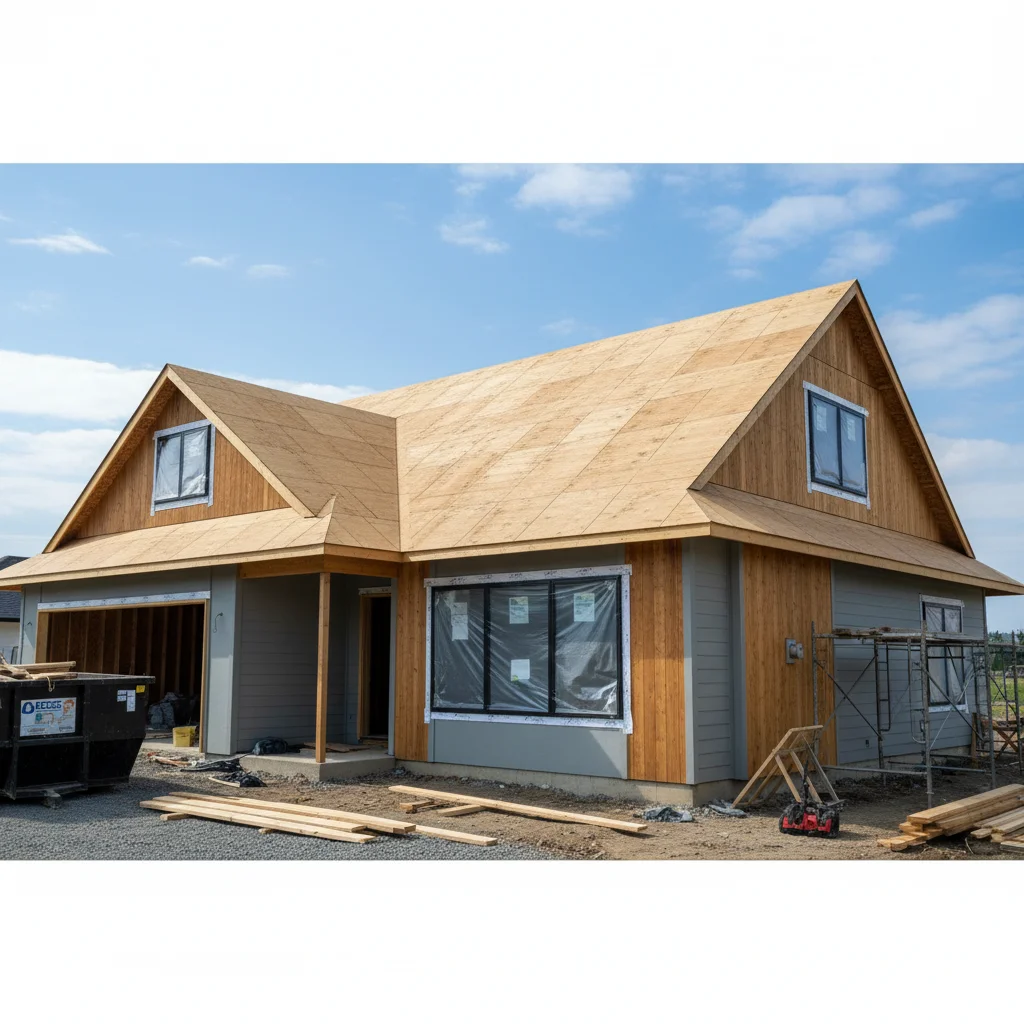
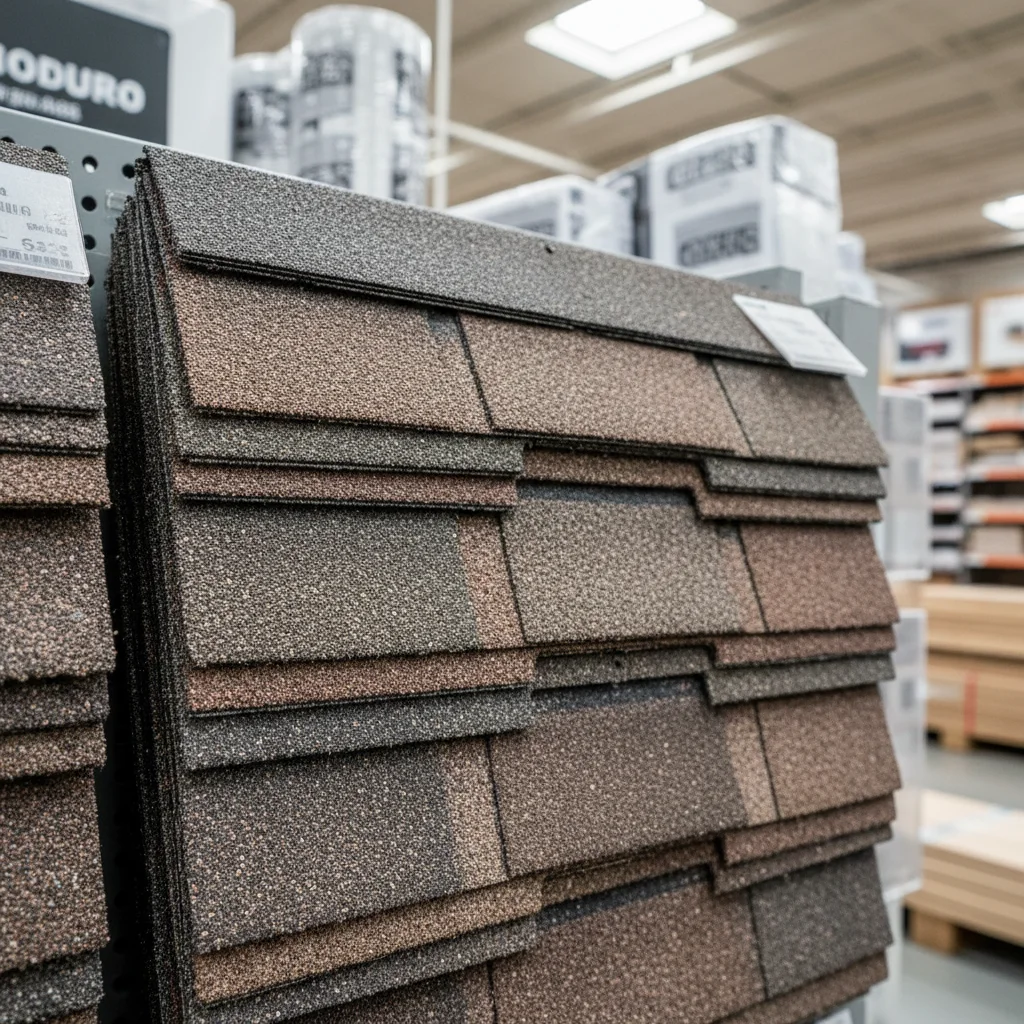
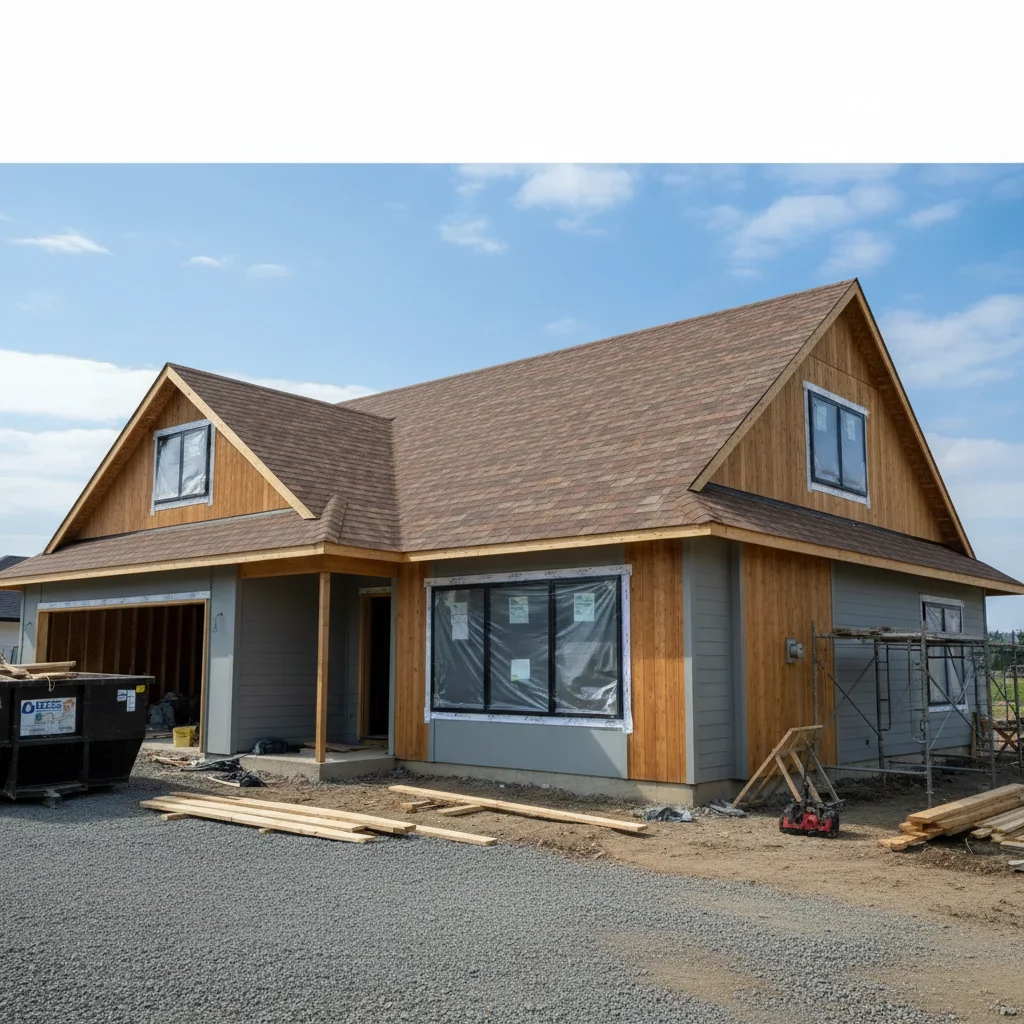
Roofing bid walkthrough visualization
A roofing contractor showed a homeowner three shingle options during the estimate visit, using the homeowner's own house photo as the base.
add the architectural shingles from the reference photo to the full roof — all visible sections, photorealistic quality for showing the homeowner before signing the contract
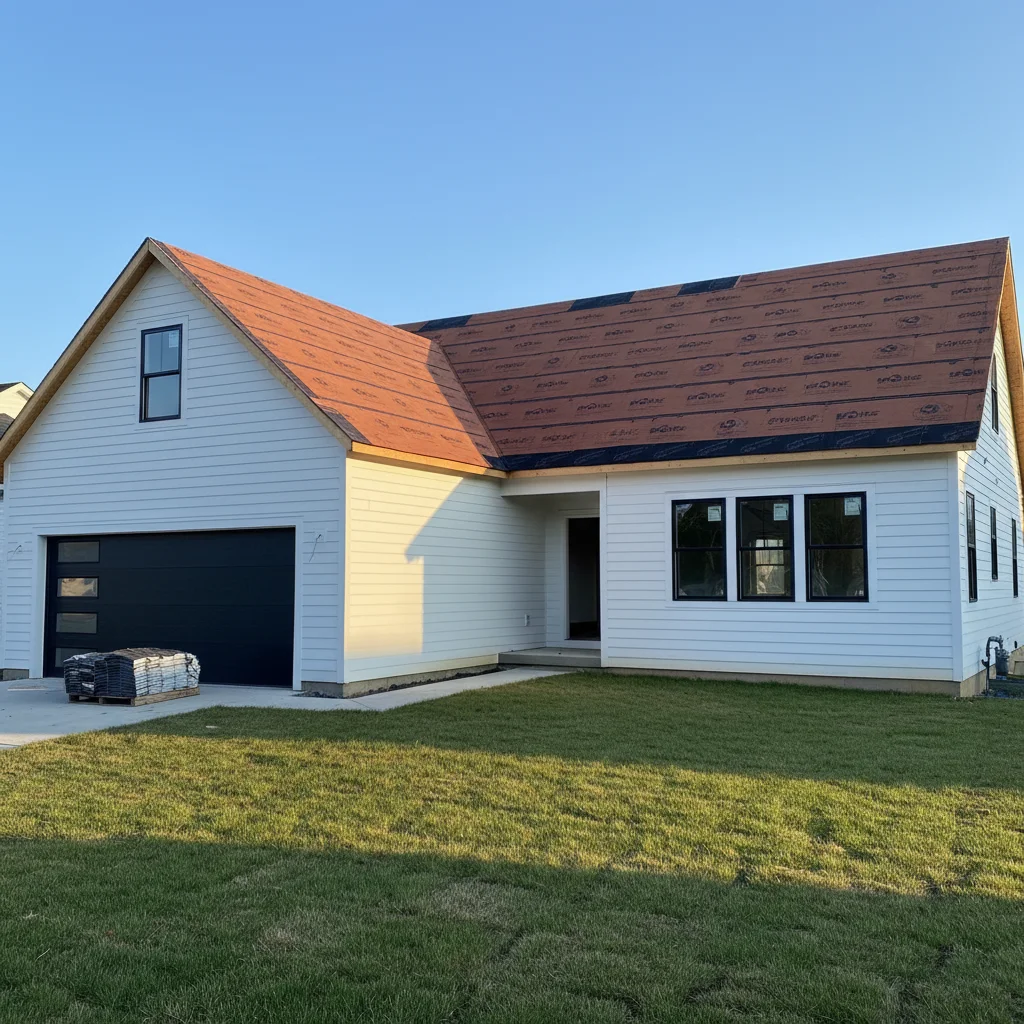
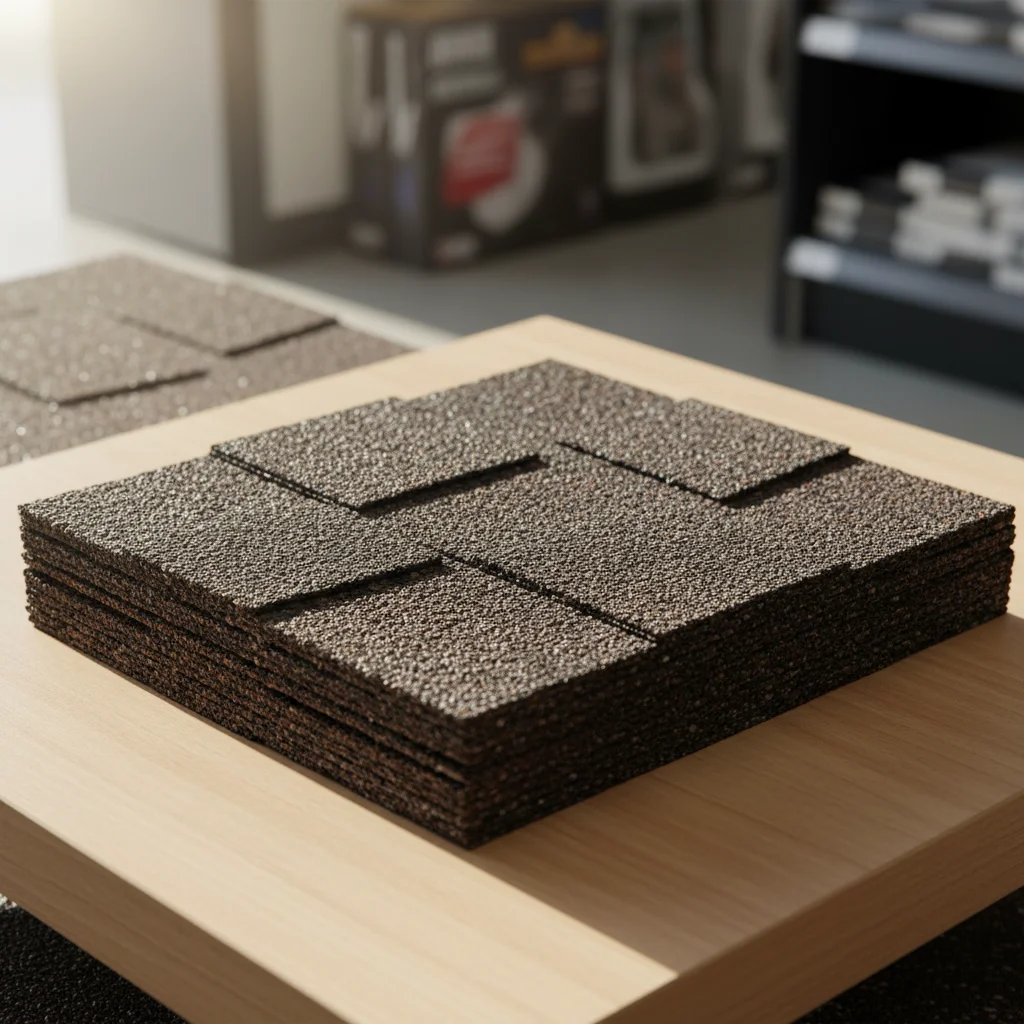
New construction shingle selection
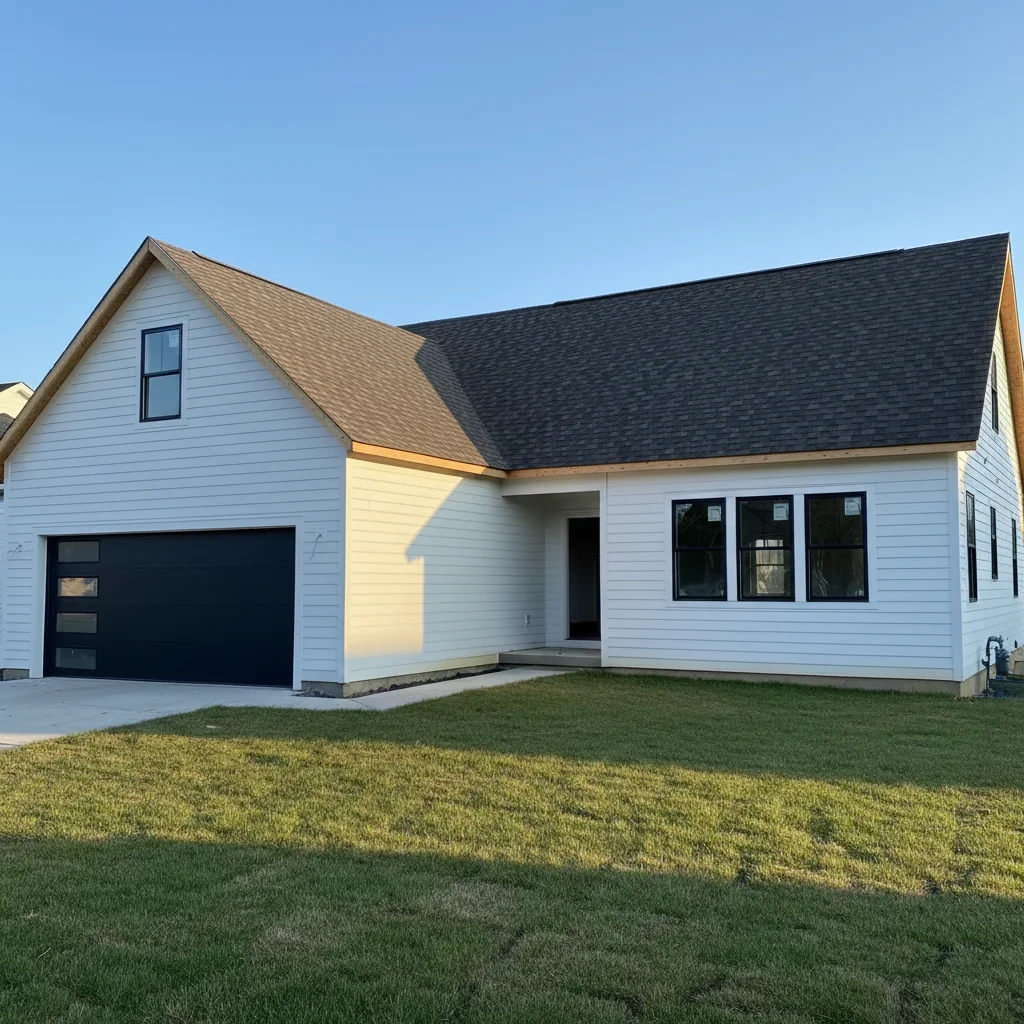
A builder helped a client choose between three shingle colors for their custom home under construction, generating visualizations for the final selection meeting.
add the impact-resistant architectural shingles from the reference photo to this new construction home — the house is complete except for roofing, show the finished look
Insurance replacement color match
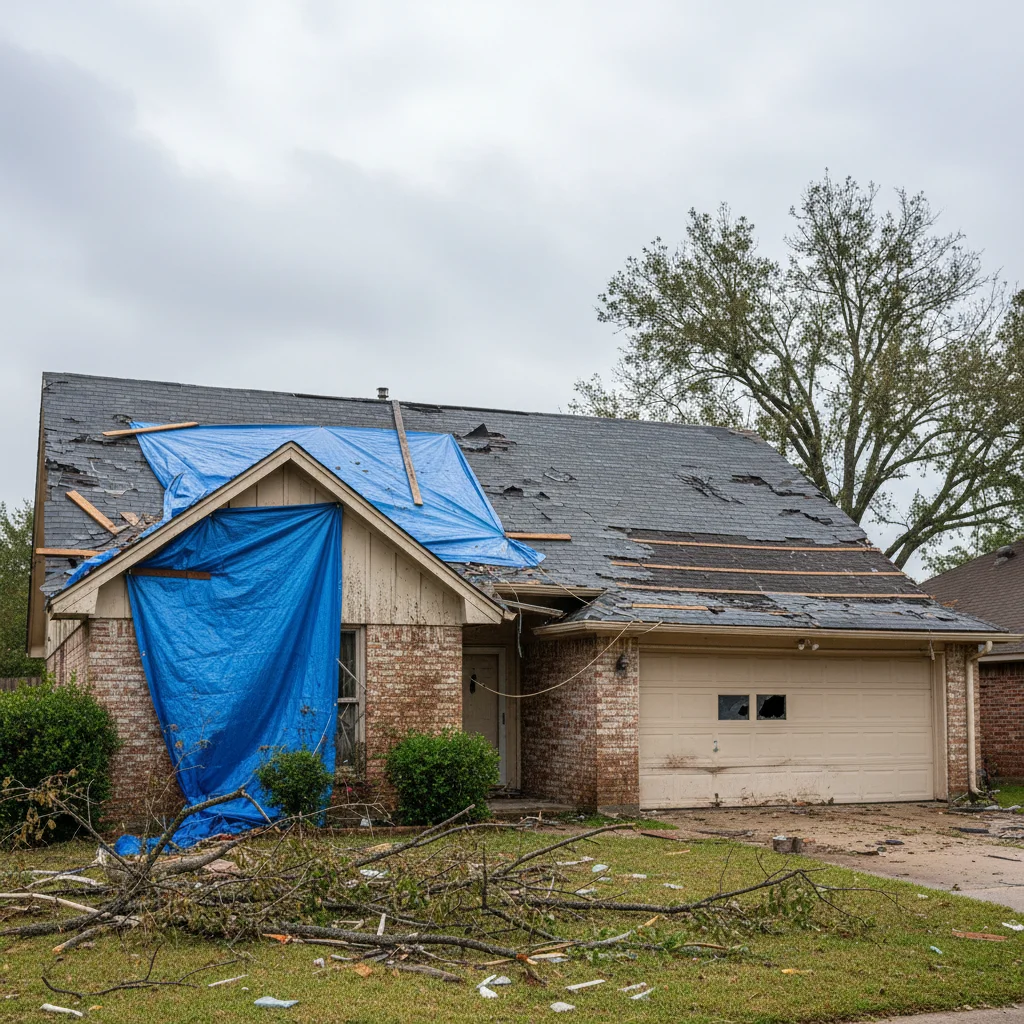
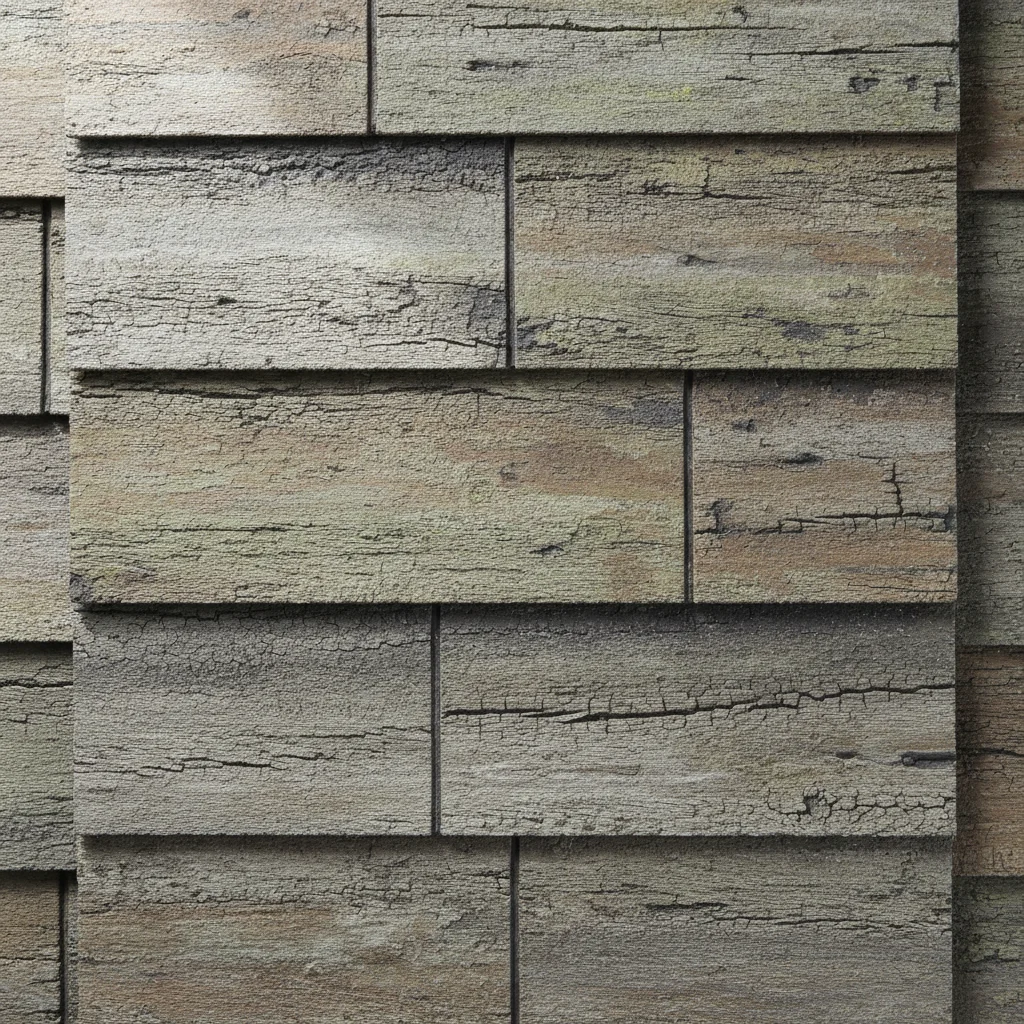
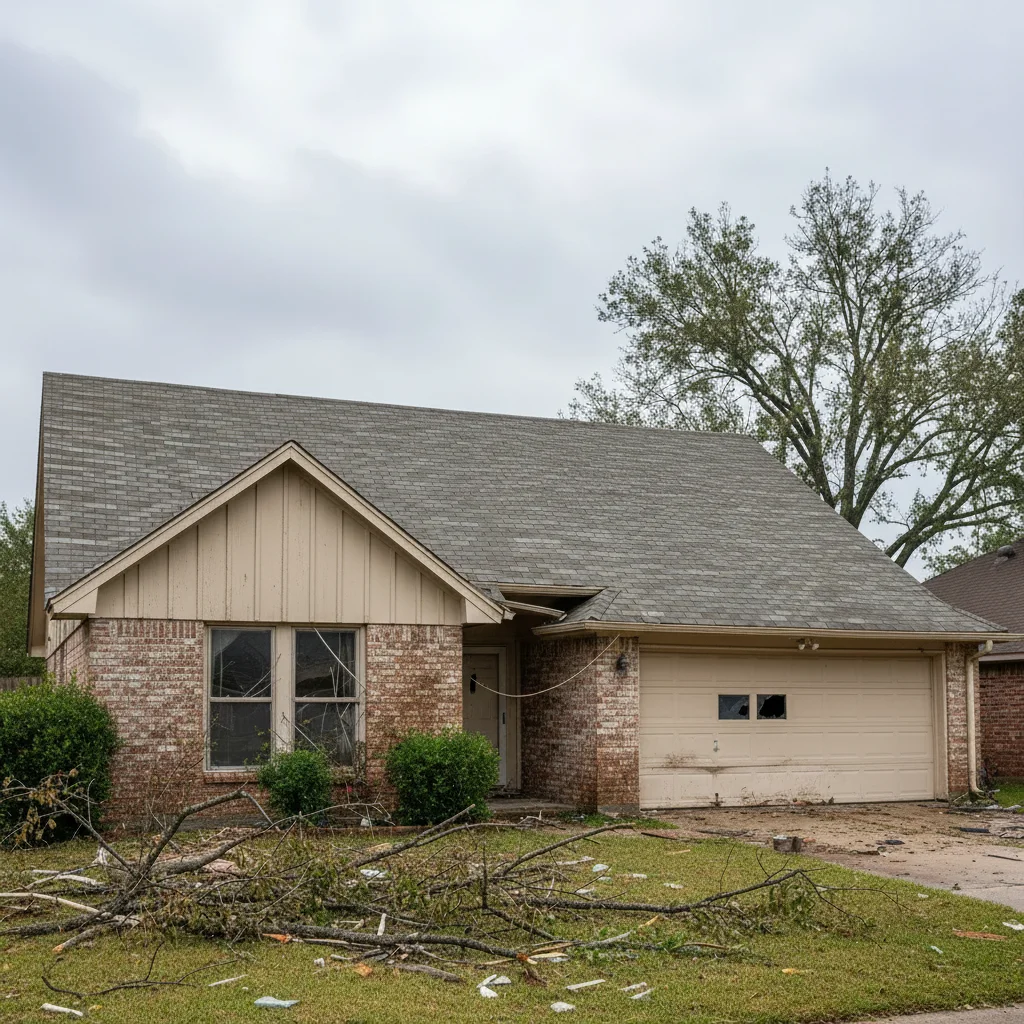
A homeowner needed to choose a replacement shingle that matched the neighborhood character after a storm damage claim, using photos downloaded from the insurance adjuster's approved shingle list.
Please replace the entire damaged roof on the house with the weatherwood architectural shingles shown in the reference photo.
Quick answers
Ready to see your new roof?
Free to try. No signup required.