AI Logo-to-Product Compositor
← Browse all ecommerce toolsLast updated
Add your logo to any product photo using a reference image — AI wraps it to the product surface with matched lighting and curvature. Perfect for branded mockups, e-commerce listings, and brand visualization.

Upload photo to add logo
"apply this logo flat and centered on the front face of the box, upper third position, matching the overhead studio lighting, logo colors accurate to the reference"
Free to try · no sign-up · photos are never shared
Release to upload
How it works
See it in action
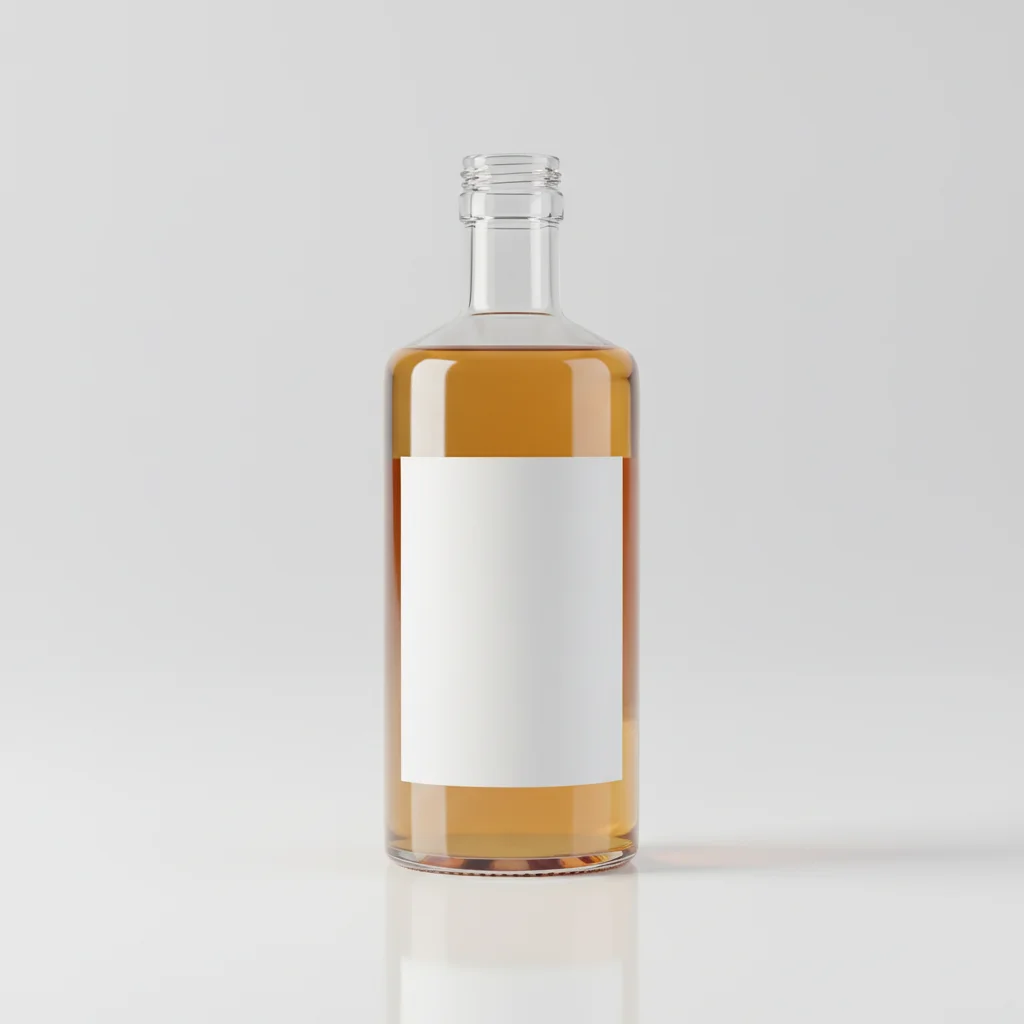
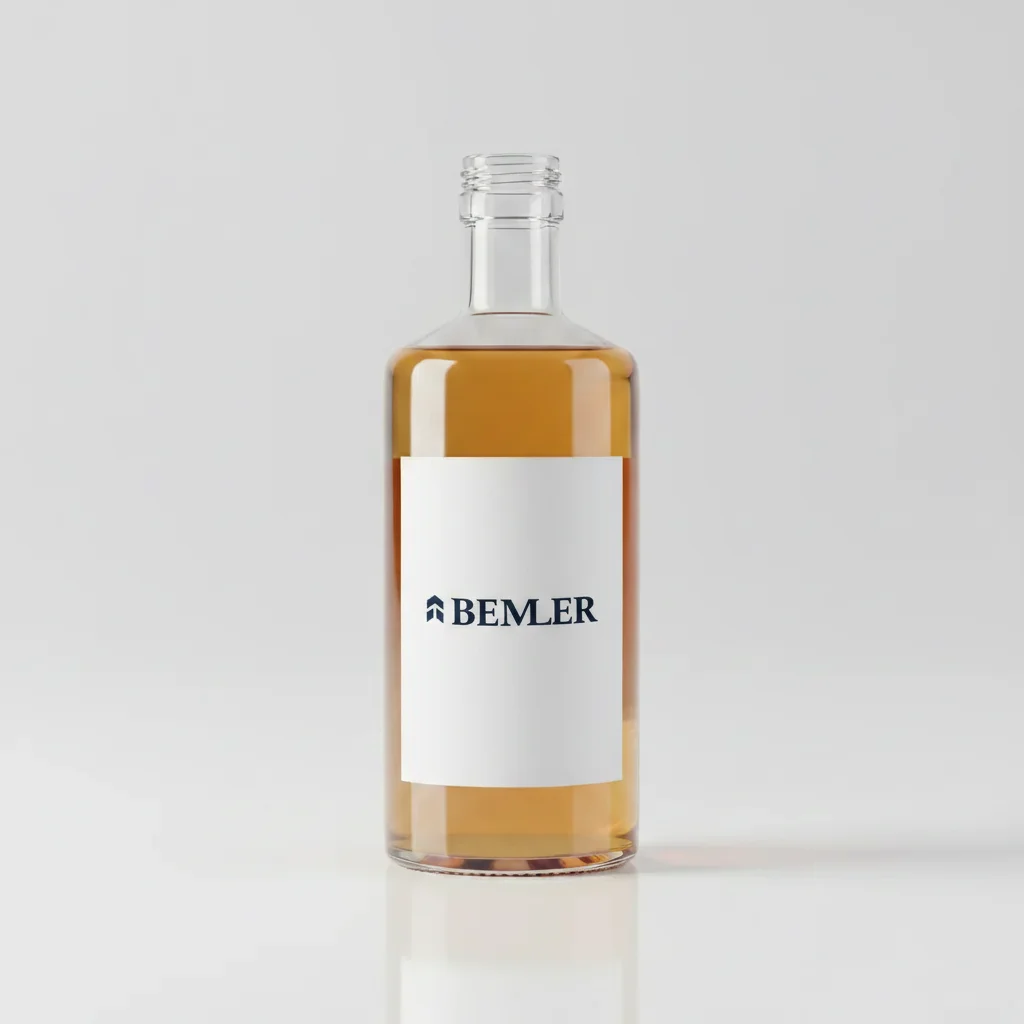
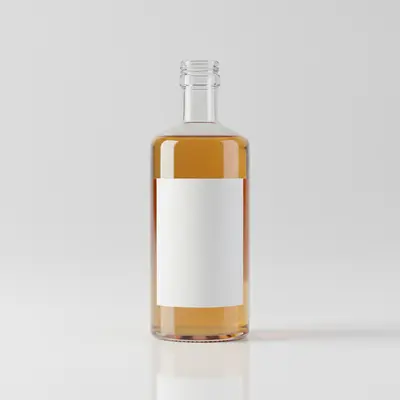
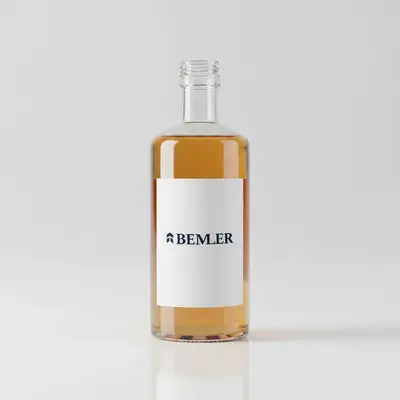
Brand logo applied to a beverage bottle
A white-label bottle with a custom brand logo applied — AI followed the cylindrical curvature and preserved the logo's exact colors under warm studio lighting.
Add the logo from the reference photo onto the bottle's label, making sure it wraps naturally around the curve.
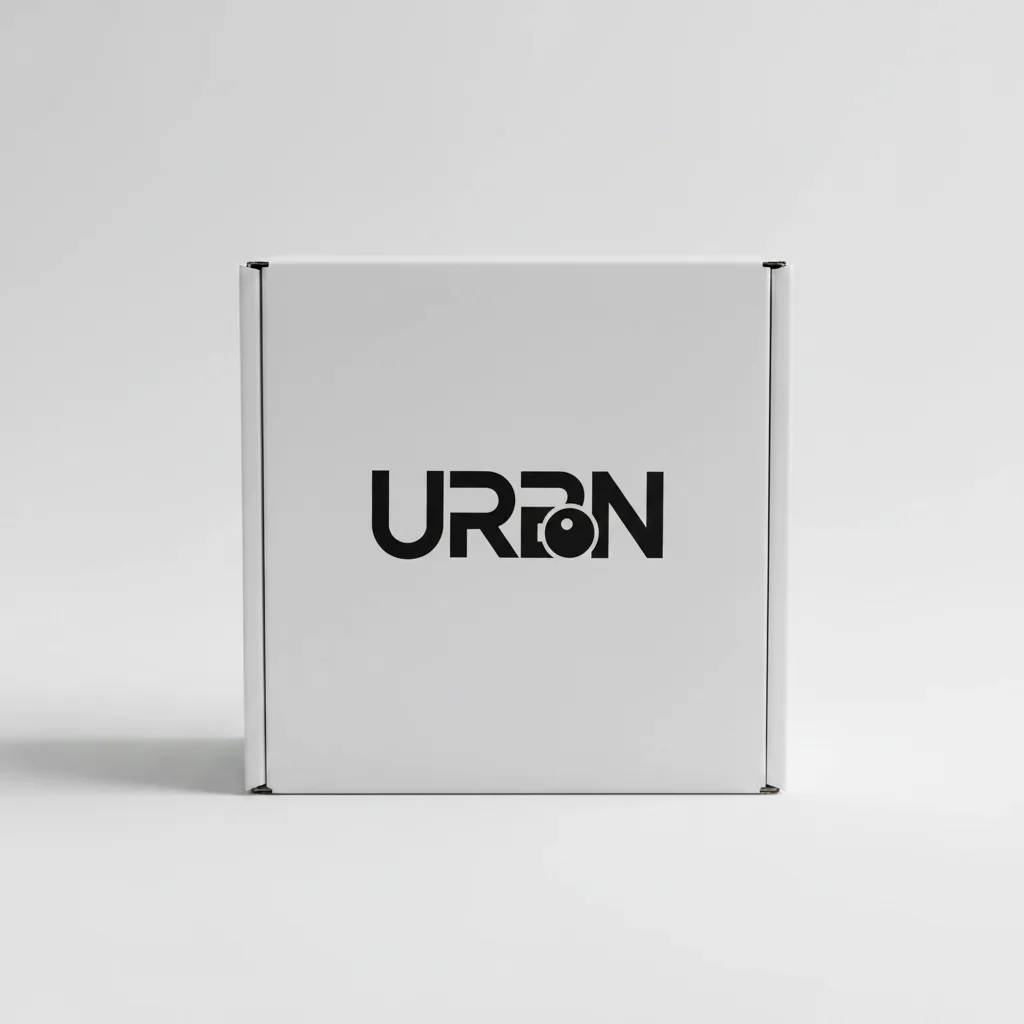
Logo added to box packaging
A plain white box with a custom brand logo applied flat to the front panel — AI centered it in the upper third and matched the overhead studio lighting.
Apply the logo from the reference photo onto the front face of the box, placing it flat and centered in the upper third.
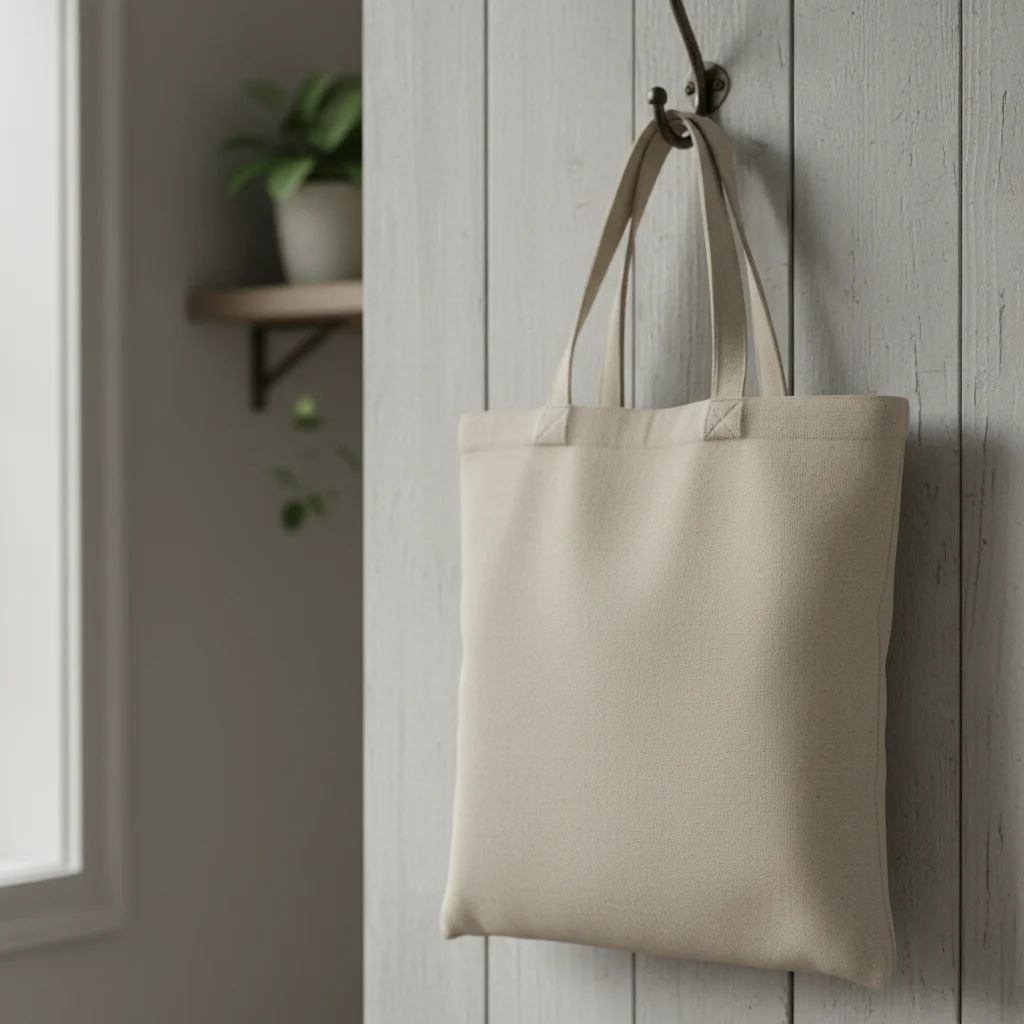
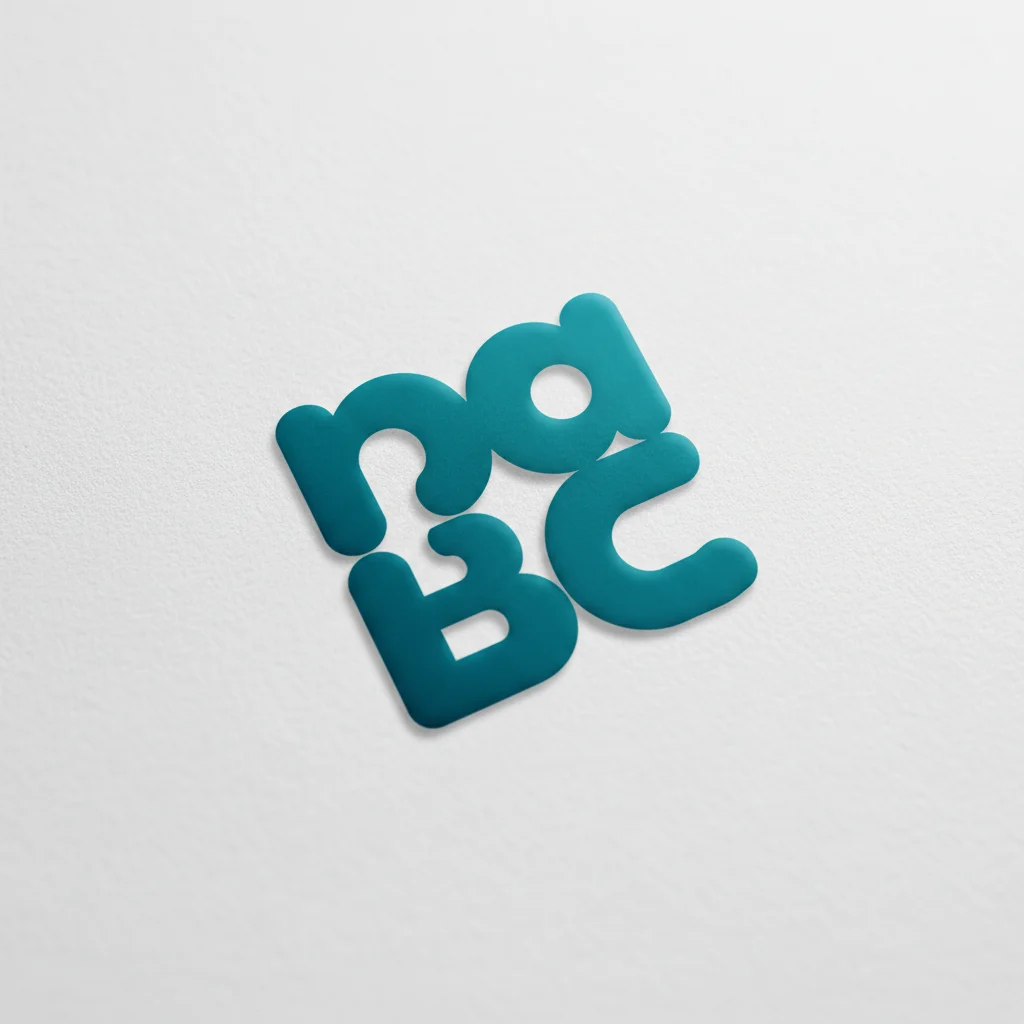
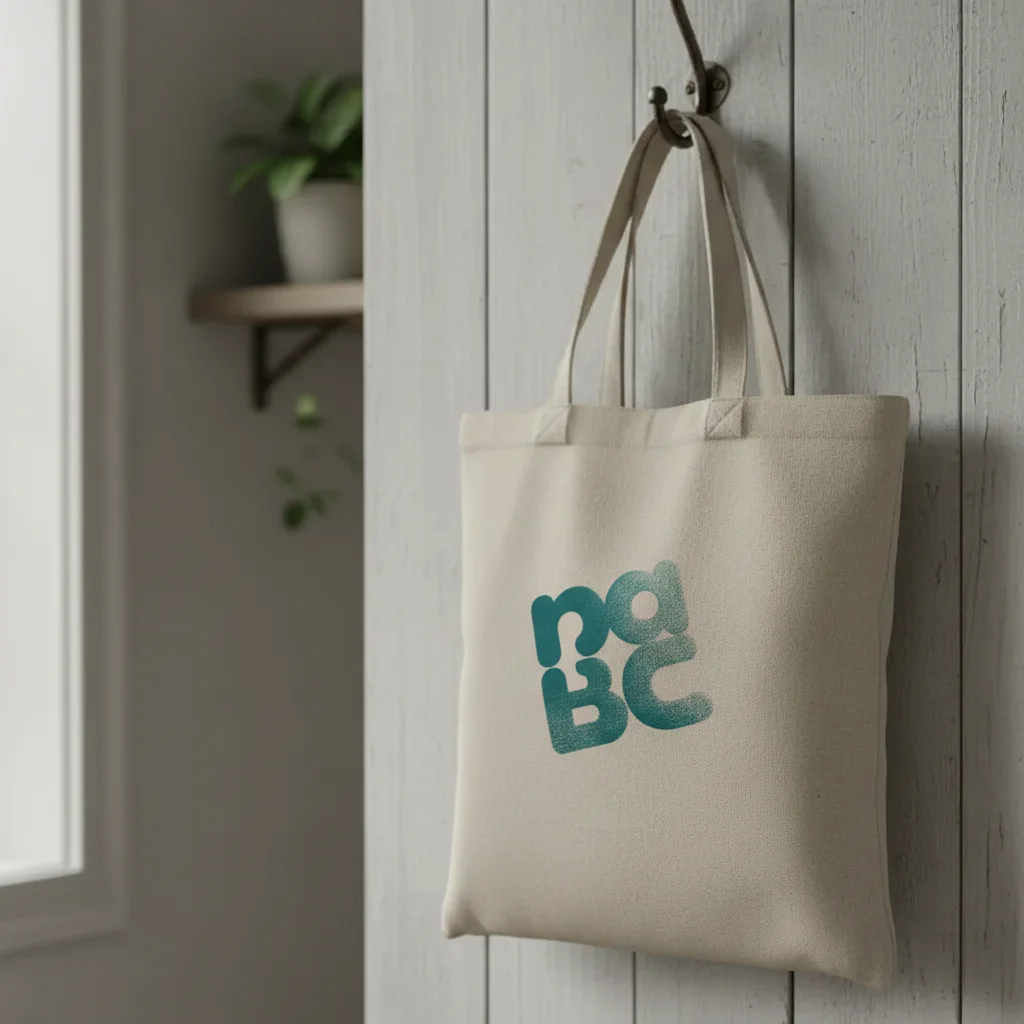
Logo applied to a canvas tote bag
A natural canvas tote with a screen-print style logo applied — AI followed the canvas texture and maintained the organic look of fabric printing.
Add the logo from the reference photo to the front center of this tote bag. Make it look like a realistic screen print, so it follows the canvas texture and the color looks slightly absorbed by the fabric.
Quick answers
You might also like
Popular use cases
See your brand on the product.
Upload your product photo and logo. Free, no account required.