Free • No signup Add Product · Free

AI Product Photo Compositor

← Browse all add & replace tools

Last updated

Create lifestyle product photos for e-commerce, ads, and catalogs — upload your product and a background scene, and AI composites them together professionally.
01Photo 1
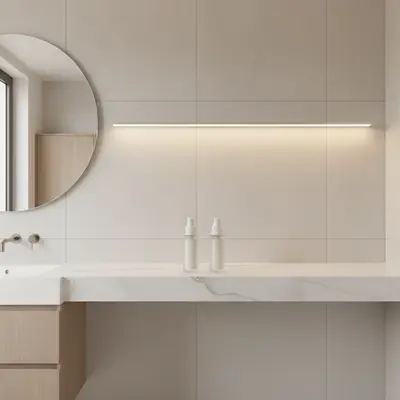
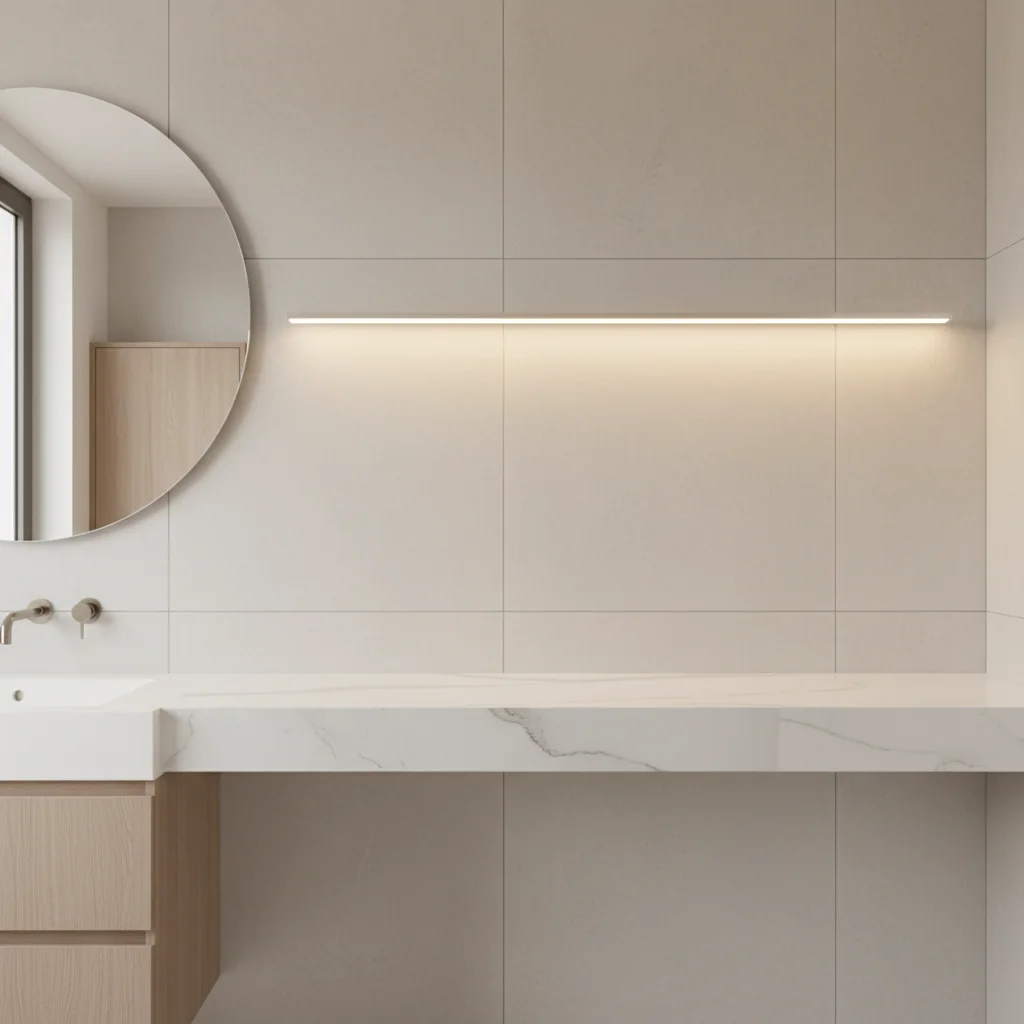
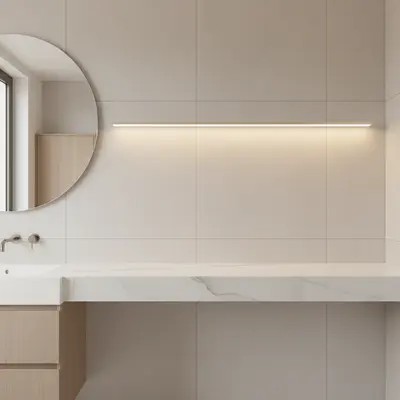
Empty marble bathroom shelf under warm vanity lighting
02Photo 2
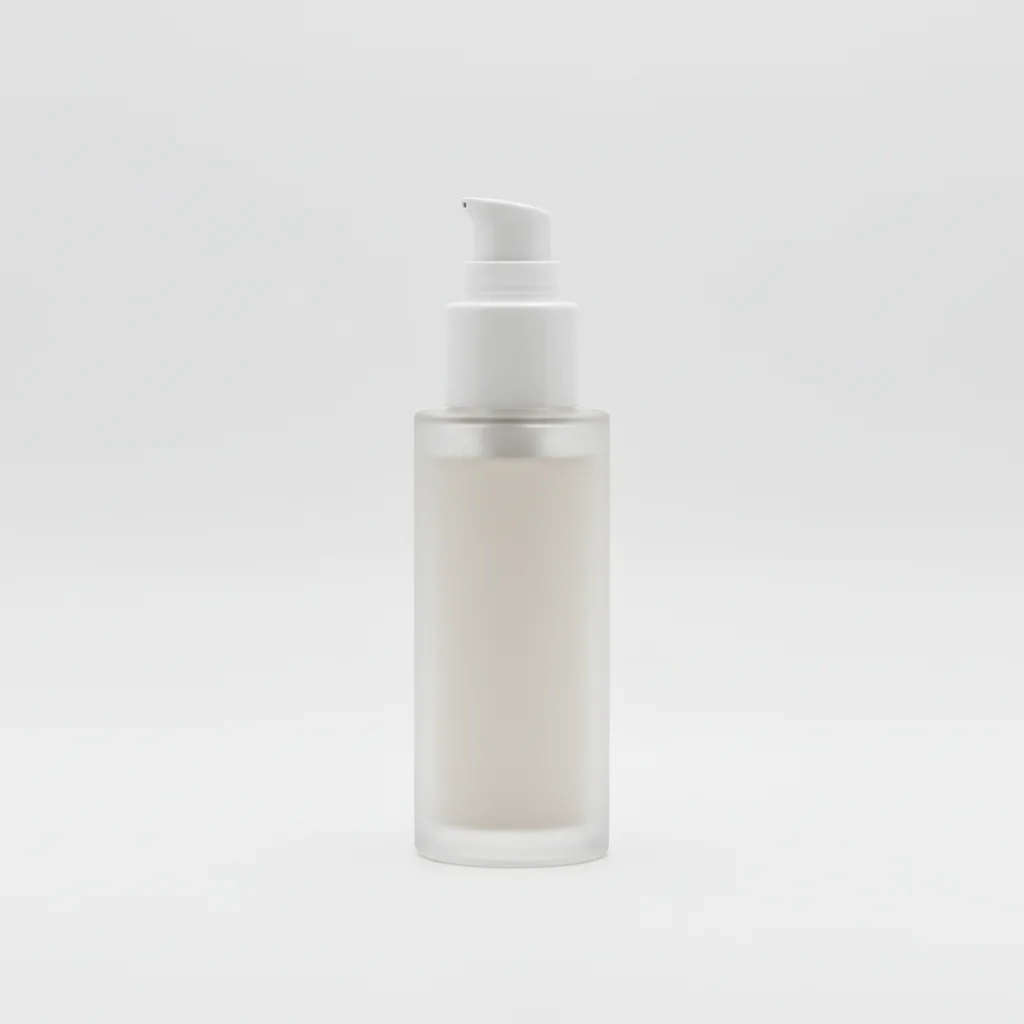
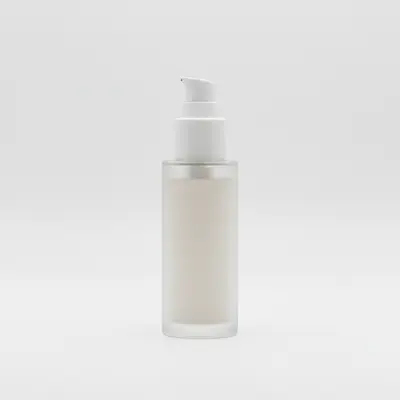
Skincare product on white background used as reference
03Result
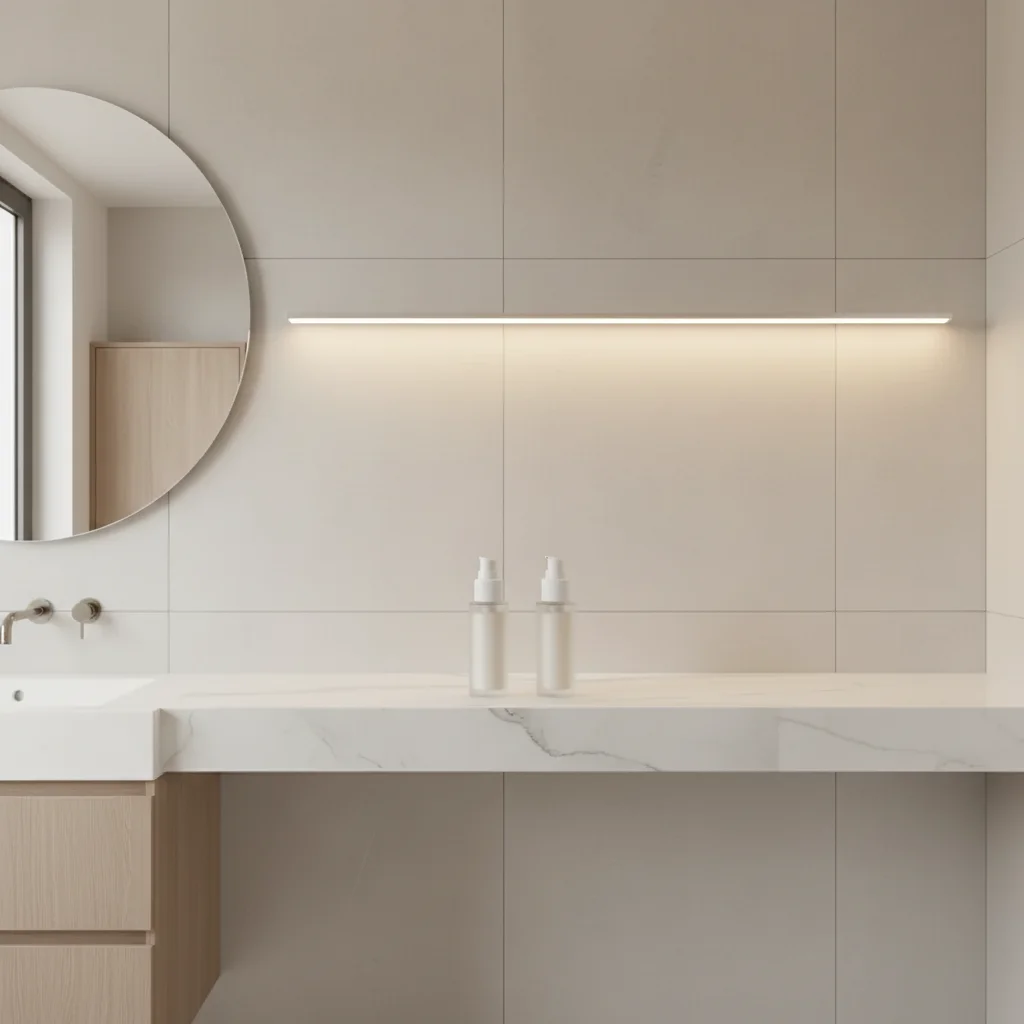
Same bathroom shelf with a skincare product naturally composited in

Upload photo to add product

"add this product standing upright on the bathroom shelf, front label facing forward, warm vanity lighting, subtle shadow and reflection on the marble surface"

Release to upload

50,000+photos edited
<30stypical edit
1 freeedit weekly

1 free edit·then from $4.99

How it works

  1. Upload your two photos

    Drop your background scene (the lifestyle photo where the product should appear) into EditThisPic. Then click '+ Add reference photo' and upload your product photo — your white-background studio shot, e-commerce listing image, or any clear product photo works. JPG, PNG, WebP up to 7MB each.

    Expect: Most product composites: 25-35 seconds. Products with reflective surfaces or complex geometry may need 2 attempts.
  2. Reference your product shot

    The product reference tells the AI exactly what to composite — its shape, color, material finish, and any branded details. White-background product shots are ideal reference images because they give the AI the cleanest product isolation. But any clear product photo works, including lifestyle shots where the product is prominent.

    Tip: Your existing Amazon or Shopify product photos make excellent reference images — you already have them.

    Copy one of these to get started:

    Kitchen counter placement add this product on the kitchen counter near the window, label facing the camera, natural daylight from the left, a clean shadow beneath it on the white marble surface
    Beauty product bathroom shelf add this product standing upright on the bathroom shelf, front label facing forward, warm vanity lighting, subtle shadow and reflection on the marble surface
    Outdoor rustic table add this product on the rustic wooden outdoor table, label facing the camera, golden hour sunlight from the right, with a natural leaf shadow partially on the table
    Flat lay product photo add this product in the center of the flat lay arrangement, top of the product visible, overhead diffused lighting, surrounded by the lifestyle props in the scene
    2 more prompts
    Desk or workspace scene add this product on the wooden desk in the foreground to the right of the laptop, product label facing the camera, warm natural daylight, subtle drop shadow
    Luxury dark background add this product centered on the dark marble surface, label facing forward, with dramatic studio rim lighting from the left and a soft halo glow behind it
  3. Describe placement and lighting

    Tell the AI where the product should appear in the scene and how it should be lit: 'add this product on the marble surface in the foreground, with the same warm side lighting from the right.' Include orientation (label facing camera), surface contact, and any reflection or shadow details for a polished result.

    Tip: For e-commerce, specify 'label/front facing the camera' and 'with a natural drop shadow beneath it' for professional results.

    Copy one of these to get started:

    Kitchen counter placement add this product on the kitchen counter near the window, label facing the camera, natural daylight from the left, a clean shadow beneath it on the white marble surface
    Beauty product bathroom shelf add this product standing upright on the bathroom shelf, front label facing forward, warm vanity lighting, subtle shadow and reflection on the marble surface
    Outdoor rustic table add this product on the rustic wooden outdoor table, label facing the camera, golden hour sunlight from the right, with a natural leaf shadow partially on the table
    Flat lay product photo add this product in the center of the flat lay arrangement, top of the product visible, overhead diffused lighting, surrounded by the lifestyle props in the scene
    2 more prompts
    Desk or workspace scene add this product on the wooden desk in the foreground to the right of the laptop, product label facing the camera, warm natural daylight, subtle drop shadow
    Luxury dark background add this product centered on the dark marble surface, label facing forward, with dramatic studio rim lighting from the left and a soft halo glow behind it
  4. Review for catalog quality

    Check that the product looks like it was actually photographed in the scene: natural shadows, correct scale relative to the background, consistent lighting direction, and brand details clearly visible. This is what separates a professional composite from an obvious paste job.

See it in action

Empty marble bathroom shelf under warm vanity lighting
Main Photo
Skincare product on white background used as reference
Reference
Same bathroom shelf with a skincare product naturally composited in
Result

Skincare product placed in a bathroom scene

A white-background product photo composited into a marble bathroom scene — AI matched the warm vanity lighting and added a natural shadow.

Prompt: Add the skincare product from the reference photo to the marble shelf, standing upright. Match the warm lighting and add a natural shadow.
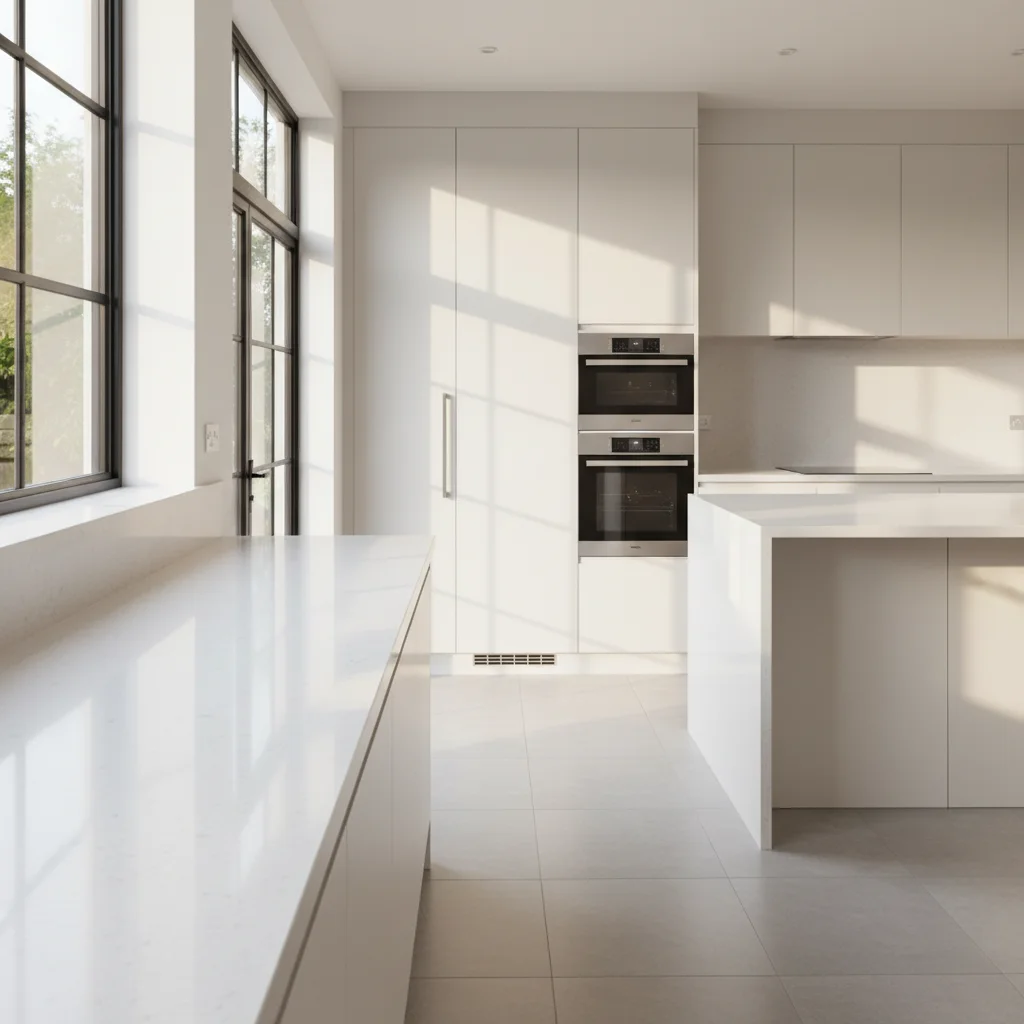
Bright kitchen counter with natural window light and empty surface
Main Photo
Reference image for AI Product Photo Compositor
Reference
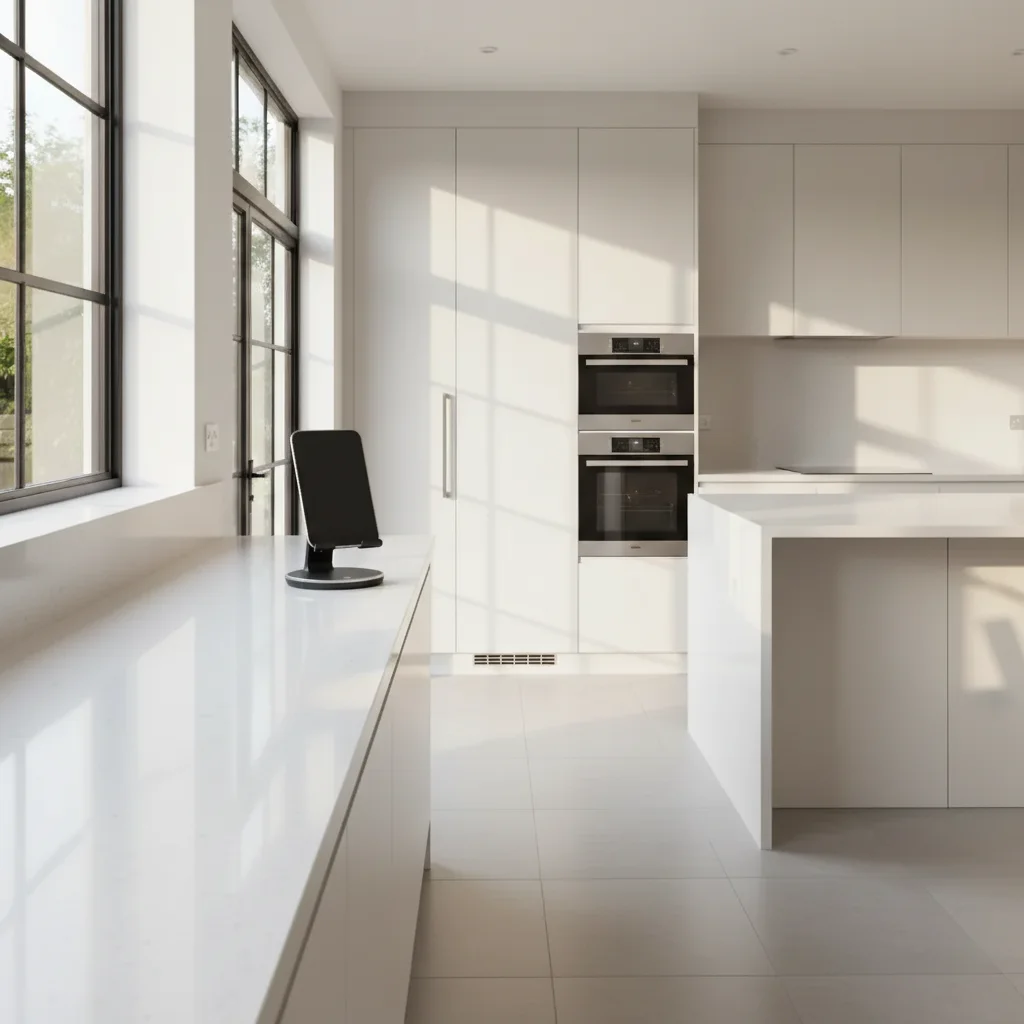
Same kitchen counter with a packaged food product naturally placed near the window
Result

Food product placed on kitchen counter

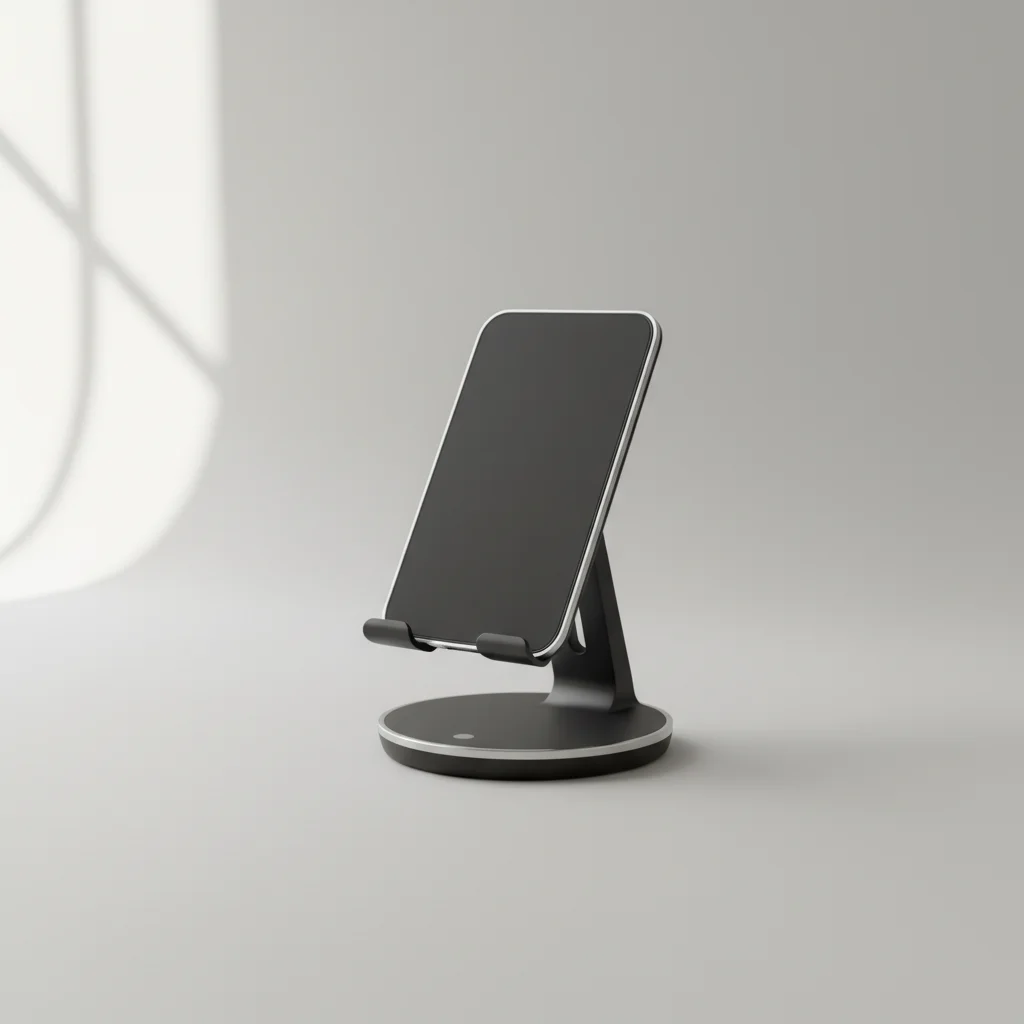
A packaged food product placed onto a bright kitchen counter scene with natural window light for an Amazon listing lifestyle shot.

Prompt: add this product on the kitchen counter near the window, label facing the camera, natural morning light from the left, clean drop shadow on the white quartz surface

Rustic outdoor table in golden hour light with empty surface
Main Photo
Reference image for AI Product Photo Compositor
Reference
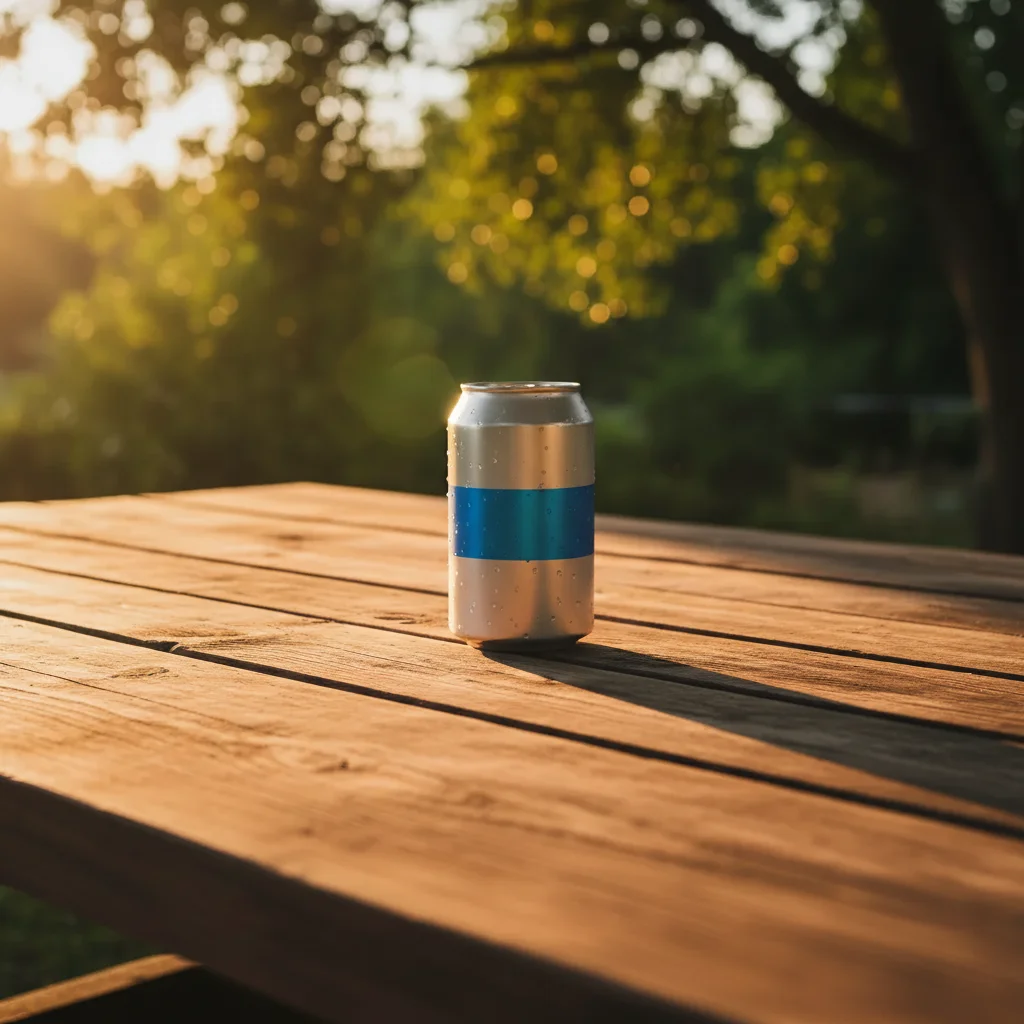
Same table with a beverage can naturally placed in the golden hour scene
Result

Beverage product in an outdoor golden hour scene

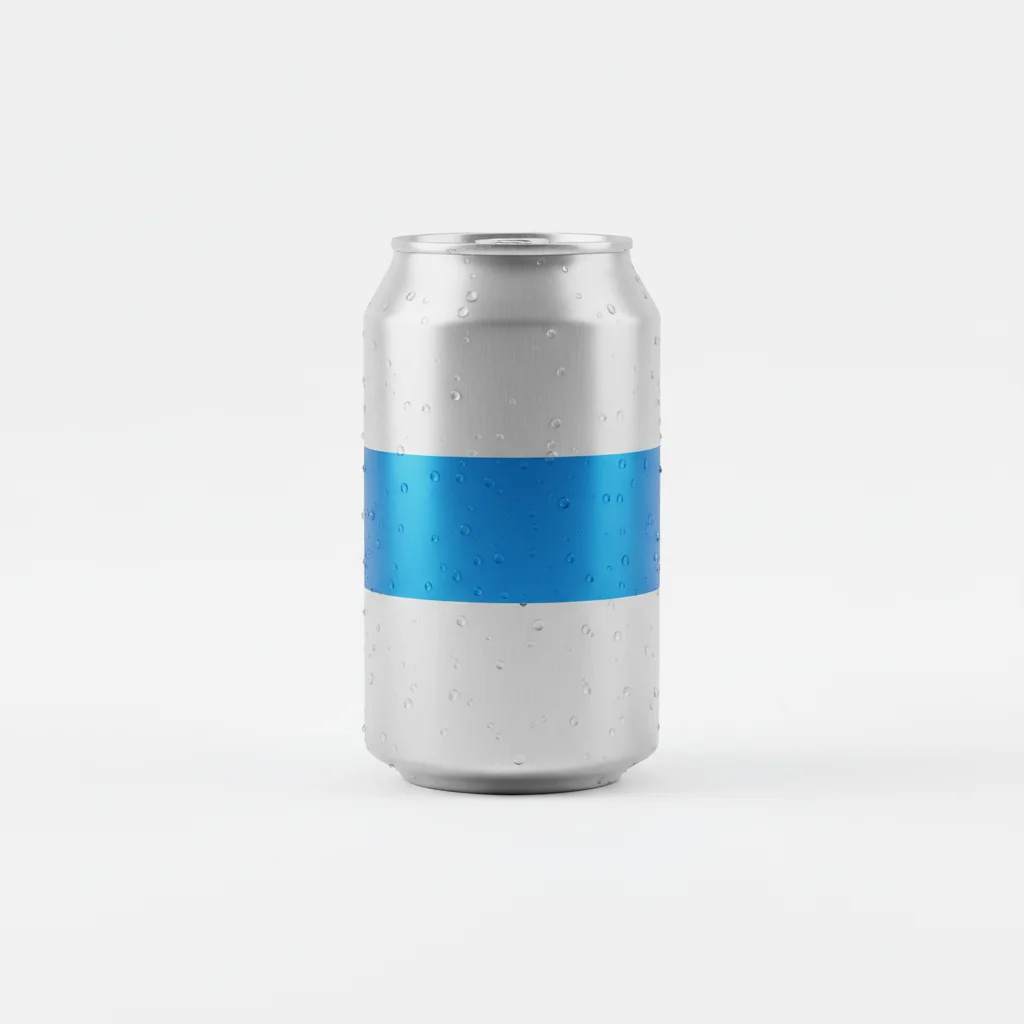
A beverage can composited into an outdoor rustic table setting for social media ads, with warm golden hour lighting.

Prompt: Place the beverage can from the reference photo in the center of the wooden table. Make sure to match the warm golden hour lighting from the right and add a realistic shadow so it looks like it belongs in the scene.

Quick answers

Do I need TWO photos for this?

Yes. Upload your background lifestyle scene as the main photo and your product photo as the reference. EditThisPic extracts your product from the reference and composites it naturally into the lifestyle scene — matching lighting, scale, and shadows. Your existing white-background product shots work perfectly as reference images.

How do I create a product lifestyle photo for free?

Upload your background scene photo to EditThisPic, click '+ Add reference photo' to upload your product shot, then describe the placement: 'add this product on the kitchen counter, label facing the camera, with natural side lighting.' The AI composites a professional-looking lifestyle shot in about 30 seconds. Free, no account needed.

Can I use my existing Amazon or Shopify product photos as the reference?

Yes. Your existing white-background product shots are actually ideal reference images — the clean background gives the AI the best product isolation. Studio product photos, e-commerce listing images, and even manufacturer photos all work. The AI extracts just the product regardless of what's behind it in the reference.

How many lifestyle scenes can I create from one product photo?

As many as you need. Use the same product reference photo and upload different background scenes to create a full product gallery — kitchen, bathroom, outdoor, desk, flat lay, and more. This lets you build a complete lifestyle image set for your listing without multiple photoshoots.

Are the results suitable for Amazon A+ Content or Shopify listings?

Results are suitable for most e-commerce use cases including Amazon A+ Content, Shopify gallery images, Etsy listings, and social media ads. For primary listing images on Amazon (which require the product on a pure white background), use the white-background product photo directly. Lifestyle composites are best for secondary images, A+ Content modules, and social ads.

How much does EditThisPic cost?

You get 1 free edit per week — no account needed. After that, credit packs start at $1.99 for 3 edits. Monthly plans start at $4.99/mo for 20 edits with unused credits rolling over. All edits are full resolution with no watermark.

Ready to create your product lifestyle photo?

Upload your product and background scene. Free, no account required.

1 free edit included·Credit packs from $4.99