Free • No signup Add Prop · Free

AI Prop Adder

← Browse all add & replace tools

Last updated

Forgot to bring a prop to your shoot? Add any specific prop to a photo using a reference image — AI composites it with matched lighting and perspective. No reshoot needed.
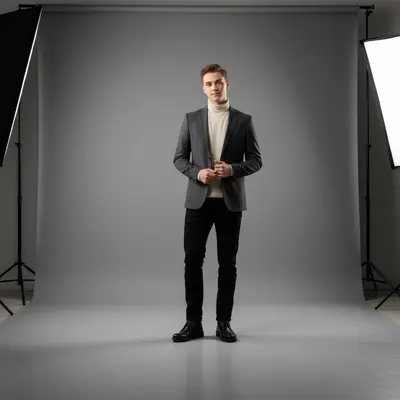
01Photo 1
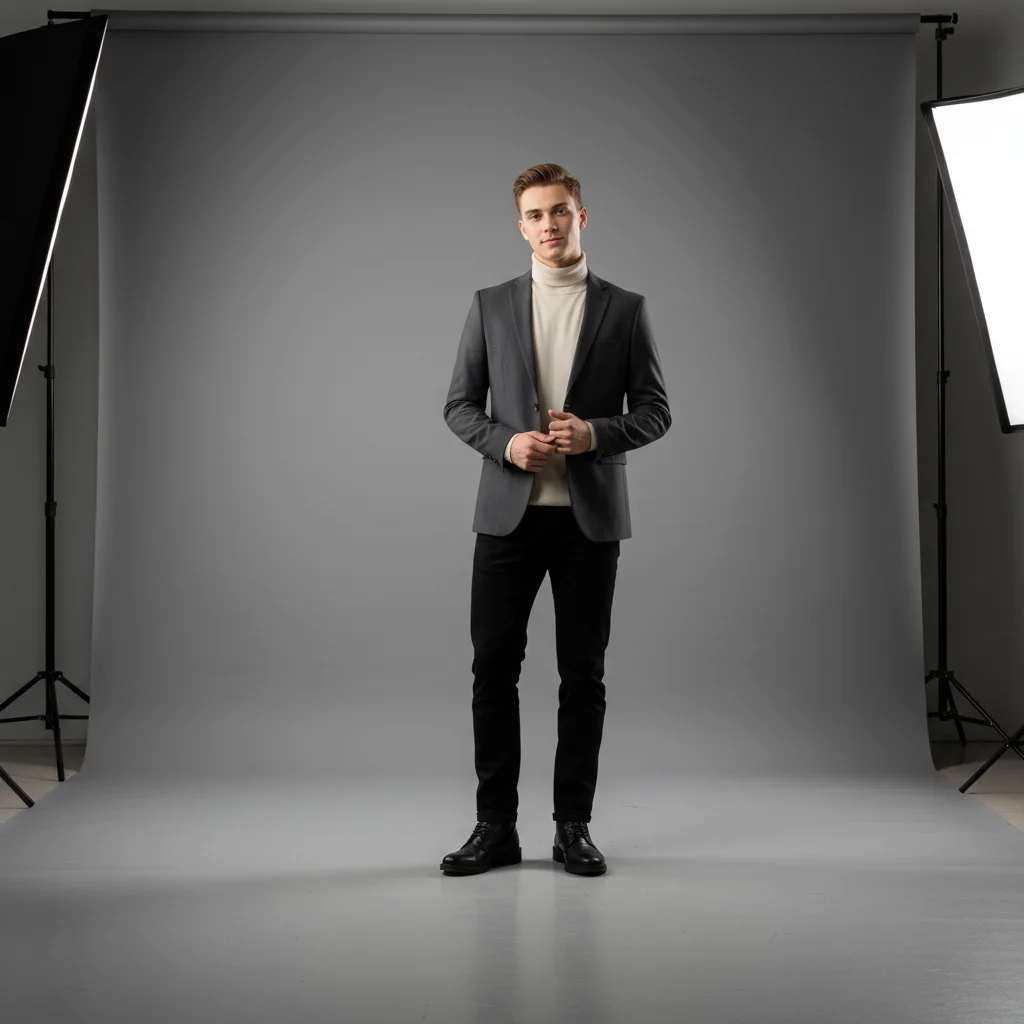
Studio portrait with empty floor in the lower left foreground
02Photo 2
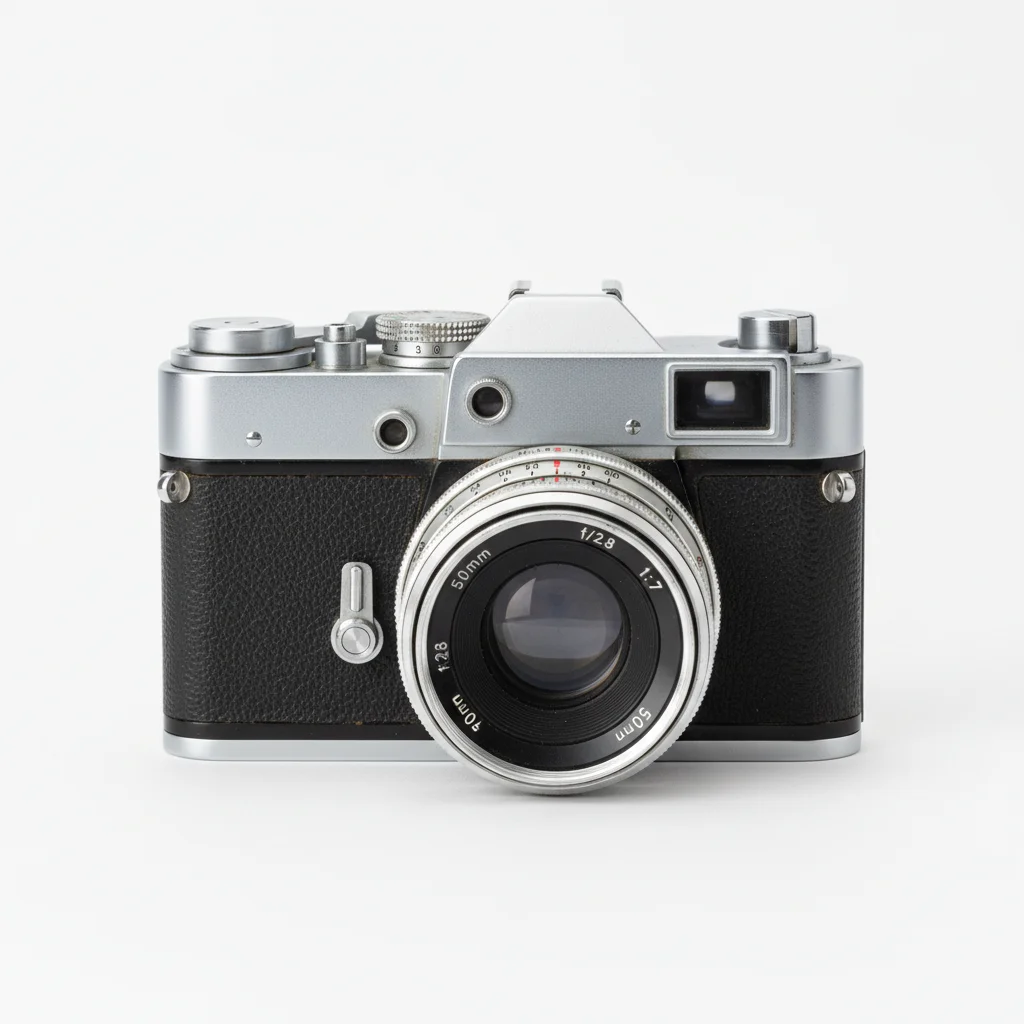
Vintage camera used as prop reference
03Result
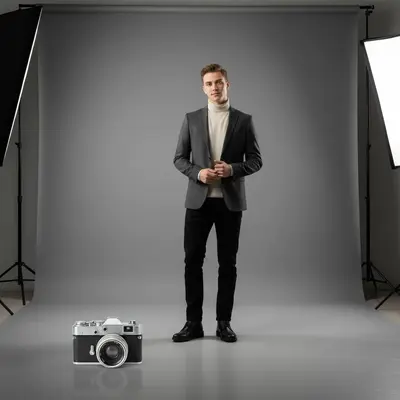
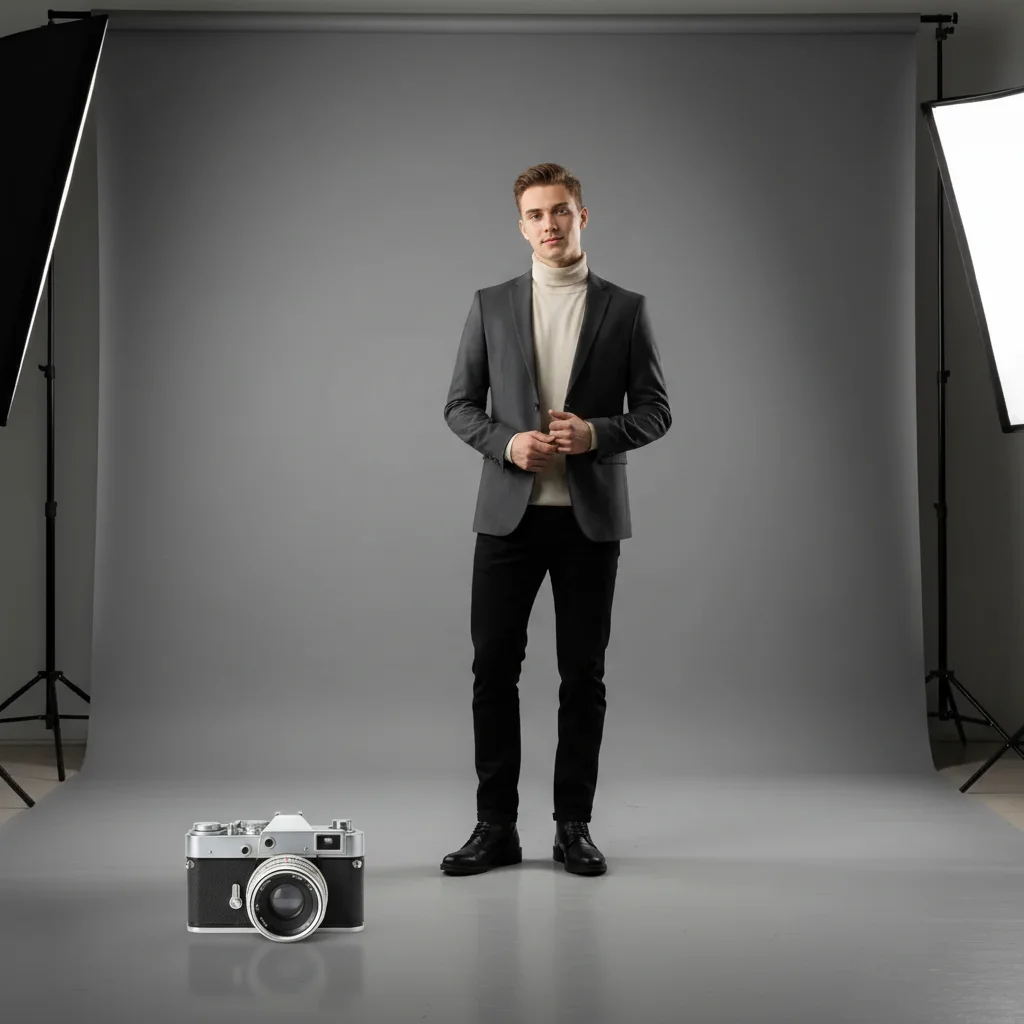
Same portrait with a vintage camera naturally placed on the studio floor

Upload photo to add prop

"add this prop from the reference photo in the lower right corner of the flat lay, matching the other items' scale and the overhead soft studio lighting"

Release to upload

50,000+photos edited
<30stypical edit
1 freeedit weekly

1 free edit·then from $4.99

How it works

  1. Upload your two photos

    Drop your main photo (the shoot you want to fix) into EditThisPic. Then click '+ Add reference photo' to upload a photo of the specific prop you want to add. The AI needs both — your scene and a clear reference of the prop — to composite it convincingly. JPG, PNG, WebP up to 7MB each.

    Expect: Most prop additions: 25-30 seconds. Unusual materials like glass or chrome may need 2 attempts.
  2. Show the AI your prop

    The reference photo is your prop blueprint — the AI reads its exact shape, color, texture, and material from this image. Any clear photo of the prop works: your own photo, a product listing image, or a supplier photo. The background in your reference doesn't matter.

    Tip: A close-up reference photo showing the full prop clearly gives the best result. The AI doesn't need to see the prop in its natural context.

    Copy one of these to get started:

    Add prop to portrait floor add this prop from the reference photo on the floor in the lower left foreground, resting naturally with a soft shadow on the studio floor, matching the diffused studio lighting
    Add prop to flat lay add this prop from the reference photo in the lower right corner of the flat lay, matching the other items' scale and the overhead soft studio lighting
    Add prop to lifestyle scene foreground add this prop from the reference photo in the foreground left of the frame, slightly out of focus to match the scene's depth of field, with natural window light from the right
    Add styled prop to tabletop add this prop from the reference image on the tabletop in the right third of the frame, upright, with warm ambient lighting matching the scene's candle-lit atmosphere
    2 more prompts
    Add prop to outdoor shoot add this prop from the reference photo in the foreground right, resting on the ground, with natural golden afternoon sunlight from the left and a soft shadow extending to the right
    Add hanging or wall-mounted prop add this prop from the reference photo mounted on the wall in the upper right area, with a subtle shadow cast below it, matching the ambient room lighting
  3. Describe placement in the scene

    Tell the AI exactly where the prop should appear: 'add this prop in the lower left corner of the frame,' 'place it on the wooden floor in the foreground,' or 'hold it at waist level on the left side.' Include orientation and how it interacts with the scene's lighting.

    Tip: For portrait photos, describe how the subject would interact with the prop: 'as if it's resting on the floor beside the person's feet.'

    Copy one of these to get started:

    Add prop to portrait floor add this prop from the reference photo on the floor in the lower left foreground, resting naturally with a soft shadow on the studio floor, matching the diffused studio lighting
    Add prop to flat lay add this prop from the reference photo in the lower right corner of the flat lay, matching the other items' scale and the overhead soft studio lighting
    Add prop to lifestyle scene foreground add this prop from the reference photo in the foreground left of the frame, slightly out of focus to match the scene's depth of field, with natural window light from the right
    Add styled prop to tabletop add this prop from the reference image on the tabletop in the right third of the frame, upright, with warm ambient lighting matching the scene's candle-lit atmosphere
    2 more prompts
    Add prop to outdoor shoot add this prop from the reference photo in the foreground right, resting on the ground, with natural golden afternoon sunlight from the left and a soft shadow extending to the right
    Add hanging or wall-mounted prop add this prop from the reference photo mounted on the wall in the upper right area, with a subtle shadow cast below it, matching the ambient room lighting
  4. Check the prop looks natural

    Verify the prop's scale fits the scene, lighting is consistent with the scene's source, and there's a natural shadow or contact point where the prop meets a surface. Props that float or glow with different light are the two most common issues to catch.

See it in action

Studio portrait with empty floor in the lower left foreground
Main Photo
Vintage camera used as prop reference
Reference
Same portrait with a vintage camera naturally placed on the studio floor
Result

Vintage camera added to a portrait session

A portrait shoot missing a key prop — AI composited a specific vintage camera from a reference photo onto the studio floor with matched diffused lighting.

Prompt: add this vintage camera from the reference photo resting on the studio floor in the lower left, lens facing forward, soft diffused studio lighting, natural floor shadow beneath it
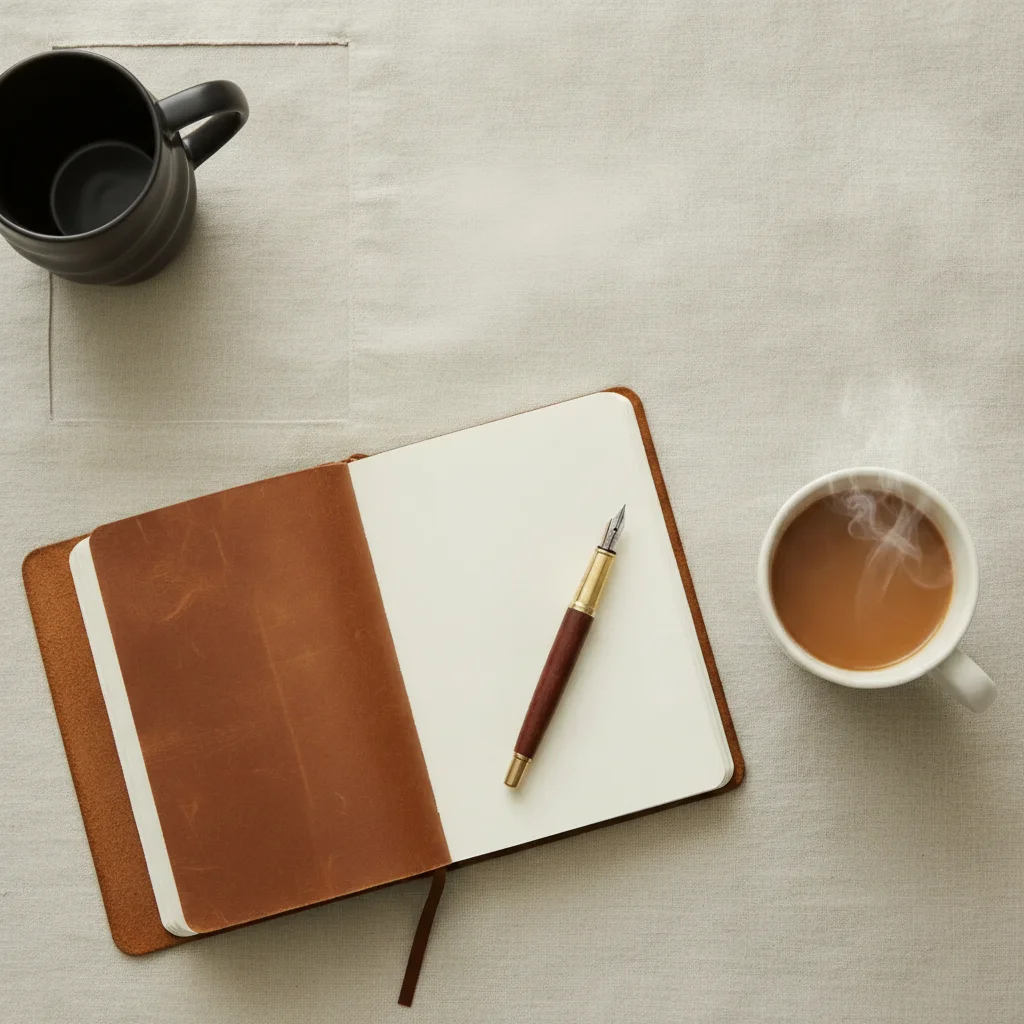
Styled flat lay with empty corner in the upper left
Main Photo
Reference image for AI Prop Adder
Reference
Same flat lay with a flower arrangement naturally placed in the upper left
Result

Floral prop added to a flat lay

A styled flat lay with a specific flower arrangement added from a reference photo, maintaining the overhead overhead diffused lighting.

Prompt: add this flower arrangement from the reference image in the upper left corner of the flat lay, overlapping the frame edge slightly, overhead diffused lighting, consistent with the other styled elements
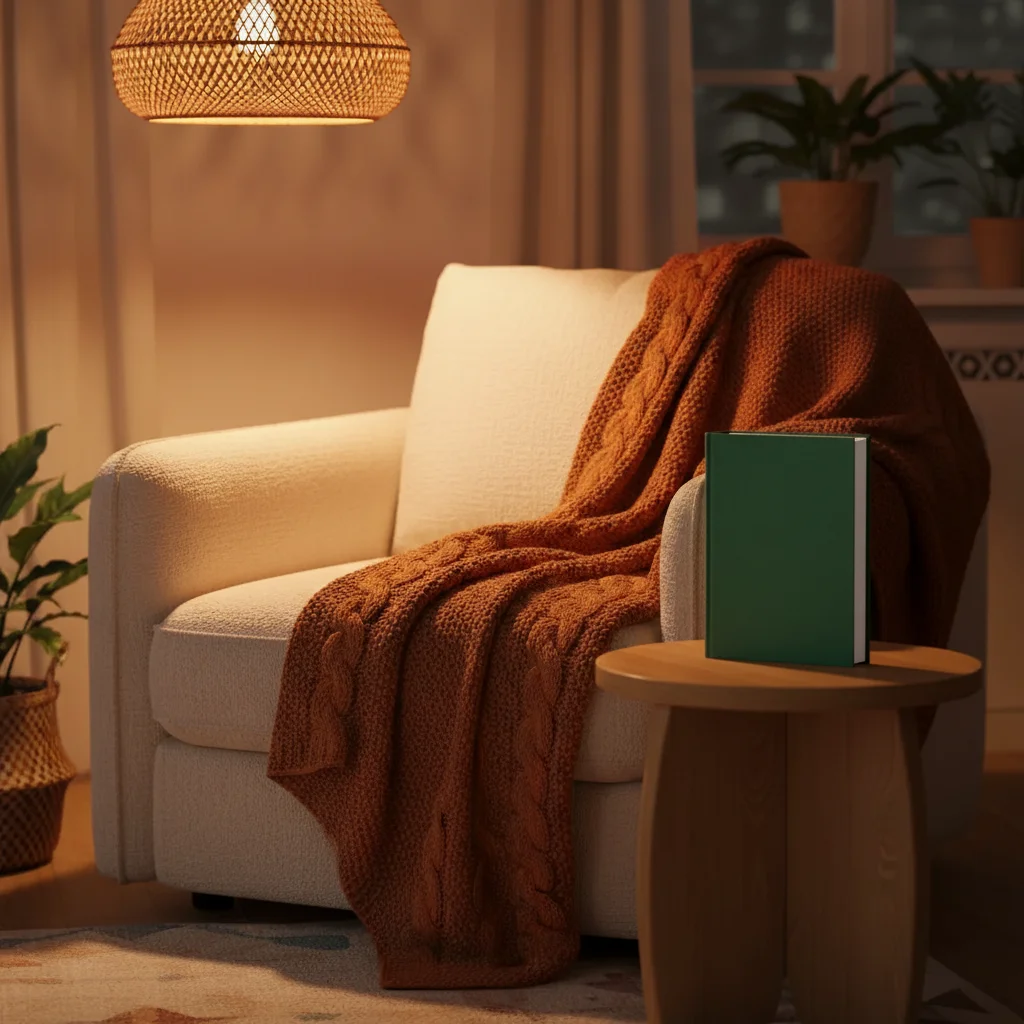
Cozy armchair vignette with empty side table
Main Photo
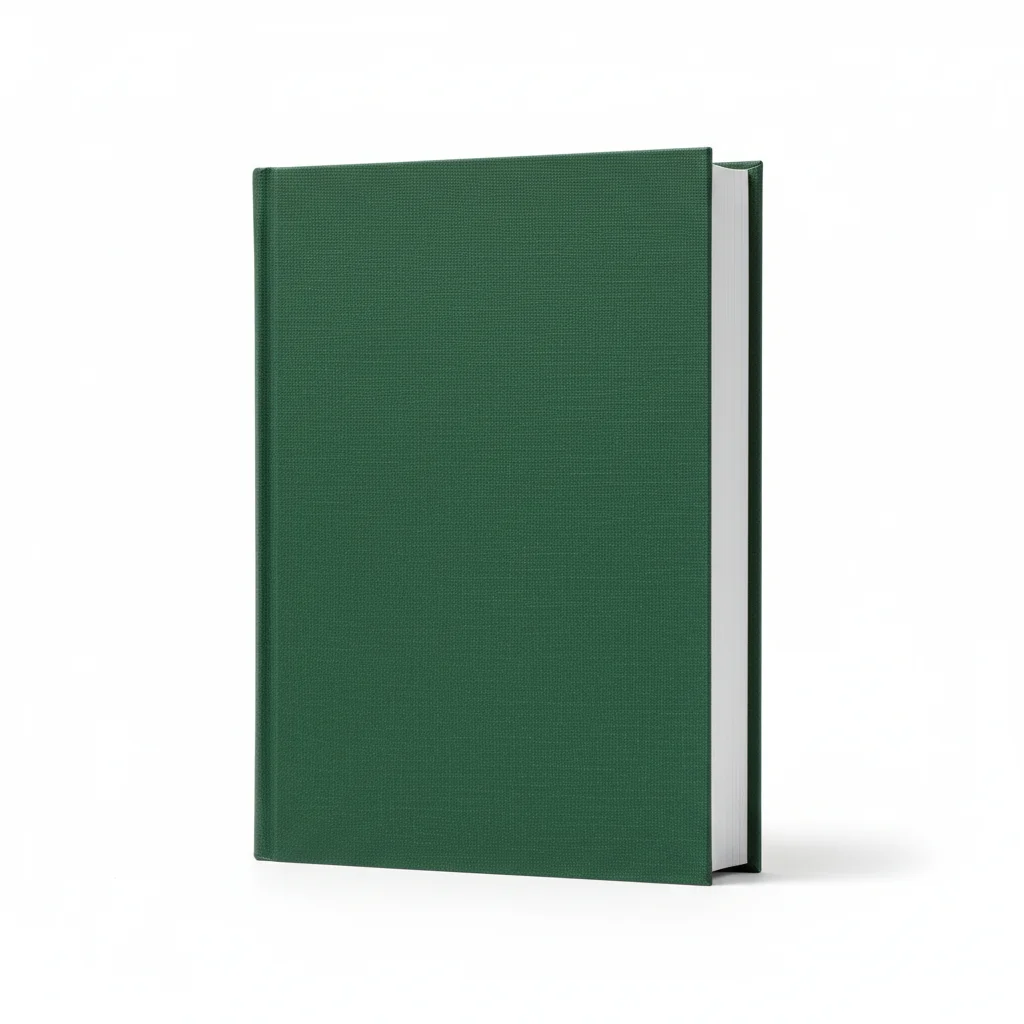
Reference image for AI Prop Adder
Reference
Same vignette with a book naturally placed on the side table
Result

Book prop added to a lifestyle vignette

A cozy lifestyle scene with a specific hardcover book added from a reference photo, positioned as a natural part of the composition.

Prompt: Add this book from the reference photo to the side table on the right. Place it so the spine is facing the camera, under warm ambient lamp lighting from above, with a subtle soft shadow below it on the wooden surface.

Quick answers

Do I need TWO photos for this?

Yes. You need your main photo (the scene or shoot) and a reference photo of the specific prop you want to add. EditThisPic extracts the prop from the reference and composites it naturally into your main scene — matching lighting, scale, and shadows. The background in your reference photo doesn't matter.

How do I add a prop to a photo for free?

Upload your main photo to EditThisPic, click '+ Add reference photo' to upload a photo of the prop, then describe the placement: 'add this prop on the floor in the lower left, matching the studio lighting.' The AI composites it in about 30 seconds. Free, no account required, no watermark.

Can I add a prop that I don't physically own?

Yes. Use any clear photo of the prop as your reference — a product listing image, a Google image, a supplier photo, or a screenshot from a website all work. The AI extracts the prop from the reference regardless of where the photo came from.

Does the prop need to match the scene's lighting in the reference photo?

No. The AI adapts the prop's lighting to match the main scene, regardless of how it was lit in the reference. You'll get better results if you describe the scene's light source in your prompt: 'matching the soft window light from the left.' The AI re-lights the prop based on your description.

Can I add multiple props to the same photo?

Yes, but for best results add one prop at a time. Add the first prop, download the result, then upload that result as your new main photo and add the second prop. This gives you the most control over each placement.

How much does EditThisPic cost?

You get 1 free edit per week — no account needed. After that, credit packs start at $1.99 for 3 edits. Monthly plans start at $4.99/mo for 20 edits with unused credits rolling over. All edits are full resolution with no watermark.

Fix your shoot — add the prop you need.

Upload both photos and describe the placement. Free, no signup required.

1 free edit included·Credit packs from $4.99