Free • No signup Add Something · Free

AI Photo Object Adder

← Browse all add & replace tools

Last updated

Add any object to a photo using a reference image — AI composites it with matched lighting and perspective in seconds. Best for inanimate objects: furniture, props, food, books, plants, accessories. If you're working with a photo that contains people with significant bare skin or swimwear, the AI safety filter may decline the edit — try a more clothed source photo or crop to focus on the surface or scene rather than the person.
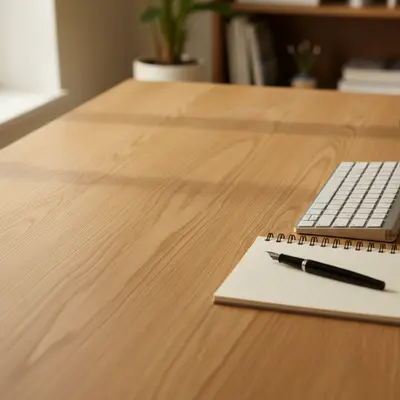
01Photo 1
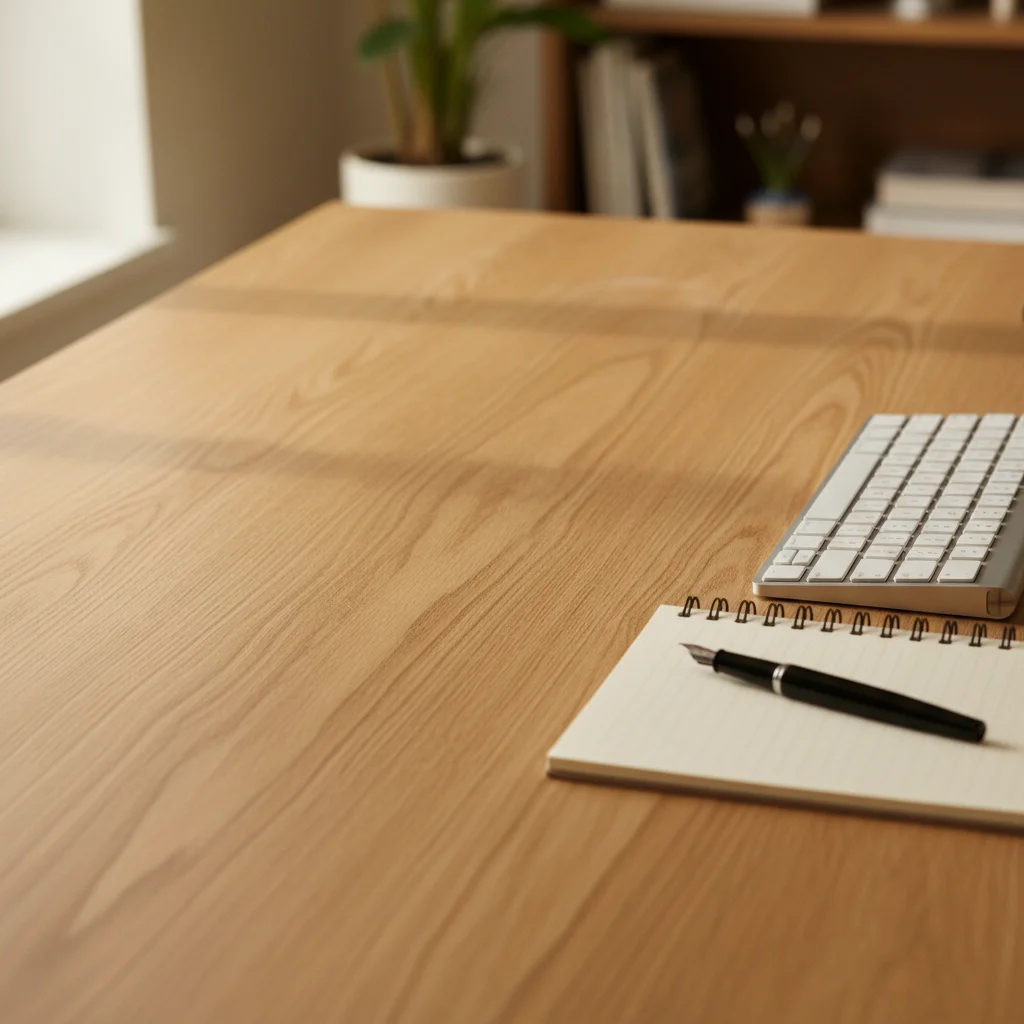
Desk with keyboard and notepad, empty space where a mug should be
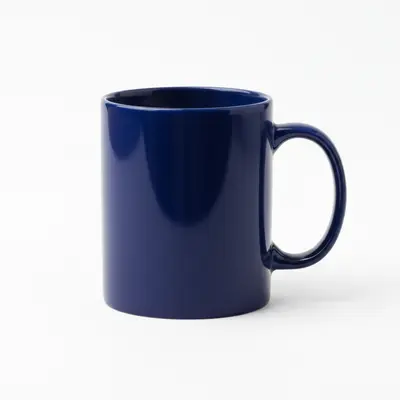
02Photo 2
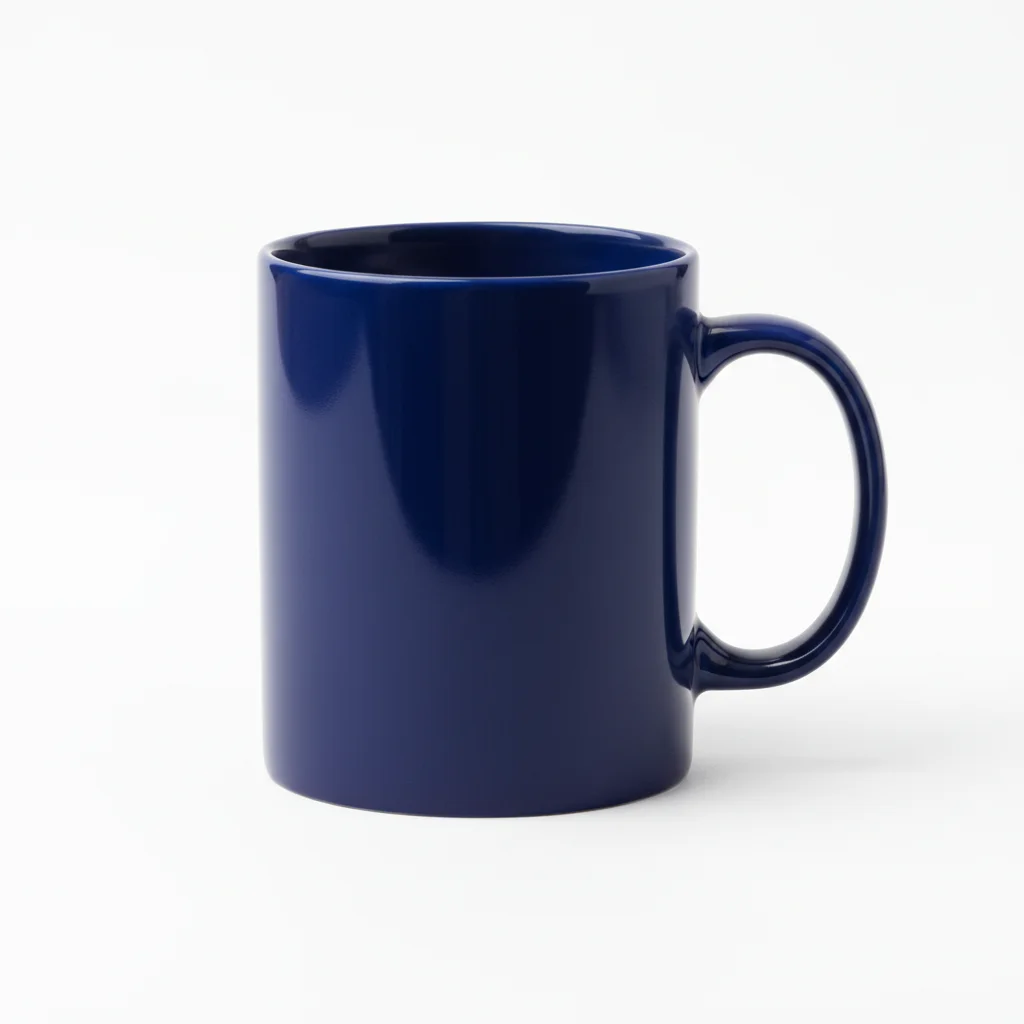
The specific mug to be added
03Result
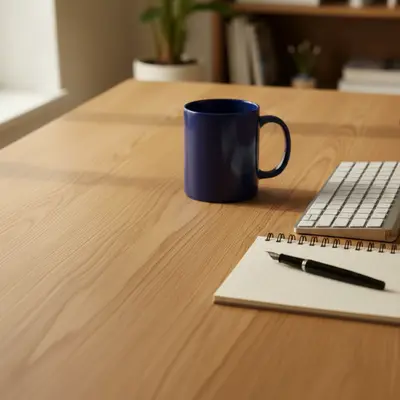
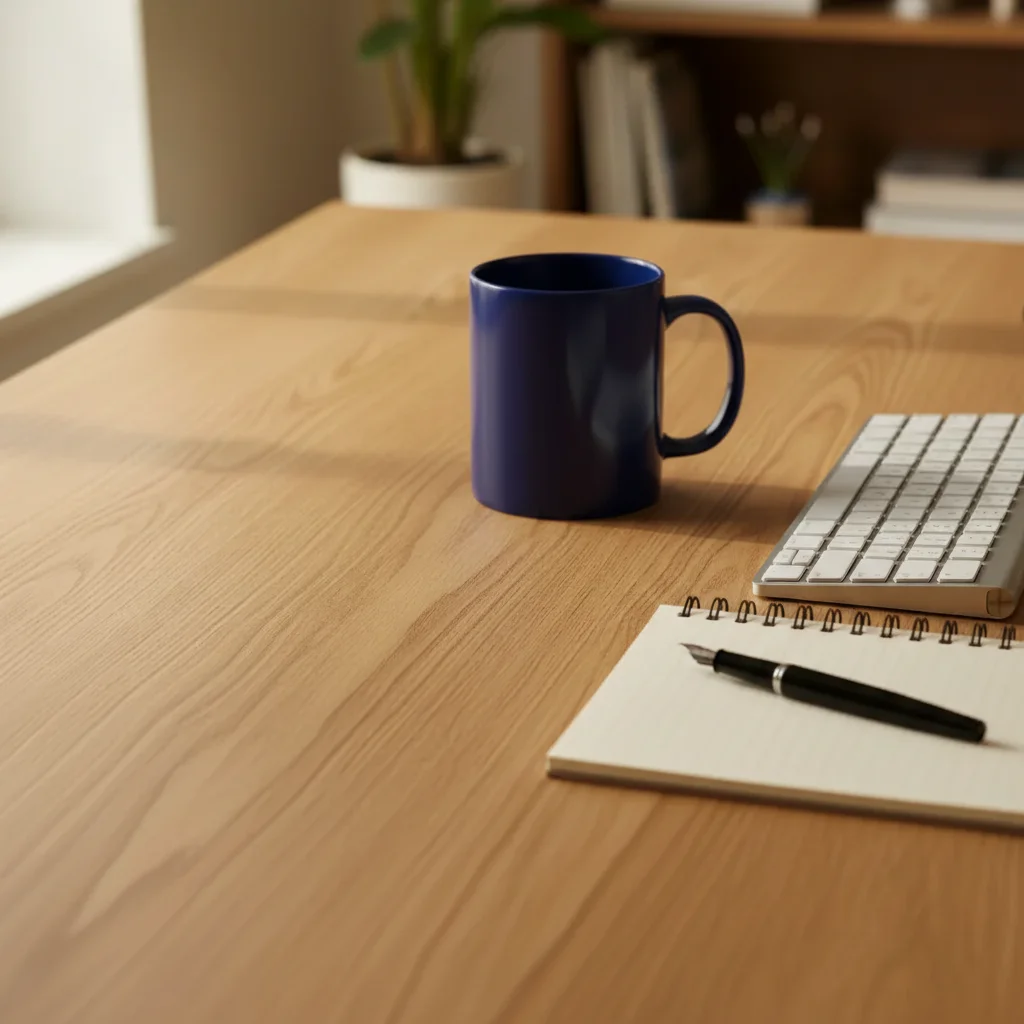
Same desk with a mug naturally added on the left side

Upload photo to add something

"add this item from the reference image on the middle shelf between the books, at the correct scale, with consistent warm lighting"

Release to upload

50,000+photos edited
<30stypical edit
1 freeedit weekly

1 free edit·then from $4.99

How it works

  1. Upload your two photos

    Drop your main scene photo into EditThisPic. Then click '+ Add reference photo' to upload a photo of the specific thing you want to add. The AI needs both photos — your scene and the reference of the object — to composite them together. JPG, PNG, WebP up to 7MB each.

    Expect: Simple object additions: 25-35 seconds. Complex scenes with unusual lighting: may need 1-2 refinements.
  2. Identify the object in your reference photo

    The reference photo tells the AI exactly what to add. It extracts just the object from your reference image — the background doesn't matter. A clear, well-lit reference photo of the specific item works best. The reference can be a product photo, a personal snapshot, or any image showing the thing you want to include.

    Tip: The closer the object fills the frame of your reference photo, the more accurately the AI captures its details.

    Copy one of these to get started:

    Add object to a surface add this object from the reference photo on the table in the center, matching the existing lighting and casting a natural shadow
    Add object to a shelf add this item from the reference image on the middle shelf between the books, at the correct scale, with consistent warm lighting
    Add element to an outdoor scene add this object from the reference photo in the foreground on the left side, with natural outdoor sunlight and a subtle shadow on the ground
    Add prop to a flat lay add this item from the reference photo in the bottom right area of the flat lay, matching the overhead lighting and clean white background
    2 more prompts
    Add object to a corner add this object from the reference photo in the empty bottom left corner, grounded on the floor, with soft ambient lighting matching the room
    Add item hanging on a wall add this item from the reference photo mounted on the wall at eye level, with a subtle cast shadow below it, matching the room's lighting
  3. Describe placement

    Tell the AI where to put it: 'add this object on the wooden table in the foreground' or 'place it in the upper right corner of the shelf.' Include position, size relative to the scene, and any orientation details.

    Tip: Mention lighting cues: 'with the same warm light as the rest of the scene' helps the AI blend naturally.

    Copy one of these to get started:

    Add object to a surface add this object from the reference photo on the table in the center, matching the existing lighting and casting a natural shadow
    Add object to a shelf add this item from the reference image on the middle shelf between the books, at the correct scale, with consistent warm lighting
    Add element to an outdoor scene add this object from the reference photo in the foreground on the left side, with natural outdoor sunlight and a subtle shadow on the ground
    Add prop to a flat lay add this item from the reference photo in the bottom right area of the flat lay, matching the overhead lighting and clean white background
    2 more prompts
    Add object to a corner add this object from the reference photo in the empty bottom left corner, grounded on the floor, with soft ambient lighting matching the room
    Add item hanging on a wall add this item from the reference photo mounted on the wall at eye level, with a subtle cast shadow below it, matching the room's lighting
  4. Generate and review

    Check that the added object's scale looks right relative to other elements, the lighting direction matches, and the edges blend naturally with the background. Look for consistent shadows where the object meets the surface.

See it in action

Desk with keyboard and notepad, empty space where a mug should be
Main Photo
The specific mug to be added
Reference
Same desk with a mug naturally added on the left side
Result

Mug added to a workspace photo

A clean desk shot missing a key prop — AI composited a specific mug from a reference photo onto the desk surface with correct shadow and warm indoor lighting.

Prompt: add this mug from the reference photo on the left side of the desk next to the keyboard, casting a natural shadow on the desk surface, warm indoor lighting
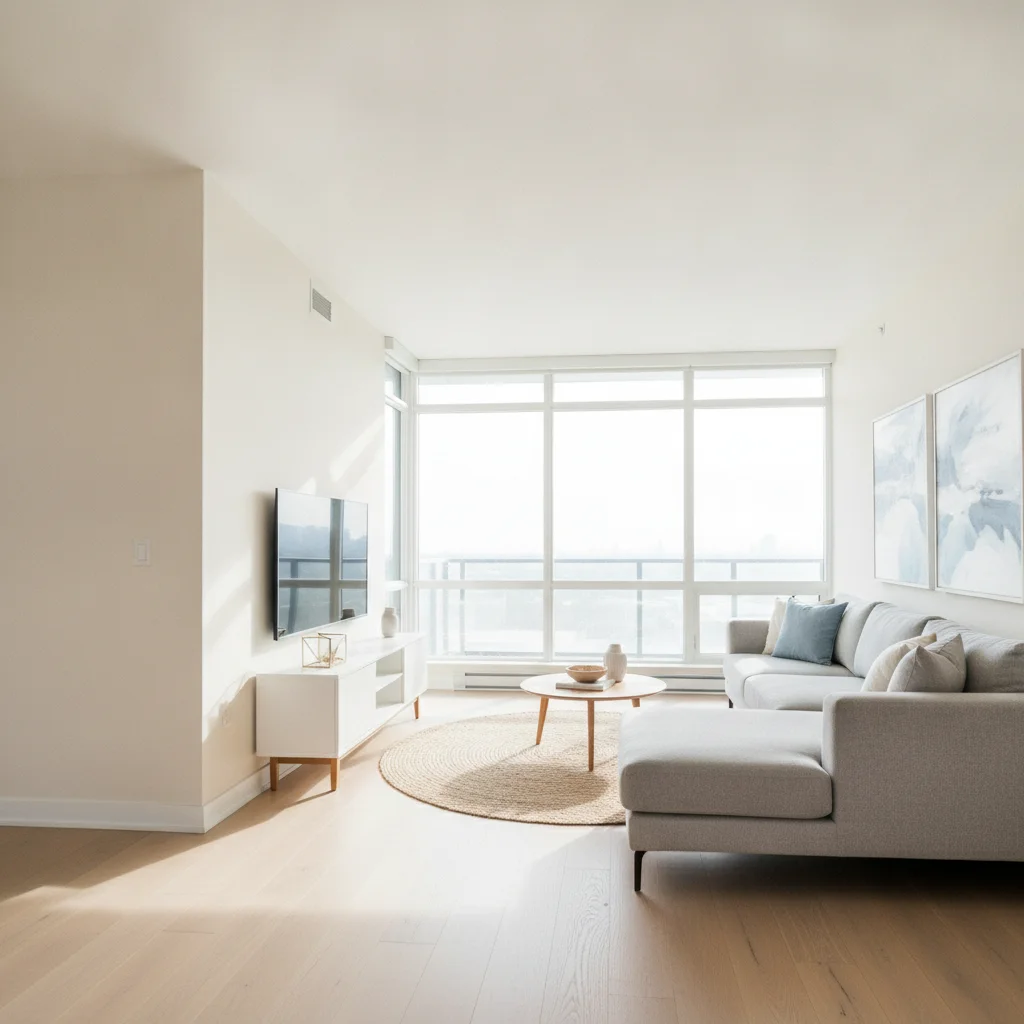
Living room with an empty corner
Main Photo
Reference image for AI Photo Object Adder
Reference
Same living room with a potted plant naturally placed in the corner
Result

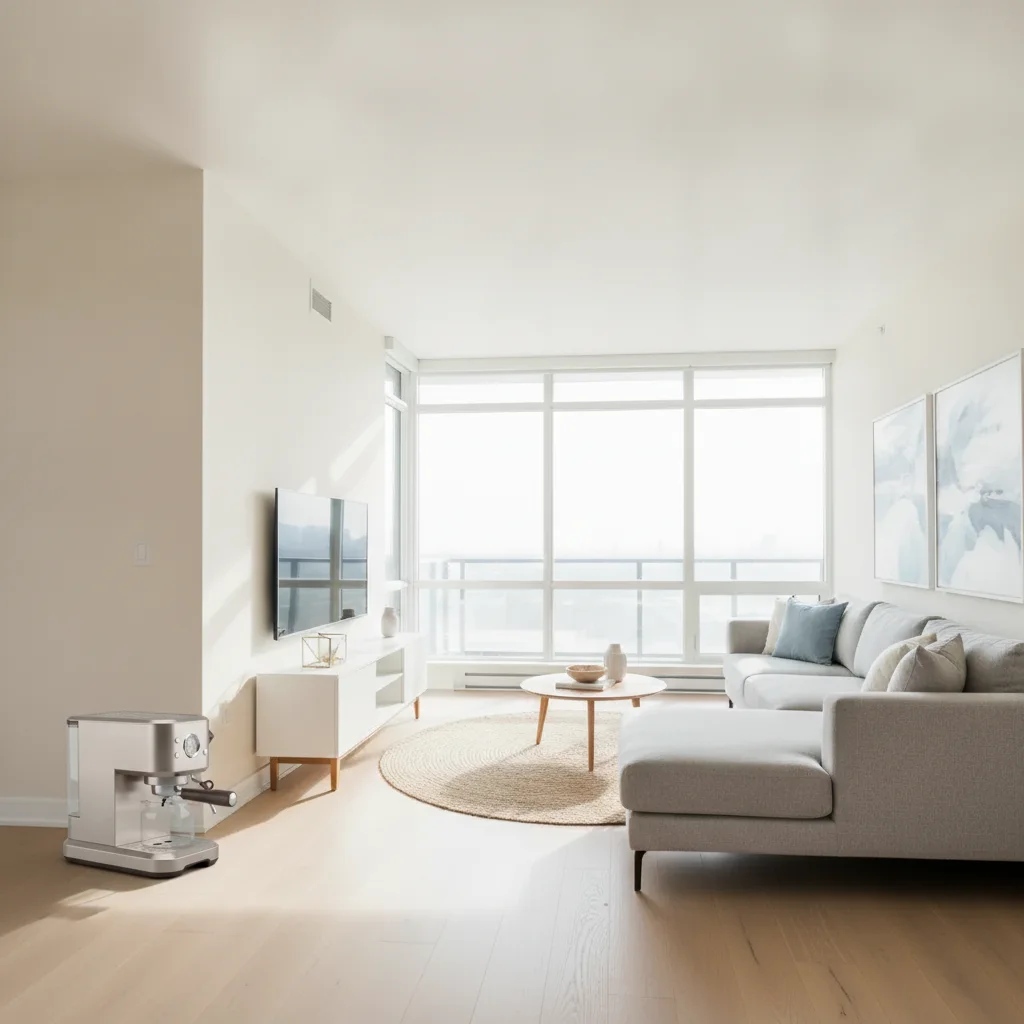
Plant added to an interior corner

An empty living room corner transformed by adding a specific potted plant from a reference photo, with matched natural daylight.

Prompt: add this potted plant from the reference photo to the empty corner on the left, grounded on the floor, with natural daylight lighting matching the room
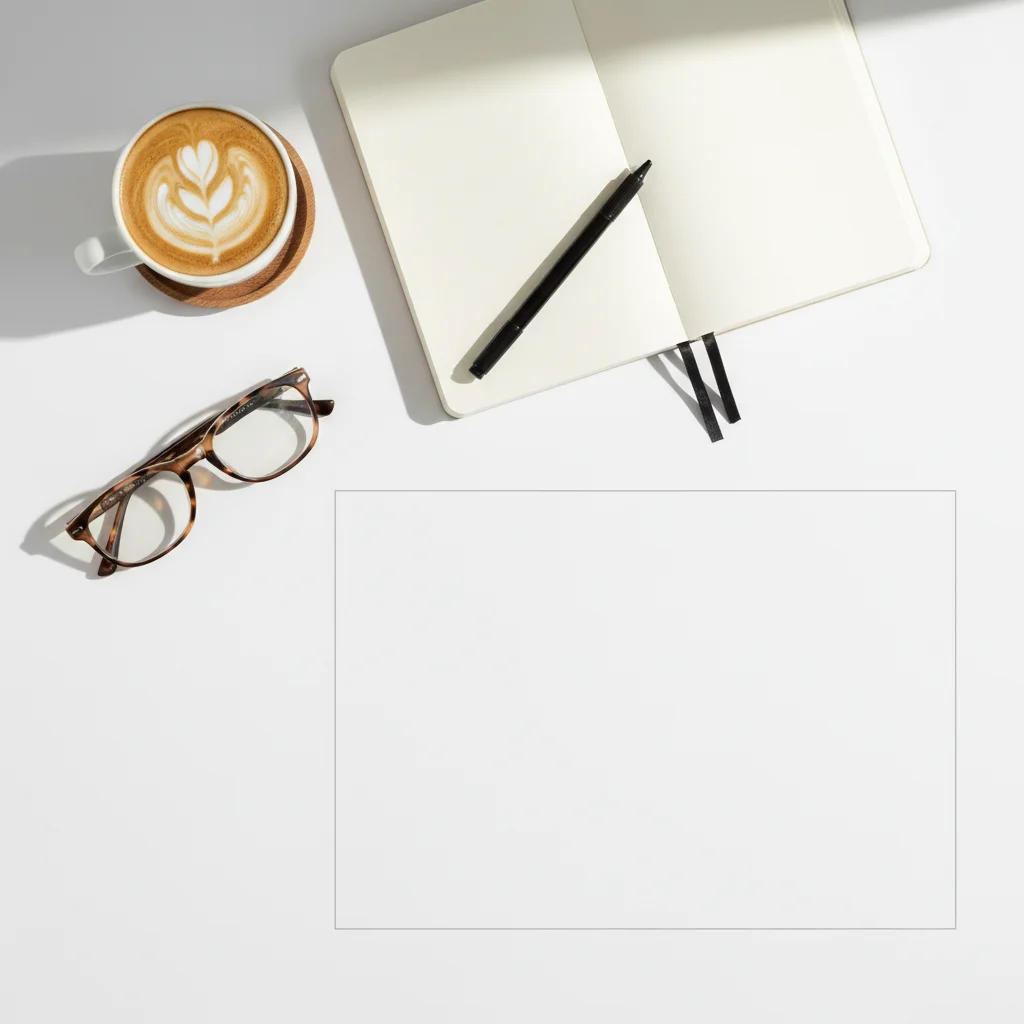
Flat lay arrangement with an empty space at the bottom right
Main Photo
Reference image for AI Photo Object Adder
Reference
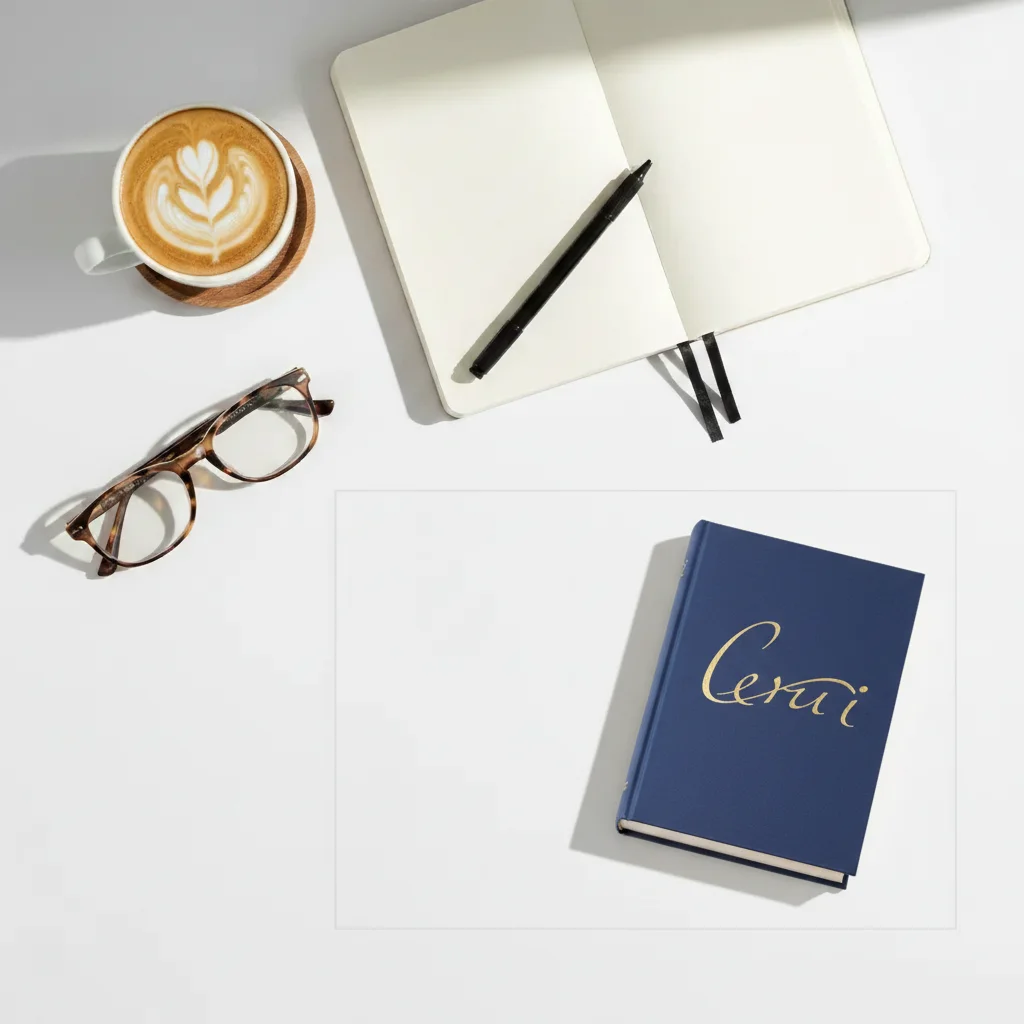
Same flat lay with a book added in the bottom right corner
Result

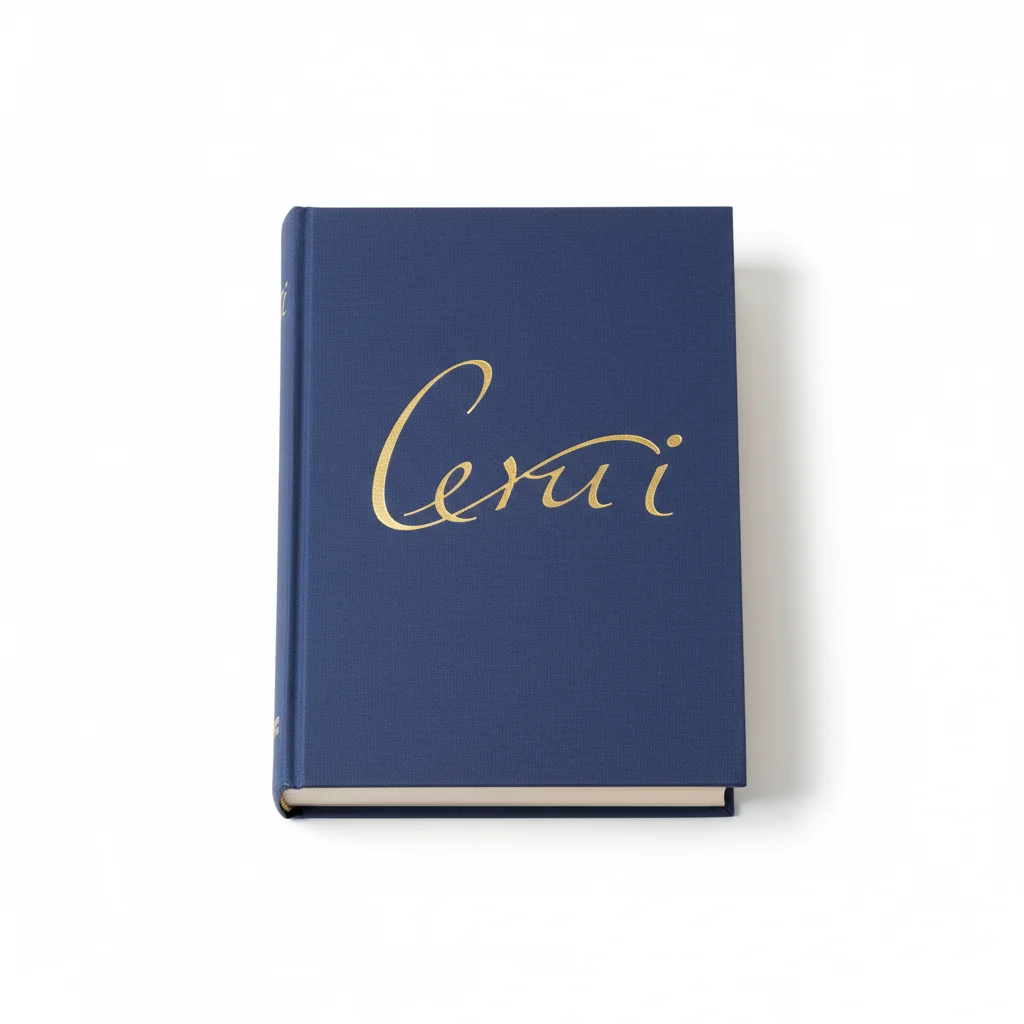
Book added to a flat lay arrangement

A styled flat lay with a specific book added from a reference photo, maintaining the overhead lighting and clean aesthetic.

Prompt: add this book from the reference photo to the bottom right area of the flat lay, spine facing up, matching the overhead soft white lighting

Quick answers

Do I need TWO photos for this?

Yes. This is a two-photo tool. Upload your main photo (the scene you want to edit) and a second reference photo of the specific thing you want to add. EditThisPic extracts the object from the reference photo and composites it into your main scene with matched lighting and perspective.

How do I add something to a photo for free?

Upload your main photo to EditThisPic, click '+ Add reference photo' to upload a photo of the thing you want to add, then describe the placement: 'add this on the table in the center.' The AI composites it in about 30 seconds. Free, no account required, no watermark on the result.

Does the reference photo background matter?

No. The AI extracts just the object from your reference photo — the background is ignored. A cluttered or colorful background in your reference is fine. However, a clean high-contrast background makes extraction more accurate, especially for objects with complex edges.

Can I add something to a photo without Photoshop?

Yes. EditThisPic is designed for this exact task without any design skills. Instead of manual layer masking and blending in Photoshop (which can take hours), you upload both photos and describe what you want. The AI handles extraction, scaling, lighting match, and blending automatically in about 30 seconds.

What kinds of objects can I add to a photo?

Almost anything: furniture, props, plants, food items, clothing accessories, electronic devices, books, tools, decorative items, vehicles in backgrounds, and more. The AI performs best with solid physical objects. Very transparent or reflective items (like glass or mirrors) may need 2-3 attempts for natural results.

How much does EditThisPic cost?

You get 1 free edit per week — no account needed. After that, credit packs start at $1.99 for 3 edits. Monthly plans start at $4.99/mo for 20 edits with unused credits rolling over. All edits are full resolution with no watermark.

Ready to add something to your photo?

Upload both photos and describe what you want. Free, no signup required.

1 free edit included·Credit packs from $4.99