Free • No signup Add Person · Free

AI Add Person to Picture

← Browse all body & person tools

Last updated

Add a specific person to any picture using a reference image — AI handles lighting, scale, and blending automatically.

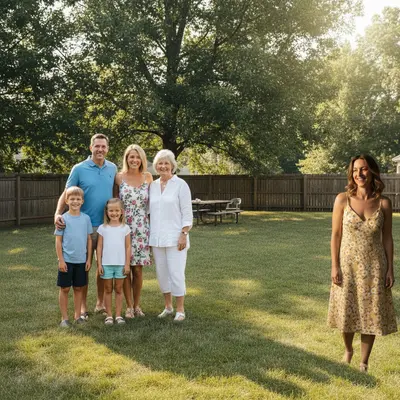
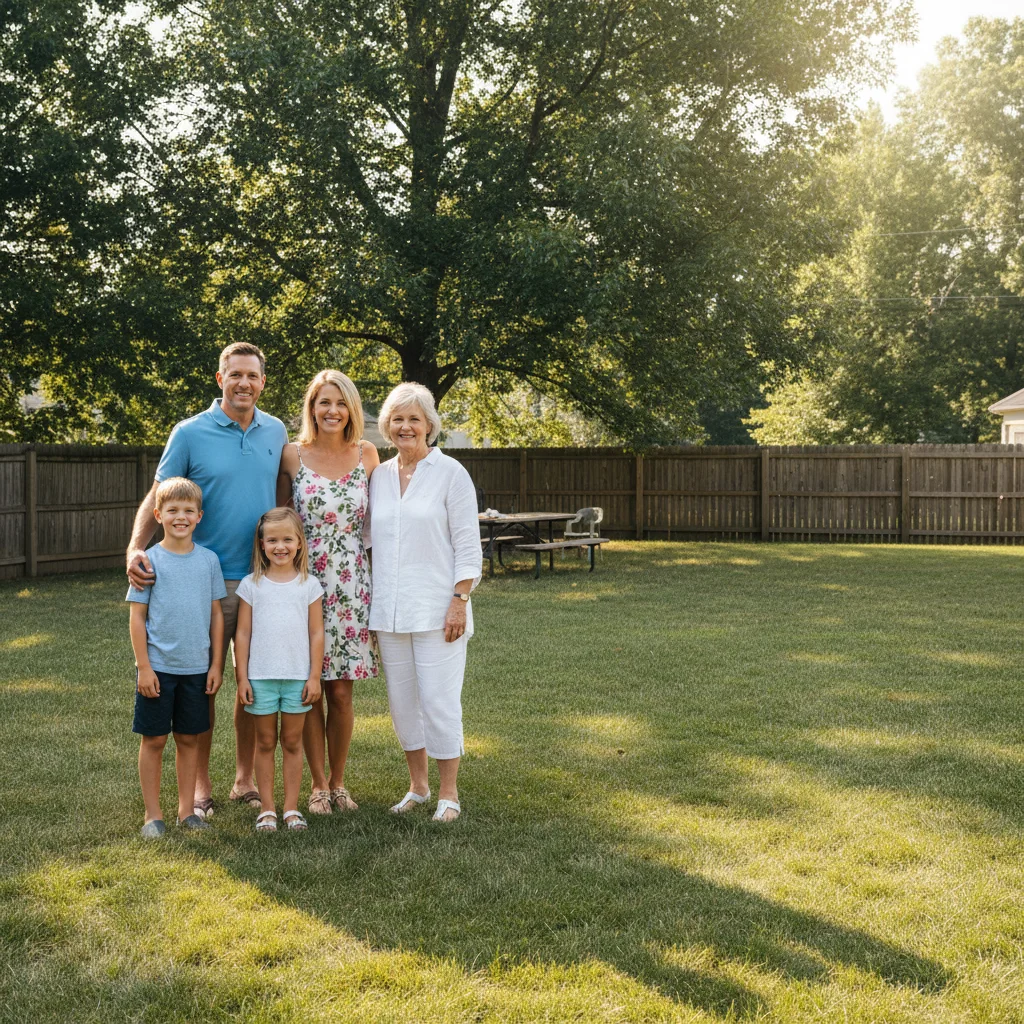
01Photo 1
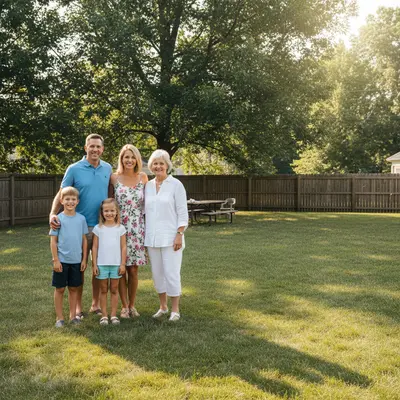
Outdoor family reunion picture with gap at right end of lineup
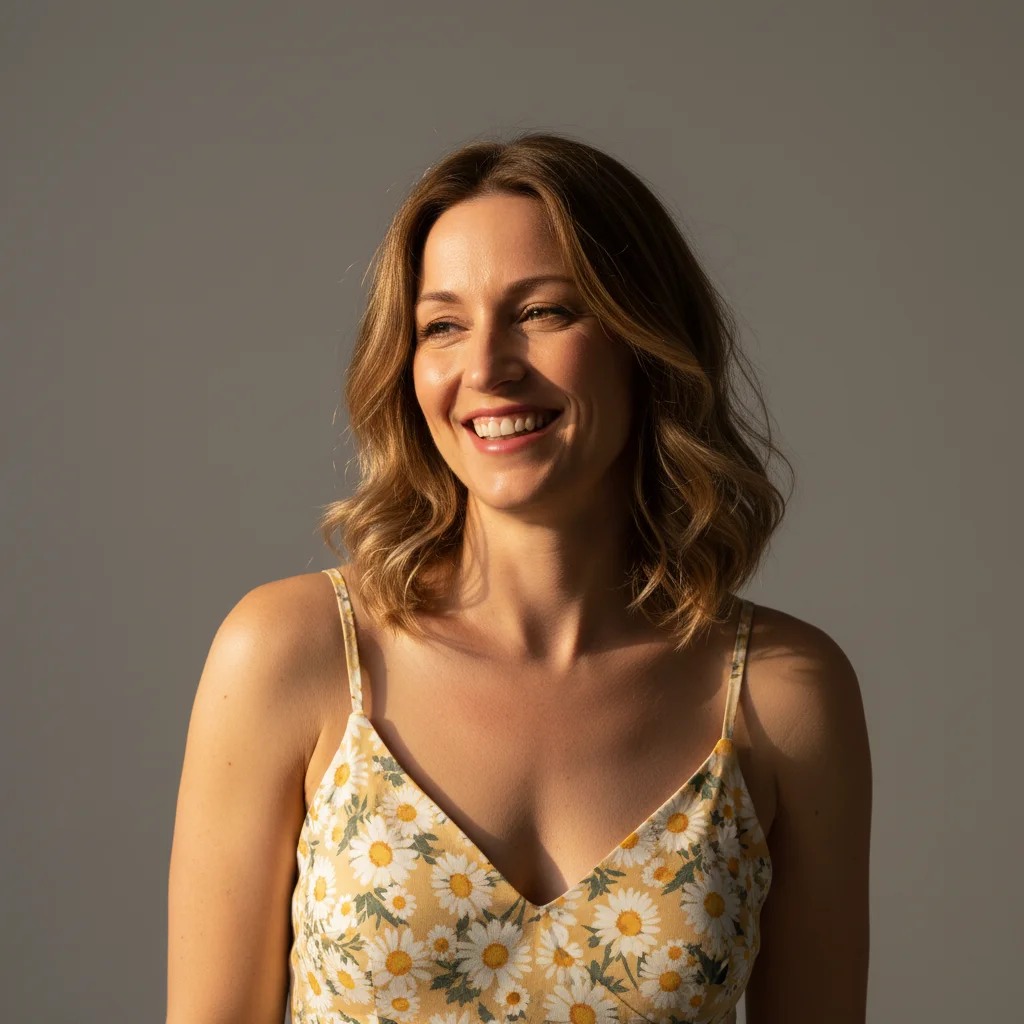
02Photo 2
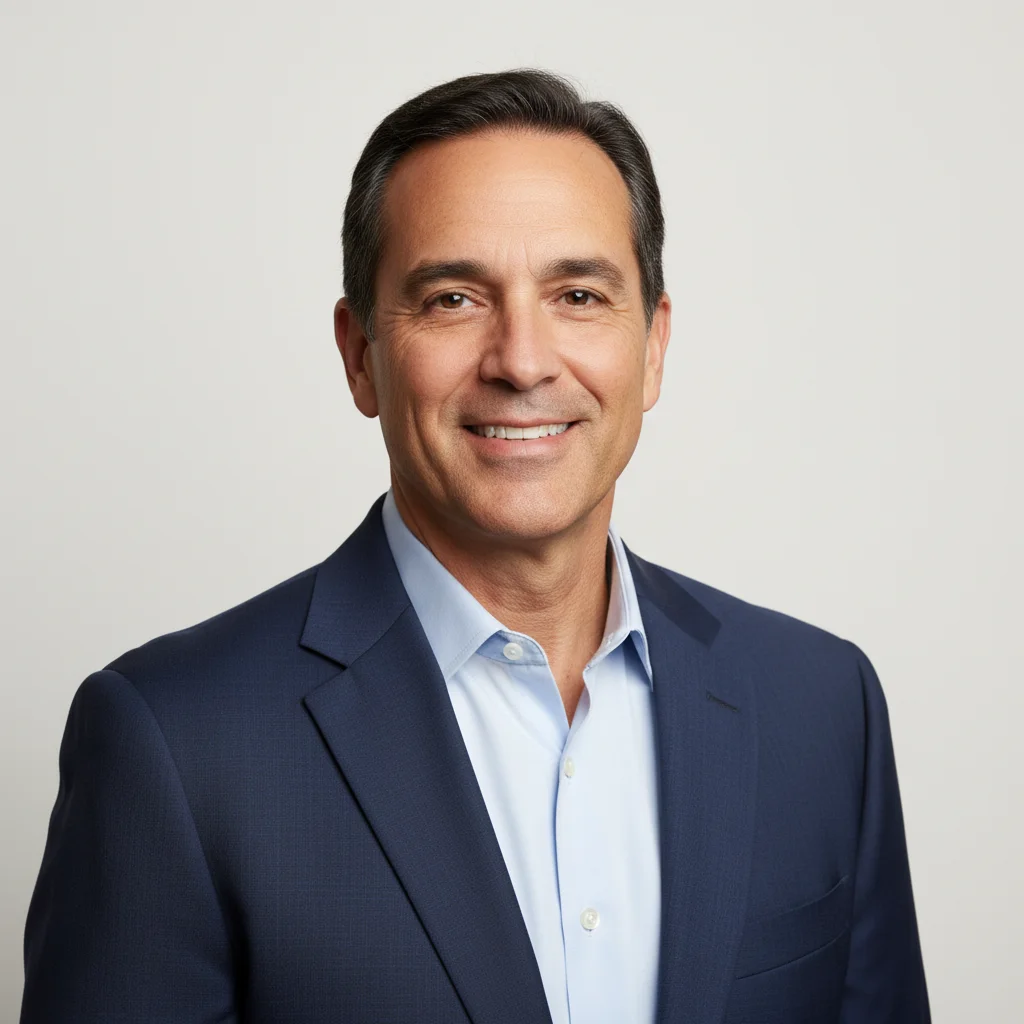
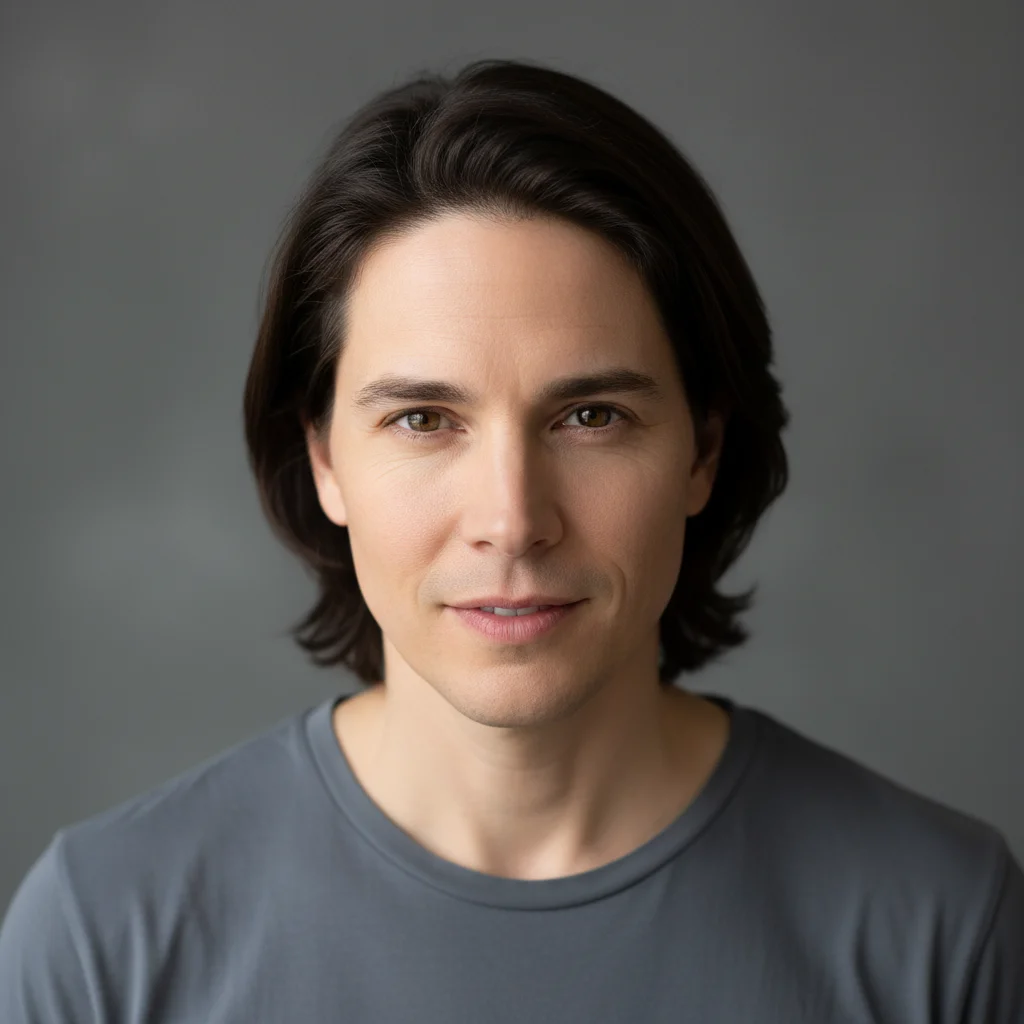
Portrait photo of the relative to add
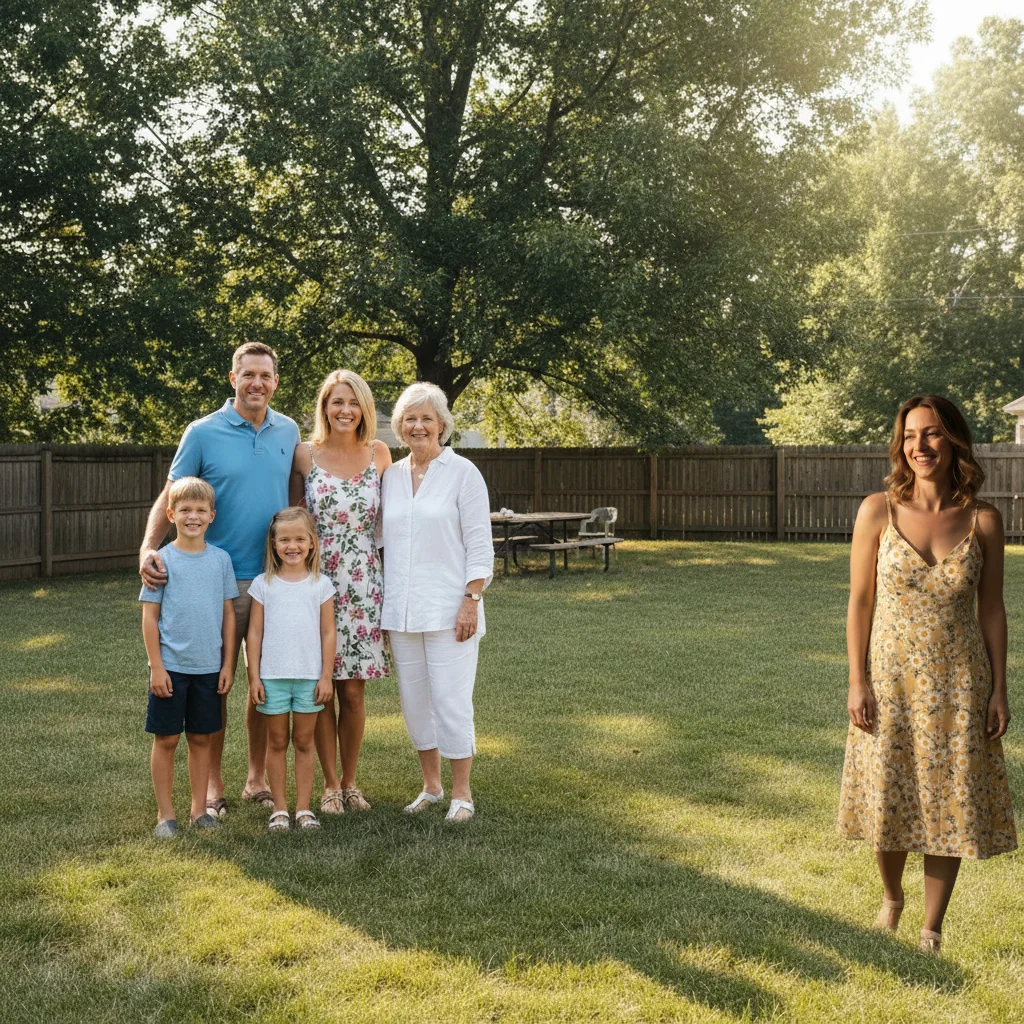
03Result
Complete reunion picture with the relative added at the right

Upload photo to add person

"add this person at the right end of the formal group lineup, wearing a dark suit matching the other men, same professional pose with hands clasped, studio lighting"

Release to upload

1 free edit·then from $4.99

Popular use cases:
  • add person to group picture
  • add missing family member to picture
  • composite picture together
  • add person using reference image
  • family picture editing
  • add deceased loved one to picture
  • memorial picture creation

1Your photo
+
2Reference
=
Result
Group picture with a gap in the lineup Your picture
Portrait of the person to be added Reference
Complete picture with the person added Result

"Add this person standing next to the group on the right"

Cost
Free No signup required
Time
Instant results in 15-30 seconds
Works on
Any device - browser, phone, tablet, desktop
Powered by
AI-powered photo editing

How it works

  1. Upload your two photos

    Drop your main picture into EditThisPic — the scene you want to modify. Then click '+ Add reference photo' below the prompt box to upload a photo of the specific person you want to add. This two-photo setup is required for the AI to composite a real person rather than generating a generic one.

    Expect: JPG, PNG, WebP up to 7MB each. Pictures with clear space for the person work best.
  2. Describe the person's position

    Type where and how you want them placed: 'add this person standing on the right side of the group, matching the formal attire and studio lighting.' Be specific about position, pose direction, and clothing if the scene has a dress code.

    Tip: For formal events, describe the clothing specifically: 'wearing a dark suit similar to the men in the photo' rather than just 'matching attire.'

    Copy one of these to get started:

    Add person to a family picture add this person standing on the right side of the family group, scale to match the others, blending naturally with matching warm indoor lighting
    Add person to a formal group picture add this person at the right end of the formal group lineup, wearing a dark suit matching the other men, same professional pose with hands clasped, studio lighting
    Add person to an outdoor photo add the person from the reference photo standing on the left side of the group, casual clothing matching the outdoor summer scene, natural sunlight, shadow beneath them
    Add person to a memorial picture add this person standing gently behind the family group, peaceful warm expression, soft indoor lighting matching the scene, naturally blended
    2 more prompts
    Add person to a vacation picture add this person standing next to the couple on the right side, casual travel clothing, bright sunny outdoor light, appropriate ground shadow
    Add person to a school picture add this person at the right end of the school class lineup, wearing similar school uniform or casual attire, matching the neutral indoor lighting
  3. Generate and inspect

    Check that the added person's height is proportional to others at the same depth in the picture, lighting direction matches, and edges blend cleanly into the background. Most results look natural in 30-45 seconds.

See it in action

Outdoor family reunion picture with gap at right end of lineup
Main Photo
Portrait photo of the relative to add
Reference
Complete reunion picture with the relative added at the right
Result

Person added to family reunion picture

A family reunion photo with a gap in the lineup — AI added the missing relative using a reference portrait, matching the casual attire and outdoor afternoon lighting.

Prompt: add this person from the reference photo to the right end of the family group so they're standing with everyone else.
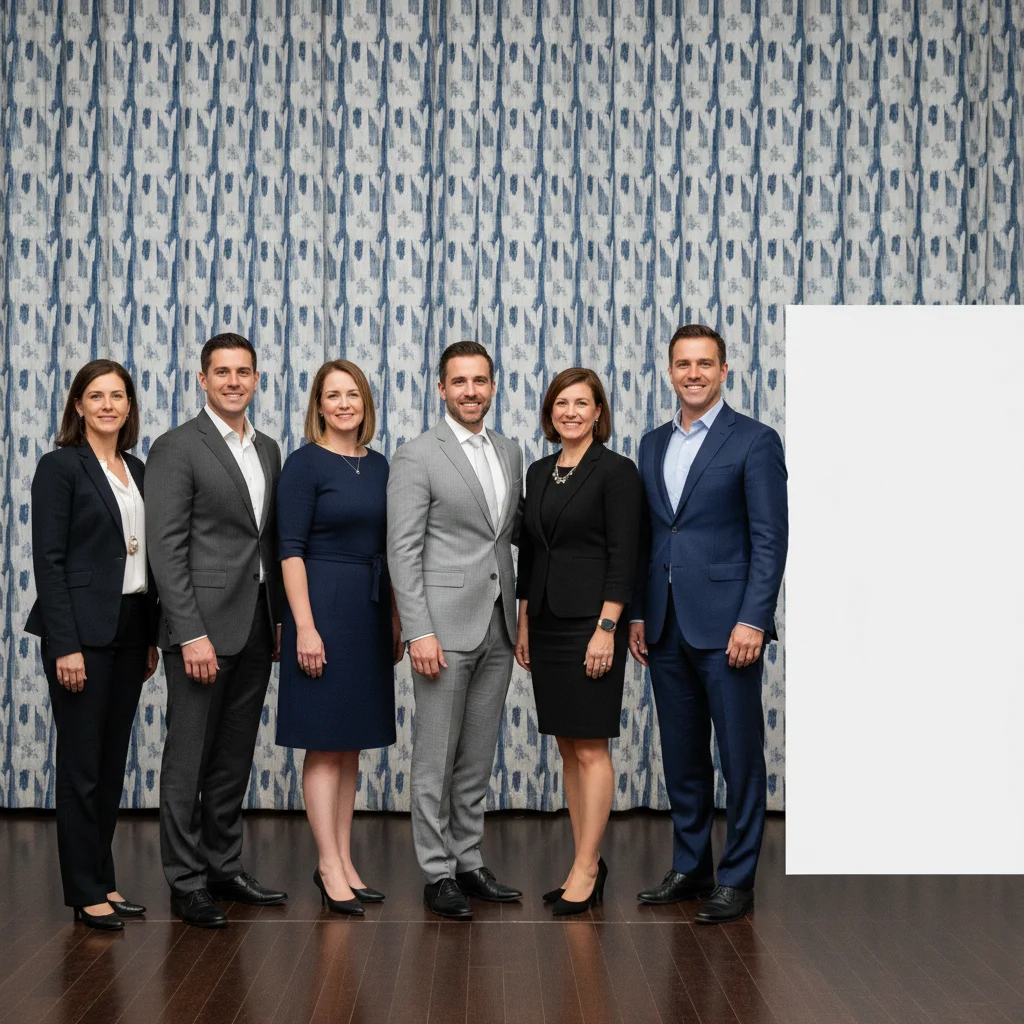
Conference group picture with gap at right end
Main Photo
Reference image for AI Add Person to Picture
Reference
Complete conference picture with the missing person added
Result

Person added to a work conference picture

A work team conference photo missing one speaker — AI added them to the end of the standing row using a professional headshot reference.

Prompt: Add this person from the reference photo to the right end of the conference group. Make sure their navy blazer fits in with the professional attire of the others and adjust for the neutral conference hall lighting.

Holiday family picture with an empty chair in the front row
Main Photo
Reference image for AI Add Person to Picture
Reference
Complete holiday picture with the person seated in the empty chair
Result

Person added to holiday family picture

A holiday gathering picture missing an elderly grandparent — AI added them seated in the front row using a reference photo, matching the warm indoor holiday lighting.

Prompt: add this person seated in the front row on the left, wearing comfortable holiday attire, with a warm gentle smile, matching the warm indoor Christmas lighting

If something looks off

Shadow direction is inconsistent

Why: The AI composited the person with default lighting rather than matching the scene's light source.

Try: add this person with lighting from the left matching the other subjects, with a consistent shadow falling to the right

Tip: Identify the exact light direction in your picture and describe it explicitly

Person's face looks different from the reference

Why: Low-resolution or side-profile reference photos reduce facial feature accuracy.

Try: add this person from the reference photo, preserving their exact facial likeness and features

Tip: A front-facing or three-quarter angle reference photo at reasonable resolution gives the best likeness

Blending looks artificial around the person

Why: Edge rendering didn't adapt well to the background complexity at that position.

Try: blend this person naturally into the picture with seamless edges and no visible compositing artifacts

Tip: Adding 'seamlessly blended edges, no harsh cutout lines' to the prompt guides better edge handling

Clothing doesn't match the scene

Why: The AI used the reference clothing which may not fit the scene's formality.

Try: add this person wearing formal clothing matching the event style in the picture

Tip: Be specific: 'wearing a dark formal suit matching the other men' rather than general 'formal attire'

Quick answers

Do I need TWO photos for this?

Yes — adding a specific person requires two photos. First, upload your main picture (the scene you want). Then click '+ Add reference photo' to upload a photo of the person you want to add. The AI reads the reference to identify the real person, then composites them into your main picture with matched lighting and scale.

How do I add a person to a picture for free?

Upload your main picture to EditThisPic, click '+ Add reference photo' to upload the person, then describe where to place them: 'add this person standing on the right side of the group.' The AI composites them in about 30 seconds. Completely free, no account or signup, no watermark.

Can I add a person to a picture without Photoshop?

Yes. EditThisPic handles all the technical compositing automatically. You just upload two photos and describe the placement in plain language. No masking, no layer management, no design experience needed. Results in about 30 seconds.

Can I add a deceased person to a family picture?

Yes. Upload a reference photo of your loved one, then describe where you'd like them placed in the family picture. The AI preserves their likeness while matching the scene's lighting. Many families use this for memorial portraits, holiday cards, and complete family pictures.

Will the added person look realistic?

When done well, yes. The AI automatically matches lighting direction, scale, and edge blending. The best results come from: using a well-lit reference photo, placing the person in a natural spot (edges of groups work best), and describing clothing that fits the scene. Complex or unusual lighting may need 2-3 refinements.

How much does EditThisPic cost?

You get 1 free edit per week — no account needed. After that, credit packs start at $1.99 for 3 edits. Monthly plans start at $4.99/mo for 15 edits with unused credits rolling over. All edits are full resolution with no watermark.

Ready to add a person to your picture?

Upload your two photos, describe placement. Free, no signup.

1 free edit included·Credit packs from $4.99