Insert Someone into a Photo
Last updated
Insert anyone into your photo using a reference image — AI composites them in with natural lighting, correct scale, and seamless blending.
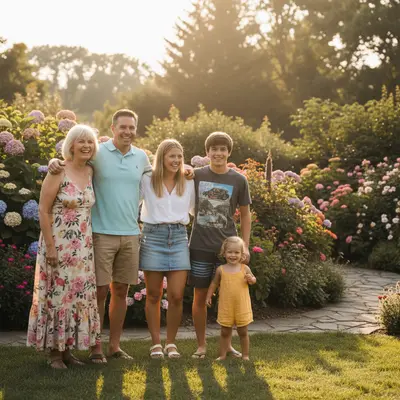
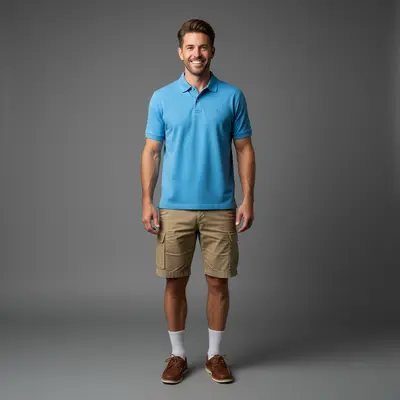
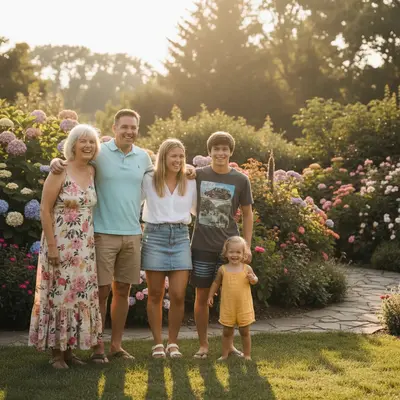
Upload photo to insert someone
"insert this person at the end of the wedding party lineup, wearing formal attire matching the others, same pose and outdoor lighting"
Free to try · no sign-up · never used for AI training
Release to upload
How it works
See it in action
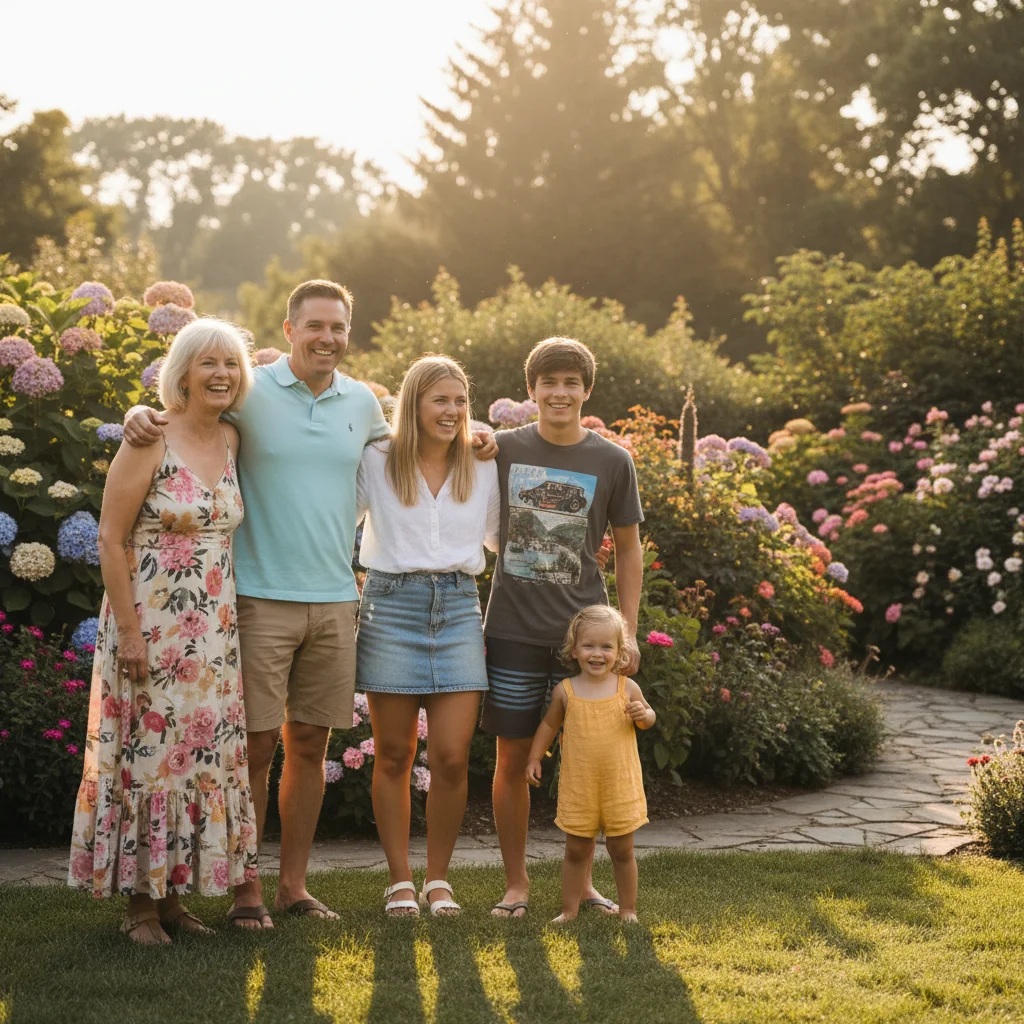
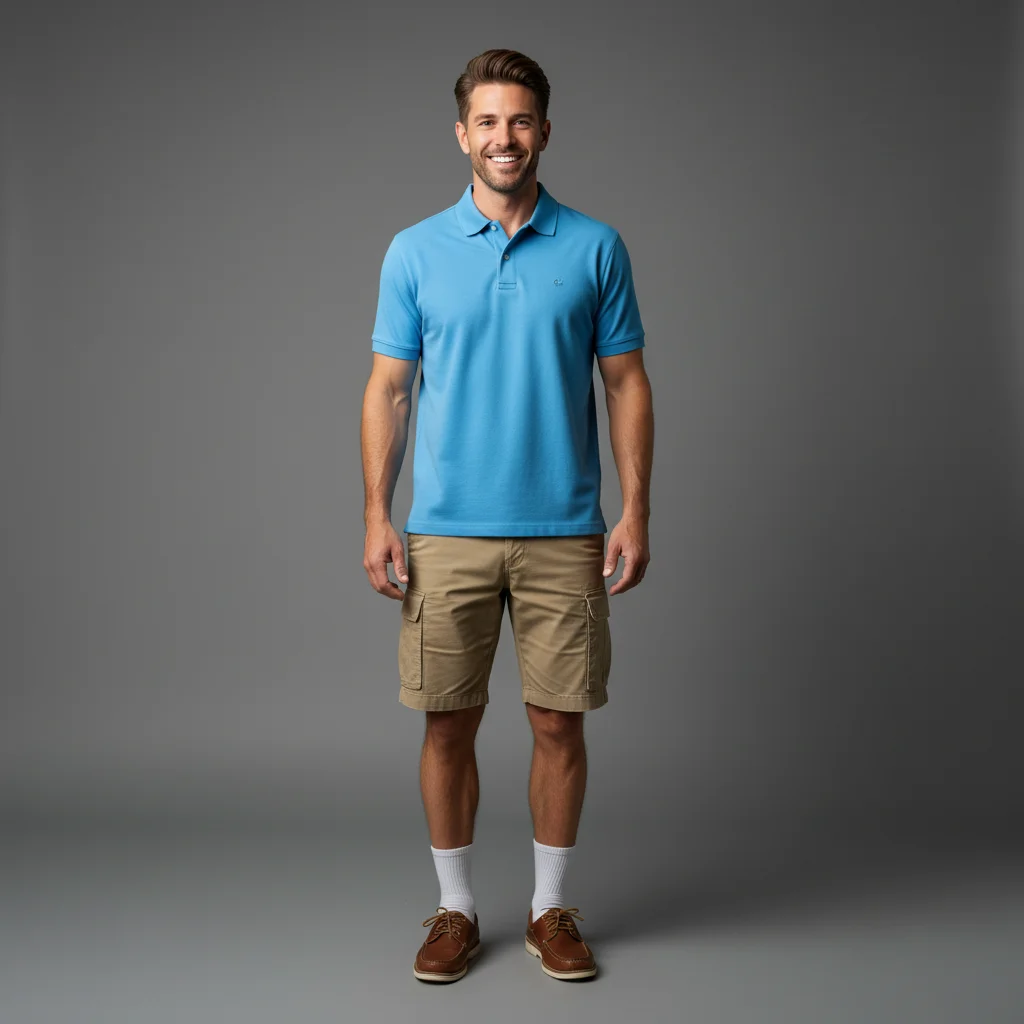
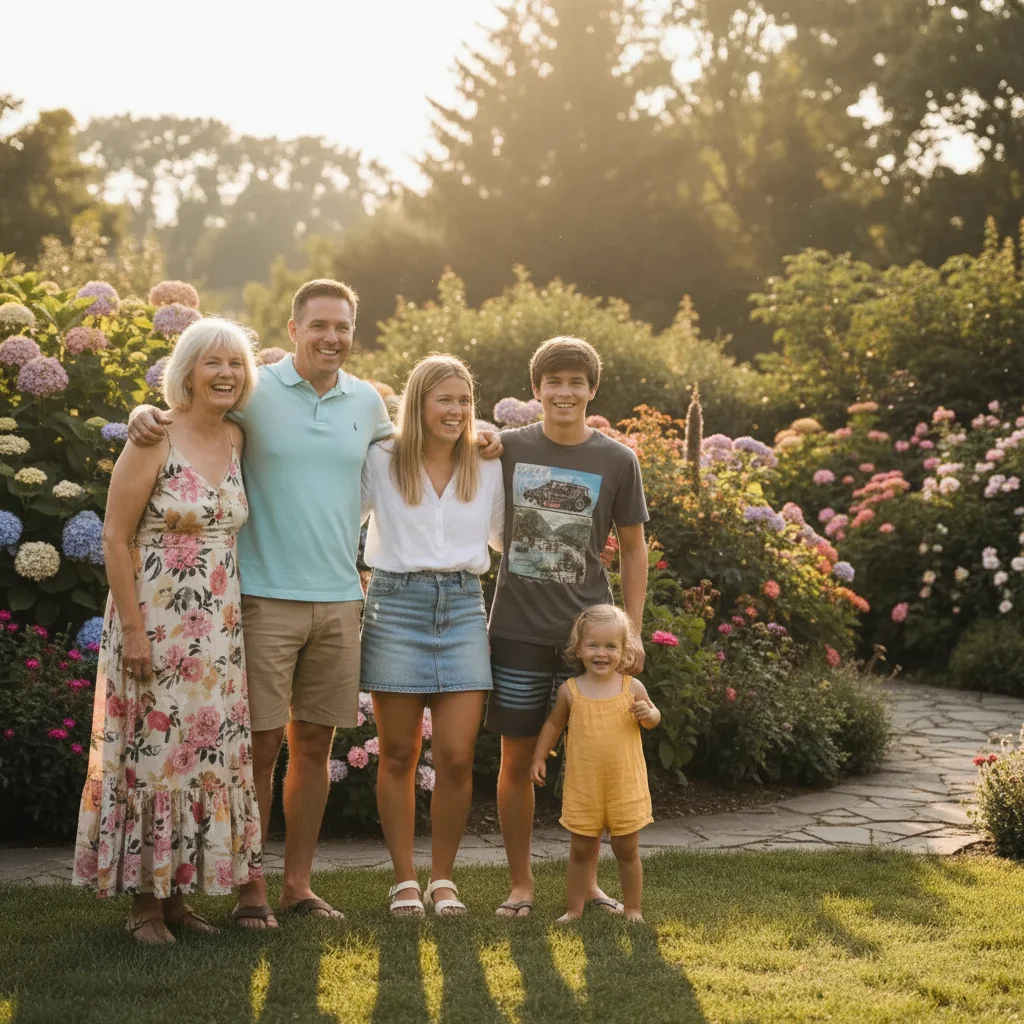
Missing person inserted into reunion photo
A family reunion with a gap at the end of the lineup — AI inserted the missing relative using a reference portrait, matching casual summer attire and bright outdoor lighting.
insert this person from the reference photo standing at the right end of the family lineup. Match their lighting to the bright afternoon sunlight and add natural shadows consistent with the rest of the group.
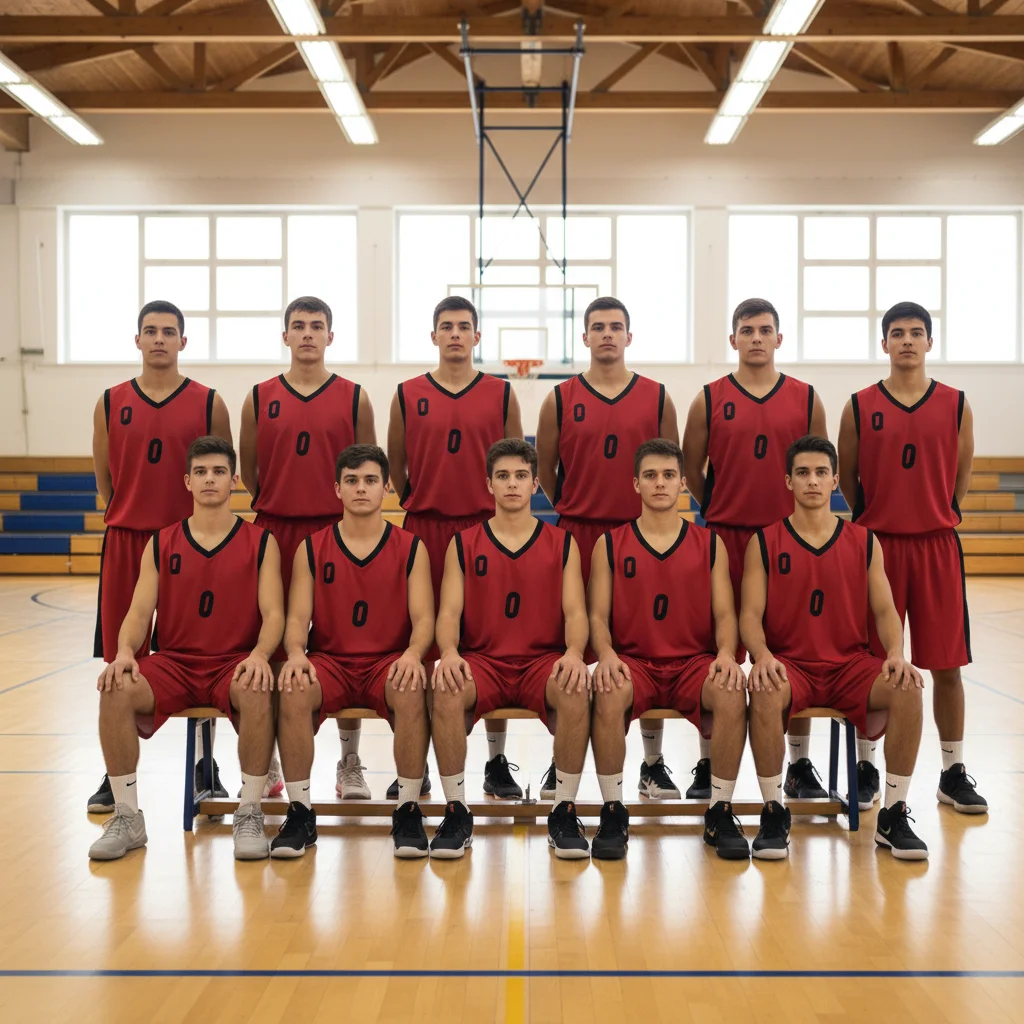
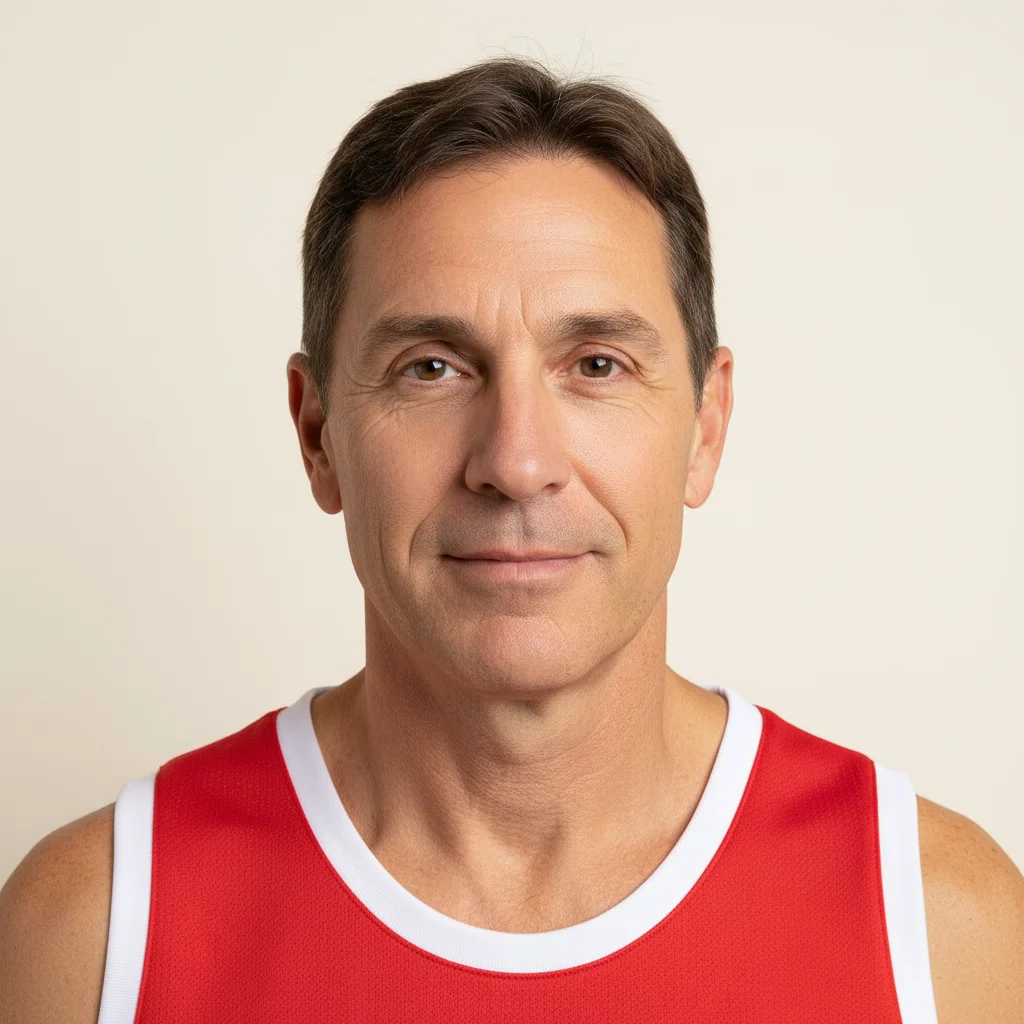
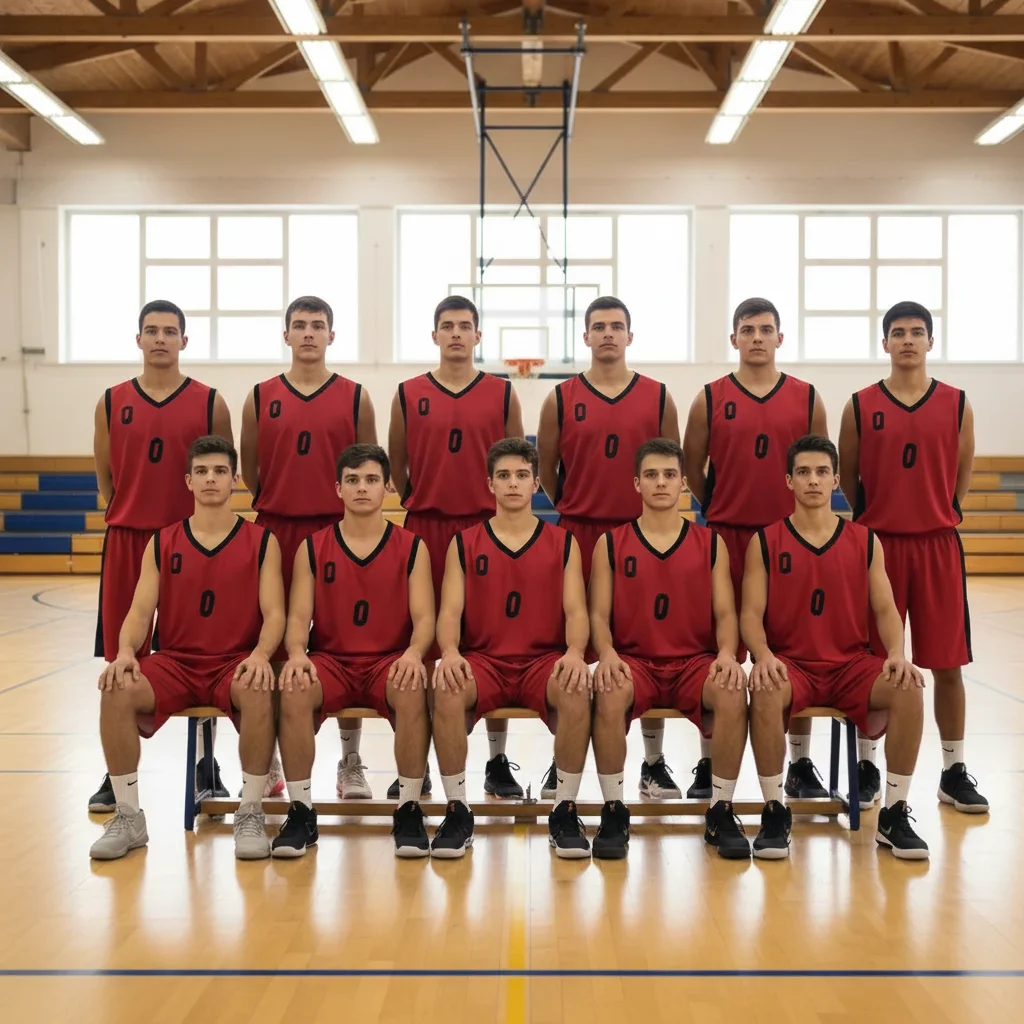
Teammate inserted into sports team photo
A basketball team photo where one player missed picture day — AI inserted them into the lineup using a reference photo, wearing the matching red jersey.
insert this person from the reference photo at the right end of the basketball team lineup. Match the lighting to the bright indoor gym.
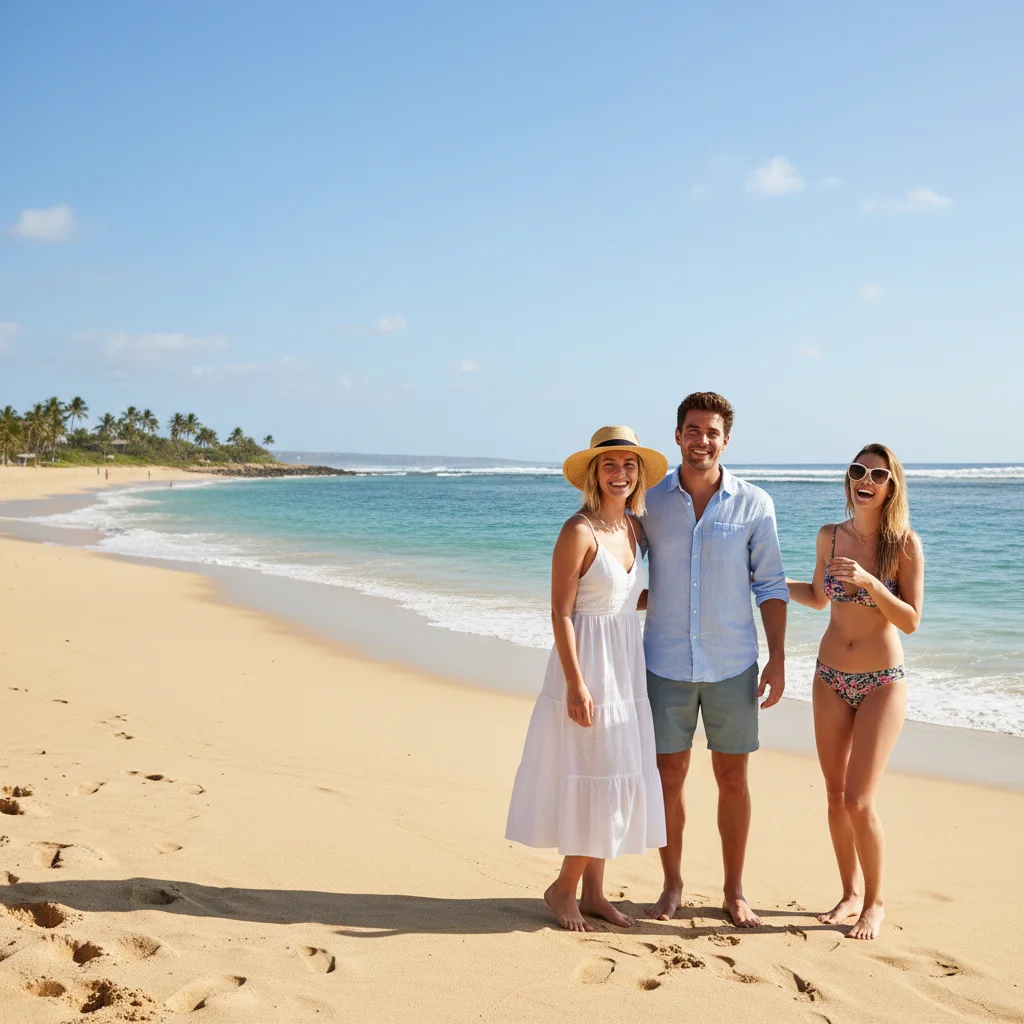
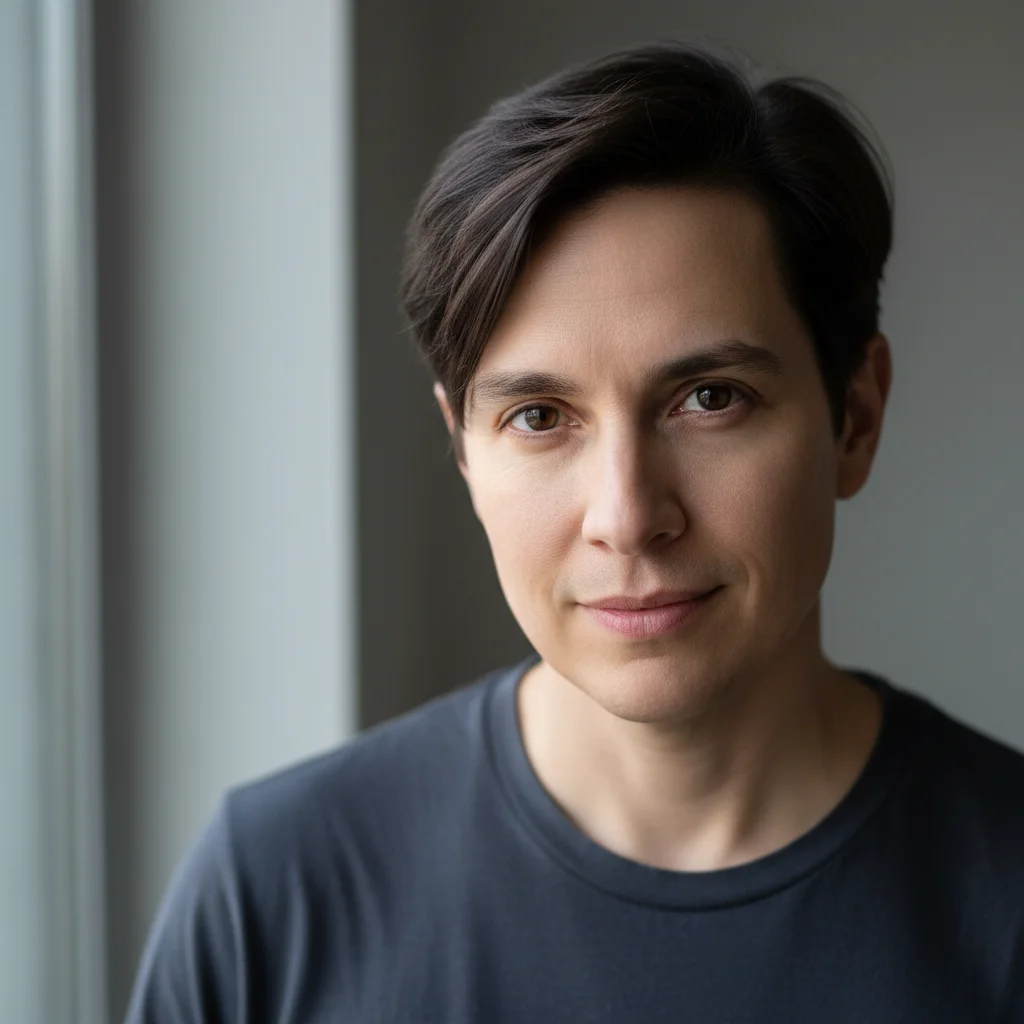

Friend inserted into travel group photo
A travel group shot with a friend who had to leave early — AI inserted them next to the couple in the foreground using a reference photo, matching the beach vacation setting.
insert this person standing to the left of the couple in the foreground, casual beach vacation clothing, bright sunny outdoor light, natural ground shadow
More before-and-after examples
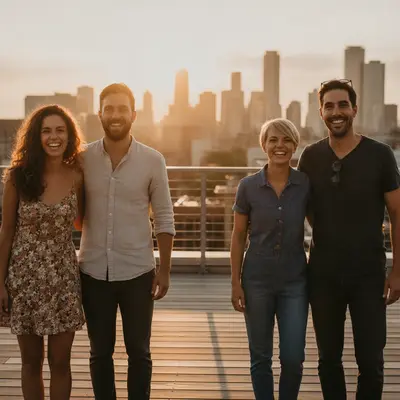
Each pair shows the photo going in and the result EditThisPic produced from a one-line prompt.
-
 Before
 After
After
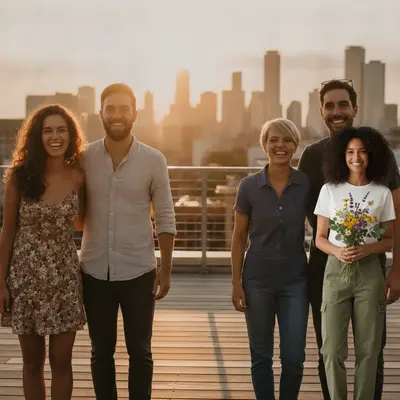
Fifth person added to a rooftop group photo -
 Before
 After
After
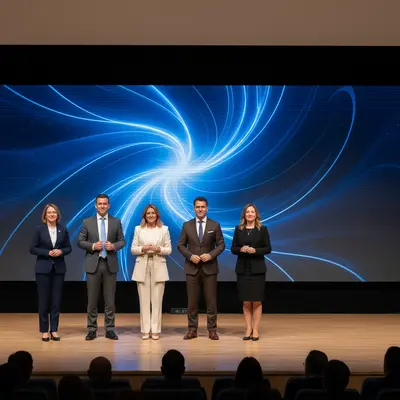
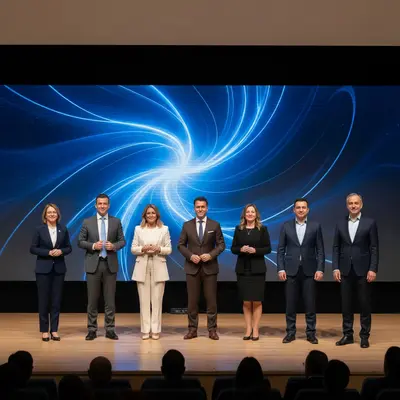
Colleague inserted into team conference picture -
 Before
 After
After
Sibling inserted into holiday family picture
What it can and can’t do
- Needs a reference image of the person to insert, ideally clear and facing the camera.
- Placement is described in a sentence; there is no cut-out, drag or mask tool.
- Lighting and scale are matched by the AI, so mismatched photos (flash vs. daylight, close-up vs. wide) may need a second prompt.
- The AI regenerates the picture, so faces and fine details of people already in it can shift slightly.
- Output is a still image; it does not create video or a moving person.
- One free edit per week with no account; more attempts use credits.
Free vs. paid when inserting someone
Getting the lighting and scale right often takes more than one pass.
| Free edit | Paid credits | |
|---|---|---|
| Retries | One attempt per week | Each retry uses a credit |
| Cost | One free edit per week, no account needed | One-time credit packs (12-month validity), no subscription required |
| Result | Free to preview | Purchased downloads are clean, with no watermark |
| Versions | One result per edit | Paying users can generate several versions of an edit at once |
| Pro mode | Not available on the free edit | Available with credits; costs more credits than a Fast edit |
Quick answers
Ready to insert someone into your photo?
Upload two photos, describe placement. Free, no signup required.