Free • No signup Enhance Baby photo · Free

AI Baby Photo Editor

← Browse all creative effects

Last updated

Upload your baby photo. Describe what to fix. AI corrects exposure, colors, and sharpness — without altering your baby's features.
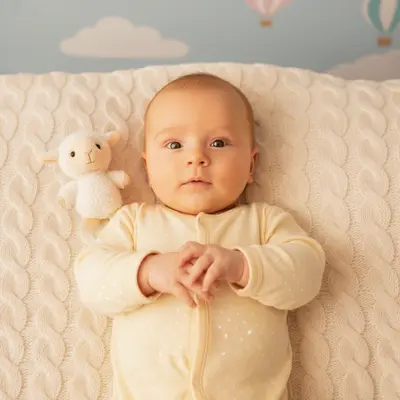
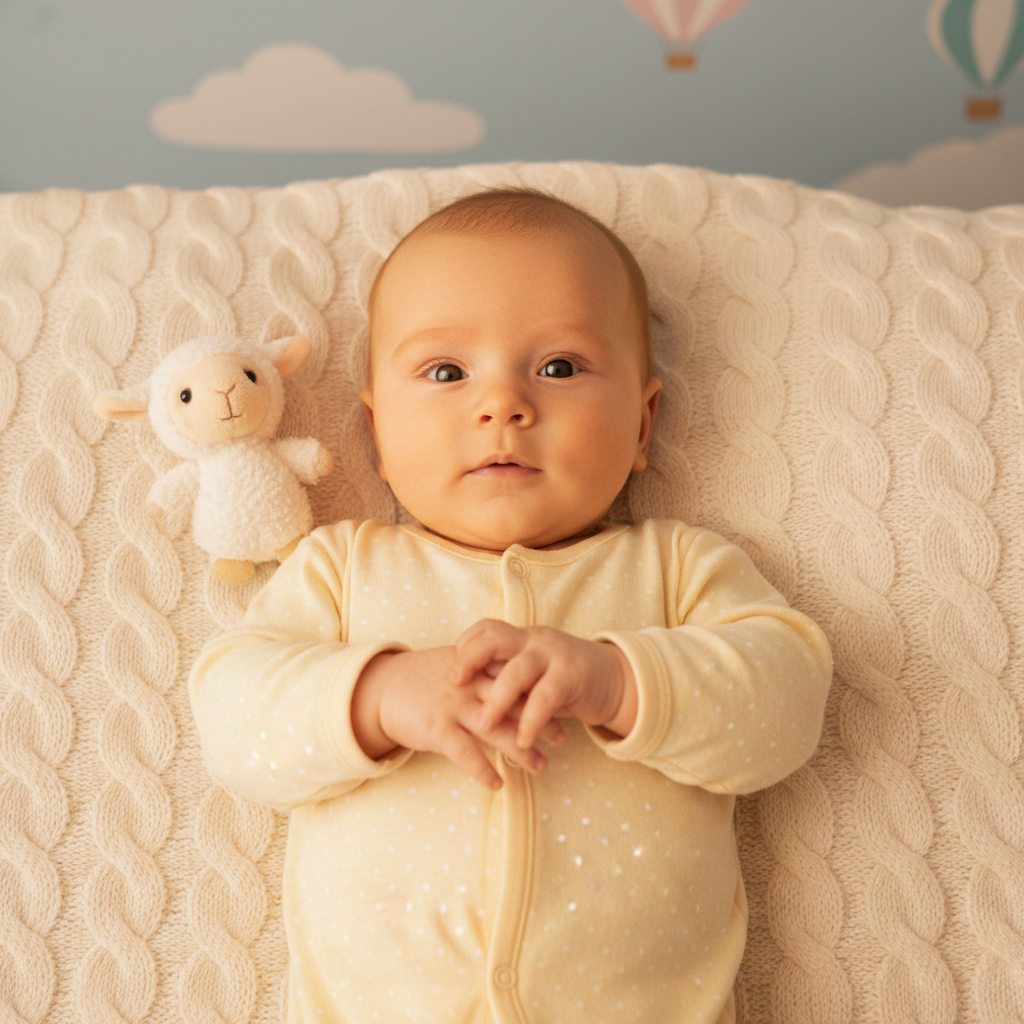
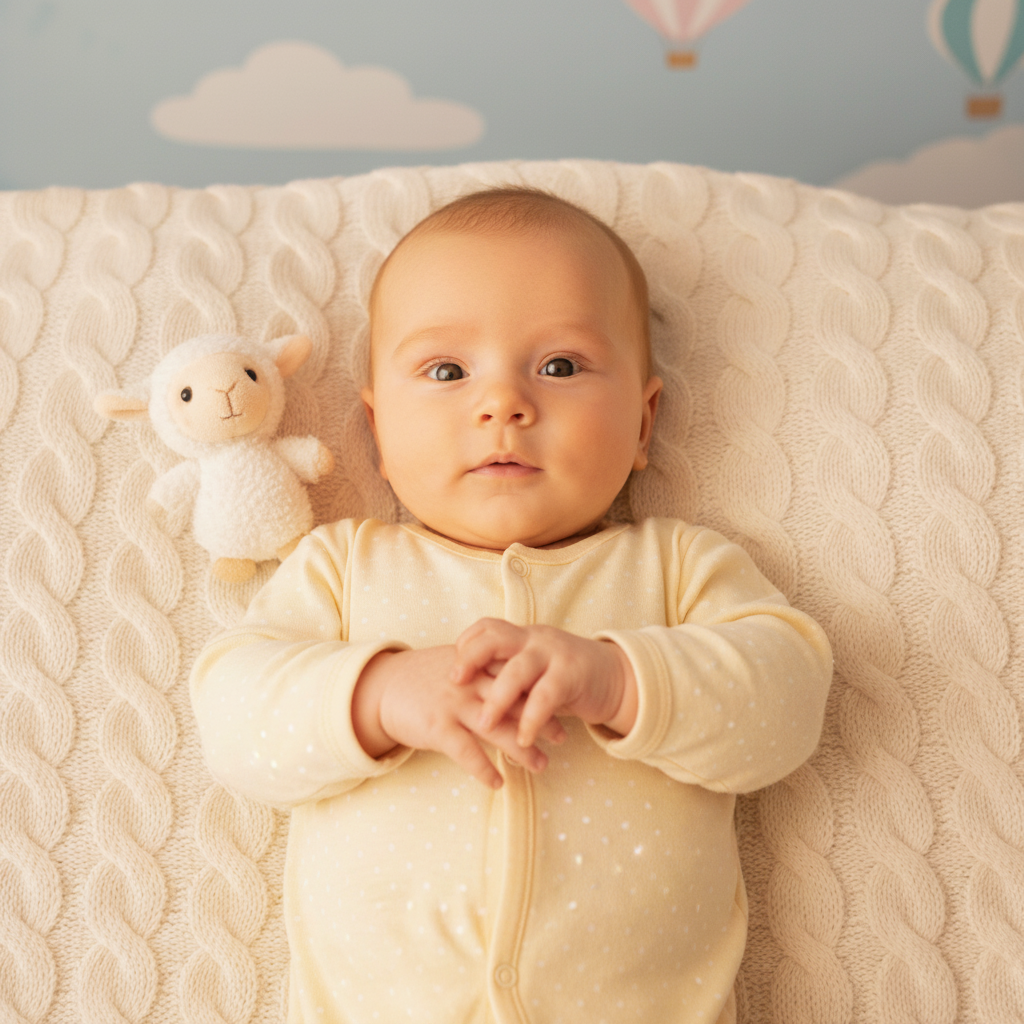
Baby photo with strong yellow color cast from tungsten lighting Same baby photo with natural skin tones and bright clean exposure

Upload photo to enhance baby photo

"sharpen the baby's face and details without making the image look artificial or over-processed, maintain natural softness"

Release to upload

50,000+photos edited
<30stypical edit
1 freeedit weekly

1 free edit·then from $4.99

How it works

  1. Upload your baby photo

    Drop in the photo you want to improve. JPG, PNG, or WebP up to 7MB. Phone camera photos are the most common starting point — indoor snapshots, nursery shots, milestone photos.

    Expect: Exposure and color corrections: 20-30 seconds. Complex lighting situations may need one refinement pass.
  2. Describe what to improve

    Type exactly what the photo needs: 'brighten the exposure, remove the yellow color cast from the indoor lighting, and sharpen the details.' Focus on light, color, and clarity — not on changing any facial features. No marking needed.

    Tip: Baby photos almost always need two things: exposure correction (phones underexpose in nurseries) and color correction (warm tungsten light creates yellow skin tones). Address both in your prompt for best results.

    Copy one of these to get started:

    Indoor nursery or home photo brighten the exposure, remove the yellow color cast from indoor lighting, and make skin tones look natural and warm
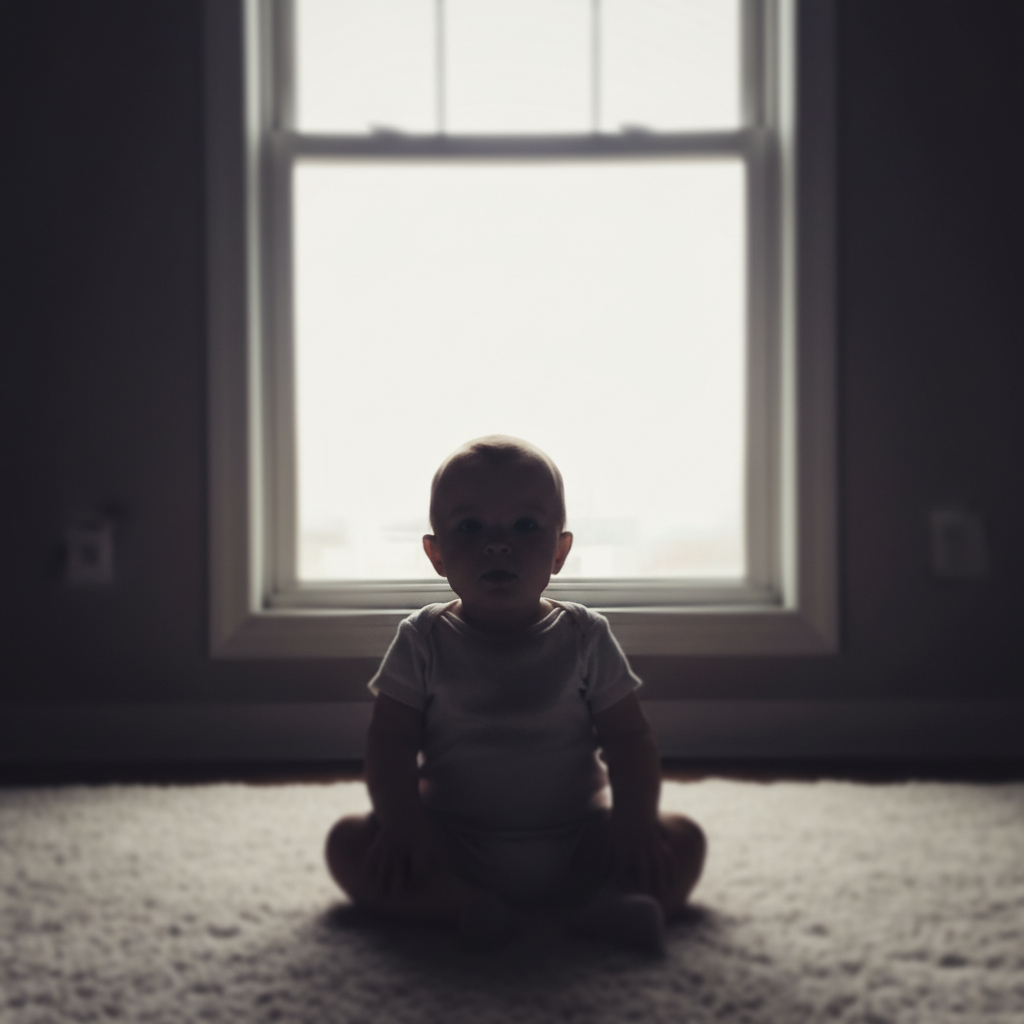
    Blurry or soft photo sharpen the baby's face and details without making the image look artificial or over-processed, maintain natural softness
    Backlit or window-lit photo fix the backlit exposure so the baby's face is well-lit and clearly visible, balance the bright window light with the subject
    Outdoor or natural light photo enhance colors to be bright and natural, sharpen fine details, and make this look like a professional newborn photography session
    2 more prompts
    Milestone or keepsake photo brighten with warm soft tones, enhance details gently, and make this milestone photo look like it belongs in a printed album
    Hospital or newborn photo correct the fluorescent hospital lighting, warm up the color tones, and brighten to make this a beautiful newborn keepsake
  3. Review skin tones carefully

    Check that the enhancement looks natural — especially skin tones, which should be warm and healthy, not orange or pale. Use the before/after slider to compare against the original.

See it in action

Baby photo with strong yellow color cast from tungsten lighting
Before
->
Same baby photo with natural skin tones and bright clean exposure
After

Indoor nursery photo corrected

A typical indoor baby photo with yellow tungsten lighting corrected to natural, warm skin tones.

Prompt: brighten the exposure, remove the yellow color cast from indoor lighting, and make skin tones look natural and warm
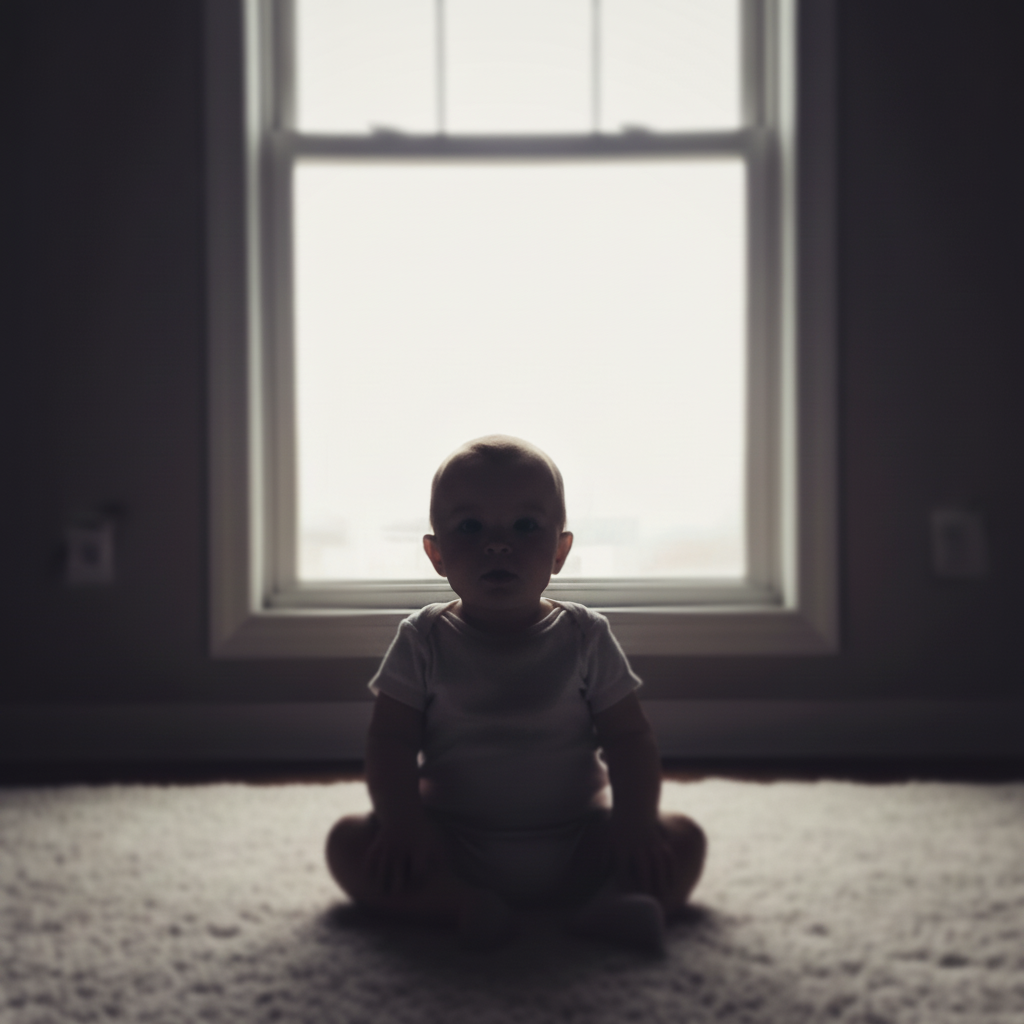
Backlit baby photo with dark face and blown-out window
Before
->
Same photo with baby's face well-lit and balanced exposure
After

Backlit window photo fixed

Baby photographed in front of a bright window — face dark, background blown out. Fixed in one prompt.

Prompt: fix the backlit exposure so the baby's face is well-lit and clearly visible, balance the bright window light with the subject
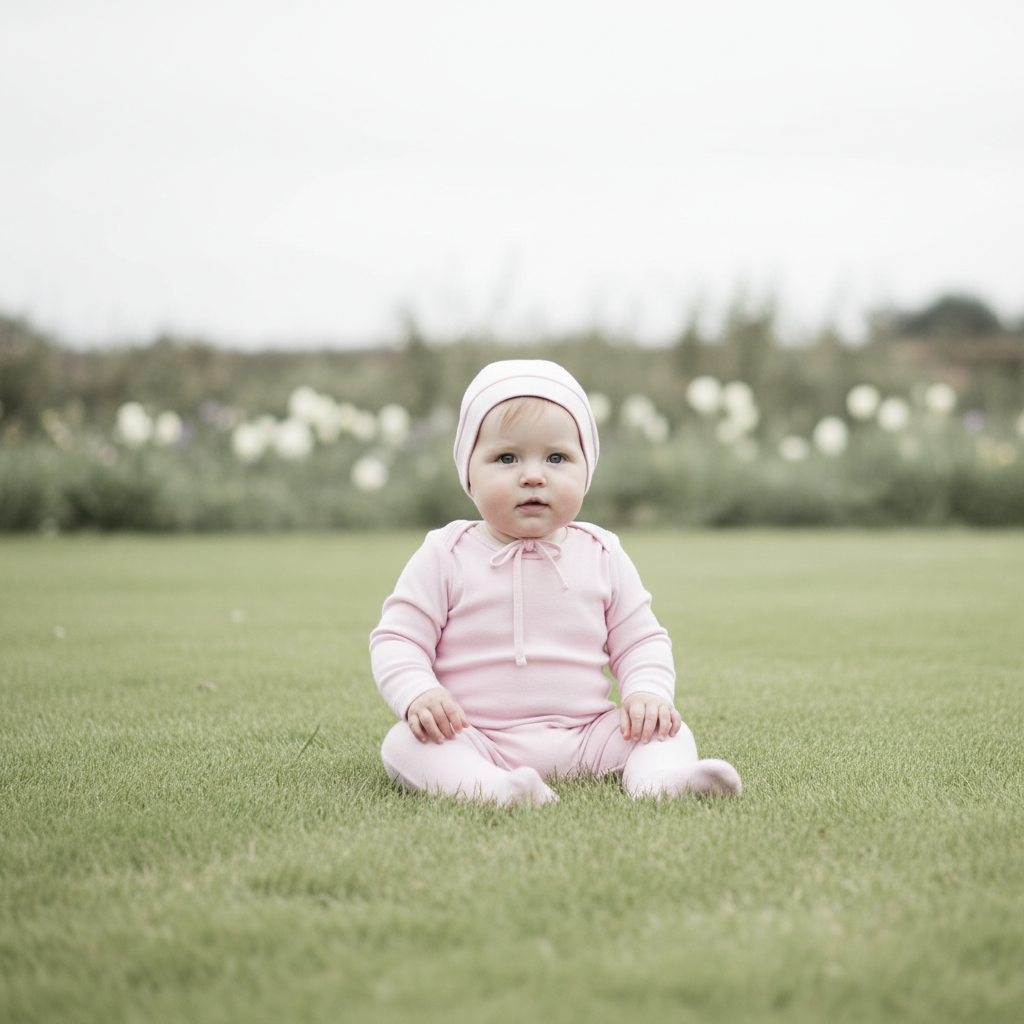
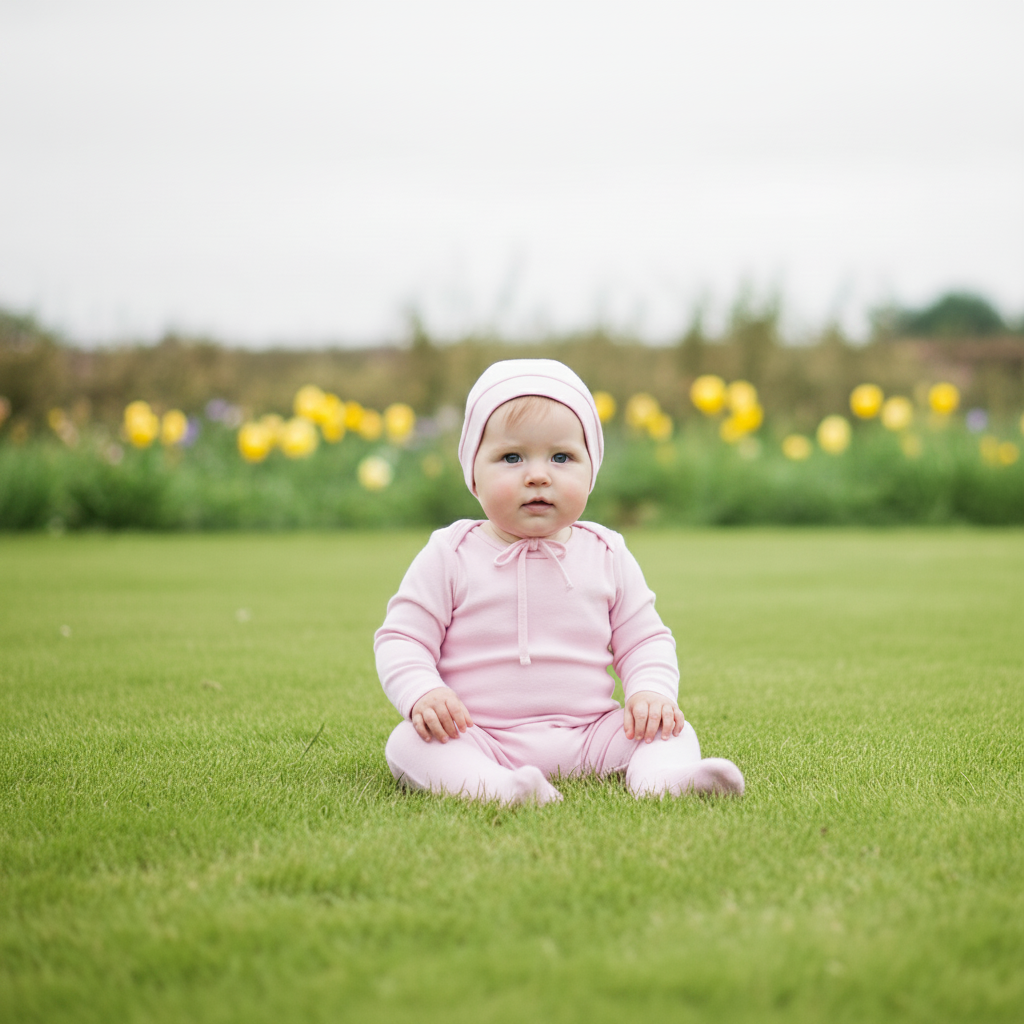
Flat, washed-out outdoor baby photo lacking warmth
Before
->
Same photo with professional-quality warmth, color, and detail
After

Milestone photo made keepsake-worthy

A slightly flat outdoor milestone photo enhanced to look like professional newborn photography.

Prompt: enhance colors to be bright and natural, sharpen fine details, and make this look like a professional newborn photography session

Quick answers

What if I enhance the wrong person — can I undo and try a different one?

Yes. Each result loads next to your original, so you can compare and re-run with a new description: 'remove the person on the left instead,' or 'undo and remove the man in the red jacket'. Each attempt takes 20-45 seconds. Free first edit per week, no signup; refinements use one credit each.

How do I edit baby photos for free?

Upload your baby photo to EditThisPic, describe the improvement (e.g., 'fix indoor lighting, correct color cast'), and download the result. Free to try with no account required. One free edit per week, credit packs from $1.99 for more.

Will the AI change my baby's face or features?

No — and you should never ask it to. EditThisPic's baby photo enhancements focus on exposure, color, and sharpness only. The AI adjusts the lighting and colors in the photo, not the actual features of the people in it. Do not use prompts that ask to change facial features, skin texture, or body proportions.

Is there a free baby photo editor without login?

Yes. EditThisPic is free to try with no account needed. Upload, describe, download — no watermark on your result.

How do I fix the yellow color cast in indoor baby photos?

Use the prompt: 'remove the yellow color cast from indoor lighting and make skin tones look natural and warm.' This works for tungsten bulb, LED, and mixed indoor lighting situations. Results in 20-30 seconds.

Can I enhance multiple baby photos to look consistent?

Yes. Use the same prompt for each photo in a set — 'warm soft lighting, natural skin tones, professional quality.' The AI applies consistent enhancement across your whole series for a cohesive look.

How much does EditThisPic cost?

You get 1 free edit per week — no account needed. After that, credit packs start at $1.99 for 3 edits. Monthly plans start at $4.99/mo for 20 edits with unused credits rolling over. All edits are full resolution with no watermark.

Ready to make those memories shine?

Free to try. No signup required.

1 free edit included·Credit packs from $4.99