Free • No signup Enhance School portrait photo · Free

AI School Photo Editor

← Browse all creative effects

Last updated

Upload your school portrait. Describe what to fix. AI corrects lighting, color, and sharpness — preserving natural appearance.
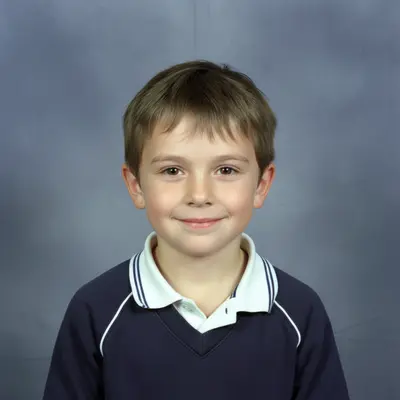
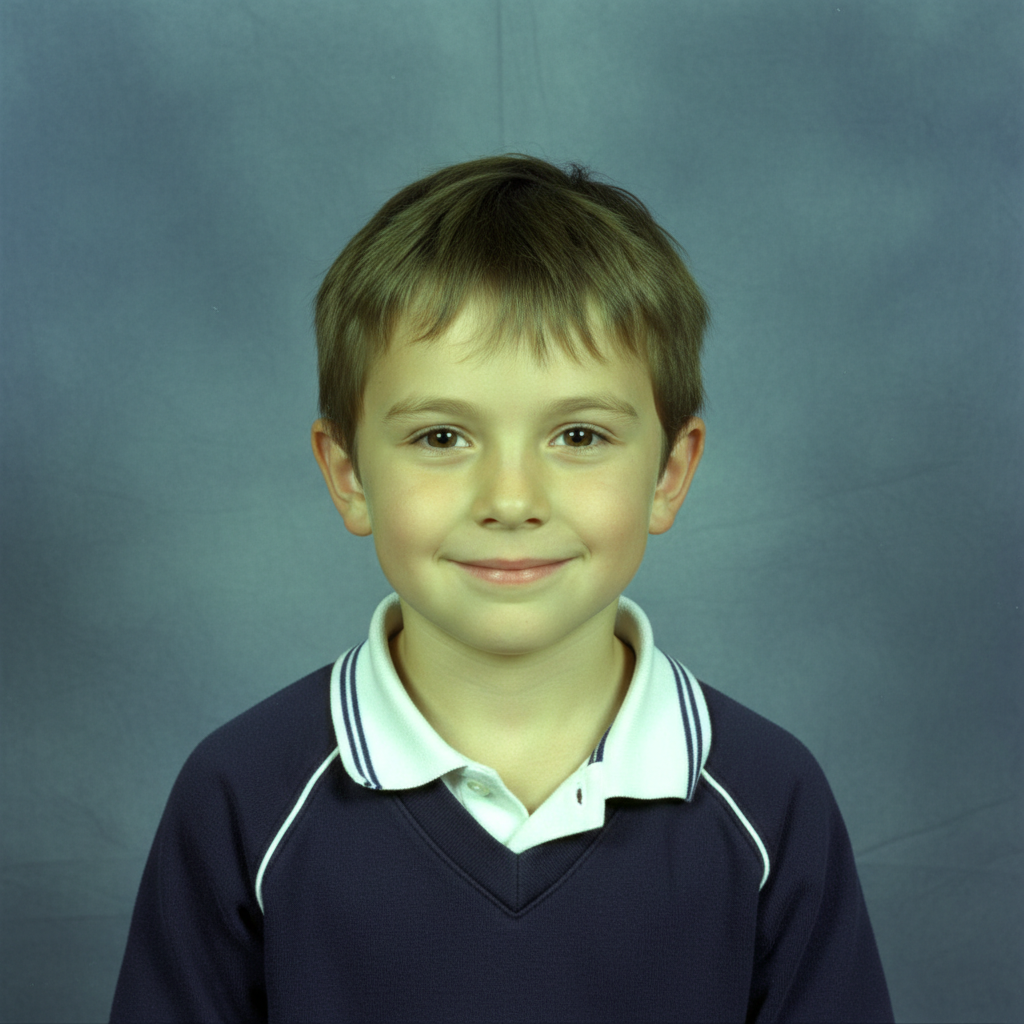
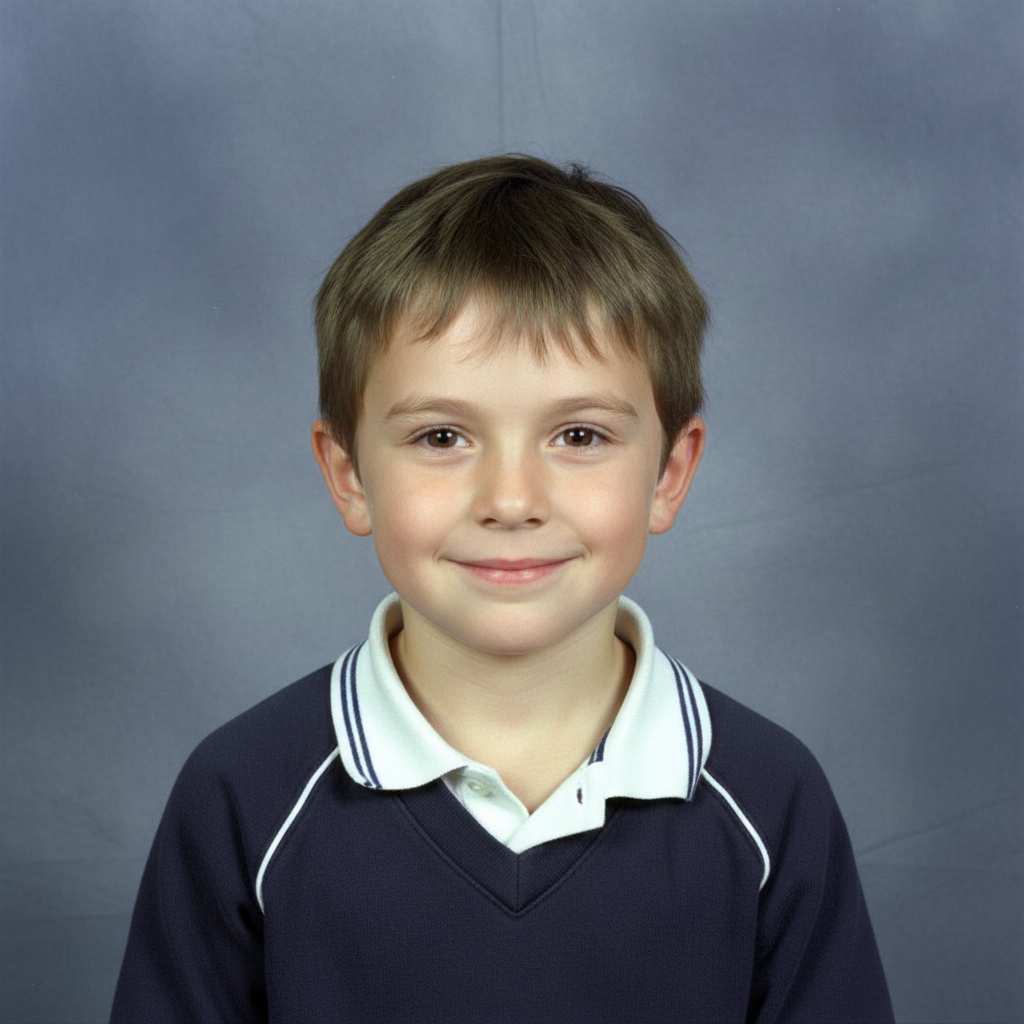
School portrait with harsh flash and fluorescent color cast Same portrait with natural skin tones and soft balanced lighting

Upload photo to enhance school portrait photo

"remove the green or yellow color cast from fluorescent lighting and restore natural skin tones"

Release to upload

50,000+photos edited
<30stypical edit
1 freeedit weekly

1 free edit·then from $4.99

How it works

  1. Upload the school photo

    Drop in the portrait from picture day. JPG, PNG, or WebP up to 7MB. Works with official school portraits, yearbook photos, and informal class photos alike.

    Expect: Lighting and color corrections: 20-30 seconds. Background cleanup or more involved fixes may take slightly longer.
  2. Describe what to improve

    Type the specific issue: 'correct the green fluorescent color cast, brighten the face, and sharpen the portrait.' School photographers often use harsh flash or fluorescent gym lighting — describing these specific problems gets better results. No marking needed.

    Tip: School portraits often have two compounding problems: a color cast from gym or fluorescent lighting AND underexposed faces from harsh flash. Name both in your prompt for a complete correction.

    Copy one of these to get started:

    Harsh flash or gym lighting soften the harsh flash lighting, correct the color cast, and make skin tones look natural and healthy
    Fluorescent color cast remove the green or yellow color cast from fluorescent lighting and restore natural skin tones
    Dark or underexposed face brighten the subject's face, increase exposure on the portrait, and make the lighting look natural and even
    Soft or blurry portrait sharpen the portrait details — eyes, features, and clothing — without making the image look over-processed
    2 more prompts
    Red-eye from flash remove red-eye from the eyes and restore natural eye color, keep all other aspects of the portrait unchanged
    Background cleanup clean up and even out the backdrop color so it looks like a smooth professional photography background
  3. Review the natural look

    Check that the correction looks natural — skin tones should look like the person, not artificially brightened or smoothed. School photos should look like a better version of the original, not retouched.

See it in action

School portrait with harsh flash and fluorescent color cast
Before
->
Same portrait with natural skin tones and soft balanced lighting
After

Gym lighting color cast corrected

A typical school portrait with harsh gym lighting and green fluorescent color cast corrected to natural skin tones.

Prompt: soften the harsh flash lighting, correct the color cast, and make skin tones look natural and healthy
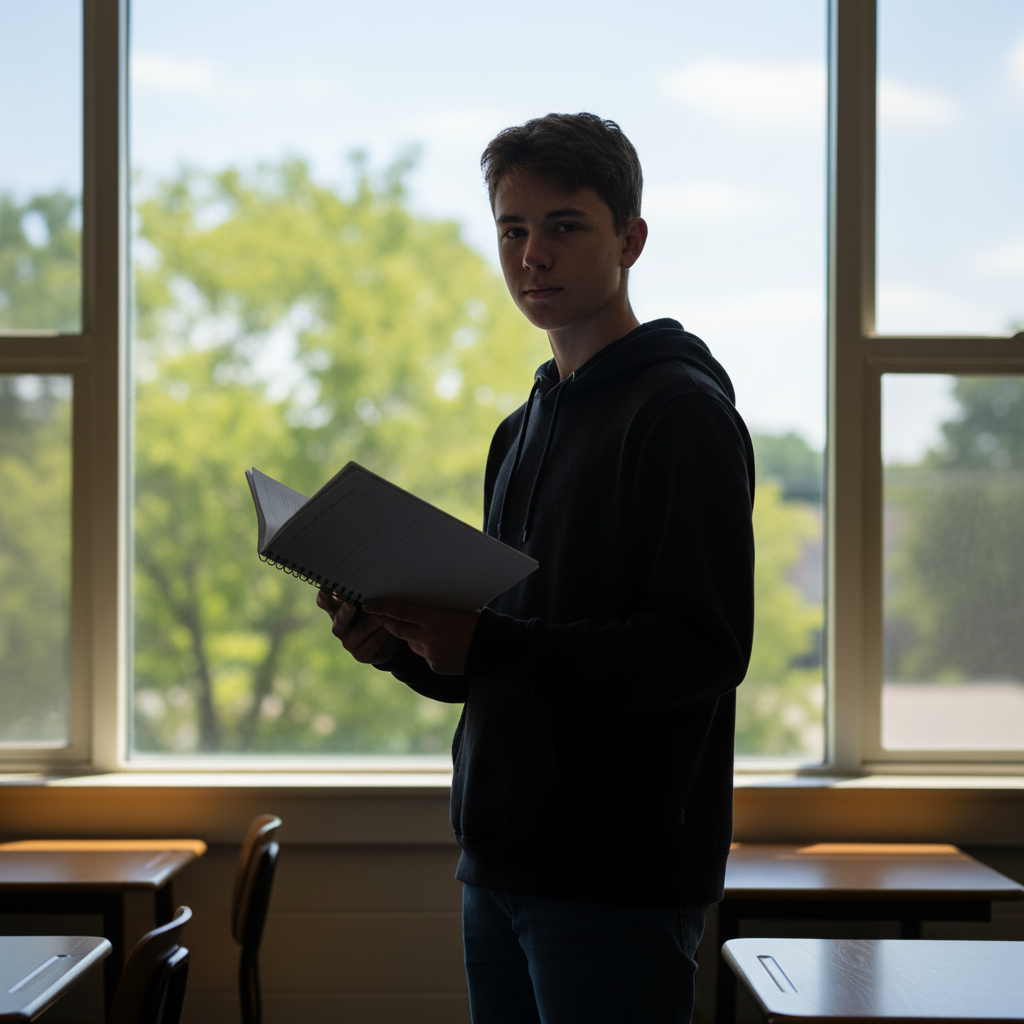
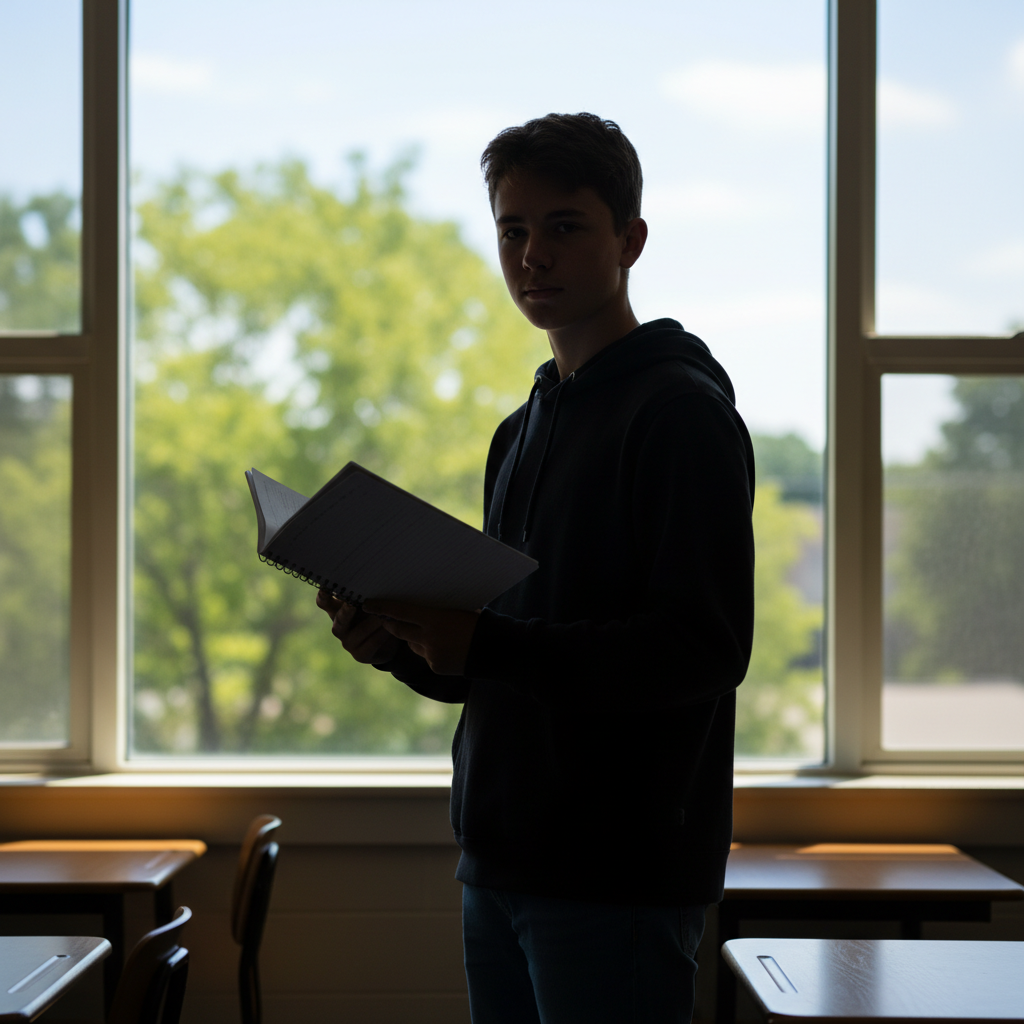
Backlit classroom portrait with dark underexposed face
Before
->
Same portrait with brightened face and balanced even lighting
After

Underexposed class photo face fixed

An informal class photo where the student's face was dark from backlighting — brightened and balanced.

Prompt: brighten the subject's face, increase exposure on the portrait, and make the lighting look natural and even
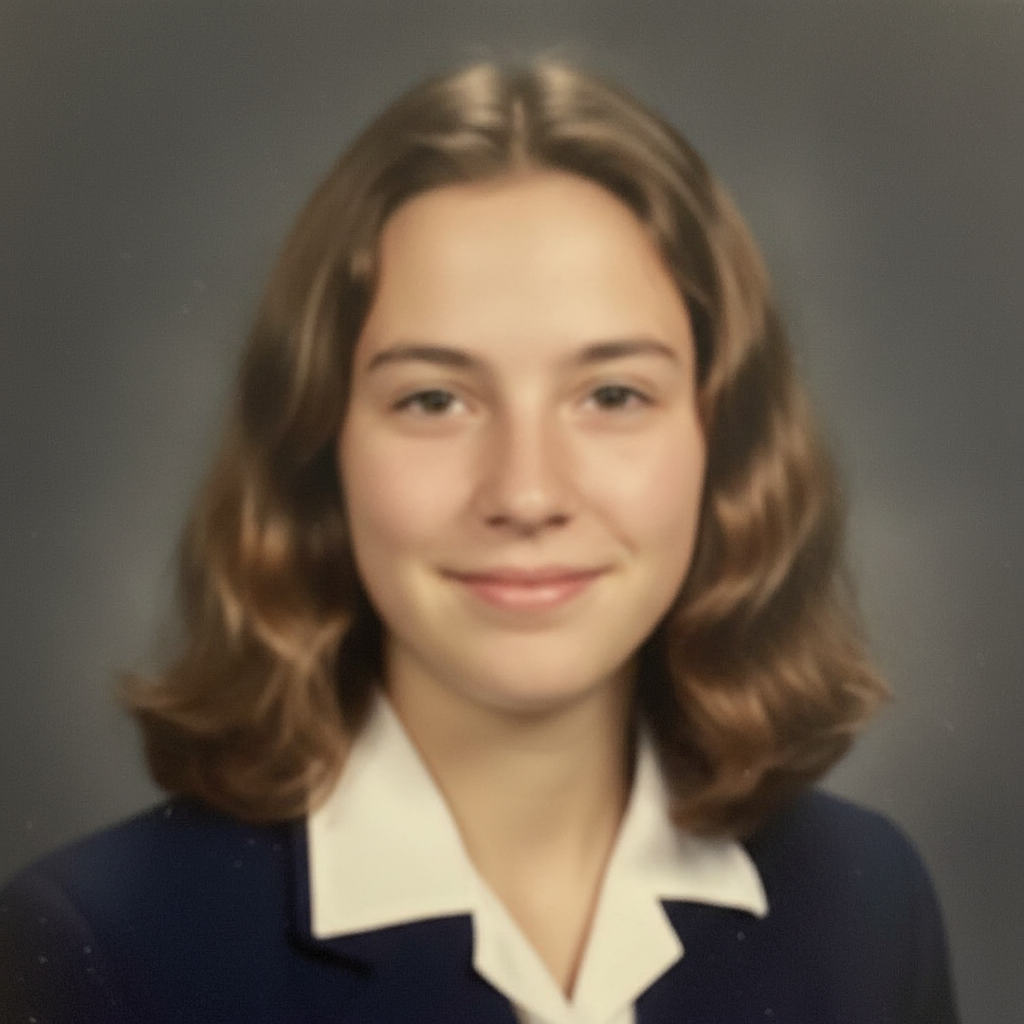
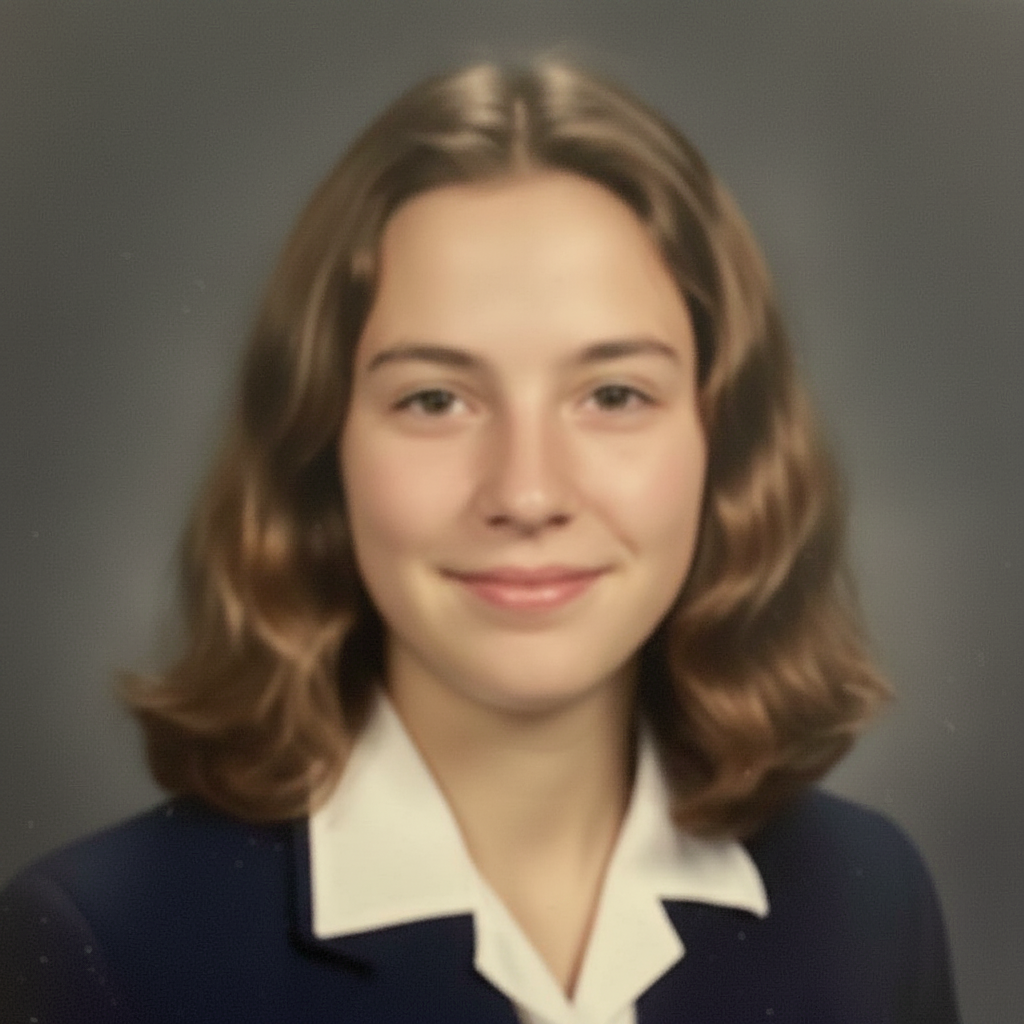
Soft, slightly blurry yearbook portrait lacking sharpness
Before
->
Same portrait with crisp natural sharpness and clear detail
After

Yearbook portrait sharpened

A slightly soft yearbook photo sharpened to look crisp and clear while maintaining a natural look.

Prompt: sharpen the portrait details — eyes, features, and clothing — without making the image look over-processed

Quick answers

Will AI School Photo Editor sharpen detail without making faces look plastic?

Yes. The AI lifts detail in clothing, eyes, and texture while keeping skin tones natural — no over-smoothing by default. If you want extra control, add 'preserve skin texture, keep noise grain natural.' Most enhances finish in 20-45 seconds. Free first edit per week, no signup.

How do I edit school photos for free?

Upload your school portrait to EditThisPic, describe the correction needed, and download the enhanced version. Free to try with no account required. One free edit per week, credit packs from $1.99 for more.

Is there a free school photo editor without signing up?

Yes. EditThisPic is free to try with no account required. Upload, describe, download — no watermark on your result.

Can I fix the green color cast from gym or fluorescent lighting?

Yes. Use the prompt: 'remove the green or yellow color cast from fluorescent lighting and restore natural skin tones.' This directly addresses the most common school portrait color problem and produces results in 20-30 seconds.

How is this different from school retouching (photo packages)?

School retouching packages from photographers typically smooth skin and remove blemishes. EditThisPic focuses on lighting, color, and sharpness corrections — adjusting the photo itself, not retouching the subject's appearance. You control exactly what gets fixed.

Can I use this for yearbook photos?

Yes. Upload the yearbook portrait and describe what to improve — sharpness, color, lighting. Results are print-ready. Make sure to check with the yearbook publisher on their file format requirements before submitting edited photos.

How much does EditThisPic cost?

You get 1 free edit per week — no account needed. After that, credit packs start at $1.99 for 3 edits. Monthly plans start at $4.99/mo for 20 edits with unused credits rolling over. All edits are full resolution with no watermark.

Ready to improve those school portraits?

Free to try. No signup required.

1 free edit included·Credit packs from $4.99