Pricing Remove Cable · Free

AI Cable Remover

← Browse all remove tools

Last updated

Type 'remove the charging cable on the floor' and the AI fills it with matching floor surface.
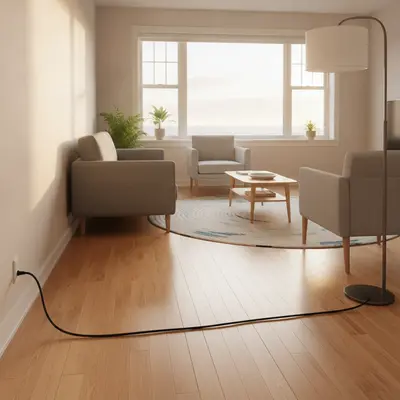
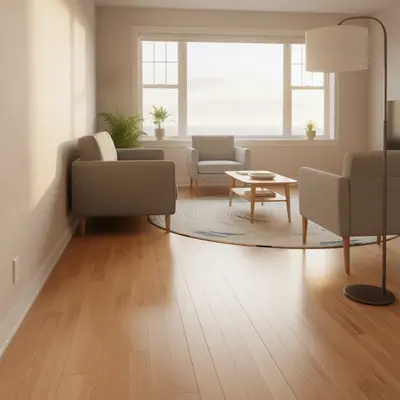
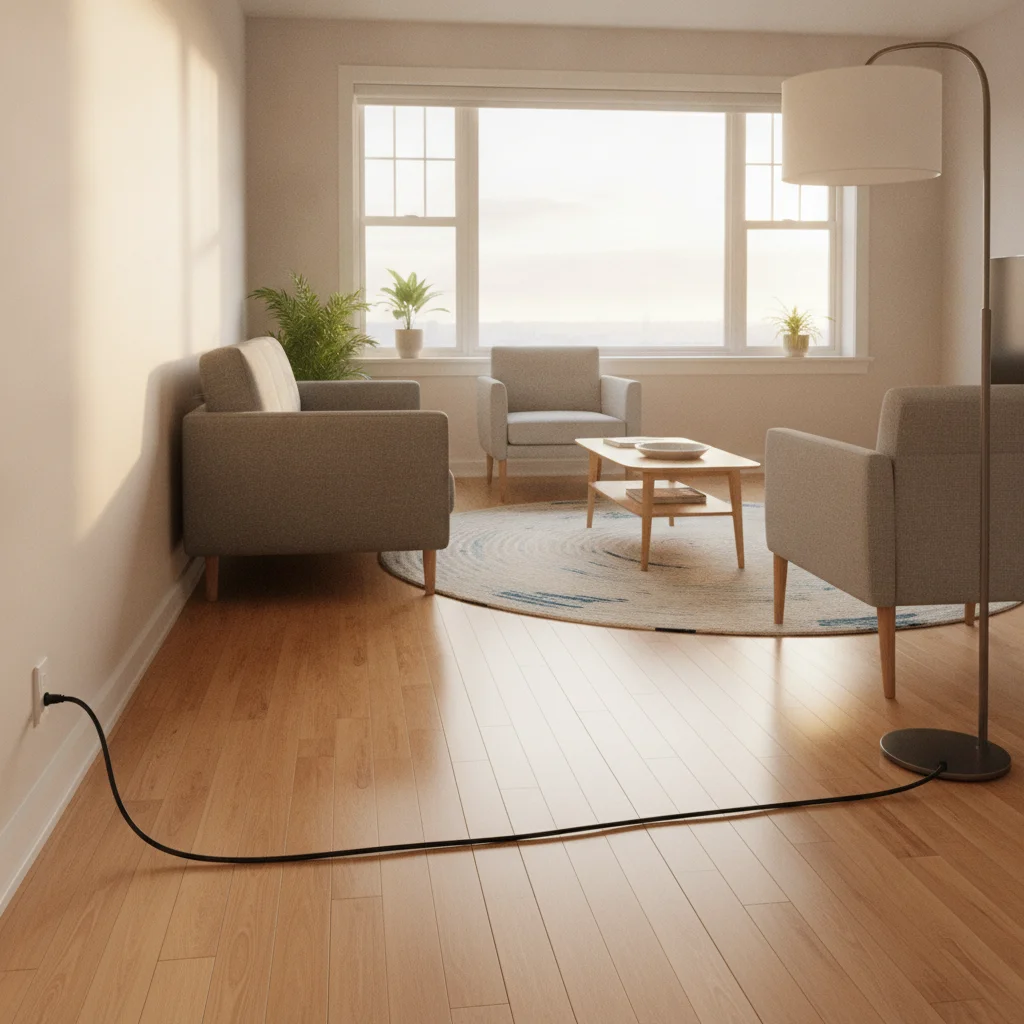
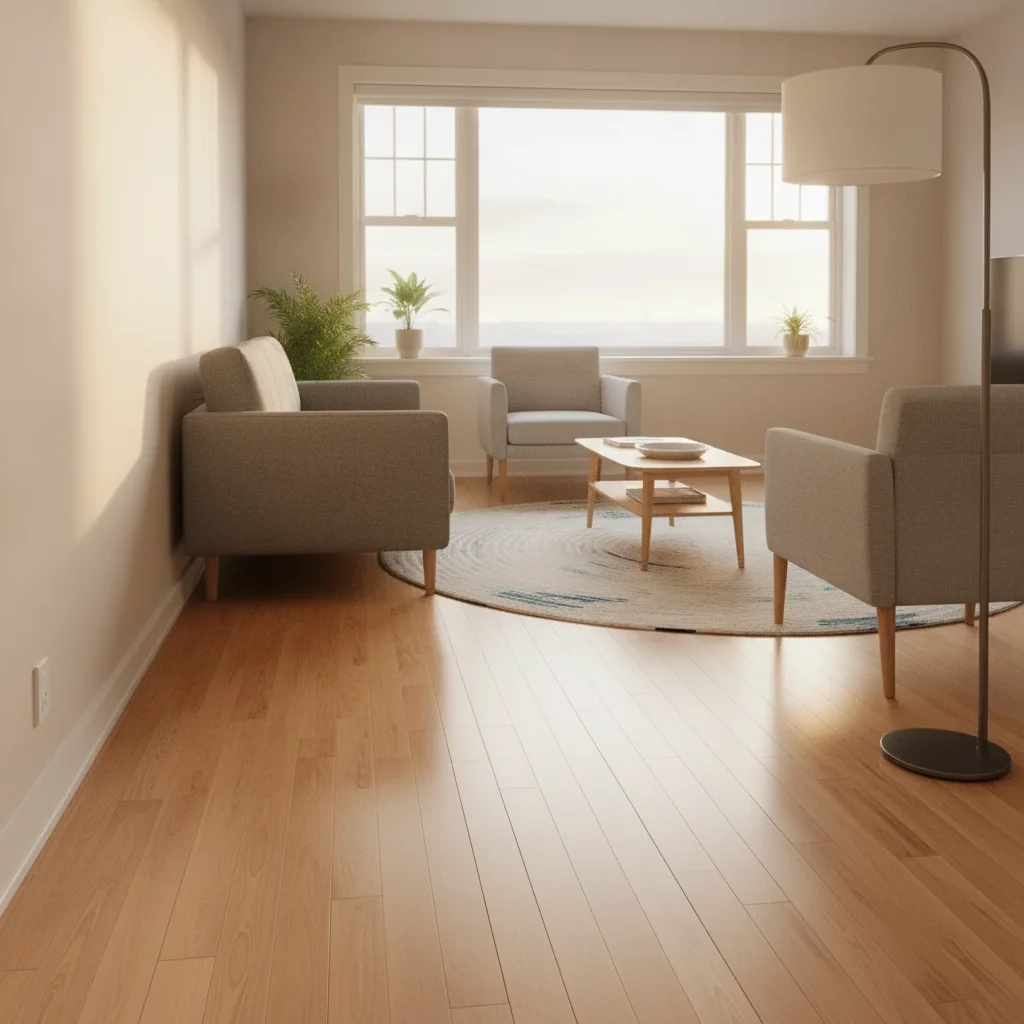
Living room with black charging cable running across the hardwood floor Same living room with cable removed and continuous hardwood floor texture

Upload photo to remove cable

"erase the white lamp cord running along the right baseboard and restore the wall and floor behind it"

Free to try · no sign-up · photos are never shared

Release to upload

<30stypical edit
1 freeedit weekly
Photo on your phone? Scan to open this editor there — free edit works on your phone too.

1 free edit every week·packs from $4.99

How it works

  1. Upload your photo

    Drop your image into EditThisPic. JPG, PNG, or WebP up to 7MB. Works best when the cable contrasts with the surface it's on — a dark cable on a light floor is easier than a grey cable on grey concrete.

    Expect: Single cable on a uniform floor surface: 15–25 seconds. Tangled cable bundles or cables running over patterned rugs may need one refinement pass.
  2. Describe the cable you want removed

    Type a specific instruction: 'remove the black charging cable running across the hardwood floor from the lamp to the outlet' or 'erase the power cord behind the desk.' Describe the cable's color, surface, and rough path. The AI doesn't need markers to find it.

    Tip: Include the surface the cable sits on — 'cable on the floor,' 'cord along the baseboard,' or 'cable on the desk' helps the AI know what texture to fill the gap with.

    Copy one of these to get started:

    Charging cable on hardwood floor — listing photo remove the black charging cable running across the hardwood floor and fill with matching wood grain texture
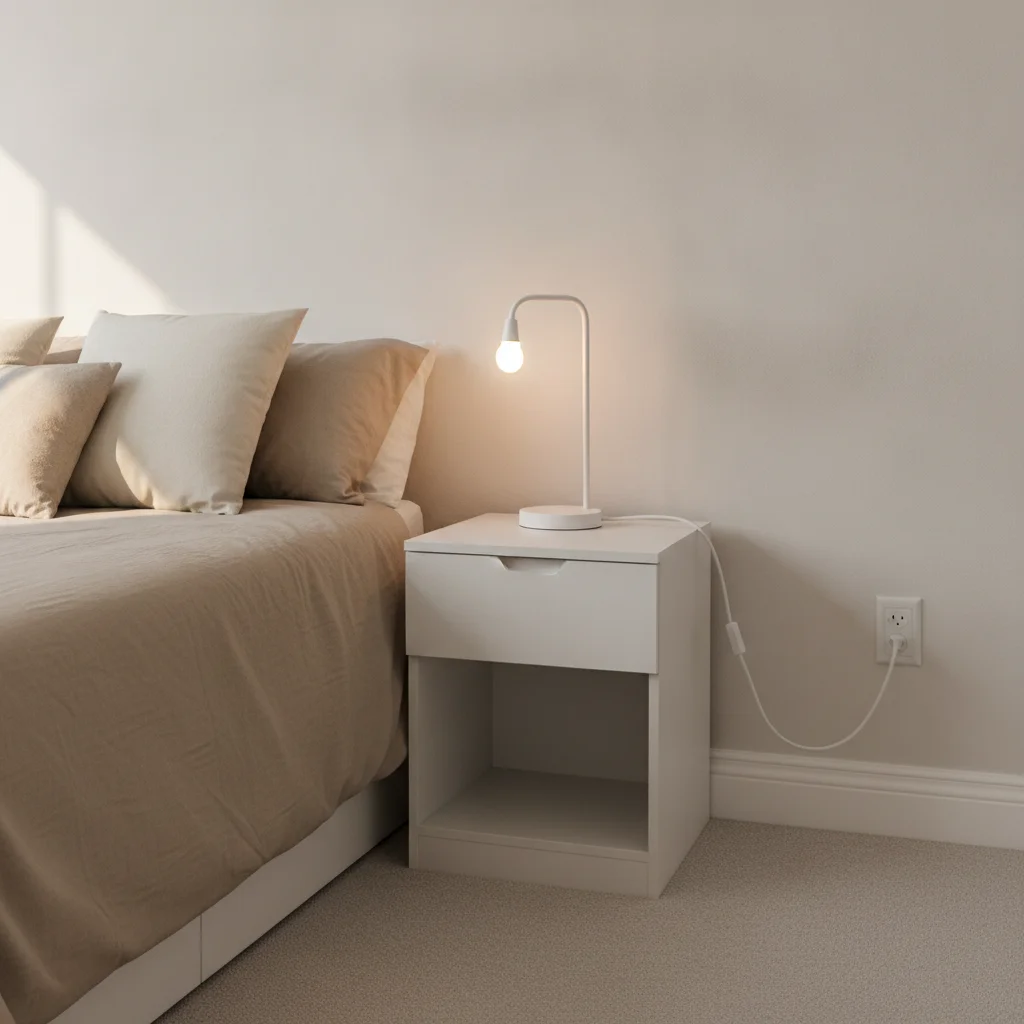
    Lamp cord along baseboard — room photo erase the white lamp cord running along the right baseboard and restore the wall and floor behind it
    Cable bundle behind a desk — home office photo remove the tangled cable bundle visible behind the desk on the floor and replace with matching floor texture
    USB or device cable on a desk — product photo remove the USB cable on the desk surface and fill with the desk surface texture behind it, keep all other items unchanged
    2 more prompts
    Power cable behind TV — living room photo remove the black power cable hanging down from the TV and fill with the wall behind it
    Extension cord on carpet — interior listing photo remove the orange extension cord running across the carpet and restore the carpet texture beneath it
  3. Check the fill at full zoom

    Zoom to 100% along the cable's path. Look for seams, color mismatches, or texture patches. Cables on hardwood and tile fill very cleanly. Cables on patterned rugs or textured carpet may show a subtle fill inconsistency.

  4. Refine with markers if needed

    If a section of the cable remains or the fill looks patchy, tap a marker on that segment and regenerate with 'clean up the remaining cable here, blend with the surrounding floor texture.' Most single-cable removals need no markers.

    Tip: Markers work best on cable segments near furniture legs or outlet boxes, where the AI may leave a faint trace.

See it in action

Living room with black charging cable running across the hardwood floor
Before
->
Same living room with cable removed and continuous hardwood floor texture
After

Charging cable on living room floor — listing cleanup

Interior real estate shot with a black charging cable running across the hardwood floor near a window. Single prompt removed it and reconstructed the floor grain.

Prompt: remove the black charging cable running across the hardwood floor and fill with matching wood grain texture
Bedroom with white lamp cord running along the right baseboard
Before
->
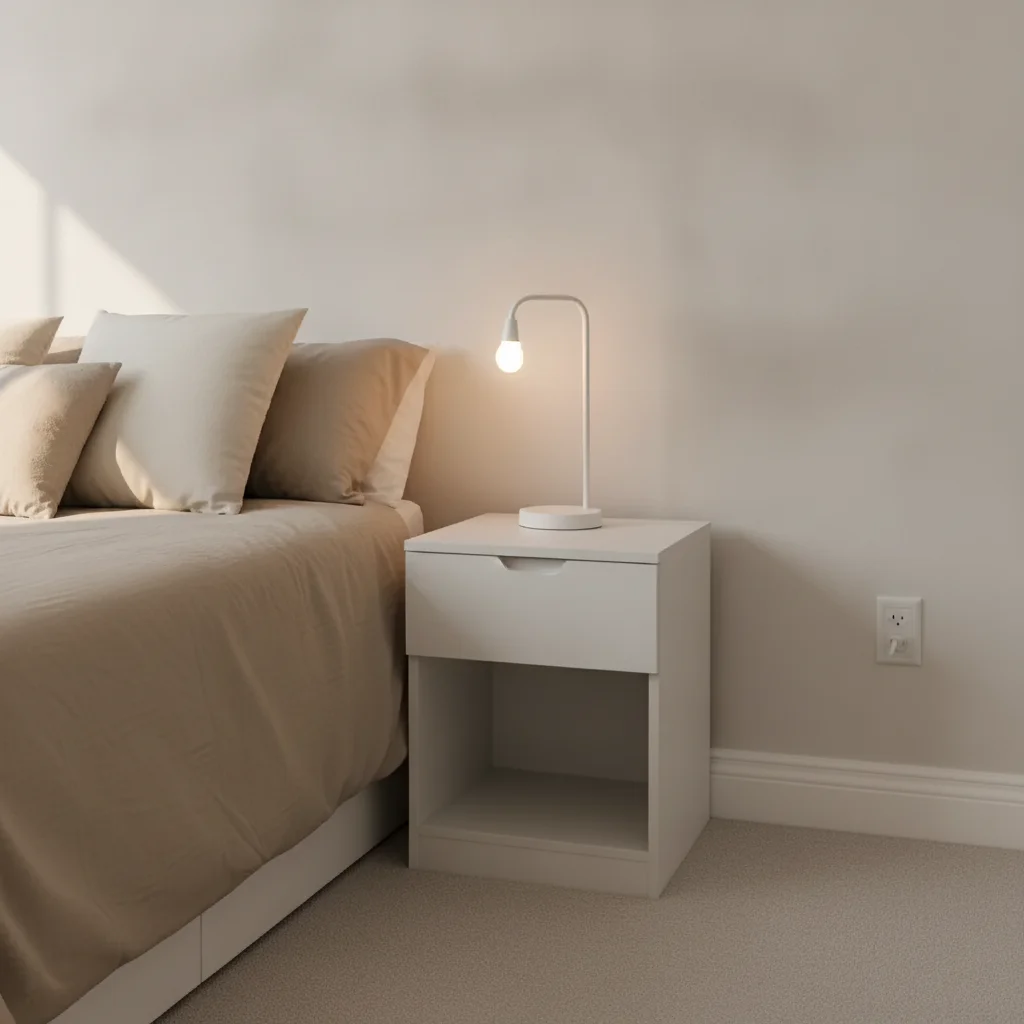
Same bedroom with cord removed and clean baseboard and floor
After

Lamp cord along baseboard — bedroom listing photo

Bedroom shot with a white lamp cord running along the baseboard from the nightstand to the outlet. The AI removed it and reconstructed the baseboard cleanly.

Prompt: erase the white lamp cord running along the right baseboard and restore the wall and floor behind it

Quick answers

Do I need to mark the cable before removing it?

No. Just describe it: 'remove the black charging cable on the floor' or 'erase the lamp cord along the baseboard.' The AI finds and removes the cable from your description alone. Only use markers if the cable runs near something you want to keep — like a furniture leg — and the AI accidentally clips it.

How do I remove cables from a photo for free?

Go to EditThisPic, upload your photo (JPG, PNG, or WebP up to 7MB), type 'remove the charging cable running across the floor and fill with matching floor texture,' and click Generate. The AI removes the cable in about 30 seconds. Purchased downloads are clean, full quality. No account needed.

Is there a free AI tool to remove cords from photos without an account?

Yes. EditThisPic removes cables and cords from photos for free with no account required. Works in any browser on desktop or mobile — no download needed. The free edit is a preview — purchased downloads are clean, full quality.

Can I remove cables from real estate listing photos?

Yes. Real estate and interior photography are the most common use cases. Upload the room photo, type 'remove the visible cables and cords on the floor and behind the furniture,' and the AI cleans up the shot. Works for single cables and multiple cords in the same frame. Results are good enough for MLS listings and marketing materials.

How much does EditThisPic cost?

You get 1 free edit per week — no account needed. After that, one-time credit packs start at $4.99 for 10 edits, valid 12 months, no subscription. Power users who edit daily can pick Studio Membership, a monthly workspace at $49.99/mo for 300 edits. Purchased downloads are clean with no watermark.

Ready to remove cables from your photo?

Free to try. No signup required.

1 free edit included·Credit packs from $4.99