Pricing Remove Wire · Free

AI Wire Remover

← Browse all remove tools

Last updated

Type 'remove the wire' and the AI fills it in with matching sky, wall, or background.
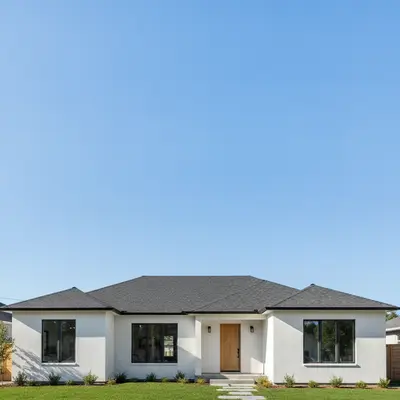
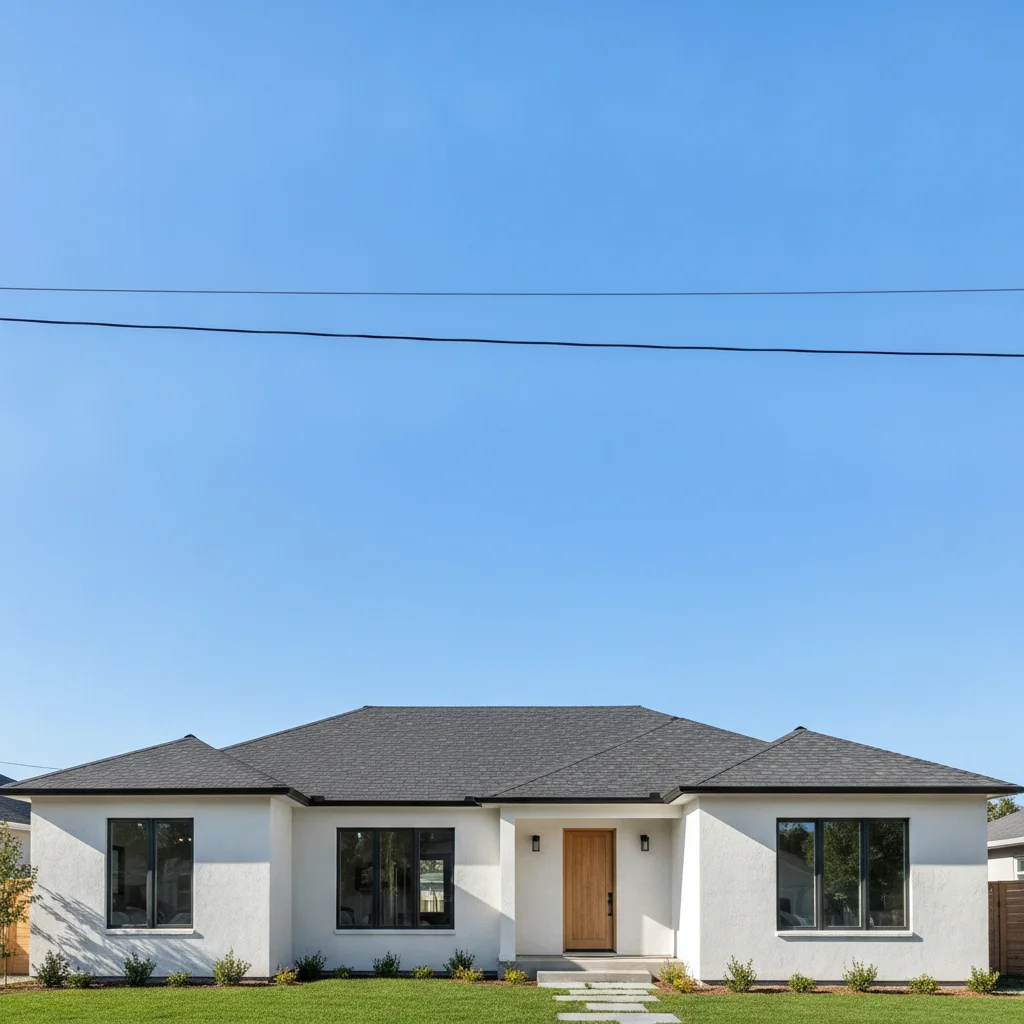
White house exterior with thick black power line cutting across the blue sky Same house with clean uninterrupted blue sky, no wire visible

Upload photo to remove wire

"erase the thin telephone wire running diagonally across the front of the house and restore the background behind it"

Free to try · no sign-up · photos are never shared

Release to upload

<30stypical edit
1 freeedit weekly
Photo on your phone? Scan to open this editor there — free edit works on your phone too.

1 free edit every week·packs from $4.99

How it works

  1. Upload your photo

    Drop your image into EditThisPic. JPG, PNG, or WebP up to 7MB. Works best with high-resolution shots where the wire is clearly visible against the background.

    Expect: Simple single-wire removal over open sky: 15–25 seconds. Multiple overlapping wires against a complex background may need a second pass.
  2. Describe the wire you want removed

    Type a clear instruction: 'remove the power line crossing the top of the frame' or 'erase the telephone wire in the upper right corner.' The AI understands spatial terms like 'crossing,' 'horizontal,' and 'in the upper half.' No marking or selection required.

    Tip: Mention where the wire sits relative to the background — 'wire crossing open sky' gets cleaner results than 'remove wire' because the AI knows what to fill the gap with.

    Copy one of these to get started:

    Power line crossing the sky — real estate listing remove the horizontal power line crossing the upper portion of the sky and fill with matching blue sky
    Telephone wire across house exterior erase the thin telephone wire running diagonally across the front of the house and restore the background behind it
    Multiple utility wires above a roofline remove all overhead utility wires above the roofline and fill with the sky behind them, keep the roofline sharp
    Wire crossing tree canopy remove the power line crossing through the tree canopy and fill the gap with matching leaves and branches
    2 more prompts
    Fence wire in yard photo remove the wire fencing in the left foreground and replace with matching grass
    Single cable attached to building exterior remove the cable running vertically along the right side of the building exterior and restore the wall surface behind it
  3. Check the fill at full zoom

    Zoom to 100% along the path where the wire was. Look for gradient mismatches or repeated texture patches — signs the AI blended imperfectly. Wires over solid blue sky fill nearly perfectly; wires crossing tree branches or building edges may show a slight seam.

  4. Refine with markers if a section looks off

    If one segment of the wire still shows or a fill texture looks wrong, tap a marker on that exact spot and regenerate with 'clean up the remaining wire segment here.' Most single-wire removals need no markers.

    Tip: Markers are for precision fixes, not the main workflow. Try without them first — most wires over open sky need zero refinement.

See it in action

White house exterior with thick black power line cutting across the blue sky
Before
->
Same house with clean uninterrupted blue sky, no wire visible
After

Power line above roofline — MLS listing cleanup

Standard real estate exterior shot where a utility power line runs horizontally across the sky just above the roofline. Single pass removed it completely.

Prompt: remove the horizontal power line crossing the upper sky and fill with matching blue sky

Backyard with patio furniture and telephone wire cutting diagonally across the sky
Before
->
Same backyard with clean sky and wire completely removed
After

Telephone wire across backyard — listing photo

Backyard shot for a real estate listing with a diagonal telephone wire cutting across the upper corner. The AI removed it and reconstructed the sky gradient cleanly.

Prompt: erase the thin telephone wire running diagonally across the upper right corner and restore the sky behind it
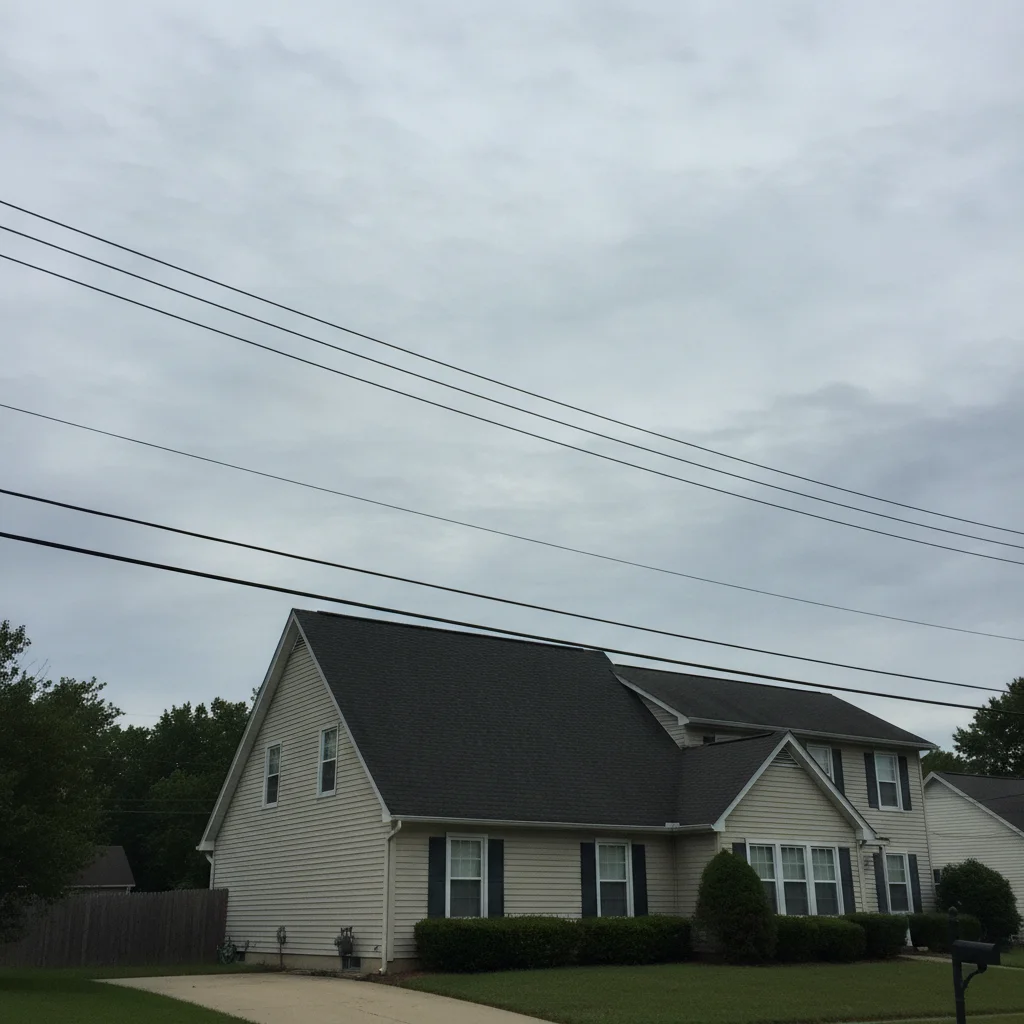
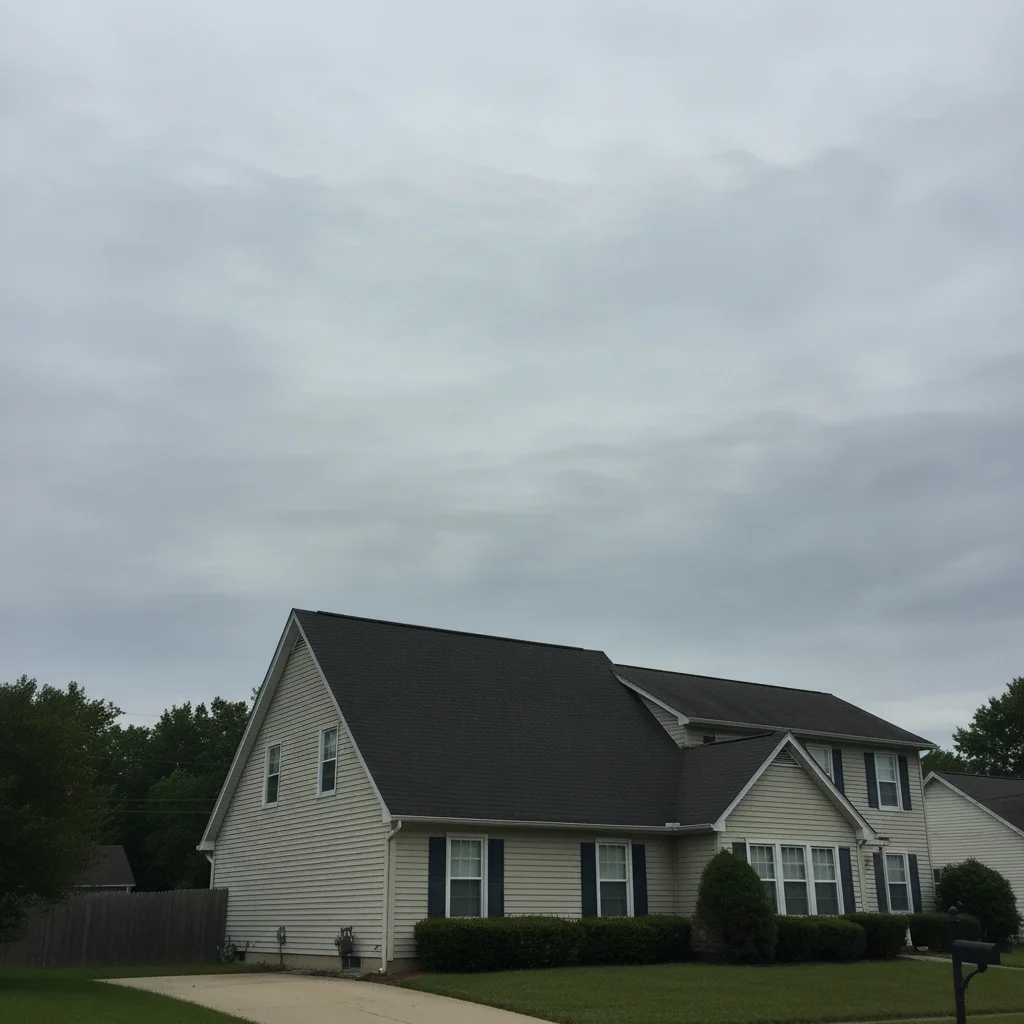
Two-story house exterior with three horizontal utility wires above the roofline
Before
->
Same house with all three wires removed and overcast sky fully restored
After

Multiple utility wires above roofline — exterior shot

Three parallel utility wires spanning across the top of an exterior façade shot. The AI removed all three and preserved the sharp roofline edge.

Prompt: remove all three overhead utility wires above the roofline and fill with the sky behind them, keep the roofline sharp

Quick answers

Do I need to mark or select the wire before removing it?

No. Just describe the wire: 'remove the power line crossing the upper sky' or 'erase the telephone wire in the top right corner.' The AI identifies and removes the wire from your description. Only use markers if the wire runs very close to something you want to keep — like a roofline — and the AI accidentally touches the wrong area.

How do I remove wires from a photo for free?

Go to EditThisPic, upload your photo (JPG, PNG, or WebP up to 7MB), type 'remove the power line crossing the sky' and click Generate. The AI removes the wire and fills the background in about 30 seconds. Purchased downloads are clean, full quality. No account needed.

Is there a free AI tool that removes wires from photos without signup?

Yes. EditThisPic removes wires from photos with a free preview edit, no account required, and purchased downloads are clean. Works in any browser on desktop or mobile — no app download needed.

Can AI remove power lines from real estate listing photos?

Yes. Real estate photography is the most common use case. Upload the exterior shot, type 'remove the power lines above the roofline and fill with matching sky,' and the AI cleans up the image in seconds. Works on single wires and multiple parallel utility lines. Results are good enough for MLS listings and marketing materials.

How much does EditThisPic cost?

You get 1 free edit per week — no account needed. After that, one-time credit packs start at $4.99 for 10 edits, valid 12 months, no subscription. Power users who edit daily can pick Studio Membership, a monthly workspace at $49.99/mo for 300 edits. Purchased downloads are clean with no watermark.

Ready to remove wires from your photo?

Free to try. No signup required.

1 free edit included·Credit packs from $4.99