Free • No signup Enhance Chest · Free

AI Chest Enhancer - Free Photo Enhancement Tool

← Browse all enhance tools

Last updated

Enhance chest area naturally with AI - just describe your vision, no marking required
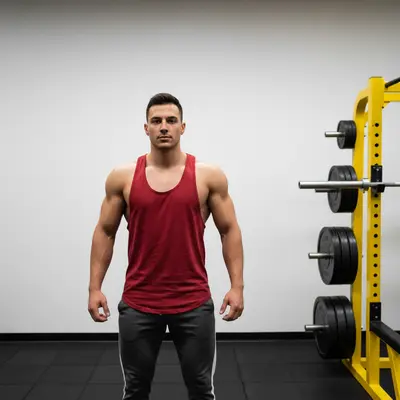
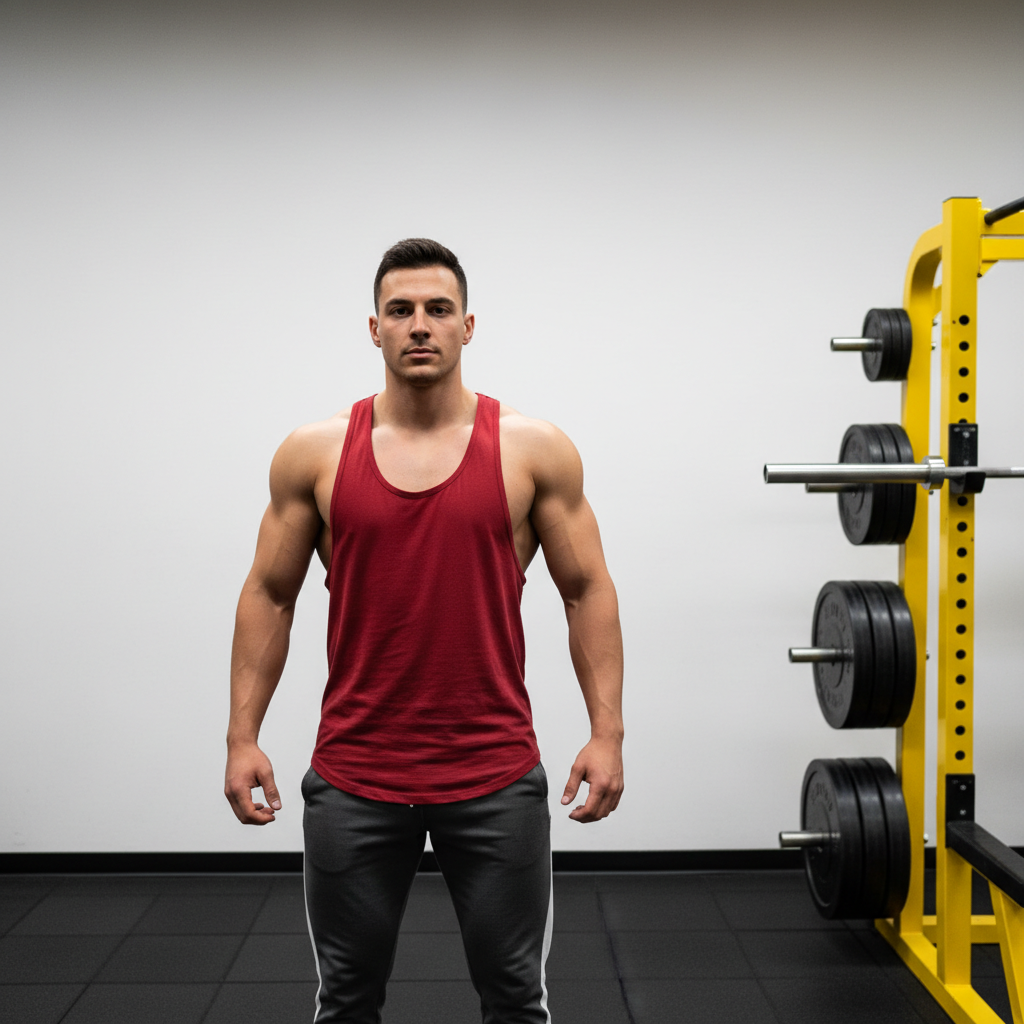
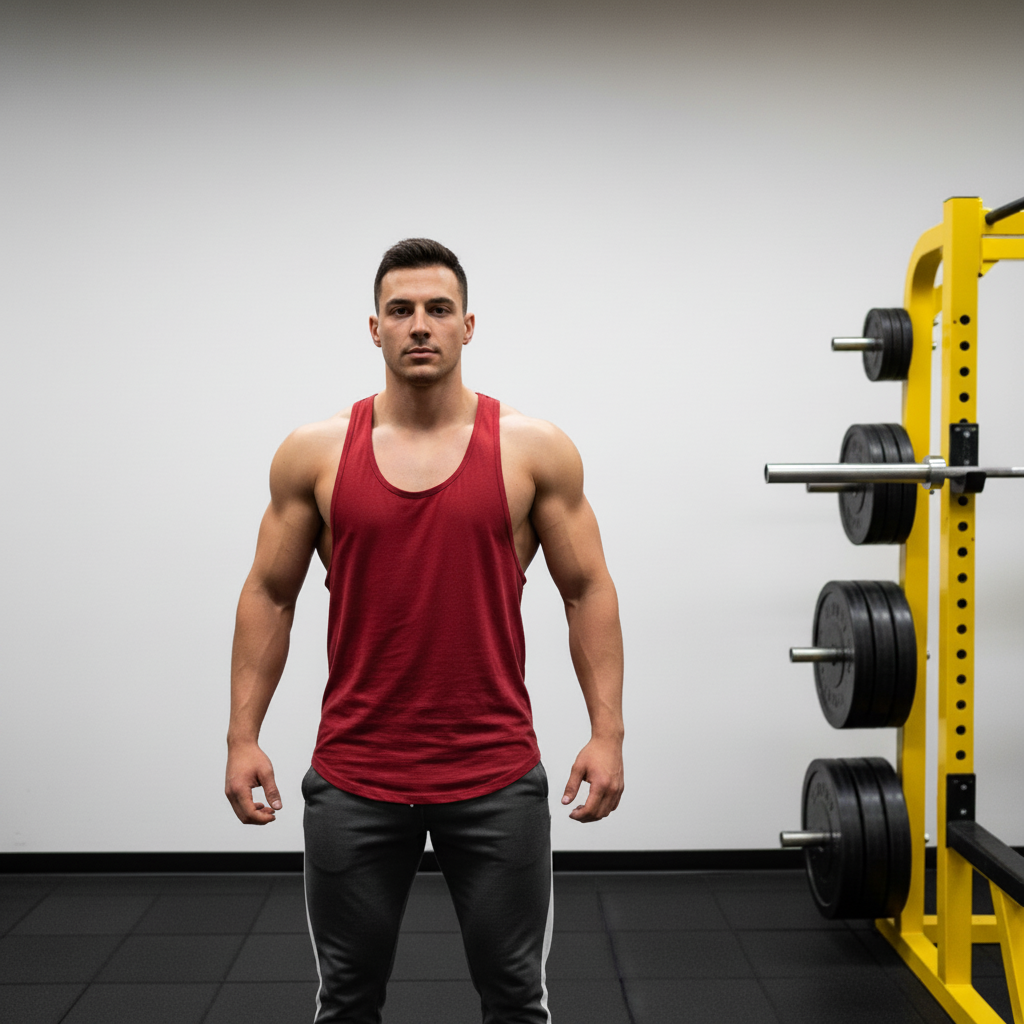
Original gym selfie with basic muscle definition Enhanced photo showing improved chest muscle definition

Upload photo to enhance chest

"Add athletic chest definition with natural muscle contours"

Release to upload

1 free edit·then from $4.99

Popular use cases:
  • chest enhancement
  • muscle definition
  • body enhancement
  • fitness photos
  • portrait enhancement

Cost
Free No signup required
Time
Instant results in 15-30 seconds
Works on
Any device - browser, phone, tablet, desktop
Powered by
AI-powered photo editing
Scenario Prompt Time
Basic enhancement enhance chest definition and add subtle muscle tone 20s
Athletic look add athletic chest definition with natural muscle contours 25s
Subtle improvement enhance chest area subtly while keeping natural appearance 15s

How it works

  1. Upload your photo

    Choose a photo where the chest area is clearly visible. Front-facing photos with good lighting work best for enhancement. Portrait or fitness photos are ideal.

    Expect: Simple enhancement: 15-30 seconds. Complex definition changes: 45-60 seconds and may need refinements for perfect results.
  2. Describe what you want

    THIS IS THE KEY STEP. Type exactly what enhancement you want: 'enhance chest definition', 'add muscle tone to chest', 'improve chest shape naturally'. Be specific about the look you want - athletic, toned, or more defined. No marking needed.

    Tip: Mention specific improvements like 'add subtle muscle definition' or 'enhance chest contour naturally' for best results

    Copy one of these to get started:

    Basic muscle enhancement Enhance chest definition and add subtle muscle tone
    Athletic enhancement Add athletic chest definition with natural muscle contours
    Shape improvement Improve chest shape and add natural fullness
    Subtle enhancement Enhance chest area subtly while keeping natural appearance
    3 more prompts
    Fitness transformation Add defined chest muscles with visible separation and tone
    Professional enhancement Enhance chest definition for professional modeling photos
    Natural improvement Add natural chest enhancement without obvious editing
  3. Review the result

    Check if the enhancement looks natural and matches your vision. Look closely at muscle definition, chest shape, and overall proportions. The AI maintains natural skin texture and lighting.

  4. Refine with markers if needed

    OPTIONAL. Use markers only if you need to specify exactly which part of the chest to enhance. Most enhancements work perfectly with description alone.

    Tip: Markers are for precision refinement when the AI enhances a slightly different area than intended.

See it in action

Original gym selfie with basic muscle definition
Before
->
Enhanced photo showing improved chest muscle definition
After

Fitness photo enhancement

Adding definition and muscle tone to a gym selfie for social media posting

Prompt: Enhance chest definition and add subtle muscle tone
Original professional portrait photo
Before
->
Enhanced portrait with improved chest definition
After

Portrait photo improvement

Enhancing chest area for a professional headshot while maintaining natural appearance

Prompt: Improve chest shape and add natural fullness

If something looks off

AI changed the wrong area or something I didn't want changed

Why: The AI couldn't determine exactly which part of the chest you meant from description alone.

Try: Tap a marker on the specific chest area you want to enhance, then regenerate with the same prompt

Tip: Markers tell the AI 'I mean THIS area specifically.' Use them when description alone is ambiguous.

Enhancement looks too obvious or artificial

Why: The enhancement level might be too strong for a natural look.

Try: Try 'enhance chest area subtly while keeping natural appearance' for more realistic results

Tip: Add words like 'subtle', 'natural', or 'slight' to your description for more realistic enhancements.

Not enough enhancement visible

Why: The AI might be applying too conservative an enhancement.

Try: Be more specific: 'add noticeable chest definition with visible muscle separation'

Tip: Use stronger descriptive words like 'defined', 'prominent', or 'noticeable' for more visible results.

Enhancement doesn't match body proportions

Why: The enhancement might not consider the overall body structure.

Try: Try 'enhance chest proportionally to match overall body build'

Tip: Mention proportions and overall body build in your description for more realistic results.

Quick answers

Do I need to mark the chest area before describing what I want?

No! Just describe what enhancement you want and the AI will locate and enhance the chest area automatically. Only use markers if you need to specify a particular part of the chest area for precision work.

How do I enhance chest definition for free?

Upload your photo and describe the enhancement you want, like 'enhance chest definition' or 'add muscle tone'. EditThisPic is free to try with no account required.

Is there a free chest enhancement tool that doesn't require login?

Yes, EditThisPic is free to try with no account needed. Upload your photo, describe your enhancement, and get instant results.

Will the enhancement look natural in my photos?

Yes, our AI maintains natural skin texture, lighting, and proportions. Use descriptive words like 'subtle' or 'natural' for more realistic results.

Can I enhance chest area in group photos?

Yes, but you may need to use markers to specify exactly which person's chest to enhance if there are multiple people in the photo.

How much does EditThisPic cost?

You get 1 free edit per week — no account needed. After that, credit packs start at $1.99 for 3 edits. Monthly plans start at $4.99/mo for 15 edits with unused credits rolling over. All edits are full resolution with no watermark.

Ready to enhance your chest definition?

Free to try. No signup required.

1 free edit included·Credit packs from $4.99