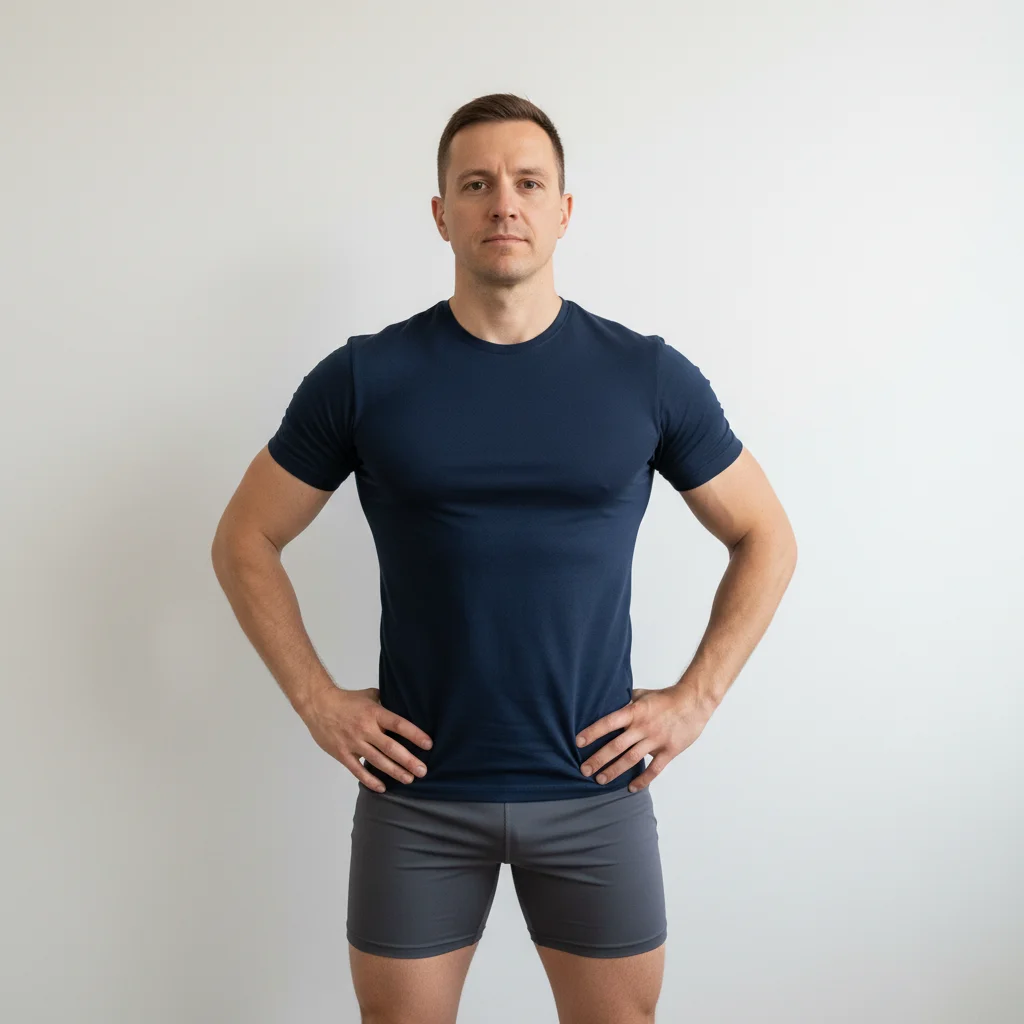
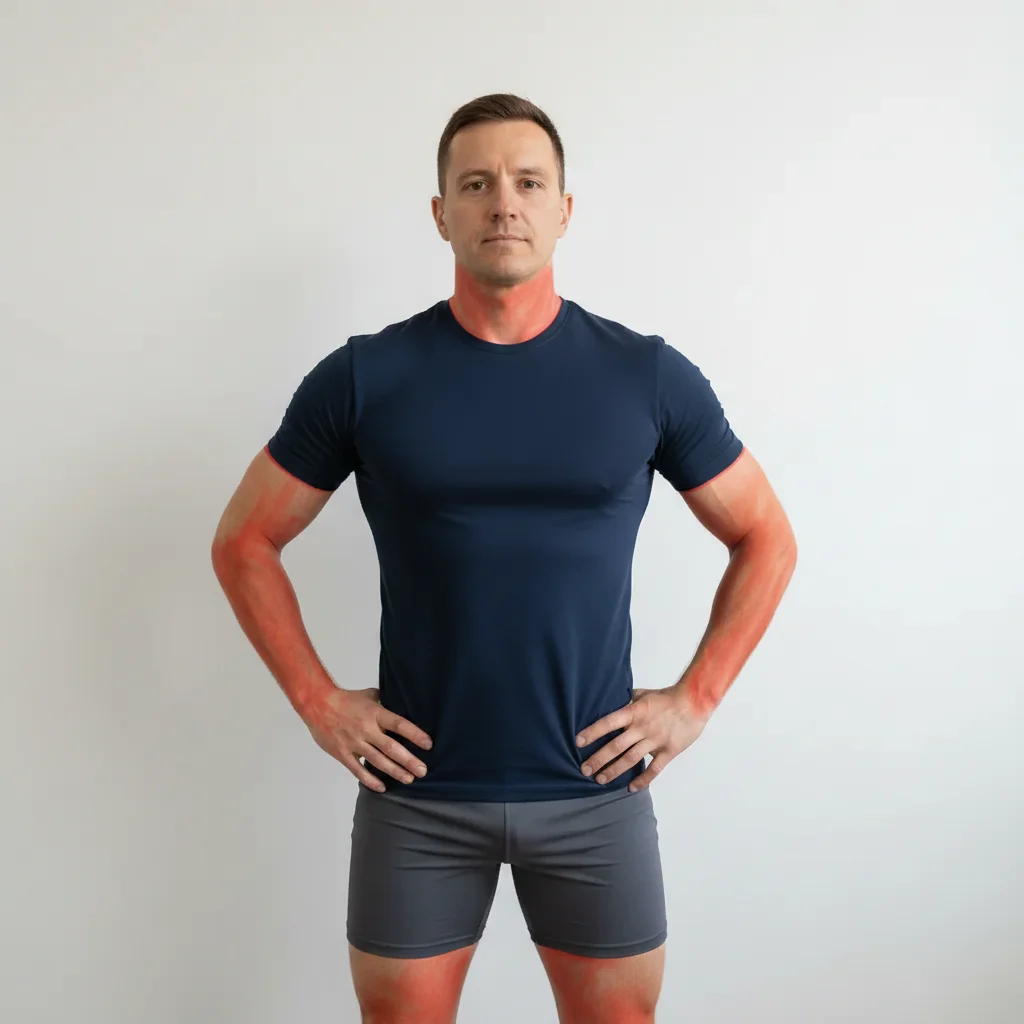
Do I need to mark my muscles before describing what to enhance?
No! Just describe the enhancement: 'enhance arm muscles' or 'add visible abs.' The AI understands human anatomy and targets the right areas automatically.
How do I enhance muscles in a photo for free?
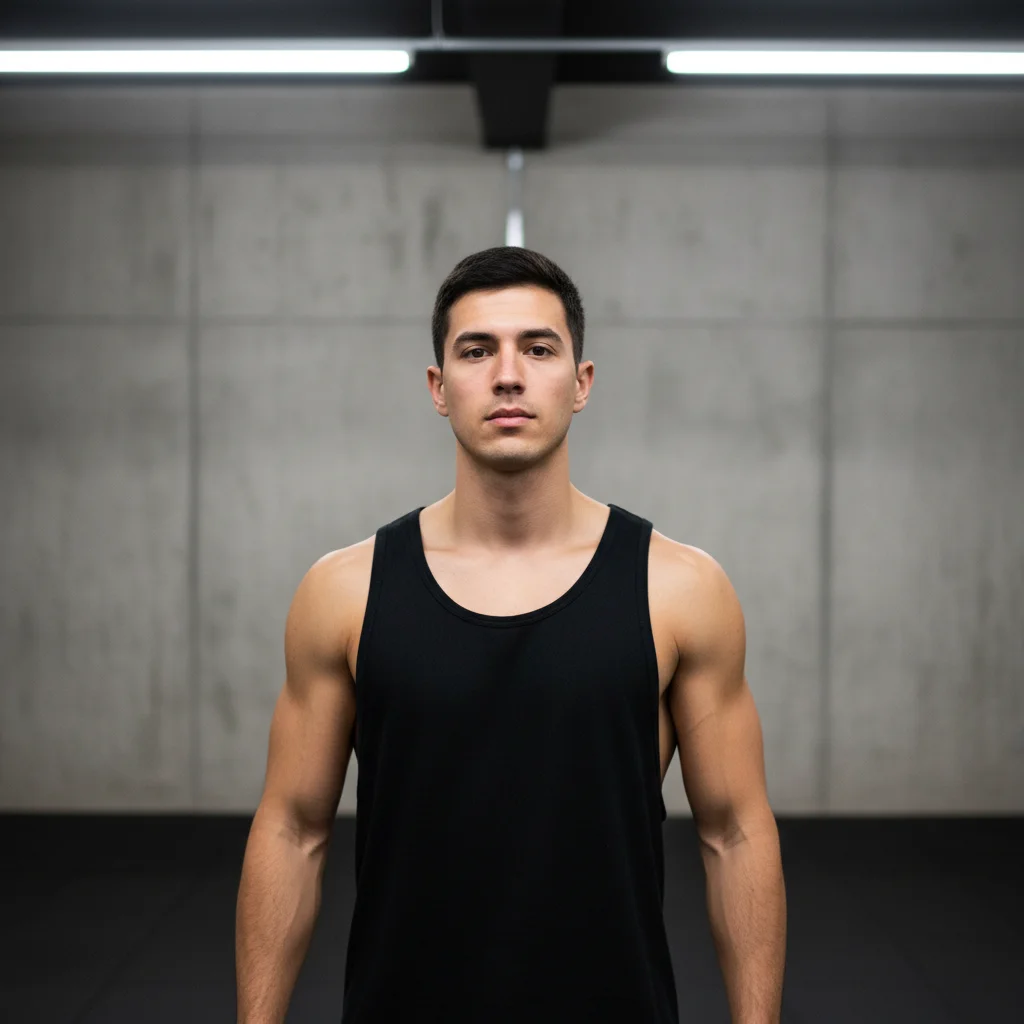
Upload your photo to EditThisPic and type an instruction like 'enhance arm muscles for more definition.' The AI adds realistic muscle tone in 30-45 seconds. Free to try, no account required — purchased results download clean.
Is there a free AI muscle enhancer that doesn't require login?
Yes, EditThisPic enhances muscles for free with no account needed. Upload your photo, describe the muscle definition you want, and preview the result free — purchased downloads are clean, full quality. Works on gym photos, selfies, and any shot where muscles are visible.
Will the muscle enhancement look realistic?
Subtle enhancements look completely natural—like the difference between bad and great gym lighting. The AI adds shadows and definition that follow the photo's existing light source. Avoid extreme enhancements for the most believable results.
Is EditThisPic's AI muscles enhancer really free?
Yes — you get 1 free edit per week, no account needed. Credit packs start at $4.99 for 10 edits.
Can I enhance muscles on my phone?
Yes. EditThisPic works in any mobile browser — iPhone, Android, tablet. No app download needed.
What photo formats does the AI muscles enhancer support?
JPG, PNG, WebP, and HEIC. Upload any common photo format and EditThisPic handles the rest.
How long does it take to enhance muscles?
Usually 15-30 seconds. Upload your photo, describe what you want, and the AI delivers the result.
What is the best free AI tool to enhance muscles in a photo?
EditThisPic is one of the best free AI muscle enhancers online. Upload a gym photo or any shot showing your body, describe the enhancement you want, and the AI adds realistic muscle definition in under 30 seconds. No signup — the free edit is a preview; purchased downloads are clean, full quality.
How do I add muscle definition to a photo without Photoshop?
Upload your photo to EditThisPic and type something like 'enhance arm muscles for more definition.' The AI understands human anatomy and adds realistic muscle tone automatically. No manual painting, dodging, or burning tools required.
Can I enhance muscles through clothing?
The AI works best on visible skin. For covered areas, use a prompt like 'adjust clothing fit to suggest a more muscular frame underneath.' The AI will tighten the fabric appearance rather than drawing visible anatomy through the shirt.
Will muscle enhancement work on a group photo?
Yes, but specify which person to enhance. Without direction, the AI may enhance everyone in the frame.
How much does EditThisPic cost?
You get 1 free edit per week — no account needed. After that, one-time credit packs start at $4.99 for 10 edits, valid 12 months, no subscription. Power users who edit daily can pick Studio Membership, a monthly workspace at $49.99/mo for 300 edits. Purchased downloads are clean with no watermark.