Do I need to mark areas before describing what to enhance?
No! Just describe the improvements: 'improve the lawn, clean the driveway, trim bushes.' The AI understands exterior elements like lawns, driveways, landscaping, and lighting. Only use markers if you want to target one specific problem area, like a particular stain or one overgrown section.
Can I fix multiple exterior problems in one edit?
Yes! Combine improvements in one prompt: 'green lawn, clean driveway, trim landscaping, brighter lighting.' The AI handles multiple enhancements simultaneously. This is perfect for preparing listing photos where several curb appeal issues need fixing at once.
Will enhanced photos look realistic for real estate listings?
Yes! The AI creates natural-looking enhancements that maintain the property's actual appearance. Lawn texture, driveway cleanliness, and lighting improvements look realistic, not fake or overdone. Perfect for MLS listings where photos must represent the property accurately but at its best.
What's the best free tool for real estate exterior enhancement?
EditThisPic enhances property exteriors with AI for free, no signup required. Unlike generic photo editors, it understands real estate elements like lawns, driveways, and curb appeal. Upload an exterior photo, describe improvements, and see results in 30 seconds without manual editing.
Can I change seasons or improve weather in the photo?
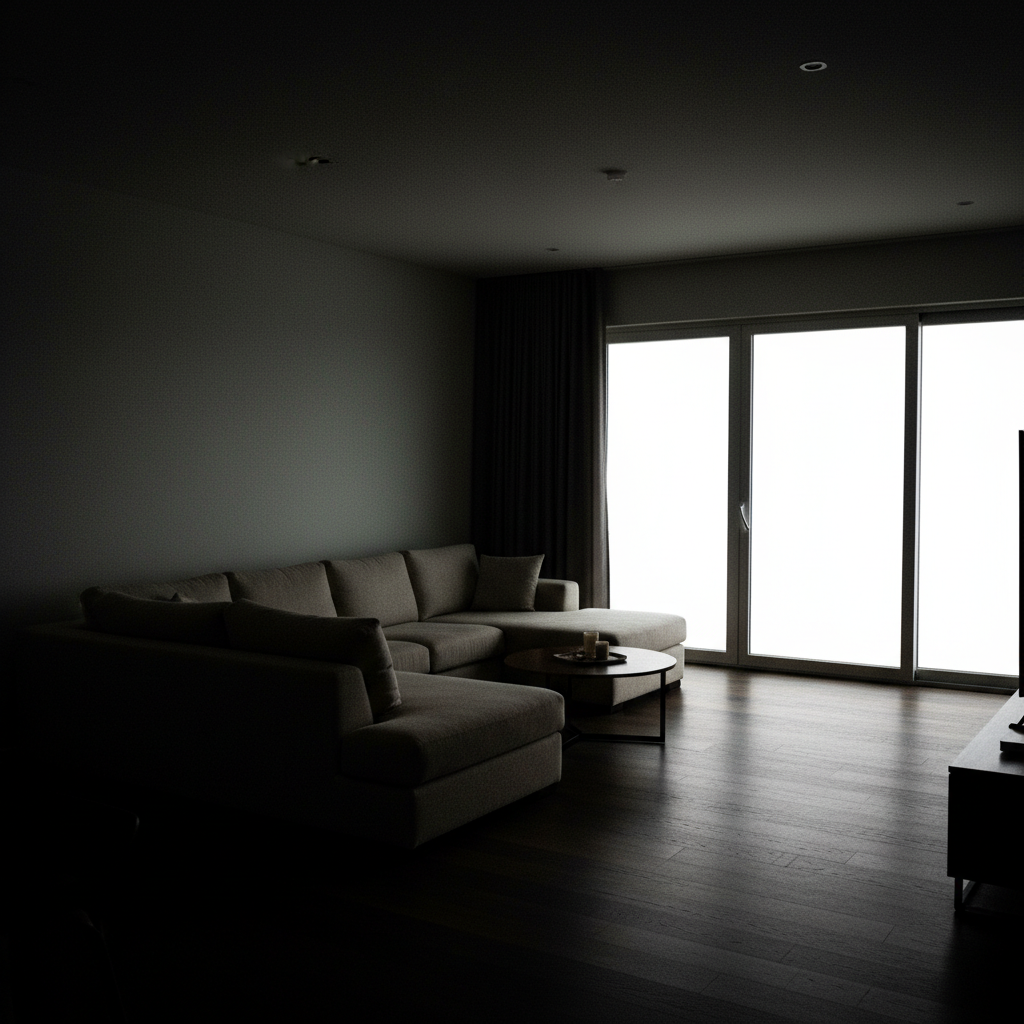
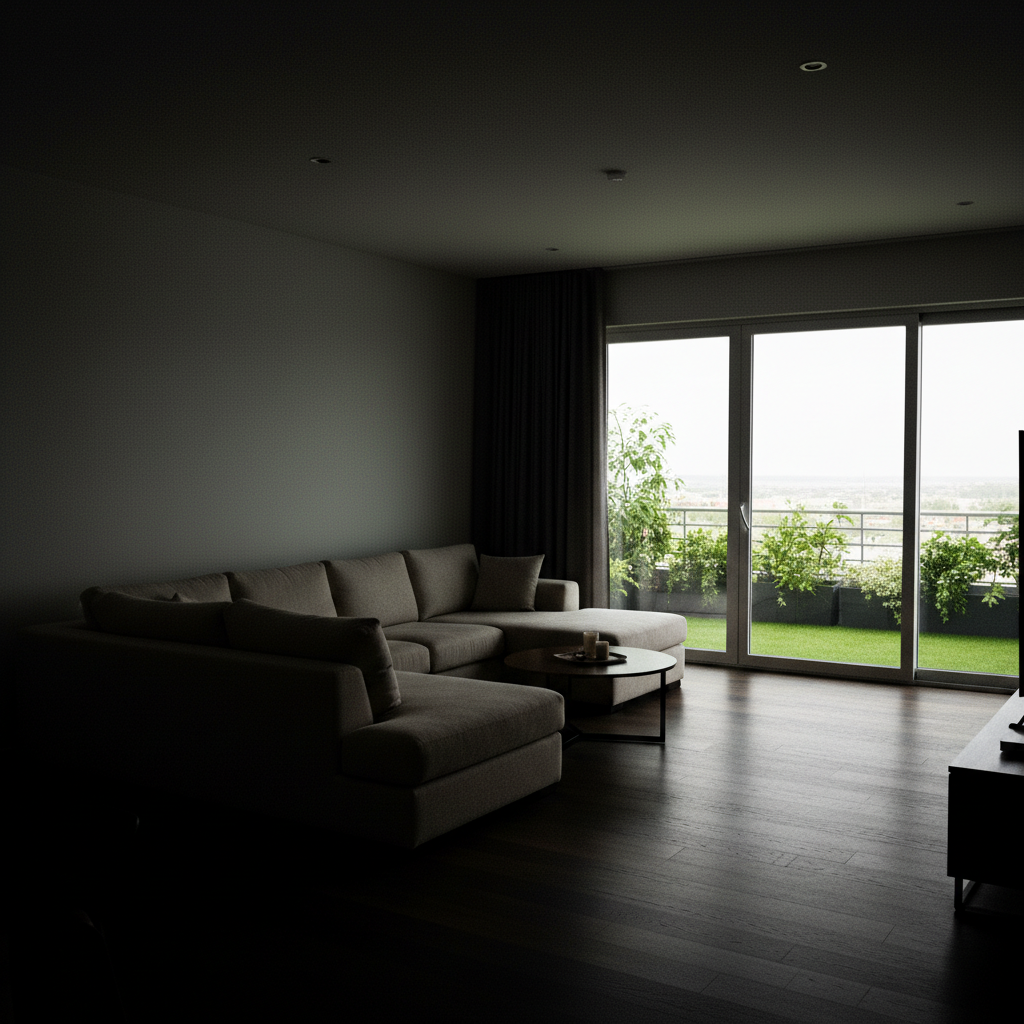
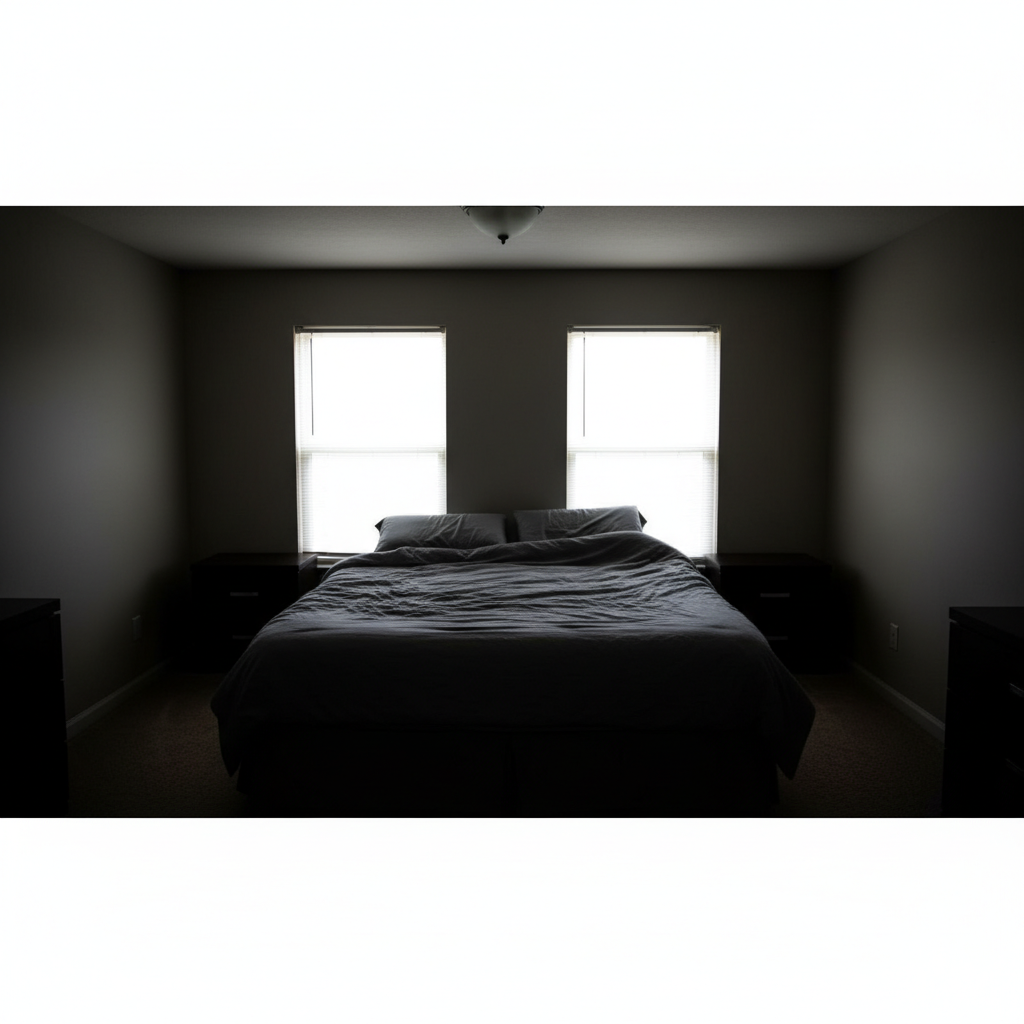
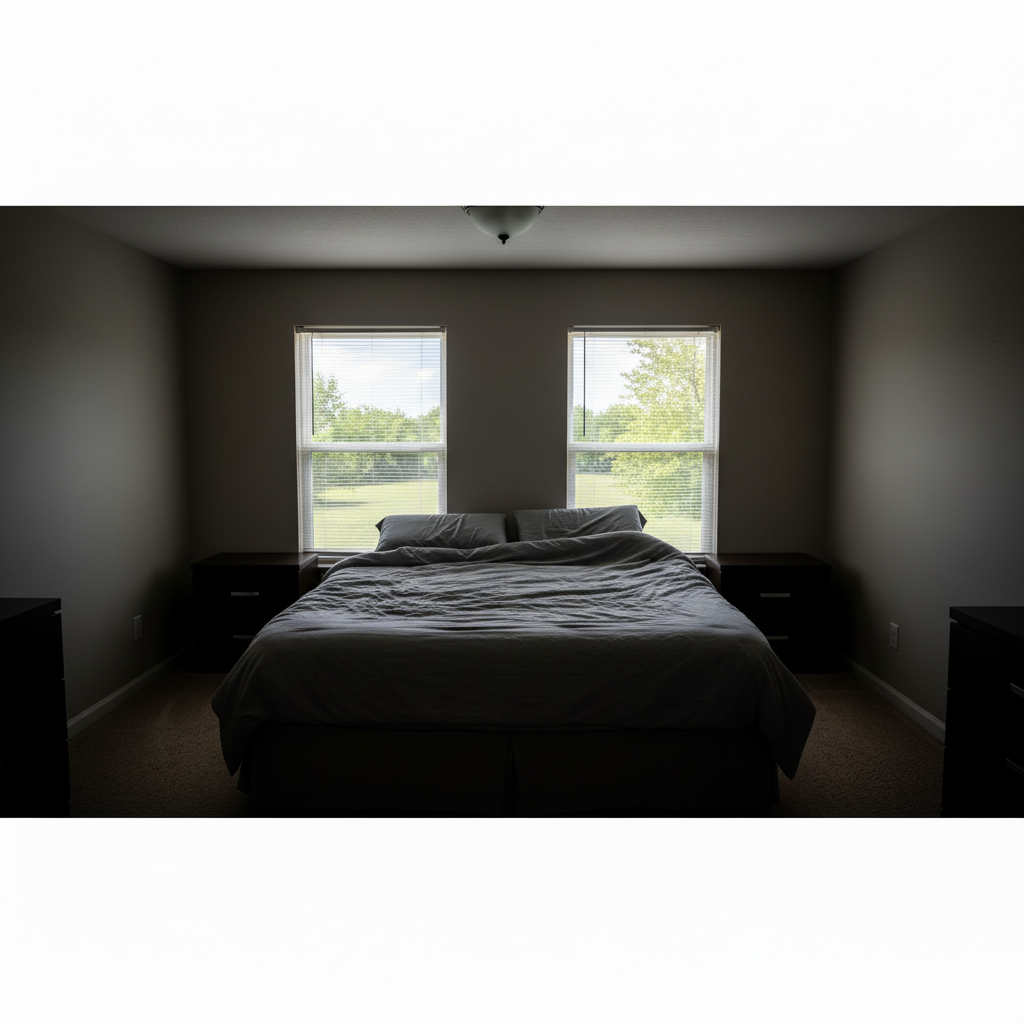
Yes! Say 'make it look like spring with green lawn and sunny lighting' or 'brighten to sunny day from overcast.' The AI adjusts seasonal appearance and weather conditions to show the property at its best, which is standard practice in real estate photography.
Is EditThisPic's AI real estate exterior enhancer really free?
Yes — you get 1 free edit per week, no account needed. For unlimited edits, plans start at $3.99/month.
Can I enhance real estate exterior on my phone?
Yes. EditThisPic works in any mobile browser — iPhone, Android, tablet. No app download needed.
What photo formats does the AI real estate exterior enhancer support?
JPG, PNG, WebP, and HEIC. Upload any common photo format and EditThisPic handles the rest.