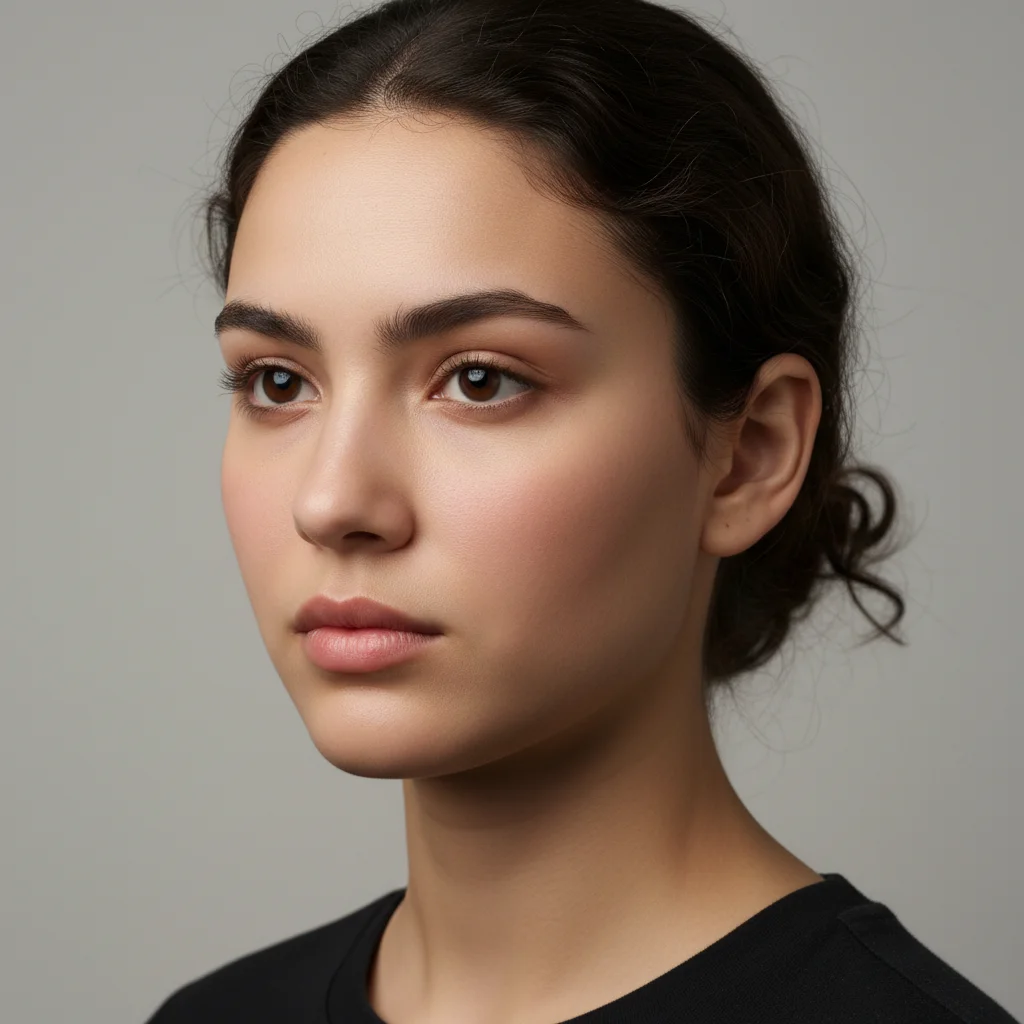
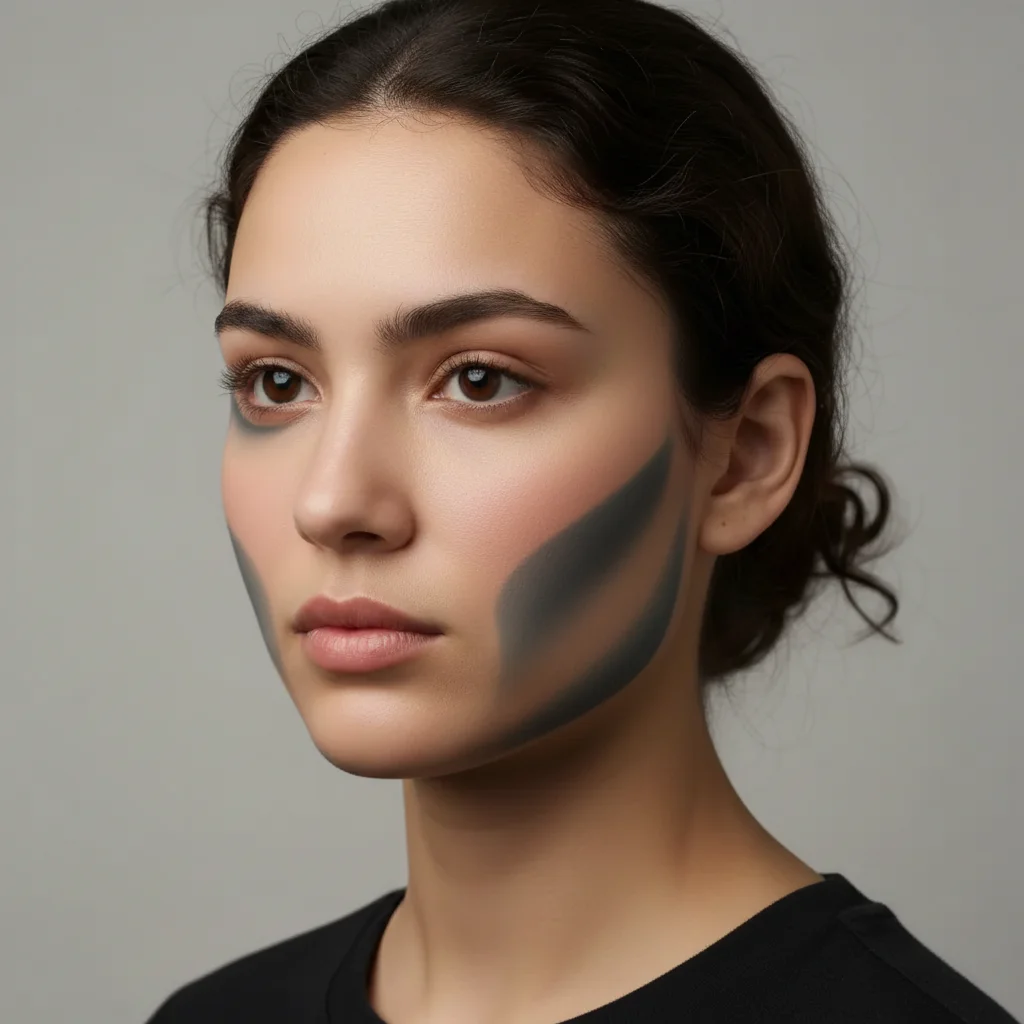
Do I need to mark the cheekbone areas before describing what I want enhanced?
No! Just describe what you want: 'enhance cheekbones with subtle contouring' or 'add cheekbone definition.' The AI understands facial anatomy and natural bone structure.
How do I enhance cheekbones in a photo for free?
Upload your photo to EditThisPic and type 'enhance cheekbones with subtle contouring and definition.' The AI adds natural highlights and shadows to define your cheekbones in 20-30 seconds. Completely free, no signup required.
Will the enhancement look natural or like heavy makeup?
The AI creates natural-looking definition by default. Use 'subtle' for barely-there enhancement or 'dramatic' for high-fashion looks. The key is matching your photo's existing lighting for realistic results.
Can I control how strong the cheekbone enhancement is?
Yes. Use intensity descriptors in your prompt: 'subtle' for gentle enhancement, 'moderate' for noticeable definition, 'prominent' or 'dramatic' for strong contouring.
What's the difference between cheek enhancement and face slimming?
Cheek enhancement adds definition and highlights to existing bone structure without changing face shape. Face slimming actually narrows the face. For pure definition without slimming, use 'enhance cheekbones with highlights, no slimming'.
Is EditThisPic's AI cheekbones enhancer really free?
Yes — you get 1 free edit per week, no account needed. Plans start at $4.99/month for 15 edits.
Can I enhance cheekbones on my phone?
Yes. EditThisPic works in any mobile browser — iPhone, Android, tablet. No app download needed.
What photo formats does the AI cheekbones enhancer support?
JPG, PNG, WebP, and HEIC. Upload any common photo format and EditThisPic handles the rest.
How much does EditThisPic cost?
You get 1 free edit per week — no account needed. After that, credit packs start at $1.99 for 3 edits. Monthly plans start at $4.99/mo for 20 edits with unused credits rolling over. All edits are full resolution with no watermark.