Free • No signup Enhance Lips · Free

AI Lip Plumper - Enhance Lips Naturally

Describe your desired lip enhancement and AI creates natural-looking results.

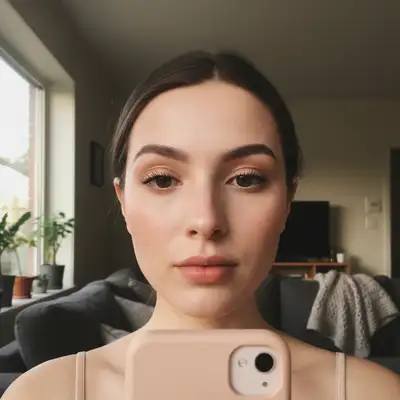
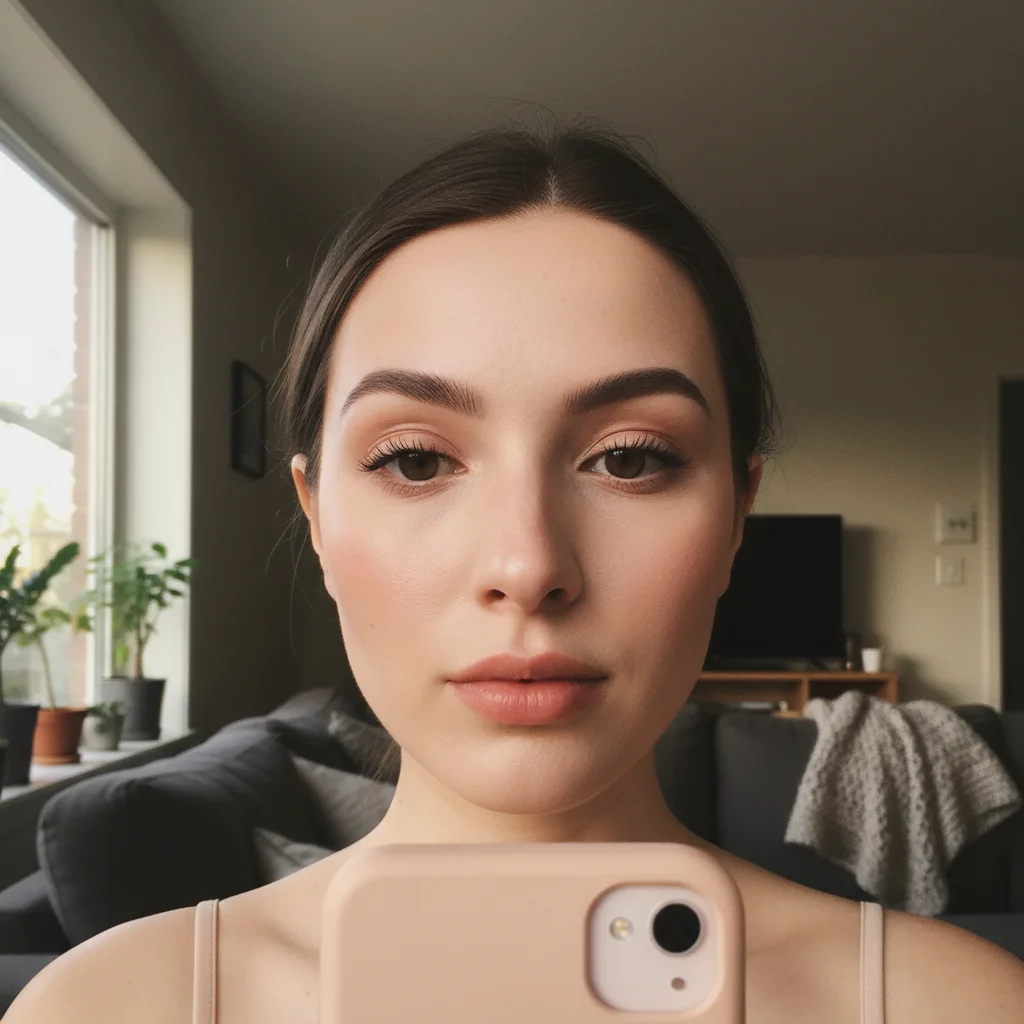
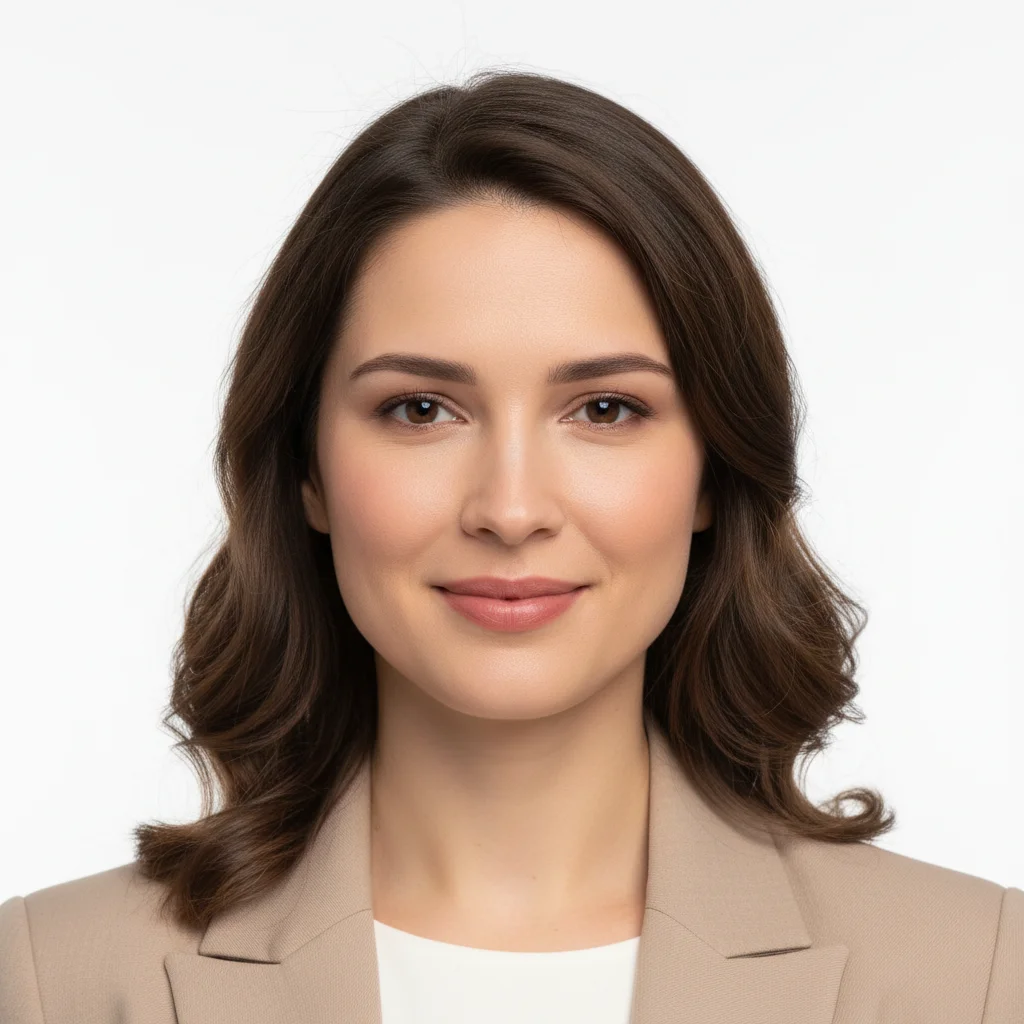
Selfie with natural thin lips
Before
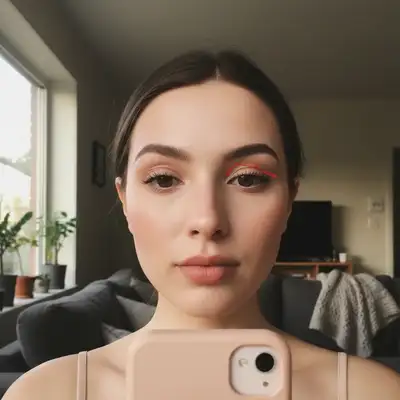
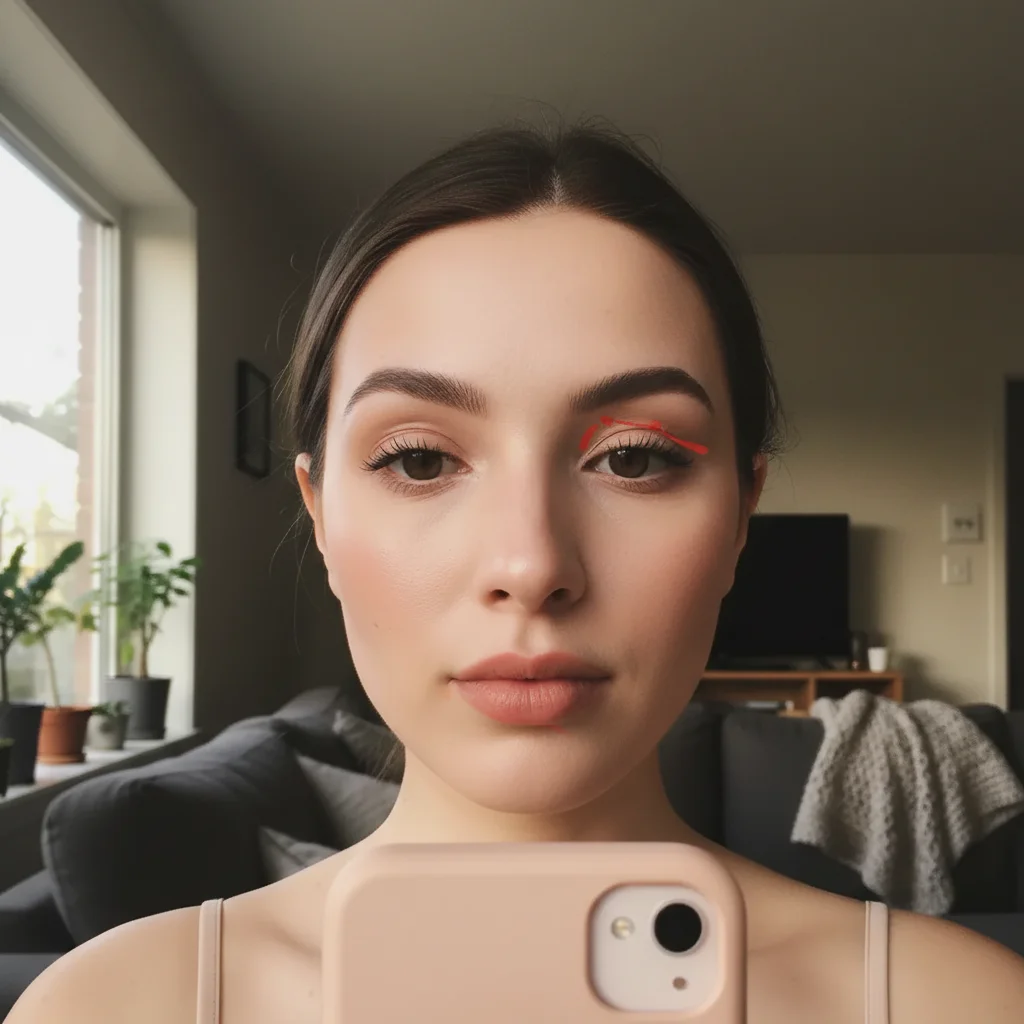
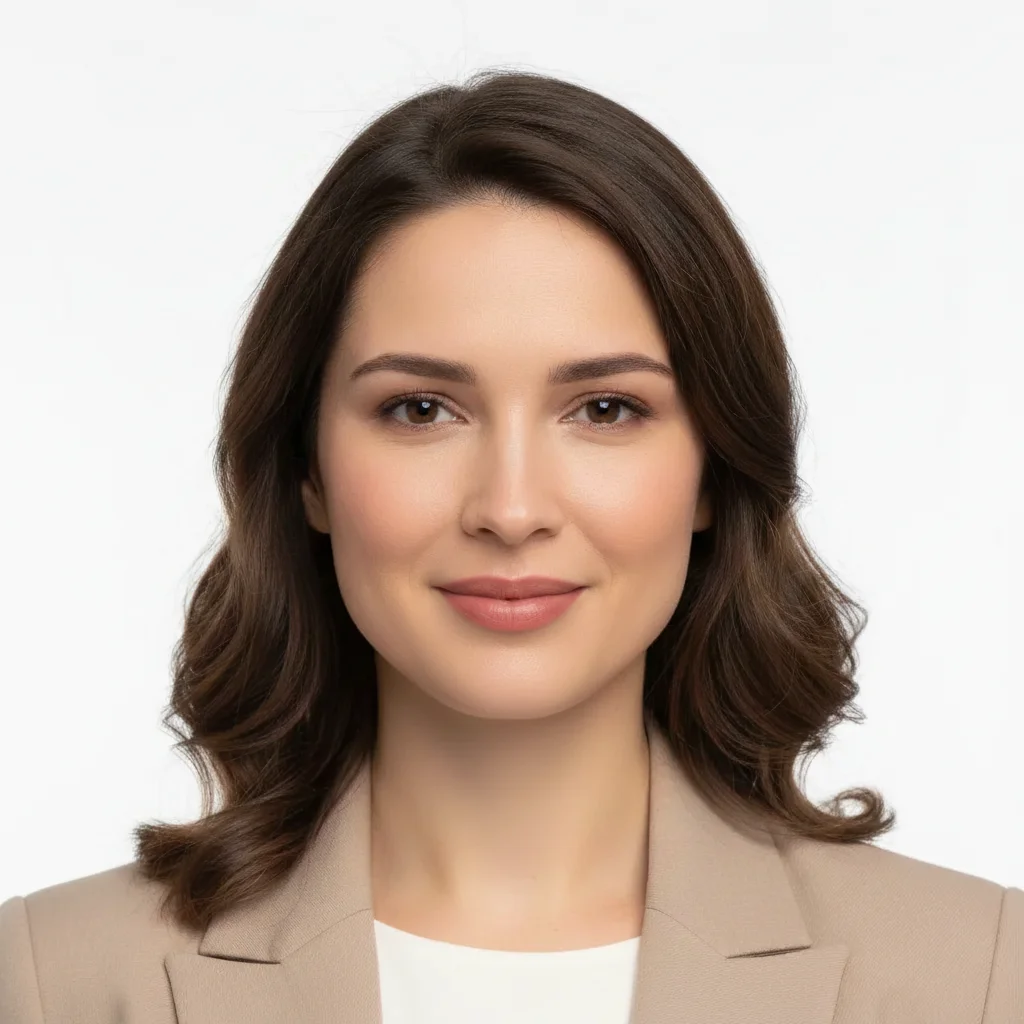
Same selfie with subtly enhanced, fuller lips
After

AI Lip Plumper

Drop your photo here

or click to browse

Release to upload

Free • No signup

Advertisement
Popular use cases:
  • selfie enhancement
  • dating profile photos
  • Instagram posts
  • professional headshots
  • beauty photography
  • portrait retouching

Cost
Free No signup required
Time
Instant results in 15-30 seconds
Works on
Any device - browser, phone, tablet, desktop
Powered by
AI-powered photo editing
Scenario Prompt Time
Natural everyday enhance lips with subtle plumping and definition while maintaining natural shape 15s
Fuller selfie lips make lips noticeably fuller and more defined with smooth texture 20s
Glossy enhancement enhance lips with moderate plumping and add glossy shine 20s
Definition focus enhance lip definition and contours while adding slight plumping effect 15s

How it works

  1. Upload your photo

    Drop your image into EditThisPic. JPG, PNG, WebP up to 7MB. Works best with well-lit selfies and portraits where lips are clearly visible. Front-facing photos with even lighting give the most natural results.

    Expect: Simple enhancement: 15-30 seconds. Dramatic transformations may need 2-3 refinements to achieve the perfect balance.
  2. Describe your lip enhancement

    Type your instruction: 'enhance lips with subtle plumping and definition' or 'make lips fuller with natural shape.' Be specific about intensity—'subtle', 'moderate', or 'noticeable'. Include texture preferences like 'smooth' or 'glossy'. No marking needed—the AI understands what 'lips' means and will enhance them naturally.

    Tip: Use words like 'subtle' or 'natural' for realistic results. Specify 'maintain shape' to preserve your unique lip contours while adding volume.

    Copy one of these to get started:

    Natural everyday enhancement enhance lips with subtle plumping and definition while maintaining natural shape
    Fuller lips for selfies make lips noticeably fuller and more defined with smooth texture
    Glossy plump lips enhance lips with moderate plumping and add glossy shine
    Define lip contours enhance lip definition and contours while adding slight plumping effect
    3 more prompts
    Balanced fullness make both lips equally fuller with natural color saturation
    Upper lip focus enhance upper lip with plumping while keeping lower lip natural
    Smooth hydrated look make lips fuller with smooth hydrated appearance and soft edges
  3. Generate and review

    Click Generate and wait 15-30 seconds. Zoom in to verify the lips look naturally fuller without distortion. Check that the cupid's bow, lip lines, and corners remain natural. The enhancement should be noticeable but believable.

  4. Refine with markers if needed

    If you want to adjust specific areas—like adding more volume to just the lower lip or defining the cupid's bow—tap markers on those spots and regenerate. This is optional—most enhancements work without markers.

    Tip: Markers are for precision refinement, not required. Try without them first. Use markers to focus enhancement on upper lip, lower lip, or edges separately.
Try it free

AI Lip Plumper

Drop your photo here

or click to browse

Release to upload

Free • No signup

"The lip plumper gave me such natural results! Just described what I wanted and it looked perfect without being overdone." @beautyeditor

See it in action

Selfie with natural thin lips
Before
->
Same selfie with subtly enhanced, fuller lips
After

Natural Selfie Enhancement

Added subtle fullness to lips in a casual selfie without changing the person's natural shape or look.

Prompt: enhance lips with subtle plumping and definition while maintaining natural shape
Professional headshot with flat-looking lips
Before
->
Headshot with enhanced, defined lips that look polished
After

Professional Headshot Enhancement

Enhanced lip definition and volume for a LinkedIn headshot while keeping the professional, approachable look.

Prompt: enhance lip definition and contours while adding slight plumping effect
Portrait with unbalanced lip proportions (thin upper lip)
Before
->
Portrait with balanced, harmonious lip proportions
After

Balanced Lip Proportions

Increased upper lip volume to balance naturally fuller lower lip, creating harmonious proportions.

Prompt: enhance upper lip with plumping while keeping lower lip natural
Advertisement

If something looks off

Lips look unrealistically large or overdone

Why: The AI interpreted enhancement too aggressively or your prompt used words suggesting dramatic change without natural limits.

Try: Regenerate with: 'enhance lips with subtle plumping that looks natural and believable'

Tip: Always include 'subtle' or 'natural' in your prompt to constrain the enhancement intensity

Lip texture looks fake or plastic

Why: Over-smoothing can remove natural lip texture and lines, making lips appear artificial.

Try: Try: 'enhance lips with moderate plumping while preserving natural lip texture and lines'

Tip: Specify 'preserve texture' or 'maintain natural lines' to keep realistic skin detail

AI changed mouth area or teeth

Why: The prompt was too vague and the AI made changes beyond just the lips.

Try: Tap a marker directly on the lips (not around mouth), then regenerate with: 'enhance only the lips with plumping'

Tip: Markers tell the AI 'I mean THIS area specifically.' Use them when enhancement affects unwanted areas.

Upper and lower lips look unbalanced

Why: The AI enhanced both lips equally when your proportions needed targeted adjustment.

Try: Specify which lip needs work: 'enhance upper lip with plumping while keeping lower lip natural'

Tip: For proportion issues, target one lip at a time rather than general 'enhance lips' prompts

Color looks unnatural or too saturated

Why: Enhancement sometimes increases color intensity along with volume, leading to unrealistic tones.

Try: Add: 'enhance lips with plumping while maintaining original lip color'

Tip: Include 'maintain color' or 'natural color' to prevent AI from oversaturating lip tones

Lip edges look blurry or undefined

Why: The plumping algorithm softened edges too much, losing crisp definition.

Try: Try: 'enhance lips with plumping and add sharp definition to lip edges'

Tip: Words like 'sharp', 'defined', or 'crisp' help maintain clear boundaries between lips and skin

Quick answers

Do I need to mark the lips before describing?

No! Just describe what you want: 'enhance lips with subtle plumping' or 'make lips fuller with natural shape.' The AI understands what lips are and will enhance them automatically. Only use markers when you need precision—like targeting just the upper lip or refining specific areas after your first attempt.

How do I keep lip enhancements looking natural and not overdone?

Always include words like 'subtle', 'natural', or 'realistic' in your prompt. Specify 'maintain natural shape' to preserve your unique lip contours. Avoid words like 'dramatic' or 'extreme' unless you want obvious enhancement. Start conservative—you can always regenerate with more intensity if needed.

Is there a free AI lip plumper that doesn't require an account?

Yes. EditThisPic is completely free to try with no signup required. You get free daily edits to enhance your lips with AI. No watermarks, no downloads, no credit card needed.

What is the best free AI tool for enhancing lips in selfies?

EditThisPic's AI Lip Plumper is designed specifically for natural selfie enhancements. Unlike filters that use the same effect on everyone, our AI analyzes your unique lip shape and creates custom enhancements that preserve your features while adding volume and definition.

Can I target just the upper or lower lip for enhancement?

Yes. Use prompts like 'enhance upper lip with plumping while keeping lower lip natural' to target specific areas. You can also tap a marker on just the upper or lower lip, then describe the enhancement you want for that area specifically.

Will the enhancement work with lipstick or natural lips?

It works with both. The AI enhances lip structure and volume whether you're wearing lipstick, gloss, or have natural bare lips. Specify 'maintain color' in your prompt to keep your existing lip makeup unchanged during enhancement.

Ready to enhance your lips?

Free to try. No signup required.

Try it free