AI Selfie Enhancer
← Browse all enhance toolsLast updated
Describe how you want your selfie improved and AI enhances it naturally in seconds.
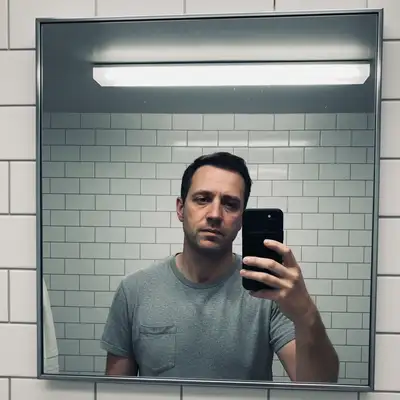
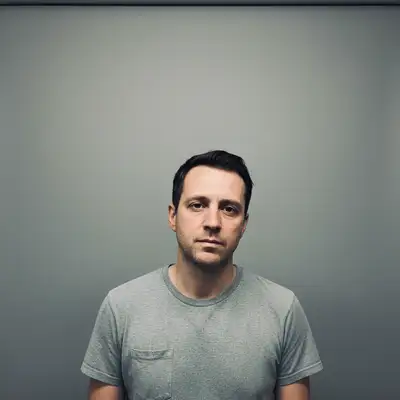
Upload photo to enhance selfies
"fix the harsh overhead shadows in this selfie, even out the lighting on my face, and add soft warm tones for a natural look"
Release to upload
50,000+photos edited
<30stypical edit
1 freeedit weekly
How it works
See it in action
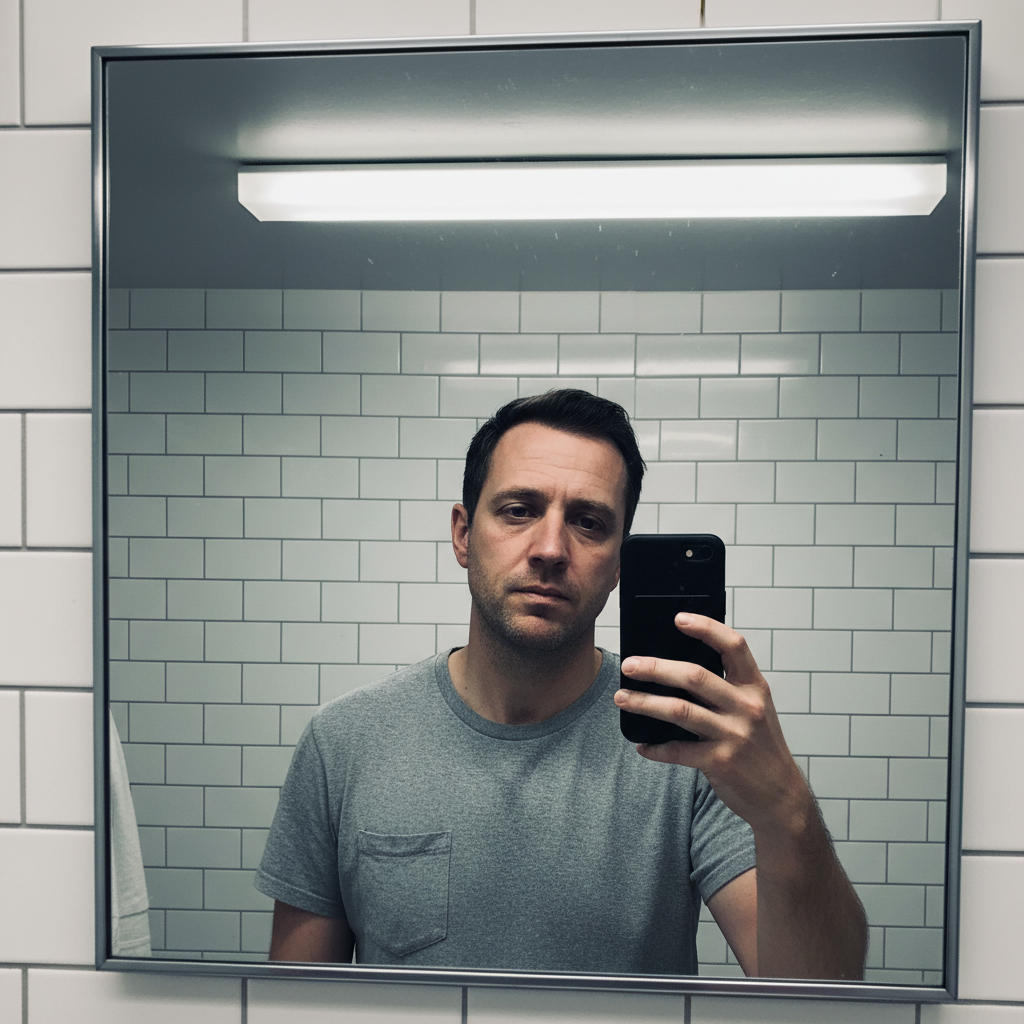
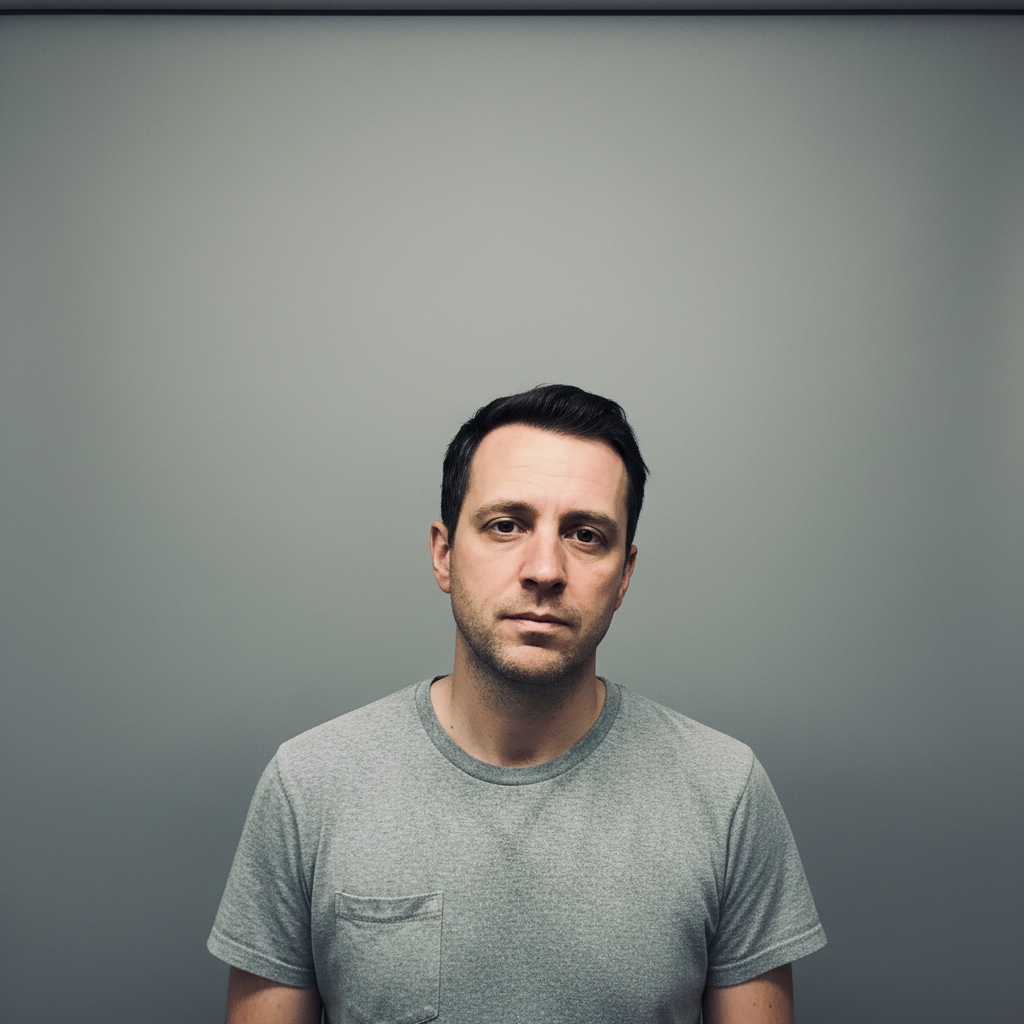
Harsh bathroom lighting to warm flattering portrait
A selfie ruined by harsh overhead bathroom lighting transformed into a naturally flattering photo with warm even tones.
Prompt:
fix the harsh overhead shadows in this selfie, even out the lighting on my face, and add soft warm tones for a natural look
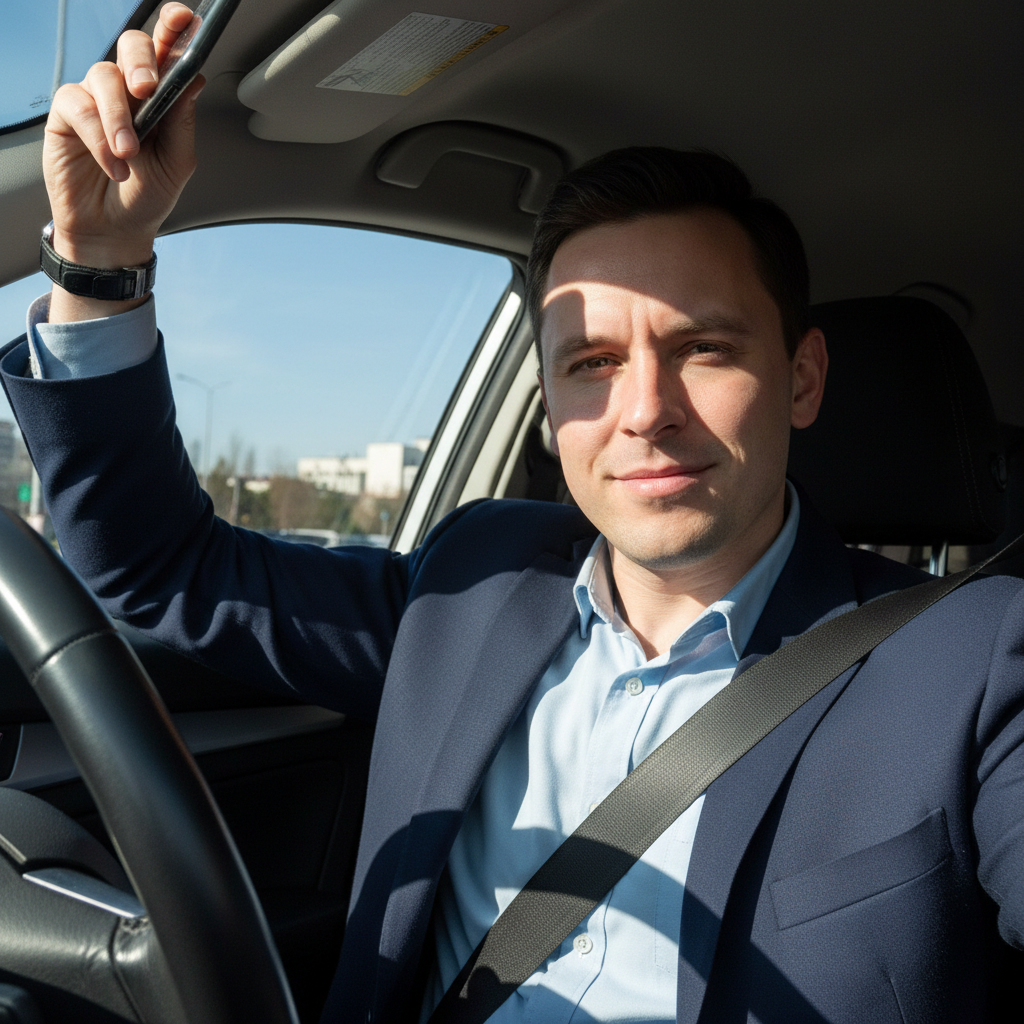

Dark nighttime selfie to bright clear photo
A grainy, dark selfie taken at night brightened and cleaned up while preserving natural features.
Prompt:
brighten this dark selfie significantly, reduce the noise and grain, sharpen my face naturally, and improve the color balance
Quick answers
Popular use cases
Ready to enhance your selfies?
Free to try. No signup required.