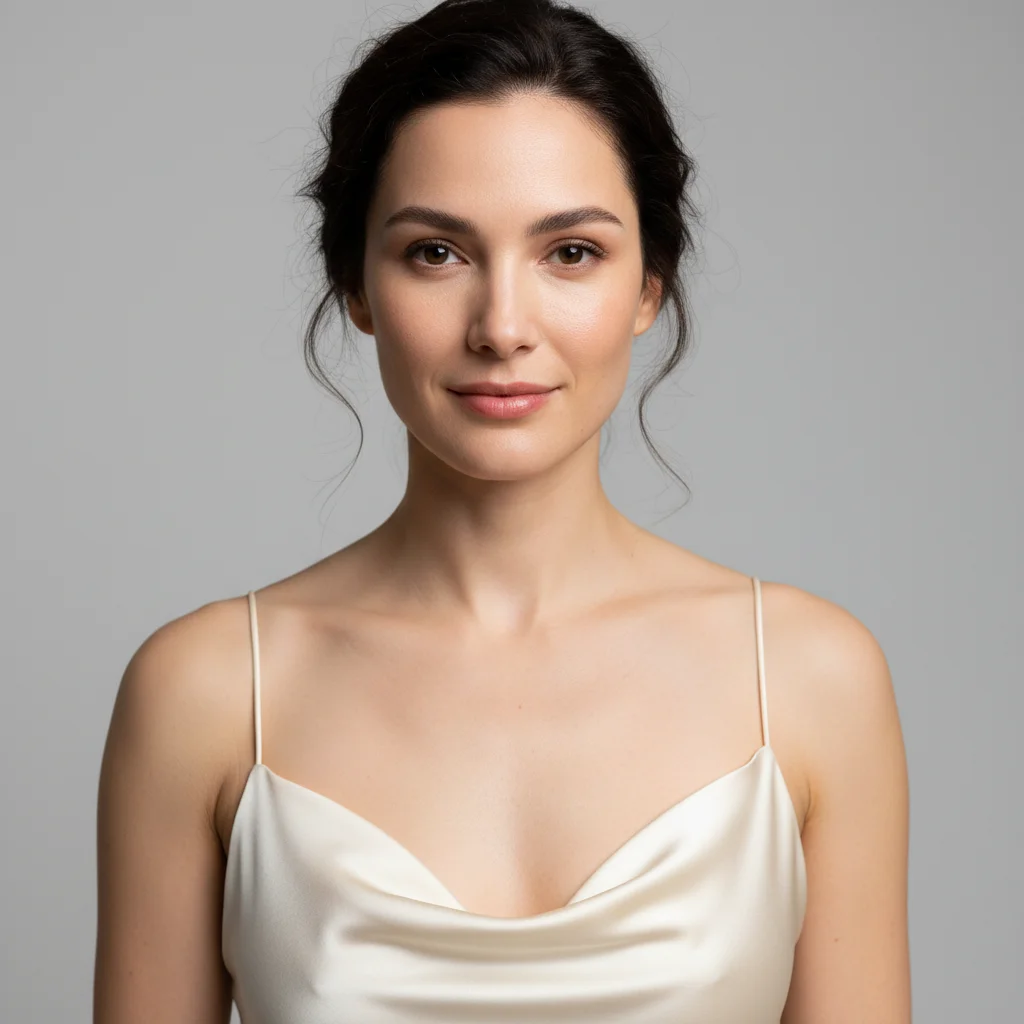
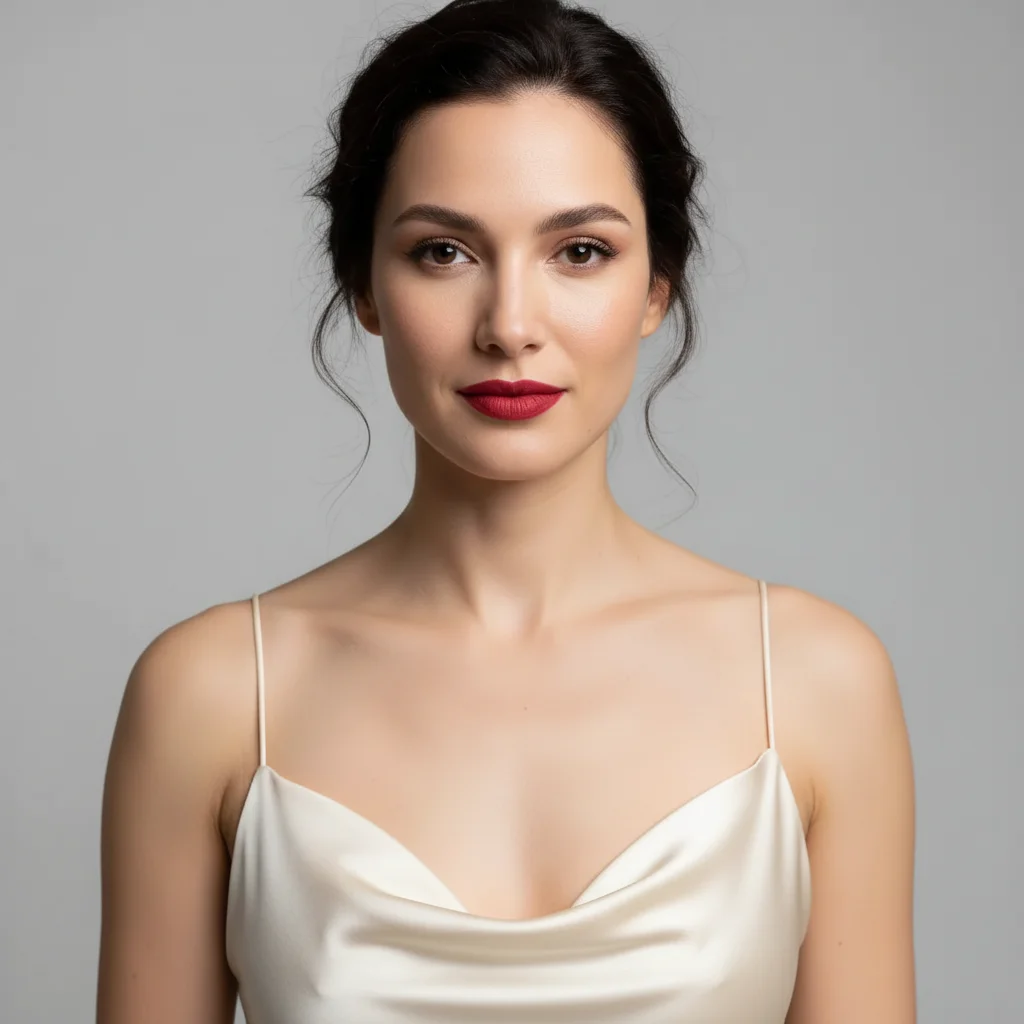
Free โ€ข No signup Remove Makeup from face ยท Free

AI No Makeup Look

Before
Before
โ†’
After
After

Free AI No Makeup Look

Drop your photo here

or click to browse

Release to upload

Free โ€ข No signup

Advertisement
Popular use cases:
  • remove makeup from photo
  • no makeup filter
  • makeup remover tool
  • see without makeup
  • natural face editor
  • remove cosmetics from photo
  • bare face generator
  • makeup eraser app
  • natural skin revealer
  • no makeup look creator

Cost
Free No signup required
Time
Instant results in 15-30 seconds
Works on
Any device - browser, phone, tablet, desktop
Powered by
AI-powered photo editing
Scenario Prompt Time
15-30s
15-30s
15-30s
15-30s
15-30s

How it works

  1. Upload your photo

    Choose any photo where you want to remove makeup - selfies, portraits, or headshots. Works best with clear, well-lit photos where the face is visible.

    Expect: Upload takes 20-30 seconds depending on file size and your connection speed.
  2. Describe what makeup to remove

    Tell the AI what cosmetics to remove - all makeup, specific items like lipstick or eyeliner, or just certain types. The AI identifies and removes the makeup while preserving natural skin texture and features. No need to mark areas - the AI finds makeup automatically.

    Tip: Be specific if removing only certain items: 'Remove eye makeup but keep lipstick' or start simple with 'Remove all makeup to show natural face'.

    Copy one of these to get started:

    Complete makeup removal Remove all makeup to show natural face
    Remove only eye cosmetics Remove eye makeup including eyeliner and eyeshadow
    Remove only lip color Remove lipstick to show natural lip color
    Remove base makeup Remove foundation and concealer to show natural skin
    4 more prompts
    Natural removal with texture preservation Remove all makeup while keeping natural skin texture visible
    Dramatic makeup removal Remove heavy makeup to reveal bare face underneath
    Partial makeup removal Remove eye makeup and lipstick but keep subtle foundation
    Maximum natural appearance Strip away all cosmetics to show completely natural unedited skin
  3. Review the result

    Check that the makeup removal looks natural and realistic. Make sure skin texture looks authentic and facial features remain natural. If needed, refine your description and regenerate.

  4. Download Your Natural Look Photo

    Save your photo showing natural appearance without makeup. No watermark, ready for personal use or comparison purposes.

Try it free โ†“

Free AI No Makeup Look

Drop your photo here

or click to browse

Release to upload

Free โ€ข No signup

See it in action

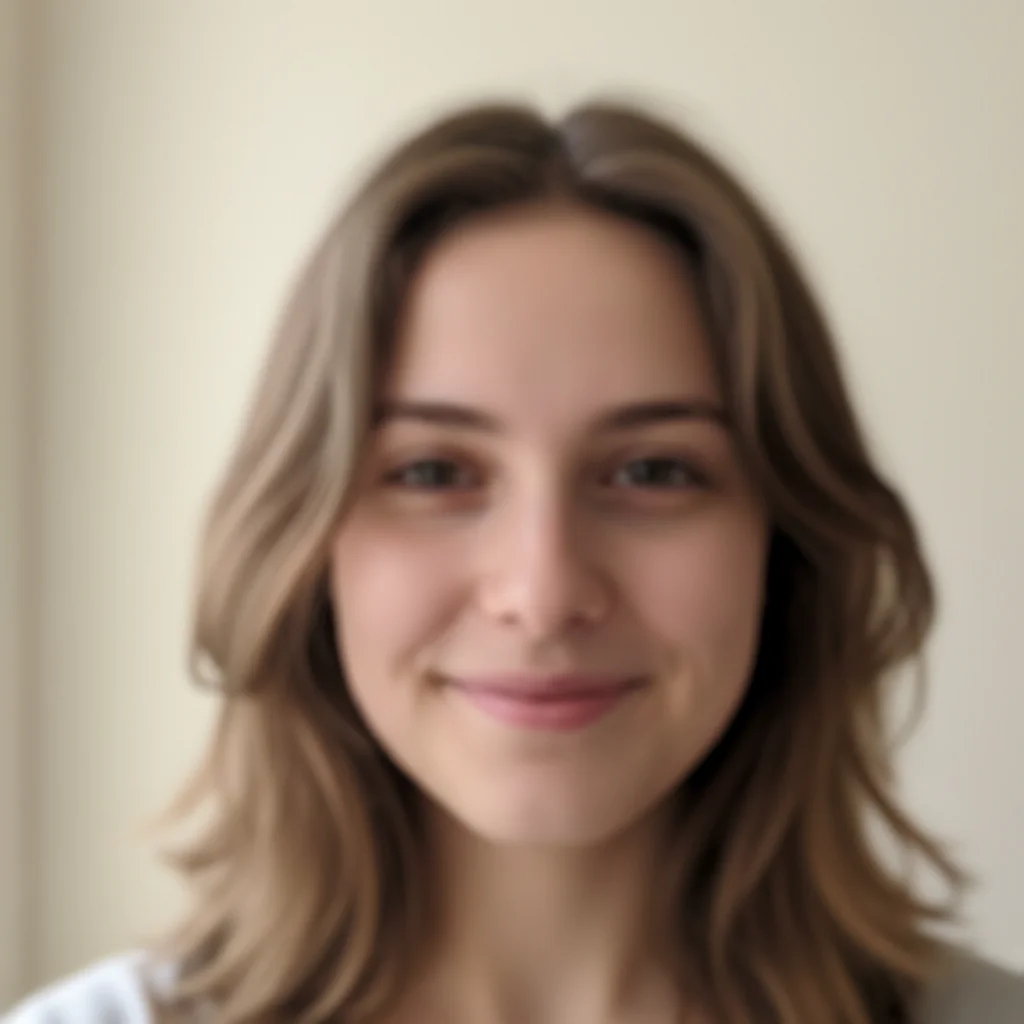
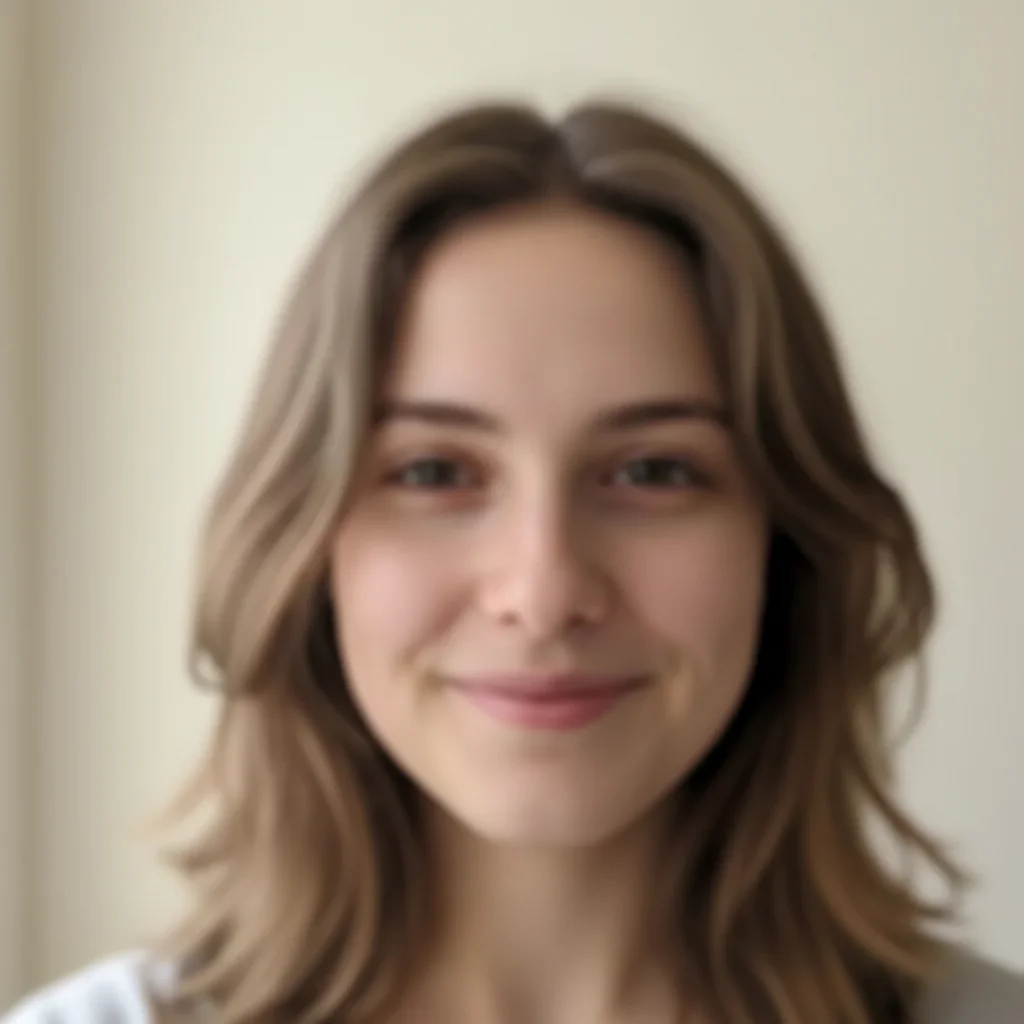
Before
Before
->
After
After

Prompt: Remove all makeup to show natural face
Before
Before
->
After
After

Prompt: Remove foundation and concealer to show natural skin
Before
Before
->
After
After

Prompt: Remove eye makeup including eyeliner and eyeshadow
Advertisement

If something looks off

AI changed the wrong area or something I didn't want changed

Why: The AI couldn't determine exactly which area you meant from description alone.

Try: Tap a marker on the specific area you want to change, then regenerate with the same prompt

Tip: Markers tell the AI 'I mean THIS one specifically.' Use them when description alone is ambiguous.

Skin looks too smooth or artificial after makeup removal

Why: The AI over-smoothed while removing makeup, losing natural texture.

Try: Add 'while keeping natural skin texture' or 'show realistic skin with pores and texture' to your prompt

Tip: Explicitly mention preserving natural texture, pores, and realistic skin for authentic no-makeup results.

Some makeup wasn't removed

Why: Subtle makeup can be hard for AI to detect, or the prompt wasn't comprehensive enough.

Try: Be more thorough: 'Remove ALL makeup including foundation, concealer, eye makeup, lipstick, and blush'

Tip: List all makeup types explicitly rather than just 'remove makeup' for complete removal.

Face looks washed out or colorless

Why: Removing colored makeup also removed natural skin tones and features.

Try: Specify 'Remove makeup while preserving natural skin tone and facial coloring'

Tip: Distinguish between cosmetic color (to remove) and natural coloring (to keep) in your prompt.

Result doesn't look realistic or natural

Why: The original photo may have had very heavy makeup or filters applied.

Try: Use photos without digital filters for best results. Add 'create realistic natural appearance' to prompt

Tip: Photos with digital beauty filters make authentic makeup removal difficult - use unfiltered originals when possible.

Features like eyebrows or lips changed unexpectedly

Why: The AI may have interpreted natural features as makeup.

Try: Protect natural features: 'Remove makeup but keep natural eyebrows and lip shape'

Tip: Specify that permanent features (eyebrows, lip shape, natural coloring) should remain unchanged.

Quick answers

Do I need to mark which areas have makeup?

No! Just describe what makeup to remove. The AI automatically detects and removes cosmetics from the face while preserving natural features and skin texture. Markers are only helpful if you want to protect specific areas from changes.

Is this tool free to use?

Yes, completely free with no watermark. No account creation or payment required. Remove makeup from as many photos as you want for personal use, comparison, or curiosity.

Will it show realistic natural skin?

Yes, the AI aims to reveal authentic-looking natural skin with appropriate texture and tone. Results depend on original photo quality - high-quality photos with visible skin texture produce the most realistic no-makeup results.

Can I remove only certain makeup items?

Absolutely! Specify exactly what to remove: 'Remove only eye makeup', 'Remove lipstick only', 'Remove foundation but keep eye makeup'. The AI removes only what you specify while leaving other makeup intact.

What if the photo has both makeup and digital filters?

The AI removes makeup (cosmetics) but may not fully remove digital filters (smoothing, color adjustments). For most authentic results, use photos without digital beauty filters. The tool works best on photos with real makeup but no digital effects.

Is this accurate for seeing how someone really looks?

The AI provides an approximation based on visible features and typical skin appearance. Results are estimates, not exact predictions. Factors like lighting, photo quality, and makeup opacity affect accuracy. Think of it as a realistic simulation rather than guaranteed accuracy.

Ready to see the no makeup look?

Free to try. No signup required.

Try it free โ†’