Free • No signup Enhance Profile pictures · Free

AI Profile Pic Enhancer

Describe the enhancement you want and AI upgrades your profile picture instantly.

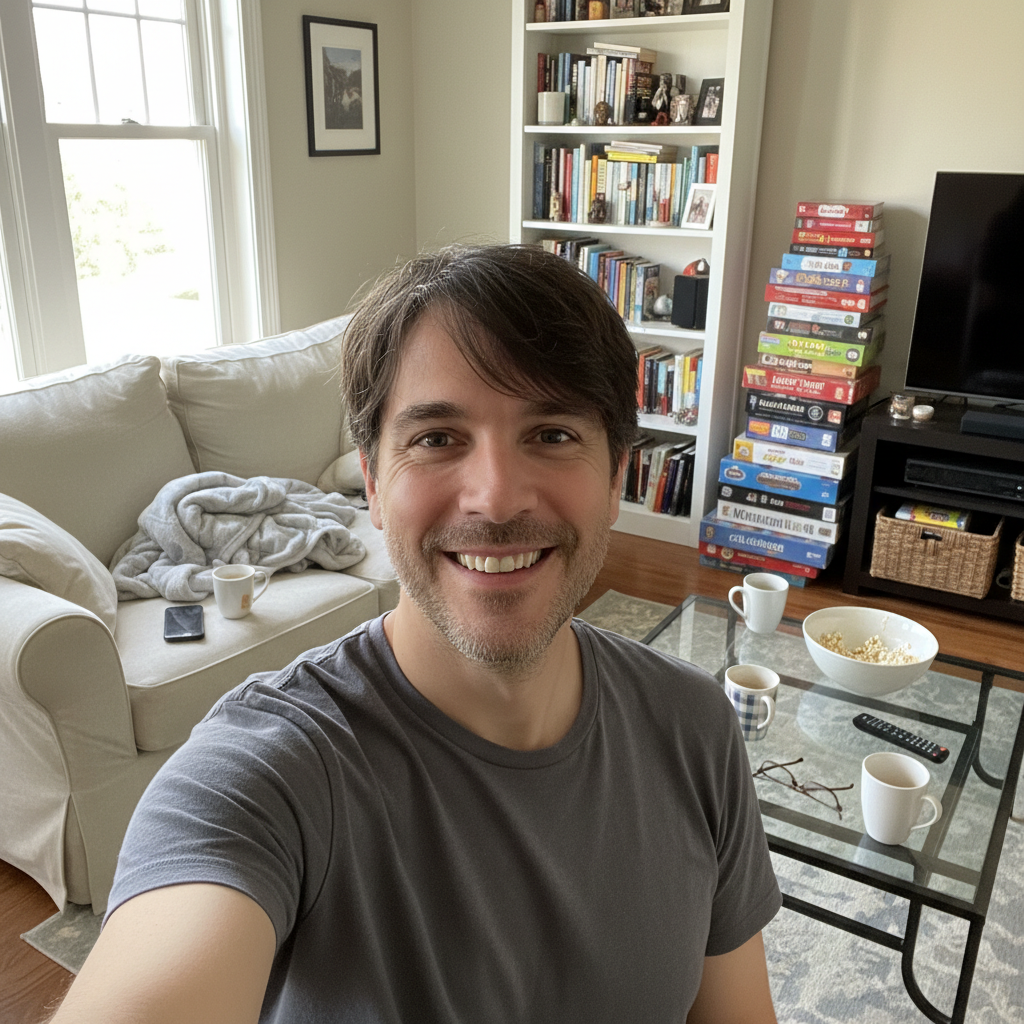
Dark blurry portrait with noise and poor lighting
Before
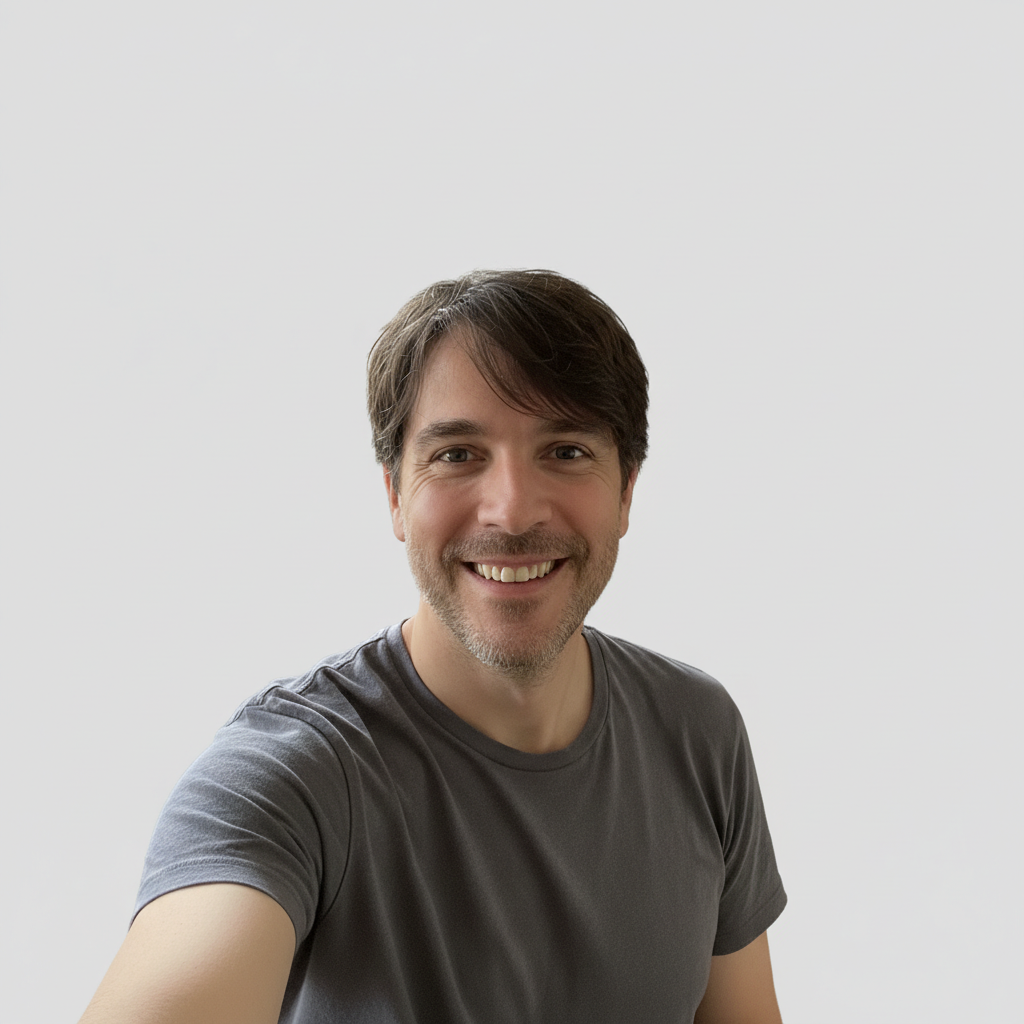
Same portrait sharpened with bright clean lighting and natural colors
After

AI Profile Pic Enhancer

Drop your photo here

or click to browse

Release to upload

Free • No signup

Advertisement
Popular use cases:
  • profile picture enhancement
  • profile photo improvement
  • social media profile pic
  • LinkedIn profile picture
  • Twitter profile photo
  • Discord avatar enhancement
  • Slack profile photo
  • professional profile picture

Cost
Free No signup required
Time
Instant results in 15-30 seconds
Works on
Any device - browser, phone, tablet, desktop
Powered by
AI-powered photo editing
Scenario Prompt Time
Quick sharpening and lighting sharpen details and improve lighting naturally 20s
Full profile pic polish enhance with warm tones, sharp details, and soft background 30s
Dark photo rescue brighten significantly, reduce noise, sharpen features 35s

How it works

  1. Upload your profile picture

    Drop your image into EditThisPic. JPG, PNG, WebP up to 7MB. Square or near-square images work best for profile pictures. Photos where your face is clearly visible get the best results.

    Expect: Quick lighting and sharpness fixes: 20-30 seconds. Full enhancement with background work: 30-45 seconds and may need refinements.
  2. Describe the enhancement you want

    Type your instruction: 'enhance this profile picture with sharper details, warm flattering lighting, and natural skin tones' or 'brighten and polish this photo for a professional profile pic.' Be specific about lighting and tone. No marking needed—the AI understands profile picture enhancement naturally.

    Tip: Profile pictures are viewed at tiny sizes (32-64px). Ask for 'high clarity' and 'strong contrast' so your face reads well even at icon size.

    Copy one of these to get started:

    Universal profile pic polish enhance this profile picture with sharper details, warm flattering lighting, natural skin tones, and slightly increased contrast
    Professional platform enhancement polish this profile picture for professional use with clean even lighting, subtle sharpening, and a smooth non-distracting background
    Social media vibrance boost enhance this profile picture with vibrant warm colors, bright natural lighting, and a soft blurred background to make my face pop
    Low-light photo rescue brighten this dark profile photo significantly, reduce noise, sharpen facial features, and improve the color balance for a clean look
    3 more prompts
    Blurry photo sharpening sharpen this blurry profile picture, enhance facial details and clarity, slightly increase contrast to make features more defined
    Gaming or streaming avatar enhance this profile picture with vivid saturated colors, strong contrast, and crisp sharpening for a gaming or streaming profile
    Warm approachable look enhance this profile picture to look warm and approachable with golden hour lighting tones, gentle contrast, and natural skin warmth
  3. Check at small size

    Profile pictures appear tiny on most platforms. Shrink the result to check that your face is clearly recognizable, colors aren't washed out, and details stay sharp. If you can't tell who it is at icon size, the enhancement needs more contrast.

  4. Refine with markers if needed

    If specific areas like background edges, lighting on one side of the face, or details need extra attention, tap markers on those spots and regenerate. Most profile pic enhancements work perfectly on the first try.

    Tip: Markers are for precision refinement only. Try without them first—you usually won't need them.
Try it free

AI Profile Pic Enhancer

Drop your photo here

or click to browse

Release to upload

Free • No signup

"I use the same headshot across LinkedIn, Slack, and GitHub but each platform shows it differently. Ran it through here once and now it looks sharp and professional everywhere." @DevLife_Priya

See it in action

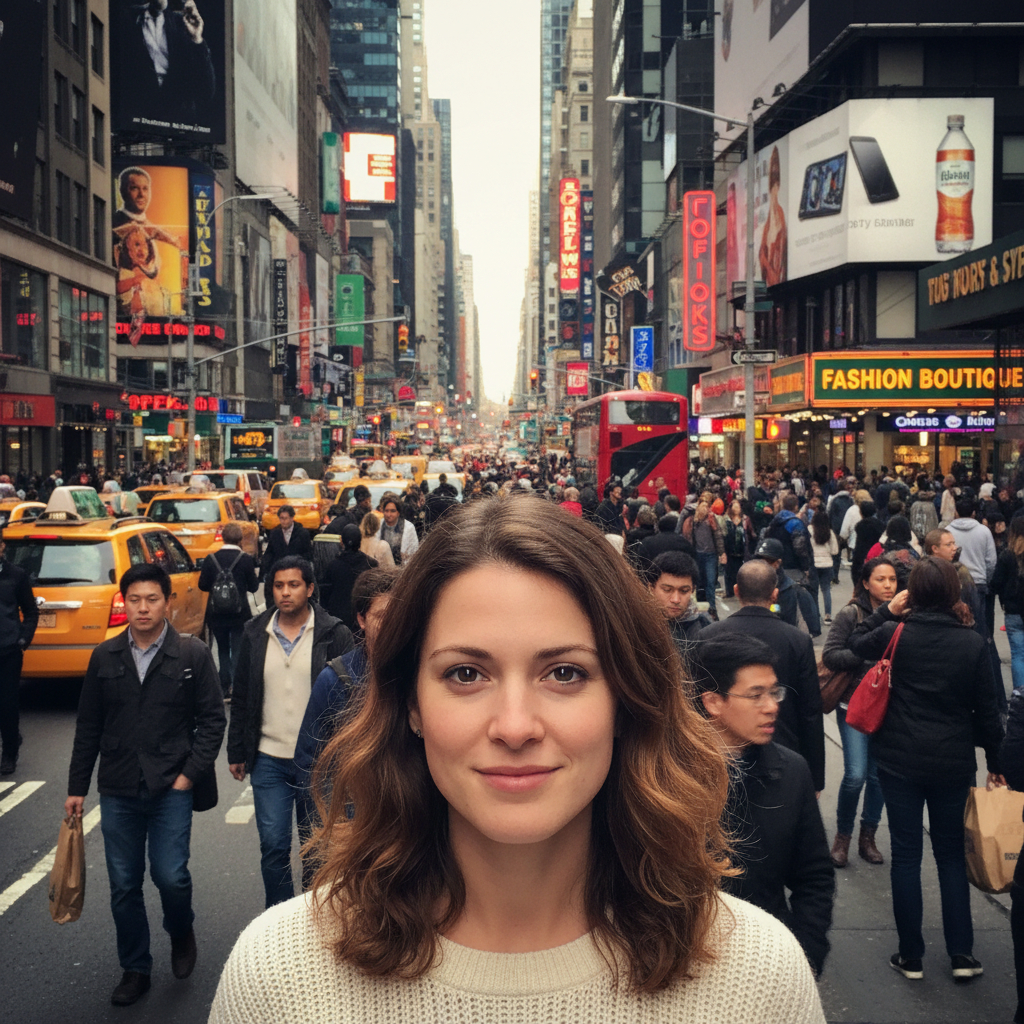
Dark blurry portrait with noise and poor lighting
Before
->
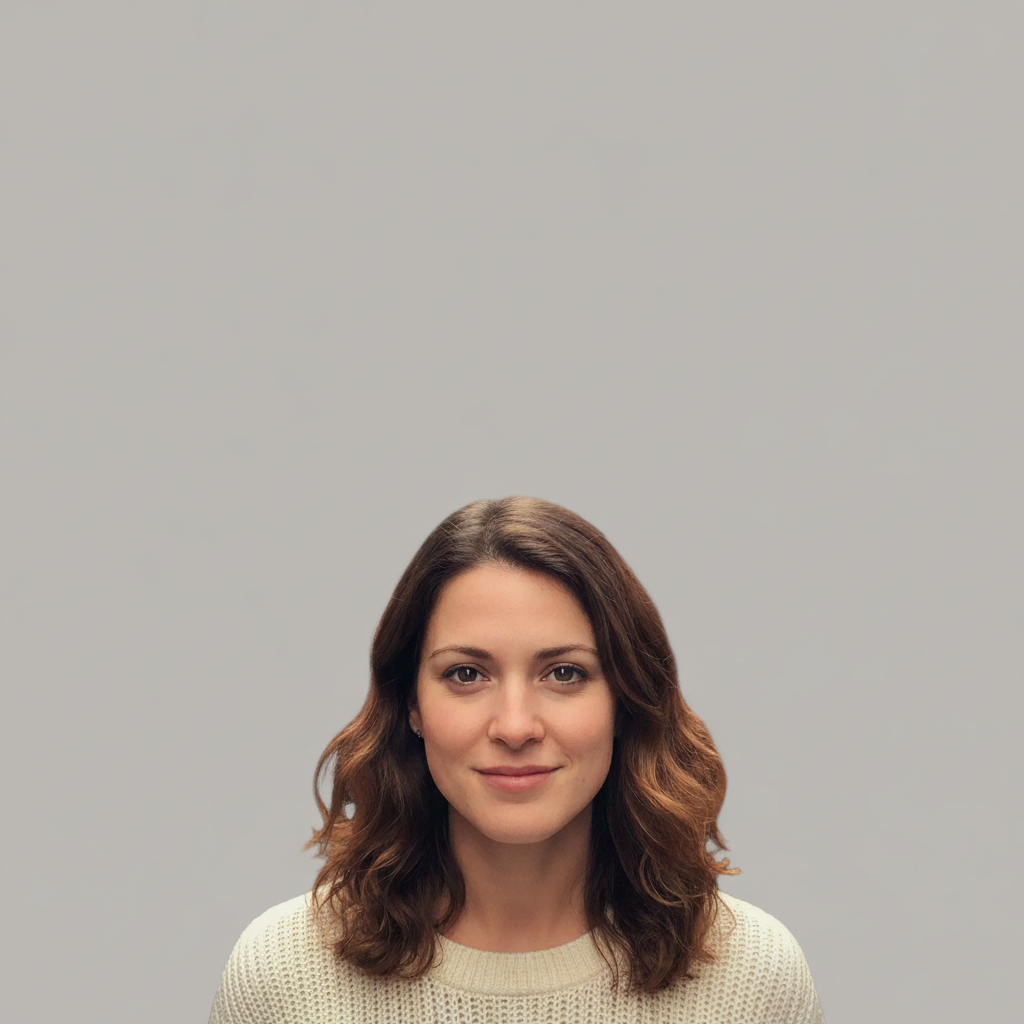
Same portrait sharpened with bright clean lighting and natural colors
After

Dark blurry phone photo to crisp profile pic

A dim, slightly out-of-focus phone photo enhanced into a sharp, well-lit profile picture ready for any platform.

Prompt: brighten this dark profile photo significantly, reduce noise, sharpen facial features, and improve the color balance for a clean look
Overexposed washed-out outdoor portrait with distracting background
Before
->
Same portrait with vibrant warm colors and softly blurred background
After

Washed-out outdoor photo to vibrant profile pic

An overexposed outdoor photo with washed-out colors transformed into a vibrant, warm profile picture.

Prompt: enhance this profile picture with vibrant warm colors, bright natural lighting, and a soft blurred background to make my face pop
Advertisement

If something looks off

AI changed the wrong area or something I didn't want changed

Why: The AI couldn't determine exactly which area you meant from description alone. This happens when multiple areas could be 'enhanced.'

Try: Tap a marker on the specific area you want to enhance, then regenerate with the same prompt

Tip: Markers tell the AI 'I mean THIS area specifically.' Use them when description alone is ambiguous.

Face looks too smooth or artificially retouched

Why: The AI over-smoothed skin texture trying to create a polished look. Enhancement should preserve natural texture.

Try: enhance lighting and colors but preserve all natural skin texture and facial details, no smoothing or retouching

Tip: 'No smoothing or retouching' is direct and prevents the AI from applying beauty-filter-style processing.

Enhancement looks different on different platforms

Why: Each platform compresses and resizes differently. High contrast and strong colors survive compression better than subtle edits.

Try: enhance with higher contrast and slightly stronger colors that will survive compression on social platforms

Tip: Profile pics get compressed aggressively. Slightly over-saturating and over-sharpening compensates for this.

Colors shifted in an unexpected direction

Why: The AI interpreted 'warm' or 'vibrant' in a way that shifted your skin tone or overall color balance unflatteringly.

Try: improve lighting and sharpness but keep the original color balance, do not shift the color temperature

Tip: 'Keep the original color balance' tells the AI to enhance within the existing palette.

Background looks weird after enhancement

Why: When the AI enhanced the subject, it may have created inconsistency between the subject's polish level and the background.

Try: enhance my face and the background consistently, or softly blur the background to match the enhanced subject

Tip: A soft background blur naturally focuses attention on your face and avoids consistency issues.

Quick answers

Do I need to select my face before describing the enhancement?

No! Just describe what you want: 'enhance this profile picture with sharper details and warm lighting.' The AI knows that profile picture enhancement centers on facial features and overall photo quality. Only use markers if a specific area needs different treatment—like enhancing just one side of the face.

How do I enhance a profile picture without it looking fake?

Use subtle prompts that focus on lighting and clarity: 'improve the lighting and sharpen details while keeping me looking natural.' Avoid drastic color changes or smoothing. The best profile pictures look like well-taken photos, not edited ones. EditThisPic handles this in your browser for free, no account needed.

Is there a free profile picture enhancer that doesn't require signup?

Yes, EditThisPic is free to try with no account needed. Upload your profile picture, describe the enhancement you want, and download the result. No watermarks on outputs. Works for LinkedIn, Instagram, Twitter, Discord, Slack, and any platform.

What's the best free AI tool for improving profile pictures?

EditThisPic lets you describe the exact enhancement in plain language instead of guessing with auto-enhance buttons. It adjusts lighting, sharpness, contrast, and color individually based on what your specific photo needs. Unlike one-click enhancers, you control the result.

Ready to enhance your profile picture?

Free to try. No signup required.

Try it free