Free • No signup Enhance Eyelashes · Free

AI Eyelash Enhancer

← Browse all enhance tools

Last updated

Just describe the lash look you want - AI enhances eyelashes naturally with no marking.
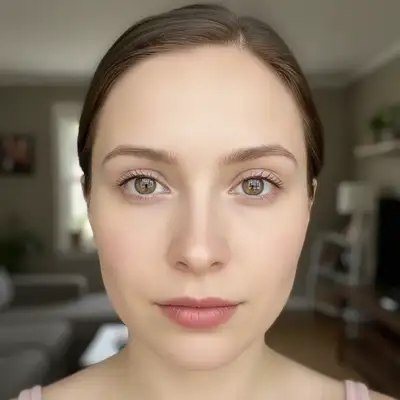
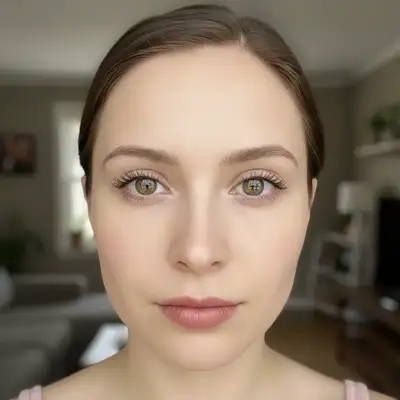
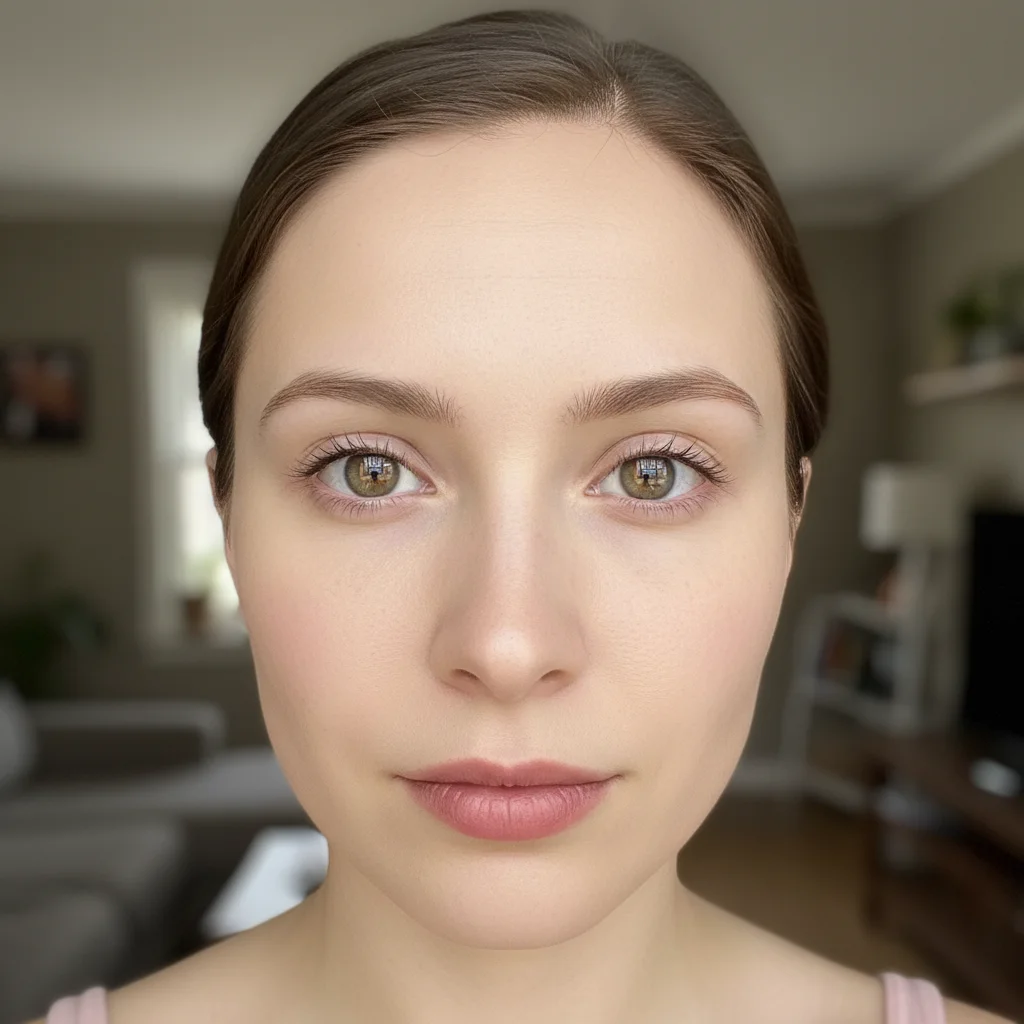
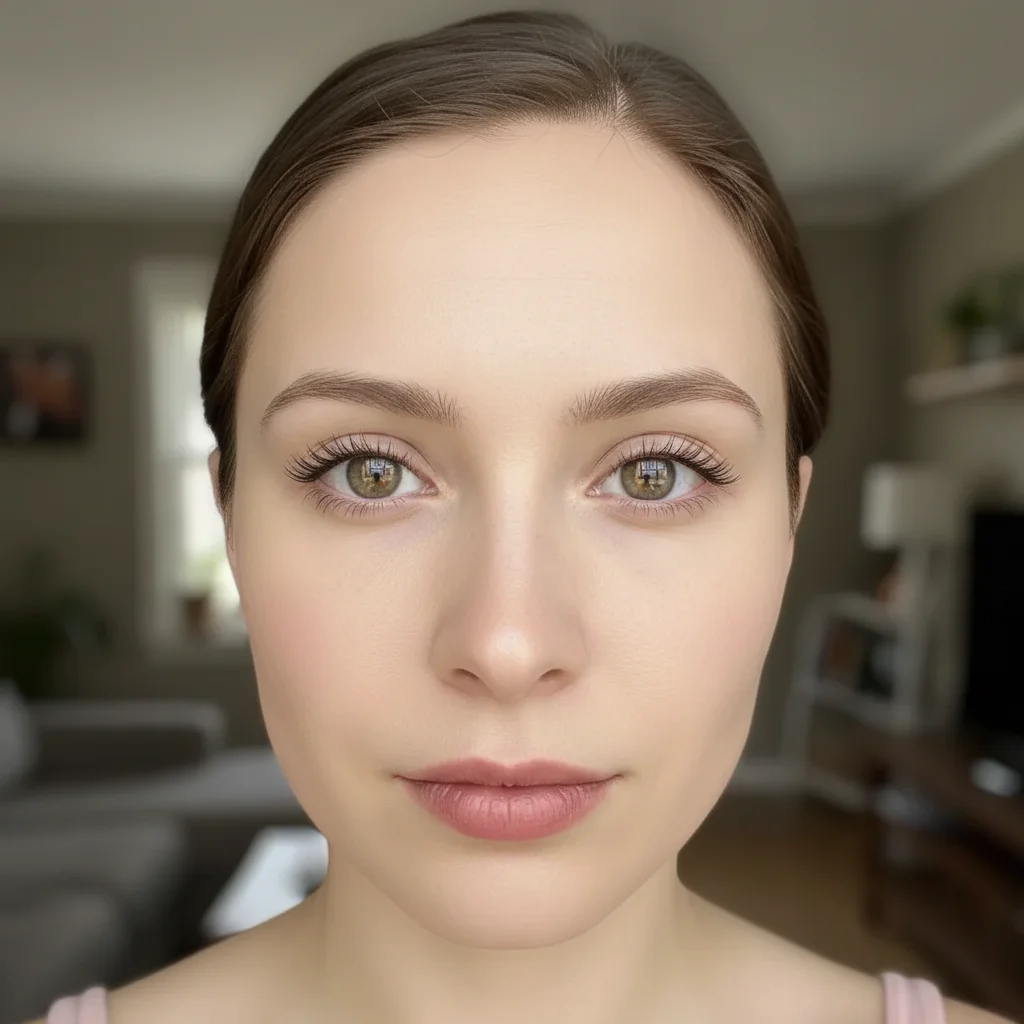
Selfie with sparse, barely visible natural eyelashes Same selfie with naturally enhanced fuller eyelashes

Upload photo to enhance eyelashes

"add dramatic volume and length to eyelashes like full mascara effect with natural separation"

Release to upload

50,000+photos edited
<30stypical edit
1 freeedit weekly

1 free edit·then from $4.99

How it works

  1. Upload your portrait photo

    Upload a clear, front-facing portrait. Good lighting on the face and visible facial features give the AI the best foundation for eyelashes editing. JPG, PNG, WebP up to 7MB.

    Expect: Natural enhancement: 15-25 seconds. Dramatic lash transformation: may need 1-2 refinements for the right balance.
  2. Describe what you want

    Type your instruction: 'enhance and lengthen the eyelashes naturally' or 'add volume to eyelashes like mascara effect.' Be specific about the look—natural vs. dramatic. No marking needed—the AI understands what 'eyelashes' means in portraits.

    Tip: Include 'maintain natural lash direction' to prevent the AI from creating unrealistic straight or spiky lashes

    Copy one of these to get started:

    Natural everyday enhancement enhance and lengthen the eyelashes naturally while maintaining their natural curl and direction
    Dramatic volume and length add dramatic volume and length to eyelashes like full mascara effect with natural separation
    Upper lashes only enhance and lengthen the upper eyelashes with more volume while keeping natural appearance
    Both upper and lower lashes enhance both upper and lower eyelashes with natural length and volume, maintaining realistic mascara look
    3 more prompts
    Fix sparse or thin lashes add density and fullness to sparse eyelashes while maintaining natural lash texture and curl pattern
    Extension-like effect create eyelash extension effect with longer fuller lashes that look naturally applied, not fake
    Subtle professional enhancement subtly enhance eyelash length and definition for professional headshot while keeping understated natural look
  3. Generate and review at full zoom

    Click Generate and zoom in to check lash length, volume, and natural appearance. Verify the enhancement looks realistic with natural curl and separation. Check that lashes don't look drawn-on or too uniform.

See it in action

Selfie with sparse, barely visible natural eyelashes
Before
->
Same selfie with naturally enhanced fuller eyelashes
After

Natural mascara effect for dating profile

Casual selfie where sparse lashes were enhanced to look like natural full lashes with mascara.

Prompt: enhance and lengthen the eyelashes naturally while maintaining their natural curl and direction
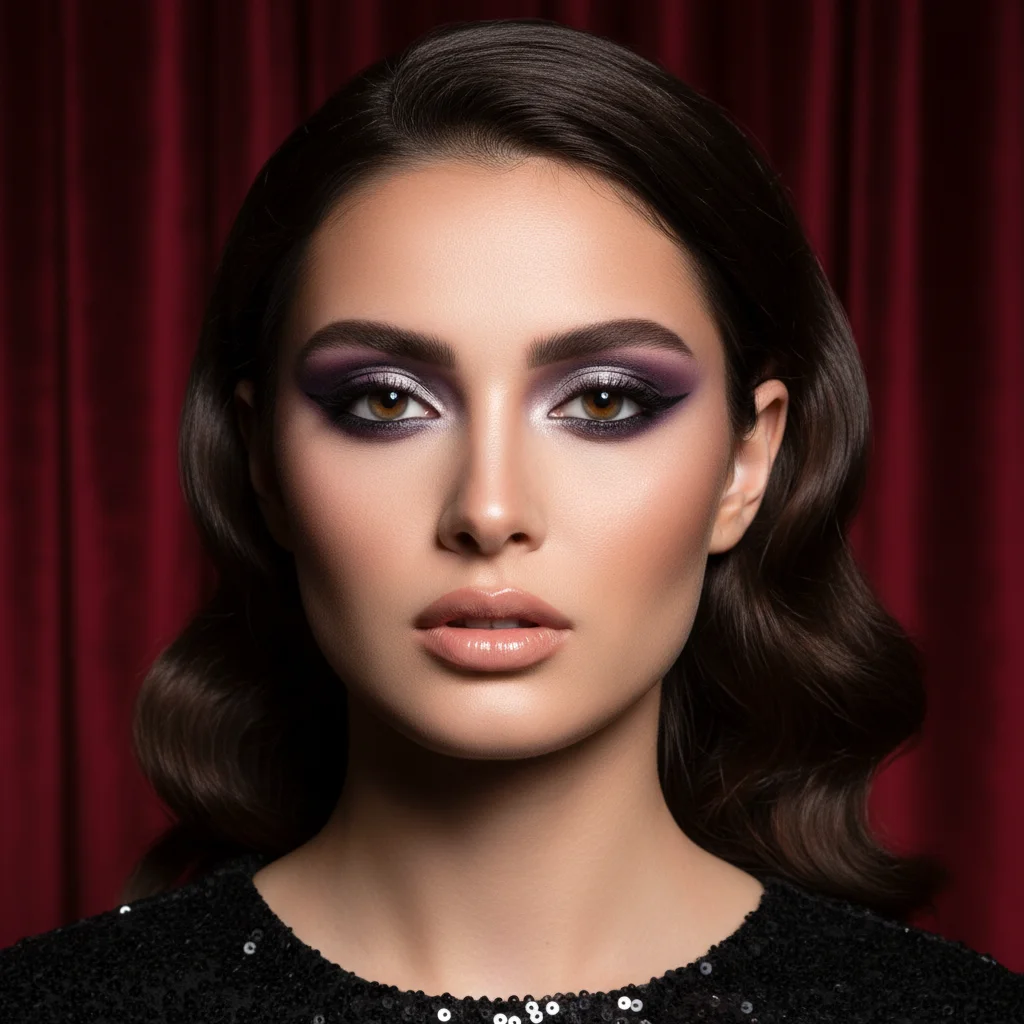
Evening portrait with dramatic makeup but sparse lashes
Before
->
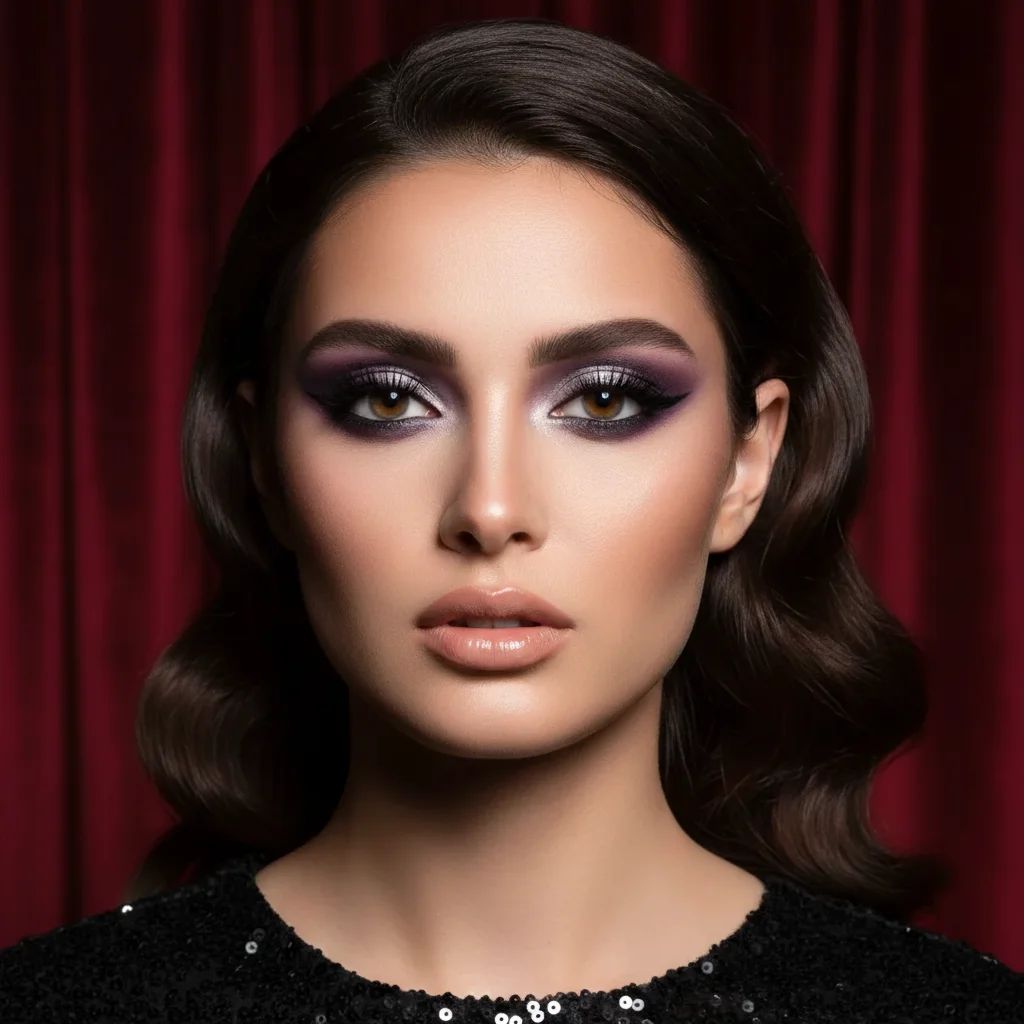
Enhanced portrait with voluminous lashes matching the glamorous look
After

Dramatic evening look enhancement

Portrait prepared for special event where lashes needed dramatic volume matching the makeup style.

Prompt: add dramatic volume and length to eyelashes like full mascara effect with natural separation

Quick answers

Do I need to mark the eyelashes before describing what I want?

No! For most photos, just describe what you want: 'enhance and lengthen the eyelashes naturally.' The AI understands what eyelashes are in portraits.

How do I enhance eyelashes in a photo for free?

Upload your portrait to EditThisPic, type 'enhance and lengthen the eyelashes naturally' in the prompt box, and generate. The AI automatically identifies and enhances lashes while preserving natural curl and direction. Free to try with no signup required.

Is there a free eyelash enhancer tool that doesn't require an account?

Yes. EditThisPic's AI eyelash enhancer is completely free to try with no account creation needed. Upload your photo, describe the lash look you want, and download the result with no watermark.

Will the enhanced lashes look natural or obviously edited?

When you include 'natural' and mention 'maintaining curl direction' in your prompt, the AI creates realistic lash enhancement that looks like well-applied mascara or natural full lashes. The key is specifying natural separation and curl to avoid flat or clumpy results.

Can I enhance both upper and lower lashes at the same time?

Yes. Use a prompt like 'enhance both upper and lower eyelashes with natural length and volume.' If you only want one set enhanced, specify 'upper eyelashes only' or 'lower lashes only' in your description.

What's the difference between natural and dramatic enhancement?

Natural enhancement adds subtle length and volume that looks like your natural lashes on a good day or light mascara. Dramatic enhancement creates bold, full lashes similar to heavy mascara or lash extensions. Use 'subtle' or 'dramatic' in your prompt to control the intensity.

Is EditThisPic's AI eyelashes enhancer really free?

Yes — you get 1 free edit per week, no account needed. Plans start at $4.99/month for 15 edits.

Can I enhance eyelashes on my phone?

Yes. EditThisPic works in any mobile browser — iPhone, Android, tablet. No app download needed.

How much does EditThisPic cost?

You get 1 free edit per week — no account needed. After that, credit packs start at $1.99 for 3 edits. Monthly plans start at $4.99/mo for 20 edits with unused credits rolling over. All edits are full resolution with no watermark.

Ready to enhance your eyelashes in photos?

Free to try. No signup required.

1 free edit included·Credit packs from $4.99